USB MERCEDES-BENZ G-CLASS SUV 2018 User Guide
[x] Cancel search | Manufacturer: MERCEDES-BENZ, Model Year: 2018, Model line: G-CLASS SUV, Model: MERCEDES-BENZ G-CLASS SUV 2018Pages: 549, PDF Size: 10.22 MB
Page 319 of 549
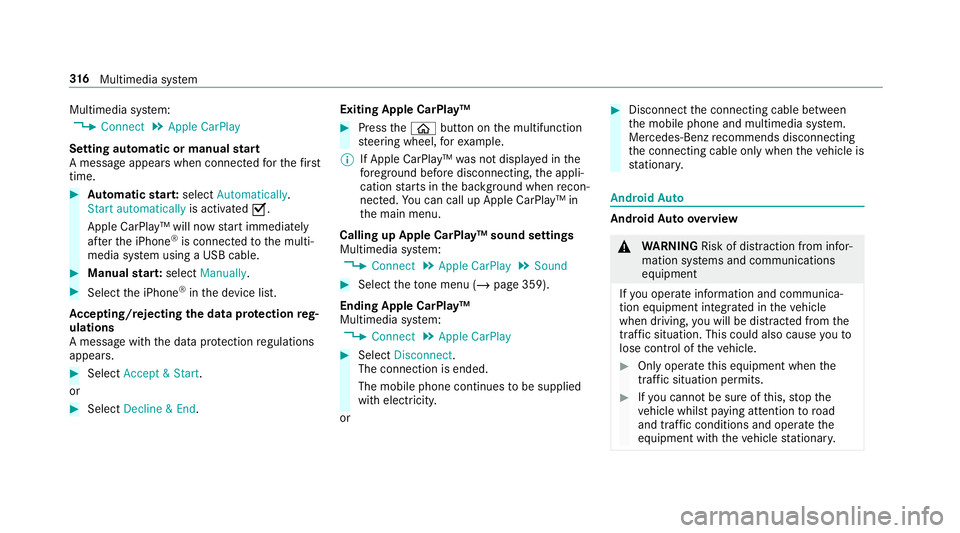
Multimedia sy
stem:
4 Connect 5
Apple CarPlay
Setting automatic or manual start
A messa geappears when connec tedfo rth efirst
time. #
Automatic star t:select Automatically.
Start automatically is activatedO.
Apple CarPlay™ will now start immediately
af te rth e iPhone ®
is connected tothe multi‐
media sy stem using a USB cable. #
Manual star t:select Manually . #
Select the iPhone ®
in the device list.
Ac cepting/rejecting the data pr otection reg‐
ulations
A message with the data pr otection regulations
appears. #
Select Accept & Start .
or #
Select Decline & End. Exiting Apple CarPlay™ #
Press theò button on the multifunction
st eering wheel, forex ample.
% If Apple CarPlay™ was not displa yed in the
fo re ground before disconnecting, the appli‐
cation starts in the bac kground when recon‐
nected. You can call up Apple CarPlay™ in
th e main menu.
Calling up Apple CarPlay™ sound settings
Multimedia sy stem:
4 Connect 5
Apple CarPlay 5
Sound #
Select theto ne menu (/ page 359).
Ending Apple CarPlay™
Multimedia sy stem:
4 Connect 5
Apple CarPlay #
Select Disconnect.
The connection is ended.
The mobile phone continues tobe supplied
with elect ricity.
or #
Disconnect the connecting cable between
th e mobile phone and multimedia sy stem.
Mercedes-Benz recommends disconnecting
th e connecting cable only when theve hicle is
st ationar y. Android
Auto Android
Autoove rview &
WARNING Risk of di stra ction from infor‐
mation sy stems and communications
equipment
If yo u operate information and communica‐
tion equipment integ rated in theve hicle
when driving, you will be distracted from the
traf fic situation. This could also cause youto
lose control of theve hicle. #
Only operate this equipment when the
traf fic situation permits. #
Ifyo u cannot be sure of this, stop the
ve hicle whilst paying attention toroad
and traf fic conditions and ope rate the
equipment with theve hicle stationar y. 316
Multimedia sy stem
Page 320 of 549
Yo
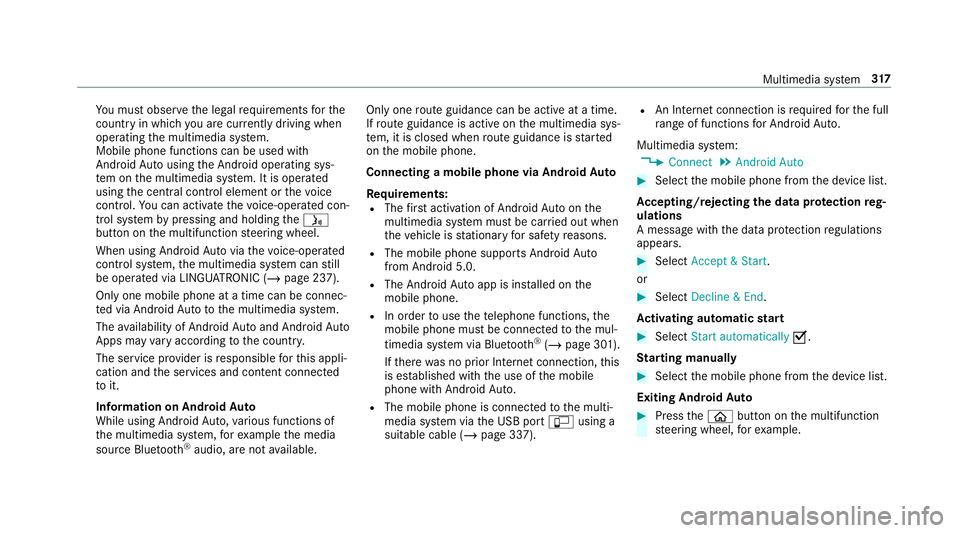
u must obse rveth e legal requirements forthe
country in whi chyou are cur rently driving when
operating the multimedia sy stem.
Mobile phone functions can be used with
Android Autousing the Android operating sys‐
te m on the multimedia sy stem. It is operated
using the cent ral control element or thevo ice
control. You can activate thevo ice-opera ted con‐
trol sy stem bypressing and holding theó
button on the multifunction steering wheel.
When using Android Autovia thevo ice-opera ted
control sy stem, the multimedia sy stem can still
be opera ted via LINGU ATRO NIC (/ page 237).
Only one mobile phone at a time can be connec‐
te d via Android Auto to the multimedia sy stem.
The availability of Android Autoand Android Auto
Apps may vary according tothe count ry.
The service pr ovider is responsible forth is appli‐
cation and the services and conte nt connected
to it.
Information on Android Auto
While using Android Auto,va rious functions of
th e multimedia sy stem, forex ample the media
source Blue tooth ®
audio, are not available. On
lyone route guidance can be active at a time.
If ro ute guidance is active on the multimedia sys‐
te m, it is closed when route guidance is star ted
on the mobile phone.
Connecting a mobile phone via Android Auto
Requ irements:
R The firs t acti vation of Android Autoon the
multimedia sy stem must be car ried out when
th eve hicle is stationary for saf etyre asons.
R The mobile phone suppo rts Android Auto
from Android 5.0.
R The Android Autoapp is installed on the
mobile phone.
R In order touse thete lephone functions, the
mobile phone must be connected tothe mul‐
timedia sy stem via Blue tooth®
(/ page 301).
If th ere was no prior Internet connection, this
is es tablished with the use of the mobile
phone with Android Auto.
R The mobile phone is connected tothe multi‐
media sy stem via the USB port çusing a
suitable cable (/ page 337). R
An Internet connection is requ ired forth e full
ra nge of functions for Android Auto.
Multimedia sy stem:
4 Connect 5
Android Auto #
Select the mobile phone from the device list.
Ac cepting/rejecting the data pr otection reg‐
ulations
A message with the data pr otection regulations
appears. #
Select Accept & Start .
or #
Select Decline & End.
Ac tivating automatic start #
Select Start automatically O.
St arting manually #
Select the mobile phone from the device list.
Exiting Android Auto #
Press theò button on the multifunction
st eering wheel, forex ample. Multimedia sy
stem 317
Page 337 of 549
traf
fic conditions. This could also cause you
to lose control of theve hicle. #
Only handle a data storage medium
when theve hicle is stationar y. Pe
rm issible file sy stems:
R FAT32
R exFAT
R NTFS
Pe rm issible data storage medium:
R SD card
R USB storage device
R iPod ®
/iPhone ®
R MTP devices
R Blue tooth ®
audio equipment
% Obse rveth efo llowing no tes:
R The multimedia sy stem supports a total
of up to50,000 files.
R Data storage media up to2 TB are sup‐
por ted (32‑bit address space). Suppor
tedfo rm ats:
R MP3
R WMA
R AAC
R WAV
R FLAC
R ALAC
% Obser vethefo llowing no tes:
R Due tothe lar gevariet y of available
music files rega rding encoders, sampling
ra tes and data rates, playback cannot
alw ays be guaranteed.
R Due tothe wide range of USB devices
av ailable on the mar ket, pl ayback cann ot
be guaranteed for all USB devices.
R Cop y-pr otected music files or DRM
enc rypte dfiles cannot be pla yed bac k.
R MP3 pla yers must support Media Trans‐
fe r Pr otocol (MTP). Manufactu
red under licence from Dolby Labora‐
to ries. Dolb y,Dol byAudio and the double-D sym‐
bol are trademar ksof Dolby Laboratories. 334
Multimedia sy stem
Page 340 of 549
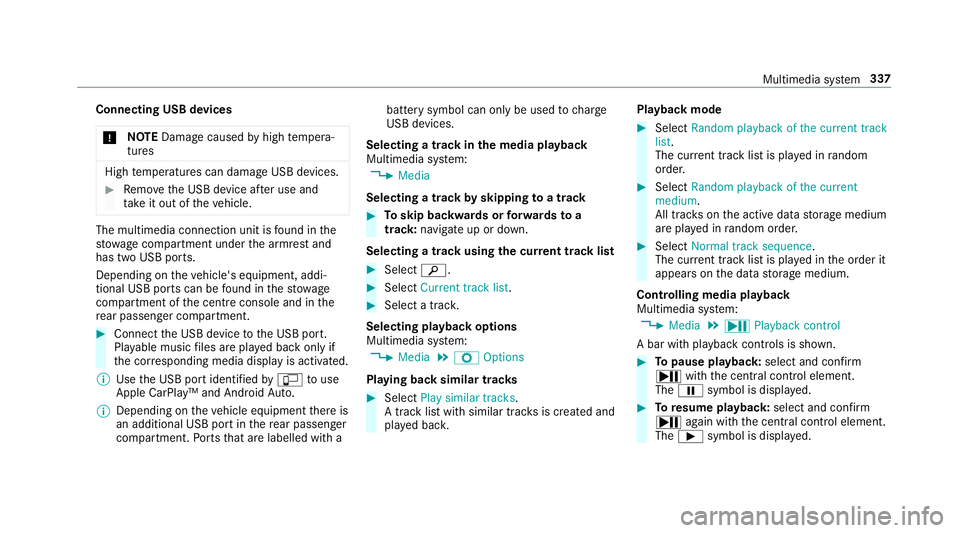
Connecting USB devices
* NO
TEDama gecaused byhigh temp era‐
tures High
temp eratures can damage USB devices. #
Remo vethe USB device af ter use and
ta ke it out of theve hicle. The multimedia connection unit is
found in the
stow age compartment under the armrest and
has two USB ports.
Depending on theve hicle's equipment, addi‐
tional USB ports can be found in thestow age
compartment of the cent reconsole and in the
re ar passenger compartment. #
Connect the USB device tothe USB port.
Pla yable music files are pla yed back only if
th e cor responding media display is activated.
% Use the USB port identified byç touse
Apple CarPlay™ and Android Auto.
% Depending on theve hicle equipment there is
an additional USB port in there ar passenger
compartment. Ports th at are labelled with a bat
tery symbol can only be used tocharge
USB devices.
Selecting a track in the media playba ck
Multimedia sy stem:
4 Media
Selecting a track byskipping toa track #
Toskip backwards or forw ards toa
track: navigate up or down.
Selecting a track using the cur rent track list #
Select è. #
Select Current track list. #
Select a tra ck.
Selecting playback options
Multimedia sy stem:
4 Media 5
Z Options
Playing back similar trac ks #
Select Play similar tracks.
A track li stwith similar trac ksis created and
pla yed bac k. Playback mode #
Select Random playback of the current track
list.
The cur rent track li stis pla yed in random
orde r. #
Select Random playback of the current
medium.
All trac kson the active data storage medium
are pla yed in random orde r. #
Select Normal track sequence .
The cur rent track li stis pla yed in the order it
appears on the data storage medium.
Controlling media playback
Multimedia sy stem:
4 Media 5
Y Playback control
A bar with playback controls is shown. #
Topause playback: select and confirm
Y with th e cent ral control element.
The Ë symbol is displa yed. #
Toresume playback: select and confirm
Y again with the cent ral control element.
The Ì symbol is displa yed. Multimedia sy
stem 337
Page 343 of 549
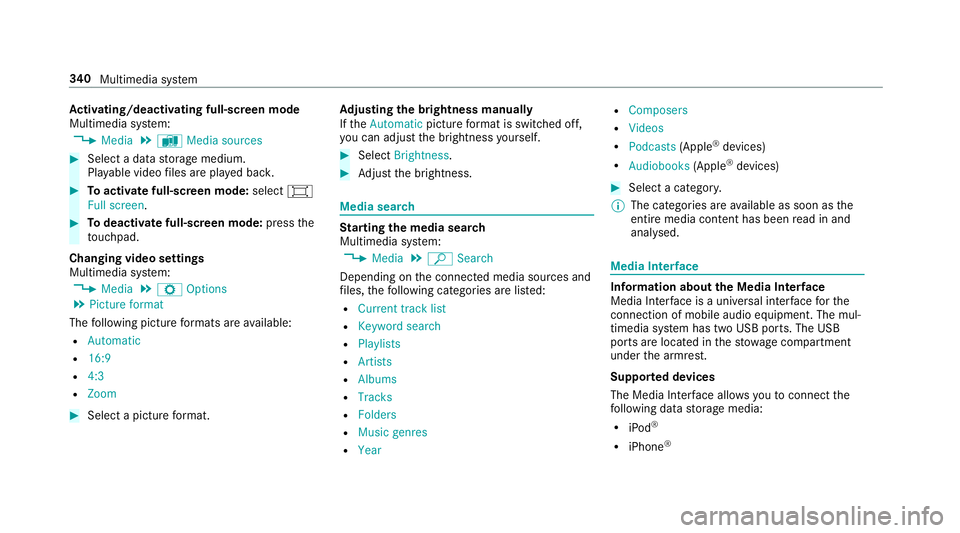
Ac
tivating/deactivating full-screen mode
Multimedia sy stem:
4 Media 5
à Media sources #
Select a data storage medium.
Pla yable video files are pla yed bac k. #
Toactivate full-screen mode: select#
Full screen. #
Todeactivate full-sc reen mode: pressthe
to uchpad.
Changing video settings
Multimedia sy stem:
4 Media 5
Z Options
5 Picture format
The following picture form ats are available:
R Automatic
R 16:9
R 4:3
R Zoom #
Select a picture form at. Ad
justing the brightness manually
If th eAutomatic pictureform at is swit ched off,
yo u can adjust the brightness yourself. #
Select Brightness. #
Adjust the brightness. Media sear
ch St
arting the media sear ch
Multimedia sy stem:
4 Media 5
ª Search
Depending on the connected media sources and
fi les, thefo llowing categories are lis ted:
R Current track list
R Keyword search
R Playlists
R Artists
R Albums
R Tracks
R Folders
R Music genres
R Year R
Composers
R Videos
R Podcasts (Apple®
devices)
R Audiobooks (Apple®
devices) #
Select a categor y.
% The categories are available as soon as the
entire media conte nt has beenread in and
anal ysed. Media Inter
face Information about
the Media Inter face
Media In terface is a universal inter face forthe
connection of mobile audio equipment. The mul‐
timedia sy stem has two USB ports. The USB
ports are located in thestow age compartment
under the armrest.
Suppor ted devices
The Media Inter face allo wsyouto connect the
fo llowing data storage media:
R iPod ®
R iPhone ® 340
Multimedia sy stem
Page 344 of 549
R
MP3 pla yer
R USB devices
Fo r de tails and a list of suppor ted devices, visit
our website at http://www.mercedes-
benz.com/connect. Follow the instructions in
th e "Media Inter face" section. Switching
toMedia Inter face
Multimedia sy stem:
4 Media 5
à Media sources #
Connect a data storage medium tothe USB
port (/ page 337). #
Select a media device.
Playable music files are pla yed bac k. Multimedia sy
stem 341
Page 365 of 549
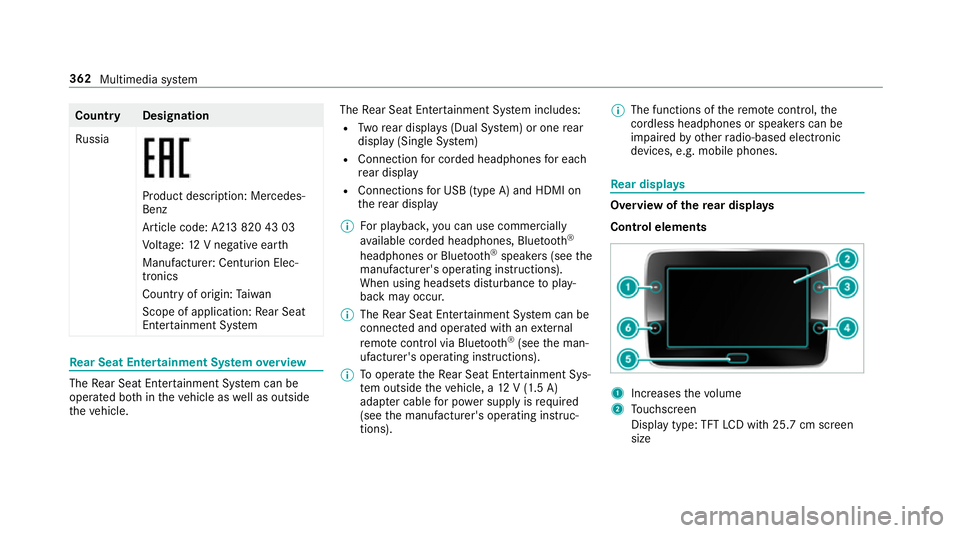
Count
ryDesignation
Ru ssia Product description: Mercedes-
Benz
Article code: A2
13820 43 03
Vo ltage: 12V negative ear th
Manufacturer: Centurion Elec‐
tronics
Country of origin: Taiwan
Scope of application: Rear Seat
En tertainment Sy stem Re
ar Seat Entertainment Sy stem overview The
Rear Seat En tertainment Sy stem can be
operated bo thintheve hicle as well as outside
th eve hicle. The
Rear Seat En tertainment Sy stem includes:
R Twore ar displa ys(Dual Sy stem) or one rear
display (Sin gle Sy stem)
R Connection for corded headphones for each
re ar display
R Connections for USB (type A) and HDMI on
th ere ar display
% For playback ,yo u can use commercially
av ailable corded headphones, Blue tooth®
headphones or Blue tooth®
speakers (see the
manufacturer's operating instructions).
When using headsets disturbance toplay‐
back may occur.
% The Rear Seat En tertainment Sy stem can be
connected and operated with an extern al
re mo tecontrol via Blu etoo th®
(see the man‐
ufacturer's operating instructions).
% Tooperate theRe ar Seat En tertainment Sys‐
te m outside theve hicle, a 12V (1.5 A)
adapte r cable for po wer supply is required
(see the manufacturer's operating instruc‐
tions). %
The functions of there mo tecontrol, the
cordless headphones or speakers can be
impaired by otherradio-based elect ronic
devices, e.g. mobile phones. Re
ar displa ys Overview of
there ar displa ys
Control elements 1
Increases thevo lume
2 Touchsc reen
Display type: TFT LCD wi th25.7 cm screen
size 362
Multimedia sy stem
Page 366 of 549
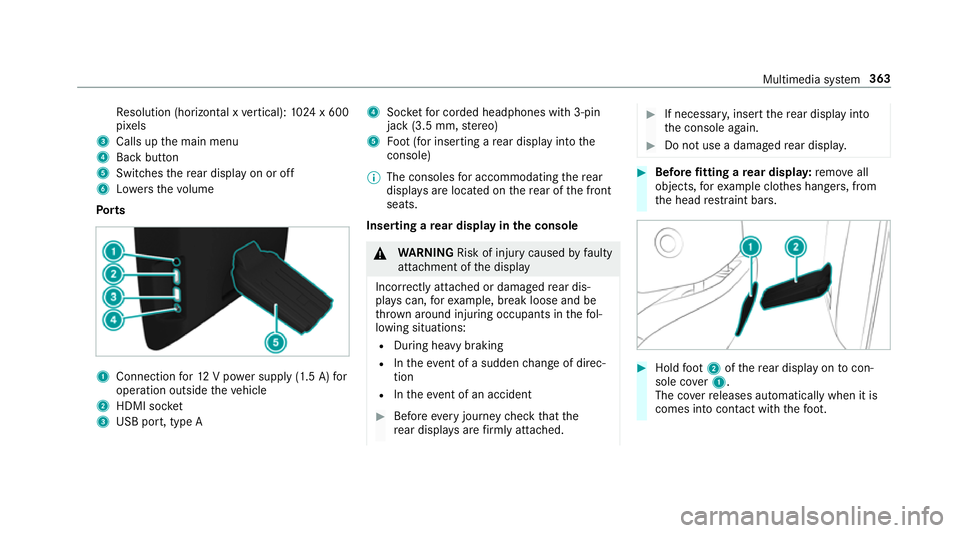
Re
solution (horizontal x vertical): 1024 x 600
pi xe ls
3 Calls up the main menu
4 Back button
5 Switches there ar display on or off
6 Lowe rsthevo lume
Po rts 1
Connection for12 V po wer supp ly(1.5 A) for
operation outside theve hicle
2 HDMI soc ket
3 USB port, type A 4
Socketfo r corded headphones with 3-pin
jack (3.5 mm, stereo)
5 Foot (for inserting a rear display into the
console)
% The consoles for accommodating there ar
displa ysare located on there ar of the front
seats.
Inserting a rear display in the console &
WARNING Risk of inju rycaused byfaulty
attachment of the display
Incor rectly attached or damaged rear dis‐
pla yscan, forex ample, break loose and be
th ro wn around injuring occupants in thefo l‐
lowing situations:
R During heavy braking
R Intheeve nt of a sudden change of direc‐
tion
R Intheeve nt of an accident #
Before every journey check that the
re ar displa ysare firm lyattached. #
If necessar y,inse rtthere ar display into
th e console again. #
Do not use a damaged rear displa y. #
Before fitting a rear displa y:remo veall
objects, forex ample clo thes hangers, from
th e head restra int bars. #
Hold foot 2 ofthere ar display on tocon‐
sole co ver1.
The co verre leases automatically when it is
comes into con tact wi th thefo ot. Multimedia sy
stem 363
Page 369 of 549
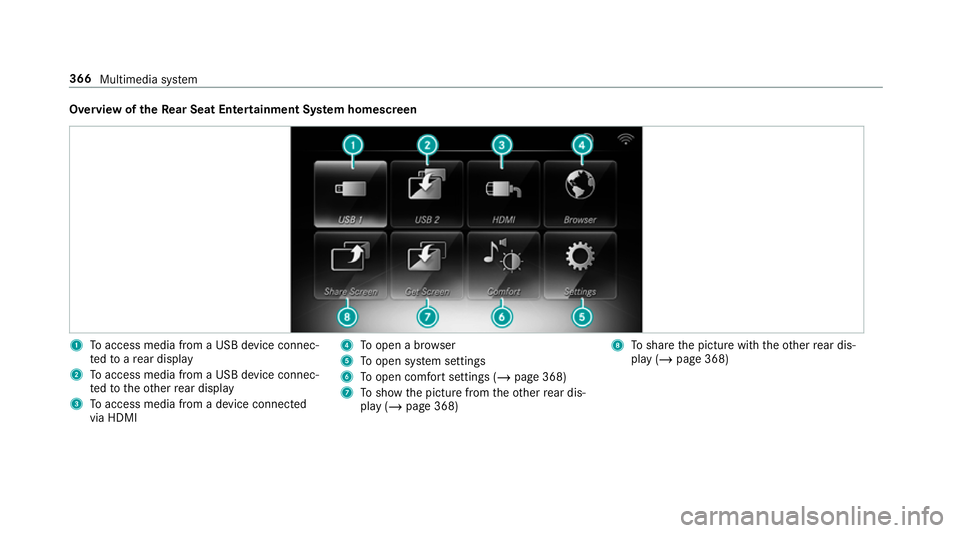
Overview of
theRe ar Seat Entertainment Sy stem homescreen 1
Toaccess media from a USB device connec‐
te dto are ar display
2 Toaccess media from a USB device connec‐
te dto theot her rear display
3 Toaccess media from a device connec ted
via HDMI 4
Toopen a br owser
5 Toopen sy stem settings
6 Toopen comfort settings (/ page 368)
7 Toshow the picture from theot her rear dis‐
play (/ page 368) 8
Toshare the picture with theot her rear dis‐
play (/ page 368) 366
Multimedia sy stem
Page 373 of 549
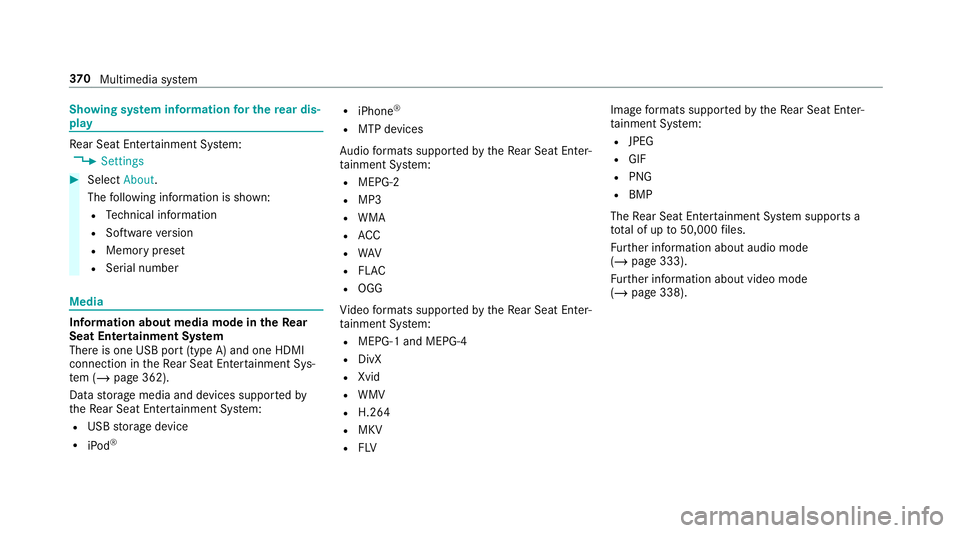
Showing sy
stem information for the rear dis‐
play Re
ar Seat En tertainment Sy stem:
4 Settings #
Select About.
The following information is shown:
R Tech nical information
R Software version
R Memory preset
R Serial number Media
Information about media mode in
theRe ar
Seat Entertainment Sy stem
There is one USB port (type A) and one HDMI
connection in theRe ar Seat En tertainment Sys‐
te m (/ page 362).
Data storage media and devices suppor tedby
th eRe ar Seat En tertainment Sy stem:
R USB storage device
R iPod ® R
iPhone ®
R MTP devices
Au dio form ats suppo rted bytheRe ar Seat En ter‐
ta inment Sy stem:
R MEPG-2
R MP3
R WMA
R ACC
R WAV
R FLAC
R OGG
Vi deo form ats suppo rted bytheRe ar Seat En ter‐
ta inment Sy stem:
R MEPG-1 and MEPG-4
R DivX
R Xvid
R WMV
R H.264
R MKV
R FLV Image
form ats suppo rted bytheRe ar Seat En ter‐
ta inment Sy stem:
R JPEG
R GIF
R PNG
R BMP
The Rear Seat En tertainment Sy stem supports a
tot al of up to50,000 files.
Fu rther information about audio mode
(/ page 333).
Fu rther information about video mode
(/ page 338). 37 0
Multimedia sy stem