ABS MERCEDES-BENZ G-CLASS SUV 2018 Owner's Manual
[x] Cancel search | Manufacturer: MERCEDES-BENZ, Model Year: 2018, Model line: G-CLASS SUV, Model: MERCEDES-BENZ G-CLASS SUV 2018Pages: 549, PDF Size: 10.22 MB
Page 438 of 549
%
Further information on dif fere nt engine oils
can be ob tained at a qualified specialist
wo rkshop.
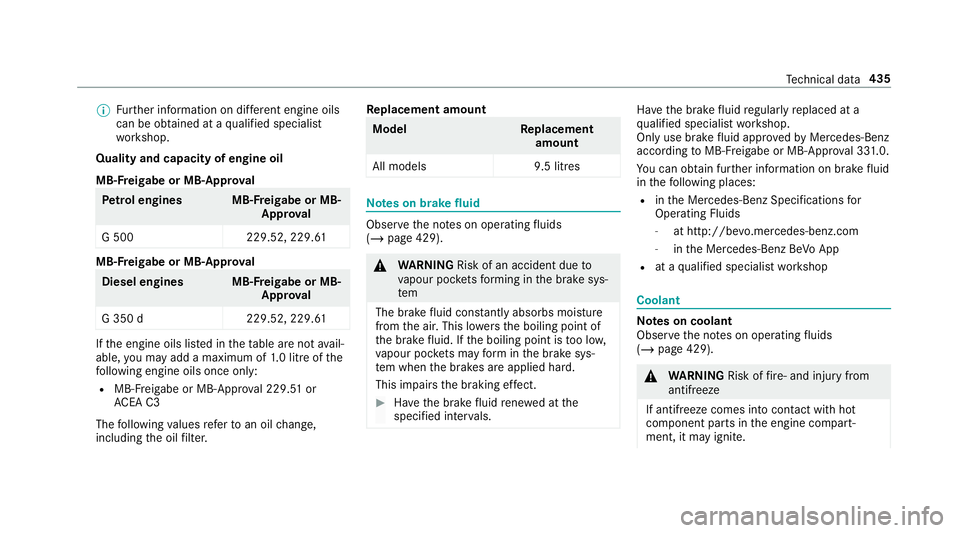
Quality and capacity of engine oil
MB-F reigabe or MB-Appr oval Pe
trol engine sM B-Freigabe or MB-
Appr oval
G 500 229.52, 229.61MB-F
reigabe or MB-Appr oval Diesel engine
sMB-Freigabe or MB-
Appr oval
G 350 d2 29.52, 229.61If
th e engine oils lis ted in theta ble are not avail‐
able, you may add a maximum of 1.0 litr e ofthe
fo llowing engine oils once only:
R MB- Freigabe or MB-Appr oval 229. 51or
AC EA C3
The following values referto an oil change,
including the oil filter. Re
placement amount Mode
lR eplacement
amount
All model s9 .5 litres Note
s on brake fluid Obser
vethe no tes on operating fluids
(/ page 429). &
WARNING Risk of an accident due to
va pour poc kets form ing in the brake sys‐
tem
The brake fluid cons tantly absorbs moi sture
from the air. This lo wersthe boiling point of
th e brake fluid. If the boiling point is too lo w,
va pour poc kets may form inthe brake sys‐
te m when the brakes are applied hard.
This impairs the braking ef fect. #
Have the brake fluid rene we d at the
specified inter vals. Ha
ve the brake fluid regularly replaced at a
qu alified specialist workshop.
Only use brake fluid appr ovedby Mercedes-Benz
according toMB-F reigabe or MB-Appr oval 33 1.0.
Yo u can obtain fur ther information on brake fluid
in thefo llowing places:
R inthe Mercedes-Benz Specifications for
Operating Fluids
- at http://be vo.mercedes-benz.com
- inthe Mercedes-Benz BeVo App
R at a qualified specialist workshop Coolant
Note
s on coolant
Obser vethe no tes on operating fluids
(/ page 429). &
WARNING Risk offire ‑ and inju ryfrom
antifreeze
If antifreeze comes into contact with hot
component parts in the engine compart‐
ment, it may ignite. Te
ch nical da ta435
Page 450 of 549
Display messages
Possible causes/consequences and M
MSolutions
R You are per form ing emer gency braking using the electric parking brake (/ page176). #
Chec kth at the conditions for auto matic release of the electric parking brake are fulfilled. #
Release the electric parking brake manually.
T
!
÷
inoperative See Owner's
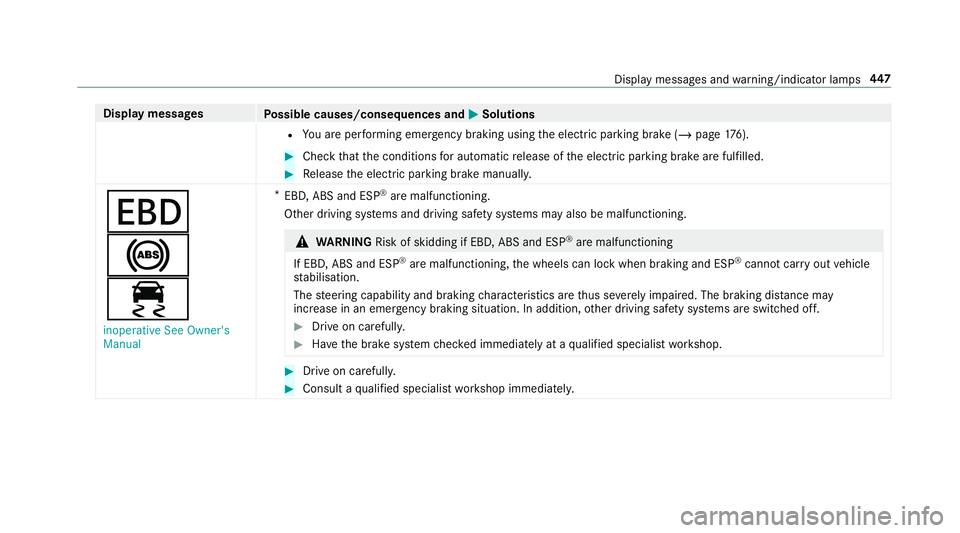
Manual *
EBD, ABS and ESP ®
are malfunctioning.
Other driving sy stems and driving saf ety sy stems may also be malfunctioning. &
WARNING Risk of skidding if EBD, ABS and ESP ®
are malfunctioning
If EBD, ABS and ESP ®
are malfunctioning, the wheels can lock when braking and ESP ®
cann otcar ryout vehicle
st abilisation.
The steering capability and braking characteristics are thus se verely impaired. The br aking distance may
increase in an eme rgency braking situation. In addition, other driving saf ety sy stems are switched off. #
Drive on carefull y. #
Have the brake sy stem checked immediately at a qualified specialist workshop. #
Drive on carefully. #
Consult a qualified specialist workshop immediatel y. Displ
aymessa ges and warning/indicator lamps 447
Page 452 of 549
Display messages
Possible causes/consequences and M
MSolutions
Once the cause of the problem is no longer present, driving sy stems and driving saf ety sy stems will be available
again.
If th e display message does not disappear: #
Pull over and stop theve hicle, paying attention toroad and traf fic conditions. #
Clean all senso rs (/ page 386). #
Restart the engine.
!
÷
currently unavailable See
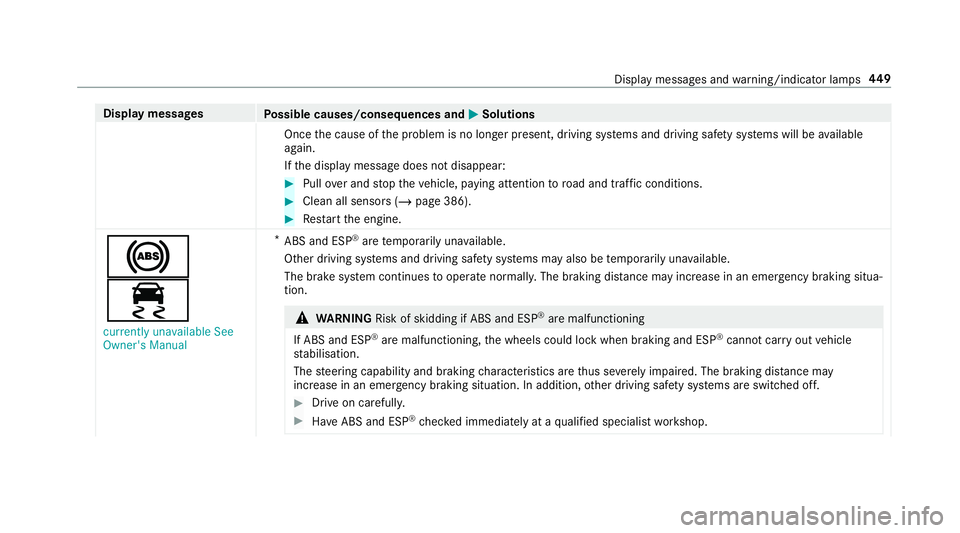
Owner's Manual *
ABS and ESP ®
are temp orarily una vailable.
Other driving sy stems and driving saf ety sy stems may also be temp orarily una vailable.
The brake sy stem continues tooperate normally. The braking dis tance may increase in an emergency braking situa‐
tion. &
WARNING Risk of skidding if ABS and ESP ®
are malfunctioning
If ABS and ESP ®
are malfunctioning, the wheels could lock when braking and ESP ®
cann otcar ryout vehicle
st abilisation.
The steering capability and braking characteristics are thus se verely impaired. The br aking distance may
increase in an emergency braking situation. In addition, other driving saf ety sy stems are switched off. #
Drive on carefull y. #
Have ABS and ESP ®
ch ecked immediately at a qualified specialist workshop. Display messages and
warning/indicator lamps 449
Page 453 of 549
Display messages
Possible causes/consequences and M
MSolutions #
Carefully drive on a suitable stre tch of road, making slight steering mo vements at a speed abo ve30 km/h. #
Ifth e display message does not disappear, consult a qualified specialist workshop immediately. Drive carefully.
!
÷
inoperative See Owner's
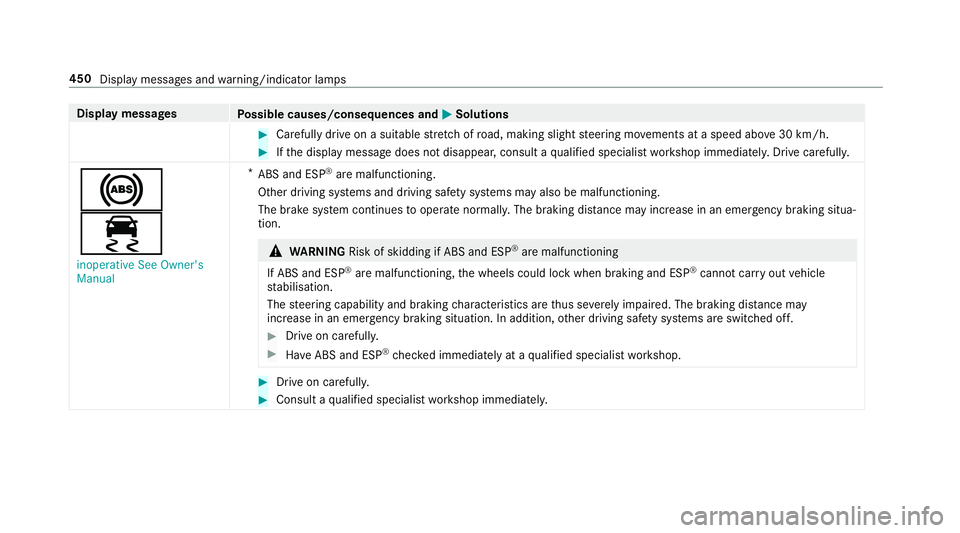
Manual *
ABS and ESP ®
are malfunctioning.
Other driving sy stems and driving saf ety sy stems may also be malfunctioning.
The brake sy stem continues tooperate normally. The braking dis tance may increase in an emergency braking situa‐
tion. &
WARNING Risk of skidding if ABS and ESP ®
are malfunctioning
If ABS and ESP ®
are malfunctioning, the wheels could lock when braking and ESP ®
cann otcar ryout vehicle
st abilisation.
The steering capability and braking characteristics are thus se verely impaired. The br aking distance may
increase in an emergency braking situation. In addition, other driving saf ety sy stems are switched off. #
Drive on carefull y. #
Have ABS and ESP ®
ch ecked immediately at a qualified specialist workshop. #
Drive on carefully. #
Consult a qualified specialist workshop immediatel y.450
Display messages and warning/indicator lamps
Page 483 of 549
Display messages
Possible causes/consequences and M
MSolutions &
WARNING Risk of accident in theeve nt of a fault with the driving and driving saf ety sy stems
If th e dif fere ntial lo cks are malfunctioning, the ABS, ESP ®
, ETS/4ETS and BAS driving and driving sa fety sys‐
te ms may also malfunction.
The wheels may lock when braking. The braking dis tance may increase in an emergency braking situation. #
Drive on carefully. #
Consult a qualified specialist workshop immediatel y. #
Drive on carefully. #
Consult a qualified specialist workshop immediatel y.
Differential lock active ABS
and ESP not available *
ABS and ESP ®
are not available when the dif fere ntial lo cks are switched on.
Other driving and driving saf ety sy stems may also be una vailable.
The brake sy stem continues tooperate normally. The braking dis tance may increase in an emergency braking situa‐
tion. &
WARNING Risk of skidding if ABS and ESP ®
are una vailable
If ABS and ESP ®
are una vailable, the wheels could lock when braking and ESP ®
cann otper form vehicle stabili‐
sation.
The steering capability and braking characteristics are thus se verely impaired. The br aking distance may
increase in an eme rgency braking situation. In addition, other driving saf ety sy stems are switched off. 480
Display messages and warning/indicator lamps
Page 484 of 549
Display messages
Possible causes/consequences and M
MSolutions #
Drive on carefull y. #
Switch on the dif fere ntial lo cks only for off-road driving. #
Switch off the dif fere ntial lo cks immediately af ter off-road driving. #
Drive on careful ly. #
Switch on the dif fere ntial lo cks only for off-road driving. #
Switch off the dif fere ntial lo cks immediately af ter off-road driving.
Desert drive progr. active
ESP unavailable See Own-
er's Manual *
ABS and ESP ®
are restricted in the Desert drive program.
Other driving and driving saf ety sy stems may also be una vailable.
The brake sy stem continues tooperate normally. The braking dis tance may increase in an emergency braking situa‐
tion. &
WARNING Risk of skidding if ABS and ESP ®
are restricted
If ABS and ESP ®
are restricted, the wheels could lock when braking and ESP ®
cann otper form vehicle stabilisa‐
tion.
The steering capability and braking characteristics are thus se verely impaired. The br aking distance may
increase in an emergency braking situation. In addition, other driving saf ety sy stems are switched off. #
Drive on carefull y. #
Activate the Desert drive prog ram only when driving on sand. Display messa
ges and warning/indicator lamps 481
Page 495 of 549
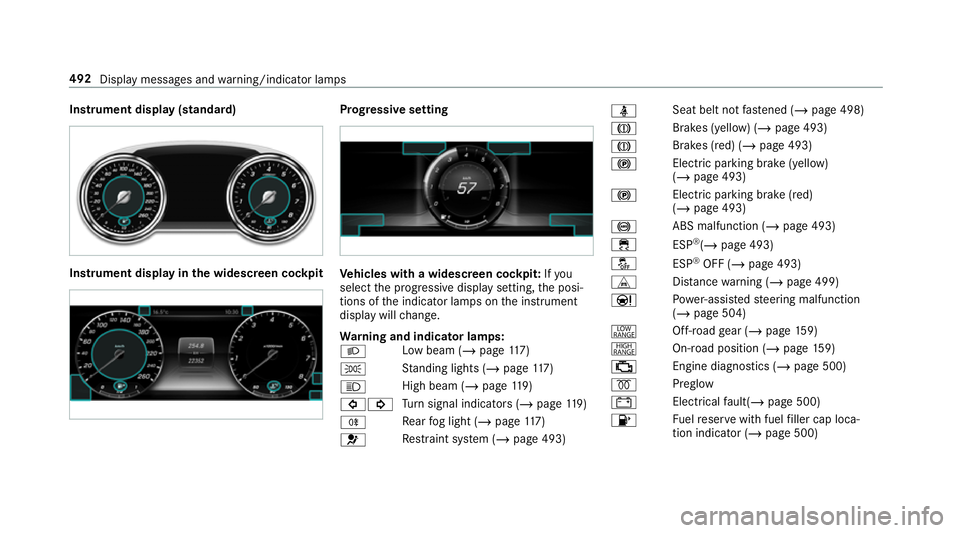
Instrument display (standard)
Instrument display in
the widescreen cockpit Prog
ressive setting Ve
hicles with a widescreen cock pit:Ifyou
select the progressive display setting, the posi‐
tions of the indicator lamps on the instrument
display will change.
Wa rning and indicator lamps:
L Low beam (/
page117)
T St
anding lights (/ page117)
K High beam (/
page119)
#! Tu
rn signal indicators (/ page119)
R Re
ar fog light (/ page117)
6 Re
stra int sy stem (/ page 493) ü
Seat belt not
fastened (/ page 498)
J Brakes (yellow) (/
page 493)
J Brakes (red) (/
page 493)
! Elect
ric pa rking brake (yellow)
(/ page 493)
! Electric parking brake (red)
(/
page 493)
! ABS malfunction (/
page 493)
÷ ESP®
(/ page 493)
å ESP®
OFF (/ page 493)
L Distance warning (/ page 499)
Ð Po
we r-assis tedsteering malfunction
(/ page 504)
+ Off-road
gear (/ page159)
Ì On-road position (/ page159)
; Engine diagnostics (/
page 500)
% Preglow
# Electrical
fault(/ page 500)
8 Fu
elreser vewith fuel filler cap loca‐
tion indicator (/ page 500)492
Display messages and warning/indicator lamps
Page 499 of 549
Wa
rning/indicator lamp
Possible causes/consequences and M
MSolutions
! ABS warning lamp The
yellow ABS warning lamp is lit while the engine is running.
ABS is malfunctioning.
If th ere is an additional warning tone, EBD is malfunctioning.
Other drive sy stems and driving saf ety sy stems may also be malfunctioning. &
WARNING Thereisrisk of skidding if EBD or ABS is malfunctioning
If EBD or ABS is malfunctioning, the wheels could lock when braking
The steering capability and braking characteristics are thus se verely impaired. The br aking distance may increase in
an eme rgency braking situation. In addition, other driving saf ety sy stems are switched off. #
Drive on carefull y. #
Have the brake sy stem checked immediately at a qualified specialist workshop. #
Drive on carefully. #
Obser vethe messages on the multifunction displa y. #
Consult a qualified specialist workshop.
÷ ESP ®
wa rning lamp lights
up The
yellow ESP ®
wa rning lamp is lit while the engine is running.
ESP ®
is malfunctioning
Other drive sy stems and driving saf ety sy stems may also be malfunctioning. 496
Display messages and warning/indicator lamps
Page 508 of 549
1,
2, 3 ...
4MATIC ..................................................... 16 2
Fu nction .............................................. 16 2
12 V battery
see Battery (vehicle)
12 V so cket
see Soc ket (12 V)
360° Camera ........................................... 203
Fu nction .............................................. 203
Opening the camera co ver (r eve rsing
camera) .............................................. .207
Selecting a view .................................. 206
Setting favo urites ................................ 207
Swit ching automatic operation
on/off (r eversing camera) .................. .207 A
A/C function Activating/deactivating (multimedia
sy stem) ................................................ 13 3
Switching on/off (control panel) ......... 13 3
ABS (Anti-lock Braking Sy stem) ............ .178 Ac
celeration
see Kickdown
Ac cess data
Editing (Blue tooth®
) .............................3 28
Setting (Blu etoo th®
) ............................ 327
Setting up (business telephony) .......... 326
Ac cident and breakdown manage‐
ment
Mercedes me connect ........................ .320
Ac oustic locking verification signal
Ac tivating/deactivating ......................... 72
Ac tivating/deactivating automatic
vo lume adjustment
Burmes ter®
sur round sound sy stem ... 360
Ac tive Brake Assi st
Fu nction/no tes ................................... 183
Setting ................................................. 185
Ac tive Di stance Assist DISTRO NIC........ 19 0
Calling up a speed .............................. .191
Displ ays in the instrument display .......1 94
Fu nction .............................................. 19 0
Increasing/decreasing speed .............. 191
Re quirements: .................................... .191 Selecting ..............................................
191
St eering wheel buttons ........................ 191
St oring a speed .................................... 191
Switching off/deacti vating .................. 191
Switching on/activating ....................... 191
Sy stem limitations ...............................1 90
Ac tive headlamps .................................... 12 0
Ac tive Lane Keeping Assist .....................219
Ac tivating/deactivating ...................... .220
Ac tivating/deactivating (multimedia
sy stem) ............................................... 222
Ac tivating/deactivating thewa rning .. .222
Fu nction ............................................... 219
Sensitivity (function/no tes) ................. 221
Setting the sensitivity .......................... 222
Sy stem limitations ...............................2 19
Tr ailer operation .................................. .219
Ac tive Parking Assist .............................. 207
Cross Traf fic Alert ................................ 213
Drive AwayAssi st................................ 212
Exiting a pa rking space ........................ 210
Fu nction .............................................. 207
Manoeuvring assi stance ...................... 213
Pa rking ................................................ 209
Sy stem limitations ...............................2 07 Index
505
Page 510 of 549
Alarm sy
stem
see ATA (anti-theft alarm sy stem)
All-wheel drive see 4MATIC
Alternative route
see Route
Ambient lighting Setting (multimedia sy stem) ................1 24
Android Auto ............................................ 316
Connecting a mobile phone ................ .317
Ending .................................................. 318
Information ..........................................3 17
Overview ..............................................3 16
Sound settings ..................................... 318
Tr ans ferred vehicle data ......................3 18
Animals Pets in theve hicle ................................. 69
Anti-lock braking sy stem
see ABS (Anti-lock Braking Sy stem)
Anti-skid chains
see Snow chains
Anti-theft ala rmsystem
see ATA (anti-theft alarm sy stem) Anti-theft pr
otection
Immobiliser .......................................... .85
Anti-theft pr otection
see ATA (anti-theft alarm sy stem)
Anticipatory occupant pr otection
see PRE- SAFE®
(anticipatory occu‐
pant pr otection)
Apple CarPlay™ ........................................3 15
Connecting an iPhone ®
........................ 315
Ending .................................................. 316
No tes ................................................... 315
Overview ..............................................3 15
Sound settings ..................................... 316
Tr ans ferred vehicle data ......................3 18
Asht ray
Re ar passenger compartment .............. 111
Using .................................................... 111
Assistance sy stems
see Driving saf ety sy stem
Assistant display Menu (on-board computer) .................. 230
ASS YST PLUS ........................................... 374
Battery disconnection periods ............. 375Displ
aying the service due date ........... 374
Fu nction/no tes .................................... 374
Re gular maintenance work .................. 374
Special service requirements .............. .374
ATA (anti-theft ala rmsystem) .................. 85
Deactivating the alarm .......................... 85
Fu nction ................................................ 85
Fu nction of interior pr otection ............... 86
Priming/deactivating interior pr otec‐
tion ........................................................ 86
Priming/deactivating tow- aw ay pro‐
te ction ................................................... 86
To w- aw ay protection function ................85
AT TENTION ASSI ST.......................... 213, 215
Fu nction ............................................... 213
Setting ................................................. 215
Sy stem limitations ...............................2 13
At tention assistant
see ATTENTION ASSIST
Au dio mode
Connecting USB devices ..................... 337
Co pyrights ...........................................3 35
Information .......................................... 333
Inserting/removing an SD card ........... 335 Index
507