warning MERCEDES-BENZ GL 2014 Owners Manual
[x] Cancel search | Manufacturer: MERCEDES-BENZ, Model Year: 2014, Model line: GL, Model: MERCEDES-BENZ GL 2014Pages: 462, PDF Size: 8.98 MB
Page 270 of 462
RSecure any objects on the trailer to prevent
the cargo from slipping when the vehicle is
in motion.
RIf you couple up a trailer, regularly check
that the cargo is securely fastened and
make sure that the trailer lamps and (if
applicable) the trailer brakes are
functioning correctly.
RBear in mind that the handling will be less
stable when towing a trailer than when
driving without one. Avoid sudden steering
movements.
RThe vehicle/trailer combination is heavier,
accelerates more slowly, has a decreased
gradient climbing capability and a longer
braking distance.
It is more susceptible to side winds and
requires more careful steering.
RIf possible, avoid abrupt braking. Depress
the brake pedal moderately at first, so that
the trailer can activate its own brakes. Then
increase the pressure on the brake pedal.
RIf the automatic transmission repeatedly
shifts between gears on uphill or downhill
gradients, shift to a lower gear using the
left-hand steering wheel paddle shifter.
A lower gear and lower speed reduce the
risk of engine failure.
RWhen driving downhill, shift to a lower gear
to utilize the engine's braking effect.
Avoid continuous brake application as this
may overheat the vehicle brakes and, if
installed, the trailer brakes.
RIf the coolant temperature increases
dramatically while the air-conditioning
system is switched on, switch off the air-
conditioning system.
Coolant heat can additionally be dissipated
by opening the windows and by setting the
blower fan and the interior temperature to
maximum.
RWhen overtaking, pay particular attention
to the extended length of your vehicle/
trailer combination.
Due to the length of your vehicle/trailer
combination, you will have to travel an
additional distance beyond the vehicle you
are overtaking before returning to the
previous lane.
Decoupling a trailer
GWARNING
If you uncouple a trailer with the overrun
brake engaged, you could trap your hand
between the vehicle and the trailer drawbar.
There is a risk of injury.
Do not uncouple a trailer if the overrun brake
is engaged.
GWARNING
Vehicles with level control:
The vehicle is lowered as soon as you
disconnect the trailer cable. This could result
in your limbs or those of other people that are
between the vehicle body and tires or
underneath the vehicle being trapped. There
is a risk of injury.
Make sure that nobody is in the immediate
vicinity of the wheel housings or under the
vehicle when you disconnect the trailer cable.
!Do not disconnect a trailer with an
engaged overrun brake. Otherwise, your
vehicle could be damaged by the
rebounding of the overrun brake.
XMake sure that the automatic transmission
is set to positionP.
XApply the vehicle's electric parking brake.
XStart the engine.
XClose all doors and the tailgate.
XApply the trailer's parking brake.
XDetach the trailer cable and decouple the
trailer.
XSwitch off the engine.
268Towing a trailer
Driving and parking
Page 271 of 462
Permissible trailer loads and drawbar
loads
Weight specifications
Maximum permissible gross vehicle
weight rating
The gross trailer weight is calculated by
adding the weight of the trailer to the weight
of the load and equipment on the trailer.
You will find installing dimensions and loads
under "Technical data" (Ypage 456).
Permissible noseweight
You will find installing dimensions and loads
under "Technical data" (Ypage 456).
Loading a trailer
RWhen loading the trailer, make sure that
neither the permissible gross weight of the
trailer nor the gross vehicle weight is
exceeded. The permissible gross vehicle
weight is indicated on the identification
plate on the B-pillar on the driver's side of
the vehicle.
You can find the maximum permissible
values on the type plates of your vehicle
and the trailer. When calculating how much
weight the vehicle and trailer may carry,
pay attention to the respective lowest
values.
RThe trailer drawbar load on the ball coupling
must be added to the rear axle load to avoid
exceeding the permissible gross axle
weight. The permissible gross vehicle
weight is indicated on the identification
plate on the B-pillar on the driver's side of
the vehicle.
iMercedes-Benz recommends a trailer
load where the trailer drawbar noseweight
accounts for 8% to 15% of the trailer's
permissible gross weight.
iThe weight of additional accessories,
passengers, and cargo reduces the
permissible trailer load and drawbar load
for your vehicle.
Checking the vehicle and trailer weight
RTo check that the weights of the towing
vehicle and the trailer comply with the
maximum permissible values, have the
vehicle/trailer combination (including the
driver, passengers, and cargo with a fully
laden trailer) weighed on a calibrated
weighbridge.
RCheck the gross axle weight rating of the
front and rear axles, the gross weight of the
trailer and trailer drawbar load.
Removing the ball coupling
XRemove the spring cotter.
XRemove the bolt from the ball coupling
recess.
XRemove the ball coupling from the ball
coupling recess.
XClean the ball coupling if it is dirty.
XStow the ball coupling so that it cannot be
thrown around.
Observe the loading guidelines
(Ypage 340) and the safety notes regarding
stowage spaces (Ypage 341).
Information on cleaning and care of the trailer
tow hitch can be found at (Ypage 381).
Storing the ball coupling
GWARNING
Do not carry the ball coupling in the vehicle
interior if it is not secured.
Otherwise, you and others could be injured by
the ball coupling being thrown around if you:
Rbrake sharply
Rchange direction suddenly
Rare involved in an accident
Towing a trailer269
Driving and parking
Z
Page 273 of 462
Useful information............................272
Important safety notes....................272
Displays and operation....................272
Menus and submenus......................275
Display messages.............................290
Warning and indicator lamps in the
instrument cluster............................324
271
On-board computer and displays
Page 274 of 462
Useful information
iThis Operator's Manual describes all
models and all standard and optional
equipment of your vehicle available at the
time of publication of the Operator's
Manual. Country-specific differences are
possible. Please note that your vehicle may
not be equipped with all features
described. This also applies to safety-
related systems and functions.
iRead the information on qualified
specialist workshops: (Ypage 28).
Important safety notes
GWARNING
If you operate information systems and
communication equipment integrated in the
vehicle while driving, you will be distracted
from traffic conditions. You could also lose
control of the vehicle. There is a risk of an
accident.
Only operate the equipment when the traffic
situation permits. If you are not sure that this
is possible, park the vehicle paying attention
to traffic conditions and operate the
equipment when the vehicle is stationary.
GWARNING
If the instrument cluster has failed or
malfunctioned, you may not recognize
function restrictions in systems relevant to
safety. The operating safety of your vehicle
may be impaired. There is a risk of an
accident.
Drive on carefully. Have the vehicle checked
at a qualified specialist workshop
immediately.
You must observe the legal requirements for
the country in which you are currently driving
when operating the on-board computer.
The on-board computer only shows messages
or warnings from certain systems in the
multifunction display. You should therefore
make sure your vehicle is operating safely at
all times. Otherwise, a vehicle that is not
operating safely may cause an accident.
For an overview, see the instrument panel
illustration (Ypage 33).
Displays and operation
Instrument cluster lighting
The lighting in the instrument cluster, in the
displays and the controls in the vehicle
interior can be adjusted using the brightness
control knob.
The brightness control knob is located on the
bottom left of the instrument cluster
(Ypage 33).
XTurn the brightness control knob clockwise
or counter-clockwise.
If the light switch is set toX,`or
X, the brightness is dependent upon
the brightness of the ambient light.
iThe light sensor in the instrument cluster
automatically controls the brightness of
the multifunction display.
In daylight, the displays in the instrument
cluster are not illuminated.
Coolant temperature display
GWARNING
Opening the hood when the engine is
overheated or when there is a fire in the
engine compartment could expose you to hot
gases or other service products. There is a
risk of injury.
Let an overheated engine cool down before
opening the hood. If there is a fire in the
engine compartment, keep the hood closed
and contact the fire department.
!A display message is shown if the coolant
temperature is too high.
272Displays and operation
On-board computer and displays
Page 281 of 462
If track information is stored on the audio
device or medium, the multifunction display
will show the number and title of the track.
The current track does not appear in audio
AUX mode (Auxiliary audio mode: external
audio source connected).
Video DVD operation
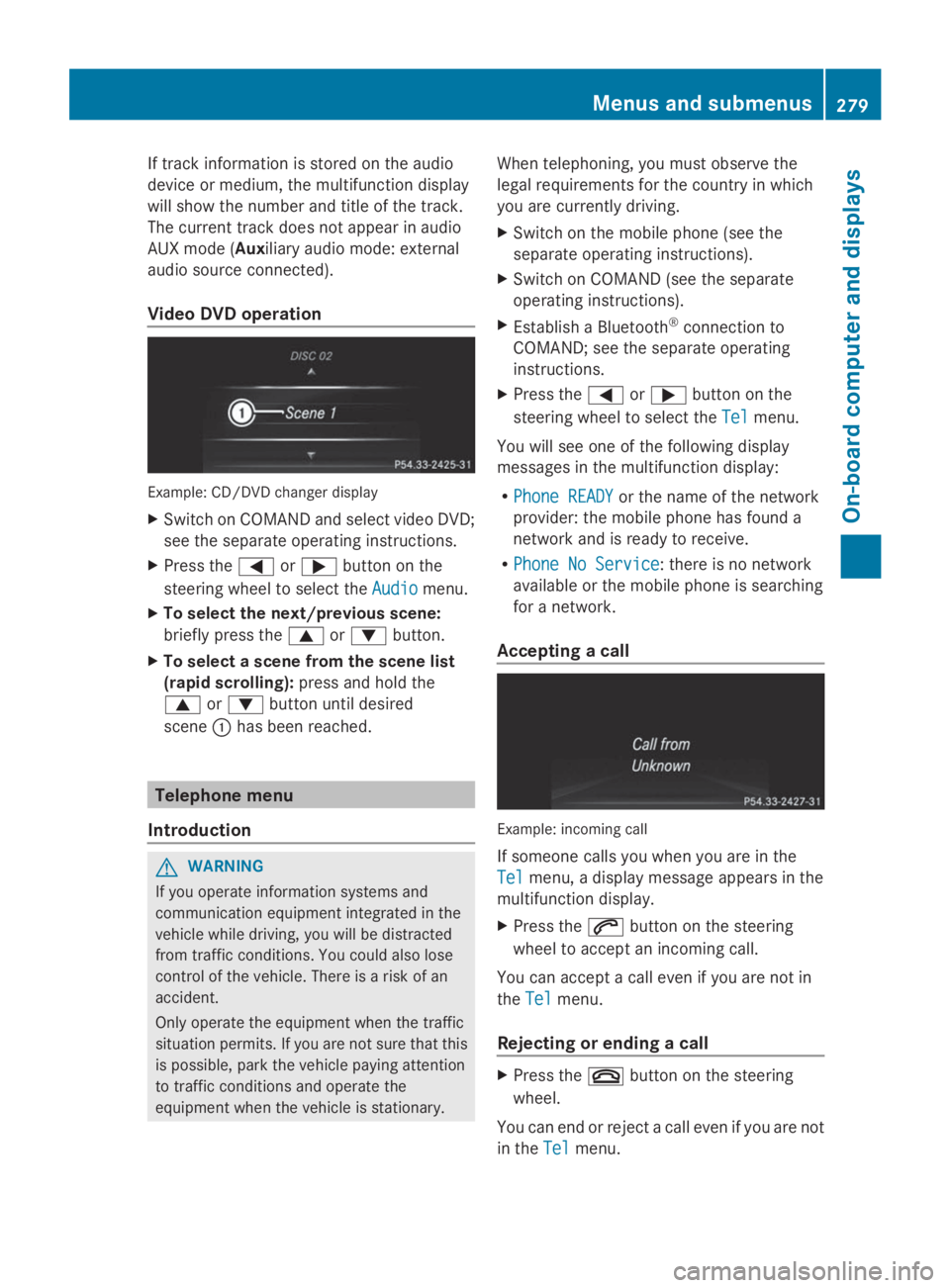
Example: CD/DVD changer display
XSwitch on COMAND and select video DVD;
see the separate operating instructions.
XPress theYorebutton on the
steering wheel to select theAudioAudiomenu.
XTo select the next/previous scene:
briefly press thecordbutton.
XTo select a scene from the scene list
(rapid scrolling):press and hold the
cordbutton until desired
sceneChas been reached.
Telephone menu
Introduction
GWARNING
If you operate information systems and
communication equipment integrated in the
vehicle while driving, you will be distracted
from traffic conditions. You could also lose
control of the vehicle. There is a risk of an
accident.
Only operate the equipment when the traffic
situation permits. If you are not sure that this
is possible, park the vehicle paying attention
to traffic conditions and operate the
equipment when the vehicle is stationary.
When telephoning, you must observe the
legal requirements for the country in which
you are currently driving.
XSwitch on the mobile phone (see the
separate operating instructions).
XSwitch on COMAND (see the separate
operating instructions).
XEstablish a Bluetooth®connection to
COMAND; see the separate operating
instructions.
XPress theYorebutton on the
steering wheel to select theTelTelmenu.
You will see one of the following display
messages in the multifunction display:
RPhone READYPhone READYor the name of the network
provider: the mobile phone has found a
network and is ready to receive.
RPhone No ServicePhone No Service: there is no network
available or the mobile phone is searching
for a network.
Accepting a call
Example: incoming call
If someone calls you when you are in the
TelTelmenu, a display message appears in the
multifunction display.
XPress theabutton on the steering
wheel to accept an incoming call.
You can accept a call even if you are not in
theTelTelmenu.
Rejecting or ending a call
XPress thevbutton on the steering
wheel.
You can end or reject a call even if you are not
in theTelTelmenu.
Menus and submenus279
On-board computer and displays
Z
Page 282 of 462
Dialing a number from the phone book
XPress theYorebutton on the
steering wheel to select theTelTelmenu.
XPress thec,dorvbutton to
switch to the phone book.
XPress thecordbutton to select the
desired name.
or
XTo begin rapid scrolling:press and hold
thecordbutton for longer than
one second.
Rapid scrolling stops when you release the
button or reach the end of the list.
XIf only one telephone number is stored
for a name:press theaorvbutton
to start dialing.
or
XIf there is more than one number for a
particular name:press theaorv
button to display the numbers.
XPress thecordbutton to select the
number you want to dial.
XPress theaorvbutton to start
dialing.
or
XTo exit the telephone book:press the
vor8button.
Redialing
The on-board computer saves the last names
or numbers dialed in the redial memory.
XPress theYorebutton on the
steering wheel to select theTelTelmenu.
XPress theabutton to switch to the
redial memory.
XPress thecordbutton to select the
desired name or number.
XPress theaorvbutton to start
dialing.
or
XTo exit the redial memory:press the
vor8button.
Assistance menu
Introduction
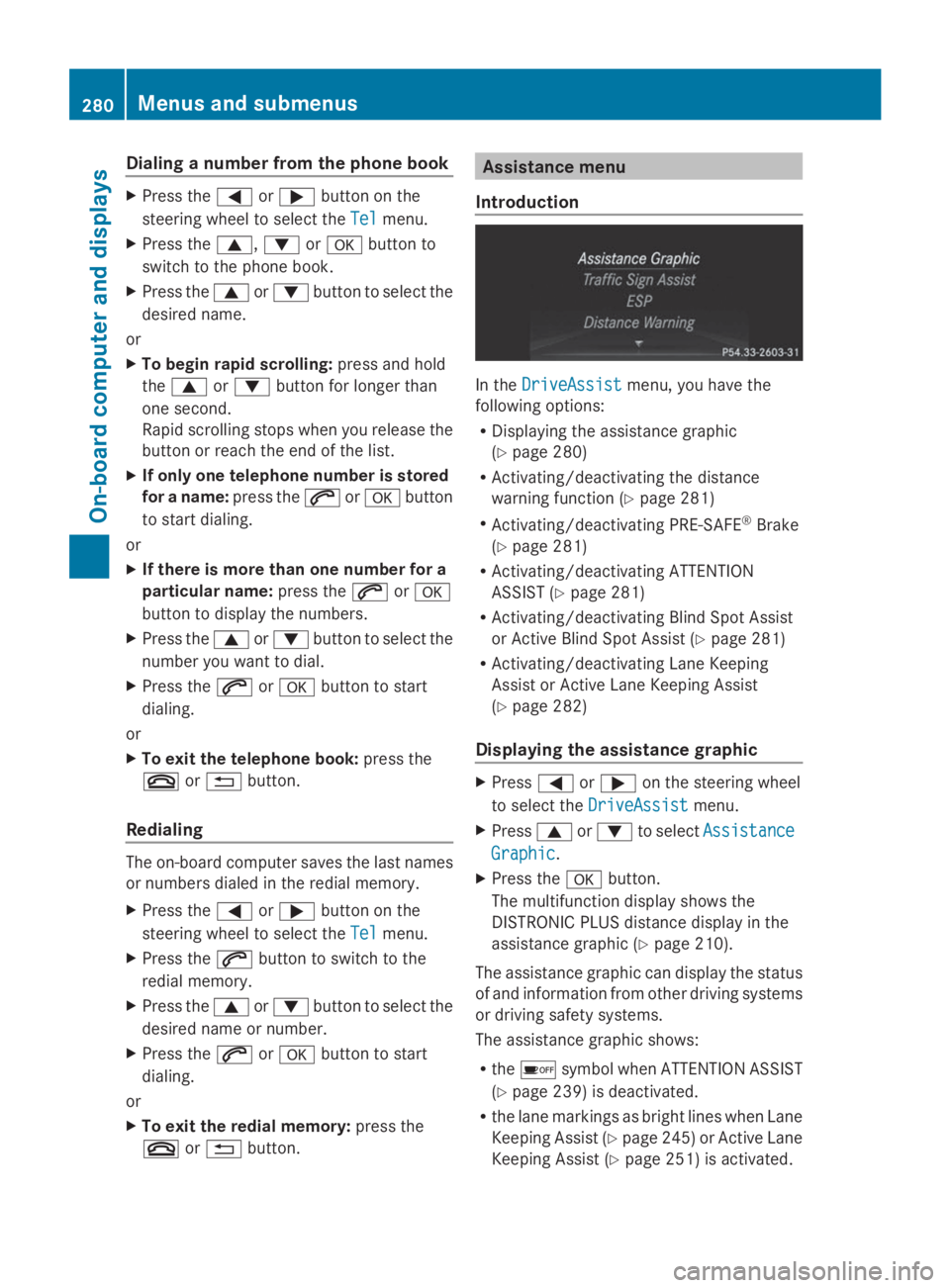
In theDriveAssistDriveAssistmenu, you have the
following options:
RDisplaying the assistance graphic
(Ypage 280)
RActivating/deactivating the distance
warning function (Ypage 281)
RActivating/deactivating PRE-SAFE®Brake
(Ypage 281)
RActivating/deactivating ATTENTION
ASSIST (Ypage 281)
RActivating/deactivating Blind Spot Assist
or Active Blind Spot Assist (Ypage 281)
RActivating/deactivating Lane Keeping
Assist or Active Lane Keeping Assist
(Ypage 282)
Displaying the assistance graphic
XPressYoreon the steering wheel
to select theDriveAssistDriveAssistmenu.
XPresscordto selectAssistanceAssistance
GraphicGraphic.
XPress thevbutton.
The multifunction display shows the
DISTRONIC PLUS distance display in the
assistance graphic (Ypage 210).
The assistance graphic can display the status
of and information from other driving systems
or driving safety systems.
The assistance graphic shows:
Rthe
Page 284 of 462
Activating/deactivating Lane Keeping
Assist
XPressYoreon the steering wheel
to select theDriveAssistDriveAssistmenu.
XPresscordto selectLaneLane
Keeping AssistKeeping Assist.
XPress thevbutton.
The current selection is displayed.
XPressvto confirm.
XPress thedorcbutton to setOffOff,
StandardStandardorAdaptiveAdaptive.
When Lane Keeping Assist or Active Lane
Keeping Assist is activated, the
multifunction display shows the lane
markings as bright lines in the assistance
graphic.
XPress thevbutton to save the setting.
For further information about Lane Keeping
Assist, see (Ypage 245).
For further information about Active Lane
Keeping Assist, see (Ypage 251).
Maintenance menu
In theServServmenu, you have the following
options:
RCalling up display messages in message
memory (Ypage 290)
RRestarting the tire pressure loss warning
system (Ypage 412)
RChecking the tire pressure electronically
(Ypage 412)
RCalling up the service due date
(Ypage 375)
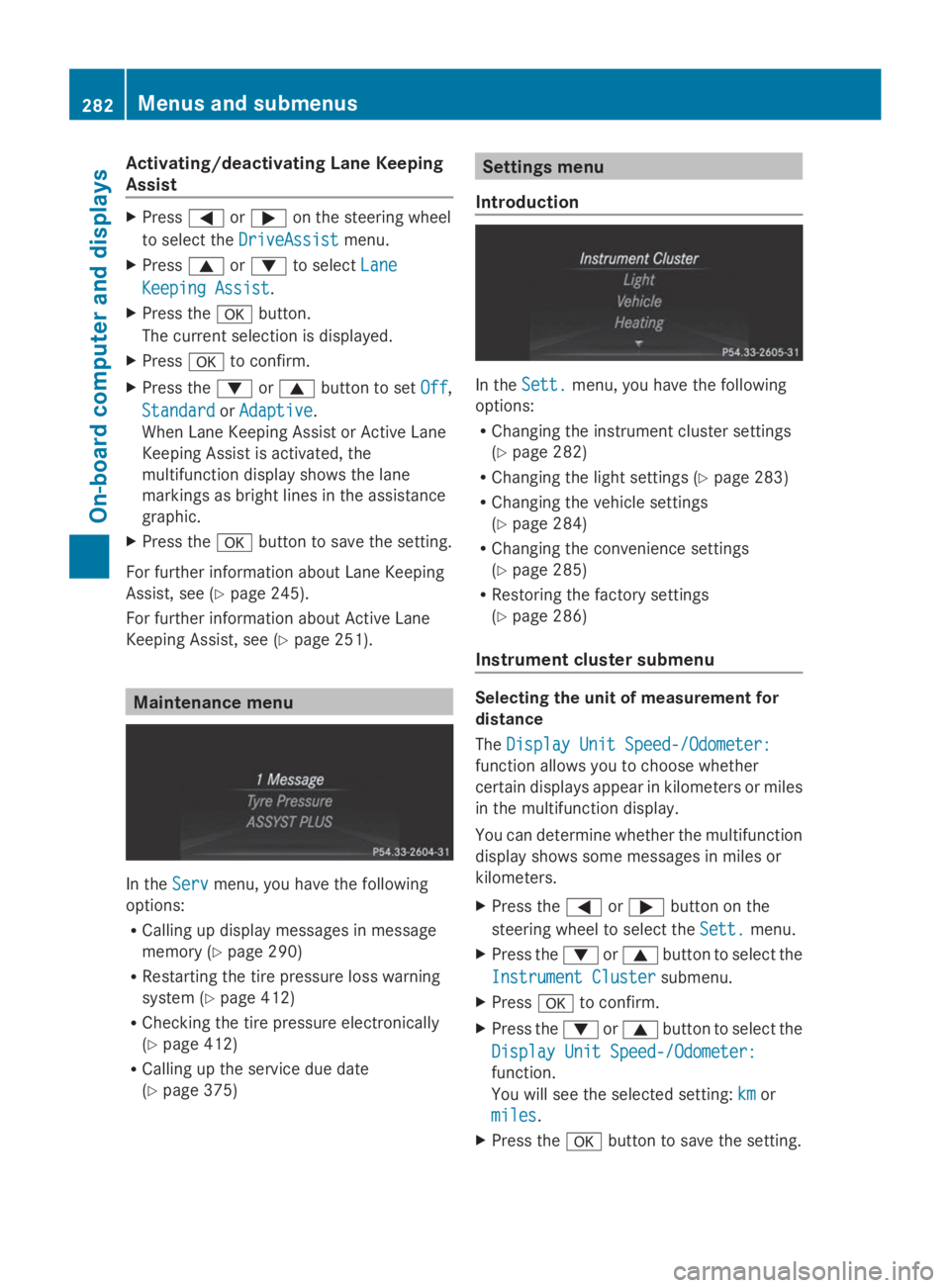
Settings menu
Introduction
In theSett.Sett.menu, you have the following
options:
RChanging the instrument cluster settings
(Ypage 282)
RChanging the light settings (Ypage 283)
RChanging the vehicle settings
(Ypage 284)
RChanging the convenience settings
(Ypage 285)
RRestoring the factory settings
(Ypage 286)
Instrument cluster submenu
Selecting the unit of measurement for
distance
TheDisplay Unit Speed-/Odometer:Display Unit Speed-/Odometer:
function allows you to choose whether
certain displays appear in kilometers or miles
in the multifunction display.
You can determine whether the multifunction
display shows some messages in miles or
kilometers.
XPress theYorebutton on the
steering wheel to select theSett.Sett.menu.
XPress thedorcbutton to select the
Instrument ClusterInstrument Clustersubmenu.
XPressvto confirm.
XPress thedorcbutton to select the
Display Unit Speed-/Odometer:Display Unit Speed-/Odometer:
function.
You will see the selected setting:kmkmor
milesmiles.
XPress thevbutton to save the setting.
282Menus and submenus
On-b oard computer and displays
Page 287 of 462
For further information on the automatic
locking feature, see (Ypage 88).
Activating/deactivating the acoustic
locking verification signal
If you switch on theAcousticAcousticLockLockfunction,
an acoustic signal sounds when you lock the
vehicle.
XPress theYorebutton on the
steering wheel to select theSett.Sett.menu.
XPressdorcto select theVehicleVehicle
submenu.
XPressvto confirm.
XPress thedorcbutton to select the
Acoustic LockAcoustic Lockfunction.
If theAcousticAcousticLockLockfunction is activated,
the7symbol in the multifunction
display lights up orange.
XPress thevbutton to save the setting.
Activating/deactivating the radar sensor
system
XPress theYorebutton on the
steering wheel to select theSett.Sett.menu.
XPressdorcto select theVehicleVehicle
submenu.
XPressvto confirm.
XPress thecordbutton to select
Radar Sensor (See Oper. Manual):Radar Sensor (See Oper. Manual):.
You will see the selected setting:EnabledEnabled
orDisabledDisabled.
XPress thevbutton to save the setting.
The following systems are switched off when
the radar sensor system is deactivated:
RDISTRONIC PLUS (Ypage 203)
RBAS PLUS (Ypage 68)
RPRE-SAFE®Brake (Ypage 75)
RBlind Spot Assist (Ypage 243)
RActive Blind Spot Assist (Ypage 247)
Convenience submenu
Activating/deactivating the EASY-
ENTRY/EXIT feature
GWARNING
When the EASY-ENTRY/EXIT feature adjusts
the steering wheel, you and other vehicle
occupants – particularly children – could
become trapped. There is a risk of injury.
While the EASY-ENTRY/EXIT feature is
making adjustments, make sure that no one
has any body parts in the sweep of the
steering wheel.
If somebody becomes trapped:
Rpress one of the memory function position
buttons, or
Rmove the switch for steering wheel
adjustment in the opposite direction to that
in which the steering wheel is moving.
The adjustment process is stopped.
XPress theYorebutton on the
steering wheel to select theSettSettmenu.
XPress thedorcbutton to select the
ConvenienceConveniencesubmenu.
XPressvto confirm.
XPress thedorcbutton to select the
Easy Entry/Exit:Easy Entry/Exit:function.
If theEasy Entry/ExitEasy Entry/Exitfunction is
activated, the vehicle steering wheel is
displayed in orange in the multifunction
display.
XPress thevbutton to save the setting.
Further information on the EASY-ENTRY/EXIT
feature (Ypage 121).
Switching the belt adjustment on/off
XPress theYorebutton on the
steering wheel to select theSett.Sett.menu.
XPress thedorcbutton to select the
ConvenienceConveniencesubmenu.
XPressvto confirm.
Menus and submenus285
On-board computer and displays
Z
Page 292 of 462
Display messages
Introduction
General notes
Display messages appear in the multifunction display.
Display messages with graphic displays may be shown in simplified form in the Operator's
Manual and may differ from the messages shown in the multifunction display.
Please respond in accordance with the display messages and follow the additional notes in
this Operator's Manual.
Certain display messages are accompanied by an audible warning tone or a continuous tone.
When you stop and park the vehicle, please observe the notes on:
RHOLD function (Ypage 216)
RParking (Ypage 188)
Hiding display messages
XPress thevor8button on the steering wheel to hide the display message.
The display message is cleared.
The multifunction display shows high-priority display messages in red. Some high-priority
display messages cannot be hidden.
The multifunction display shows these messages continuously until the causes for the
messages have been remedied.
Message memory
The on-board computer saves certain display messages in themessage memory. You can
call up the display messages:
XPress theYorebutton on the steering wheel to select theServ.Serv.menu.
If there are display messages, the multifunction display shows2 Messages2 Messages, for example.
XPress thecordbutton to select the entry, e.g.2 Messages2 Messages.
XPressvto confirm.
XPress thecordbutton to scroll through the display messages.
When the ignition is switched off, all display messages are deleted, apart from some high-
priority display messages. Once the causes of the high-priority display messages have been
rectified, the corresponding display messages are also deleted.
290Displaymessages
On-b oard computer and displays
Page 294 of 462
Display messagesPossible causes/consequences andPPSolutions
GWARNING
The brake system continues to function normally, but without the
functions listed above. The wheels could therefore lock if you
brake hard, for example.
The steerability and braking characteristics may be severely
affected. The braking distance in an emergency braking situation
can increase.
If ESP®is not operational, ESP®is unable to stabilize the vehicle.
There is an increased risk of skidding and an accident.
XDrive on carefully.
XVisit a qualified specialist workshop immediately.