display MERCEDES-BENZ GLA 2016 Manual PDF
[x] Cancel search | Manufacturer: MERCEDES-BENZ, Model Year: 2016, Model line: GLA, Model: MERCEDES-BENZ GLA 2016Pages: 390, PDF Size: 10.2 MB
Page 228 of 390
Telephone menu
Introduction
G WARNING
If you operate information systems and com-
munication equipment integrated in the vehi-
cle while driving, you will be distracted from
traffic conditions. You could also lose control
of the vehicle. There is a risk of an accident.
Only operate the equipment when the traffic
situation permits. If you are not sure that this
is possible, park the vehicle paying attention
to traffic conditions and operate the equip-
ment when the vehicle is stationary.
When telephoning, you must observe the
legal requirements for the country in which
you are currently driving. X
Switch on the mobile phone (see the man-
ufacturer’s operating instructions). X
Switch on Audio 20 or COMAND, see the
separate operating instructions. X
Establish a Bluetooth ®
connection to Audio
20 or COMAND, see the separate operating
instructions. X
Press the Y or e button on the steer-
ing wheel to select the Tel
menu.
You will see one of the following display mes-
sages in the multifunction display: R
Phone READY or the name of the network
provider: the mobile phone has found a
network and is ready to receive. R
Phone No Service : there is no network
available or the mobile phone is searching
for a network.
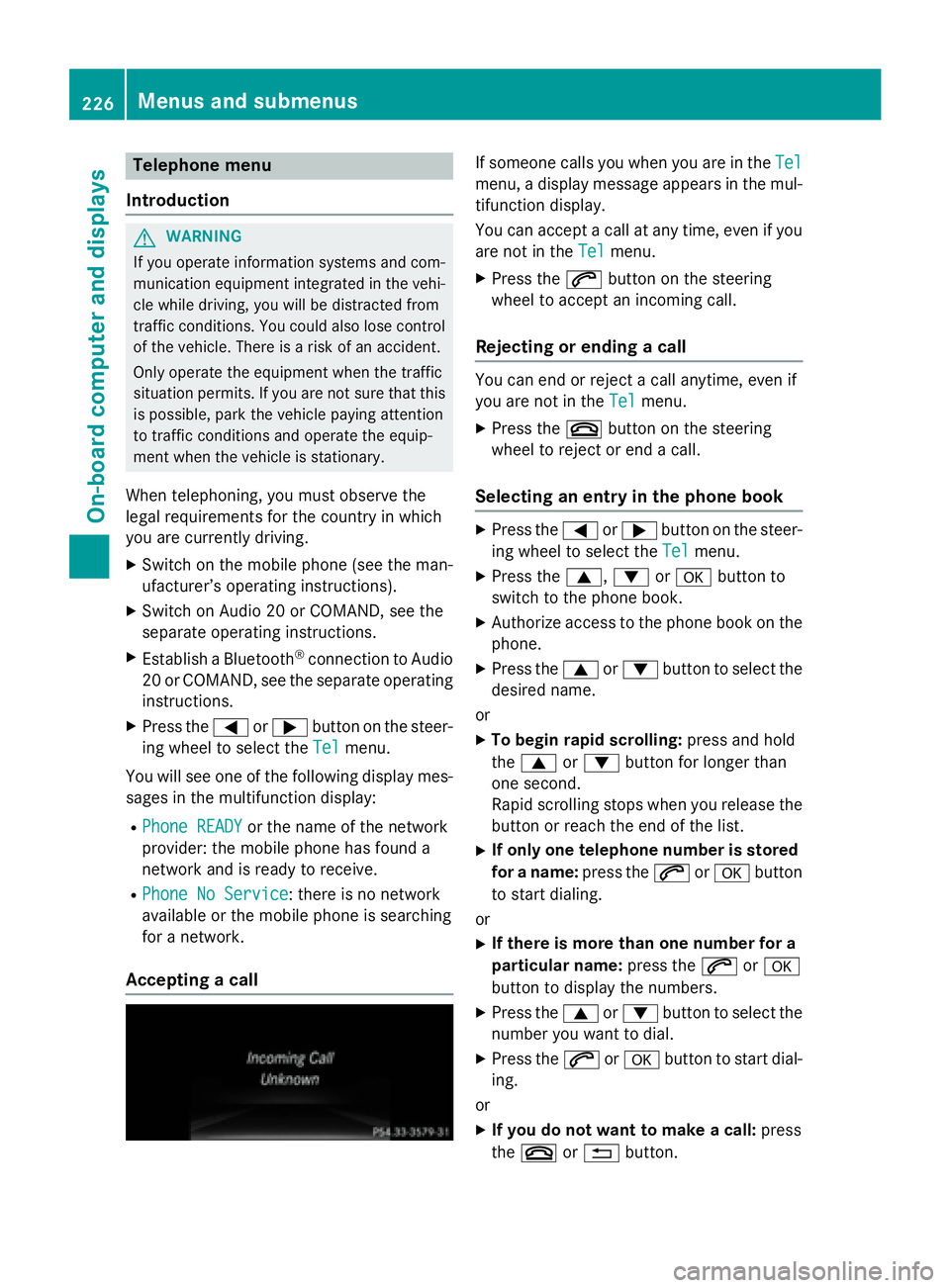
Accepting a call If someone calls you when you are in the Tel
menu, a display message appears in the mul-
tifunction display.
You can accept a call at any time, even if you
are not in the Tel
menu. X
Press the a button on the steering
wheel to accept an incoming call.
Rejecting or ending a call You can end or reject a call anytime, even if
you are not in the Tel
menu. X
Press the v button on the steering
wheel to reject or end a call.
Selecting an entry in the phone book X
Press the Y or e button on the steer-
ing wheel to select the Tel
menu.X
Press the c , d or v button to
switch to the phone book. X
Authorize access to the phone book on the
phone. X
Press the c or d button to select the
desired name.
or X
To begin rapid scrolling: press and hold
the c or d button for longer than
one second.
Rapid scrolling stops when you release the
button or reach the end of the list. X
If only one telephone number is stored
for a name: press the a or v button
to start dialing.
or X
If there is more than one number for a
particular name: press the a or v
button to display the numbers. X
Press the c or d button to select the
number you want to dial. X
Press the a or v button to start dial-
ing.
or X
If you do not want to make a call: press
the v or 8 button.226
Menus and submenus
On-board computer and displays
Page 229 of 390
Redialing The on-board computer saves the last names
or numbers dialed in the redial memory. X
Press the Y or e button on the steer-
ing wheel to select the Tel
menu.X
Press the a button to switch to the
redial memory. X
Press the c or d button to select the
desired name or number. X
Press the a or v button to start dial-
ing.
or X
If you do not want to make a call: press
the v or 8 button.
Assistance menu
Introduction
Depending on the equipment installed in the
vehicle, you have the following options in the
DriveAssist
menu:R
Displaying the assistance graphic
( Y
page 227) R
Activating/deactivating ESP ®
(except
Mercedes-AMG vehicles) ( Y
page 227)R
Activating/deactivating COLLISION PRE-
VENTION ASSIST PLUS ( Y
page 228)R
Activating/deactivating ATTENTION
ASSIST ( Y
page 228)R
Activating/deactivating Blind Spot Assist
( Y
page 228) R
Activating/deactivating Lane Keeping
Assist ( Y
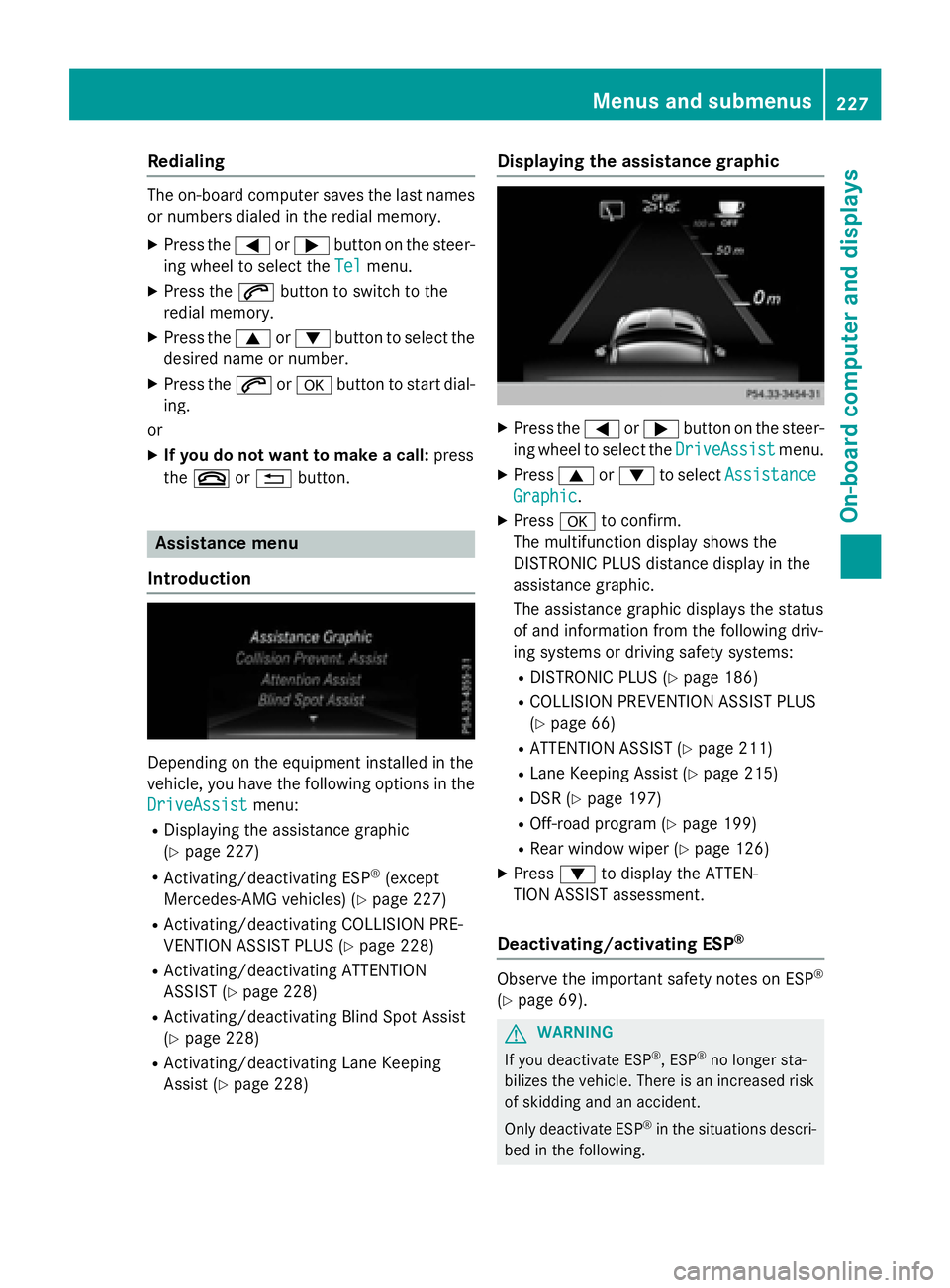
page 228) Displaying the assistance graphic X
Press the Y or e button on the steer-
ing wheel to select the DriveAssist
menu.X
Press c or d to select Assistance
Graphic . X
Press v to confirm.
The multifunction display shows the
DISTRONIC PLUS distance display in the
assistance graphic.
The assistance graphic displays the status
of and information from the following driv-
ing systems or driving safety systems: R
DISTRONIC PLUS ( Y
page 186) R
COLLISION PREVENTION ASSIST PLUS
( Y
page 66) R
ATTENTION ASSIST ( Y
page 211)R
Lane Keeping Assist ( Y
page 215)R
DSR ( Y
page 197) R
Off-road program ( Y
page 199) R
Rear window wiper ( Y
page 126)X
Press d to display the ATTEN-
TION ASSIST assessment.
Deactivating/activating ESP ®
Observe the important safety notes on ESP ®
( Y
page 69).
G WARNING
If you deactivate ESP ®
, ESP ®
no longer sta-
bilizes the vehicle. There is an increased risk
of skidding and an accident.
Only deactivate ESP ®
in the situations descri-
bed in the following.Menus and submenus 227
On-board computer and displays Z
Page 231 of 390
X
Press v again to confirm.X
Press the d or c button to set Off ,
Standard
or Adaptive .X
Press the v button to save the setting.
When Lane Keeping Assist is activated, the
multifunction display shows the lane mark-
ings as bright lines in the assistance
graphic.
For further information about Lane Keeping
Assist, see ( Y
page 215).
Service menu
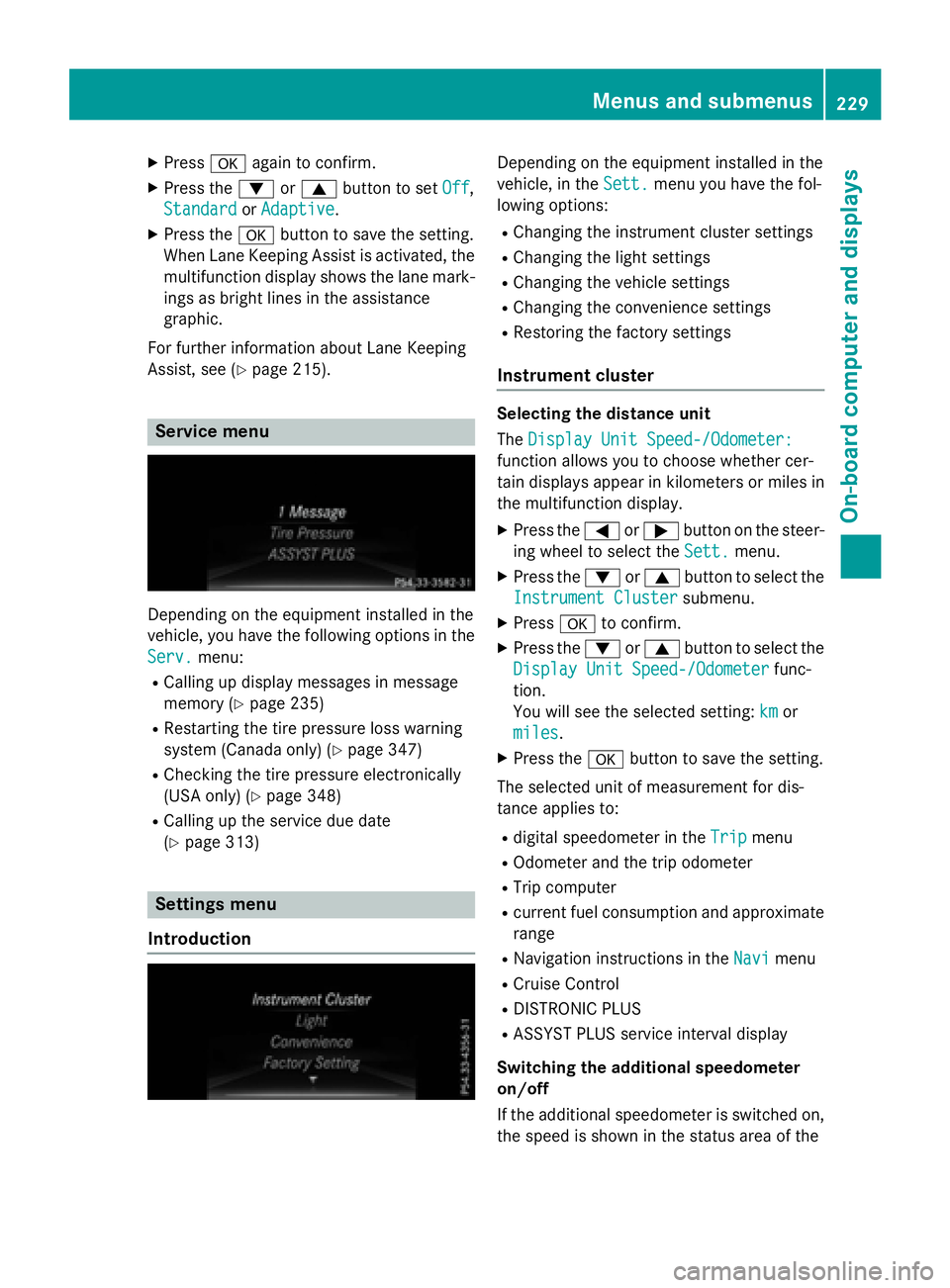
Depending on the equipment installed in the
vehicle, you have the following options in the
Serv.
menu: R
Calling up display messages in message
memory ( Y
page 235)R
Restarting the tire pressure loss warning
system (Canada only) ( Y
page 347)R
Checking the tire pressure electronically
(USA only) ( Y
page 348)R
Calling up the service due date
( Y
page 313)
Settings menu
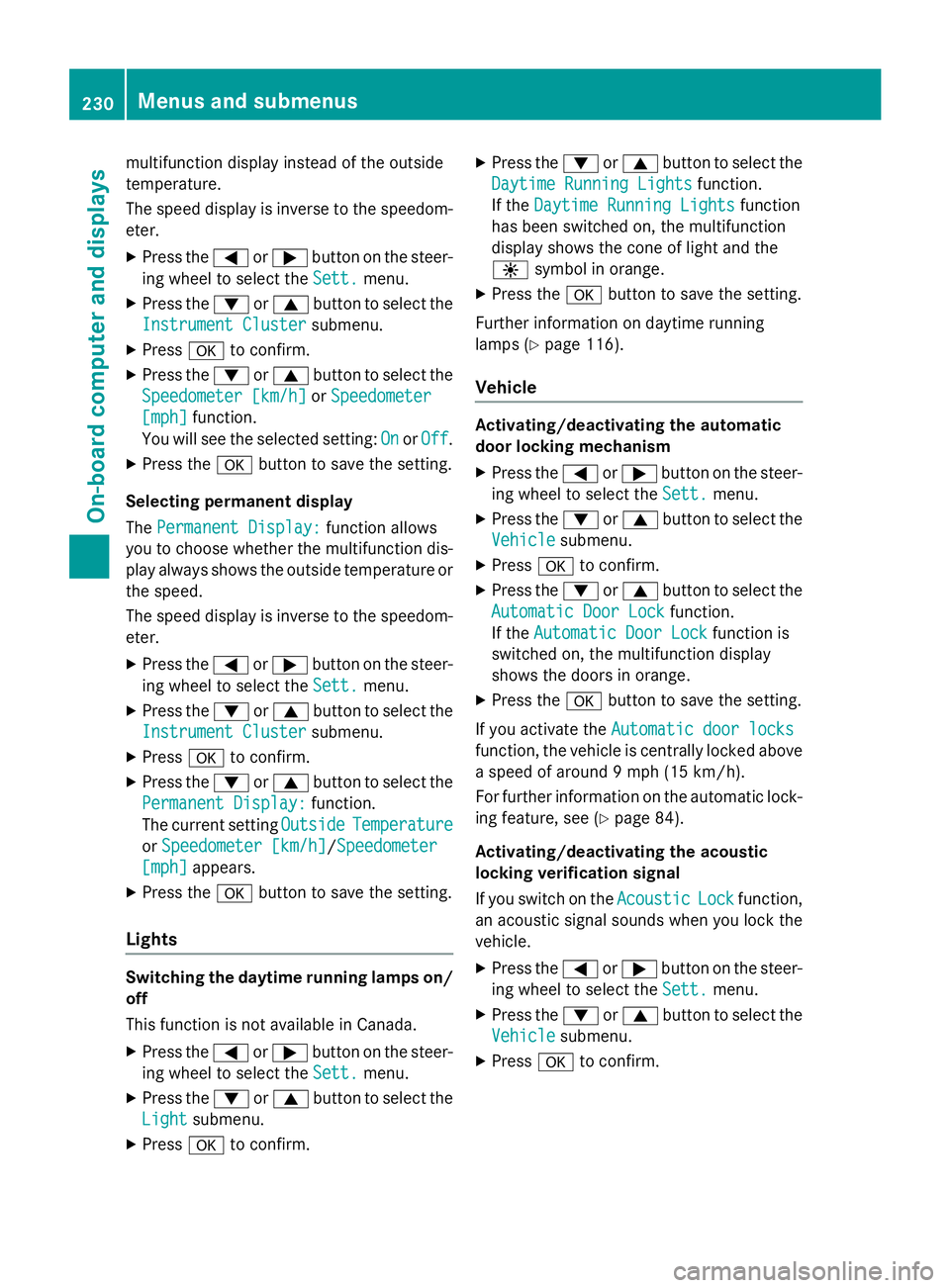
Introduction Depending on the equipment installed in the
vehicle, in the Sett.
menu you have the fol-
lowing options: R
Changing the instrument cluster settings R
Changing the light settings R
Changing the vehicle settings R
Changing the convenience settings R
Restoring the factory settings
Instrument cluster Selecting the distance unit
The Display Unit Speed-/Odometer:
function allows you to choose whether cer-
tain displays appear in kilometers or miles in
the multifunction display. X
Press the Y or e button on the steer-
ing wheel to select the Sett.
menu.X
Press the d or c button to select the
Instrument Cluster
submenu.X
Press v to confirm. X
Press the d or c button to select the
Display Unit Speed-/Odometer
func-
tion.
You will see the selected setting: km
or
miles
. X
Press the v button to save the setting.
The selected unit of measurement for dis-
tance applies to: R
digital speedometer in the Trip menuR
Odometer and the trip odometer R
Trip computer R
current fuel consumption and approximate
range R
Navigation instructions in the Navi menuR
Cruise Control R
DISTRONIC PLUS R
ASSYST PLUS service interval display
Switching the additional speedometer
on/off
If the additional speedometer is switched on,
the speed is shown in the status area of theMenus and submenus 229
On-board computer and displays Z
Page 232 of 390
multifunction display instead of the outside
temperature.
The speed display is inverse to the speedom-
eter. X
Press the Y or e button on the steer-
ing wheel to select the Sett.
menu.X
Press the d or c button to select the
Instrument Cluster
submenu.X
Press v to confirm.X
Press the d or c button to select the
Speedometer [km/h]
or Speedometer
[mph] function.
You will see the selected setting: On
or Off .X
Press the v button to save the setting.
Selecting permanent display
The Permanent Display:
function allows
you to choose whether the multifunction dis-
play always shows the outside temperature or
the speed.
The speed display is inverse to the speedom-
eter. X
Press the Y or e button on the steer-
ing wheel to select the Sett.
menu.X
Press the d or c button to select the
Instrument Cluster
submenu.X
Press v to confirm.X
Press the d or c button to select the
Permanent Display:
function.
The current setting Outside
Temperature
or Speedometer [km/h] / Speedometer
[mph] appears.X
Press the v button to save the setting.
Lights
Switching the daytime running lamps on/
off
This function is not available in Canada. X
Press the Y or e button on the steer-
ing wheel to select the Sett.
menu.X
Press the d or c button to select the
Light
submenu.X
Press v to confirm. X
Press the d or c button to select the
Daytime Running Lights
function.
If the Daytime Running Lights
function
has been switched on, the multifunction
display shows the cone of light and the
Page 233 of 390
X
Press the d or c button to select the
Acoustic Lock
function.
If the Acoustic
Lock function is activated,
the multifunction display shows the 7
symbol in orange. X
Press the v button to save the setting.
Convenience Switching the fold-in mirrors when lock-
ing feature on/off
This function is only available in Canada.
This function is only available when the vehi-
cle is equipped with the electrical fold-in func-
tion.
When you activate the Auto. Mirror Fold‐
ing function, the exterior mirrors are folded
in when the vehicle is locked. If you unlock the
vehicle and then open the driver's or front-
passenger door, the exterior mirrors fold out
again.
If you have switched on the Auto. Mirror
Folding function and you fold in the exterior
mirrors using the button on the door
( Y
page 109), they will not fold out automat-
ically. The exterior mirrors can then only be
folded out using the button on the door. X
Press the Y or e button on the steer-
ing wheel to select the Sett.
menu.X
Press the d or c button to select the
Convenience
submenu.X
Press v to confirm.X
Press the d or c button to select the
Auto. Mirror Folding
function.
If the Auto. Mirror Folding
function is
switched on, the multifunction display
shows the exterior mirror in orange. X
Press the v button to save the setting.
Restoring the factory settings X
Press the Y or e button on the steer-
ing wheel to select the Sett.
menu.X
Press the d or c button to select the
Factory Setting
submenu. X
Press v to confirm.
The Reset All Settings?
function
appears. X
Press the d or c button to select No
or Yes . X
Press the v button to confirm the selec-
tion.
If you have selected Yes , the multifunction
display shows a confirmation message.
For safety reasons, the Daytime Running
Lights function in the Light submenu is only
reset if the vehicle is stationary.
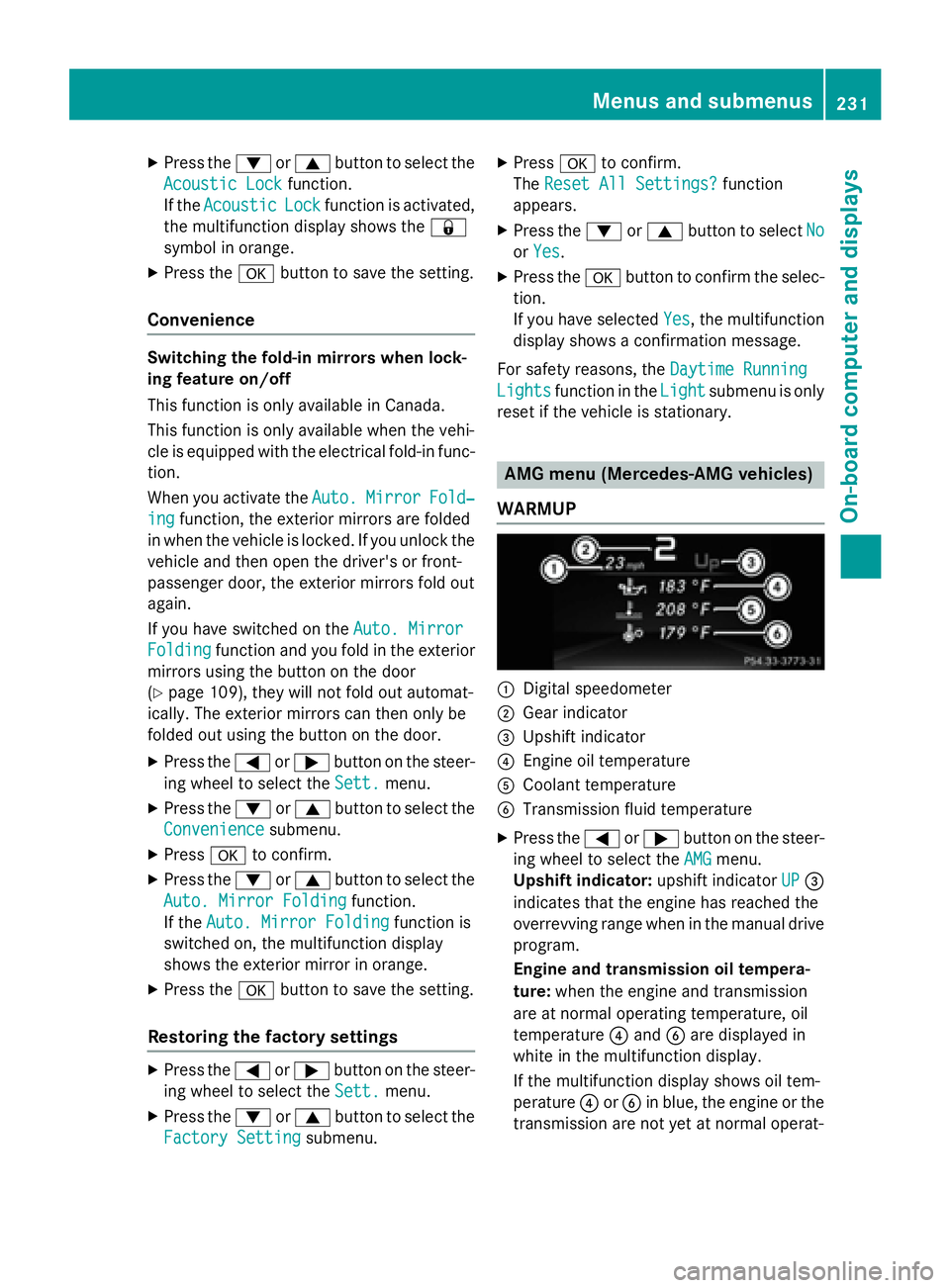
AMG menu (Mercedes-AMG vehicles)
WARMUP
C
Digital speedometer D
Gear indicator
Page 235 of 390
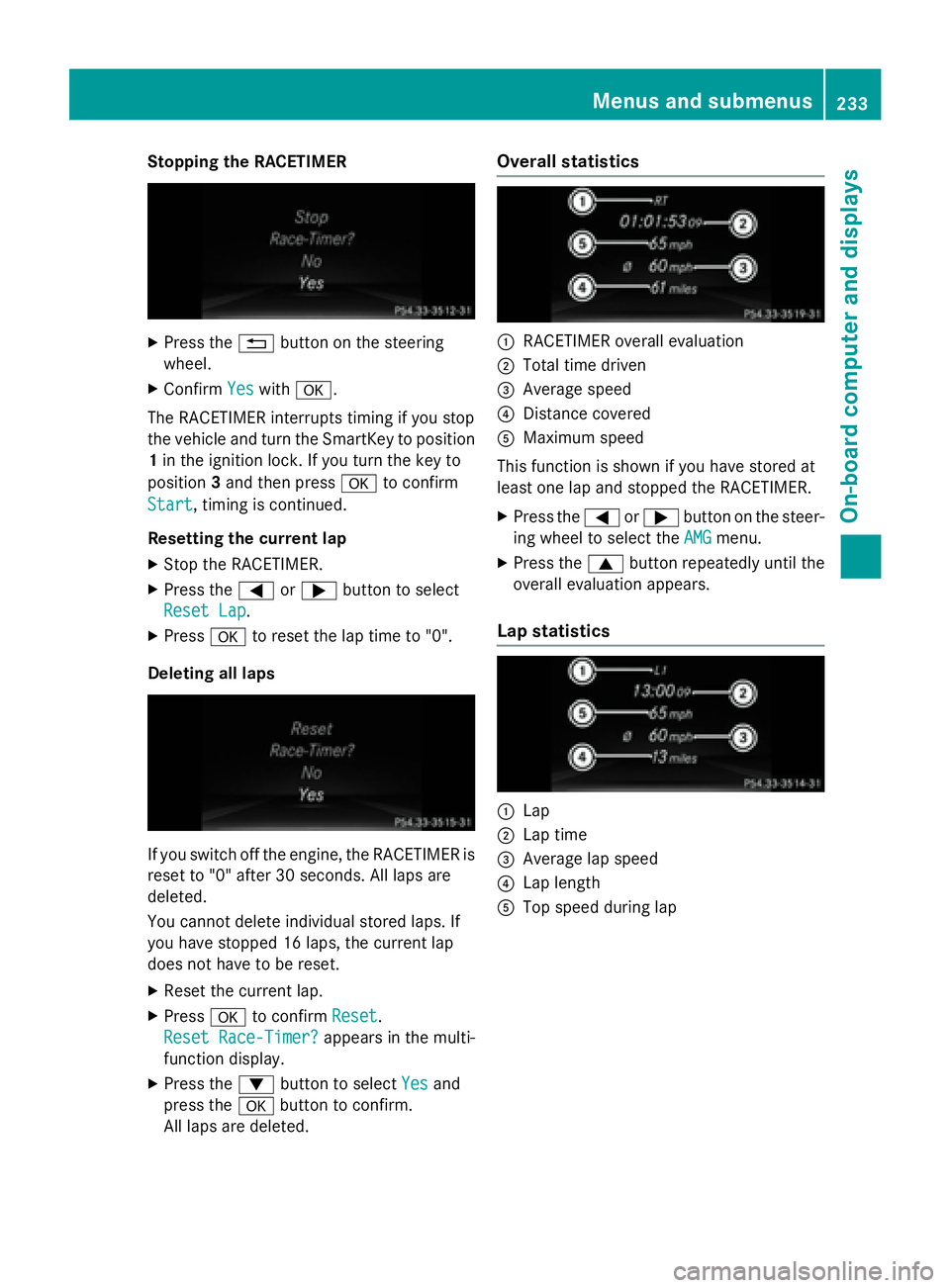
Stopping the RACETIMER X
Press the 8 button on the steering
wheel. X
Confirm Yes with v .
The RACETIMER interrupts timing if you stop
the vehicle and turn the SmartKey to position
1 in the ignition lock. If you turn the key to
position 3 and then press v to confirm
Start , timing is continued.
Resetting the current lap X
Stop the RACETIMER. X
Press the Y or e button to select
Reset Lap
.X
Press v to reset the lap time to "0".
Deleting all laps
If you switch off the engine, the RACETIMER is
reset to "0" after 30 seconds. All laps are
deleted.
You cannot delete individual stored laps. If
you have stopped 16 laps, the current lap
does not have to be reset. X
Reset the current lap. X
Press v to confirm Reset .
Reset Race-Timer?
appears in the multi-
function display. X
Press the d button to select Yes and
press the v button to confirm.
All laps are deleted. Overall statistics
C
RACETIMER overall evaluation D
Total time driven
Page 236 of 390
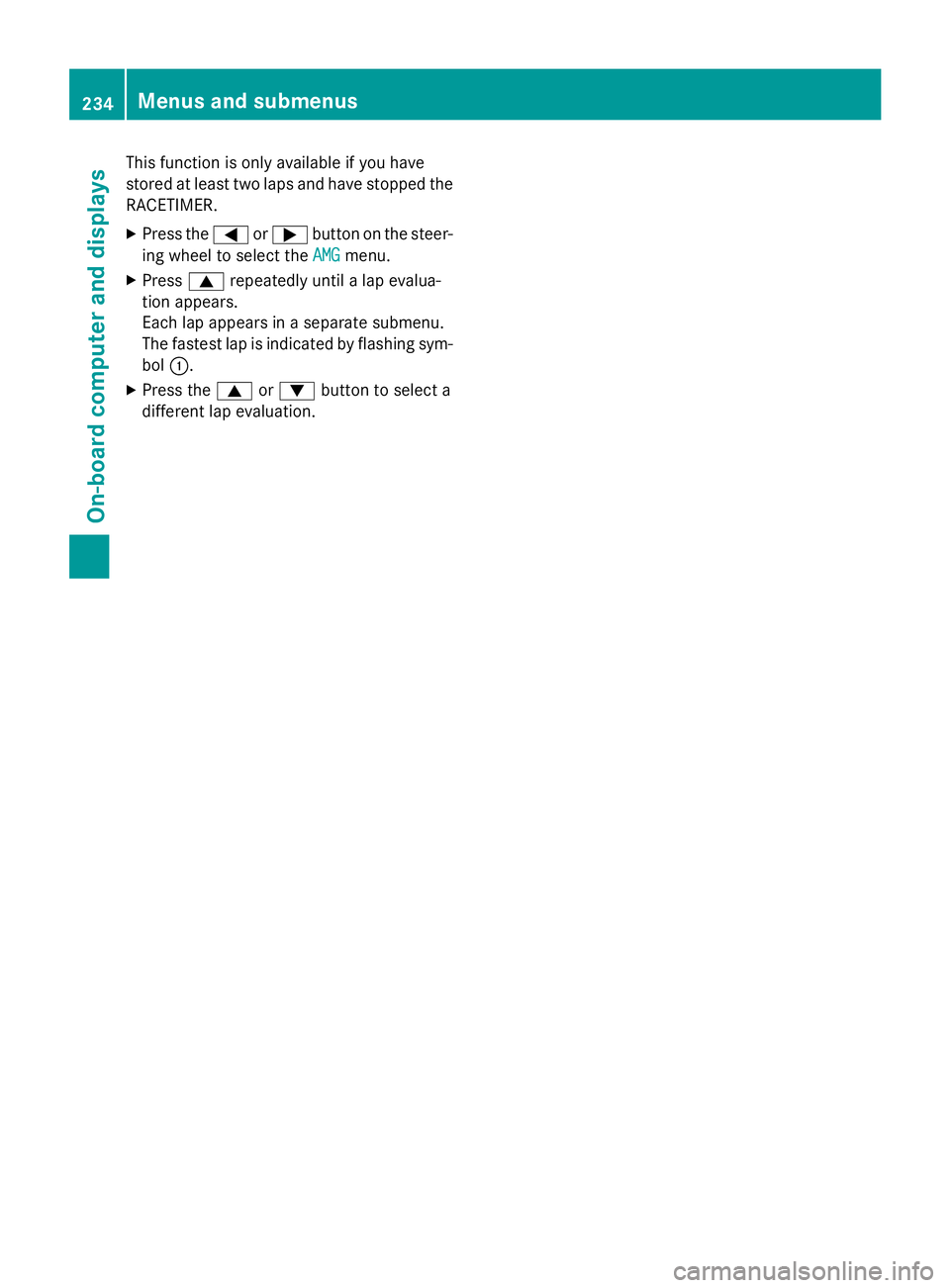
This function is only available if you have
stored at least two laps and have stopped the
RACETIMER. X
Press the Y or e button on the steer-
ing wheel to select the AMG
menu.X
Press c repeatedly until a lap evalua-
tion appears.
Each lap appears in a separate submenu.
The fastest lap is indicated by flashing sym-
bol C .X
Press the c or d button to select a
different lap evaluation.234
Menus and submenus
On-board computer and displays
Page 237 of 390
Display messages
Introduction
General notes Display message s appear in th e multifunction display.
Display message s wit h graphi c displays may be shown in simplified form in th e Operator's
Manual and may therefore diffe r from th e multifunction display.
Please respon d in accordance wit h th e display message s and follow th e additional note s in this
Operator's Manual.
Certain display message s are accompanied by an audible warnin g tone or a continuous tone .
Whe n th e ignition is switched off, all display message s are deleted, apar t from som e high-
priorit y display messages. Once th e causes of th e high-priorit y display message s hav e been
rectified, th e correspondin g display message s are also deleted.
Whe n you stop and par k th e vehicle, pleas e observ e th e note s on :R
HOLD function ( Y
page 193)R
Parking ( Y
page 171)
Hiding display messages X
Press th e v or 8 butto n on th e steerin g wheel.
The multifunction display hide s th e display message .
The multifunction display shows high-priorit y display message s in red . Some high-priorit y dis -
play message s canno t be hidden .
The multifunction display shows these message s continuously until th e causes fo r th e mes -
sage s hav e been remedied.
Message memory
The on-boar d compute r saves certain display message s in th e message memory . You can cal l
up th e display messages: X
Press th e Y or e butto n on th e steerin g whee l to selec t th e Serv. menu.
If there are display messages, th e multifunction display shows 2 Messages
, fo r example.X
Press th e c or d butto n to selec t th e entry, e.g. 2 Messages .X
Press v to confirm .X
Press th e c or d butto n to scroll through th e display messages.Display messages 23 5
On-board computer and displays Z
Page 238 of 390
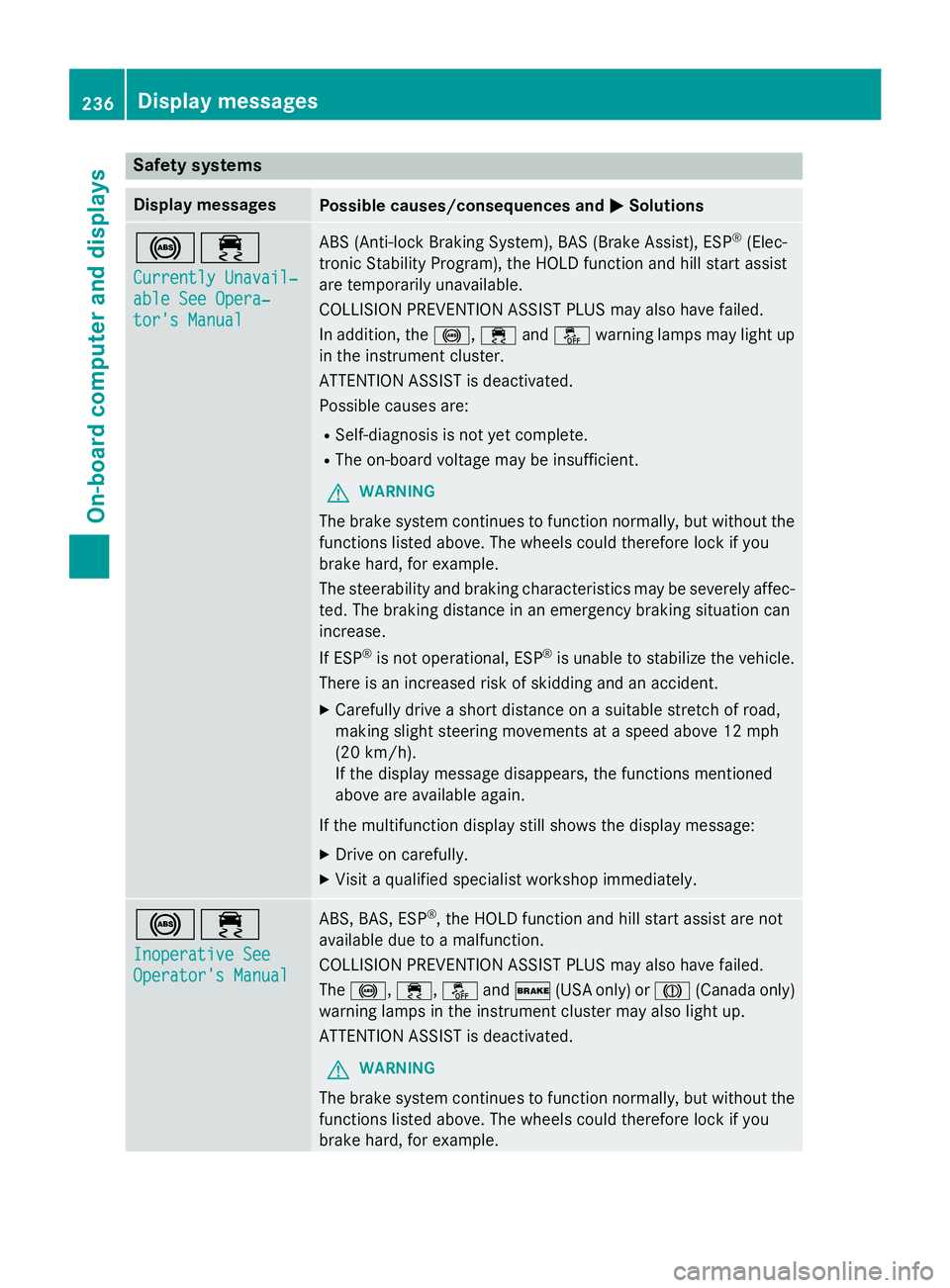
Safety systems Display messages
Possible causes/consequences and P Solutions
%
Page 239 of 390
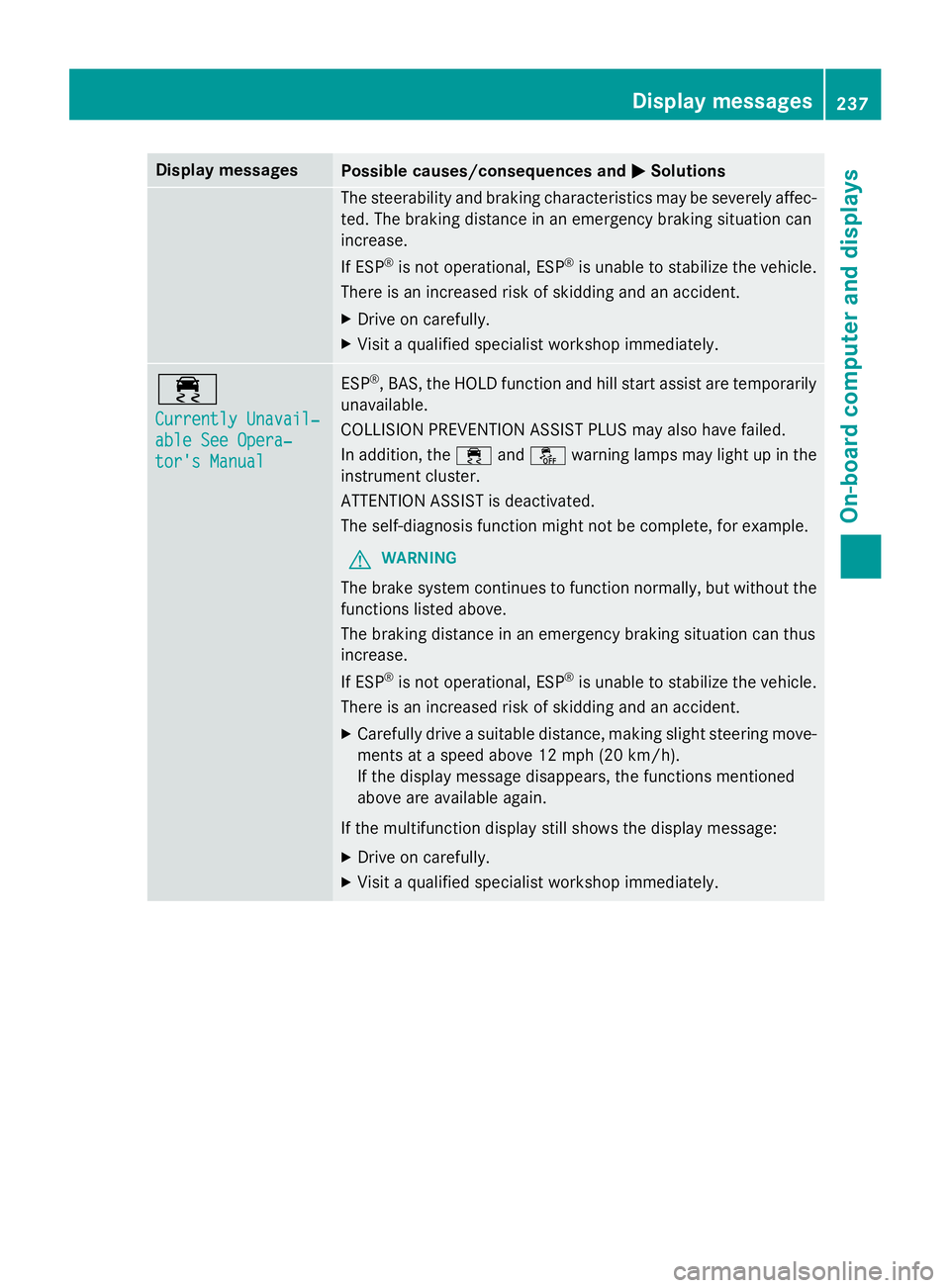
Display messages
Possible causes/consequences and P Solutions
The steerabilit y and brakin g characteristics may be severely affec -
ted. The brakin g distanc e in an emergenc y brakin g situation can
increase .
If ES P ®
is no t operational, ES P ®
is unable to stabiliz e th e vehicle.
There is an increase d ris k of skiddin g and an accident.X
Drive on carefully. X
Visit a qualified specialist workshop immediately.