start stop button MERCEDES-BENZ GLB SUV 2019 User Guide
[x] Cancel search | Manufacturer: MERCEDES-BENZ, Model Year: 2019, Model line: GLB SUV, Model: MERCEDES-BENZ GLB SUV 2019Pages: 689, PDF Size: 11.39 MB
Page 426 of 689
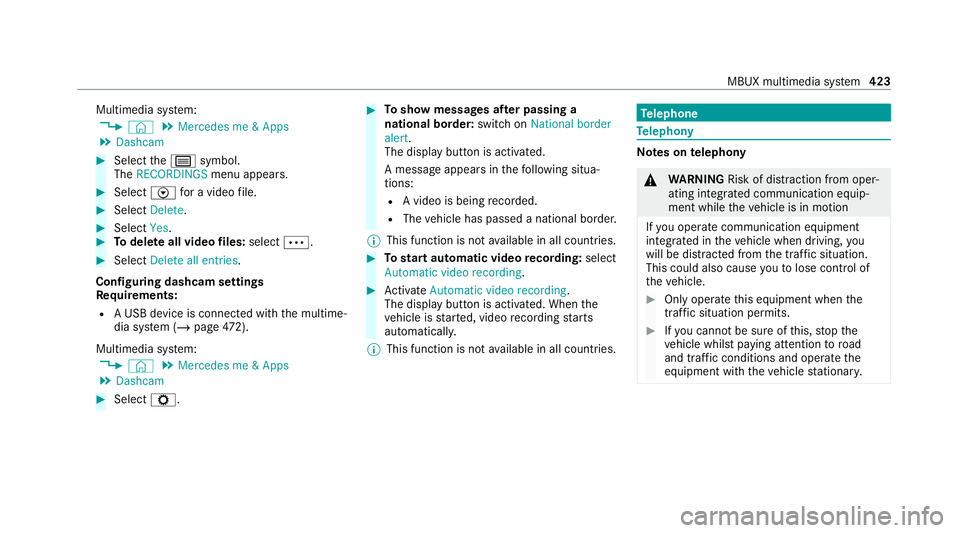
Multimedia sy
stem:
4 © 5
Mercedes me & Apps
5 Dashcam #
Select thep symbol.
The RECORDINGS menu appears. #
Select Vfor a video file. #
Select Delete. #
Select Yes. #
Todel ete all video files: select Ä. #
Select Delete all entries.
Configuring dashcam settings
Re quirements:
R A USB device is connec ted with the multime‐
dia sy stem (/ page472).
Mul timedia sy stem:
4 © 5
Mercedes me & Apps
5 Dashcam #
Select Z. #
Toshow messages af ter passing a
national bo rder: swit chon National border
alert.
The display button is activated.
A message appears in thefo llowing situa‐
tions:
R A video is being recorded.
R The vehicle has passed a national border.
% This function is not available in all countries. #
Tostart automatic video recording: select
Automatic video recording . #
Activate Automatic video recording .
The display button is acti vated. When the
ve hicle is star ted, video recording starts
automaticall y.
% This function is not available in all countries. Te
lephone Te
lephony Note
s ontelephony &
WARNING Risk of di stra ction from oper‐
ating integrated communication equip‐
ment while theve hicle is in motion
If yo u operate communication equipment
integrated in theve hicle when driving, you
will be distracted from the tra ffic situation.
This could also cause youto lose control of
th eve hicle. #
Only operate this equipment when the
traf fic situation permits. #
Ifyo u cannot be sure of this, stop the
ve hicle whilst paying attention toroad
and traf fic conditions and ope rate the
equipment with theve hicle stationar y. MBUX multimedia sy
stem 423
Page 447 of 689
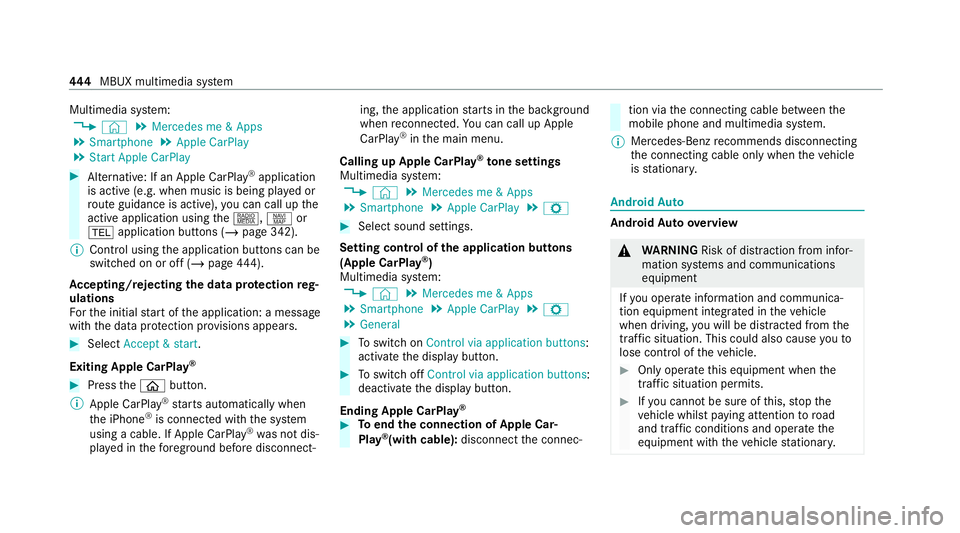
Multimedia sy
stem:
4 © 5
Mercedes me & Apps
5 Smartphone 5
Apple CarPlay
5 Start Apple CarPlay #
Alternative: If an Apple CarPlay ®
application
is active (e.g. when music is being pla yed or
ro ute guidance is active), you can call up the
active application using the|, zor
% application buttons (/ page 342).
% Control using the application buttons can be
switched on or off (/ page444).
Ac cepting/rejecting the data pr otection reg‐
ulations
Fo rth e initial start of the application: a message
with the data pr otection pr ovisions appears. #
Select Accept & start .
Exiting Apple CarPlay ®#
Press theò button.
% Apple CarPlay ®
starts automatically when
th e iPhone ®
is connected with the sy stem
using a cable. If Apple CarPlay ®
wa s not dis‐
pla yed in thefo re ground be fore disconnect‐ ing,
the application starts in the bac kground
when reconnected. You can call up Apple
CarPlay ®
in the main menu.
Calling up Apple CarPlay ®
to ne settings
Multimedia sy stem:
4 © 5
Mercedes me & Apps
5 Smartphone 5
Apple CarPlay 5
Z #
Select sound settings.
Setting control of the application but tons
(Apple CarPlay ®
)
Multimedia sy stem:
4 © 5
Mercedes me & Apps
5 Smartphone 5
Apple CarPlay 5
Z
5 General #
Toswitch on Control via application buttons :
activate the display button. #
Toswitch off Control via application buttons :
deactivate the display button.
Ending Apple CarPlay ® #
Toend the connection of Apple Car‐
Play ®
(with cable): disconnectthe connec‐ tion via
the connecting cable between the
mobile phone and multimedia sy stem.
% Mercedes-Benz recommends disconnecting
th e connecting cable only when theve hicle
is stationar y. Android
Auto Android
Autoove rview &
WARNING Risk of di stra ction from infor‐
mation sy stems and communications
equipment
If yo u operate information and communica‐
tion equipment integ rated in theve hicle
when driving, you will be distracted from the
traf fic situation. This could also cause youto
lose control of theve hicle. #
Only operate this equipment when the
traf fic situation permits. #
Ifyo u cannot be sure of this, stop the
ve hicle whilst paying attention toroad
and traf fic conditions and ope rate the
equipment with theve hicle stationar y. 444
MBUX multimedia sy stem
Page 580 of 689
Ve
hicle Display messages
Possible causes/consequences and M
MSolutions
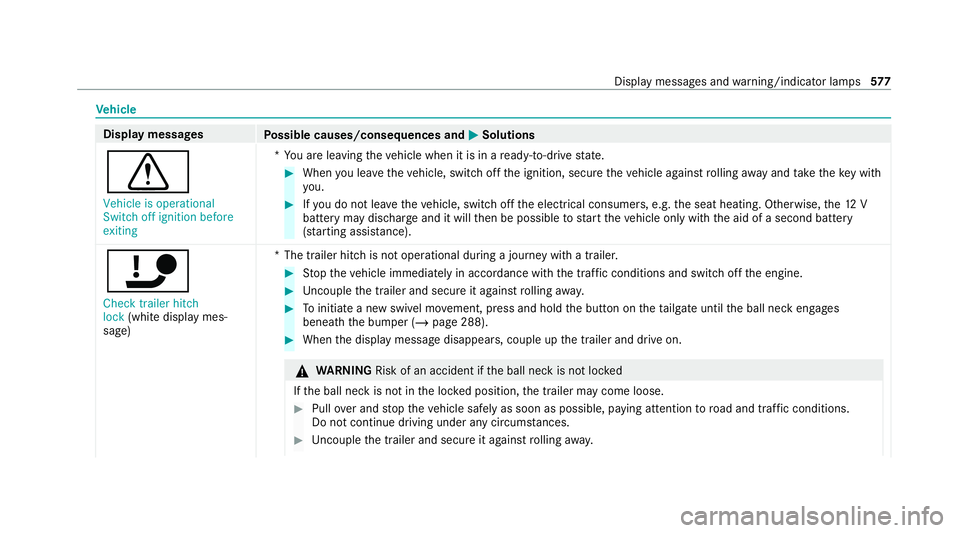
d Vehicle is operational
Switch off ignition before
exiting *Y
ou are leaving theve hicle when it is in a ready-to-drive state. #
When you lea vetheve hicle, switch off the ignition, secure theve hicle against rolling away and take theke y with
yo u. #
Ifyo u do not lea vetheve hicle, switch off the electrical consumers, e.g. the seat heating. Otherwise, the12 V
battery may dischar geand it will then be possible tostart theve hicle only with the aid of a second battery
(s ta rting assis tance).
ï Check trailer hitch
lock (whitedisplay mes‐
sage) *T
he trailer hitch is not operational during a journey with a trailer. #
Stop theve hicle immediately in accordance with the traf fic conditions and switch off the engine. #
Uncouple the trailer and secure it against rolling away. #
Toinitiate a new swivel mo vement, press and hold the button on theta ilgate until the ball neck engages
beneath the bumper (/ page 288). #
When the display message disappears, couple up the trailer and drive on. &
WARNING Risk of an accident if the ball neck is not loc ked
If th e ball neck is not in the loc ked position, the trailer may come loose. #
Pull over and stop theve hicle safely as soon as possible, paying attention toroad and traf fic conditions.
Do not continue driving under any circums tances. #
Uncouple the trailer and secure it against rolling away. Displ
aymessa ges and warning/indicator lamps 577
Page 588 of 689
Display messages
Possible causes/consequences and M
MSolutions
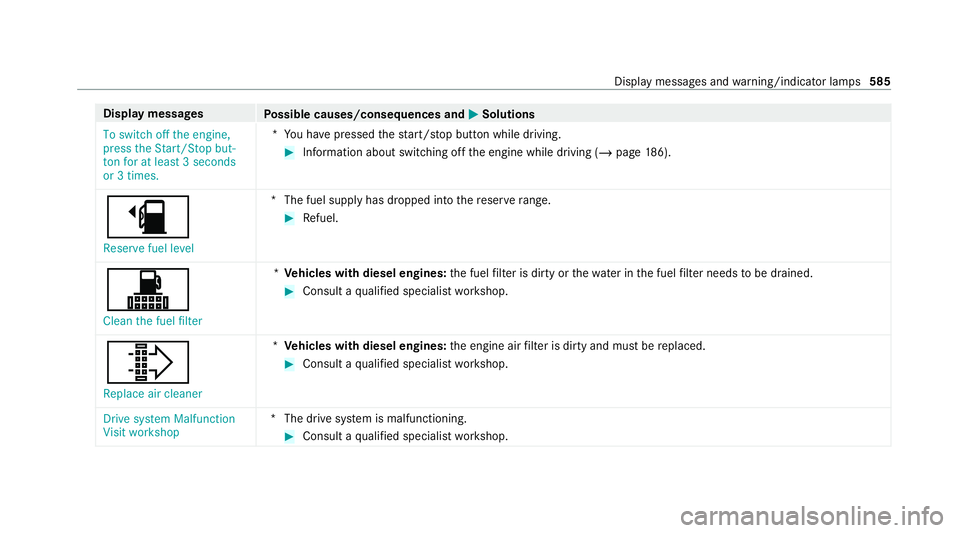
To switch off the engine,
press the Start/Stop but-
ton for at least 3 seconds
or 3 times. *Y
ou ha vepressed thest art/ stop button while driving. #
Information about switching off the engine while driving (/ page186).
æ
Reserve fuel level *T
he fuel supply has dropped into there ser verange. #
Refuel.
!
Clean the fuel filter *
Ve hicles with diesel engines: the fuel filter is dirty or thewate r inthe fuel filter needs tobe drained. #
Consult a qualified specialist workshop.
¸ Replace air cleaner *
Ve hicles with diesel engines: the engine air filter is dirty and must be replaced. #
Consult a qualified specialist workshop.
Drive system Malfunction
Visit workshop *T
he drive sy stem is malfunctioning. #
Consult a qualified specialist workshop. Display messages and
warning/indicator lamps 585
Page 645 of 689
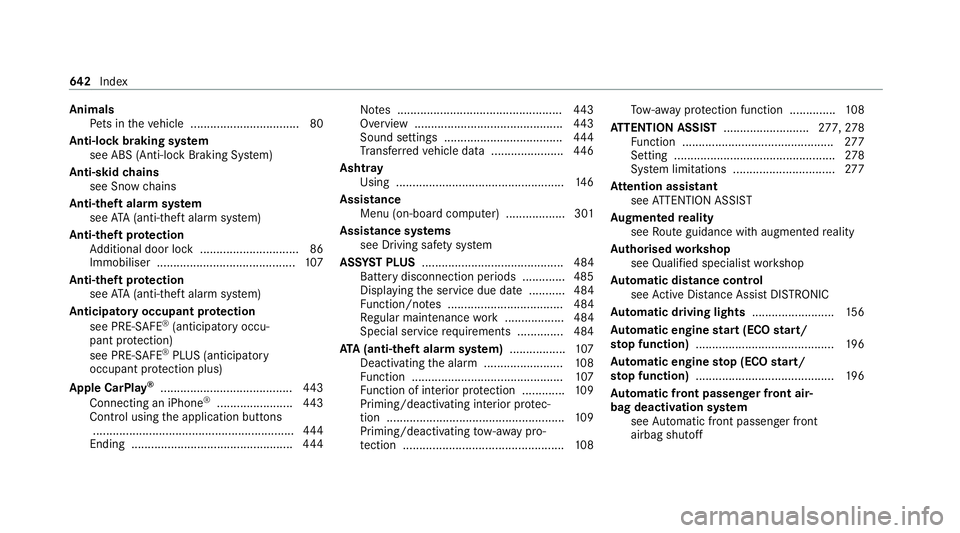
Animals
Pets in theve hicle ................................. 80
Anti-lock braking sy stem
see ABS (Anti-lock Braking Sy stem)
Anti-skid chains
see Snow chains
Anti-theft ala rmsystem
see ATA (anti-theft alarm sy stem)
Anti-theft pr otection
Ad ditional door lock .............................. 86
Immobiliser .......................................... 107
Anti-theft pr otection
see ATA (anti-theft alarm sy stem)
Anticipatory occupant pr otection
see PRE- SAFE®
(anticipatory occu‐
pant pr otection)
see PRE-SAFE ®
PLUS (anticipatory
occupant pr otection plus)
Apple CarPlay ®
........................................4 43
Connecting an iPhone ®
....................... 443
Control using the application buttons
.............................................................4 44
Ending ................................................ .444 No
tes .................................................. 443
Overview ............................................. 443
Sound settings .................................... 444
Tr ans ferred vehicle data ......................4 46
Ashtr ay
Using ................................................... 14 6
Assistance Menu (on-board co mputer) .................. 301
Assistance sy stems
see Driving saf ety sy stem
ASS YST PLUS ........................................... 484
Battery disconnection pe riods .............4 85
Displ aying the service due date ........... 484
Fu nction/no tes ................................... 484
Re gular maintenance work .................. 484
Special service requirements .............. 484
ATA (anti-theft ala rmsystem) ................ .107
Deactivating the alarm ........................ 108
Fu nction .............................................. 107
Fu nction of interior pr otection .............1 09
Priming/deactivating interior pr otec‐
tion ...................................................... 109
Priming/deactivating tow- aw ay pro‐
te ction ................................................. 108To
w- aw ay protection function .............. 108
AT TENTION ASSI ST.......................... 277,278
Fu nction .............................................. 277
Setting ................................................. 278
Sy stem limitations ...............................2 77
At tention assistant
see ATTENTION ASSIST
Au gmented reality
see Route guidance with augmented reality
Au thorised workshop
see Qualified specialist workshop
Au tomatic distance control
see Active Dis tance Assi stDISTRONIC
Au tomatic driving lights .........................15 6
Au tomatic engine start (ECO start/
sto p function) .......................................... 19 6
Au tomatic engine stop (ECO start/
sto p function) .......................................... 19 6
Au tomatic front passen ger front air‐
bag deacti vation sy stem
see Automatic front passenger front
airbag shutoff 642
Index
Page 655 of 689
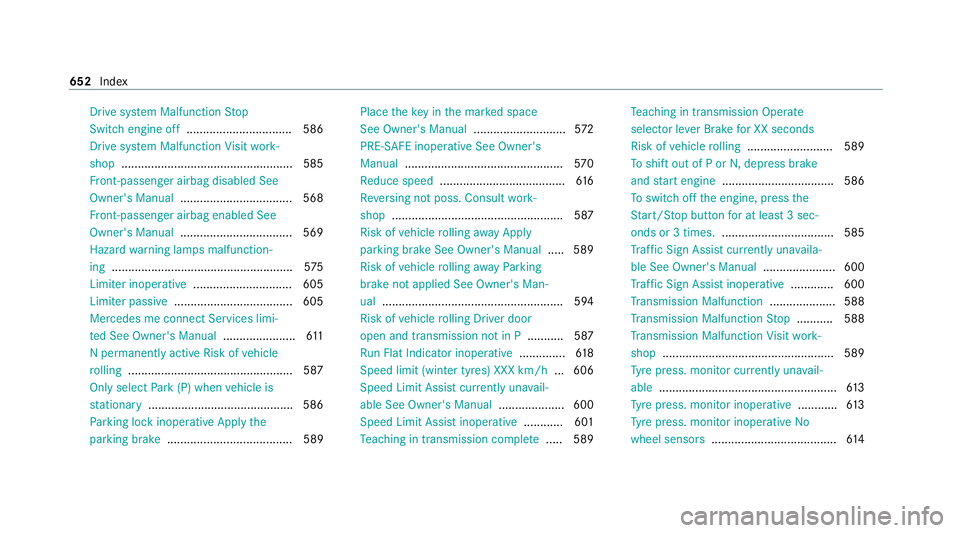
Drive sy
stem Malfunction Stop
Switch engine off ................................ 586
Drive sy stem Malfunction Visit work‐
shop ....................................................5 85
Fr ont-passenger airbag disabled See
Owner's Manual ..................................5 68
Fr ont-passenger airbag enabled See
Owner's Manual ..................................5 69
Hazard warning lamps malfunction‐
ing ...................................................... .575
Limiter inoperative .............................. 605
Limiter passive .................................... 605
Mercedes me connect Services limi‐
te d See Owner's Manual ......................611
N permanently active Risk of vehicle
ro lling .................................................. 587
Only select Park (P) when vehicle is
st ationary ............................................ 586
Pa rking lock inope rative Apply the
parking brake ...................................... 589 Place
theke y in the mar ked space
See Owner's Manual ............................572
PRE-SAFE inoperative See Owner's
Manual ................................................ 570
Re duce speed ...................................... 61 6
Re versing not poss. Consult work‐
shop ....................................................5 87
Risk of vehicle rolling away Apply
pa rking brake See Owner's Manual .....5 89
Risk of vehicle rolling away Parking
brake not applied See Owner's Man‐
ual ...................................................... .594
Risk of vehicle rolling Driver door
open and transmission not in P ...........587
Ru n Flat Indicator inope rative .............. 61 8
Speed limit (winter tyres) XXX km/h ... 606
Speed Limit Assi stcur rently una vail‐
able See Owner's Manual .................... 600
Speed Limit Assist inope rative ........... .601
Te aching in transmission comple te..... 589 Te
aching in transmission Operate
selec tor le ver Brake for XX seconds
Risk of vehicle rolling .......................... 589
To shift out of P or N,depress brake
and start engine .................................. 586
To switch off the engine, press the
St art/ Stop button for at least 3 sec‐
onds or 3 times. .................................. 585
Tr af fic Sign Assi stcur rently una vaila‐
ble See Owner's Manual ...................... 600
Tr af fic Sign Assi stinope rative ............. 600
Tr ansmission Malfunction .................... 588
Tr ansmission Malfunction Stop ........... 588
Tr ansmission Malfunction Visit work‐
shop ....................................................5 89
Ty re press. monitor cur rently una vail‐
able ...................................................... 61 3
Ty re press. monitor inoperative ............61 3
Ty re press. monitor inoperative No
wheel sensors ...................................... 61 4652
Index
Page 658 of 689
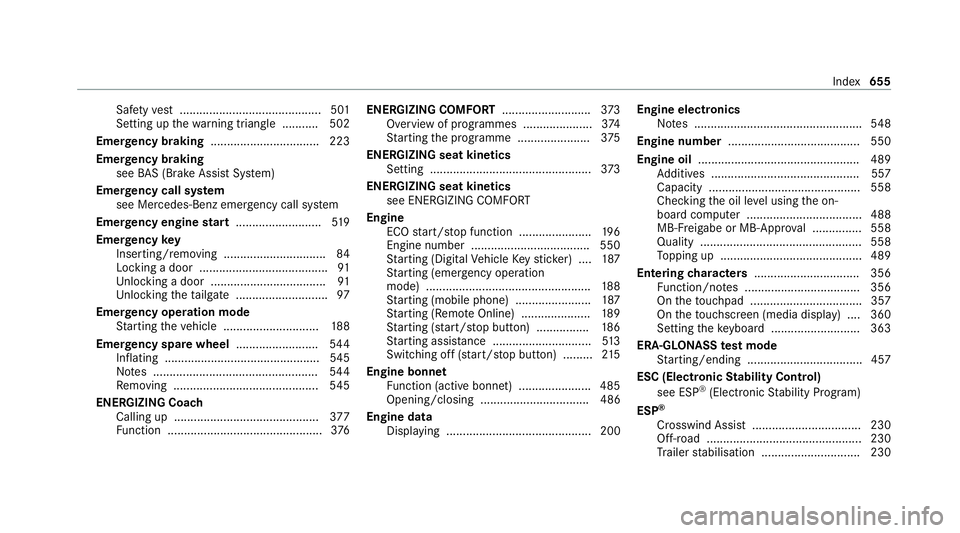
Saf
etyve st ........................................... 501
Setting up thewa rning triangle .......... .502
Emer gency braking ................................. 223
Emer gency braking
see BAS (Brake Assi stSystem)
Emer gency call sy stem
see Mercedes-Benz emer gency call sy stem
Emer gency engine start .......................... 519
Emer gency key
Inserting/removing ............................... 84
Locking a door ....................................... 91
Un locking a door .................................. .91
Un locking theta ilgate ............................ 97
Emer gency operation mode
St arting theve hicle ............................. 188
Emer gency spare wheel .........................5 44
Inflating ...............................................5 45
No tes .................................................. 544
Re moving ............................................ 545
ENERGIZING Coach Calling up ............................................ 377
Fu nction ............................................... 376ENERGIZING COMFORT
...........................373
Overview of programmes ..................... 374
St arting the programme ......................3 75
ENERGIZING seat kinetics Setting ................................................ .373
ENERGIZING seat kinetics see ENERGIZING COMFORT
Engine ECO start/ stop function ......................1 96
Engine number ................................... .550
St arting (Digital Vehicle Keyst icke r) .... 187
St arting (eme rgency operation
mode) .................................................. 188
St arting (mobile phone) ...................... .187
St arting (Remo teOnline) ..................... 189
St arting (s tart/s top button) ................ 186
St arting assis tance .............................. 513
Switching off (s tart/s top button) .........2 15
Engine bonnet Function (active bonnet) ...................... 485
Opening/closing ................................. 486
Engine data Displaying ............................................ 200 Engine electronics
Notes ................................................... 548
Engine number ........................................ 550
Engine oil ................................................ .489
Ad ditives .............................................5 57
Capacity .............................................. 558
Checking the oil le vel using the on-
board computer ................................... 488
MB-Fr eigabe or MB-Appr oval .............. .558
Quality ................................................. 558
To pping up ...........................................4 89
Entering characters ................................ 356
Fu nction/no tes ................................... 356
On theto uchpad .................................. 357
On theto uchsc reen (media display) ....3 60
Setting theke yboard .......................... .363
ERA-GLONASS test mode
St arting/ending .................................. .457
ESC (Electronic Stability Control)
see ESP ®
(Electronic Stability Prog ram)
ESP ®
Crosswind Assist ................................. 230
Off-road ............................................... 230
Tr ailer stabilisation .............................. 230 Index
655
Page 676 of 689
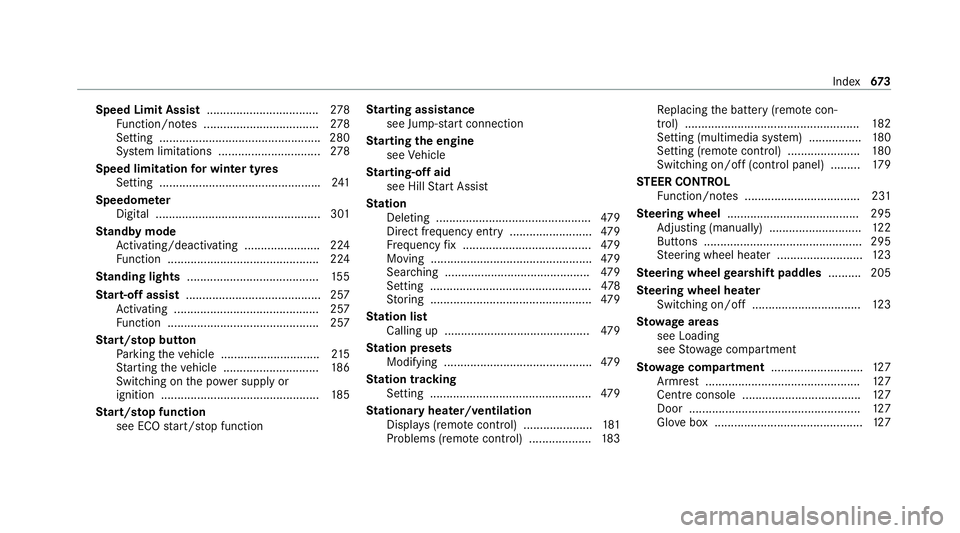
Speed Limit Assist
..................................2 78
Fu nction/no tes ................................... 278
Setting ................................................. 280
Sy stem limitations ...............................2 78
Speed limitation for winter tyres
Setting ................................................ .241
Speedome ter
Digital .................................................. 301
St andby mode
Ac tivating/deactivating ...................... .224
Fu nction .............................................. 224
St anding lights ........................................ 15 5
St art-off assi st......................................... 257
Ac tivating ............................................ 257
Fu nction .............................................. 257
St art/s top button
Pa rking theve hicle .............................. 215
St arting theve hicle ............................. 186
Switching on the po wer supply or
ignition ................................................ 185
St art/s top function
see ECO start/ stop function St
arting assi stance
see Jump -sta rt connection
St arting the engine
see Vehicle
St arting-o ffaid
see Hill Start Assist
St ation
Deleting ............................................... 479
Direct frequency entry ......................... 479
Fr equency fix ....................................... 479
Moving .................................................4 79
Sear ching ............................................ 479
Setting ................................................. 478
St oring .................................................4 79
St ation list
Calling up ............................................ 479
St ation presets
Modifying ............................................. 479
St ation tracking
Setting ................................................. 479
St ationary heater/ventilation
Displ ays (remo tecontrol) ..................... 181
Problems (remo tecontrol) ................... 183Re
placing the battery (remo tecon‐
trol) ..................................................... 182
Setting (multimedia sy stem) ................1 80
Setting (remo tecontrol) ...................... 180
Switching on/off (control panel) ......... 17 9
ST EER CONT ROL
Fu nction/no tes ................................... 231
Ste ering wheel ........................................ 295
Ad justing (manually) ............................ 12 2
Buttons ................................................ 295
St eering wheel heater .......................... 12 3
Ste ering wheel gearshift paddles .......... 205
Ste ering wheel heater
Swit ching on/off ................................ .123
St ow age areas
see Loading
see Stow age compartment
St ow age comp artment............................ 127
Armrest ............................................... 127
Centre console .................................... 127
Door .................................................... 127
Glo vebox .............................................1 27 Index
673