technical data MERCEDES-BENZ GLC COUPE 2016 Owners Manual
[x] Cancel search | Manufacturer: MERCEDES-BENZ, Model Year: 2016, Model line: GLC COUPE, Model: MERCEDES-BENZ GLC COUPE 2016Pages: 389, PDF Size: 7.34 MB
Page 6 of 389
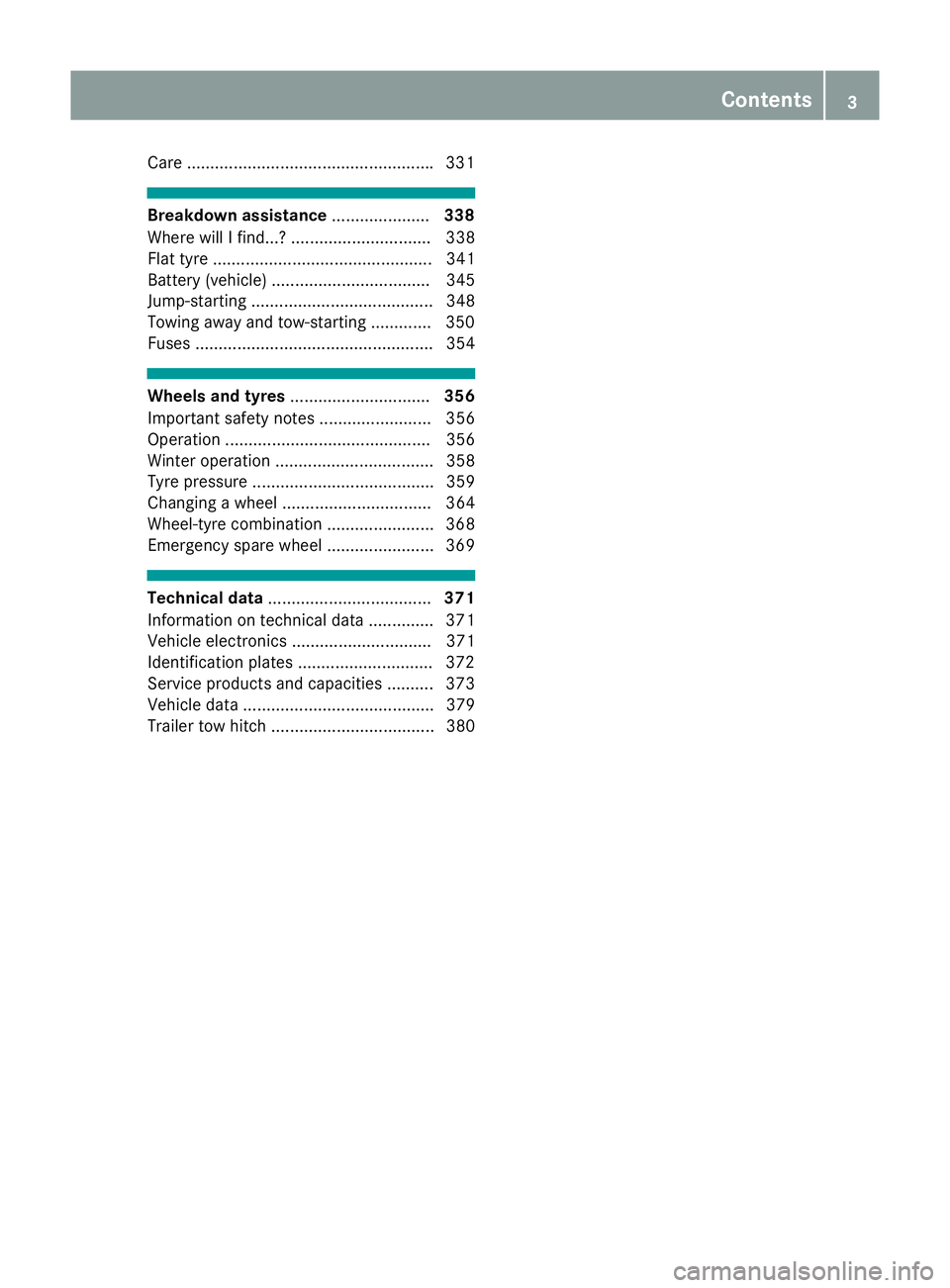
Care ....................................................
.331 Breakdown assistance
.....................338
Where will I find...? .............................. 338
Flat tyre ............................................... 341
Battery (vehicle) .................................. 345
Jump-starting ....................................... 348
Towing away and tow-starting ............. 350
Fuses ................................................... 354 Wheels and tyres
.............................. 356
Important safety notes ........................ 356
Operation ............................................ 356
Winter operation .................................. 358
Tyre pressure ....................................... 359
Changing a wheel ................................ 364
Wheel-tyre combination ....................... 368
Emergency spare wheel ....................... 369 Technical data
................................... 371
Information on technical data .............. 371
Vehicle electronics .............................. 371
Identification plates ............................ .372
Service products and capacities .......... 373
Vehicle data ......................................... 379
Trailer tow hitch ................................... 380 Contents
3
Page 12 of 389
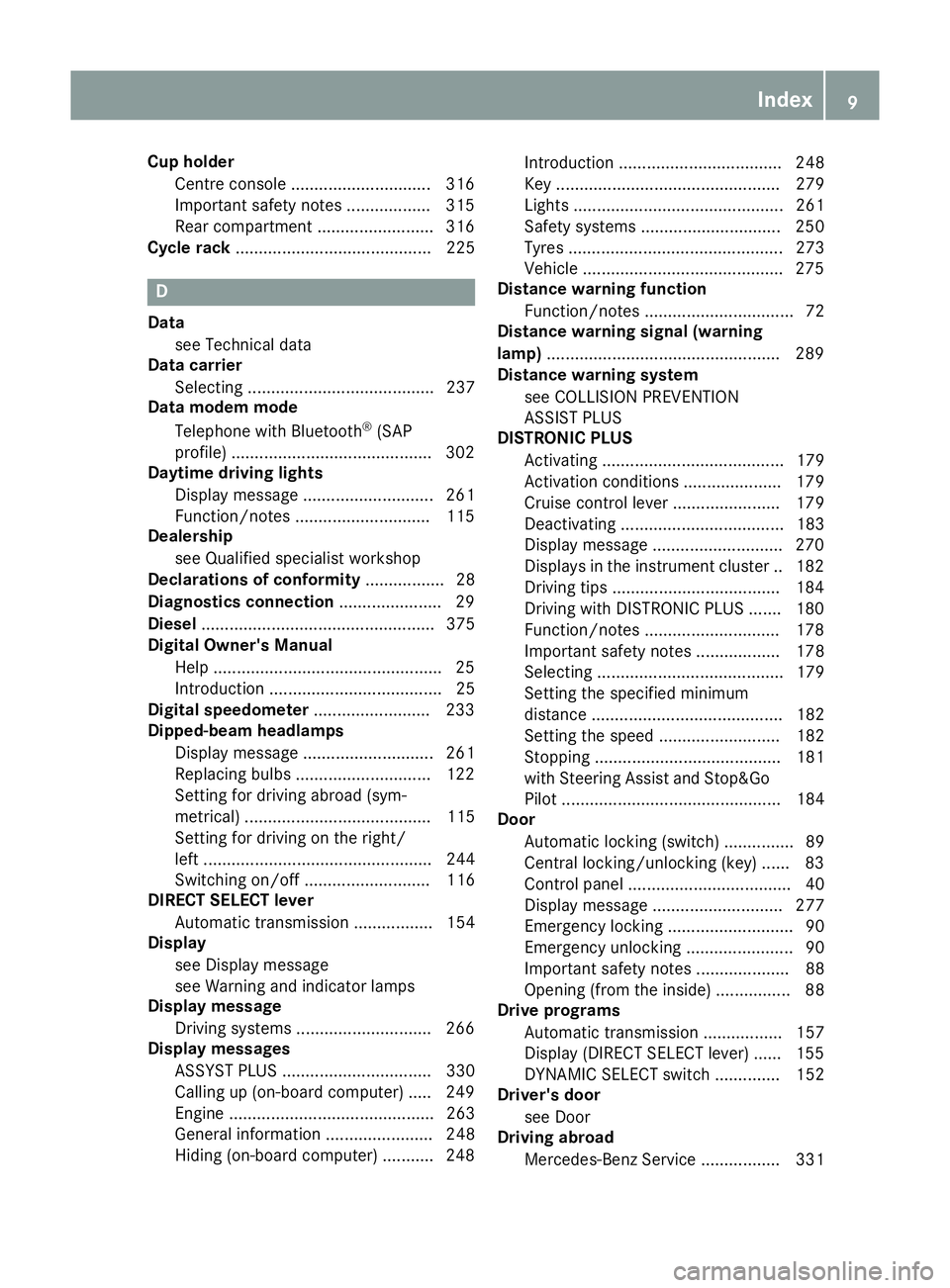
Cup holder
Centre console .............................. 316
Important safety notes .................. 315
Rear compartment ........................ .316
Cycle rack .......................................... 225 D
Data see Technical data
Data carrier
Selecting ........................................ 237
Data modem mode
Telephone with Bluetooth ®
(SAP
profile) .......................................... .302
Daytime driving lights
Display message ............................ 261
Function/notes ............................ .115
Dealership
see Qualified specialist workshop
Declarations of conformity ................. 28
Diagnostics connection ......................29
Diesel .................................................. 375
Digital Owner's Manual
Help ................................................ .25
Introduction .....................................25
Digital speedometer .........................233
Dipped-beam headlamps
Display message ............................ 261
Replacing bulbs ............................ .122
Setting for driving abroad (sym-
metrical) ........................................ 115
Setting for driving on the right/
left ................................................. 244
Switching on/off ........................... 116
DIRECT SELECT lever
Automatic transmission ................. 154
Display
see Display message
see Warning and indicator lamps
Display message
Driving systems ............................ .266
Display messages
ASSYST PLUS ................................ 330
Calling up (on-board computer) ..... 249
Engine ............................................ 263
General information ....................... 248
Hiding (on-board computer) ........... 248 Introduction ................................... 248
Key ................................................ 279
Lights ............................................. 261
Safety systems .............................. 250
Tyres .............................................. 273
Vehicle .......................................... .275
Distance warning function
Function/notes ................................ 72
Distance warning signal (warning
lamp) ................................................. .289
Distance warning system
see COLLISION PREVENTION
ASSIST PLUS
DISTRONIC PLUS
Activating ....................................... 179
Activation conditions ..................... 179
Cruise control lever ....................... 179
Deactivating ................................... 183
Display message ............................ 270
Displays in the instrument cluster .. 182
Driving tips ................................... .184
Driving with DISTRONIC PLUS ....... 180
Function/notes ............................ .178
Important safety notes .................. 178
Selecting ........................................ 179
Setting the specified minimum
distance ......................................... 182
Setting the spee d.......................... 182
Stopping ........................................ 181
with Steering Assist and Stop&Go Pilot ............................................... 184
Door
Automatic locking (switch) ............... 89
Central locking/unlocking (key) ...... 83
Control panel ................................... 40
Display message ............................ 277
Emergency locking ........................... 90
Emergency unlocking ....................... 90
Important safety notes .................... 88
Opening (from the inside) ................ 88
Drive programs
Automatic transmission ................. 157
Display (DIRECT SELECT lever) ...... 155
DYNAMIC SELECT switch .............. 152
Driver's door
see Door
Driving abroad
Mercedes-Benz Service ................. 331 Index
9
Page 14 of 389
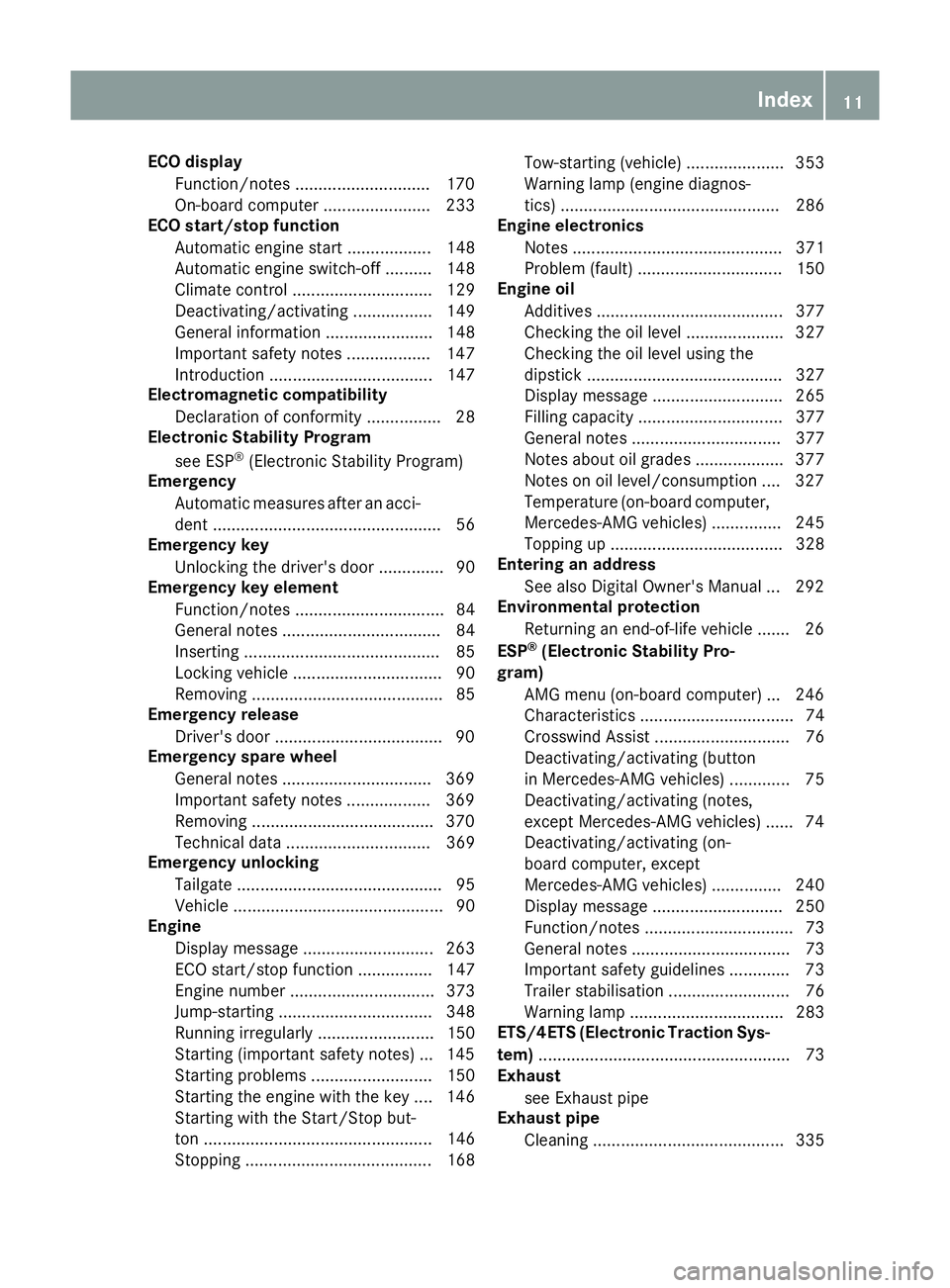
ECO display
Function/notes ............................ .170
On-board computer ....................... 233
ECO start/stop function
Automatic engine start .................. 148
Automatic engine switch-off .......... 148
Climate control .............................. 129
Deactivating/activating ................. 149
General information ....................... 148
Important safety notes .................. 147
Introduction ................................... 147
Electromagnetic compatibility
Declaration of conformity ................ 28
Electronic Stability Program
see ESP ®
(Electronic Stability Program)
Emergency
Automatic measures after an acci-
dent ................................................. 56
Emergency key
Unlocking the driver's door .............. 90
Emergency key element
Function/notes ................................ 84
General notes .................................. 84
Inserting .......................................... 85
Locking vehicle ................................ 90
Removing ......................................... 85
Emergency release
Driver's door ................................... .90
Emergency spare wheel
General notes ................................ 369
Important safety notes .................. 369
Removing ...................................... .370
Technical data ............................... 369
Emergency unlocking
Tailgate ............................................ 95
Vehicle ............................................. 90
Engine
Display message ............................ 263
ECO start/stop function ................ 147
Engine number ............................... 373
Jump-starting ................................. 348
Running irregularl y......................... 150
Starting (important safety notes )... 145
Starting problems .......................... 150
Starting the engine with the key .... 146
Starting with the Start/Stop but-
ton ................................................. 146
Stopping ........................................ 168 Tow-starting (vehicle) ..................... 353
Warning lamp (engine diagnos-
tics) ............................................... 286
Engine electronics
Notes ............................................. 371
Problem (fault) ............................... 150
Engine oil
Additives ........................................ 377
Checking the oil level ..................... 327
Checking the oil level using the
dipstick .......................................... 327
Display message ............................ 265
Filling capacity ............................... 377
General notes ................................ 377
Notes about oil grade s................... 377
Notes on oil level/consumption .... 327
Temperature (on-board computer, Mercedes-AMG vehicles) ............... 245
Topping up ..................................... 328
Entering an address
See also Digital Owner's Manua l... 292
Environmental protection
Returning an end-of-life vehicle ....... 26
ESP ®
(Electronic Stability Pro-
gram)
AMG menu (on-board computer) ... 246
Characteristics ................................. 74
Crosswind Assist ............................. 76
Deactivating/activating (button
in Mercedes-AMG vehicles) ............. 75
Deactivating/activating (notes,
except Mercedes-AMG vehicles) ...... 74
Deactivating/activating (on-
board computer, except
Mercedes-AMG vehicles) ............... 240
Display message ............................ 250
Function/note s................................ 73
General notes .................................. 73
Important safety guidelines ............. 73
Trailer stabilisation .......................... 76
Warning lamp ................................. 283
ETS/4ETS (Electronic Traction Sys-
tem) ...................................................... 73
Exhaust
see Exhaust pipe
Exhaust pipe
Cleaning ......................................... 335 Index
11
Page 24 of 389
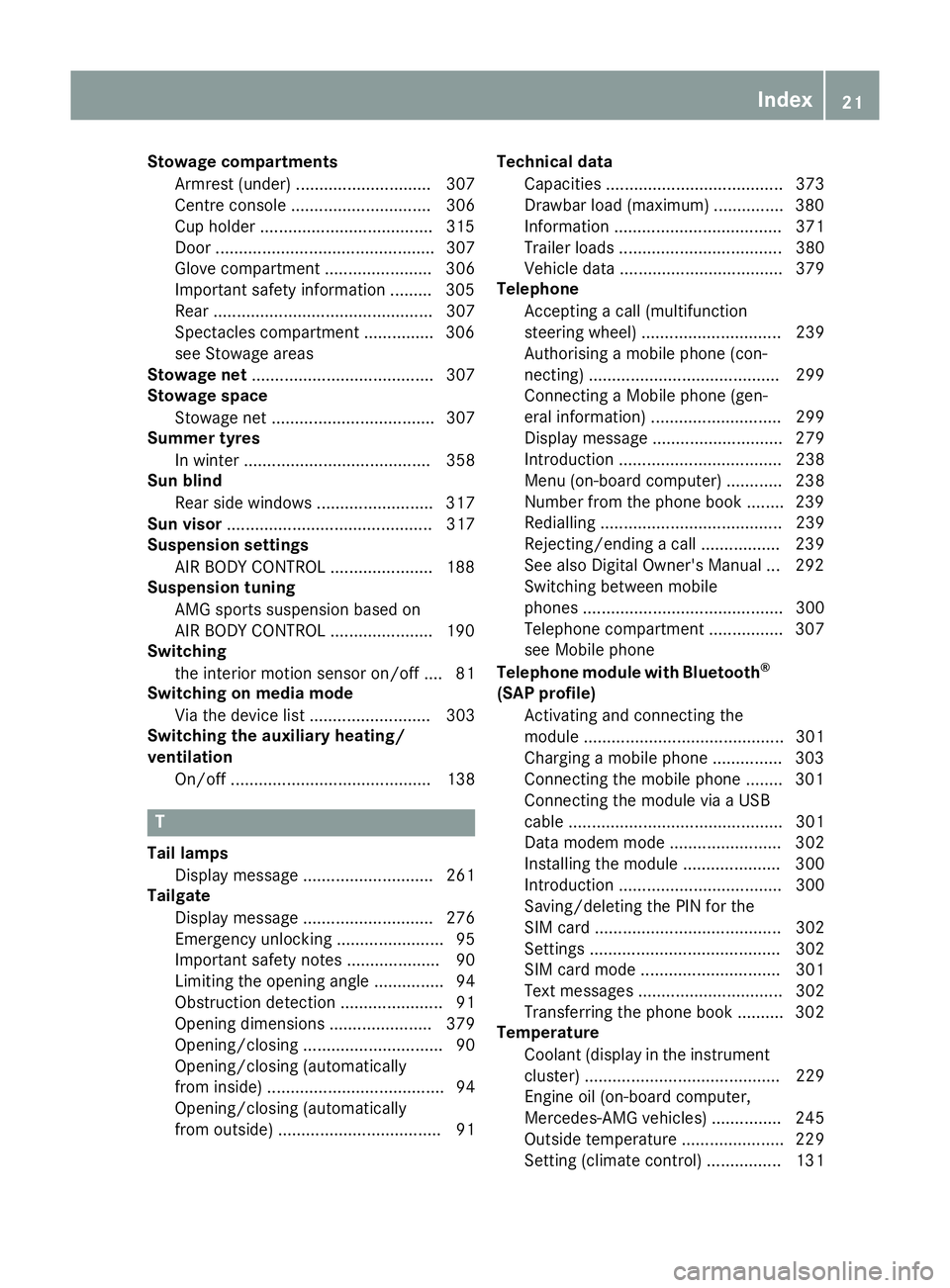
Stowage compartments
Armrest (under) ............................. 307
Centre console .............................. 306
Cup holder .....................................3 15
Door ............................................... 307
Glove compartment ....................... 306
Important safety information ......... 305
Rear ............................................... 307
Spectacles compartment .............. .306
see Stowage areas
Stowage net ....................................... 307
Stowage space
Stowage net ................................... 307
Summer tyres
In winter ........................................ 358
Sun blind
Rear side windows ......................... 317
Sun visor ............................................ 317
Suspension settings
AIR BODY CONTROL ..................... .188
Suspension tuning
AMG sports suspension based on
AIR BODY CONTROL ..................... .190
Switching
the interior motion sensor on/off .... 81
Switching on media mode
Via the device lis t.......................... 303
Switching the auxiliary heating/
ventilation
On/off ........................................... 138 T
Tail lamps Display message ............................ 261
Tailgate
Display message ............................ 276
Emergency unlocking ....................... 95
Important safety notes .................... 90
Limiting the opening angle ............... 94
Obstruction detectio n...................... 91
Opening dimensions ...................... 379
Opening/closing .............................. 90
Opening/closing (automatically
from inside) ...................................... 94
Opening/closing (automatically
from outside) ................................... 91 Technical data
Capacities ...................................... 373
Drawbar load (maximum) ............... 380
Information .................................... 371
Trailer load s................................... 380
Vehicle data ................................... 379
Telephone
Accepting a call (multifunction
steering wheel) .............................. 239
Authorising a mobile phone (con-
necting) ......................................... 299
Connecting a Mobile phone (gen-
eral information) ............................ 299
Display message ............................ 279
Introduction ................................... 238
Menu (on-board computer) ............ 238
Number from the phone book ........ 239
Redialling ....................................... 239
Rejecting/ending a call ................. 239
See also Digital Owner's Manua l... 292
Switching between mobile
phones ........................................... 300
Telephone compartment ................ 307
see Mobile phone
Telephone module with Bluetooth ®
(SAP profile) Activating and connecting the
module ........................................... 301
Charging a mobile phone ............... 303
Connecting the mobile phone ........ 301
Connecting the module via a USB
cable .............................................. 301
Data modem mode ........................ 302
Installing the module ..................... 300
Introduction ................................... 300
Saving/deleting the PIN for the
SIM card ........................................ 302
Setting s......................................... 302
SIM card mode .............................. 301
Text messages ............................... 302
Transferring the phone book .......... 302
Temperature
Coolant (display in the instrumentcluster) .......................................... 229
Engine oil (on-board computer,
Mercedes-AMG vehicles) ............... 245
Outside temperature ...................... 229
Setting (climate control )................ 131 Index
21
Page 26 of 389
Switching on/of
f........................... 117
TV
Operating (on-board computer) ..... 238
Two-way radio
Frequencies ................................... 371
Installation ..................................... 371
Transmission output (maximum) .... 371
Type identification plate
see Vehicle identification plate
Tyre changing tool kit ....................... 340
Tyre inflation compressor
see TIREFIT kit
Tyre pressure
Calling up (on-board computer) ..... 361
Display message ............................ 273
Not reached (TIREFIT) .................... 344
Reached (TIREFIT) .......................... 344
Recommended ............................... 359
Tyre pressure loss warning
General notes ................................ 360
Important safety notes .................. 361
Restarting ...................................... 361
Tyre pressure monitor
Checking the tyre pressure elec-
tronically ........................................ 362
Function/note s............................. 361
General notes ................................ 361
Important safety notes .................. 362
Radio type approval for the tyre
pressure monitor ........................... 364
Restarting ...................................... 363
Warning lamp ................................. 290
Warning message .......................... 363
Tyres
Changing a whee l.......................... 364
Checking ........................................ 356
Direction of rotation ...................... 365
Display message ............................ 273
Important safety notes .................. 356
Information on driving .................... 356
MOExtended tyre s......................... 358
Replacing ....................................... 364
Service life ..................................... 357
Snow chains .................................. 359
Storing ........................................... 365
Summer tyres in winter ................. 358
Tyre size (data ).............................. 368
Tyre tread ...................................... 357 Wheel and tyre combinations ........ 368
see Flat tyre U
Unlocking Emergency unlocking ....................... 90
From inside the vehicle (central
unlocking button) ............................. 89
USB devices
Connecting to the Media Inter-
face ............................................... 304
Using the TIREFIT
tyre pressure kit ............................ 343 V
Vanity mirror (in sun visor) .............. 317
Variable SPEEDTRONIC
see SPEEDTRONIC
Vehicle
Correct use ...................................... 30
Data acquisition ............................... 30
Display message ............................ 275
Electronics ..................................... 371
Equipment ....................................... 27
Implied warranty .............................. 30
Individual settings .......................... 240
Leaving parked up ......................... 170
Locking (in an emergency) ............... 90
Locking (key) ................................... 83
Lowering ........................................ 368
Operating safety .............................. 27
Parking .......................................... 167
Pulling away ................................... 146
Raising ........................................... 366
Registration ..................................... 30
Securing from rolling away ............ 365
Technical data ............................... 371
Towing away .................................. 350
Transporting .................................. 353
Unlocking (in an emergency) ........... 90
Unlocking (key) ................................ 83
Vehicle data ................................... 379
Vehicle dimensions ........................... 379
Vehicle emergency locking ................ 90
Vehicle identification number
see VIN Index
23
Page 31 of 389
Do not attempt to modify the wiring as well as
electronic components or their software.
Always have work on electrical and electronic
components carried out at a qualified special- ist workshop.
If you make any changes to the vehicle elec-
tronics, the general operating permit is ren-
dered invalid.
! There is a risk of damage to the vehicle if:
R the vehicle becomes stuck, e.g. on a high
kerb or an unpaved road
R you drive too quickly over an obstacle, e.g.
a kerb, slowing thresholds or a pothole in
the road
R a heavy object strikes the underbody or
parts of the chassis
In situations like this, the body, underbody,
chassis parts, wheels or tyres could be dam-
aged without the damage being visible. Com- ponents damaged in this way can unexpect-
edly fail or, in the case of an accident, no lon-
ger withstand the strain they are designed to withstand.
If the underbody panelling is damaged, com-
bustible materials such as leaves, grass or
twigs can gather between the underbody and
the underbody panelling. If these materials
come into contact with hot parts of the
exhaust system, they can catch fire.
In such situations, have the vehicle checked
and repaired immediately at a qualified spe-
cialist workshop. If, on continuing your jour-
ney, you notice that driving safety is impaired,
stop the vehicle immediately, paying atten-
tion to road and traffic conditions. In such
cases, consult a qualified specialist work-
shop. Declarations of conformity
Wireless vehicle components The following information applies to all compo-
nents of the vehicle and the information sys-
tems and communication devices integrated
into the vehicle that receive and/or transmit
radio waves:
The components of this vehicle that receive
and/or transmit radio waves are compliant with
the basic requirements and all other relevant conditions of Directive 1999/5/EC. You can
obtain further information from any Mercedes-
Benz Service Centre.
Electromagnetic compatibility The electromagnetic compatibility of the vehicle
components has been checked and certified
according to the currently valid version of Reg-
ulation ECE-R 10.
Jack Copy and translation of the original declaration
of conformity:
EC declaration of conformity
1. The signatory, as a representative Manufacturer:
BRANO a.s.
74741 Hradec nad Moravicí, Opav-
ská 1000,
Czech Republic
ID no.: 64-387-5933
VAT ID no.: CZ64-387-5933
declares, as our sole responsibility, that theproduct:
2.
a) Description:
Jack
Type, number:
A) A 164 580 02 18, A 166 580 01 18
B) A 240 580 00 18
C) A 639 580 02 18
Year of manufacture: 2015
Fulfils all relevant conditions
Directive no. 2006/42/EC
b) Description and purpose of use: The jack is intended only for raising the
specified vehicle according to the operatinginstructions affixed to the jack.
3. Reference data of the harmonised stand- ards or specifications
A) ISO 4063, EN ISO 14341-A, DBL
7382.20, MBN 10435, AS 2693
B) ISO 4063, ISO 14341-A, DBL 7392.10,
MBN 10435
C) DBL 7392.10, DBL 8230.10
Technical documentation for the product is
held by the manufacturer. Authorised rep-
resentative for compilation of the technical 28
Operating safetyIntroduction
Page 33 of 389
Qualified specialist workshop
A qualified specialist workshop has the neces-
sary special skills, tools and qualifications to
correctly carry out any necessary work on your
vehicle. This particularly applies to work rele-
vant to safety.
Observe the notes in the Service Booklet.
Always have the following work carried out at a
qualified specialist workshop:
R work relevant to safety
R service and maintenance work
R repair work
R modifications, installations and conversions
R work on electronic components
Mercedes-Benz recommends that you use a
Mercedes-Benz Service Centre. Vehicle registration
Mercedes-Benz may ask its Service Centres to
carry out technical inspections on certain vehi-
cles. The quality or safety of the vehicle is
improved as a result of the inspection.
Mercedes-Benz can inform you about vehicle
inspections only if it has your registration data.
It is possible that your vehicle has not yet been
registered in your name in the following cases: R if your vehicle was not purchased at an
authorised specialist dealer.
R if your vehicle has not yet been inspected at a
Mercedes-Benz Service Centre.
It is advisable to register your vehicle with a
Mercedes-Benz Service Centre.
Inform Mercedes-Benz as soon as possible
about any change in address or vehicle owner-
ship. You can do this at a Mercedes-Benz Ser-
vice Centre, for example. Correct use
If you remove any warning stickers, you or oth-
ers could fail to recognise certain dangers.
Leave warning stickers in position.
Observe the following information when driving
your vehicle:
R the safety notes in this manual
R technical data for the vehicle R
traffic rules and regulations
R laws and safety standards pertaining to motor
vehicles Implied warranty
! Follow the instructions in this manual about
the proper operation of your vehicle as well as
about possible vehicle damage. Damage to
your vehicle that arises from culpable contra- ventions against these instructions are not
covered either by Mercedes-Benz implied
warranty or by the New or Used-Vehicle War- ranty. QR code for rescue card
The QR code is secured in the fuel filler flap and
on the opposite side on the B-pillar. In the event
of an accident, rescue services can use the QR
code to quickly find the appropriate rescue card for your vehicle. The current rescue card con-
tains, in a compact form, the most important
information about your vehicle, e.g. the routing
of the electric cables.
You can find more information under
www.mercedes-benz.de/qr-code. Data stored in the vehicle
Many of the electronic components in your vehi- cle can store data.
These data memories temporarily or perma-
nently store technical information about:
R the vehicle's operating state
R events
R faults
In general, this technical information docu-
ments the state of a component, a module, a
system or the surroundings.
These include, for example:
R operating conditions of system components,
e.g. fluid levels
R status messages concerning the vehicle and
its individual components, e.g. wheel rota-
tional speed, vehicle speed, deceleration in
movement, lateral acceleration, accelerator
pedal position 30
Data stored in the vehicleIntroduction
Page 34 of 389
R
malfunctions and defects in important system
components, e.g. lights, brakes
R vehicle reactions and operating conditions in
special driving situations, e.g. airbag deploy-
ment, intervention of stability control sys-
tems
R ambient conditions, e.g. outside temperature
These data are of an exclusively technical nature
and can be used to:
R assist in detecting and rectifying faults and
defects
R analyse vehicle functions, e.g. after an acci-
dent
R optimise vehicle functions
The data cannot be used to trace the vehicle's
movements.
When your vehicle is serviced, technical infor-
mation can be read from the event data memory
and fault data memory.
Services include, for example:
R repair services
R service processes
R warranty events
R quality assurance
The information is read out by employees of the service network (including the manufacturer)
using special diagnostic testers. You can obtain
more information there, if required.
After a fault has been rectified, the information
is deleted from the fault memory or is continu-
ally overwritten.
During vehicle operation, certain situations may arise in which these technical data – in conjunc-
tion with other information and, if applicable,
after consultation with an approved assessor –
may be linked to an individual person.
Examples include:
R accident reports
R damage to the vehicle
R witness statements
Further additional functions that have been con-
tractually agreed upon with the customer allow
certain vehicle data to be conveyed by the vehi-
cle as well. The additional functions include, for example, vehicle location in the event of an
emergency. Copyright information
Information on licences for free and open-
source software used in your vehicle can be
found on the data carrier in your vehicle docu-
ment wallet and, including updates, on the fol-
lowing website:
http://www.mercedes-benz.com/opensource Copyright information
31Introduction Z
Page 222 of 389
R
ball coupling
R trailer tow hitch
The vehicle/trailer combination could become
unstable.
The vehicle/trailer combination could also
become unstable if the noseweight used is lower
than the minimum permissible noseweight.
To avoid hazardous situations:
R make sure to check the noseweight before
each journey
R use a noseweight as close as possible to the
maximum noseweight
R do not exceed the maximum permissible
noseweight
R do not use a noseweight lower than the min-
imum noseweight
Make sure that the following values are not
exceeded:
R the permissible noseweight
R the permissible trailer load
R the permissible rear axle load of the towing
vehicle
R the maximum permissible gross vehicle
weight of both the towing vehicle and the
trailer
The applicable permissible values, which must
not be exceeded, can be found:
R in your vehicle documents
R on the type plates for the trailer
R on the vehicle identification plate
If the values differ, the lowest value applies.
You will find permissible trailer loads under
"Technical data" (Y page 380).
When reversing the towing vehicle, make sure
there is nobody between the trailer and the vehi- cle.
Couple and uncouple the trailer carefully. If you
do not couple the trailer to the towing vehicle
correctly, the trailer could become detached.
When towing a trailer, your vehicle's handling
characteristics will be different to when driving
without a trailer.
The vehicle/trailer combination:
R is heavier
R is restricted in its acceleration and gradient-
climbing capability
R has an increased braking distance
R is affected more by strong crosswinds R
demands more sensitive steering
R has a larger turning circle
This can impair the vehicle's handling charac-
teristics. Adapt your driving style accordingly.
Maintain a safe distance. Drive carefully.
When towing a trailer, always adjust your speed to the current road and weather conditions. Do
not exceed the maximum permissible speed for
your vehicle/trailer combination. Notes on towing a trailer
General notes When towing a trailer, set the tyre pressure on
the rear axle of the towing vehicle for a maxi-
mum load. Further information on the tyre pres-
sure table in the fuel filler flap (Y page 359).
You will find permissible trailer loads under
"Technical data" (Y page 380).
Driving tips Observe the information on ESP
®
trailer stabili-
sation (Y page 76).
The maximum permissible speed for vehicle/
trailer combinations depends on the type of
trailer. Before beginning the journey, check the
trailer's documents to see what the maximum
permitted speed is. Observe the maximum per-
missible speed in the relevant country.
For certain Mercedes-Benz vehicles, the maxi-
mum permissible rear axle load is increased
when towing a trailer. See the "Technical data"
section to find out whether this applies to your
vehicle (Y page 381). In the event of increased
rear axle load, the car/trailer combination may
not exceed a maximum speed of 100 km/ hfor
reasons concerning the operating permit. This
also applies in countries in which the maximum
permissible speed for car/trailer combinations
is greater than 100 km/h.
When towing a trailer, your vehicle's handling
characteristics will be different to when driving
without a trailer and the vehicle will consume
more fuel.
Shift to a lower gear in good time on long and
steep downhill gradients.
This also applies in the case of:
R activated DISTRONIC PLUS
R activated cruise control Towing a trailer
219Driving and parking Z
Page 318 of 389
X
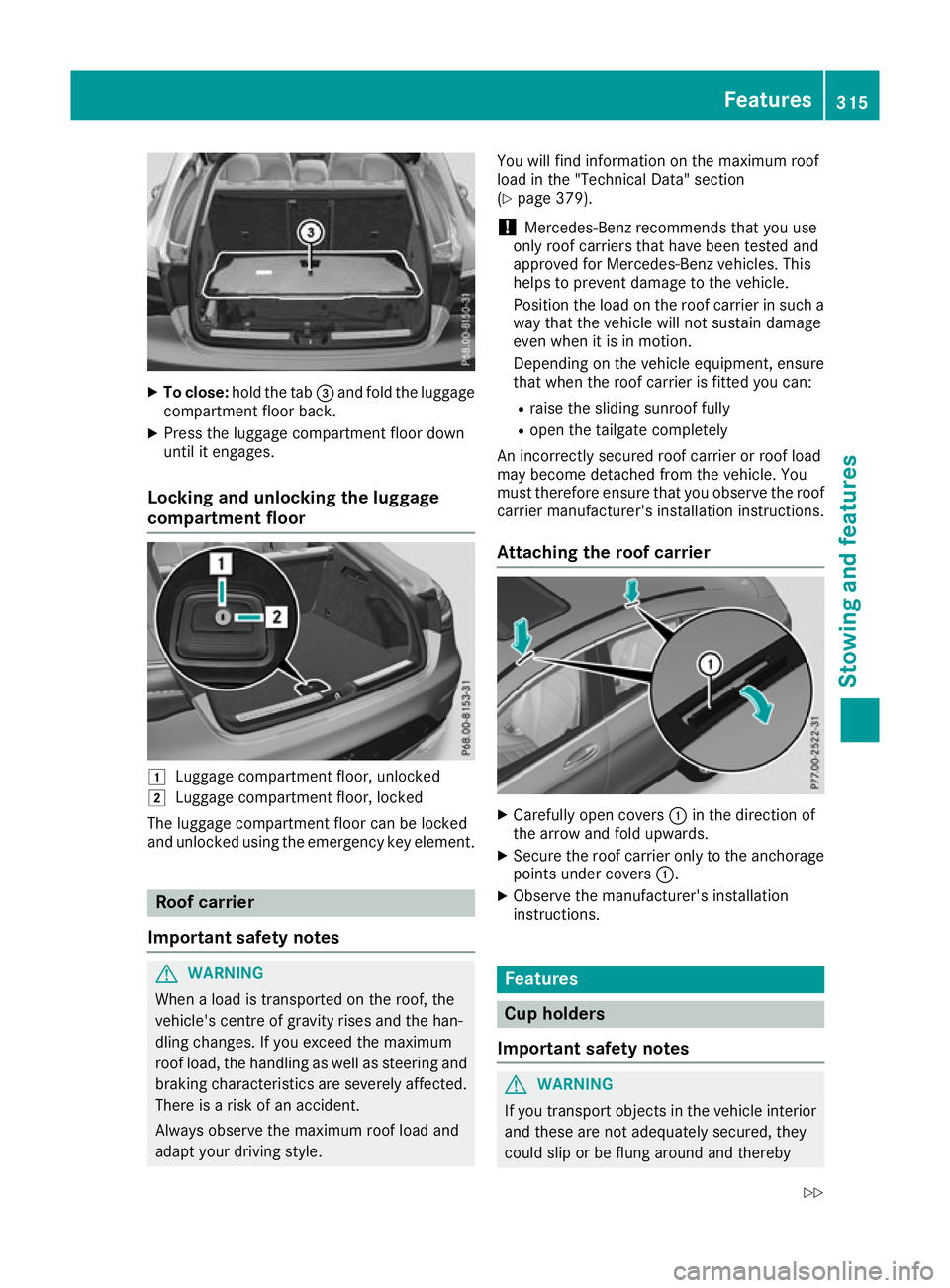
To close: hold the tab =and fold the luggage
compartment floor back.
X Press the luggage compartment floor down
until it engages.
Locking and unlocking the luggage
compartment floor 1
Luggage compartment floor, unlocked
2 Luggage compartment floor, locked
The luggage compartment floor can be locked
and unlocked using the emergency key element. Roof carrier
Important safety notes G
WARNING
When a load is transported on the roof, the
vehicle's centre of gravity rises and the han-
dling changes. If you exceed the maximum
roof load, the handling as well as steering and braking characteristics are severely affected.
There is a risk of an accident.
Always observe the maximum roof load and
adapt your driving style. You will find information on the maximum roof
load in the "Technical Data" section
(Y
page 379).
! Mercedes-Benz recommends that you use
only roof carriers that have been tested and
approved for Mercedes-Benz vehicles. This
helps to prevent damage to the vehicle.
Position the load on the roof carrier in such a way that the vehicle will not sustain damage
even when it is in motion.
Depending on the vehicle equipment, ensure
that when the roof carrier is fitted you can:
R raise the sliding sunroof fully
R open the tailgate completely
An incorrectly secured roof carrier or roof load
may become detached from the vehicle. You
must therefore ensure that you observe the roof carrier manufacturer's installation instructions.
Attaching the roof carrier X
Carefully open covers :in the direction of
the arrow and fold upwards.
X Secure the roof carrier only to the anchorage
points under covers :.
X Observe the manufacturer's installation
instructions. Features
Cup holders
Important safety notes G
WARNING
If you transport objects in the vehicle interior and these are not adequately secured, they
could slip or be flung around and thereby Features
315Stowing an d features
Z