navigation MERCEDES-BENZ GLC COUPE 2021 Owner's Manual
[x] Cancel search | Manufacturer: MERCEDES-BENZ, Model Year: 2021, Model line: GLC COUPE, Model: MERCEDES-BENZ GLC COUPE 2021Pages: 481, PDF Size: 9 MB
Page 274 of 481
or
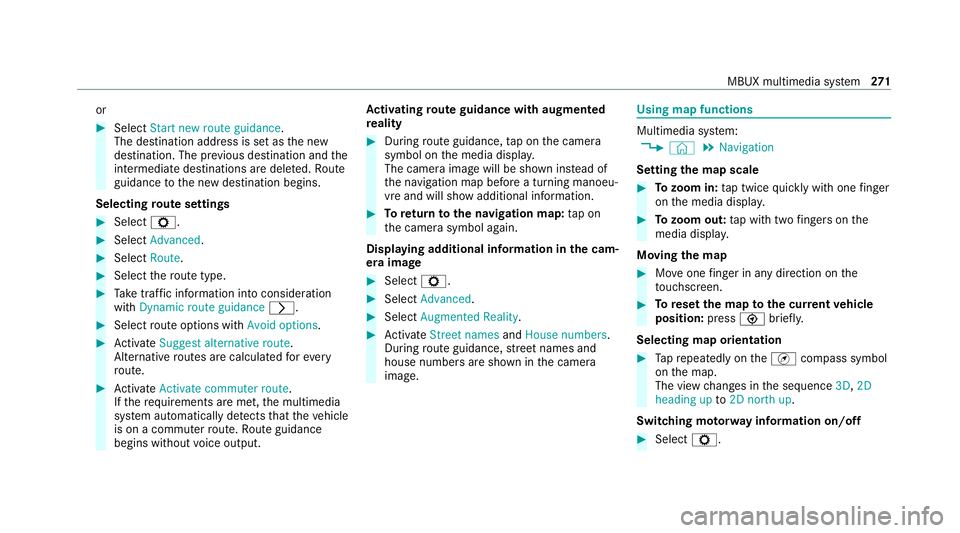
#
Select Start new route guidance.
The destination address is set as the new
destination. The pr evious destination and the
intermediate destinations are dele ted. Ro ute
guidance tothe new destination begins.
Selecting route settings #
Select Z. #
Select Advanced . #
Select Route. #
Select thero ute type. #
Take traf fic information into consideration
wi th Dynamic route guidance r.#
Select route options with Avoid options. #
Activate Suggest alternative route.
Alternati veroutes are calculated forev ery
ro ute. #
Activate Activate commuter route .
If th ere qu irements are met, the multimedia
sy stem automatically de tects that theve hicle
is on a commuter route. Route guidance
begins without voice output. Ac
tivating route guidance with augmented
re ality #
During route guidance, tap on the camera
symbol on the media displa y.
The camera image will be shown ins tead of
th e navigation map before a turning manoeu‐
vre and will show additional information. #
Toreturn tothe navigation map: tapon
th e camera symbol again.
Displaying additional information in the cam‐
era ima ge #
Select Z. #
Select Advanced . #
Select Augmented Reality. #
Activate Street names andHouse numbers.
During route guidance, stre et names and
house numbe rsare shown in the camera
image. Using map functions
Multimedia sy
stem:
4 © 5
Navigation
Setting the map scale #
Tozoom in: tap twice quickly with one finger
on the media displa y. #
Tozoom out: tap with two fingers on the
media displa y.
Moving the map #
Moveone finger in any di rection on the
to uchsc reen. #
Toreset the map tothe cur rent vehicle
position: press\briefly.
Selecting map orientation #
Tapre peatedly on theÄ compass symbol
on the map.
The view changes in the sequence 3D,2D
heading up to2D north up .
Switching mo torw ay information on/off #
Select Z. MBUX multimedia sy
stem 271
Page 275 of 481
#
Switch Motorway information on or off.Using se
rvices Re
quirements:
R There is an Internet connection.
R Mercedes me connect is available.
R You ha veset up a user account in the
Mercedes me Portal.
R The vehicle is connected toa user account
and you ha veaccep tedth e conditions of use
fo rth e service.
Fu rther information can be found at:
https://www.mercedes.me
R The service is available and has been activa‐
te d.
Multimedia sy stem:
4 © 5
Navigation
Displaying the traf fic situation with Live Traf‐
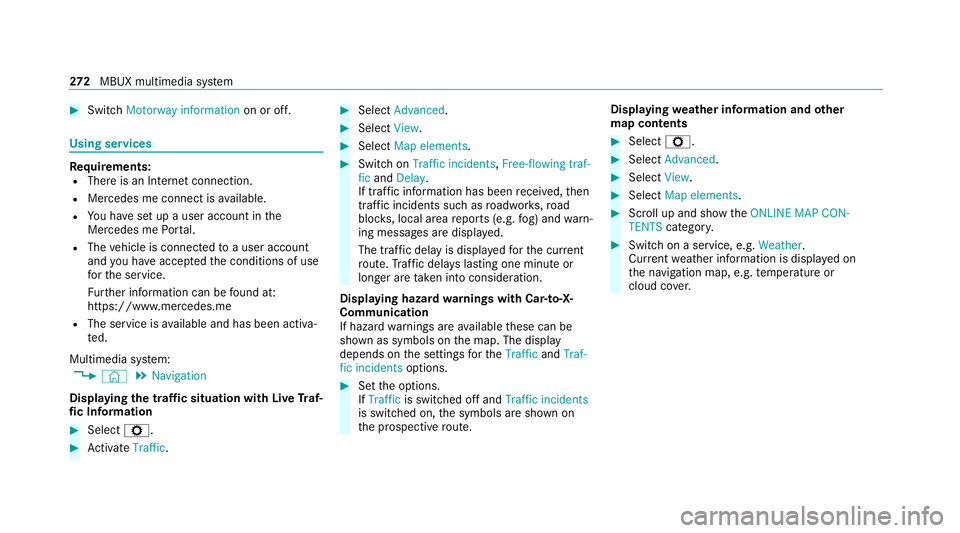
fi c Information #
Select Z. #
Activate Traffic. #
Select Advanced . #
Select View. #
Select Map elements. #
Switch on Traffic incidents ,Free-flowing traf-
fic and Delay.
If traf fic information has been recei ved, then
tra ffic incidents such as roadwor ks,ro ad
bloc ks, local area reports (e.g. fog) and warn‐
ing messages are displa yed.
The tra ffic delay is displa yedfo rth e cur rent
ro ute. Traf fic del ays lasting one minute or
longer are take n into conside ration.
Displ aying hazard warnings with Car-to-X-
Communication
If hazard warnings are available these can be
shown as symbols on the map. The display
depends on the settings forth eTraffic andTraf-
fic incidents options. #
Set the options.
If Traffic is switched off and Traffic incidents
is switched on, the symbols are shown on
th e prospective route. Displaying
weather information and other
map contents #
Select Z. #
Select Advanced . #
Select View. #
Select Map elements. #
Scroll up and show theONLINE MAP CON-
TENTS categor y. #
Switch on a service, e.g. Weather.
Cu rrent weather information is displa yed on
th e navigation map, e.g. temp erature or
cloud co ver. 272
MBUX multimedia sy stem
Page 288 of 481
Apps
for Smartphone Integration
R Apple CarPlay ®
R Android Auto
% For saf etyre asons, thefirs t acti vation of
Sma rtphone Integration on the multimedia
sy stem must be car ried out when theve hicle
is stationary and the parking brake is
applied.
Yo u can start Apple CarPlay ®
or Android Auto
from the device manager.
% Mercedes-Benz recommends disconnecting
th e connecting cable only when theve hicle
is stationar y.
Overview of transfer redve hicle data
When using Smartphone Integration, cer tain
ve hicle data is transfer redto the mobile phone.
This enables youto getth e best out of selected
mobile phone services. Vehicle data is not
directly accessible.
The following sy stem information is transmit ted:
R Software release of the multimedia sy stem
R System ID (anonymised) The transfer of
this data is used tooptimise
communication between theve hicle and the
mobile phone.
To do this, and toassign se veralve hicles tothe
mobile phone, a vehicle identifier is randomly
ge nerated.
This has no connection totheve hicle identifica‐
tion number (VIN) and is dele ted when the multi‐
media sy stem is reset (/ page 266).
The following driving status data is transmitted:
R Transmission position engaged
R Distinction between par ked, standstill, rolling
and driving
R Day/night mode of the instrument clus ter
R Drive type
The trans fer of this data is used toalter how
con tent is displ ayed tocor respond tothe driving
situation.
The following position data is transmitted:
R Coordinates
R Speed
R Compass direction R
Acceleration dire ction
This da tais used bythe mobile phone to
impr ovethe accuracy of the navigation (e.g. for
continuation in a tunnel). Mercedes-Benz eme
rgency call sy stem Information on
the Mercedes-Benz emer‐
ge ncy call sy stem The Mercedes-Benz emer
gency call sy stem only
functions in areas where mobile phone co verage
is available from there leva nt contract pa rtner.
Insu fficient network co verage from there leva nt
contract pa rtner may result in an emer gency call
not being transmitted.
The ignition must be switched on before an auto‐
matic emer gency call can be made.
% The Mercedes-Benz eme rgency call sy stem
is activated at thefa ctor y.Using the
Mercedes-Benz emer gency call sy stem is
free of charge. MBUX multimedia sy
stem 285
Page 297 of 481
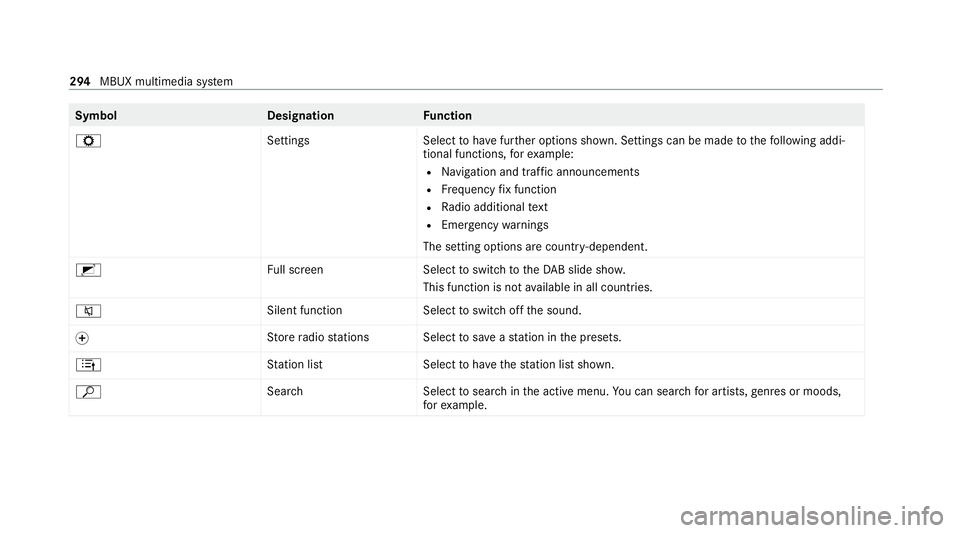
Symbol
DesignationFunction
Z SettingsSelecttohave further options shown. Settings can be made tothefo llowing addi‐
tional functions, forex ample:
R Navigation and traf fic announcements
R Frequency fix function
R Radio additional text
R Emergency warnings
The setting options are countr y-dependent.
2 Full screen Selecttoswitch totheDA B slide sho w.
This function is not available in all countries.
8 Silent function
Selecttoswitch off the sound.
f St
ore radio stations Select tosave ast ation in the presets.
4 Station lis tS electtohave thest ation list shown.
ª Search Selecttosear chinthe active menu. You can sear chfor artists, genres or moods,
fo rex ample. 294
MBUX multimedia sy stem