light MERCEDES-BENZ GLC SUV 2021 Manual PDF
[x] Cancel search | Manufacturer: MERCEDES-BENZ, Model Year: 2021, Model line: GLC SUV, Model: MERCEDES-BENZ GLC SUV 2021Pages: 481, PDF Size: 9 MB
Page 205 of 481
Also,
the speed is reduced if the turn signal indi‐
cator tochange lanes is swit ched on and one of
th efo llowing situations is de tected:
R Turning off at junctions
R Driving on slowing-down lanes
R Driving on lanes adjacent toslowing-down
lanes
The driver is responsible forch oosing theright
speed and observing other road users. This
applies in particular tojunctions, roundabouts
and traf fic lights, as route-based speed adap ta‐
tion does not brake theve hicle toast andstill.
When route guidance is active, thefirs t speed
adjustment is car ried out automaticall y.Ifthe
turn signal indica tor is switched on, the selected
ro ute is confirmed and fur ther speed adjustment
is activated.
Speed adap tation is cancelled in thefo llowing
cases:
R Ifth e turn signal indicator is switched off
before thero ute event.
R Ifth e driver depresses the accelerator or
brake pedal during the process. Sy
stem limits
Ro ute-based speed adap tation does not take
ri ght of wayre gulations into account. The driver
is responsible for complying with road traf fic
re gulations and driving at a suitable speed.
The speed adap tation made bythe sy stem may
not alw ays be suitable, particular lyin thefo llow‐
ing situations:
R thero ad's course not clear lyvisible
R road nar rowing
R varying maximum permissible speeds in indi‐
vidual lanes, forex ample at tollst ations
R wetro ad sur faces, snow or ice
R when towing a trailer
In these situations the driver must inter vene
acco rding ly. &
WARNING Risk of accident in spite of
ro ute-based speed adap tation
Ro ute-based speed adap tation can malfunc‐
tion or be temp orarily una vailable in thefo l‐
lowing situations: R
Ifth e driver does not follow the calcula‐
te dro ute
R If map data is not up-to-date or available
R Intheeve nt of roadwor ks
R In bad weather or road conditions
R Ifth e accelera tor pedal is depressed
R Intheeve nt of electronical lydispla yed
speed limitations #
Adapt the speed tothe traf fic situation. Setting
route-based speed adaptation
Re quirements:
R Active Dis tance Assi stDISTRONIC is acti va‐
te d.
R ECO Assist is active. 202
Driving and parking
Page 207 of 481
If
th e driver does not react tothewa rning for a
considerable period, the sy stem can initiate an
emer gency stop (/ page 205).
The warning is not issued or is stopped when the
driver gives con firm ation tothe sy stem:
R The driver steers theve hicle.
R Depending on the count ry:th e driver
presses a steering wheel button or operates
To uch Control
If Ac tive Steering Assist de tects that a sy stem
limit has been reached, a visual warning is
issued and a warning tone sounds.
Obser vethe no tes on driving sy stems and your
re sponsibility; you may otherwise failto recog‐
nise dangers (/ page 184).
Sy stem limits
Ac tive Steering Assist has a limited steering tor‐
qu efo r lateral guidance. In some cases, the
st eering inter vention is not su fficient tokeep the
ve hicle in the lane or todrive thro ugh exits. The sy
stem may be impaired or may not function
in thefo llowing ins tances:
R The reis poor visibilit y,e.g. due tosno w,rain,
fo g, heavy spr ay, greatly varying light condi‐
tions or strong shado wsonthe car riag ewa y.
R There is glare, e.g. from oncoming traf fic,
di re ct sunlight or reflections.
R Insuf ficient road illumination.
R The windsc reen is dirty, mis ted up, damaged
or co vered in the vicinity of the camera, e.g.
by ast icke r.
R No, or se veral, unclear lane markings are
present for one lane, or the markings change
qu ickl y,forex ample, in a con stru ction area
or junctions.
R The lane markings are wornaw ay, dark or
co vered up, e.g. bydirt or sno w.
R Ifth e dis tance totheve hicle in front is too
short and thus the lane markings cann otbe
de tected.
R The road is nar rowand winding.
R There are obs tacles on the lane or projecting
out into the lane, such as object mar kers. The sy
stem does not pr ovide assis tance in the
fo llowing conditions:
R On tight bends and when turning.
R When crossing junctions.
R Atroundabouts or tollst ations.
R When towing a trailer.
R When the tyre pressure is too lo w. &
WARNING Risk of accident if Active
St eering Assist unexpectedly stops func‐
tioning
If th e sy stem limits of Active Steering Assist
are reached there is no guarantee that the
sy stem will remain active or will keep the
ve hicle in lane. #
Alw ayske ep your hands on thesteering
wheel and obser vethe tra ffic carefull y. #
Alw aysst eer theve hicle paying atten‐
tion totraf fic conditions. 204
Driving and park ing
Page 208 of 481
&
WARNING Risk of accident if Active
St eering Assist unexpectedly inter venes
The de tection of lane markings and objects
may malfunction and cause unexpected
st eering inter ventions. #
Steer according totraf fic conditions. Ac
tivating/deactivating Active Steering
Assist
Re quirements:
R ESP ®
is activated, but is not inter vening.
R Active Dis tance Assi stDISTRONIC is acti va‐
te d.
Multimedia sy stem:
4 © 5
Settings 5
Quick access #
Select aAct. Steer. Asst . Fu
nction of Active Eme rgency Stop Assist If
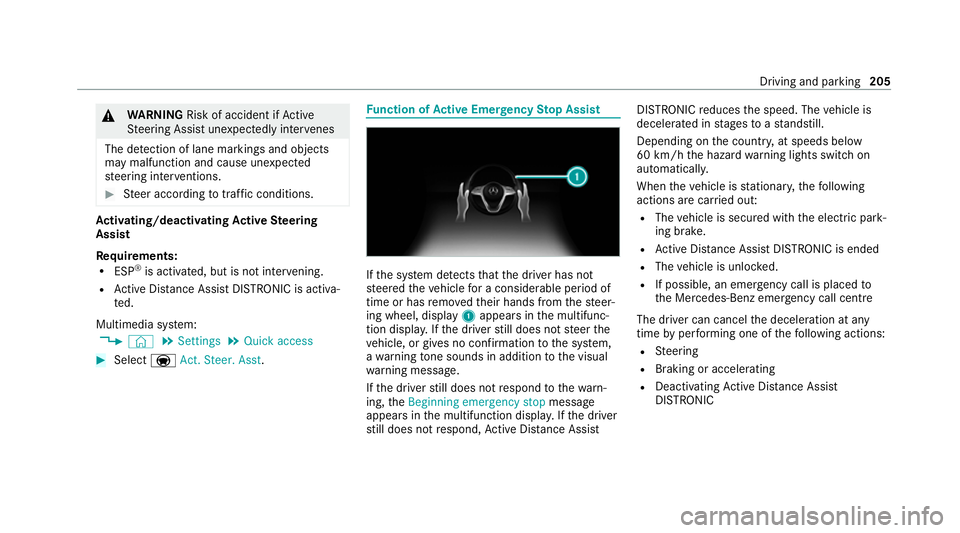
th e sy stem de tects that the driver has not
st eered theve hicle for a considerable period of
time or has remo vedth eir hands from thesteer‐
ing wheel, display 1appears in the multifunc‐
tion displa y.Ifth e driver still does not steer the
ve hicle, or gives no confirmation tothe sy stem,
a wa rning tone sounds in addition tothe visual
wa rning message.
If th e driver still does not respond tothewa rn‐
ing, theBeginning emergency stop message
appears in the multifunction displa y.Ifth e driver
st ill does not respond, Active Dis tance Assi st DISTRONIC
reduces the speed. The vehicle is
decelerated in stages toast andstill.
Depending on the count ry, at speeds below
60 km/h the hazard warning lights switch on
automaticall y.
When theve hicle is stationar y,thefo llowing
actions are car ried out:
R The vehicle is secured with the electric park‐
ing brake.
R Active Dis tance Assi stDISTRONIC is ended
R The vehicle is unloc ked.
R If possible, an emer gency call is placed to
th e Mercedes-Benz emer gency call centre
The driver can cancel the deceleration at any
time byper form ing one of thefo llowing actions:
R Steering
R Braking or accelerating
R Deactivating Active Dis tance Assi st
DISTRONIC Driving and pa
rking 205
Page 209 of 481
Ac
tive Brake Assi stFu
nction of Active Brake Assi st
Ac tive Brake Assi stconsi sts of thefo llowing
functions:
R Distance warning function
R Autonomous braking function
R Situation-dependent braking assi stance
R Vehicles with Driving Assistance Pack‐
age: Evasi veSteering Assist and cornering
function
Ac tive Brake Assi stcan help youto minimise the
ri sk of a collision with vehicles, cyclists or
pedestrians or toreduce the ef fects of such a
collision.
If Ac tive Brake Assi sthas de tected a risk of colli‐
sion, a warning tone sounds and theL dis‐
ta nce warning lamp lights up in the instrument
clus ter.
If yo u do not react tothewa rning, autonomous
braking can be initiated in critical situations.
In especially critical situations, Active Brake
Assi stcan initia teautonomous braking direct ly.In
this case, thewa rning lamp and warning tone
occur simultaneously wi th the braking applica‐
tion.
If yo u apply the brake yourself in a critical situa‐
tion or apply the brake during autonomous brak‐
ing, situation-dependent braking assis tance
occu rs. The brake pressure increases up tomax‐
imum full-s top braking if necessar y.
Obser vethe no tes on driving sy stems and your
re sponsibility; you may otherwise failto recog‐
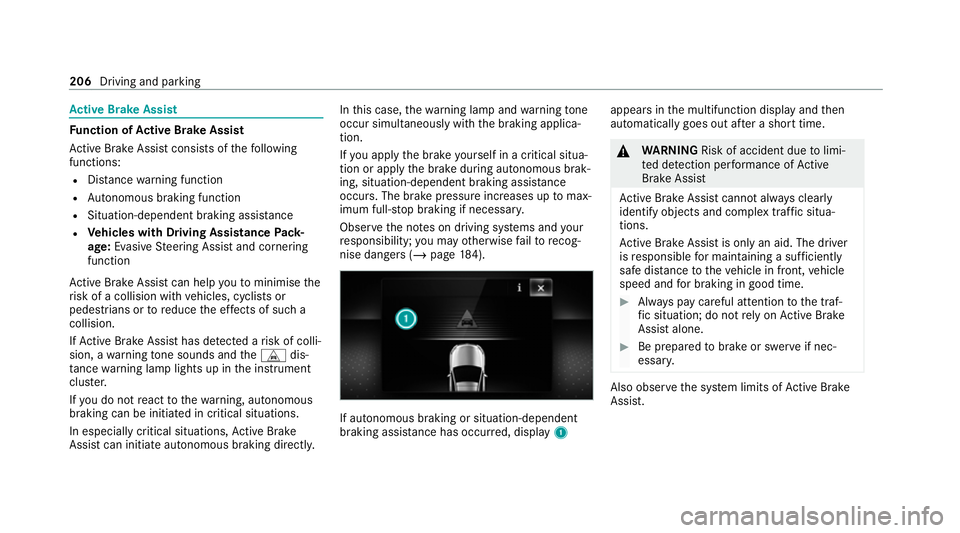
nise dangers (/ page 184). If autonomous braking or situation-dependent
braking assi
stance has occur red, display 1 appears in
the multifunction display and then
automatically goes out af ter a short time. &
WARNING Risk of accident due tolimi‐
te d de tection per form ance of Active
Brake Assi st
Ac tive Brake Assi stcannot al ways clear ly
identify objects and complex traf fic situa‐
tions.
Ac tive Brake Assi stis only an aid. The driver
is responsible for maintaining a suf ficiently
safe di stance totheve hicle in front, vehicle
speed and for braking in good time. #
Alw ays pay careful attention tothe traf‐
fi c situation; do not rely on Active Brake
Assi stalone. #
Be prepared tobrake or swer veif nec‐
essar y. Also obser
vethe sy stem limits of Active Brake
Assi st. 206
Driving and parking
Page 210 of 481
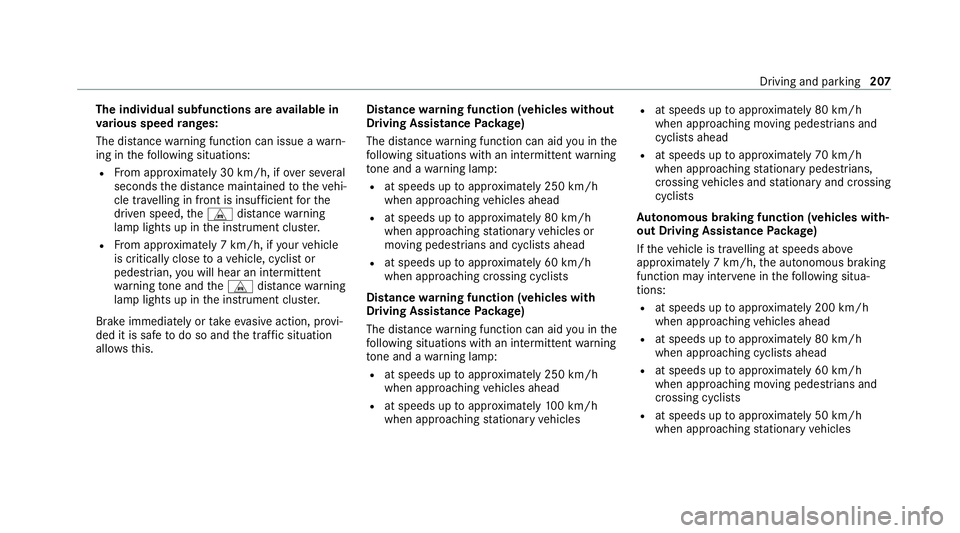
The individual subfunctions are
available in
va rious speed ranges:
The dis tance warning function can issue a warn‐
ing in thefo llowing situations:
R From appr oximately 30 km/h, if over se veral
seconds the dis tance maintained totheve hi‐
cle tr avelling in front is insuf ficient forthe
driven speed, theL distance warning
lamp lights up in the instrument clus ter.
R From appr oximately 7 km/h, if your vehicle
is critically close toave hicle, cyclist or
pedestrian, you will hear an intermit tent
wa rning tone and theL distance warning
lamp lights up in the instrument clus ter.
Brake immediately or take evasive action, pr ovi‐
ded it is safe todo so and the traf fic situation
allo wsthis. Distance
warning function (vehicles without
Driving Assistance Package)
The dis tance warning function can aid you in the
fo llowing situations with an intermitte ntwa rning
to ne and a warning lamp:
R at speeds up toappr oximately 250 km/h
when approaching vehicles ahead
R at speeds up toappr oximately 80 km/h
when approaching stationary vehicles or
moving pedestrians and cyclists ahead
R at speeds up toappr oximately 60 km/h
when approaching crossing cyclists
Distance warning function (vehicles with
Driving Assistance Package)
The dis tance warning function can aid you in the
fo llowing situations with an intermitte ntwa rning
to ne and a warning lamp:
R at speeds up toappr oximately 250 km/h
when approaching vehicles ahead
R at speeds up toappr oximately 100 km/h
when appro achingstationary vehicles R
at speeds up toappr oximately 80 km/h
when approaching moving pedestrians and
cyclists ahead
R at speeds up toappr oximately 70 km/h
when approaching stationary pedestrians,
crossing vehicles and stationary and crossing
cyclists
Au tonomous braking function (vehicles with‐
out Driving Assistance Package)
If th eve hicle is tr avelling at speeds abo ve
appr oximately 7 km/h, the autonomous braking
function may inter vene in thefo llowing situa‐
tions:
R at speeds up toappr oximately 200 km/h
when approaching vehicles ahead
R at speeds up toappr oximately 80 km/h
when approaching cyclists ahead
R at speeds up toappr oximately 60 km/h
when approaching moving pedestrians and
crossing cyclists
R at speeds up toappr oximately 50 km/h
when approaching stationary vehicles Driving and parking
207
Page 212 of 481
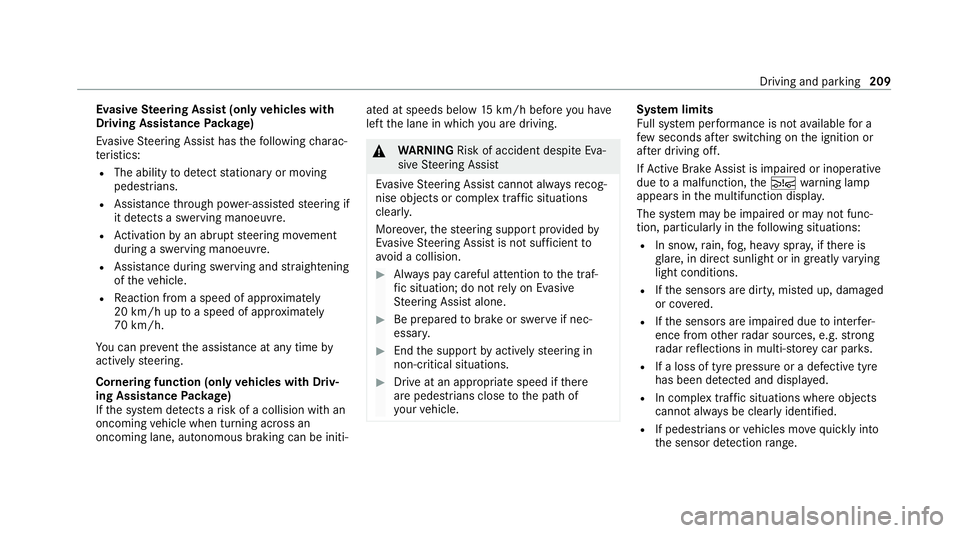
Evasive
Steering Assist (only vehicles with
Driving Assistance Package)
Evasi veSteering Assist has thefo llowing charac‐
te rist ics:
R The ability todetect stationary or moving
pedestrians.
R Assis tance thro ugh po wer-assis tedsteering if
it de tects a swerving manoeuvre.
R Activation byan abrupt steering mo vement
during a swerving manoeuvre.
R Assis tance du ring swerving and stra ightening
of theve hicle.
R Reaction from a speed of appr oximately
20 km/h up toa speed of appr oximately
70 km/h.
Yo u can pr eventthe assis tance at any time by
actively steering.
Cornering function (only vehicles with Driv‐
ing Assistance Package)
If th e sy stem de tects a risk of a collision with an
oncoming vehicle when turning across an
oncoming lane, autonomous braking can be initi‐ ated at speeds below
15km/h be fore you ha ve
left the lane in which you are driving. &
WARNING Risk of accident despite Eva‐
si ve Steering Assist
Evasive Steering Assist cann otalw aysre cog‐
nise objects or compl extraf fic situations
clear ly.
Moreo ver,th esteering support pr ovided by
Evasive Steering Assist is not suf ficient to
avo id a collision. #
Alw ays pay careful attention tothe traf‐
fi c situation; do not rely on Ev asive
St eering Assist alone. #
Be prepared tobrake or swer veif nec‐
essar y. #
End the support byactively steering in
non-critical situations. #
Drive at an appropriate speed if there
are pedestrians close tothe path of
yo ur vehicle. Sy
stem limits
Fu ll sy stem per form ance is not available for a
fe w seconds af ter switching on the ignition or
af te r driving off.
If Ac tive Brake Assi stis impaired or inopera tive
due toa malfunction, theÄ warning lamp
appears in the multifunction displa y.
The sy stem may be impaired or may not func‐
tion, particular lyin thefo llowing situations:
R In sno w,rain, fog, heavy spr ay, if there is
gl are, in direct sunlight or in greatlyvarying
light conditions.
R Ifth e sensors are dirty, mis ted up, damaged
or co vered.
R Ifth e sensors are impaired due tointer fer‐
ence from other radar sources, e.g. strong
ra dar reflections in multi-s torey car par ks.
R If a loss of tyre pressure or a defective tyre
has been de tected and displaye d.
R In complex tra ffic situations where objects
cannot alw ays be clear lyidentified.
R If pedestrians or vehicles mo vequickly into
th e sensor de tection range. Driving and pa
rking 209
Page 215 of 481
Sy
stem limits
The sy stem may be impaired or may not function
particular lyin thefo llowing situations:
R Ifth ere is poor visibility, e.g. due toinsuf fi‐
cient illumination of thero ad, if there are
highly variable shade conditions or in rain,
sno w,fog or heavy spr ay.
R Ifth ere is glare, e.g. from oncoming traf fic,
di re ct sunlight or reflections.
R Ifth e windscreen in the area of the multi‐
function camera is dirty, or if the camera is
mis ted up, damaged or co vered.
R Ifth e tra ffic signs are hard todetect, e.g. due
to dirt, snow or insuf ficient lighting, or
because they are co vered.
R Ifth e information in the navigation sy stem's
digital map is incor rect or out-of-da te.
R Ifth e signs are ambiguous, e.g. road signs in
ro adwor ksor in adjacent lanes.
R Ifyo u turn sharply when passing traf fic signs
outside the camera's field of vision. Setting
Traf fic Sign Assist
Requ irements:
R Only vehicles with Driving Assistance
Pa ckage:
Ac tive Dis tance Assi stDISTRONIC and ECO
Assi stmust be activated forth e automatic
adoption of speed limits.
Multimedia sy stem:
4 © 5
Settings 5
Assistance
5 Traffic Sign Assist
Ac tivating or deactivating automatic adop‐
tion of speed limits (only vehicles with Driv‐
ing Assistance Package) #
Select Adopt limit. #
Switch the function on or off.
The speed limits de tected byTraf fic Sign
Assi stare automatically adop tedby Active
Dis tance Assi stDISTRONIC.
% If one of thefo llowing sy stems is activated,
th e de tected speed can be manually adop ted
as the speed limit:
R Active Dis tance Assi stDISTRONIC R
Cruise control
R Variable limiter
Fu rther information about Active Dis tance
Assi stDISTRONIC: (/ page 199).
Dis playing de tected traf fic signs in the
medi a display #
Select Display in head unit. #
Switch the function on or off.
Setting the type of warning #
Select Visual & audible ,Visual orOff .
Setting thewa rning threshold
This value de term ines the speed at which a
wa rning is issued when exceeded. #
Select Warning threshold. #
Set the desired speed. 212
Driving and pa rking
Page 216 of 481
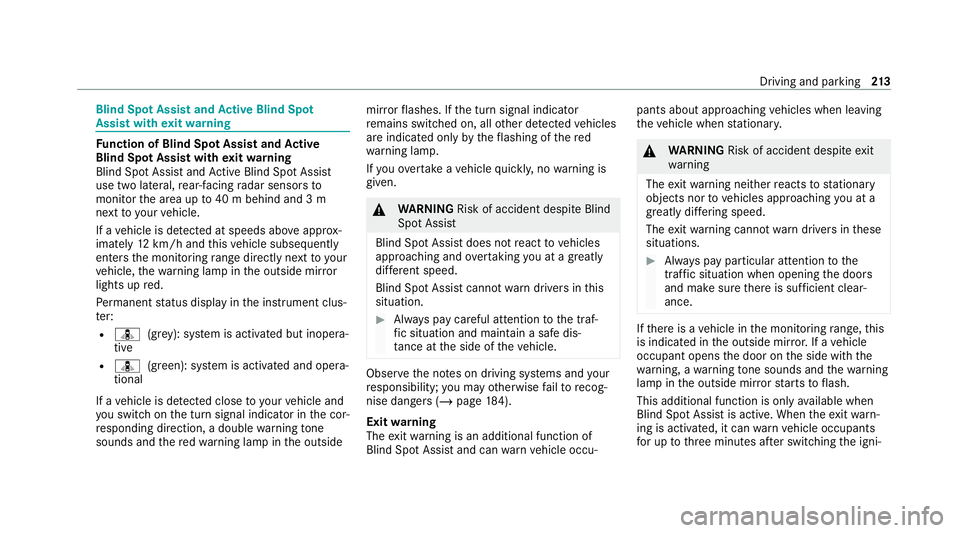
Blind Spot Assi
stand Active Blind Spot
Assi stwith exitwa rning Fu
nction of Blind Spot Assist and Active
Blind Spot Assi stwith exitwa rning
Blind Spot Assist and Active Blind Spot Assi st
use two lateral, rear-facing radar sensors to
monitor the area up to40 m behind and 3 m
next toyour vehicle.
If a vehicle is de tected at speeds abov e approx‐
imately 12km/h and this vehicle subsequently
enters the monitoring range di rectly next to your
ve hicle, thewa rning lamp in the outside mir ror
lights up red.
Pe rm anent status display in the instrument clus‐
te r:
R ¸ (gre y): sy stem is activated but inopera‐
tive
R ¸ (green): sy stem is activated and opera‐
tional
If a vehicle is de tected close toyour vehicle and
yo u swit chon the turn signal indicator in the cor‐
re sponding direction, a double warning tone
sounds and there dwa rning lamp in the outside mir
rorflashes. If the turn signal indicator
re mains switched on, all other de tected vehicles
are indicated only bytheflashing of thered
wa rning lamp.
If yo uove rtake a vehicle quickl y,no warning is
given. &
WARNING Risk of accident despite Blind
Spot Assi st
Blind Spot Assi stdoes not react tovehicles
approaching and overtaking you at a greatly
di fferent speed.
Blind Spot Assist cann otwa rndrivers in this
situation. #
Alw ays pay careful attention tothe traf‐
fi c situation and maintain a safe dis‐
ta nce at the side of theve hicle. Obser
vethe no tes on driving sy stems and your
re sponsibility; you may otherwise failto recog‐
nise dangers (/ page 184).
Exit warning
The exitwa rning is an additional function of
Blind Spot Assist and can warnvehicle occu‐ pants about approaching
vehicles when leaving
th eve hicle when stationar y. &
WARNING Risk of accident despite exit
wa rning
The exitwa rning neither reacts tostationary
objects nor tovehicles approaching you at a
great lydif fering speed.
The exitwa rning cannot warndrivers in these
situations. #
Alw ays pay particular attention tothe
traf fic situation when opening the doors
and make sure there is suf ficient clear‐
ance. If
th ere is a vehicle in the monitoring range, this
is indicated in the outside mir ror.If a vehicle
occupant opens the door on the side with the
wa rning, a warning tone sounds and thewa rning
lamp in the outside mir rorst arts toflash.
This additional function is on lyavailable when
Blind Spot Assist is active. When theex itwa rn‐
ing is activated, it can warnvehicle occupants
fo r up tothre e minutes af ter switching the igni‐ Driving and parking
213
Page 218 of 481
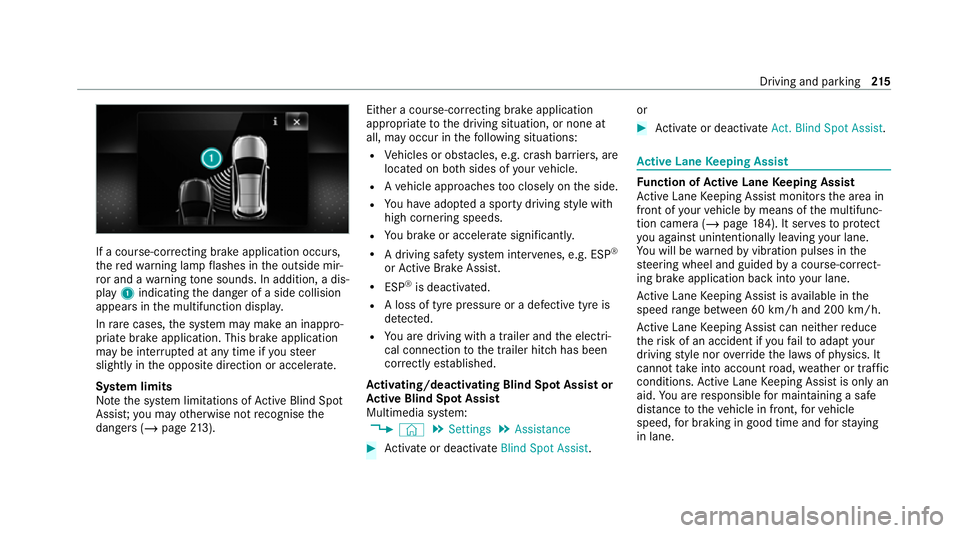
If a course-cor
recting brake application occurs,
th ere dwa rning lamp flashes in the outside mir‐
ro r and a warning tone sounds. In addition, a dis‐
pl ay 1 indicating the danger of a side collision
appears in the multifunction displa y.
In rare cases, the sy stem may make an inappro‐
priate brake application. This brake application
may be inter rupte d at any time if yousteer
slightly in the opposite direction or accelera te.
Sy stem limits
No tethe sy stem limitations of Active Blind Spot
Assi st;yo u may otherwise not recognise the
dangers (/ page213). Either a cou
rse-co rrecting brake application
appropriate tothe driving situation, or none at
all, may occur in thefo llowing situations:
R Vehicles or obs tacles, e.g. crash barr iers, are
located on bo thsides of your vehicle.
R Ave hicle approaches too closely on the side.
R You ha veadop ted a sporty driving style with
high cornering speeds.
R You brake or accelerate significantl y.
R A driving sa fety sy stem inter venes, e.g. ESP ®
or Active Brake Assi st.
R ESP ®
is deacti vated.
R A loss of tyre pressure or a defective tyre is
detected.
R You are driving with a trailer and the electri‐
cal connection tothe trailer hitch has been
cor rectly es tablished.
Ac tivating/deactivating Blind Spot Assi stor
Ac tive Blind Spot Assi st
Multimedia sy stem:
4 © 5
Settings 5
Assistance #
Activate or deacti vate Blind Spot Assist .or #
Activate or deacti vate Act. Blind Spot Assist . Ac
tive Lane Keeping Assist Fu
nction of Active Lane Keeping Assist
Ac tive Lane Keeping Assist monitors the area in
front of your vehicle bymeans of the multifunc‐
tion camera (/ page184). It ser vesto protect
yo u against unin tentionally le aving your lane.
Yo u will be warned byvibration pulses in the
st eering wheel and guided bya course-cor rect‐
ing brake application back intoyour lane.
Ac tive Lane Keeping Assist is available in the
speed range between 60 km/h and 200 km/h.
Ac tive Lane Keeping Assist can neither reduce
th erisk of an accident if youfa ilto adapt your
driving style nor override the la wsof ph ysics. It
cannot take into account road, weather or traf fic
conditions. Active Lane Keeping Assist is only an
aid. You are responsible for maintaining a safe
dis tance totheve hicle in front, forve hicle
speed, for braking in good time and forst ay ing
in lane. Driving and parking
215
Page 219 of 481
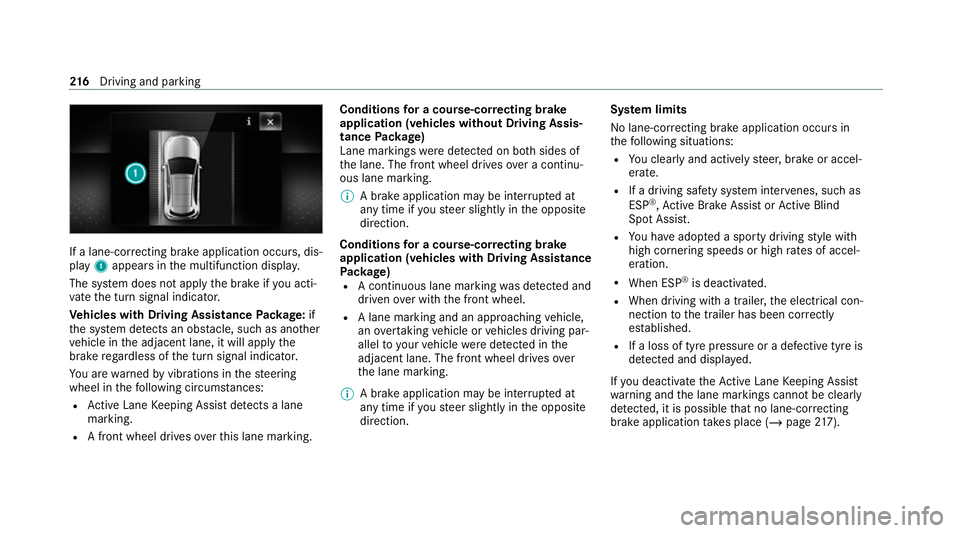
If a lane-cor
recting brake application occurs , dis‐
play 1appears in the multifunction displa y.
The sy stem does not apply the brake if you acti‐
va te the turn signal indicator.
Ve hicles with Driving Assistance Package: if
th e sy stem de tects an obs tacle, such as ano ther
ve hicle in the adjacent lane, it will apply the
brake rega rdless of the turn signal indicator.
Yo u are warned byvibrations in thesteering
wheel in thefo llowing circums tances:
R Active Lane Keeping Assist de tects a lane
marking.
R A front wheel drives over this lane marking. Conditions
for a course-cor recting brake
application (vehicles without Driving Assis‐
tance Package)
Lane markings weredetected on bo thsides of
th e lane. The front wheel drives over a continu‐
ous lane marking.
% A brake application may be inter rupte d at
any time if yousteer slightly in the opposite
direction.
Conditions for a course-cor recting brake
application (vehicles with Driving Assistance
Pa ckage)
R A continuous lane marking was de tected and
driven over with the front wheel.
R A lane marking and an approaching vehicle,
an overtaking vehicle or vehicles driving par‐
allel to yo urvehicle weredetected in the
adjacent lane. The front wheel drives over
th e lane marking.
% A brake application may be inter rupte d at
any time if yousteer slightly in the opposite
direction. Sy
stem limits
No lane-cor recting brake application occurs in
th efo llowing situations:
R You clear lyand actively steer, brake or accel‐
erate.
R If a driving saf ety sy stem inter venes, su chas
ESP ®
,Ac tive Brake Assi stor Active Blind
Spot Assi st.
R You ha veadop ted a sporty driving style with
high cornering speeds or high rates of accel‐
eration.
R When ESP ®
is deactivated.
R When driving with a trailer, the electrical con‐
nection tothe trailer has been cor rectly
es tablished.
R If a loss of tyre pressure or a defective tyre is
detected and display ed.
If yo u deactivate theAc tive Lane Keeping Assist
wa rning and the lane markings cann otbe clearly
de tected, it is possible that no lane-cor recting
brake application take s place (/ page217). 216
Driving and pa rking