start stop button MERCEDES-BENZ GLK SUV 2008 Owners Manual
[x] Cancel search | Manufacturer: MERCEDES-BENZ, Model Year: 2008, Model line: GLK SUV, Model: MERCEDES-BENZ GLK SUV 2008Pages: 261, PDF Size: 8.67 MB
Page 79 of 261
X
Pull the light switch out to the second stop.
Yellow indicator lamp Rnext to the light
switch lights up.
X To switch off: press the light switch in as
far as it will go.
The R yellow indicator lamp next to the
light switch goes out. Combination switch (turn signals,
main-beam headlamps and headlamp
flasher) Turn signal lamp
X
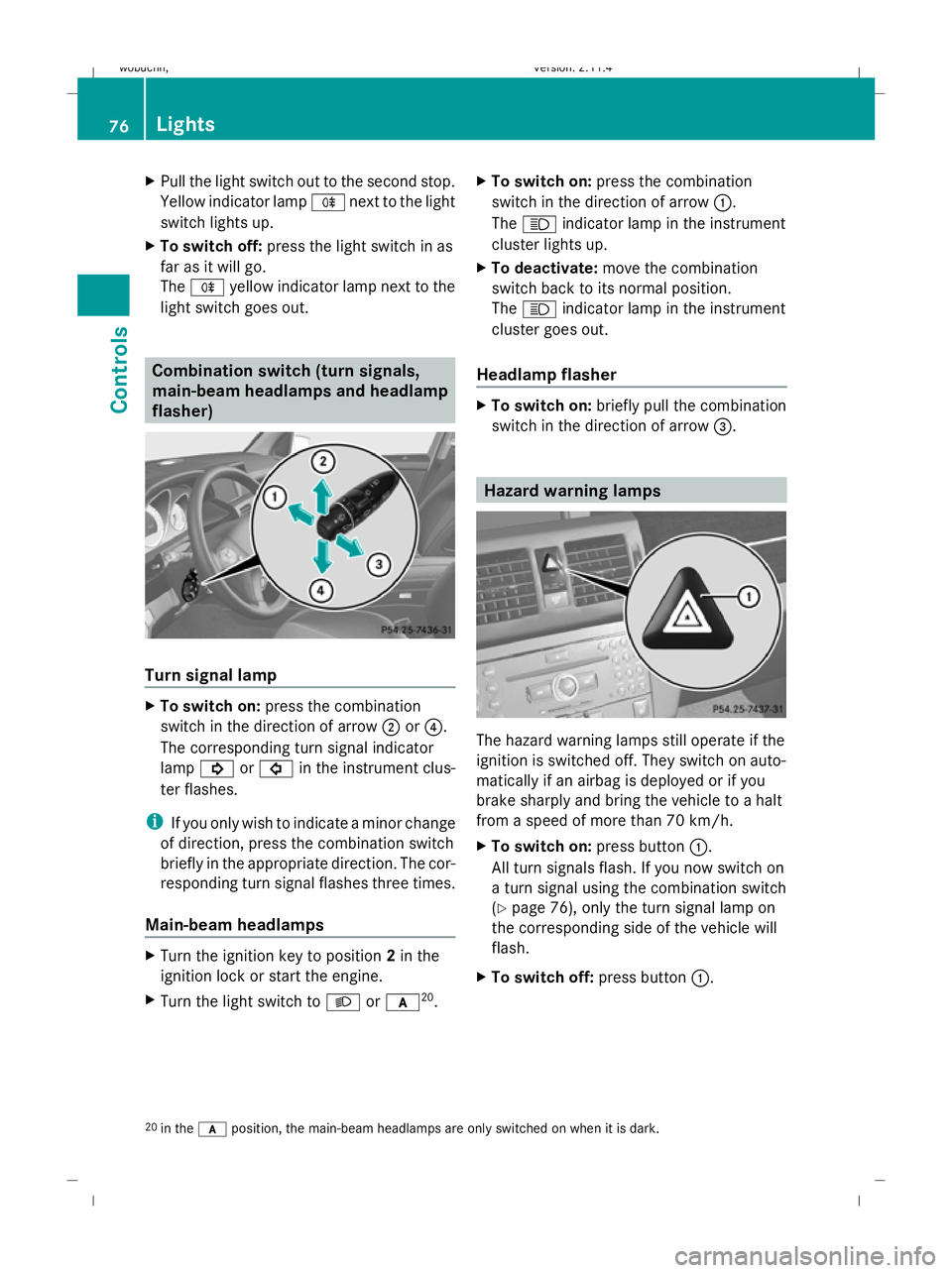
To switch on: press the combination
switch in the direction of arrow ;or?.
The corresponding turn signal indicator
lamp ! or# in the instrument clus-
ter flashes.
i If you only wish to indicate a minor change
of direction, press the combination switch
briefly in the appropriate direction. The cor-
responding turn signal flashes three times.
Main-beam headlamps X
Turn the ignition key to position 2in the
ignition lock or start the engine.
X Turn the light switch to Lorc 20
. X
To switch on: press the combination
switch in the direction of arrow :.
The K indicator lamp in the instrument
cluster lights up.
X To deactivate: move the combination
switch back to its normal position.
The K indicator lamp in the instrument
cluster goes out.
Headlamp flasher X
To switch on: briefly pull the combination
switch in the direction of arrow =. Hazard warning lamps
The hazard warning lamps still operate if the
ignition is switched off. They switch on auto-
matically if an airbag is deployed or if you
brake sharply and bring the vehicle to a halt
from a speed of more than 70 km/h.
X
To switch on: press button:.
All turn signals flash. If you now switch on
a turn signal using the combination switch
(Y page 76), only the turn signal lamp on
the corresponding side of the vehicle will
flash.
X To switch off: press button:.
20 in the cposition, the main-beam headlamps are only switched on when it is dark. 76 LightsControls
X204_AKB; 1; 5, en-GB
wobuchh,
Version: 2.11.4 2008-10-15T13:20:56+02:00 - Seite 76Dateiname: 6515_0671_02_buchblock.pdf; preflight
Page 103 of 261
Mobile phone on
PIN*not yet entered
The multi-function display shows the
Please
enter PIN display message.
X Enter the PIN using the mobile phone, Lin-
guatronic*, the audio system or COMAND
APS*.
The mobile phone will search for a network.
During this time, the Telephone No
Service message appears in the multi-
function display.
Mobile phone operational
The multi-function display shows the Tele-
phone ready message or the name of the
GSM network provider.
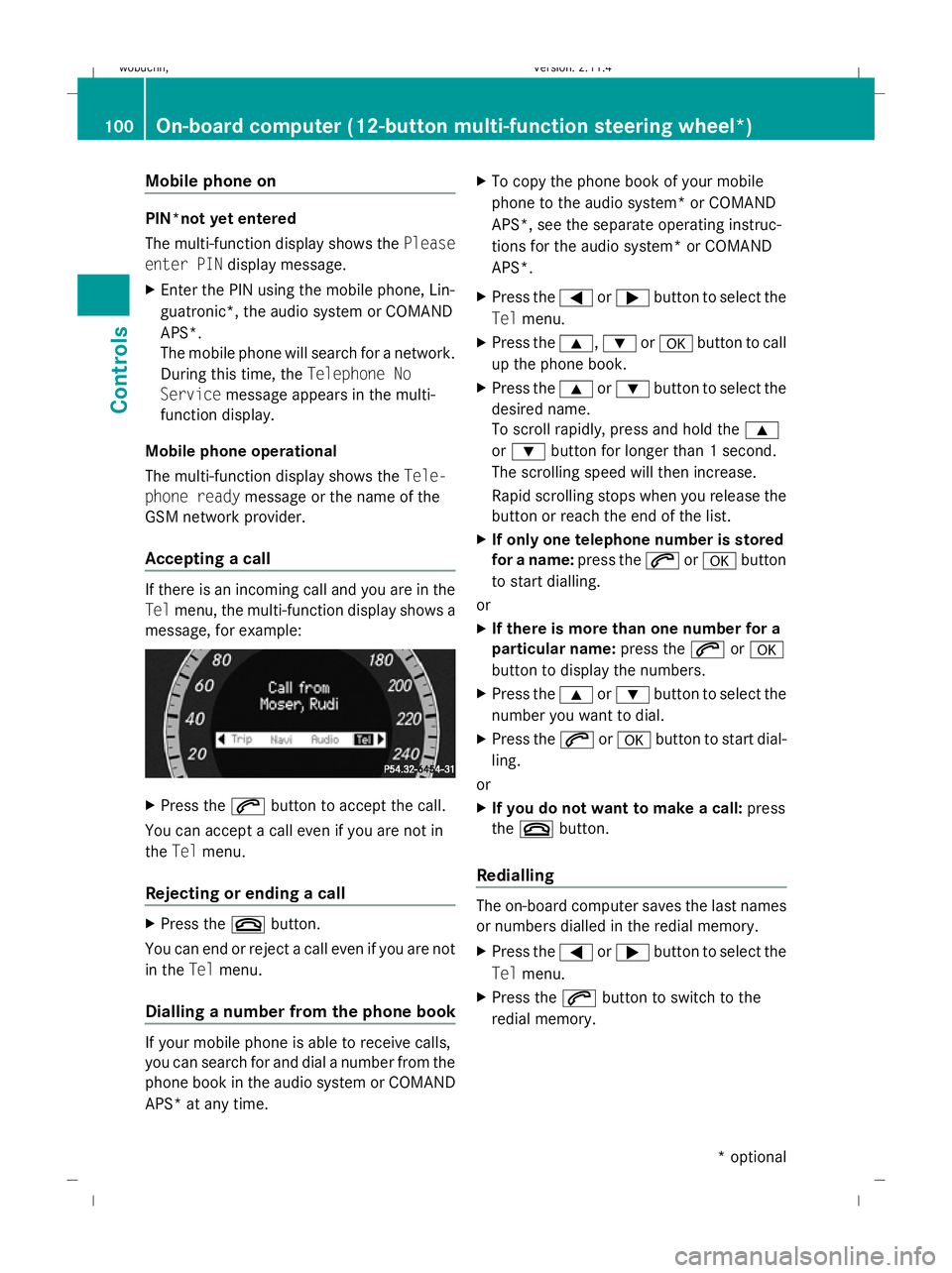
Accepting a call If there is an incoming call and you are in the
Tel menu, the multi-function display shows a
message, for example: X
Press the 6button to accept the call.
You can accept a call even if you are not in
the Tel menu.
Rejecting or ending a call X
Press the ~button.
You can end or reject a call even if you are not
in the Telmenu.
Dialling a number from the phone book If your mobile phone is able to receive calls,
you can search for and dial a number from the
phone book in the audio system or COMAND
APS* at any time. X
To copy the phone book of your mobile
phone to the audio system* or COMAND
APS*, see the separate operating instruc-
tions for the audio system* or COMAND
APS*.
X Press the =or; button to select the
Tel menu.
X Press the 9,:ora button to call
up the phone book.
X Press the 9or: button to select the
desired name.
To scroll rapidly, press and hold the 9
or : button for longer than 1 second.
The scrolling speed will then increase.
Rapid scrolling stops when you release the
button or reach the end of the list.
X If only one telephone number is stored
for a name: press the6ora button
to start dialling.
or
X If there is more than one number for a
particular name: press the6ora
button to display the numbers.
X Press the 9or: button to select the
number you want to dial.
X Press the 6ora button to start dial-
ling.
or
X If you do not want to make a call: press
the ~ button.
Redialling The on-board computer saves the last names
or numbers dialled in the redial memory.
X Press the =or; button to select the
Tel menu.
X Press the 6button to switch to the
redial memory. 100
On-board computer (12-button multi-function steering wheel*)Controls
* optional
X204_AKB; 1; 5, en-GB
wobuchh,
Version: 2.11.4 2008-10-15T13:20:56+02:00 - Seite 100Dateiname: 6515_0671_02_buchblock.pdf; preflight
Page 130 of 261
X
To deactivate: press theTbutton.
The indicator lamp in the Tbutton goes
out.
i The residual heat automatically switches
off after around 30 minutes or if:
R the ignition is switched on
R the battery voltage drops Sliding sunroof
General notes
G
Risk of injury
Make sure that nobody can become trapped
when closing the sliding sunroof. If there is a
risk of entrapment, release the switch and
push it briefly in any direction to stop the slid-
ing sunroof. G
Risk of injury
Children could injure themselves if they oper-
ate the sliding sunroof.
Never leave children unsupervised in the vehi-
cle. Always take the key with you when leaving
the vehicle, even if you are only leaving it for
a short time. G
Risk of injury
The glass in the panorama sunroof could
break in an accident. If you are not wearing a
seat belt, there is a risk that you could be
thrown through the opening in the event of the
vehicle overturning. Therefore, always wear a
seat belt to reduce the risk of injuries.
! Only open the panorama sliding sunroof
if it is free of snow and ice. Otherwise, mal-
functions may occur.
Do not allow anything to protrude from the
sliding sunroof. The seals could otherwise
be damaged.
i When the sliding sunroof is open, apart
from the normal airflow noises resonance
noises may also occur. They are caused by minor pressure fluctuations in the vehicle
interior. Change the position of the sliding
sunroof or open a side window slightly to
reduce or eliminate these noises.
i Related topics:
R convenience opening from the outside
(Y page 82) or from the inside
(Y page 126)
R convenience closing from the outside
(Y page 82) or from the inside
(Y page 126)
R automatic closing of the sliding sunroof
(PRE-SAFE) (Y page 40) Panorama sliding sunroof*
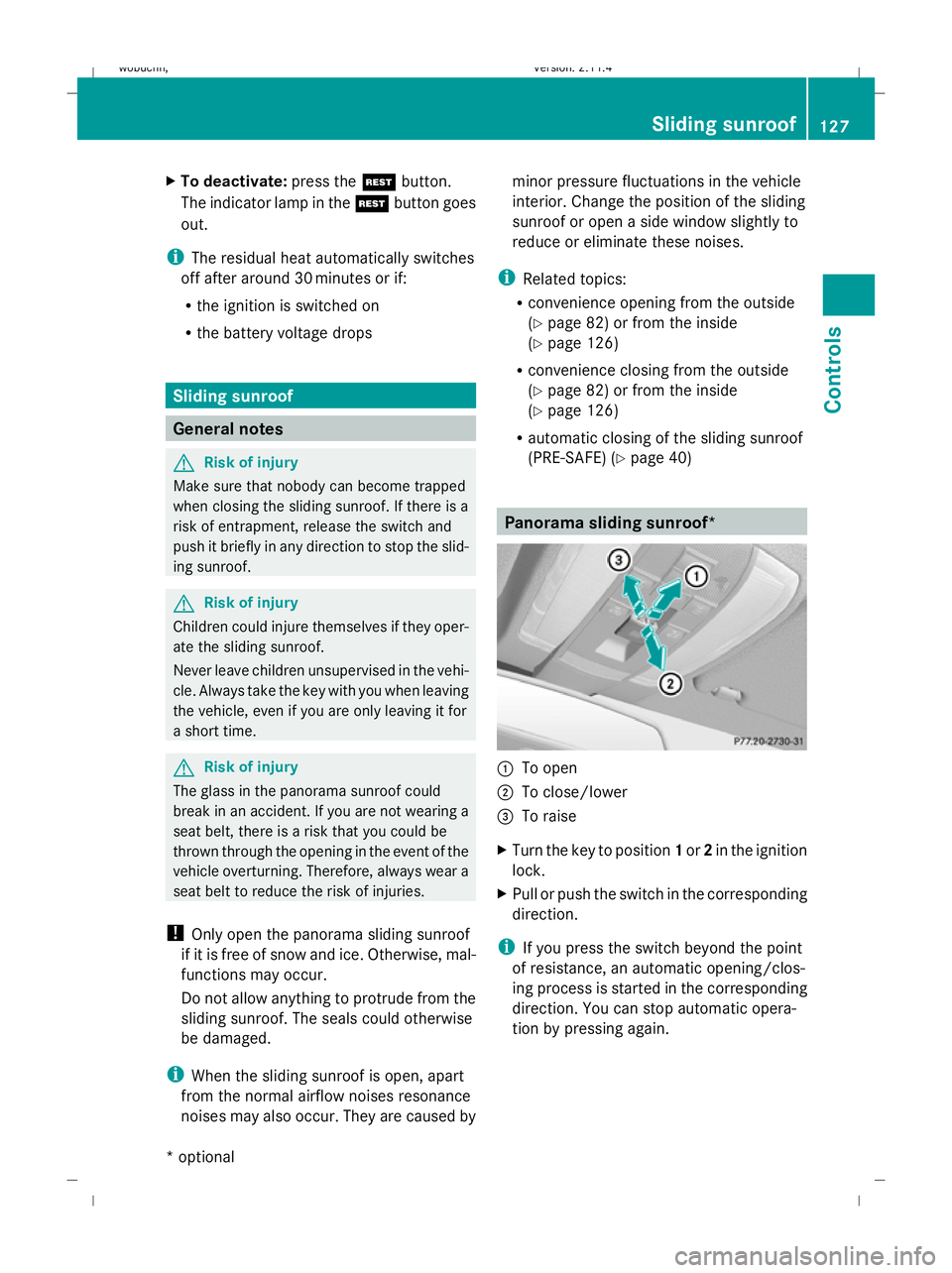
:
To open
; To close/lower
= To raise
X Turn the key to position 1or 2in the ignition
lock.
X Pull or push the switch in the corresponding
direction.
i If you press the switch beyond the point
of resistance, an automatic opening/clos-
ing process is started in the corresponding
direction. You can stop automatic opera-
tion by pressing again. Sliding sunroof
127Controls
* optional
X204_AKB; 1; 5, en-GB
wobuchh
,V ersion: 2.11.4
2008-10-15T13:20:56+02:00 - Seite 127 ZDateiname: 6515_0671_02_buchblock.pdf; preflight
Page 188 of 261
Display messages
Possible causes/consequences and
X
X Solutions # a
with 4
buttons:
Check
brake wear
a with
12 buttons:
Check
brake wear The brake pads/linings have reached their wear limit.
X
Visit a qualified specialist workshop. J Check
brake
fluid
level
G
Risk of accident
There is insufficient brake fluid in the brake fluid reservoir. In
addition, the Jindicator lamp in the instrument cluster
lights up and a warning tone sounds.
X Pull over and stop the vehicle safely as soon as possible,
paying attention to road and traffic conditions. Do not con-
tinue driving under any circumstances.
X Consult a qualified specialist workshop.
Do not top up the brake fluid. This will not rectify the fault. J a
with 4
buttons:
Release
park.
brake
a with
12 buttons:
Release
parking
brake You are driving with the parking brake applied. A warning tone
also sounds.
X
Release the parking brake. J EBV, ABS,
ESP inop-
erative
See Own-
er's Man-
ual
G
Risk of accident
EBV (electronic brake force distribution), ABS, ESP ®
, BAS,
PRE-SAFE ®
*, hill start assist and ESP ®
trailer stabilisation are
unavailable due to a malfunction. In addition, the dwarn-
ing lamp in the instrument cluster lights up and a warning tone
sounds.
The brake system continues to function normally, but without
the functions listed above.
X Drive on carefully.
X Visit a qualified specialist workshop immediately. Display
messages
185Practical advice
* optional
X204_AKB; 1; 5, en-GB
wobuchh
,V ersion: 2.11.4
2008-10-15T13:20:56+02:00 - Seite 185 ZDateiname: 6515_0671_02_buchblock.pdf; preflight
Page 189 of 261
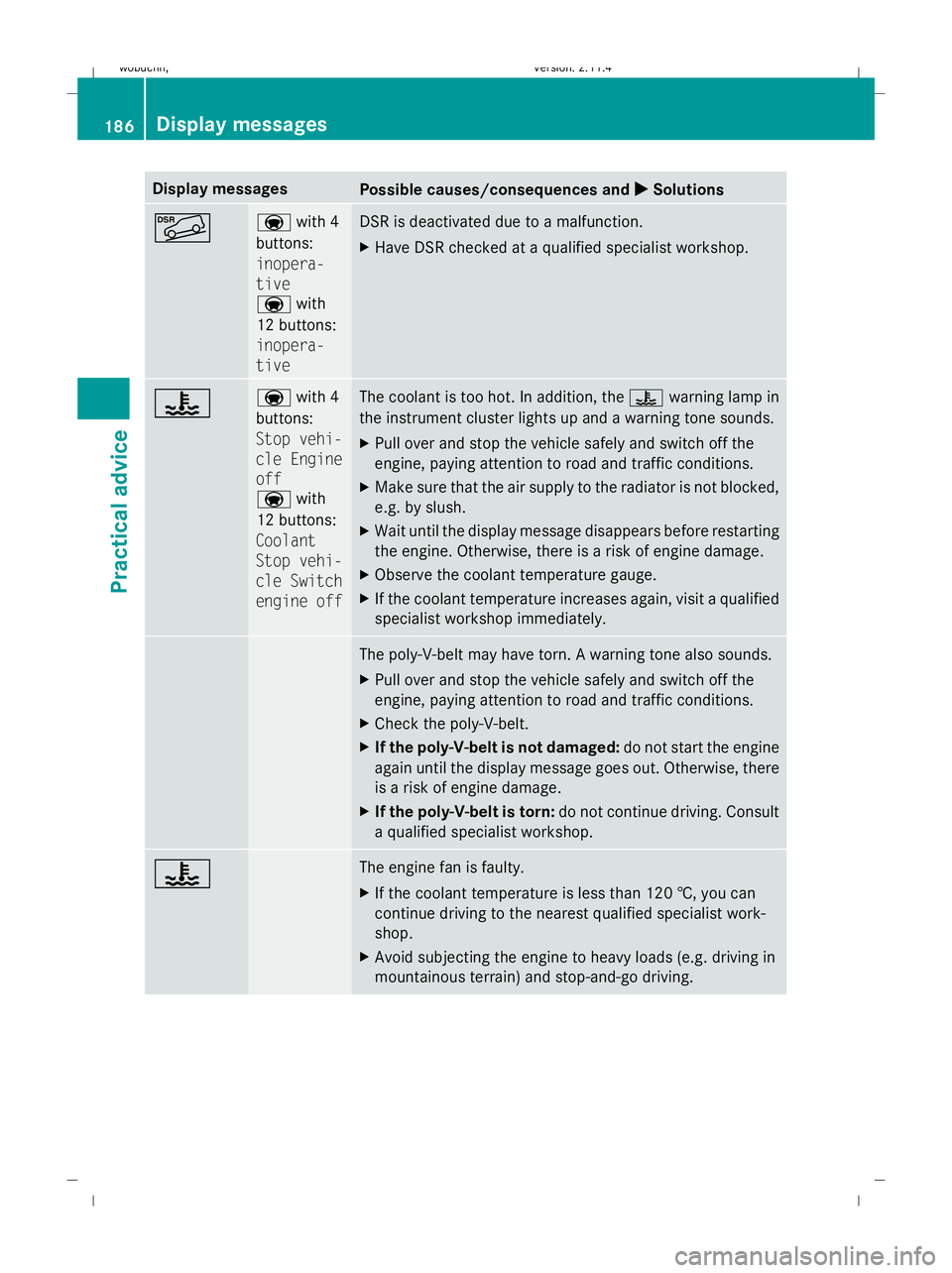
Display messages
Possible causes/consequences and
X
X Solutions à a
with 4
buttons:
inopera-
tive
a with
12 buttons:
inopera-
tive DSR is deactivated due to a malfunction.
X
Have DSR checked at a qualified specialist workshop. ? a
with 4
buttons:
Stop vehi-
cle Engine
off
a with
12 buttons:
Coolant
Stop vehi-
cle Switch
engine off The coolant is too hot. In addition, the
?warning lamp in
the instrument cluster lights up and a warning tone sounds.
X Pull over and stop the vehicle safely and switch off the
engine, paying attention to road and traffic conditions.
X Make sure that the air supply to the radiator is not blocked,
e.g. by slush.
X Wait until the display message disappears before restarting
the engine. Otherwise, there is a risk of engine damage.
X Observe the coolant temperature gauge.
X If the coolant temperature increases again, visit a qualified
specialist workshop immediately. The poly-V-belt may have torn. A warning tone also sounds.
X
Pull over and stop the vehicle safely and switch off the
engine, paying attention to road and traffic conditions.
X Check the poly-V-belt.
X If the poly-V-belt is not damaged: do not start the engine
again until the display message goes out. Otherwise, there
is a risk of engine damage.
X If the poly-V-belt is torn: do not continue driving. Consult
a qualified specialist workshop. ? The engine fan is faulty.
X
If the coolant temperature is less than 120 †, you can
continue driving to the nearest qualified specialist work-
shop.
X Avoid subjecting the engine to heavy loads (e.g. driving in
mountainous terrain) and stop-and-go driving. 186 Display
messagesPractical advice
X204_AKB; 1; 5, en-GB
wobuchh,V ersion: 2.11.4
2008-10-15T13:20:56+02:00 - Seite 186 Dateiname: 6515_0671_02_buchblock.pdf; preflight
Page 212 of 261
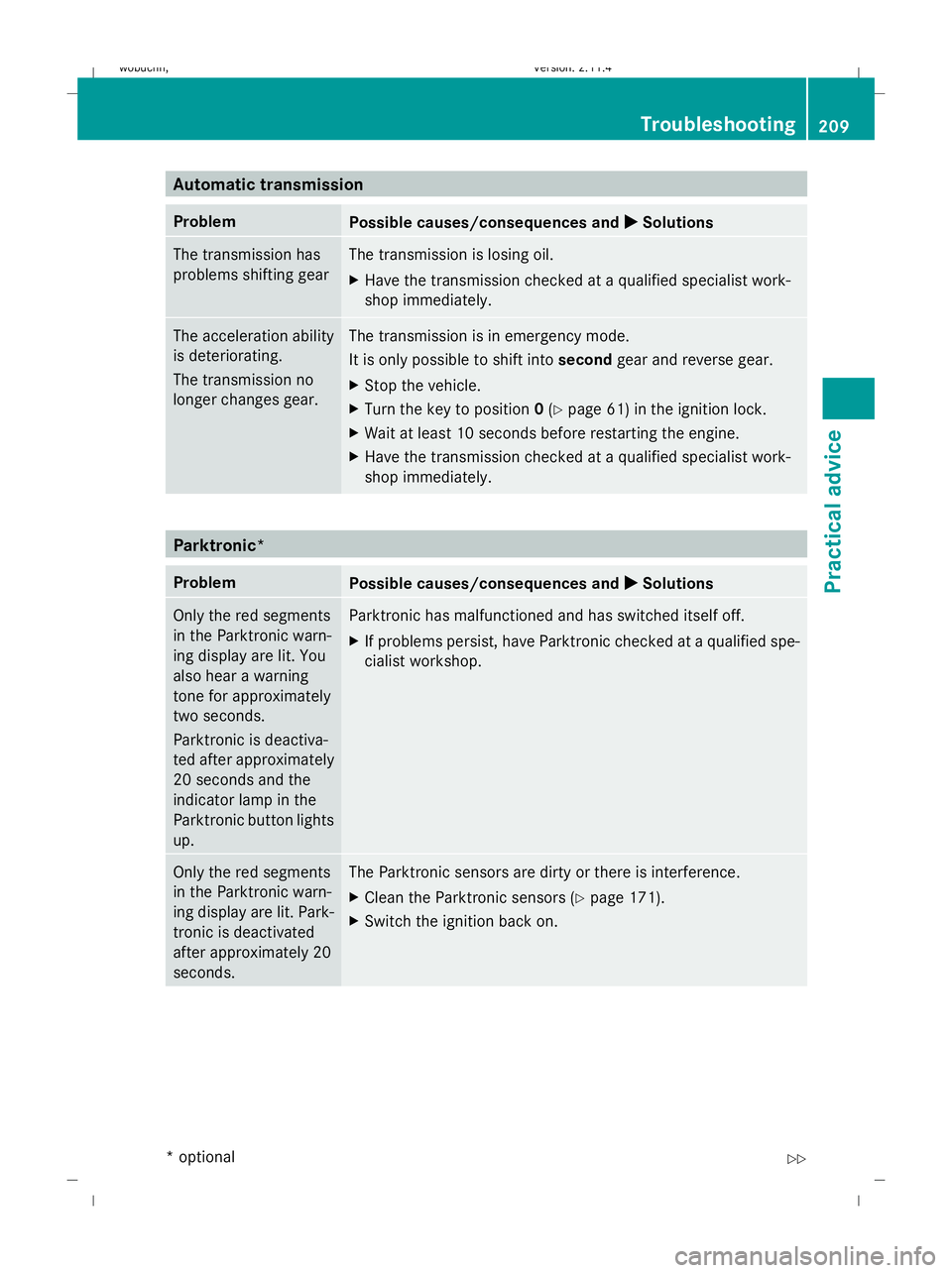
Automatic transmission
Problem
Possible causes/consequences and
X
X Solutions The transmission has
problems shifting gear The transmission is losing oil.
X
Have the transmission checked at a qualified specialist work-
shop immediately. The acceleration ability
is deteriorating.
The transmission no
longer changes gear. The transmission is in emergency mode.
It is only possible to shift into
secondgear and reverse gear.
X Stop the vehicle.
X Turn the key to position 0(Y page 61) in the ignition lock.
X Wait at least 10 seconds before restarting the engine.
X Have the transmission checked at a qualified specialist work-
shop immediately. Parktronic*
Problem
Possible causes/consequences and
X
X Solutions Only the red segments
in the Parktronic warn-
ing display are lit. You
also hear a warning
tone for approximately
two seconds.
Parktronic is deactiva-
ted after approximately
20 seconds and the
indicator lamp in the
Parktronic button lights
up. Parktronic has malfunctioned and has switched itself off.
X
If problems persist, have Parktronic checked at a qualified spe-
cialist workshop. Only the red segments
in the Parktronic warn-
ing display are lit. Park-
tronic is deactivated
after approximately 20
seconds. The Parktronic sensors are dirty or there is interference.
X
Clean the Parktronic sensors (Y page 171).
X Switch the ignition back on. Troubleshooting
209Practical advice
* optional
X204_AKB; 1; 5, en-GB
wobuchh,
Version: 2.11.4 2008-10-15T13:20:56+02:00 - Seite 209 ZDateiname: 6515_0671_02_buchblock.pdf; preflight