ESP MERCEDES-BENZ GLS 2020 Owners Manual
[x] Cancel search | Manufacturer: MERCEDES-BENZ, Model Year: 2020, Model line: GLS, Model: MERCEDES-BENZ GLS 2020Pages: 682, PDF Size: 23.3 MB
Page 373 of 682
If
atime zone issetth etime issetaut omaticall y
using thetime zone.The time canbeadjus tedby
a max imum ofplus ormin us60 min utes. #
Adjus tth etime using theslide control.
Se tting theda te #
Select Set Date . #
Seta da te.
% Invehicles withGPS, adat ecanno tbe set
eve nwi th act ive man ualtimeadjus tment s.
The dateis then setaut omaticall yth ro ugh
th eselect edtime zone. Switc
hingvoice amplif ication tothere ar
on/ off(v ehic leswith long wheelbase) Re
quirement s:
R Your vehicle iseq uipped withth eBur mes ter®
sur round soun dsy stem ortheBur mes ter®
high-end 3Dsurround soun dsy stem.
R The ignition isswitc hedon.
R Door s,side windo wsand thepanor amaroof
wit hpo we rtilt/sli dingpanel areclosed . R
Atleas tone seat beltisfastened onthere ar
ben chseat.
Multimedia system:
4 © 5
Set ting s5
System 5
Audio
5 Voice Amplific ation
The func tion suppor tscomm unication between
th edr iver and front passeng erwit hpasseng ers
in there ar com partment .When voice amplif ica‐
tion tothere ar isact ivat ed, thesignals picked
up bythemicr ophone aream plif ied and played
bac kove rth espeak ersin there ar com partment ,
depen dingupon vehicle noise leve ls. An auto‐
matic adjustment occursbased onspeak ervol‐
ume andambien tnois ein order toimprov e
speec hint elligi bility andmaint ainthenatura l‐
ness ofspeec h. #
Activateor deacti vate thefunc tion.
Se tting theint ensit yof thevo ice amplif ica‐
tion #
Selec tVoice Amplificat ion-Int ensit y. #
Setth eint ensit yon thecon trol.
Depen dingontheint ensit yse t,th evo ice
am plif icat ion tothere ar isinc reased or
re duced. Blue
tooth® Inf
orma tion abou tBlu etoo th®
Bl ue tooth®
tech nol ogy isast andar dfo rshor t-
ra ng ewi reless datatransf erup toappr oximat ely
32. 8ft (10 m).
Yo ucan useBlue tooth®
to connect your mob ile
phon eto themultimedia system and usethefo l‐
lo wing functions,forex am ple:
R Han ds-free system withaccess tothefo llo w‐
ing option s:
- con tacts (/ page 429)
- call lists (/ page432)
R Interne tconnection (/page44 9)
R List ening tomusi cvia Blue tooth®
audio
(/ page46 0)
R Trans ferring busine sscar ds(vCar ds)intoth e
ve hicle MBUX
multimedia system 37
1
Page 381 of 682
Ins
tallth ese updat es,orelse thesecur ityofyour
mult imed iasystem cann otbe ensur ed.
% Ifaut omatic softwareupdat esareactiv ated,
th esy stem updat eswill bedownloaded auto‐
maticall y(/ page37 8).
As soon asan upd ateis available fordo wnloa d,
a cor responding messageappea rson themedia
displa y.
Yo uha ve thefo llo wing selectionoption s:
R Accept andInstall
The updat ewill bedownloaded inthebac k‐
gr ound.
R Information
Inf ormation aboutthepending system
updat eis displa yed.
R Later
The updat ecan bedownloaded manuallyata
lat er time (/page37 8).
Dee psy stem updates
Dee psy stem updat esaccess vehicle orsystem
se ttings andcanther efor eonl ybe car ried out when
theve hicle isstatio naryand theignition is
switc hedoff.
If th edo wnload ofadeep system updat eis com‐
ple tedand theupdat eis ready forins tallation ,
yo uwill beinformed ofthis afte rth ene xt igni‐
tion cycle, forex am ple.
% Park theve hicle safely inasuit able location
bef orest ar tin gth eins tallation .
Re quiremen tsforth eins tallation :
R The ignit ionisswitc hedoff.
R Notesand warnings have been read and
acc epted.
R The elect ric pa rking brak eis applied.
If all requ iremen tsareme t,th eupdat ewill be
ins talled. Themultim ediasystem cann otbe
oper ated while theupdat eis being installed and
ve hicle functionsarere strict ed.
If er ro rs should occurduring theins tallation ,th e
multime diasystem automaticall yatt em ptsto
re stor eth epr ev ious version. Ifre stor ation ofthe
pr ev ious version isno tpossible ,a symbol
appear son themedia display.Please consulta qu
alif ied spec ialistwo rkshop toresol vethe
pr oblem. Re
setting themu ltim edia system (rese tfun c‐
tion) Multi
media system:
4 © 5
Set ting s5
System 5
Reset
Pe rsonal datais dele ted, forex am ple:
R Statio npr ese ts
R Con nectedmobile phones
R Indiv idual userprofiles
% The gues tpr ofile isrese twhen these ttings
ar ere stor ed tothefa ct or yse ttings.
A pr om ptappear sag ain asking whe ther you
re all ywish torese t. #
Select Yes.
The multimedia system isrese tto thefa ct or y
se ttings. Ifyo uha ve seta PIN foryo ur sys‐
te m, this will also berese t. MBUX
multimedia system 37
9
Page 395 of 682
Using
carpool lanes
When usingcarpool lanes, observetheapplica‐
ble legalrequ iremen tsas wellas anycon dition s
per tainin gto when andwher esuc hlanes maybe
used. Carpool lanes mayonl ybe used ifcer tain
condi tions areme t.
Ca rpool lanes areno tav ailable inall coun tries. #
Select Avoid Options. #
Select Carpoo lLan es. #
Select For Two Occupan tsor For 3Oc cu-
pant sor Mor e·.
or #
Select OnRequest ·.
When this op tion isselec tedand acar pool
lane isavailable, apr om ptappear s.Yo ucan
co ntinue touse thecur rent routeor sele cta
ro utewit hth ecar pool lane.
% Ifth eAvoid option isselect ed,then no car‐
pool lanes willbeused forth ero ute.
Select ingnotificat ions forthe rout e
Re quirement s: R
Foran audi blein dic atio nwh en appr oach‐
in gaper sonal POI:th eUSB device contains
per son alPOIs .
R The USB device iscon nectedwit hth emulti‐
media system.
R The categor yin whic hth eper sonal POI
belongs isactiv ated.
Multimedia system:
4 © 5
Navigation 5
Z
5 Advan ced5
Announc ement s #
Switc hNo Drivin gRecomm. onoroff.
No naviga tio nanno unceme ntsareissu ed
wh en thedispla ybutt onisswitc hedon. #
Toselect ana vig ation announcement :
select anoption 003Bunder theDRIVIN GREC-
OMMEN DATION categor y.
The follo wing option sar eav ailable:
R Ton eOn ly
In place ofthespok ennavig ation
announ cementyo uhear agon g.The
gon gsign alsanupco mingdr ivin gman eu‐ ve
rand alsosounds during thedr iving
maneuv er.
R Reduced DrivingRecomm.
If ana vig ation announ cementis available,
yo uhear abr ief ann oun cem ent,e.g ."tur n
ri ght".
R Detailed DrivingRecomm.
If ana vig ation announc ementisavailable
and theAn nounc eSt reet Names option is
switc hedon,youhear aco mp lete
ann oun cem ent,e.g ."In 600ft (200 m)at
th eend ofthest re et tur nright intoSt a‐
tio nRo ad". #
Tohave stre et names announced during
a dr iving maneuv er:switc hon Announc e
St reet Names. #
Select Reduced DrivingRecomm. or
Det ailed Drivin gRecomm. .
The name ofthest re et intowhic hyo usho uld
tur nis ann oun ced.
% The optio ns intheDRIVIN GRECOMMEN DA-
TION categor yar eno tav ailable ineve ry
cou ntryand inallla ngua ges. MBUX
multimedia system 393
Page 421 of 682
cam.
Byusing theDashc am,youar edeem ed
to have acc eptedand agreed tothecon tents
of this Disc laimer .
As manuf acturer oftheve hicle, weprov ide
yo uwit hth ede vice andassociat edsof tware
sy stem oftheDashc amtoprov ide youwit h
th efunc tionalities that we consi deryouma y
wish tohave while using theDashc am.We
ar eunabl eto predict orverify whe ther any
imag e(s)orgeogr aphic information captured
or recor ded during your use oftheDashc am
is legitimat e.As suc h,we areunabl eto take
re sponsibili tyforan yadv erse conseq uences
th at ma yar ise from theactual image(s)or
ge ogr aphic information captured orrecor ded
du ring useof theDashc am.
Wa rning: please complywithall applicable
la ws and regulations whenyouuse theDash‐
cam. Forex am ple, please donotcap tureor
re cor dima ge(s) orgeogr aphic information
whic hma ybe consider edasstat esec ret
sensitiv einf ormation (e.g.militaryar eas). In
case ofanyviolations ofthere leva nt laws
and regulations, theactual userwillbeliable fo
rth ecor responding responsibili tiesand we
will notta ke responsibili tyforan ymisu seof
th eDashc am. #
Obser vethecount ry-spe cificregula‐
tions. The
dashcam isavailable inthena vig ation sys‐
te m incombinati onwithth eaugment edrealit y
fun ction .
Select ingaUSB device fora video recor ding
wit hth eda shca m
Re quirement s:
R Atleas tone USB device iscon nectedwit h
th emultimedia system (/ page460).
Multimedia system:
4 © 5
Mercedes me&Apps
5 Dashc am #
Select theUSB device.
St arting/ stopping videore cor dingwit hth e
da shcam
Re quirement s: R
AUSB device iscon nectedwit hth emultime‐
dia system (/ page460).
R The ignition isswitc hedon.
Multimedia system:
4 © 5
Mercedes me&Apps
5 Dashc am #
Ifse veralUSB device sar econ nectedwit h
th emultimedia system, select theUSB
de vice (/page41 9). #
Select theIndividual Recording orLoop
Recording recor ding mod e.
If Indi vidualRe cord ingissel ect edand the
memor yis full there cor ding stops. Anindi‐
vidual recor ding isau tomatical lyprotect ed
ag ains tbeing overwritt en.
If Loo pRe cord inghasbe en select ed ,se veral
shor tvideo files arere cor ded .Whe nth e
memor ylimi tis reac hed, theoldes tvideo file
is dele tedand recor ding iscontinu edauto‐
matical ly. #
Tostar t:select StartRecording .
The lengt hof there cor ding issho wn. The
Ple ase donot remo vethe stora gemed ium. MBUX
multime diasy stem 41
9
Page 423 of 682
Te
lephone Te
lephon y No
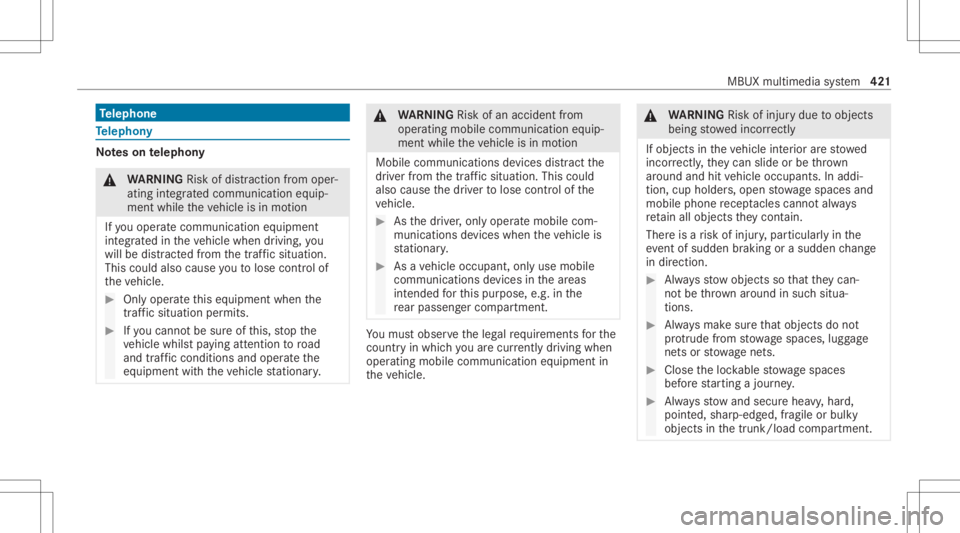
teson telephon y &
WARNIN GRisk ofdist ra ction from oper‐
ati ng integr ated commu nication equip‐
ment whiletheve hicle isin mo tion
If yo uoper ateco mm unic ationeq uipme nt
int egrat edintheve hicle when driving, you
will bedistract edfrom thetra ffic situat ion.
This could alsocause youto lose control of
th eve hicle. #
Onlyoper ateth is eq uipmen twhen the
tr af fic situ ation per mits. #
Ifyo ucan notbe sur eof this, stop the
ve hicle whilstpa ying attention toroad
and traffic condi tions andoperate the
eq uipment withth eve hicle statio nary. &
WARNIN GRisk ofan acci dent from
ope rating mob ile comm unicati onequip ‐
ment while th eve hicle isin mo tion
Mobile communication sde vices distract the
dr iver from thetraf fic situ ation. Thiscou ld
al so cau sethedr iver tolose control of the
ve hicle. #
Asthedr iver ,onl yoper atemobile com‐
municat ionsdevices when theve hicle is
st atio nary. #
Asave hicle occupant, onlyuse mobile
communication sde vices inthear eas
int ended forth is pur pose, e.g.inthe
re ar passe nger com partment . Yo
umus tobse rveth eleg alrequ iremen tsforth e
cou ntryin whi chyouar ecur rentl ydr ivi ng when
op erati ng mob ile comm unicati onequip ment in
th eve hicle. &
WARNIN GRisk ofinju rydue toobject s
being stowe dinco rrect ly
If objects intheve hicle interior arestowe d
inc orrectly ,th ey can slide orbe throw n
ar oun dand hitvehicle occupants. Inaddi‐
tion, cupholder s,open stow agespac esand
mobi lephon ere cep tacle scanno tal wa ys
re tain all obje ctsth ey cont ain.
The reisarisk ofinjur y,par ticular lyin the
ev ent ofsudden braking orasudden chang e
in dir ect ion. #
Alw aysst ow object sso that they can‐
no tbe throw nar ou nd insuch situa‐
tions. #
Alw aysmak esur eth at obj ect sdo not
pr otru de from stow agespac es,lugg age
ne ts or stow agene ts. #
Close theloc kable stow agespac es
bef orest ar tin gajo ur ne y. #
Alw aysst ow and securehea vy,har d,
poin ted, shar p-edg ed,fragile orbulky
objec tsinthetrunk/ loadcompartmen t. MBUX
multimedia system 42
1
Page 427 of 682
te
lephon ese ttings ,se ttings canbemade for
bo th mobil ephones.
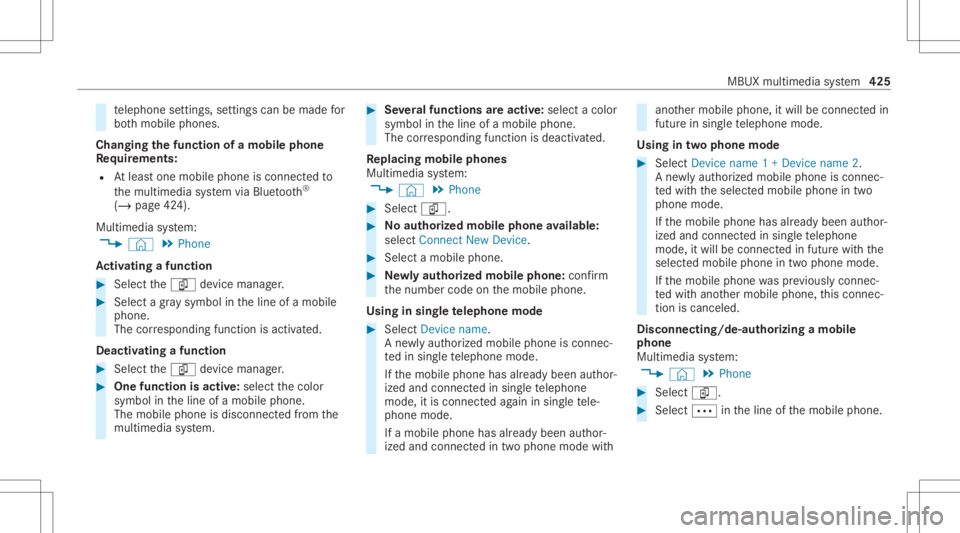
Changi ngthefun ction ofamobil eph one
Re quirement s:
R Atleas tone mobile phoneis con nectedto
th emultimedia system viaBlue tooth®
( / pag e42 4).
Multimedia system:
4 © 5
Phone
Ac tiv atin gafun ction #
Select theí device manag er. #
Select agr ay symbol intheline ofamobile
phone.
The corresponding functionisactiv ated.
Deactiv atingafunction #
Select theí device manag er. #
One function isactiv e:select thecolor
symbol intheline ofamobile phone.
The mobile phoneisdiscon nectedfrom the
multime diasystem. #
Severalfunct ionsareactiv e:select acolor
symbol intheline ofamobile phone.
The corresponding functionisdeactiv ated.
Re plac ingmobi lephon es
Mu ltimed iasystem:
4 © 5
Phone #
Select í. #
No author ized mobi lephone availab le:
sele ctConnect NewDevice . #
Select amobi lephone. #
Newly author ized mobi lephone :conf irm
th enumber codeonthemobile phone.
Using insing letelephone mode #
Selec tDev icename.
A ne wlyaut hor ized mobile phoneis con nec‐
te din sing letelephon emode.
If th emobile phonehasalready been author‐
ized andconnect edinsing letelephon e
mode, itis con nectedag ain insing letele‐
phon emode.
If amobile phonehas already been author‐
ized andconnectedin twophone modewith ano
ther mobile phone, itwill becon nect edin
futur ein sing letelephon emode.
Using intw oph one mod e #
Selec tDev icename 1+Dev icename 2.
A ne wlyaut hor ized mobile phoneis con nec‐
te dwit hth eselect edmobile phoneintwo
phone mode.
If th emobile phonehasalready been author‐
ized andconnect edinsing letelephon e
mode, itwill becon nectedin futur ewit hth e
select edmobile phoneintwophone mode.
If th emobile phonewaspr ev iousl ycon nec‐
te dwit hano ther mobile phone, this con nec‐
tion iscan celed.
Disconnecting/d e-authorizing amobil e
ph one
Mult imedia system:
4 © 5
Phone #
Select í. #
Select 0062intheline ofthemobile phone. MBUX
multimedia system 425
Page 438 of 682
#
Ifyo ucan notbe sur eof this, stop the
ve hicle whilstpa ying attention toroad
and traffic condi tions andoperate the
eq uipment withth eve hicle statio nary. Yo
umus tobse rveth eleg alrequ iremen tsforth e
cou ntryin whi chyouar ecur rentl ydr ivi ng when
op erati ng themultimedia system.
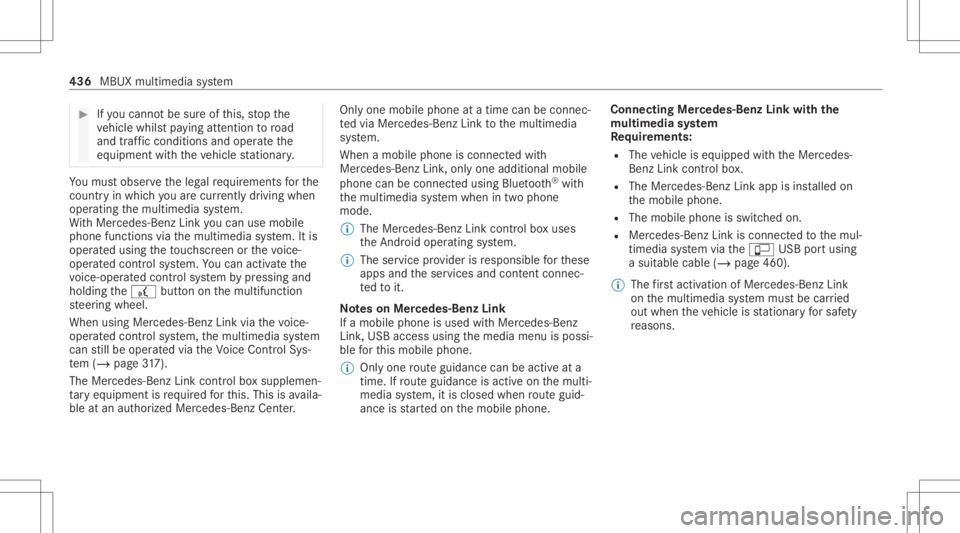
Wi th Mer cedes-Ben zLink youcan usemob ile
phon efun ction svia themultimedia system. Itis
oper ated using theto uc hsc reen orthevo ice-
opera tedcon trol system. Youcan activat eth e
vo ice- opera tedcon trol system bypressing and
holding the£ buttononthemultifunc tion
st eer ing wheel.
When usingMercedes- BenzLinkviathevo ice-
opera tedcon trol system, themultimedia system
can still be oper ated via theVo ice Cont rolSy s‐
te m (/ page31 7).
The Mercedes -Benz Linkcontr olbo xsup plemen‐
ta ry equipment isrequ ired forth is. This isavaila‐
ble atan aut hor izedMer cedes-Ben zCent er. On
lyone mobile phoneatatime canbeconn ec‐
te dvia Mer cedes- BenzLink tothemultimedia
sy stem.
When amobile phoneiscon nect edwith
Mer cedes- BenzLink,onl yone additional mobile
phone canbecon nect edusing Bluetooth®
wit h
th emultimedia system when intwophone
mode.
% The Mercedes- BenzLinkcontrol bo xuses
th eAn droid oper ating system.
% The service prov ider isresponsible forth ese
apps andtheser vices andcontent conne c‐
te dto it.
No teson Mer cedes-Benz Link
If amobile phoneisused withMer cedes-B enz
Link ,USB access usingthemedia menuispossi‐
ble forth is mobile phone.
% Onlyone routeguidan cecan beact ive at a
tim e.Ifro uteguidan ceisact ive on themulti‐
media system, itis closed whenrouteguid‐
anc eis star tedon themobile phone. Connecting
Mercedes-Benz Linkwithth e
mu ltim edia system
Re quirement s:
R The vehicle iseq uipped withth eMer cedes-
Benz Linkcontrol bo x.
R The Mercedes- BenzLinkappisins talled on
th emobile phone.
R The mobile phoneisswitc hedon.
R Mer cedes- BenzLinkiscon nect edtothemul‐
timedia system viatheç USBportusing
a suit able cable (/page460).
% The firs tacti vatio nof Me rcedes-B enzLink
on themultimedia system mus tbe car ried
out when theve hicle isstatio naryfo rsaf ety
re ason s. 436
MBUXmult imed iasystem
Page 440 of 682
Con
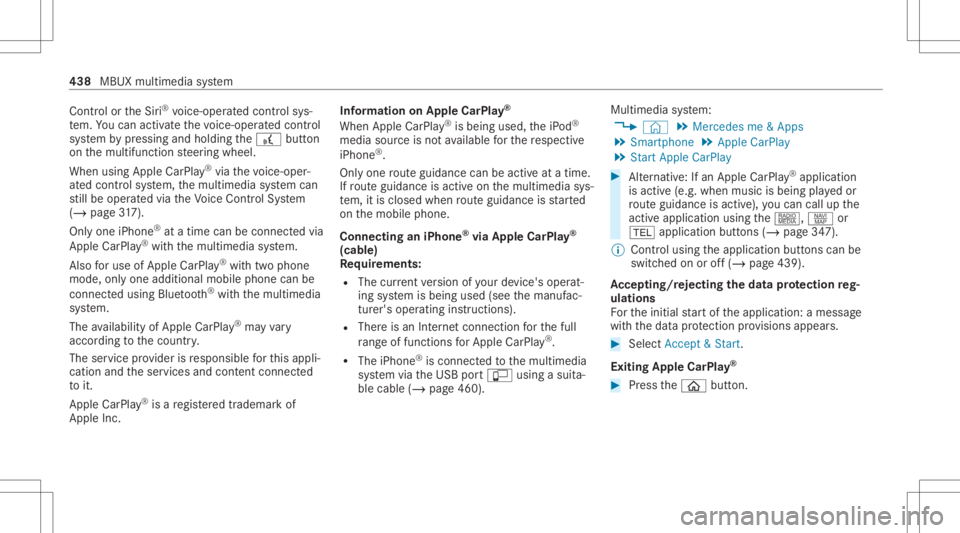
trol or theSir i®
vo ice- oper ated con trol sys‐
te m. Youcan activat eth evo ice- opera tedcon trol
sy stem bypressing andholding the£ button
on themultifunc tionsteer ing wheel.
When usingApple CarPla y®
via thevo ice- oper‐
at ed con trol system, themultimedia system can
st ill be oper ated via theVo ice Cont rolSy stem
(/ page31 7).
On lyone iPho ne®
at atim ecan becon nectedvia
Apple CarPla y®
wit hth emultimedia system.
Also foruse ofApple CarPla y®
wit htw ophone
mode, onlyoneadditional mobilephone canbe
connect edusing Blue tooth®
wit hth emultimedia
sy stem.
The availabilit yof App leCarPla y®
ma yva ry
acc ordin gto thecount ry.
The service prov ider isresponsible forth is appli‐
cat ion and theser vices andcontent conne cted
to it.
Apple CarPla y®
is are gis tere dtra demar kof
Apple Inc. Inf
ormat iononApple CarPla y®
When Apple CarPla y®
is being used,theiPod ®
media sourceisno tav ailable forth ere spectiv e
iPhone ®
.
Onl yone routeguidan cecan beact ive at atim e.
If ro uteguidan ceisact ive on themultimedia sys‐
te m, itis closed whenrouteguidan ceisstar ted
on themobile phone.
Connecting aniPhone ®
via Apple CarPla y®
(cable)
Re quirement s:
R The current version ofyour devic e's operat‐
ing system isbeing used(seethemanuf ac‐
tur er's oper ating instruction s).
R Ther eis an Interne tcon nect ionforth efull
ra ng eof func tions forApple CarPla y®
.
R The iPho ne®
is connect edtothemultimedia
sy stem viatheUSB portç using asuit a‐
ble cable (/page460). Multimedia
system:
4 © 5
Mercedes me&Apps
5 Smart phone 5
Apple CarPlay
5 Start Apple CarPlay #
Alternativ e:Ifan Apple CarPla y®
application
is activ e(e.g. when music isbeing playedor
ro uteguidan ceisact ive), youcan callupthe
act ive applic ationusin gth e|, zor
002B application buttons (/page34 7).
% Contr olusing theapplication buttons canbe
switc hedonoroff(/ page439).
Ac cep ting/r eject ingtheda ta protection reg‐
ulat ions
Fo rth einitial star tof theapplication: amessag e
wit hth edat apr otect ion prov ision sappear s. #
Selec tAc cept &St art .
Exitin gApp leCar Play® #
Press the00E2 button. 438
MBUX multimedia system
Page 442 of 682
connect
edusing Bluetoo th®
wit hth emultimedia
sy stem.
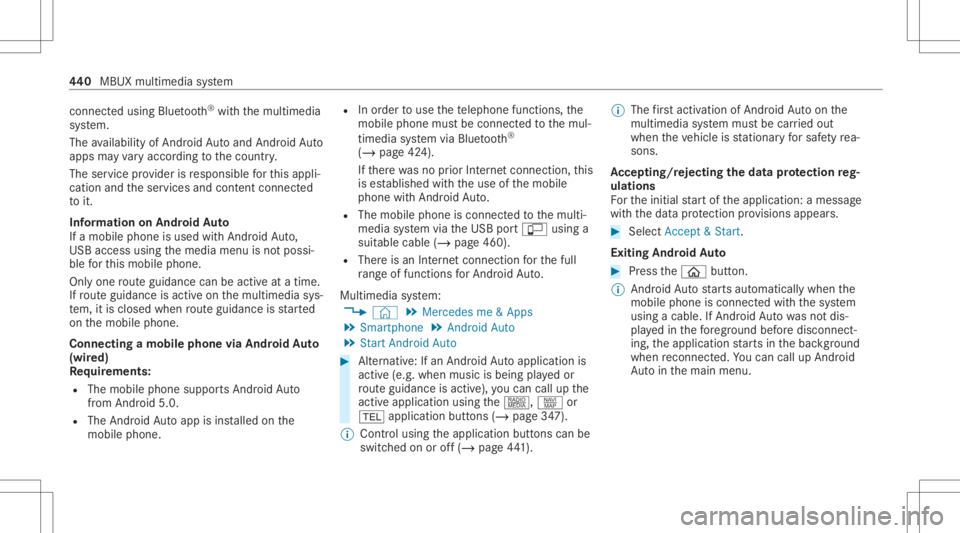
The availabilit yof An droid Autoand Android Auto
apps mayva ry acc ordin gto thecount ry.
The service prov ider isresponsible forth is appli‐
cat ion and theser vices andcontent conne cted
to it.
Inf orma tion onAndr oidAuto
If amobil ephone isused withAndr oidAuto,
USB access usingthemedia menuisno tpossi‐
ble forth is mobile phone.
Onl yone routeguidan cecan beact ive at atim e.
If ro uteguidan ceisact ive on themultimedia sys‐
te m, itis closed whenrouteguidan ceisstar ted
on themobile phone.
Connecting amobile phoneviaAndr oidAuto
(wir ed)
Re quirement s:
R The mobile phonesuppor tsAn droid Auto
fr om Andr oid5.0.
R The Andr oidAutoapp isins talled onthe
mobil ephone. R
Inorder touse thete lephon efunc tions,the
mobil ephone mustbe connect edtothemul‐
timedia system viaBlue tooth®
( / pag e42 4).
If th er ewa sno prior Interne tconn ection, this
is es tablished withth euse ofthemobile
phone withAn droid Auto.
R The mobile phoneisconn ectedtothemulti‐
media system viatheUSB portç using a
suit able cable (/page460).
R Ther eis an Interne tcon nect ionforth efull
ra ng eof func tions forAndr oidAuto.
Multimedia system:
4 © 5
Mercedes me&Apps
5 Smart phone 5
Android Auto
5 Start Android Auto #
Alternativ e:Ifan Android Autoapplic ationis
act ive (e. g.when music isbein gpla yedor
ro uteguidan ceisact ive), youcan callupthe
act ive applic ationusin gth e|, zor
002B application buttons (/page34 7).
% Contr olusing theapplication buttons canbe
switc hedonoroff(/ page44 1). %
Thefirs tacti vatio nof Andr oid Au toon the
multime diasystem mus tbe car ried out
when theve hicle isstatio naryfo rsaf etyre a‐
son s.
Ac cep ting/r eject ingtheda ta protection reg‐
ulat ions
Fo rth einitial star tof theapplication: amessag e
wit hth edat apr otect ion prov ision sappear s. #
Selec tAc cept &St art .
Exitin gAndr oidAuto #
Press the00E2 button.
% Android Autostar ts aut omat icallywhen the
mobil ephone isconnect edwithth esy stem
using acable. IfAn droid Autowa sno tdis‐
pla yedin thefo re ground beforedisconn ect‐
ing, theapplication star ts inthebac kground
when reconnect ed.Youcan callupAndroid
Au tointhemain menu. 44
0
MBUX multimedia system
Page 443 of 682
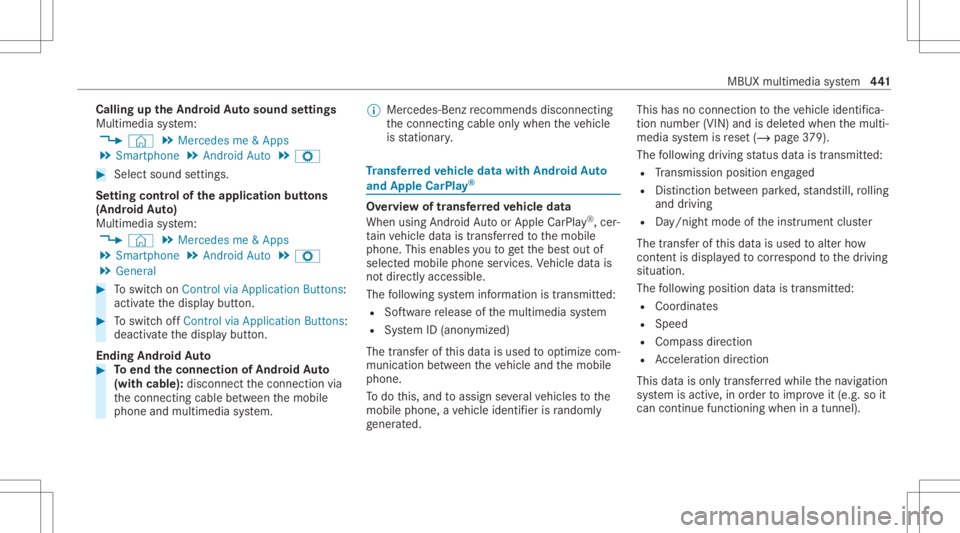
Callin
gup theAndr oidAutosound settings
Multimedia system:
4 © 5
Mercedes me&Apps
5 Smart phone 5
Android Auto 5
Z #
Select soundsettings.
Se tting contr olof theap plica tionbuttons
(Andr oidAuto)
Multimedia system:
4 © 5
Mercedes me&Apps
5 Smart phone 5
Android Auto 5
Z
5 General #
Toswitc hon Control viaApplication Buttons:
activ ateth edispla ybutt on. #
Toswitc hof fControl viaApplication Buttons:
deactiv ateth edispla ybutt on.
Ending AndroidAuto #
Toend theconnecti onofAndr oidAuto
(wit hcable): disconnect thecon nect ionvia
th econ nect ingcable between themobile
phone andmultimedia system. %
Mer cedes- Benzrecomme ndsdisconnecti ng
th econ nect ingcable onlywhen theve hicle
is statio nary. Tr
ansf erre dve hicl edata withAndroidAuto
and Apple CarPla y® Ov
ervie wof transf erre dve hicl edata
When using Andr oidAutoor Apple CarPla y®
,cer‐
ta in vehicle datais transf erredto themobile
phone. Thisenables youto getth ebes tout of
select edmobile phoneservices. Vehicle datais
no tdir ectl yaccessible.
The follo wing system information istransmit ted:
R Softwarere lease ofthemultimedia system
R System ID(anon ymized)
The transf erofthis dat ais used tooptimize com‐
munication between theve hicle andthemobile
phone.
To do this, and toassig nse veralve hicles tothe
mobil ephone, ave hicle identif ierisrando mly
ge ner ated . Thi
sha sno conne ctionto theve hicle identif ica‐
tion number (VIN)andisdele tedwhen themulti‐
media system isrese t(/ page37 9).
The follo wing drivin gst atus datais trans mitted:
R Trans miss ionposit ionengaged
R Distinction between parked, stands till,ro lling
and drivin g
R Day/n ight mode oftheins trument cluster
The transf erofthis dat ais used toalter how
con tent isdispl ayed tocor respond tothedr iving
situation .
The follo wing positiondatais transmit ted:
R Coor dinat es
R Speed
R Com pass direct ion
R Accel erati on dire ction
Thi sda ta isonl ytransf erredwhile thena vig ation
sy stem isactiv e,inorder toimprove it(e.g. soit
can continue func tioningwhen inatun nel). MBU
Xmultim ediasystem 44
1