dimensions MERCEDES-BENZ METRIS 2018 MY18 Operator’s Manual
[x] Cancel search | Manufacturer: MERCEDES-BENZ, Model Year: 2018, Model line: METRIS, Model: MERCEDES-BENZ METRIS 2018Pages: 318, PDF Size: 5.07 MB
Page 11 of 318
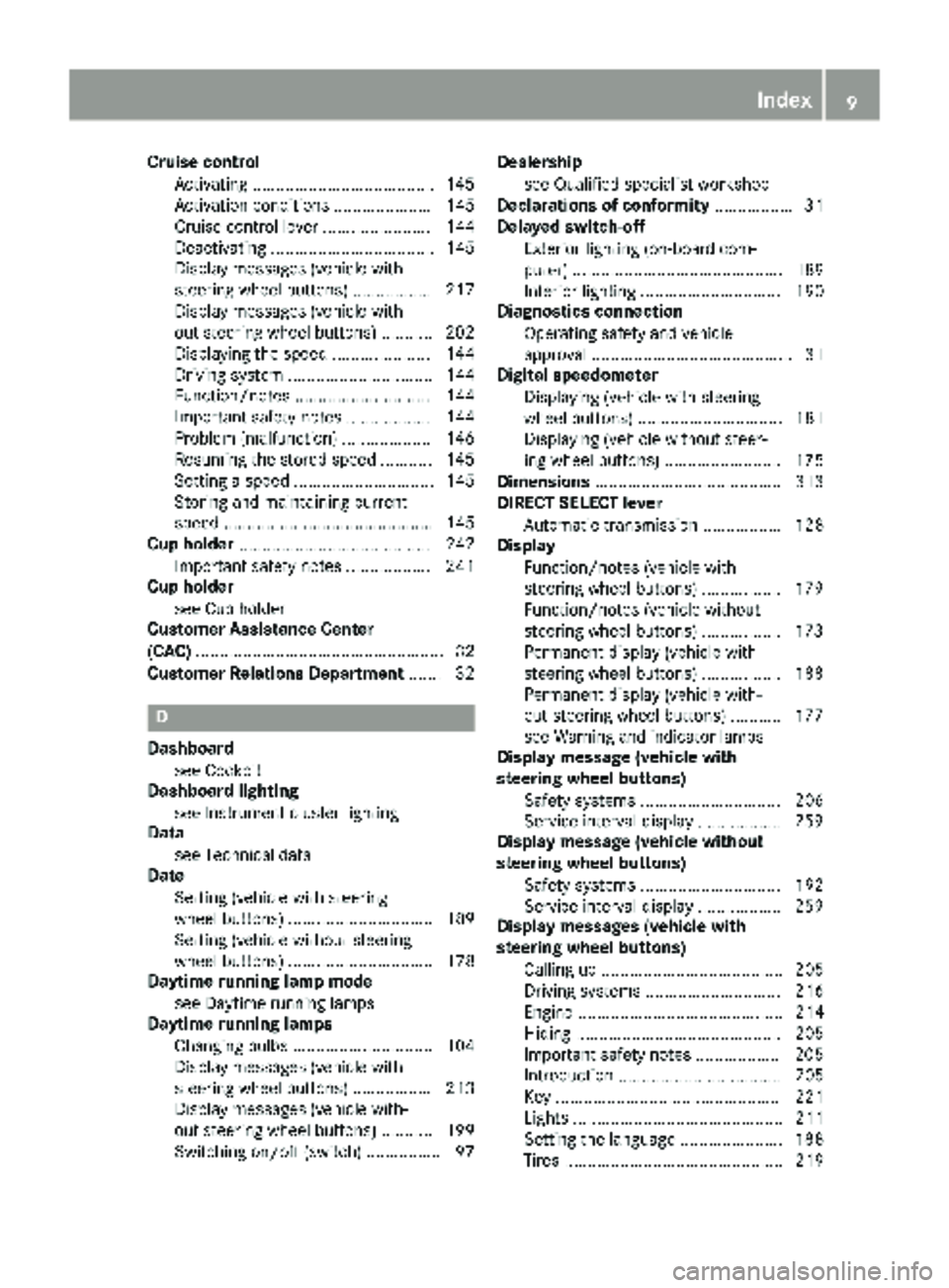
Cruise controlActivating ...................................... .145
Activation conditions ..................... 145
Cruise control lever ....................... 144
Deactivating ................................... 145
Display messages (vehicle with
steering wheel buttons) ................. 217
Display messages (vehicle with-
out steering wheel buttons) ........... 202
Displaying the speed ..................... 144
Driving system ............................... 144
Function/notes ............................. 144
Important safety notes .................. 144
Problem (malfunction) ................... 146
Resuming the stored speed ........... 145
Setting a speed .............................. 145
Storing and maintaining current
speed ............................................. 145
Cup holder ......................................... 242
Important safety notes .................. 241
Cup holder
see Cup holder
Customer Assistance Center
(CAC) ..................................................... 32
Customer Relations Department ....... 32
D
Dashboard
see Cockpit
Dashboard lighting
see Instrument cluster lighting
Data
see Technical data
Date
Setting (vehicle with steering
wheel buttons) ............................... 189
Setting (vehicle without steering
wheel buttons) ............................... 178
Daytime running lamp mode
see Daytime running lamps
Daytime running lamps
Changing bulbs .............................. 104
Display messages (vehicle with
steering wheel buttons) ................. 213
Display messages (vehicle with-
out steering wheel buttons) ........... 199
Switching on/off (switch) ................ 97 Dealership
see Qualified specialist workshop
Declarations of conformity ................. 31
Delayed switch-off
Exterior lighting (on-board com-
puter) ............................................. 189
Interior lighting .............................. 190
Diagnostics connection
Operating safety and vehicle
approval ........................................... 31
Digital speedometer
Displaying (vehicle with steering
wheel buttons) ............................... 181
Displaying (vehicle without steer-
ing wheel buttons) ......................... 175
Dimensions ........................................ 313
DIRECT SELECT lever
Automatic transmission ................. 128
Display
Function/notes (vehicle with
steering wheel buttons) ................. 179
Function/notes (vehicle without
steering wheel buttons) ................. 173
Permanent display (vehicle with
steering wheel buttons) ................. 188
Permanent display (vehicle with-
out steering wheel buttons) ........... 177
see Warning and indicator lamps
Display message (vehicle with
steering wheel buttons)
Safety systems .............................. 206
Service i
nterval display .................. 259
Display message (vehicle without
steering wheel buttons)
Safety systems .............................. 192
Service interval display .................. 259
Display messages (vehicle with
steering wheel buttons)
Calling up ....................................... 205
Driving systems ............................. 216
Engine ............................................ 214
Hiding ............................................ 205
Important safety notes .................. 205
Introduction ................................... 205
Key ................................................ 221
Lights ............................................. 211
Setting the language ...................... 188
Tires ............................................... 219
Index9
Page 20 of 318
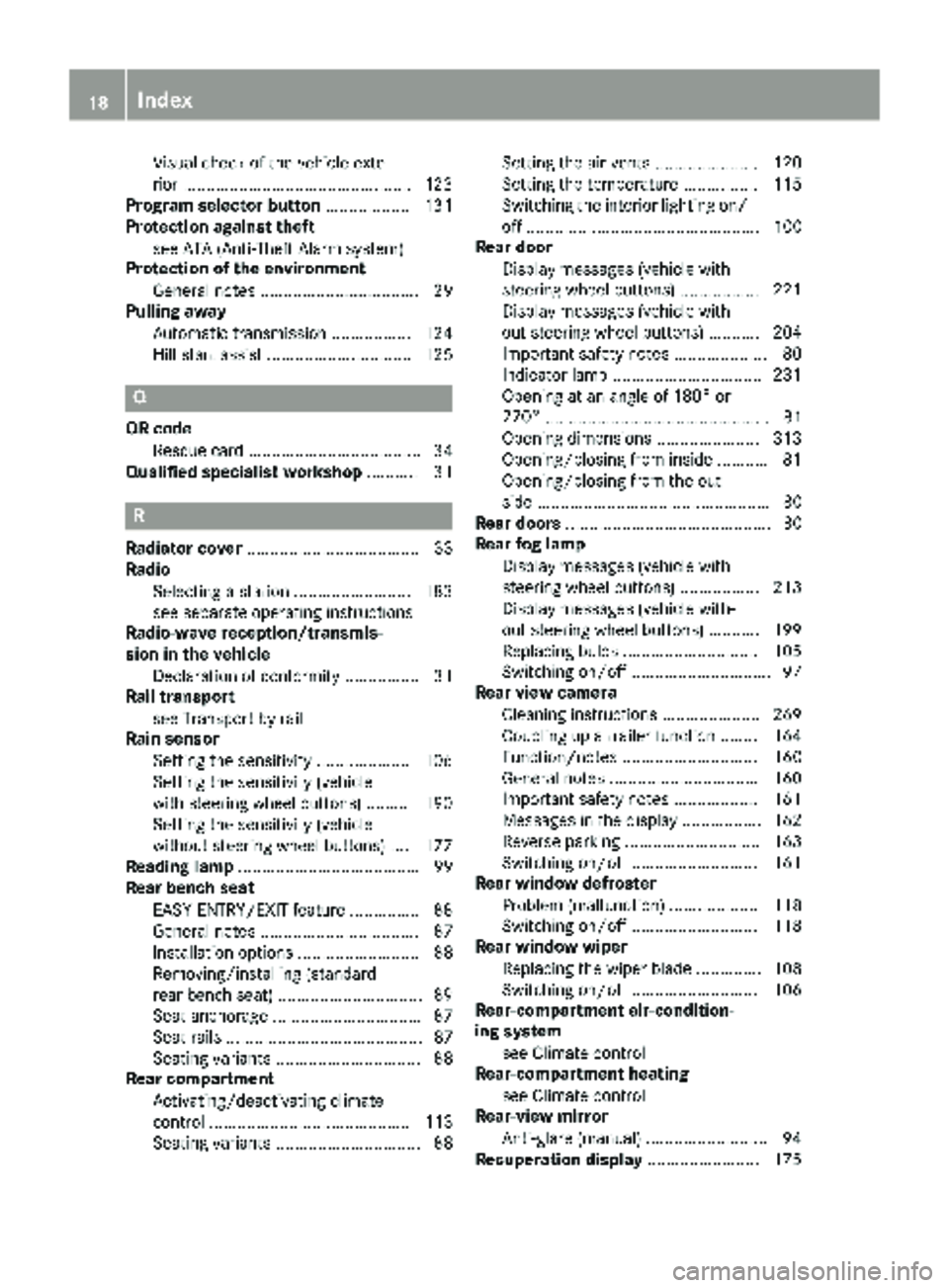
Visual check of the vehicle exte-
rior .................................................123
Program selector button .................. 131
Protection against theft
see ATA (Anti-Theft Alarm system)
Protection of the environment
General notes .................................. 29
Pulling away
Automatic transmission ................. 124
Hill start assist ............................... 125
Q
QR codeRescue card ..................................... 34
Qualified specialist workshop ........... 31
R
Radiator cover..................................... 33
Radio
Selecting a station ......................... 183
see separate operating instructions
Radio-wave reception/transmis-
sion in the vehicle
Declaration of conformity ................ 31
Rail transport
see Transport by rail
Rain sensor
Setting the sensitivity .................... 106
Setting the sensitivity (vehicle
with steering wheel buttons) ......... 190
Setting the sensitivity (vehicle
without steering wheel buttons) .... 177
Reading lamp ....................................... 99
Rear bench seat
EASY-ENTRY/EXIT feature ...............8 8
General notes .................................. 87
Installation options .......................... 88
Removing/installing (standard
rear bench seat) .............................. .89
Seat anchorage ................................ 87
Seat rails .......................................... 87
Seating variants ............................... 88
Rear compartment
Activating/deactivating climate
control ........................................... 113
Seating variants ............................... 88 Setting the air vents ...................... 120
Setting the temperature ................ 115
Switching the interior lighting on/
off .................................................. 100
Rear door
Display messages (vehicle with
steering wheel buttons) ................. 221
Display messages (vehicle with-
out steering wheel buttons) ........... 204
Important safety notes .................... 80
Indicator lamp ................................ 231
Opening at an angle of 180° or
270° ................................................ 81
Opening dimensions ...................... 313
Opening/closing from inside ........... 81
Opening/closing from the out-
side .................................................. 80
Rear doors ............................................ 80
Rear fog lamp
Display messages (vehicle with
steering wheel buttons) ................. 213
Display messages (vehicle with-
out ste
ering wheel buttons) ........... 199
Replacing bulbs ............................. 105
Switching on/off .............................. 97
Rear view camera
Cleaning instructions ..................... 269
Coupling up a trailer function ........ 164
Function/notes ............................. 160
General notes ................................ 160
Important safety notes .................. 161
Messages in the display ................. 162
Reverse parking ............................. 163
Switching on/off ........................... 161
Rear window defroster
Problem (malfunction) ................... 118
Switching on/off ........................... 118
Rear window wiper
Replacing the wiper blade .............. 108
Switching on/off ........................... 106
Rear-compartment air-condition-
ing system
see Climate control
Rear-compartment heating
see Climate control
Rear-view mirror
Anti-glare (manual) .......................... 94
Recuperation display ........................ 175
18Index
Page 23 of 318
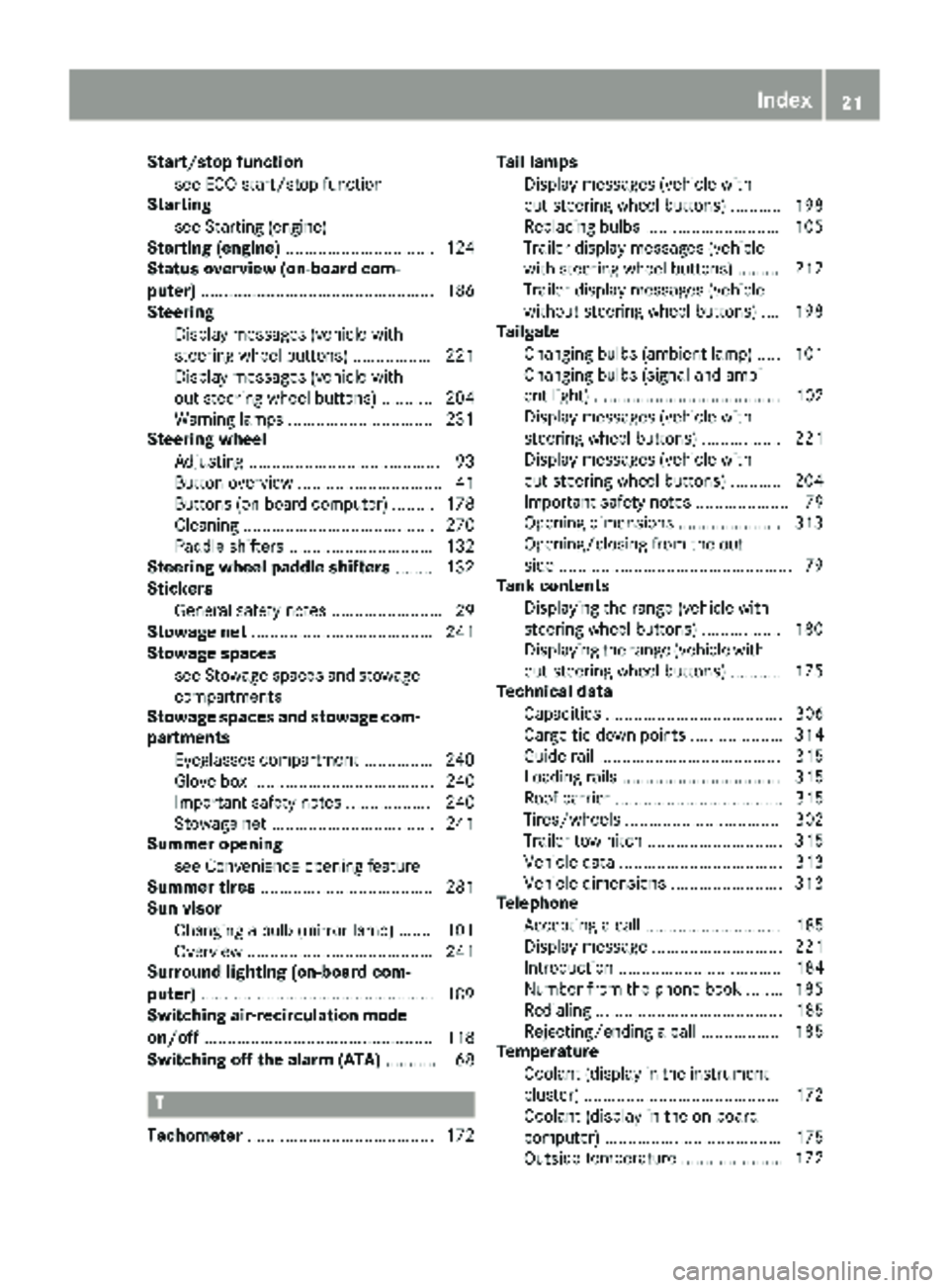
Start/stop functionsee ECO start/stop function
Starting
see Starting (engine)
Starting (engine) ................................ 124
Status overview (on-board com-
puter) .................................................. 186
Steering
Display messages (vehicle with
steering wheel buttons) ................. 221
Display messages (vehicle with-
out steering wheel buttons) ........... 204
Warning lamps ...............................2 31
Steering wheel
Adjusting ......................................... 93
Button overview ............................... 41
Buttons (on-board computer) ......... 178
Cleaning ......................................... 270
Paddle shifters ............................... 132
Steering wheel paddle shifters ........132
Stickers
General safety notes ........................ 29
Stowage net ....................................... 241
Stowage spaces
see Stowage spaces and stowage
compartments
Stowage spaces and stowage com-
partments
Eyeglasses compartment ...............2 40
Glove box ....................................... 240
Important safety notes .................. 240
Stowage net ................................... 241
Summer opening
see Convenience opening feature
Summer tires ..................................... 281
Sun visor
Changing a bulb (mirror lamp) ....... 101
Overview ........................................ 241
Surround lighting (on-board com-
puter) ..................................................1 89
Switching air-recirculation mode
on/off ................................................. 118
Switching off the alarm (ATA) ............ 68
T
Tachometer........................................ 172 Tail lamps
Display messages (vehicle with-
out steering wheel buttons) ........... 198
Replacing bulbs .............................1 05
Trailer display messages (vehicle
with steering wheel buttons) ......... 212
Trailer display messages (vehicle
without steering wheel buttons) .... 198
Tailgate
Changing bulbs (ambient lamp) ..... 101
Changing bulbs (signal and ambi-
ent light) ........................................ 102
Display messages (vehicle with
steering wheel buttons) ................. 221
Display messages (vehicle with-
out steering wheel buttons) ........... 204
Important safety notes .................... 79
Opening dimensions ......................3 13
Opening/closing from the out-
side ..................................................7 9
Tank contents
Displaying the range (vehicle with
steering wheel buttons) ................. 180
Displaying the range (vehicle with-
out steering wheel buttons) ........... 175
Technical data
Capacities ...................................... 306
Cargo tie-down points .................... 314
Guide rail ....................................... 315
Loading rails .................................. 315
Roof carrier .................................... 315
Tires/wheels ................................. 302
Trailer tow hitch ............................. 315
Vehicle data ................................... 313
Vehicle dimensions ........................ 313
Telephone
Accepting a call ............................. 185
Display message ............................ 221
Introduction ................................... 184
Number from the phone book ........ 185
Redialing ........................................ 185
Rejecting/ending a call ................. 185
Temperature
Coolant (display in the instrument
cluster) .......................................... 172
Coolant (display in the on-board
computer) ...................................... 175
Outsi de te
mperature ...................... 172
Index21
Page 26 of 318
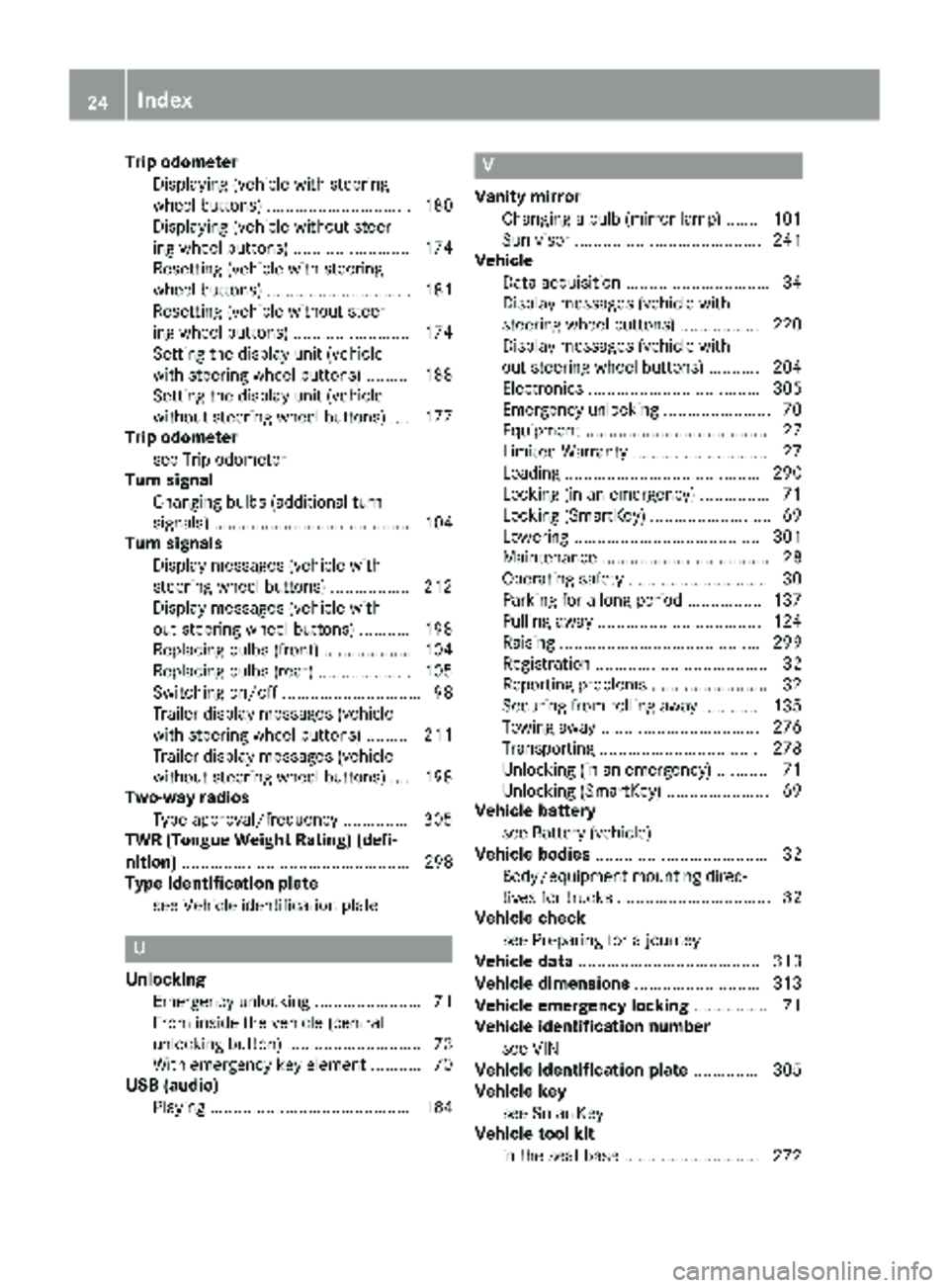
Trip odometerDisplaying (vehicle with steering
wheel buttons) ............................... 180
Displaying (vehicle without steer-
ing wheel buttons) ......................... 174
Resetting (vehicle with steering
wheel buttons) ............................... 181
Resetting (vehicle without steer-
ing wheel buttons) ......................... 174
Setting the display unit (vehicle
with steering wheel buttons) ......... 188
Setting the display unit (vehicle
without steering wheel buttons) .... 177
Trip odometer
see Trip odometer
Turn signal
Changing bulbs (additional turn
signals) .......................................... 104
Turn signals
Display messages (vehicle with
steering wheel buttons) ................. 212
Display messages (vehicle with-
out steering wheel buttons) ........... 198
Replacing bulbs (front) ................... 104
Replacing bulbs (rear) .................... 105
Switching on/off .............................. 98
Trailer display messages (vehicle
with steering wheel buttons) ......... 211
Trailer display messages (vehicle
without steering wheel buttons) .... 198
Two-way radios
Type approval/frequency .............. 305
TWR (Tongue Weight Rating) (defi-
nition) ................................................. 298
Type identification plate
see Vehicle identification plate
U
UnlockingEmergency unlocking ....................... 71
From inside the vehicle (central
unlocking button) ............................. 73
With emergency key element ........... 70
USB (audio)
Playing ........................................... 184
V
Vanity mirrorChanging a bulb (mirror lamp) ....... 101
Sun visor ........................................ 241
Vehicle
Data acquisition ............................... 34
Display messages (vehicle with
steering wheel buttons) ................. 220
Display messages (vehicle with-
out steering wheel buttons) ........... 204
Electronics ..................................... 305
Emergency unlocking ....................... 70
Equipment ....................................... 27
Limited Warranty ............................. 27
Loading .......................................... 290
Locking (in an emergency) ............... 71
Locking (SmartKey) .......................... 69
Lowering ........................................ 301
Maintenance .................................... 28
Operating safety .............................. 30
Parking for a long period ................ 137
Pulling away ................................... 124
Raising ........................................... 299
Registration ..................................... 32
Reporting problems ......................... 32
Securing from rolling away ............ 135
Towing away .................................. 276
Transporting .................................. 278
Unlocking (in an emergency) ........... 71
Unlocking (SmartKey) ...................... 69
Vehicle battery
see Battery (vehicle)
Vehicle bodies ..................................... 32
Body/equipment mounting direc-
tives for trucks ................................. 32
Vehicle check
see Preparing for a journey
Vehicle data ....................................... 313
Vehicle dimensions ........................... 313
Vehicle emergency locking ................ 71
Vehicle identification number
see VIN
Vehicle identification plate .............. 305
Vehicle key
see SmartKey
Vehicle tool kit
in the seat base ............................. 272
24Index
Page 81 of 318
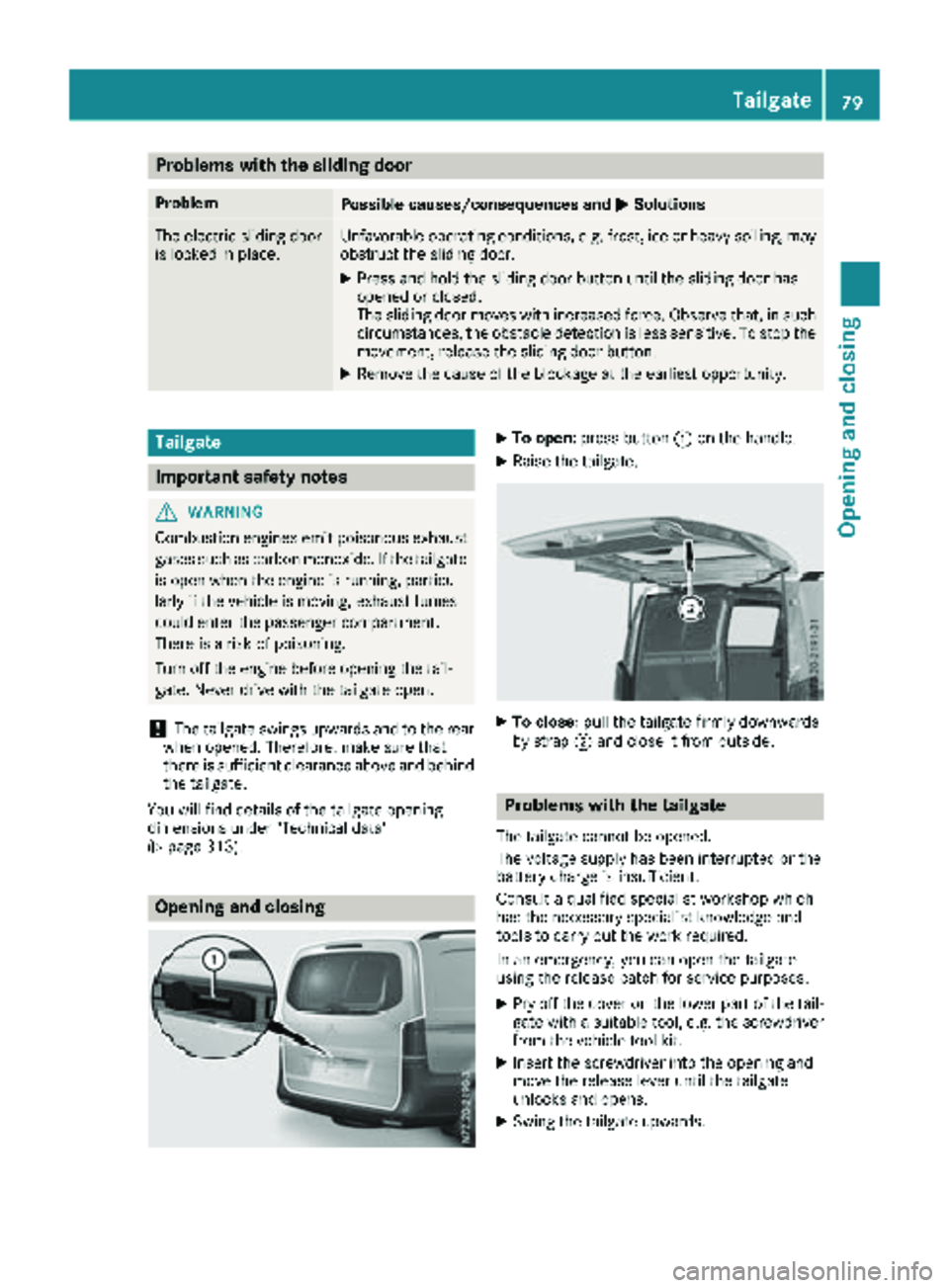
Problems with the sliding door
ProblemPossible causes/consequences andMSolutions
The electric sliding door
is locked in place.Unfavorable operating conditions, e.g. frost, ice or heavy soiling, may
obstruct the sliding door.
XPress and hold the sliding door button until the sliding door has
opened or closed.
The sliding door moves with increased force. Observe that, in such
circumstances, the obstacle detection is less sensitive. To stop the
movement, release the sliding door button.
XRemove the cause of the blockage at the earliest opportunity.
Tailgate
Important safety notes
GWARNING
Combustion engines emit poisonous exhaust
gases such as carbon monoxide. If the tailgate
is open when the engine is running, particu-
larly if the vehicle is moving, exhaust fumes
could enter the passenger compartment.
There is a risk of poisoning.
Turn off the engine before opening the tail-
gate. Never drive with the tailgate open.
!The tailgate swings upwards and to the rear
when opened. Therefore, make sure that
there is sufficient clearance above and behind
the tailgate.
You will find details of the tailgate opening
dimensions under "Technical data"
(
Ypage 313).
Opening and closing
XTo open: press button :on the handle.
XRaise the tailgate.
XTo close: pull the tailgate firmly downwards
by strap ;and close it from outside.
Problems with the tailgate
The tailgate cannot be opened.
The voltage supply has been interrupted or the
battery charge is insufficient.
Consult a qualified specialist workshop which
has the necessary specialist knowledge and
tools to carry out the work required.
In an emergency, you can open the tailgate
using the release catch for service purposes.
XPry off the cover on the lower part of the tail-
gate with a suitable tool, e.g. the screwdriver from the vehicle tool kit.
XInsert the screwdriver into the opening and
move the release lever until the tailgate
unlocks and opens.
XSwing the tailgate upwards.
Tailgate79
Opening and closing
Z
Page 167 of 318
Information on the audio system control knob
can be found in the separate operating
instructions.
Symbol=is highlighted. The distance spec-
ifications now only apply to objects that are at
the same level as the ball coupling.
XBack up carefully, making sure that trailer
drawbar locating aid ;points approximately
in the direction of trailer drawbar :.
XBack up carefully until trailer drawbar :rea-
ches red guide line A.
The distance between trailer drawbar :and
ball coupling ?is now approximately 12 in
(0.30 m).
XCouple the trailer (Ypage 165).
Towing a trailer
Notes on trailer towing
Important safety notes
GWARNING
Installing an unsuitable ball coupling may
result in overloading of the trailer tow hitch
and the rear axle. This applies especially if the ball coupling in question is longer or angled
differently. This could seriously impair the
driving characteristics and the trailer can
come loose. There is a risk of an accident.
You should only ever install a ball coupling
that has the permissible dimensions and that
is designed to meet your trailer-towing
requirements. Do not modify the ball coupling
or the trailer tow hitch.
GWARNING
If you install a ball coupling other than the one
delivered with the vehicle, the trailer tow hitch
and the rear axle may be overloaded. This
applies especially if the ball coupling in ques-
tion is longer or angled differently. This could
seriously impair the driving characteristics
and the trailer can come loose. There is a risk
of an accident.
Only install the ball coupling delivered with
the vehicle or a ball coupling that is designed
to meet your trailer towing requirements. Do
not modify the ball coupling or the trailer tow
hitch.
GWARNING
If the ball coupling is not correctly installed
and secured, it could come loose while driving and endanger other road users. There is a risk
of an accident and injury.
Install and secure the ball coupling as descri-
bed in the ball coupling manufacturer's instal-
lation instructions. Make sure that the ball
coupling is correctly installed and secured
before every journey.
GWARNING
When the vehicle/trailer combination begins
to lurch, you could lose control of it. The vehi- cle/trailer combination could even rollover.
There is a risk of an accident.
On no account should you attempt to
straighten up the vehicle/trailer combination
by increasing the speed. Reduce vehicle
speed and do not countersteer. Apply the
brake as necessary.
You can attach carrier systems such as bicycle
racks or load-bearing implements on the ball
coupling. The maximum load-bearing capacity
of 165 lb (75 kg) applies when using carrier sys-
tems on the ball coupling.
Always observe the operating instructions pro-
vided by the manufacturers of the trailer cou-
pling and the ball coupling.
Couple and decouple the trailer carefully. When
backing up the towing vehicle, make sure
nobody is standing between the vehicle and the trailer.
A trailer which is incorrectly coupled to the tow-
ing vehicle could break away. A correctly cou-
pled trailer must be positioned horizontally
behind the towing vehicle.
Ensure that the following weights are not excee-
ded:
Rthe permissible noseweight
Rthe permissible trailer load
Rthe permissible rear axle load of the towing
vehicle
Towing a trailer165
Driving and parking
Z
Page 169 of 318
Drivingtips
If th etrailer begin sto swin gfrom sid eto side:
XDo no taccelerate.
XDo no tcounter-steer .
XBrakeif necessary.
iYou can reduce th eris kof th etrailer swing-
in gand rockin gby retrofitting anti-roll bar sor
trailer stability programs .Further information
is available at your authorized Mercedes-Ben z
Van Dealer .
RMaintainagreater distanc ethan you would
when drivin gwithout towin g atrailer .
RAvoid sudden braking .Apply th ebrake sgen -
tl y at first to allow th etrailer brake to overrun.
Then, increase th ebrake forc equickly.
RThe figure sfo rth egradient climbin gcapabil-
ities from astandstill refer to sea level. Whe n
drivin gin mountainous areas, note that th e
powe routput of th eengine, and wit hit it s
gradient climbin gcapability, decrease wit h
increasing altitude.
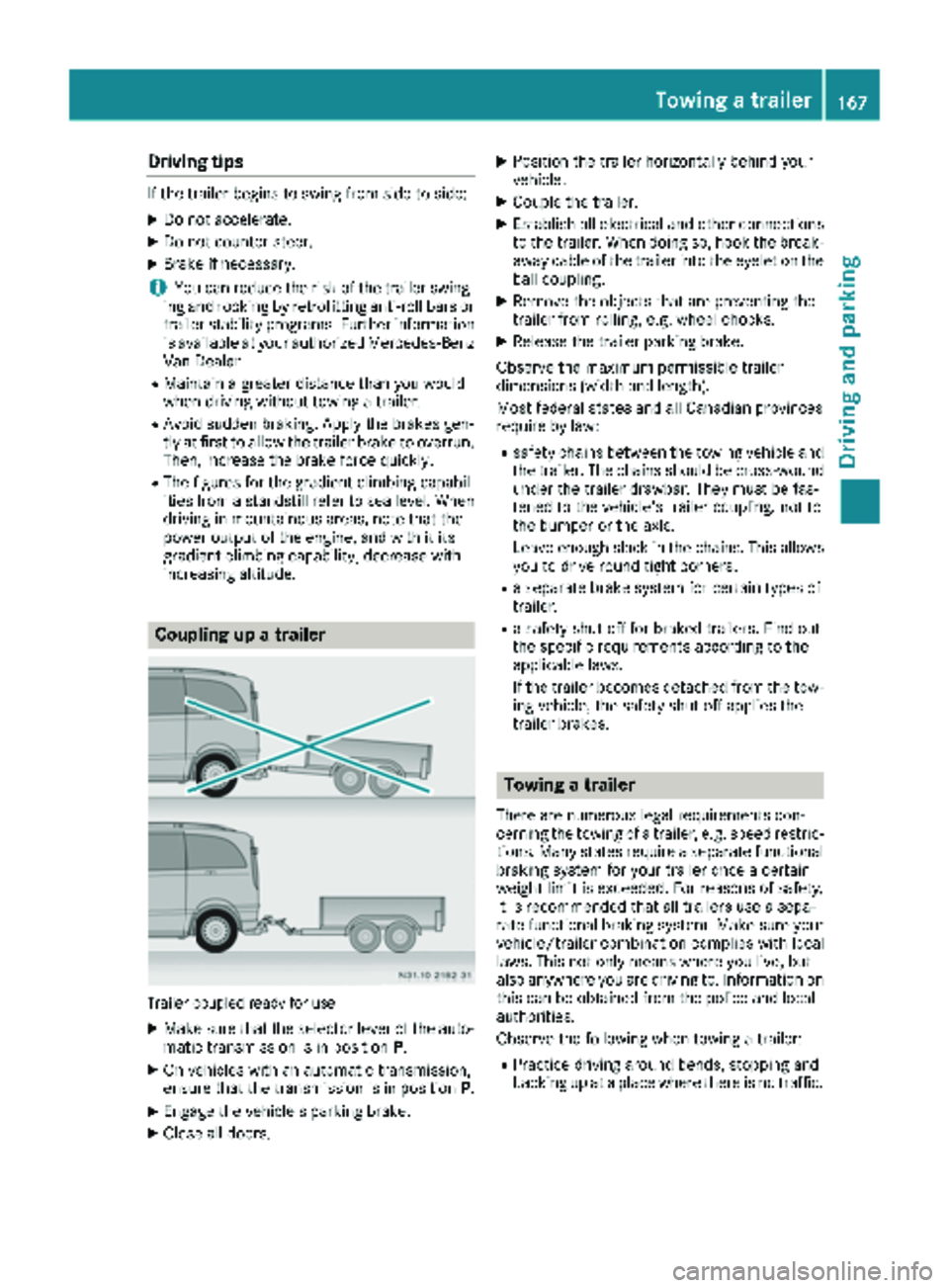
Coupling up atrailer
Trailer couple dready fo ruse
XMak esur ethat th eselecto rlever of th eauto-
matic transmissio nis in position P.
XOn vehicles wit han automatic transmission,
ensur ethat th etransmissio nis in position P.
XEngage thevehicle' sparking brake .
XCloseall doors .
XPosition th etrailer horizontally behin dyour
vehicle.
XCoupl eth etrailer .
XEstablis hall electrical and other connection s
to th etrailer .Whe ndoin gso, hoo kth ebreak -
away cable of th etrailer into th eeyele ton th e
ball coupling.
XRemov eth eobjects that are preventing th e
trailer from rolling, e.g. whee lchocks .
XRelease th etrailer parking brake .
Observ eth emaximum permissible trailer
dimensions (widt hand length).
Mos tfederal states and all Canadian province s
require by law:
Rsafet ychain sbetween th etowin gvehicle and
th etrailer .The chain sshould be cross-woun d
under th etrailer drawbar .The ymus tbe fas -
tene dto th evehicle' strailer coupling, no tto
th ebumper or th eaxle.
Leave enough slac kin th echains. Thi sallow s
you to drive round tight corners .
Raseparat ebrake syste mforcertain types of
tra
iler .
Rasafet yshut-of ffo rbrake dtrailers. Fin dout
th especific requirements accordin gto th e
applicable laws.
If th etrailer becomes detached from th etow-
in g vehicle, th esafet yshut-of fapplies th e
trailer brakes.
Towing atrailer
There are numerous lega lrequirements con-
cernin gth etowin gof atrailer ,e.g. speed restric -
tions. Man ystates require aseparat efunctional
braking system fo ryour trailer once acertain
weight limit is exceeded. Fo rreason sof safety,
it is recommended that all trailer suse asepa-
rat efunctional braking system. Mak esur eyour
vehicle/trailer combination complies wit hlocal
laws. Thi sno tonly means wher eyou live, but
also anywher eyou are drivin gto .Information on
this can be obtained from th epolice and local
authorities .
Observ eth efollowin gwhen towin g atrailer :
RPractic edrivin garound bends, stoppin gand
backing up at aplac ewher ethere is no traffic .
Towing a trailer167
Driving and parking
Z
Page 281 of 318
Useful information
This Operator's Manual describes all models as
well as standard and optional equipment of your
vehicle that were available at the time of going
to print. Country-specific variations are possi-
ble. Note that your vehicle may not be equipped
with all of the described functions. This also
applies to systems and functions relevant to
safety.
Read the information on qualified specialist
workshops (
Ypage 31).
Important safety notes
GWarning
A flat tire severely impairs the driving, steer-
ing and braking characteristics of the vehicle.
There is a risk of an accident.
do not drive with a flat tire. Immediately
replace the flat tire with your spare wheel, or
consult a qualified specialist workshop.
GWARNING
If wheels and tires of the wrong size are used, the wheel brakes or suspension components
may be damaged. There is a risk of an acci-
dent.
Always replace wheels and tires with those
that fulfill the specifications of the original
part.
When replacing wheels, make sure to use the
correct:
Rdesignation
Rmodel
When replacing tires, make sure to use the
correct:
Rdesignation
Rmanufacturer
Rmodel
Accessories that are not approved for your vehi-
cle by Mercedes-Benz or are not being used cor-
rectly can impair operating safety. Before purchasing and using non-approved
accessories, visit a qualified specialist work-
shop and inquire about:
Rsuitability
Rlegal stipulations
Rfactory recommendations
Information on the dimensions and types of
wheels and tires for your vehicle can be found
under "Wheel and tire combinations"
(
Ypage 302).
Information on your vehicle's tire pressure can
be found:
Rin the Tire and Loading Information placard on
the B-pillar, driver's side
Rin the tire pressure table inside the fuel filler
flap (Ypage 283)
Runder "Tire pressure tables" (Ypage 290)
Runder "Tire pressure" (Ypage 282)
Modifications to the brake system or wheels are not permitted. The use of a spacer and brake
dust shields is not permitted. This invalidates
the general operating permit for the vehicle.
Further information on wheels and tires can be
obtained at any qualified specialist workshop.
Operation
Information for a journey
If the vehicle is heavily laden, check the tire
pressures, and correct them, if necessary
(
Ypage 282).
While driving, pay attention to vibrations, noises
and unusual handling characteristics, e.g. pull-
ing to one side. This may indicate that the
wheels or tires are damaged. If you suspect that
a tire is defective, reduce your speed immedi-
ately. Stop the vehicle as soon as possible to
check the wheels and tires for damage. Hidden
tire damage could also be causing the unusual
handling characteristics. If you find no signs of
damage, have the tires and wheels checked at a
qualified specialist workshop.
When parking your vehicle, make sure that the
tires do not get deformed by the curb or other
obstacles. If it is necessary to drive over curbs,
speed humps or similar elevations, try to do so
slowly and not at a sharp angle. Otherwise, the
tires, particularly the sidewalls, can get dam-
aged.
Operation279
Wheels and tires
Z
Page 283 of 318
RDo not drive with tires which have too little
tread depth, as this significantly reduces the
traction on wet roads (hydroplaning).
RReplace the tires after six years at the latest,
regardless of wear. This also applies to the
spare wheel.
Operation in winter
General notes
Have your vehicle winterproofed at a qualified
specialist workshop at the onset of winter.
Only use wheels with tire sizes approved by
Mercedes-Benz.
Prior to the onset of winter, ensure that snow
chains are stowed in the vehicle (
Ypage 282).
Snow chains cannot be mounted on all wheel/
tire combinations. Observe the restrictions on
the use of snow chains under "Wheel/tire com-
binations" (
Ypage 302).
Also observe the notes in the "Changing a
wheel" section (
Ypage 298).
Driving with summer tires
At temperatures below 45 ‡ (+7 †), summer
tires lose elasticity and therefore traction and
braking power. Change the tires on your vehicle
to M+S tire s. Usingsu mmer tires at very cold
temperatures could cause tears to form,
thereby damaging the tires permanently.
Mercedes-Benz cannot accept responsibility for
this type of damage.
M+S tires
GWARNING
Wheel and tire dimensions as well as the type of tire can vary between the spare wheel and
the wheel to be replaced. When the spare
wheel is mounted, driving characteristics may be severely affected. There is a risk of an acci-
dent.
In order to reduce risks:
Ryou should therefore adapt your driving
style and drive carefully.
Rnever mount more than one spare wheel
that differs from the wheel to be replaced.
Ronly use a spare wheel that differs from the
wheel to be replaced for a short time.
Rhave a spare wheel that differs from the
wheel that has been changed replaced at
the nearest qualified specialist workshop.
You must observe the correct wheel and
tire dimensions as well as the wheel type.
GWARNING
M+S tires with a tire tread depth of less than
ã in (4 mm) are not suitable for use in winter
and do not provide sufficient traction. There is
a risk of an accident.
M+S tires with a tread depth of less than ãin
(4 mm) must be replaced immediately.
Use winter tires or all-season tires at tempera-
tures below 45 ‡ (+7 †). Both types of tire are
identified by the M+S marking.
Only winter tires bearing the isnowflake
symbol in addition to the M+S marking provide
the best possible grip in wintry road conditions.
Only these tires will allow driving safety systems
such as ABS and ESP
®to function optimally in
winter. These tires have been developed specif-
ically for driving in snow.
For safe driving, use M+S tires of the same make
and tread pattern on all wheels.
Always observe the maximum permissible
speed specified for the M+S tires you have
mounted.
If you mount M+S tires that have a lower maxi-
mum permissible speed than the maximum
design speed of the vehicle, affix a correspond- ing warning label in the driver's field of vision.
You can obtain this at a qualified specialist work-
shop.
Once you have mounted the winter tires:
XCheck the tire pressure (Ypage 282).
XRestart the tire pressure monitor
(Ypage 289).
Operation in winter281
Wheels and tires
Z
Page 284 of 318
Snow chains
GWARNING
If snow chains are installed to the front
wheels, they may drag against the vehicle
body or chassis components. This could
cause damage to the vehicle or the tires.
There is a risk of an accident.
To avoid hazardous situations:
Rnever install snow chains to the front
wheels
Ralways install snow chains in pairs to the
rear wheels.
GWARNING
If you drive too fast with snow chains moun-
ted, they may snap. As a result, you could
injure others and damage the vehicle. There is
a risk of an accident.
Observe the maximum permissible speed for
operation with snow chains.
Observe the country-specific laws and regula-
tions for operation with snow chains.
!Check the snow chains for damage before
mounting them. Damaged or worn snow
chains may snap and damage the following
components:
Rwheel
Rwheel housing
Rwheel suspension
For this reason, you must use only snow
chains that are free of defects. Observe the
manufacturer's mounting instructions.
!Vehicles with steel wheels: if you mount
snow chains on steel wheels, you may dam-
age the hub caps. Remove the hub caps from
the relevant wheels before mounting the
snow chains.
Snow chains increase traction on roads in wintry conditions.
For safety reasons, Mercedes-Benz recom-
mends that you only use snow chains or traction
aids which have been approved for Mercedes-
Benz vehicles. The snow chains or traction aids
must be of class U or meet the SAE type U
specification. Information about snow chains can be obtained
from any Mercedes-Benz Commercial Van Cen-
ter.
When mounting snow chains, please bear the
following points in mind:
RSnow chains cannot be mounted on all
wheel/tire combinations. When mounting the
snow chains, note the permissible tire and
snow chain dimensions. Observe the restric-
tions on the use of snow chains under
"Wheel/tire combinations" (
Ypage 302).
RMount snow chains only in pairs and only to
the rear wheels. Observe the manufacturer's
mounting instructions.
ROnly use snow chains when the road is cov-
ered by a layer of snow. Remove the snow
chains as soon as possible when you come to
a road that is not snow-covered.
RThe use of snow chains may be restricted by
local regulations. Observe the appropriate
regulations before mounting snow chains.
RWhen driving with snow chains installed, do
not exceed the maximum permissible speed
of 30 mph (50 km/h).
RCheck the tension of the chains after a dis-
tance of approximately 0.5 miles (1.0 km).
You may wish to deactivate ESP
®when pulling
away with snow chains installed (Ypage 66).
This allows the wheels to spin in a controlled
manner, achieving an increased driving force
(cut
ting action).
Tire pressure
Tire pressure specifications
Important safety notes
GWARNING
Underinflated or overinflated tires pose the
following risks:
Rthe tires may burst, especially as the load
and vehicle speed increase.
Rthe tires may wear excessively and/or
unevenly, which may greatly impair tire
traction.
Rthe driving characteristics, as well as steer-
ing and braking, may be greatly impaired.
There is a risk of an accident.
282Tire pressure
Wheels and tires