lock MERCEDES-BENZ R-CLASS MPV 2008 Owners Manual
[x] Cancel search | Manufacturer: MERCEDES-BENZ, Model Year: 2008, Model line: R-CLASS MPV, Model: MERCEDES-BENZ R-CLASS MPV 2008Pages: 373, PDF Size: 6.75 MB
Page 134 of 373
On-board computer
131
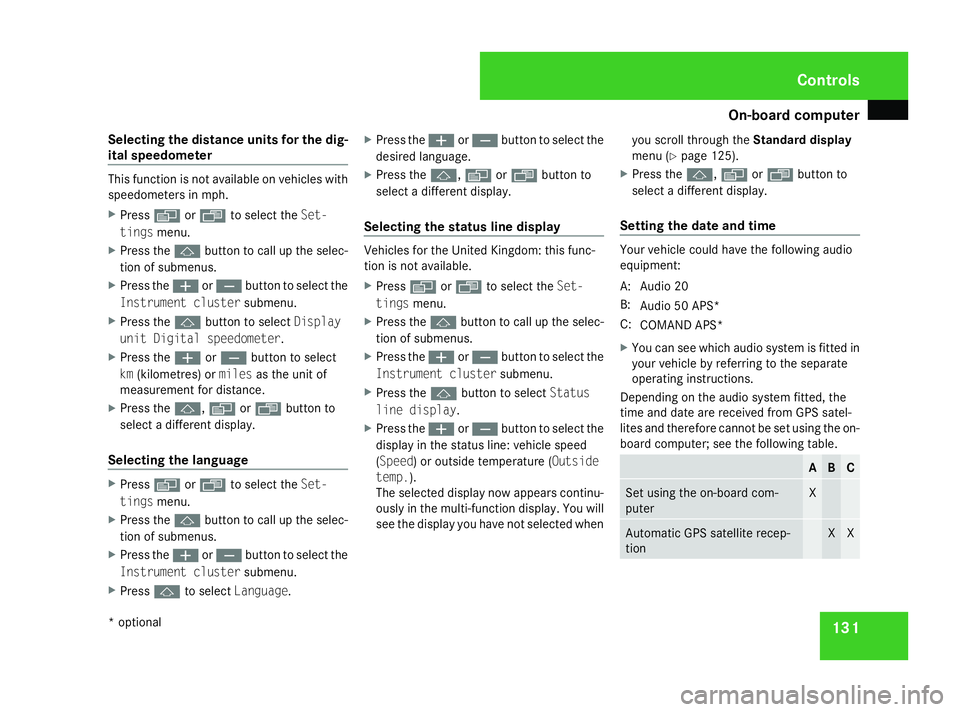
Selecting the distance units for the dig-
ital speedometer This function is not available on vehicles with
speedometers in mph.
X
Press èor· to select the Set-
tings menu.
X Press the jbutton to call up the selec-
tion of submenus.
X Press the æorç button to select the
Instrument cluster submenu.
X Press the jbutton to select Display
unit Digital speedometer.
X Press the æorç button to select
km (kilometres) or milesas the unit of
measurement for distance.
X Press the j,èorÿ button to
select a different display.
Selecting the language X
Press èor· to select the Set-
tings menu.
X Press the jbutton to call up the selec-
tion of submenus.
X Press the æorç button to select the
Instrument cluster submenu.
X Press jto select Language. X
Press the æorç button to select the
desired language.
X Press the j,èorÿ button to
select a different display.
Selecting the status line display Vehicles for the United Kingdom: this func-
tion is not available.
X
Press èor· to select the Set-
tings menu.
X Press the jbutton to call up the selec-
tion of submenus.
X Press the æorç button to select the
Instrument cluster submenu.
X Press the jbutton to select Status
line display .
X Press the æorç button to select the
display in the status line: vehicle speed
(Speed) or outside temperature ( Outside
temp.).
The selected display now appears continu-
ously in the multi-function display. You will
see the display you have not selected when you scroll through the
Standard display
menu (Y page 125).
X Press the j,èorÿ button to
select a different display.
Setting the date and time Your vehicle could have the following audio
equipment:
A: Audio 20
B:
Audio 50 APS*
C: COMAND APS*
X You can see which audio system is fitted in
your vehicle by referring to the separate
operating instructions.
Depending on the audio system fitted, the
time and date are received from GPS satel-
lites and therefore cannot be set using the on-
board computer; see the following table. A B C
Set using the on-board com-
puter X
Automatic GPS satellite recep-
tion X XControls
* optional
251_AKB; 5; 7, en-GB
wobuchh,
Version: 2.10.6 2008-05-11T14:51:51+02:00 - Seite 131 ZDateiname: 6515_1825_02_buchblock.pdf; preflight
Page 135 of 373
On-board computer
132
X
Press èor· to select the Set-
tings menu.
X Press the jbutton to call up the selec-
tion of submenus.
X Press the æorç button to select the
Time/Date submenu.
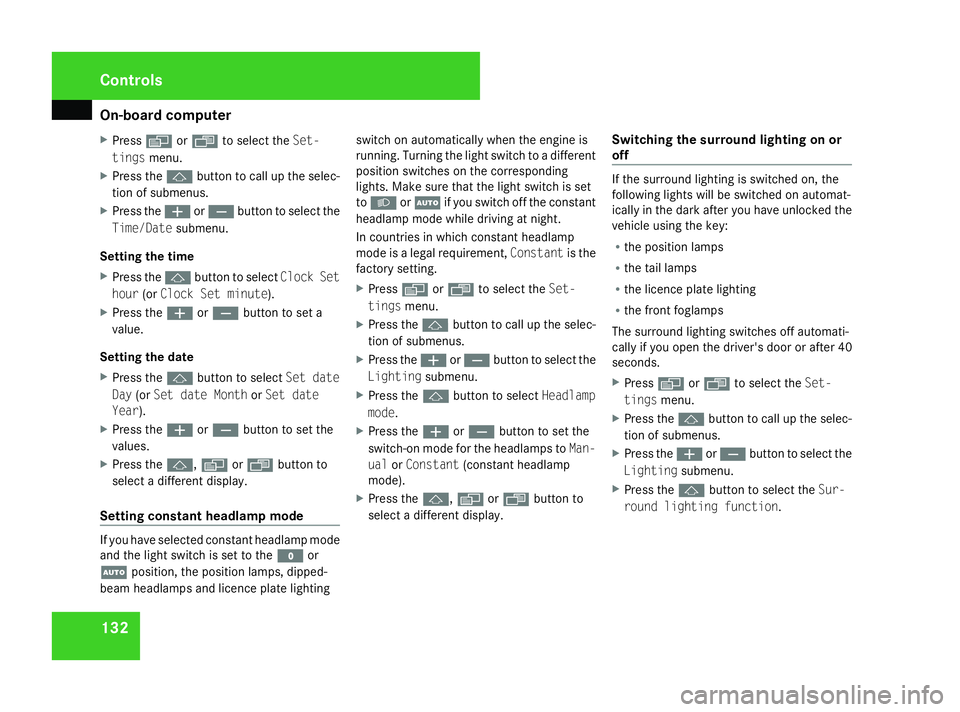
Setting the time
X Press the jbutton to select Clock Set
hour (orClock Set minute).
X Press the æorç button to set a
value.
Setting the date
X Press the jbutton to select Set date
Day (orSet date Month orSet date
Year).
X Press the æorç button to set the
values.
X Press the j,èorÿ button to
select a different display.
Setting constant headlamp mode If you have selected constant headlamp mode
and the light switch is set to the Mor
U position, the position lamps, dipped-
beam headlamps and licence plate lighting switch on automatically when the engine is
running. Turning the light switch to a different
position switches on the corresponding
lights. Make sure that the light switch is set
to
B orU if you switch off the constant
headlamp mode while driving at night.
In countries in which constant headlamp
mode is a legal requirement, Constantis the
factory setting.
X Press èor· to select the Set-
tings menu.
X Press the jbutton to call up the selec-
tion of submenus.
X Press the æorç button to select the
Lighting submenu.
X Press the jbutton to select Headlamp
mode.
X Press the æorç button to set the
switch-on mode for the headlamps to Man-
ual orConstant (constant headlamp
mode).
X Press the j,èorÿ button to
select a different display. Switching the surround lighting on or
off If the surround lighting is switched on, the
following lights will be switched on automat-
ically in the dark after you have unlocked the
vehicle using the key:
R
the position lamps
R the tail lamps
R the licence plate lighting
R the front foglamps
The surround lighting switches off automati-
cally if you open the driver's door or after 40
seconds.
X Press èor· to select the Set-
tings menu.
X Press the jbutton to call up the selec-
tion of submenus.
X Press the æorç button to select the
Lighting submenu.
X Press the jbutton to select the Sur-
round lighting function. Controls
251_AKB; 5; 7, en-GB
wobuchh,
Version: 2.10.6 2008-05-11T14:51:51+02:00 - Seite 132Dateiname: 6515_1825_02_buchblock.pdf; preflight
Page 136 of 373

On-board computer
133
X
Press the æorç button to switch
the Surround lighting function on or
off.
X Press the j,èorÿ button to
select a different display.
Activating or deactivating the exterior
lighting delayed switch-off Using the
Headlamp switch-off delay
function, you can set whether the exterior
lighting should remain on for 15 seconds after
the doors are closed when it is dark. If none
of the doors are opened after the engine is
switched off or if an open door is not closed,
the exterior lighting goes out after 60 sec-
onds.
When you have set a delayed switch-off time
and then switch off the engine, the following
remain lit:
R the position lamps
R the tail lamps
R the licence plate lighting
R the front foglamps X
Press èor· to select the Set-
tings menu.
X Press the jbutton to call up the selec-
tion of submenus.
X Press æorç to select the Light-
ing submenu.
X Press the jbutton to select Headlamps
delayed switch-off.
X Press the æorç button to activate
or deactivate the Headlamps delayed
switch-off function.
X Press the j,èorÿ button to
select a different display.
To temporarily deactivate the delayed switch-
off:
X Before leaving the vehicle, turn the key to
position 0in the ignition lock.
X Turn the key to position 2in the ignition
lock and back to position 0.
Delayed switch-off is deactivated.
Delayed switch-off is reactivated as soon as
you restart the engine.
Activating/deactivating the interior
lighting delayed switch-off Using the
Interior lighting delayed
switch-off function, you can set whether the interior lighting should remain on for 10
seconds after the key is removed from the
ignition lock when it is dark.
X Press èor· to select the Set-
tings menu.
X Press the jbutton to call up the selec-
tion of submenus.
X Press the æorç button to select the
Lighting submenu.
X Press the jbutton to select Interior
lighting delayed switch-off.
X Press the æorç button to activate
or deactivate Interior lighting
delayed switch-off.
X Press the j,èorÿ button to
select a different display.
Setting the display when the ignition is
switched off The
Display when ignition off function
allows you to set which display you see in the
multi-function display after the key is
removed from the ignition lock.
X Press èor· to select the Set-
tings menu.
X Press the jbutton to call up the selec-
tion of submenus. Controls
251_AKB; 5; 7, en-GB
wobuchh,
Version: 2.10.6 2008-05-11T14:51:51+02:00 - Seite 133 ZDateiname: 6515_1825_02_buchblock.pdf; preflight
Page 137 of 373

On-board computer
134
X
Press the æorç button to select the
Vehicle submenu.
X Press the jbutton to select Display
when ignition off.
X Press the æorç button to select
Interior motion sensor, Tow-away
protection orMiles/km.
X Press the j,èorÿ button to
select a different display.
Activating/deactivating the automatic
door locking feature The
Automatic door locking feature
allows you to set whether your vehicle will
lock centrally from a speed of about
15 km/h upwards.
i For more information on automatic lock-
ing, (Y page 75).
X Press èor· to select the Set-
tings menu.
X Press the jbutton to call up the selec-
tion of submenus.
X Press æorç to select the Vehicle
submenu.
X Press jto select Automatic door
locking . X
Press æorç to switch the Auto-
matic door locking feature on or off.
X Press the j,èorÿ button to
select a different display.
Selecting the switch-on time for the
auxiliary heating* This function is only available if the vehicle
has an auxiliary heating system.
The
Auxiliary heating function allows you
to select three switch-on times. You can set
the exact switch-on time using the other func-
tions in the Heatersubmenu.
You can switch off the auxiliary heating by
using the remote control or the auxiliary heat-
ing button on the centre console.
The auxiliary heating is switched off automat-
ically after 50 minutes. This time can be
changed. To do this, visit a qualified specialist
workshop, e.g. a Mercedes-Benz Service
Centre. G
Risk of poisoning
Exhaust fumes are produced when the aux-
iliary heating is in operation. Inhaling these
exhaust fumes can be poisonous. You
should therefore switch off the auxiliary heating in confined spaces without an
extraction system, e.g. a garage.
G
Risk of fire
When operating the auxiliary heating, parts
of the vehicle may become very hot, and
highly inflammable material such as fuels
could be ignited. Operating the auxiliary
heating is thus prohibited at filling stations
or when your vehicle is being refuelled. You
must therefore switch off the auxiliary heat-
ing at filling stations.
You can call up the Auxiliary heating.
function directly.
X Turn the key to position 1or 2in the ignition
lock.
X Press the button for the auxiliary heating on
the centre console (Y page 174).
or
X Press the èor· button to select the
Settings menu.
X Press the jbutton to call up the selec-
tion of submenus.
X Press the æorç button to select the
Heater submenu.
X Press the jbutton to select Auxiliary
heating . Controls
* optional
251_AKB; 5; 7, en-GB
wobuchh,
Version: 2.10.6 2008-05-11T14:51:51+02:00 - Seite 134Dateiname: 6515_1825_02_buchblock.pdf; preflight
Page 138 of 373

On-board computer
135
X
Press the æorç button to select
one of the three switch-on times or Timer
off (auxiliary heating switched off).
When a switch-on time is selected, the yel-
low indicator lamp lights up in the auxiliary
heating button.
X Press the j,èorÿ button to
select a different display.
Changing the switch-on time for the
auxiliary heating* This function is only displayed if you have
selected a switch-on time. Here you can enter
the time at which the auxiliary heating is to
be switched on.
X
Press èor· to select the Set-
tings menu.
X Press the jbutton to call up the selec-
tion of submenus.
X Press the æorç button to select the
Heater submenu.
X Press the jbutton to select Switch-on
time X Set hours.
X Press the æorç button to set the
hour.
X Press the jbutton to select Switch-on
time X Set minutes . X
Press the æorç button to set the
minutes.
After changing from one menu to another,
the new time setting is stored. The yellow
indicator lamp lights up on the button for
the auxiliary heating on the centre console.
X Press the j,èorÿ button to
select a different display.
Activating or deactivating the easy-
entry/exit feature* i
For more information on the easy-entry/
exit feature, (Y page 89). G
Risk of injury
When the easy-entry/exit feature is active,
the steering wheel moves. There is a risk of
occupants becoming trapped. Before acti-
vating the easy-entry/exit feature, make
sure that nobody can become trapped.
Do not leave children unsupervised in the
vehicle, even if they are secured in a child
restraint system. The children could open
the driver's door and thereby unintention-
ally activate the easy-entry/exit feature
and become trapped. X
Press èor· to select the Set-
tings menu.
X Press the jbutton to call up the selec-
tion of submenus.
X Press æorç to select the Conve-
nience submenu.
X Press the jbutton to select the EASY-
ENTRY system.
X Press the æorç button to activate
or deactivate the EASY-ENTRY system.
X Press the j,èorÿ button to
select a different display.
Activating/deactivating the Fold in mir-
rors when locking* function The
Fold in mirrors when locking func-
tion allows you to determine whether the
exterior mirrors should fold in when you lock
the vehicle. When you switch on the ignition,
the exterior mirrors fold out again.
If you have switched the function on and you
fold in the exterior mirrors using the button
on the door (Y page 91), they will not fold out
automatically. The exterior mirrors can then
only be folded out using the button on the
door. Controls
* optional
251_AKB; 5; 7, en-GB
wobuchh,
Version: 2.10.6 2008-05-11T14:51:51+02:00 - Seite 135 ZDateiname: 6515_1825_02_buchblock.pdf; preflight
Page 139 of 373

On-board computer
136
X
Press èor· to select the Set-
tings menu.
X Press the jbutton to call up the selec-
tion of submenus.
X Press æorç to select the Conve-
nience submenu.
X Press jto select Fold in mirrors
when locking .
X Press the æorç button to activate
or deactivate the Fold in mirrors when
locking feature.
X Press the j,èorÿ button to
select a different display. Additional functions* menu
The following table shows the settings you
can make in the Additional functions menu.
You will find additional information on the
pages shown. The number of functions
depends on your vehicle's optional equip-
ment. Function
R
Activates/deactivates the distance
warning system* (Y page 136)
R Primes/deactivates tow-away protec-
tion* (Y page 136)
R Primes/deactivates the interior motion
sensor* (Y page 137) Use the buttons on the multi-function steer-
ing wheel.
Activating/deactivating the distance
warning system*
This function is only available with Dis-
tronic* (Y
page 143).
X Press the èor· button to select the
Additional functions menu.
X If the Distance warning function is not
displayed, press the jork button
to select the Distance warning system.X
Press the æorç button to activate
or deactivate the Distance warning sys-
tem.
When the distance warning system is acti-
vated, the :symbol will be shown in the
lower multi-function display.
X Press the j,èor· button to
select a different display.
Priming/deactivating tow-away protec-
tion* If you deactivate
Tow-away protection, it
will not be primed when you next lock the
vehicle.
X Press the èor· button to select the
Additional functions menu.
X IfTow-away protection is not displayed,
press the jork button to select
Tow-away protection.
X Press the æorç button to prime or
deactivate Tow-away protection.
X Press the j,èorÿ button to
select a different display. Controls
* optional
251_AKB; 5; 7, en-GB
wobuchh,
Version: 2.10.6 2008-05-11T14:51:51+02:00 - Seite 136Dateiname: 6515_1825_02_buchblock.pdf; preflight
Page 140 of 373

On-board computer
137
Priming/deactivating the interior
motion sensor* If you deactivate the
Interior motion sen-
sor, it will not be primed when you next lock
the vehicle.
X Press the èor· button to select the
Additional functions menu.
X If the Interior motion sensor function
is not displayed, press the jork
button to select the Interior motion
sensor.
X Press the æorç button to prime or
deactivate the Interior motion sen-
sor.
X Press the j,èorÿ button to
select a different display. Trip computer menu
You can use the Trip computermenu to call
up or reset statistical data for your vehicle.
i You can select kmormiles as the unit of
measurement for distance (Y page 130).
i Menu overview: (Y page 123).
Use the buttons on the multi-function steer-
ing wheel.
Consumption statistics from start The values refer to the start of the journey.
X
Press the èor· button to select
From start. 1
Kilometres
2 Time
3 Average speed
4 Average fuel consumption If the vehicle is parked for more than 4 hours,
the
From start consumption statistics are
reset (key in position 0of the ignition lock or
removed).
The values will not be reset if you turn the key
to position 1or 2during this time.
Consumption statistics from the last
reset The values refer to the last reset of the func-
tion.
X
Press the èor· button to select
From start.
X Press jork to select From
reset. 1
Kilometres
2 Time
3 Average speed
4 Average fuel consumption Controls
* optional
251_AKB; 5; 7, en-GB
wobuchh,
Version: 2.10.6 2008-05-11T14:51:51+02:00 - Seite 137 ZDateiname: 6515_1825_02_buchblock.pdf; preflight
Page 141 of 373

On-board computer
138
Resetting the consumption statistics X
Using èor·, select From start.
X Press the jork button to select the
function that you wish to reset.
X Press and hold the reset button on the left
of the instrument cluster until the values
are reset to "0".
The From reset consumption statistics are
reset automatically after 9,999 hours or
99,999 kilometres.
Calling up the range X
Using èor·, select From start.
X Press the jork button to select
Range:
The multi-function display shows the esti-
mated distance that can be covered by the
vehicle, based on your current driving style
and the amount of fuel remaining in the
tank.
If there is only a small amount of fuel left in
the fuel tank, the display shows a vehicle
being refuelled ¿instead of the range. Telephone menu
Functions and displays depend on the
optional equipment installed in your vehicle.
You can place your mobile phone in the
mobile phone bracket* (Y page 208), or set
up a Bluetooth connection to the audio sys-
tem or COMAND APS *(see separate operat-
ing instructions). G
Risk of accident
Observe the legal requirements of the
country in which you are currently driving
regarding the use of mobile phones in the
vehicle.
If it is permitted to use mobile phones while
the vehicle is in motion, you should only use
them when the road and traffic conditions
allow. You may otherwise be distracted
from the traffic conditions, cause an acci-
dent and injure yourself and others.
i Menu overview:(Y page 123).
Use the buttons on the multi-function steer-
ing wheel. X
Switch on the mobile phone and audio sys-
tem or COMAND APS*; see separate oper-
ating instructions.
X Press the èor· button to select the
Telephone menu.
Mobile phone on PIN code not yet entered
Once you have inserted the mobile phone into
the mobile phone cradle*, the multi-function
display shows the message
Please enter
PIN.
X Enter the PIN using the mobile phone, Lin-
guatronic*, the audio system or COMAND
APS*.
The mobile phone will search for a network.
Mobile phone operational
The multi-function display shows the mes-
sage Ready or the name of the GSM network
provider. If the operational readiness symbol
goes out, your vehicle is outside the trans-
mission and reception range. In this case, the
message No service appears in the multi-
function display. Controls
* optional
251_AKB; 5; 7, en-GB
wobuchh,
Version: 2.10.6 2008-05-11T14:51:51+02:00 - Seite 138Dateiname: 6515_1825_02_buchblock.pdf; preflight
Page 142 of 373

On-board computer
139
Accepting a call If someone calls you while you are in the
Telephone
menu, the following message
appears in the multi-function display: X
Press the sbutton to accept the call.
Rejecting or ending a call X
Press the tbutton.
Dialling a number from the phone book If your mobile phone is operational, you can
select and dial a number from the phone book
at any time. You can enter new numbers into
the phone book using the mobile phone.
Please refer to separate operating instruc-
tions for information on how to do this. X
Press the èor· button to select the
Telephone menu.
X Press the jork button to call up
the phone book.
X Press the jork button to select the
desired name. To scroll through the tele-
phone book faster, press and hold the
j ork button for longer than 1 sec-
ond.
X Press the sbutton to start dialling.
The Connecting call... message
appears in the multi-function display.
The number dialled is stored in the redial
memory.
When there is a connection, the name of
the person called – if stored in the phone
book – or the number dialled appears in the
multi-function display.
or
X If you do not wish to make a call, press the
t button.
Redialling The on-board computer stores the last phone
numbers which were dialled.X
Press the èor· button to select the
Telephone menu.
X Press the sbutton to call up the most
recently dialled number in the redial mem-
ory.
X Press the jork button to select the
desired name or number.
X Press the sbutton to start dialling. Controls
251_AKB; 5; 7, en-GB
wobuchh,
Version: 2.10.6 2008-05-11T14:51:51+02:00 - Seite 139 ZDateiname: 6515_1825_02_buchblock.pdf; preflight
Page 143 of 373

Driving sys
tems 140 Driving systems
Overview of driving systems
The vehicle's driving systems are described
on the following pages:
R Cruise control, Distronic* and Speedtronic,
which are used to control the speed of the
vehicle
R The rear axle level control*, which regu-
lates the vehicle level at the rear axle
R AIRMATIC package*, consisting of level
control* for individual adjustment of
ground clearance and ADS* (Adaptive
Damping System), for individual adjust-
ment of suspension tuning
R 4*MATIC (permanent four-wheel drive), for
optimum traction
R Parktronic*, which assists you in parking
and manoeuvring
R Reversing camera*, which assists you
when parking and manoeuvring
The ABS, BAS, ESP ®
, EBV vehicle safety sys-
tems and the distance warning system* are
described in the "Safety" section
(Y page 58). Cruise control
Cruise control maintains a constant road
speed for you. It brakes automatically in order
to avoid exceeding the set speed. On long and
steep downhill gradients, especially if the
vehicle is laden or towing a trailer, you must
select shift range 1,2or 3in good time. By
doing so you will make use of the braking
effect of the engine, which relieves the load
on the brake system and prevents the brakes
from overheating and wearing too quickly. G
Risk of accident
Do not change down for additional engine
braking on a slippery road surface. This
could cause the drive wheels to lose their
grip and the vehicle could skid.
Use cruise control only if road and traffic con-
ditions make it appropriate to maintain a
steady speed for a prolonged period. You can
store any road speed above 30 km/h. G
Risk of accident
Cruise control cannot take account of road
and traffic conditions.
Always pay attention to traffic conditions
even when cruise control is activated.
Cruise control is only an aid designed to
assist driving. You are responsible for the vehicle's speed and for braking in good
time.
G
Risk of accident
Do not use cruise control:
R in road and traffic conditions which do
not allow you to maintain a constant
speed (e.g. heavy traffic or winding
roads). You could otherwise cause an
accident.
R on slippery roads. Braking or accelerat-
ing could cause the drive wheels to lose
traction and the vehicle could then skid.
R when there is poor visibility, e.g. due to
fog, heavy rain or snow
Cruise control lever You can operate cruise control and variable
Speedtronic with the cruise control lever.
The LIM indicator lamp on the cruise control
lever indicates which system you have selec-
ted:
R
LIM indicator lamp off:
Cruise control is selected.
R LIM indicator lamp lit:
Variable Speedtronic is selected. Controls
* optional
251_AKB; 5; 7, en-GB
wobuchh
,V ersion: 2.10.6
2008-05-11T14:51:51+02:00 - Seite 140 Dateiname: 6515_1825_02_buchblock.pdf; preflight