CD changer MERCEDES-BENZ S-Class 2001 W220 Comand Manual
[x] Cancel search | Manufacturer: MERCEDES-BENZ, Model Year: 2001, Model line: S-Class, Model: MERCEDES-BENZ S-Class 2001 W220Pages: 243, PDF Size: 2.33 MB
Page 67 of 243
65
Introduction
AudioTelephone
Navigation
Index Info Services and
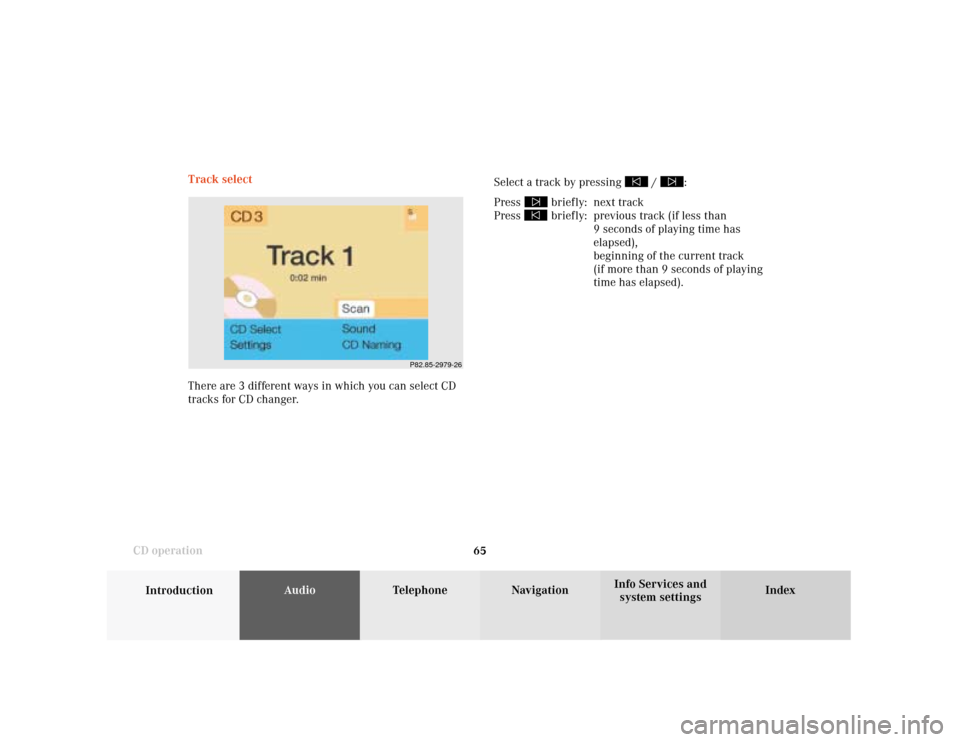
system settings CD operationTrack select
Select a track by pressing
/
:
Press
briefly: next track
Press briefly: previous track (if less than
9 seconds of playing time has
elapsed),
beginning of the current track
(if more than 9 seconds of playing
time has elapsed).
P82.85-2979-26
There are 3 different ways in which you can select CD
tracks for CD changer.
Page 69 of 243
67
Introduction
AudioTelephone
Navigation
Index Info Services and
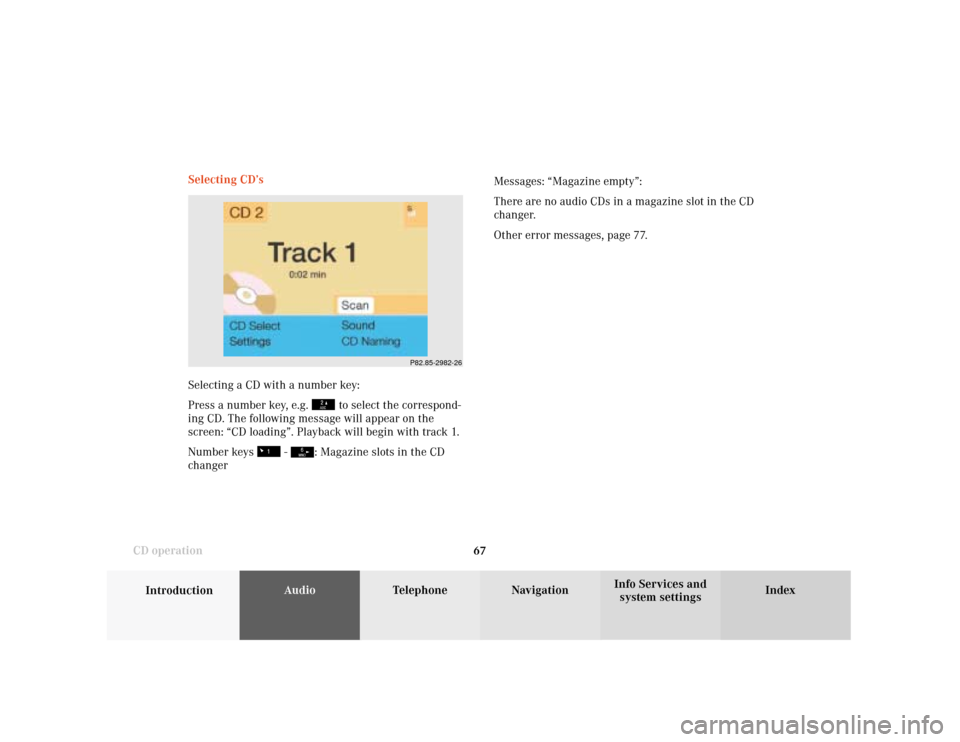
system settings CD operationSelecting CD’s
Selecting a CD with a number key:
Press a number key, e.g.
to select the correspond-
ing CD. The following message will appear on the
screen: “CD loading”. Playback will begin with track 1.
Number keys
-
: Magazine slots in the CD
changerMessages: “Magazine empty”:
There are no audio CDs in a magazine slot in the CD
changer.
Other error messages, page 77.
P82.85-2982-26
Page 72 of 243

70
AudioTelephone Navigation
Index Info Services and
system settings Introduction
CD operation
CD track scan
The tracks on a CD can be scanned one after the other
for 8 seconds each.
Press the rotary/pushbutton
to activate the “Scan”
function when it is highlighted.
Scan will begin and “Scan” will appear in red.There are three ways to switch the function off:
• Press the rotary/pushbutton
again
• Press
/
• Switches off automatically when the starting track
is reached.
Note:
For the CD changer, it is also possible to scan all of the
CDs in the magazine slots 1-6 for 8 seconds each
(always track 1). Activate the function “CDs scan” in
the “Settings” menu, page 76.
P82.85-2985-26
Page 76 of 243
74
AudioTelephone Navigation
Index Info Services and
system settings Introduction
CD operation
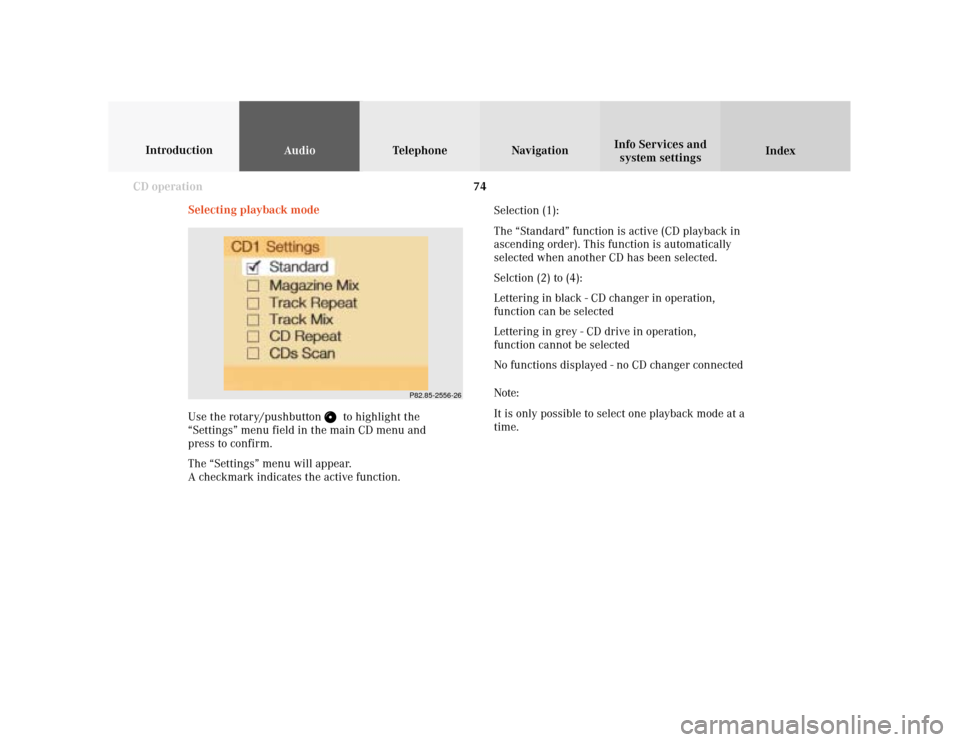
Selecting playback mode
Use the rotary/pushbutton
to highlight the
“Settings” menu field in the main CD menu and
press to confirm.
The “Settings” menu will appear.
A checkmark indicates the active function.Selection (1):
The “Standard” function is active (CD playback in
ascending order). This function is automatically
selected when another CD has been selected.
Selction (2) to (4):
Lettering in black - CD changer in operation,
function can be selected
Lettering in grey - CD drive in operation,
function cannot be selected
No functions displayed - no CD changer connected
Note:
It is only possible to select one playback mode at a
time.
P82.85-2556-26
Page 79 of 243

77
Introduction
AudioTelephone
Navigation
Index Info Services and
system settings CD operationError messages
1CD changer error messages“No CD changer” – The system cannot detect the CD
changer; contact a Mercedes-Benz Center (1)
“No magazine” –There is no magazine inserted in the
CD changer; load CDs into the magazine and insert the
magazine into the CD changer (1)
“Magazine empty” –There are no CDs in the magazine;
load CDs into the magazine and insert the magazine
into the CD changer (1)
“Being activated” – The CD changer is not yet ready for
operation (1).
“Reading error” – The system cannot read the CD
which has been inserted (2), e.g. audio CD
P82.85-6058-26
1
Page 80 of 243

78
AudioTelephone Navigation
Index Info Services and
system settings Introduction
CD operation
“Error” – an error other than those described here has
occurred (1, 2)
If an error occurs in the operation of the CD drive or
the CD changer, the system will automatically switch to
the other component after 3 seconds.
CD operation will resume when the error has been
corrected.
If it is not possible to play the CD which has been
selected in the CD changer (“Error” message), the
system will automatically select the next CD in the
magazine.“Temperature too high” – CD operation will switch off
automatically after 3 seconds; press the corresponding
key to select a different audio source (1, 2)
Page 85 of 243
83
Introduction
AudioTelephone
Navigation
Index Info Services and
system settings Sound settingsAdjust sound settings
The COMAND system is equipped with a BOSE
amplifier.
You can set the sound Bass/Treble and the sound-
center (fader and balance) individually or select sound
impressions.
See individual audio mode descriptions for instructions
on this feature.
Adjustments to the sound have a different effect on the
audio and service sources. The predefined sound
modes are available for the
audio sour
ces onl
y.
The audio sources include:
• Radio (FM, AM, WB)
• Tape deck
• CD changer (optional)
The main menu for the sound is activated in the audio
sources through the menu field “Sound”.Service sources include:
• Telephone
• Voice output in navigation
• Voice recognition system
The main menu for the sound is activated in the menu
“NAVI Settings” through the menu field “Sound”.
Page 86 of 243

84
IntroductionAudioTelephone
Navigation
Index Info Services and
system settings
Sound settings
Activate main Sound menu
For audio sources:
1Status line, radio (FM) is switched on
Other messages:
AM band is active – “AM Bass/Treble”
WB band is active – “WB Bass/Treble”
CD drive or CD changer is switched on –
“CD Bass/Treble”
2Actual sound settings (Bass/Treble)
P82.85-2558-26
5
4
32
1
6
3Actual sound-center
Fader: front – back
Balance: left – right
4Slide switch to alter the value
5Reset bass and treble to “0”, and the fader/balance
to the middle
6Activate predefined sound impressions, page 88
To activate the main sound menu for radio (FM/AM,
WB) or CD operation:
Use the rotary/pushbutton
to highlight the main
menu field “Sound” and press it to confirm your
selection.
The actual settings for sound and fader/balance are
displayed. The “Bass” menu field is highlighted
whenever “Bass/Treble” menu (FM/AM, WB, TAPE or
CD) is first accessed.
Page 89 of 243
87
Introduction
AudioTelephone
Navigation
Index Info Services and
system settings Sound settingsNotes:
The balance is adjusted to the same setting for the
radio (FM/AM, WB) and CD changer.
Adjustments which are made to the navigation system
will affect the Voice recognition system and the
telephone.Use the “Reset” menu field to position the balance back
to the center of the vehicle, to set the sound linearly
and to reset at the same time the sound volume to a
defined value.
Page 235 of 243

System settings
Introduction Audio
Telephone NavigationIndex Info Services and
system settings 233
P82.85-3287-26
1
Auxiliary audio source
Connecting an auxiliary audio source
We recommend that any auxiliary audio unit be
installed and connected by a Mercedes-Benz Center.
The auxiliary audio source (e.g. CD changer) will be
installed in the glove compartment of your vehicle and
connected to the socket available for this purpose. You
will require a separate connecting cable for this.
Refer to the separate operating instructions for infor-
mation on how to operate the auxiliary audio source
(e.g. CD changer).
Notes:
Traffic radio announcements and voice output during
route guidance can also be heard while the auxiliary
audio source is switched on.
The telephone can be used while the auxiliary audio
source is in operation.Switching on auxiliary audio source on/off
Turn the rotary/pushbutton
to highlight the “Aux”
menu field in the main System settings menu and press
to confirm.
1Adjusting sound settings, page 83
Note:
The values selected for the auxiliary audio source
sound are independent of those selected for the
COMAND audio sources.