cruise control MERCEDES-BENZ S-Class 2013 W221 User Guide
[x] Cancel search | Manufacturer: MERCEDES-BENZ, Model Year: 2013, Model line: S-Class, Model: MERCEDES-BENZ S-Class 2013 W221Pages: 542, PDF Size: 7.97 MB
Page 343 of 542
If these conditions are fulfilled, yourv
ehicle
is accelerated. Acceleration will be
interrupted if changing lanes takes too long
or if the distance between your vehicle and
the vehicle in fron tbecomes too small.
i When changing lanes, DISTRONIC PLUS
monitors the left lane on left-hand drive
vehicles and the right lane on right-hand
drive vehicles. G
WARNING
DISTRONIC PLUS and Active Blind Spot Assist
are only aids designed to assist driving.
They do not relieve you of the responsibility
of paying attention .The driver remains fully
responsible for the vehicle's distance from
other vehicles, the vehicle's speed and for
braking in good time. Always pay attention to
traffic conditions and your surroundings.
Otherwise, you may fail to recognize dangers
in time, cause an accident and injure yourself
and others.
Stopping G
WARNING
Never get out of the vehicle when DISTRONIC
PLUS is activated.
DISTRONIC PLUS must also never be
operated, activated or deactivated by a
passenger or from outside the vehicle.
DISTRONIC PLUS does not replace the
electric parking brake and must not be used
for parking.
The DISTRONIC PLUS braking effect is
canceled and the vehicle can start moving if:
R DISTRONIC PLUS is deactivated using the
cruise control lever.
R you accelerate.
R there is a malfunction in the system or an
interruption in the power supply, e.g.
battery failure.
R the electrical system in the engine
compartment, the battery or the fuses are
tampered with.
R the battery is disconnected. If you wish to leave the vehicle or park it,
deactivate DISTRONIC PLUS and secure the
vehicle against rolling away.
If DISTRONIC PLUS detects that the vehicle
in front is stopping, it brakes your vehicle until
it is stationary.
Once your vehicle is stationary, it remains
stationary and you do not need to depress the
brake.
i After a time, the electric parking brake
secures the vehicle and relieves the service
brake.
i Depending on the specified minimum
distance, your vehicle will come to a
standstill at a sufficient distance behind the
vehicle in front.T he specified minimum
distance is set using the control on the
cruise control lever.
Setting aspeed G
WARNING
Keep in mind tha titmay take a brie fmoment
until the vehicle has made the necessary
adjustments.
Increase or decrease the set vehicle speed to
a value that the prevailing road conditions and
legal speed limits permit. Otherwise, sudden
and unexpected acceleration or deceleration
of the vehicle could cause an accident and/
or serious injury to you and others.
X Press the cruise control lever up 0002for a
higher speed or down 0003for a lower speed.
X To adjust the speed in 1 mph
increments (1 km/h increments): briefly
press the cruise control lever up 0002or
down 0003to the pressure point.
The last speed stored is increased or
decreased every time the cruise control
lever is pushed up 0002or down 0003.
X To adjust the speed in 5 mph
increments (10 km/h increments):
briefly press the cruise control lever Driving systems
341Driving and parking Z
Page 344 of 542

up
0002 or down 0003beyond the pressure
point.
The last speed stored is increased or
decreased every time the cruise control
leve ris pushed up 0002or down 0003.
i DISTRONIC PLUS is not deactivated if you
depress the accelerator pedal.Ify ou
accelerate to overtake, DISTRONIC PLUS
adjusts the vehicle's speed to the last
speed stored after you have finished
overtaking.
Storing the current speed or calling up
a stored speed G
WARNING
The set speed stored in memory should only
be set again if prevailing road conditions and
legal speed limits permit. Possible
acceleration or deceleration differences
arising from returning to the preset speed
could cause an accident and/or serious injury
to you and others.
X Briefly pull the cruise control lever towards
you 0025.
X Remove your foot from the accelerator
pedal.
DISTRONIC PLUS is activated. The first
time it is activated, the current speed is
stored. Otherwise, it sets the vehicle cruise
speed to the previously stored value.
Setting the specified minimum distance You can set the specified minimum distance
for DISTRONIC PLUS by varying the time span
between one and two seconds. With this
function, you can set the minimum distance
that DISTRONIC PLUS keeps to the vehicle in
front, dependent on vehicle speed. You can
see this distance in the multifunction display
(Y
page 343). G
WARNING
It is up to the driver to exercise discretion to
select the appropriate setting given road conditions, traffic, driver's preferred driving
style and applicable laws and driving
recommendations for safe following distance.
X
To increase: turn control0003in direction
0026.
DISTRONIC PLUS then maintains a greater
distance between your vehicle and the
vehicle in front.
X To decrease: turn control0003in
direction 0002.
DISTRONIC PLUS then maintains a shorter
distance between your vehicle and the
vehicle in front.
i Make sure that you maintain a sufficiently
safe distance from the vehicle in front.
Adjust the distance to the vehicle in front if
necessary.
DISTRONIC PLUS displays in the
speedometer When you switch on DISTRONIC PLUS,
triangle
0003shows the stored speed. 342
Driving systemsDriving and parking
Page 345 of 542

i
For design reasons, the speed displayed
in the speedometer may differ slightly from
the speed set for DISTRONIC PLUS.
If DISTRONIC PLUS detects avehicle in front,
the speedometer dial lights up between
speed of the vehicle in front 0002and stored
speed 0003.
DISTRONIC PLUS displays in the
multifunction display General notes
You can select the distanc
edisplay in the
Assistance menu (Y page 385) of the on-
board computer.
Displa ywhen DISTRONIC PLUS is
deactivated
X Select the Distance Display function
using the on-board computer
(Y page 385).
When DISTRONIC PLUS is deactivated, you
will see the following in the multifunction
display: 0002
Symbol for activated PRE-SAFE ®
Brake
0003 Vehicle in front, if detected
0026 Distance indicator, current distance to
the vehicle in front
0025 Specified minimu mdistance to the
vehicle in front; adjustable
0023 Own vehicle Displa
ywhen DISTRONIC PLUS is
activated
X Select the Distance display function
using the on-board computer
(Y page 385).
You will see the stored speed for about five
seconds whe nyou activate DISTRONIC PLUS.
After this time, you will see the following in
the multifunction display while DISTRONIC
PLUS is activated: 0002
DISTRONIC PLUS activated
0003 Own vehicle
0026 Specified minimum distance to the
vehicle in front; adjustable
0025 Vehicle in front, if detected
Deactivating DISTRONIC PLUS There are several ways to deactivate
DISTRONIC PLUS:
X
Briefly press the cruise control lever
forwards 0002.
or
X Brake, unless the vehicle is stationary. Driving systems
343Driving and parking Z
Page 346 of 542
When you deactivate DISTRONIC PLUS, the
DISTRONIC PLUS Off
message is shown in
the multifunction display for approximately
five seconds.
i The last speed stored remains stored until
you switch off the engine.
DISTRONIC PLUS is automatically
deactivated if:
R you engage the electric parking brake or if
the vehicle is automatically secured with
the electric parking brake
R you are driving slower than 15 mph
(25km/h) and there is no vehicle in front,
or if the vehicle in front is no longer
detected.
R ESP ®
intervenes or you deactivate ESP ®
.
R the transmission is in the P,Ror Nposition.
R you switch off the radar sensor system
(Y page 389).
R you pull the cruise control lever towards
you in order to pull away and the front-
passenger door or one of the rear doors is
open.
R the vehicle has skidded.
If DISTRONIC PLUS is deactivated, you will
hear a warning tone. The DISTRONIC PLUSOff message is shown in the multifunction
display for approximately five seconds. G
WARNING
DISTRONIC PLUS is deactivated and releases
the brakes if the vehicle is slowed down to a
speed below 20 mph (30km/h) by the system,
provided that DISTRONIC PLUS does not
detec tavehicle directly in front. At this point,
the driver must apply the brakes in order to
slow down further and bring the vehicle to a
standstill.
Tips for driving with DISTRONIC PLUS Important safety notes
The following contains descriptions of certain
road and traffic conditions in which you must
be particularly attentive. In such situations, brake if necessary. DISTRONIC PLUS is then
deactivated. G
WARNING
The DISTRONIC PLUS works to maintain the
speed selected by the driver unless a moving
obstacle proceeding directly ahead of it in the
same travel directio nis detected (e.g.
following another vehicle ahead of you at your
set distance).
This means that:
R Your vehicle can pass another vehicle after
you have changed lanes.
R While in a sharp turn or if the preceding
vehicle is in a sharp turn, the DISTRONIC
PLUS could lose sight of the preceding
vehicle. Your vehicle could then accelerate
to the previously selected speed.
The DISTRONIC PLUS regulates only the
distance between your vehicle and those
directly ahead of it. It may not register
stationary objects in the road, e.g.:
R a stopped vehicle in a traffic jam
R a disabled vehicle
R an oncoming vehicle
The driver must always be alert, observe all
traffic and intercede as required by means of
steering or braking the vehicle. G
WARNING
The DISTRONIC PLUS should not be used in
snowy or icy road conditions.
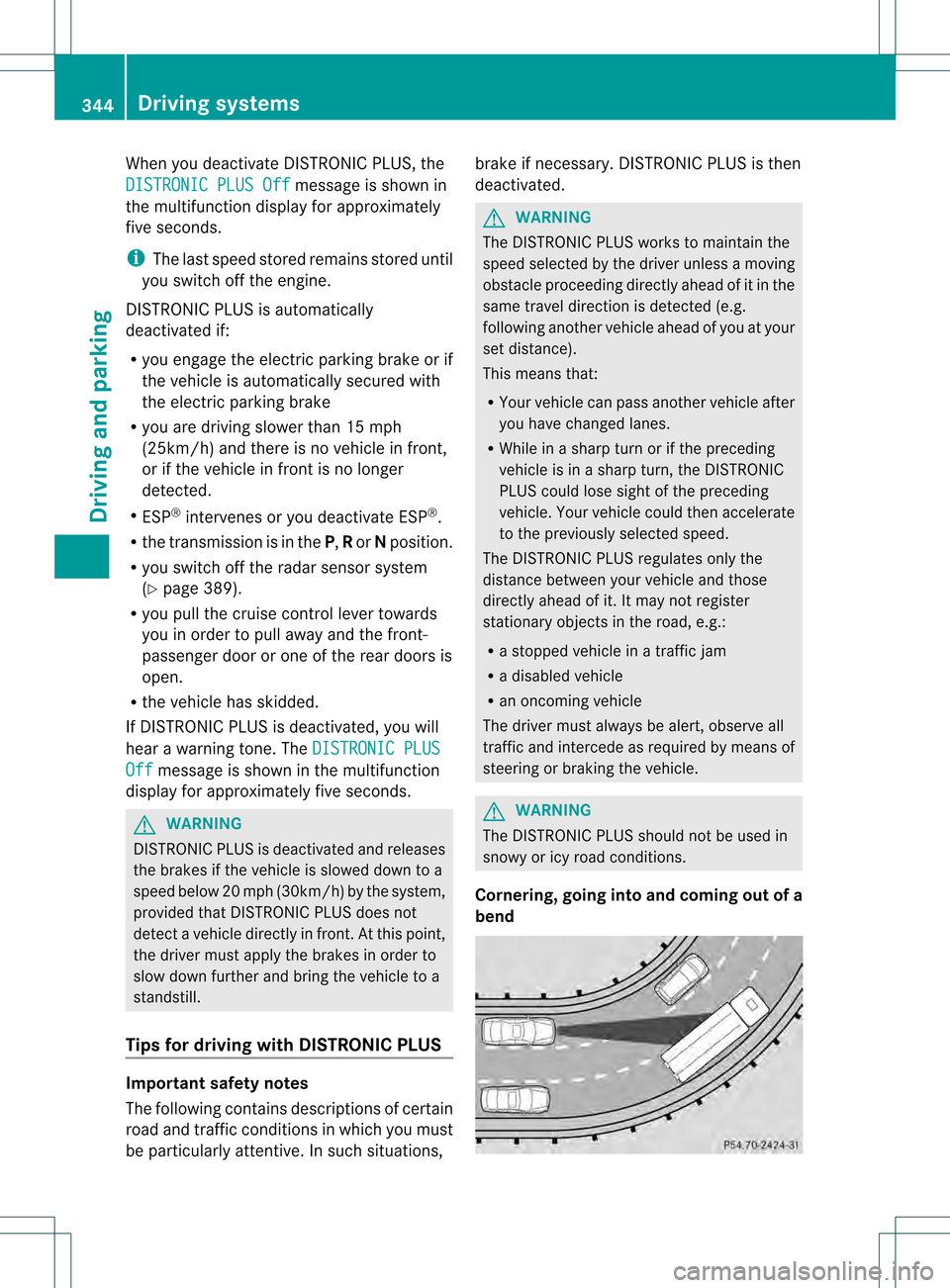
Cornering, going into and coming out of a
bend 344
Driving systemsDriving and parking
Page 421 of 542
Display messages Possible causes/consequences and
0004 Solutions
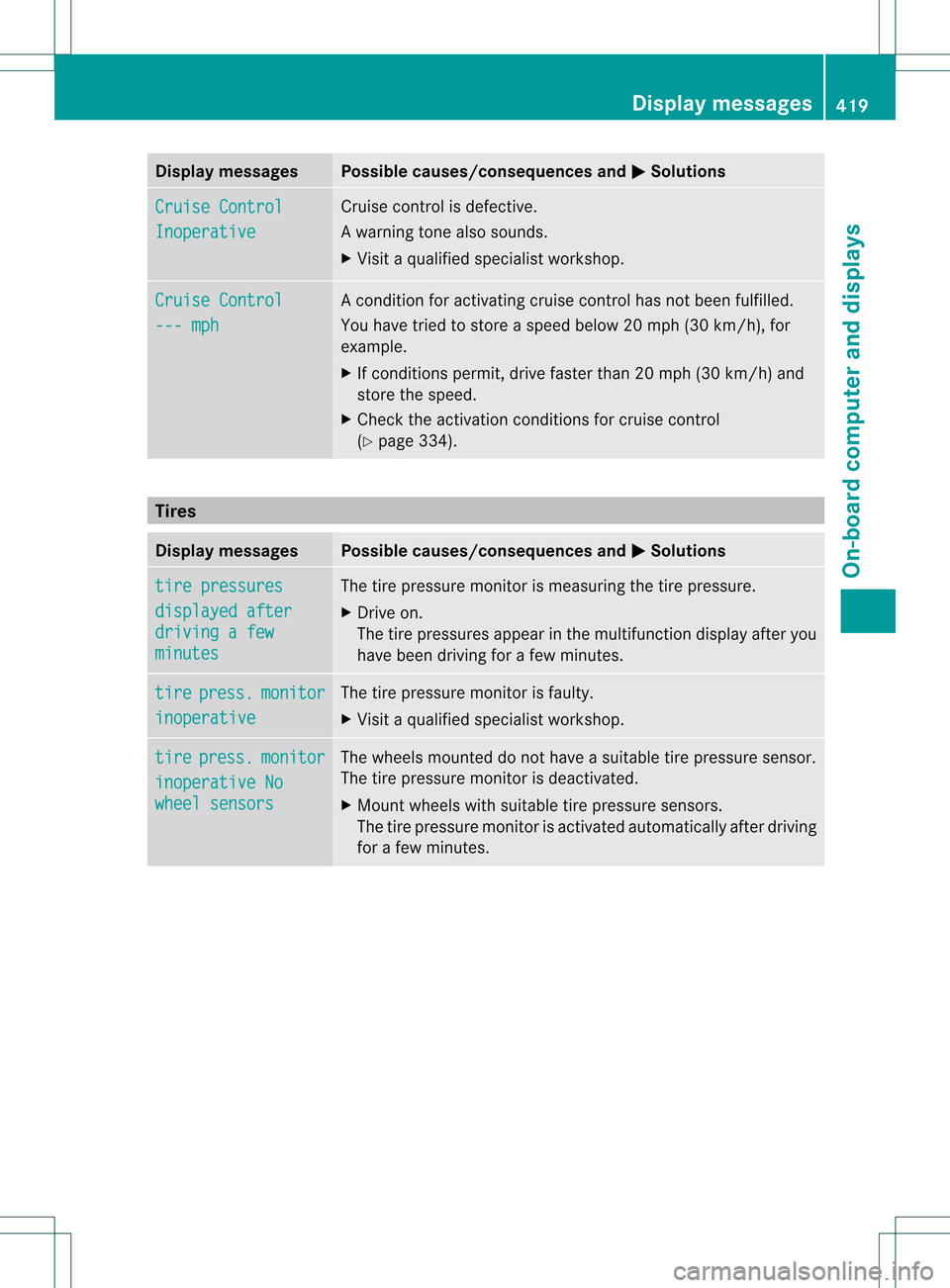
Cruise Control
Inoperative Cruise control is defective.
Aw
arning tone also sounds.
X Visi taqualified specialist workshop. Cruise Control
--- mph Ac
ondition for activating cruise control has not been fulfilled.
You have tried to store aspeed below 20 mph (30 km/h), for
example.
X If conditions permit, drive faster than 20 mph (30 km/h) and
store the speed.
X Check the activation conditions for cruise control
(Y page 334). Tires
Display messages Possible causes/consequences and
0004 Solutions
tire pressures
displayed after
driving a few
minutes The tire pressure monitor is measuring the tire pressure.
X
Drive on.
The tire pressures appear in the multifunction display after you
have been driving for a few minutes. tire press. monitor
inoperative The tire pressure monitor is faulty.
X
Visit a qualified specialist workshop. tire press. monitor
inoperative No
wheel sensors The wheels mounted do not have a suitable tire pressure sensor.
The tire pressure monitor is deactivated.
X
Mount wheels with suitable tire pressure sensors.
The tire pressure monitor is activated automatically after driving
for a few minutes. Display messages
419On-board computer and displays Z
Page 432 of 542
Problem Possible causes/consequences and
0004 Solutions
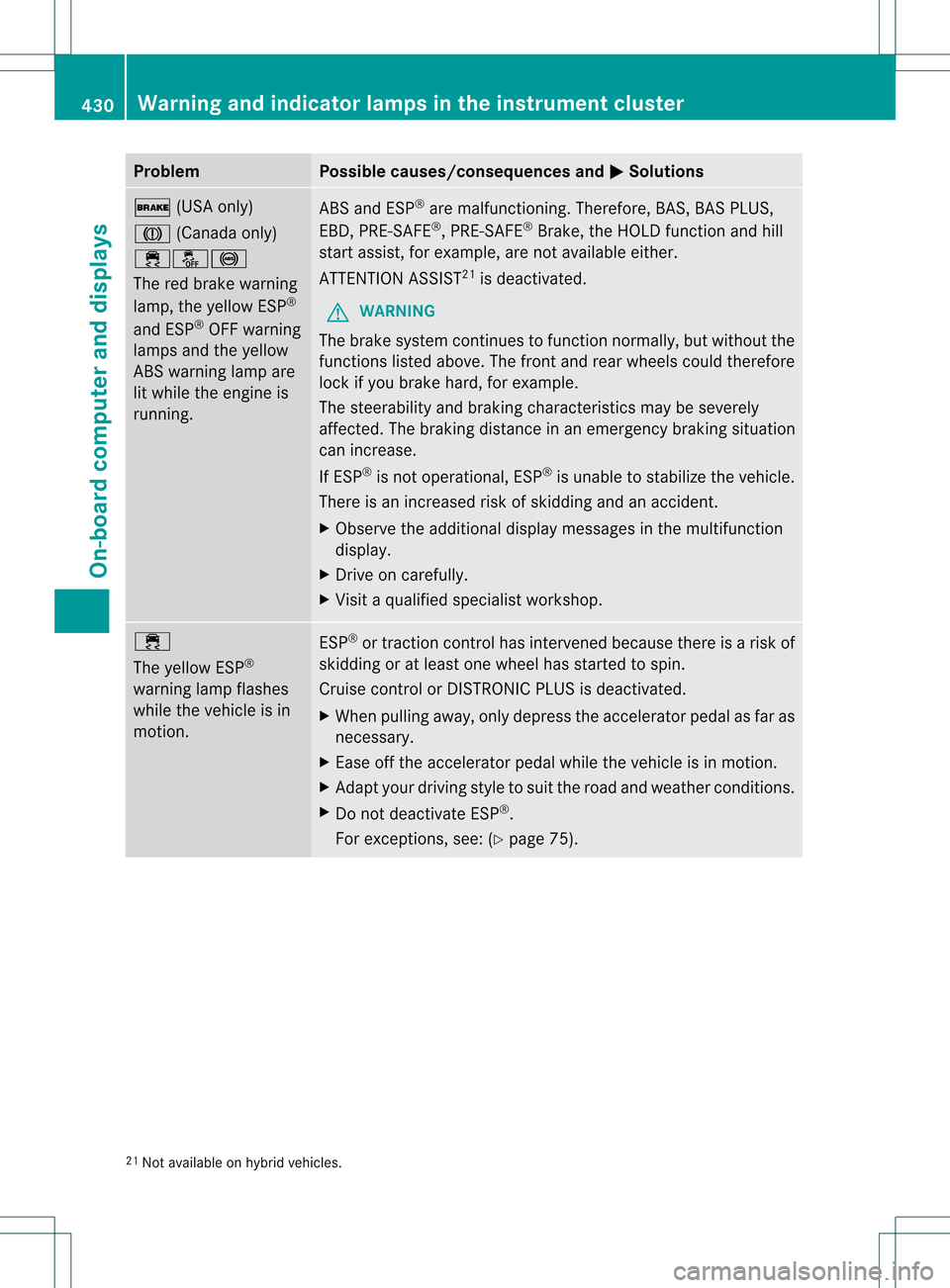
000F
(USA only)
0006 (Canada only)
000C00130015
The red brake warning
lamp, the yellow ESP ®
and ESP ®
OFF warning
lamps and the yellow
ABS warning lamp are
lit while the engine is
running. ABS and ESP
®
are malfunctioning. Therefore, BAS, BAS PLUS,
EBD, PRE-SAFE ®
, PRE-SAFE ®
Brake, the HOLD function and hill
start assist, for example, are not available either.
ATTENTION ASSIST 21
is deactivated.
G WARNING
The brake system continues to function normally, but without the
functions listed above. The front and rear wheels could therefore
lock if you brake hard, for example.
The steerability and braking characteristics may be severely
affected. The braking distance in an emergency braking situation
can increase.
If ESP ®
is not operational, ESP ®
is unable to stabilize the vehicle.
There is an increased risk of skidding and an accident.
X Observe the additional display messages in the multifunction
display.
X Drive on carefully.
X Visit a qualified specialist workshop. 000C
The yellow ESP
®
warning lamp flashes
while the vehicle is in
motion. ESP
®
or traction control has intervened because there is a risk of
skidding or at least one wheel has started to spin.
Cruise control or DISTRONIC PLUS is deactivated.
X When pulling away, only depress the accelerator pedal as far as
necessary.
X Ease off the accelerator pedal while the vehicle is in motion.
X Adapt your driving style to suit the road and weather conditions.
X Do not deactivate ESP ®
.
For exceptions, see: (Y page 75).21
Not available on hybrid vehicles. 430
Warning and indicator lamps in the instrument clusterOn-board computer and displays