aux MERCEDES-BENZ S-Class 2014 W222 Comand Manual
[x] Cancel search | Manufacturer: MERCEDES-BENZ, Model Year: 2014, Model line: S-Class, Model: MERCEDES-BENZ S-Class 2014 W222Pages: 278, PDF Size: 6.65 MB
Page 192 of 278
Your COMAND equipment
These operating instructions describe all
standard and optional equipment available
for your COMAND system at the time of
purchase. Country-specific differences are
possible. Please note that your
COMAND system may not be equipped with
all the features described. This also applies to
safety-relevant systems and functions.
Therefore, the equipment on your COMAND
system may differ from that in the
descriptions and illustrations. Should you
have any questions concerning equipment
and operation, please consult an authorized
Mercedes-Benz Center. Activating media mode
General notes
There are several ways to activate media
sources using COMAND.
The relevant sections of the Operator's
Manual describe the simplest way to activate
a media source.
This section describes all options for
activating media sources. Using the MEDIA button
X Press the 00FDbutton.
The menu for the last accessed media
source appears.
X To select the media source: keep pressing
the 00FD button until the required media
source has been set.
The media sources appear in the following
order:
R CD/DVD
R Memory card
R Media Register
R USB 1
R Media Interface 1
R USB 2 R
Media Interface 2
R BT audio
R TV (if your vehicle is equipped with a TV)
R AUX
If playable music files are found, they will
be played by COMAND.
X To display the function bars: slide 005200C5the
controller. Switching on automatically
X When an external media source is
connected, this media mode is
automatically switched on by COMAND.
External media sources:
R
Apple devices (e.g. iPhone ®
)
R USB devices (e.g. USB stick, MP3 player)
R SD cards
R via AUX cable (automatic activation
depends on the device connected)
R via devices connected by Bluetooth ®
If playable music files are found, they will
be played by COMAND.
i If a media function is already switched on
in COMAND, this will be interrupted and the
basic display of the newly connected
device will appear.
If another function, such as navigation, is
operating, the basic display will not change.
Only the music from the newly connected
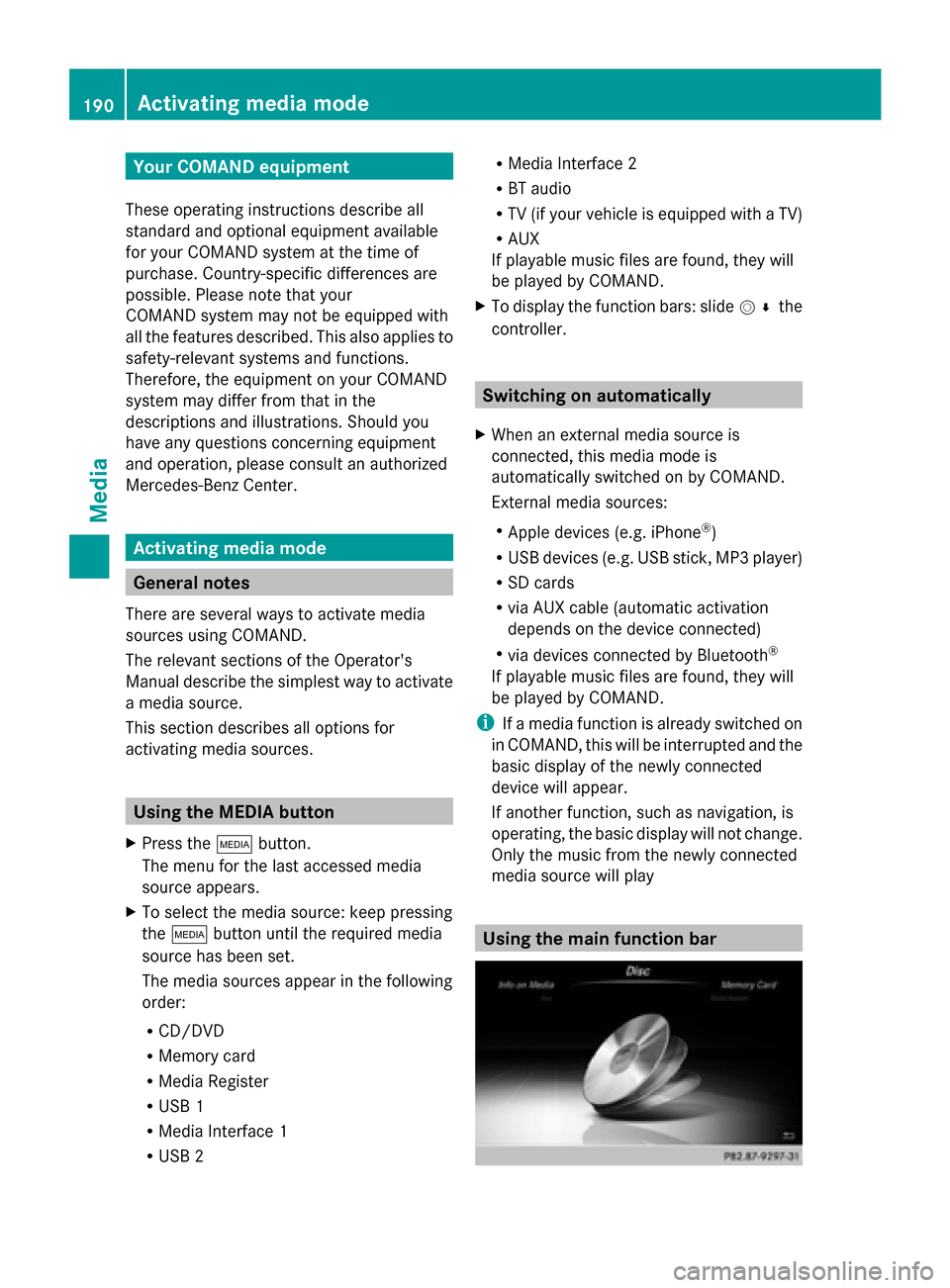
media source will play Using the main function bar190
Activa
ting media modeMedia
Page 205 of 278
X
Select one entry, e.g. Artists
Artists.
Albums and covers (if available) are shown.
X Select an album.
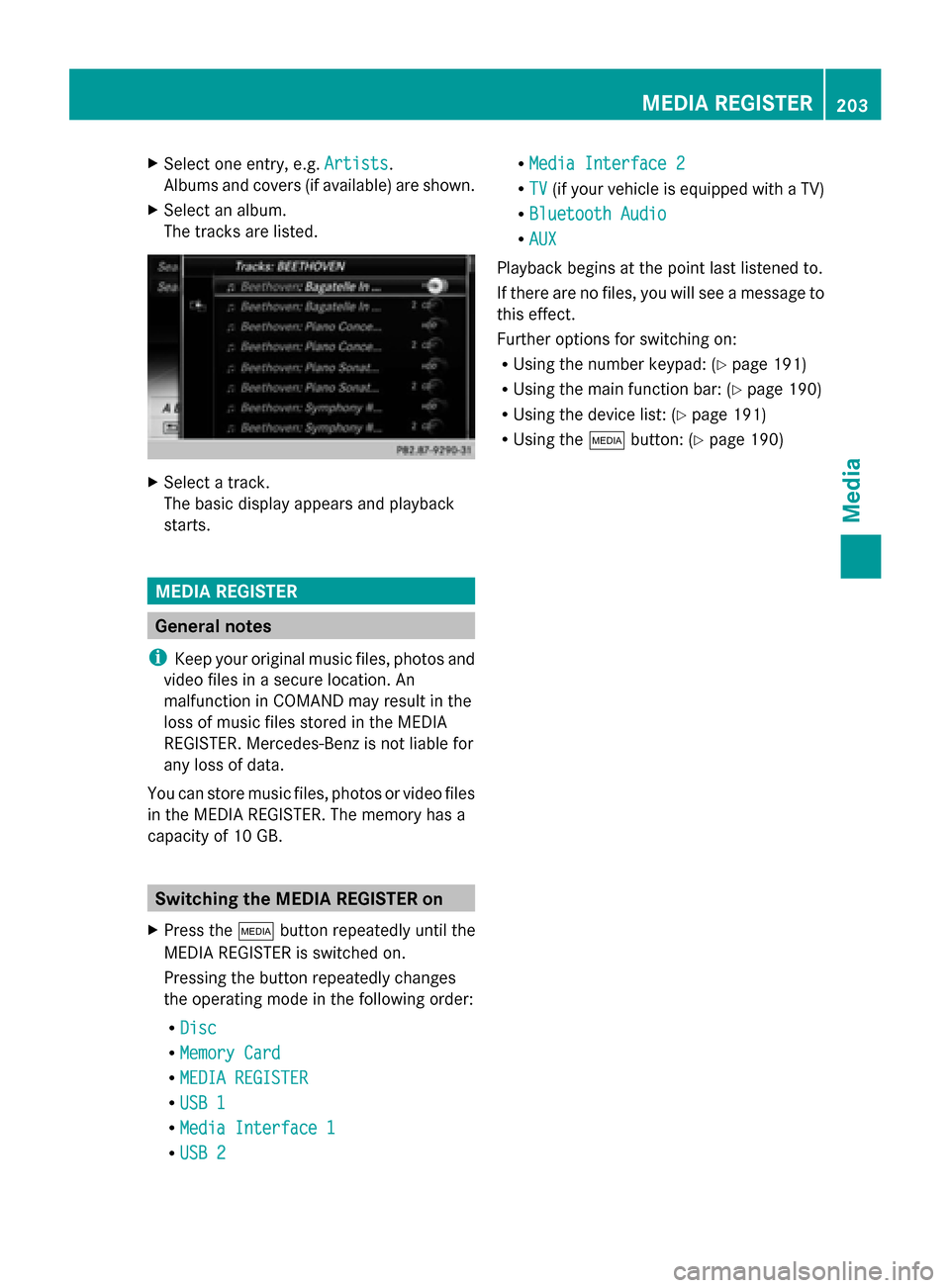
The tracks are listed. X
Select a track.
The basic display appears and playback
starts. MEDIA REGISTER
General notes
i Keep your original music files, photos and
video files in a secure location. An
malfunction in COMAND may result in the
loss of music files stored in the MEDIA
REGISTER. Mercedes-Benz is not liable for
any loss of data.
You can store music files, photos or video files
in the MEDIA REGISTER. The memory has a
capacity of 10 GB. Switching the MEDIA REGISTER on
X Press the 00FDbutton repeatedly until the
MEDIA REGISTER is switched on.
Pressing the button repeatedly changes
the operating mode in the following order:
R Disc
Disc
R Memory Card Memory Card
R MEDIA REGISTER
MEDIA REGISTER
R USB 1
USB 1
R Media Interface 1
Media Interface 1
R USB 2
USB 2 R
Media Interface 2
Media Interface 2
R TV
TV (if your vehicle is equipped with a TV)
R Bluetooth Audio
Bluetooth Audio
R AUX
AUX
Playback begins at the point last listened to.
If there are no files, you will see a message to
this effect.
Further options for switching on:
R Using the number keypad: (Y page 191)
R Using the main function bar: (Y page 190)
R Using the device list: (Y page 191)
R Using the 00FDbutton: (Y page 190) MEDIA REGISTER
203Media Z
Page 216 of 278
Selecting playback options
X
To select Options Options: turn and press the
controller.
X Select Play back music
Play back music.
A 0036 dot indicates the current setting.
X Select the desired option.
If you select Random RandomTrack
Track List
List, you will
see a corresponding message in the
display/selection window. Increasing the volume using COMAND
X To select Options Options: slide 005200C5and press
the controller.
X To select Volume
Volume: turn and press the
controller.
A menu appears. The 0036dot indicates the
current setting.
X Select Standard
Standard orBoost
Boost.
Information on sound settings
(Y page 230).
Further information: "Audio AUX mode"
(Y page 218). 214
Bluetooth ®
audio modeMedia
Page 220 of 278
Audio AUX mode
Notes on audio AUX mode
External audio sources may have different
volumes, which can mean that system
messages such as traffic announcements and
navigation system announcements are much
louder. If necessary, deactivate the system
messages or adjust their volume manually.
AUX also provides the option of connecting a
Media Player to COMAND.
To connect an external audio source to the
audio AUX, you will require an audio AUX
cable.
i You will find further information online at
http://www.mbusa-mobile.com. Or call
the Mercedes-Benz Customer Assistance
Center at
1-800-FOR-MERCedes(1-800-367-6372)
(for the USA) or Customer Relations at
1-800-387-0100 (for Canada). Switching to audio AUX mode
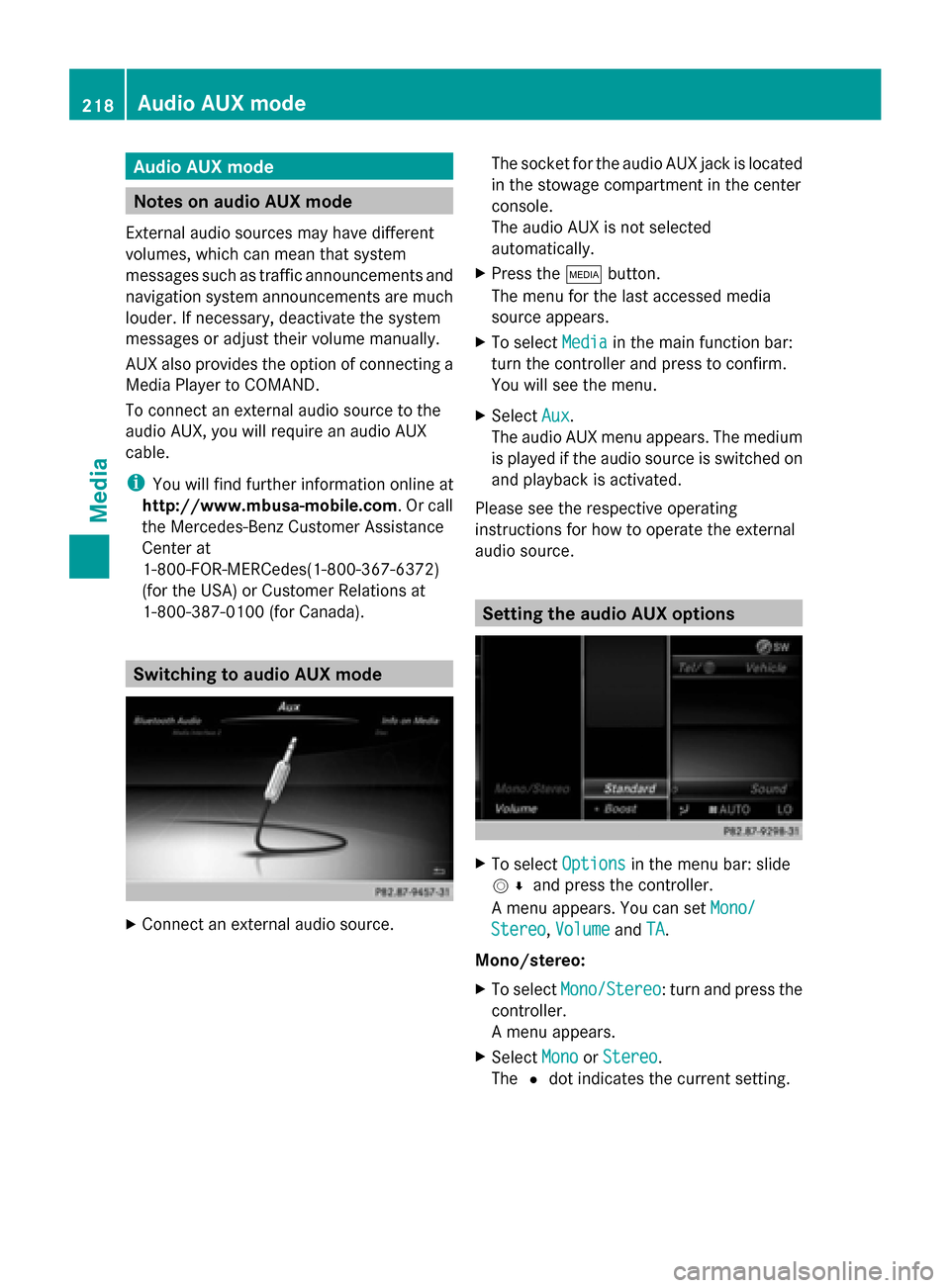
X
Connect an external audio source. The socket for the audio AUX jack is located
in the stowage compartment in the center
console.
The audio AUX is not selected
automatically.
X Press the 00FDbutton.
The menu for the last accessed media
source appears.
X To select Media
Media in the main function bar:
turn the controller and press to confirm.
You will see the menu.
X Select Aux Aux.
The audio AUX menu appears. The medium
is played if the audio source is switched on
and playback is activated.
Please see the respective operating
instructions for how to operate the external
audio source. Setting the audio AUX options
X
To select Options Optionsin the menu bar: slide
005200C5 and press the controller.
A menu appears. You can set Mono/
Mono/
Stereo
Stereo ,Volume
Volume andTA
TA.
Mono/stereo:
X To select Mono/Stereo Mono/Stereo: turn and press the
controller.
A menu appears.
X Select Mono
Mono orStereo Stereo .
The 0036dot indicates the current setting. 218
Audio AUX
modeMedia
Page 221 of 278
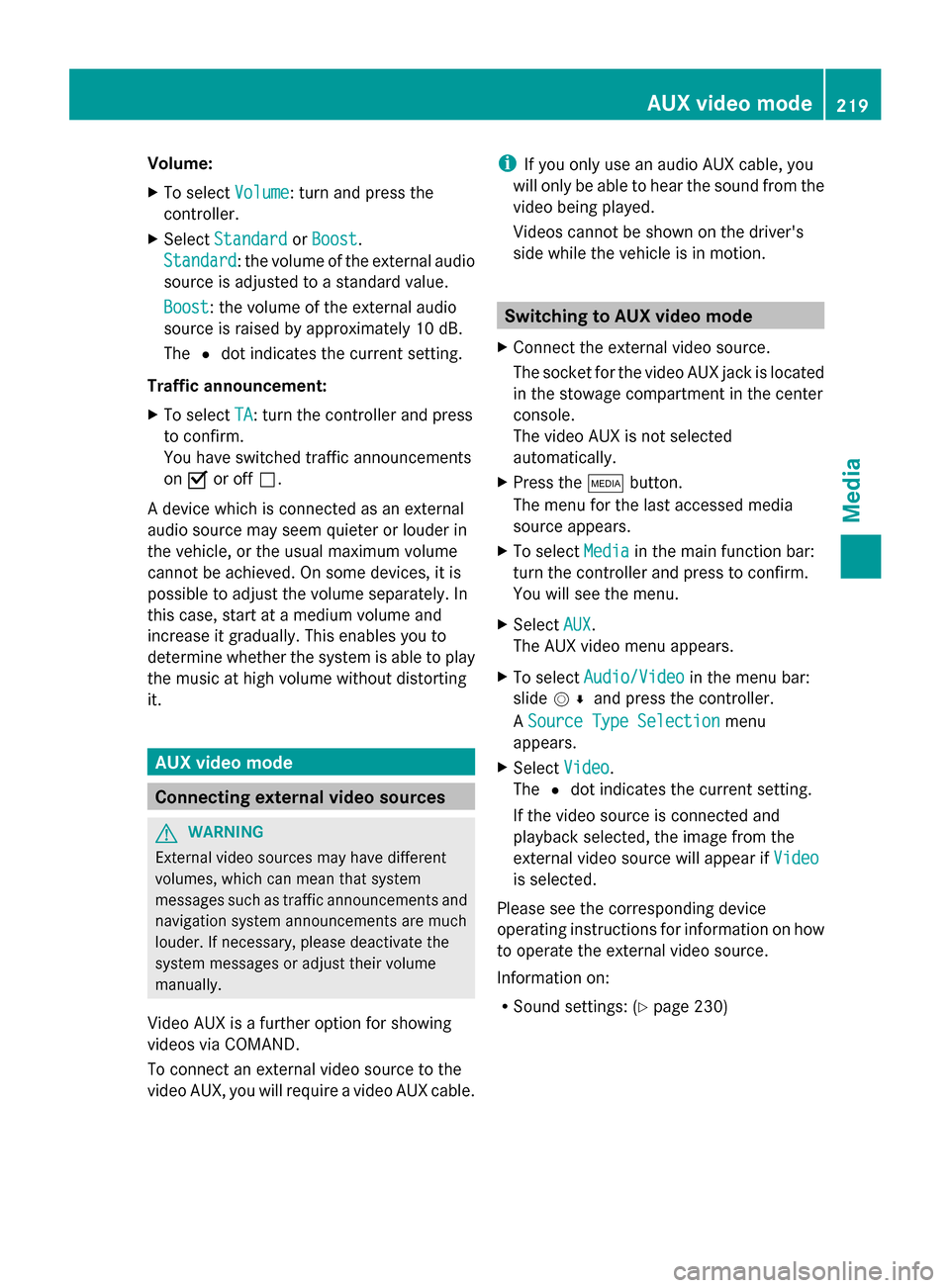
Volume:
X
To select Volume Volume: turn and press the
controller.
X Select Standard
Standard orBoost
Boost.
Standard
Standard: the volume of the external audio
source is adjusted to a standard value.
Boost
Boost: the volume of the external audio
source is raised by approximately 10 dB.
The 0036dot indicates the current setting.
Traffic announcement:
X To select TA
TA: turn the controller and press
to confirm.
You have switched traffic announcements
on 0073 or off 0053.
A device which is connected as an external
audio source may seem quieter or louder in
the vehicle, or the usual maximum volume
cannot be achieved. On some devices, it is
possible to adjust the volume separately. In
this case, start at a medium volume and
increase it gradually. This enables you to
determine whether the system is able to play
the music at high volume without distorting
it. AUX video mode
Connecting external video sources
G
WARNING
External video sources may have different
volumes, which can mean that system
messages such as traffic announcements and
navigation system announcements are much
louder. If necessary, please deactivate the
system messages or adjust their volume
manually.
Video AUX is a further option for showing
videos via COMAND.
To connect an external video source to the
video AUX, you will require a video AUX cable. i
If you only use an audio AUX cable, you
will only be able to hear the sound from the
video being played.
Videos cannot be shown on the driver's
side while the vehicle is in motion. Switching to AUX video mode
X Connect the external video source.
The socket for the video AUX jack is located
in the stowage compartment in the center
console.
The video AUX is not selected
automatically.
X Press the 00FDbutton.
The menu for the last accessed media
source appears.
X To select Media Mediain the main function bar:
turn the controller and press to confirm.
You will see the menu.
X Select AUX AUX.
The AUX video menu appears.
X To select Audio/Video Audio/Video in the menu bar:
slide 005200C5 and press the controller.
A Source Type Selection Source Type Selection menu
appears.
X Select Video
Video.
The 0036dot indicates the current setting.
If the video source is connected and
playback selected, the image from the
external video source will appear if Video
Video
is selected.
Please see the corresponding device
operating instructions for information on how
to operate the external video source.
Information on:
R Sound settings: (Y page 230) AUX video mode
219Media Z
Page 222 of 278
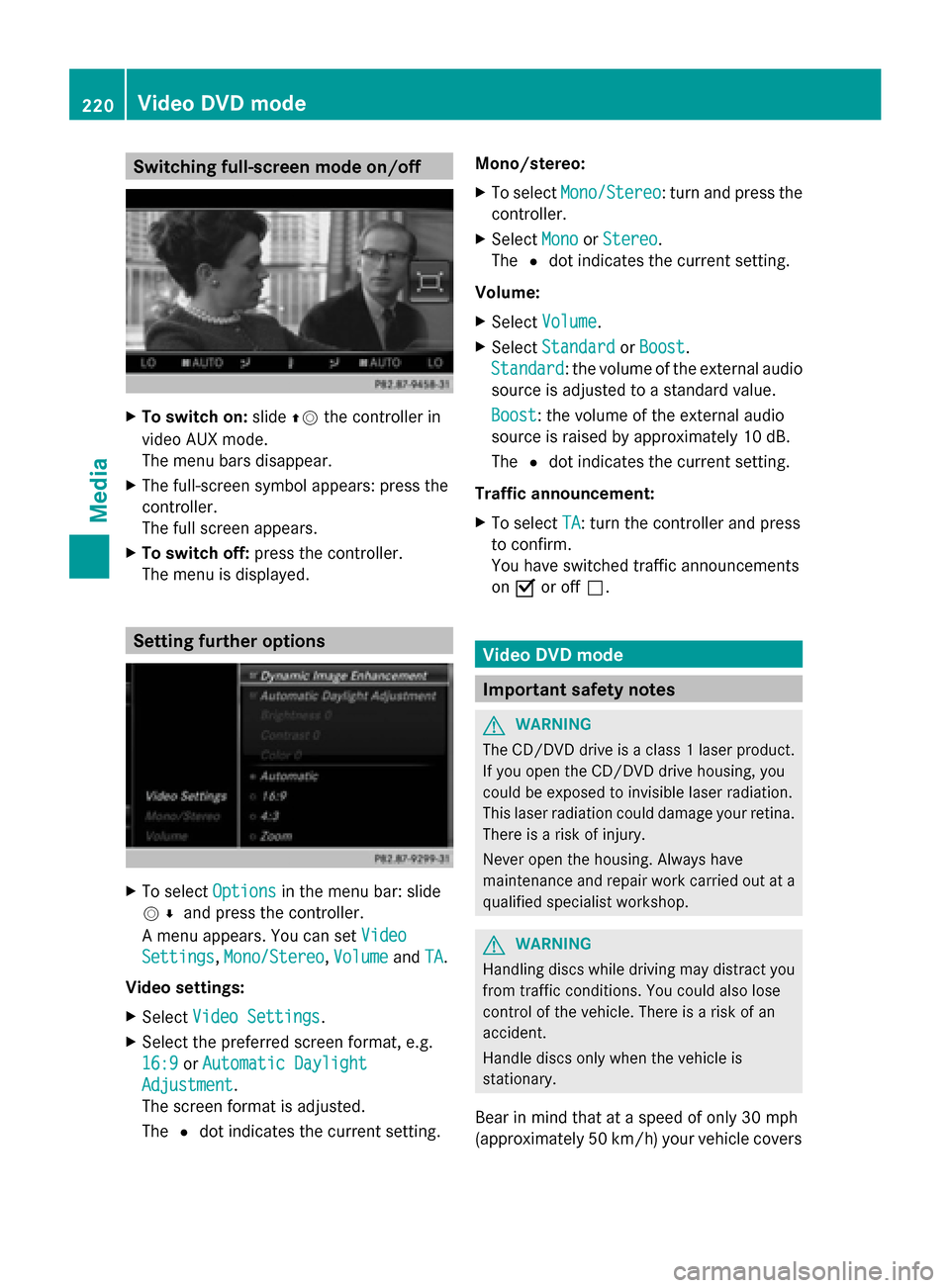
Switching full-screen mode on/off
X
To switch on: slide00970052the controller in
video AUX mode.
The menu bars disappear.
X The full-screen symbol appears: press the
controller.
The full screen appears.
X To switch off: press the controller.
The menu is displayed. Setting further options
X
To select Options Optionsin the menu bar: slide
005200C5 and press the controller.
A menu appears. You can set Video
Video
Settings
Settings, Mono/Stereo
Mono/Stereo, Volume
VolumeandTA
TA.
Video settings:
X Select Video Settings
Video Settings.
X Select the preferred screen format, e.g.
16:9
16:9 orAutomatic Daylight Automatic Daylight
Adjustment
Adjustment.
The screen format is adjusted.
The 0036dot indicates the current setting. Mono/stereo:
X
To select Mono/Stereo Mono/Stereo: turn and press the
controller.
X Select Mono
MonoorStereo
Stereo.
The 0036dot indicates the current setting.
Volume:
X Select Volume Volume.
X Select Standard
Standard orBoost
Boost.
Standard
Standard: the volume of the external audio
source is adjusted to a standard value.
Boost Boost: the volume of the external audio
source is raised by approximately 10 dB.
The 0036dot indicates the current setting.
Traffic announcement:
X To select TA TA: turn the controller and press
to confirm.
You have switched traffic announcements
on 0073 or off 0053. Video DVD mode
Important safety notes
G
WARNING
The CD/DVD drive is a class 1 laser product.
If you open the CD/DVD drive housing, you
could be exposed to invisible laser radiation.
This laser radiation could damage your retina.
There is a risk of injury.
Never open the housing. Always have
maintenance and repair work carried out at a
qualified specialist workshop. G
WARNING
Handling discs while driving may distract you
from traffic conditions. You could also lose
control of the vehicle. There is a risk of an
accident.
Handle discs only when the vehicle is
stationary.
Bear in mind that at a speed of only 30 mph
(approximately 50 km/h) your vehicle covers220
Video DVD
modeMedia
Page 241 of 278
Your COMAND equipment
................240
Rear Seat Entertainment System
overview ............................................ 240
System settings ................................ 248
Vehicle settings ................................ 250
Navitainment ..................................... 251
Online and Internet functions ..........251
Radio mode ........................................ 252
Media mode ....................................... 252
Audio/video mode ............................253
Video DVD mode ............................... 256
AUX mode .......................................... 260 239Rear Seat Entertainment System
Page 242 of 278
Your COMAND equipment
These operating instructions describe all
standard and optional equipment available
for your COMAND system at the time of
purchase. Country-specific differences are
possible. Please note that your
COMAND system may not be equipped with
all the features described. This also applies to
safety-relevant systems and functions.
Therefore, the equipment on your COMAND
system may differ from that in the
descriptions and illustrations. Should you
have any questions concerning equipment
and operation, please consult an authorized
Mercedes-Benz Center. Rear Seat Entertainment System
overview Important safety notes
G
WARNING
The CD/DVD drive is a class 1 laser product.
If you open the CD/DVD drive housing, you
could be exposed to invisible laser radiation.
This laser radiation could damage your retina.
There is a risk of injury.
Never open the housing. Always have
maintenance and repair work carried out at a
qualified specialist workshop. G
WARNING
If objects such as headphones/headsets or
external audio/video sources are not secured
in the passenger compartment, they can be
flung around and hit vehicle occupants. There
is a risk of injury, for example in the event of
sudden braking or a sudden change in
direction.
Always stow these items or similar objects
carefully so that they cannot be flung around,
for example in a lockable vehicle stowage
compartment. Components
The Rear Seat Entertainment System
includes:
R two screens for the rear behind the front-
seat head restraints
R two remote controls for the rear
compartment
R a CD/DVD drive in the rear compartment
R AUX jacks
R two USB ports
R two sets of cordless headphones General notes
R You can only adjust the volume for the
headphones supplied, directly on the
headphones.
R If media from different sources are used,
they can be used separately from each of
the operating positions. Example: a film
from the DVD drive is played on the rear
right-hand operating position. This means
that another film from the same DVD
cannot be played separately on the rear
left-hand operating position. However, on
the rear left-hand operating position, it is
possible to use the radio, TV, memory card,
MUSIC REGISTER, media interface, USB,
online and Internet functions or AUX.
R If you use the same medium on both sides,
you can both carry out the respective
settings. The "last one wins" principle
applies here, i.e. the last setting activated
is favored.
R The Internet can be used separately at all
operating positions.
R The Internet can only be used if it is set up
and connected via a telephone
(Y page 158). 240
Rea
r Seat Entertainment System overviewRear Seat Entertainment System
Page 247 of 278
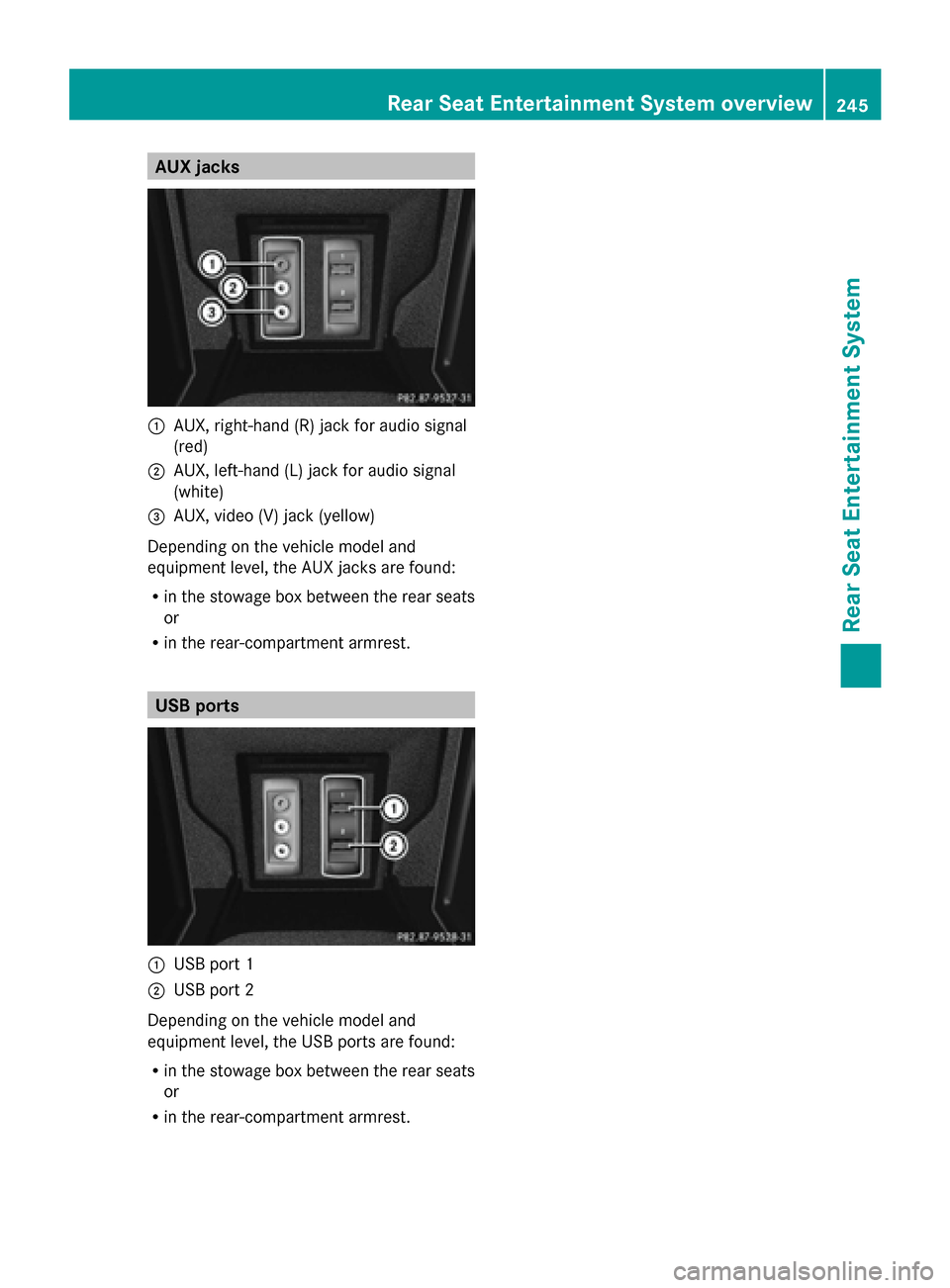
AUX jacks
0043
AUX, right-hand (R) jack for audio signal
(red)
0044 AUX, left-hand (L) jack for audio signal
(white)
0087 AUX, video (V) jack (yellow)
Depending on the vehicle model and
equipment level, the AUX jacks are found:
R in the stowage box between the rear seats
or
R in the rear-compartment armrest. USB ports
0043
USB port 1
0044 USB port 2
Depending on the vehicle model and
equipment level, the USB ports are found:
R in the stowage box between the rear seats
or
R in the rear-compartment armrest. Rear Seat Entertainment System overview
245Rear Seat Entertainment System Z
Page 251 of 278
X
Select Language
Language using the00630064
buttons and press the 008Bbutton to confirm.
The list of languages appears. A 0036dot
indicates the current setting.
X Select the language using the 00630064
buttons and press the 008Bbutton to confirm.
The system activates the corresponding
language. Switching the display design
X Select Vehicle
Vehicle using the
006300640059 buttons on the
remote control and press the 008Bbutton to
confirm.
X Select System Settings
System Settings using the0064
00590065 buttons on the remote control
and press the 008Bbutton to confirm.
You see the system settings menu on the
selected rear screen.
X Select Display
Display using the 00630064
buttons on the remote control and press
the 008Bbutton to confirm.
X Select Day Mode
Day Mode, Night Mode Night Mode or
Automatic
Automatic using the00630064 buttons
and press the 008Bbutton to confirm.
The dot indicates the current setting. Design Explanation
Day Mode Day Mode The display is set
permanently to day
design. Night Mode
Night Mode The display is set
permanently to night
design. Automatic Automatic The display design
changes depending on
the vehicle instrument
cluster illumination. Setting the brightness
X Select Vehicle Vehicle using the
006300640059 buttons on the
remote control and press the 008Bbutton to
confirm.
X Select System Settings
System Settings using the0064
00590065 buttons on the remote control
and press the 008Bbutton to confirm.
You see the system settings menu on the
selected rear screen.
X Select Display
Display using the 00630064
buttons on the remote control and press
the 008Bbutton to confirm.
X Select Brightness Brightness using the00630064
buttons and press the 008Bbutton to confirm.
A scale appears.
X Adjust the brightness using the 00630064
buttons and press the 008Bbutton to confirm.
The brightness bar moves up or down. The
picture becomes lighter or darker in
accordance with the scale. Showing/hiding the picture
X Select Vehicle Vehicle using the
006300640059 buttons on the
remote control and press the 008Bbutton to
confirm.
X Press button 0064on the remote control.
A menu appears.
X Select Display Off
Display Off using the
006300640059 buttons and press
the 008Bbutton to confirm.
X To display the picture: press the008B
button. Adjusting sound settings
You can select the sound settings in the radio,
audio CD/audio DVD/MP3, video DVD and
AUX modes. System settings
249Rear Seat Entertainment System Z