ECU MERCEDES-BENZ S-Class 2015 W222 Comand Manual
[x] Cancel search | Manufacturer: MERCEDES-BENZ, Model Year: 2015, Model line: S-Class, Model: MERCEDES-BENZ S-Class 2015 W222Pages: 298, PDF Size: 6.39 MB
Page 280 of 298
X
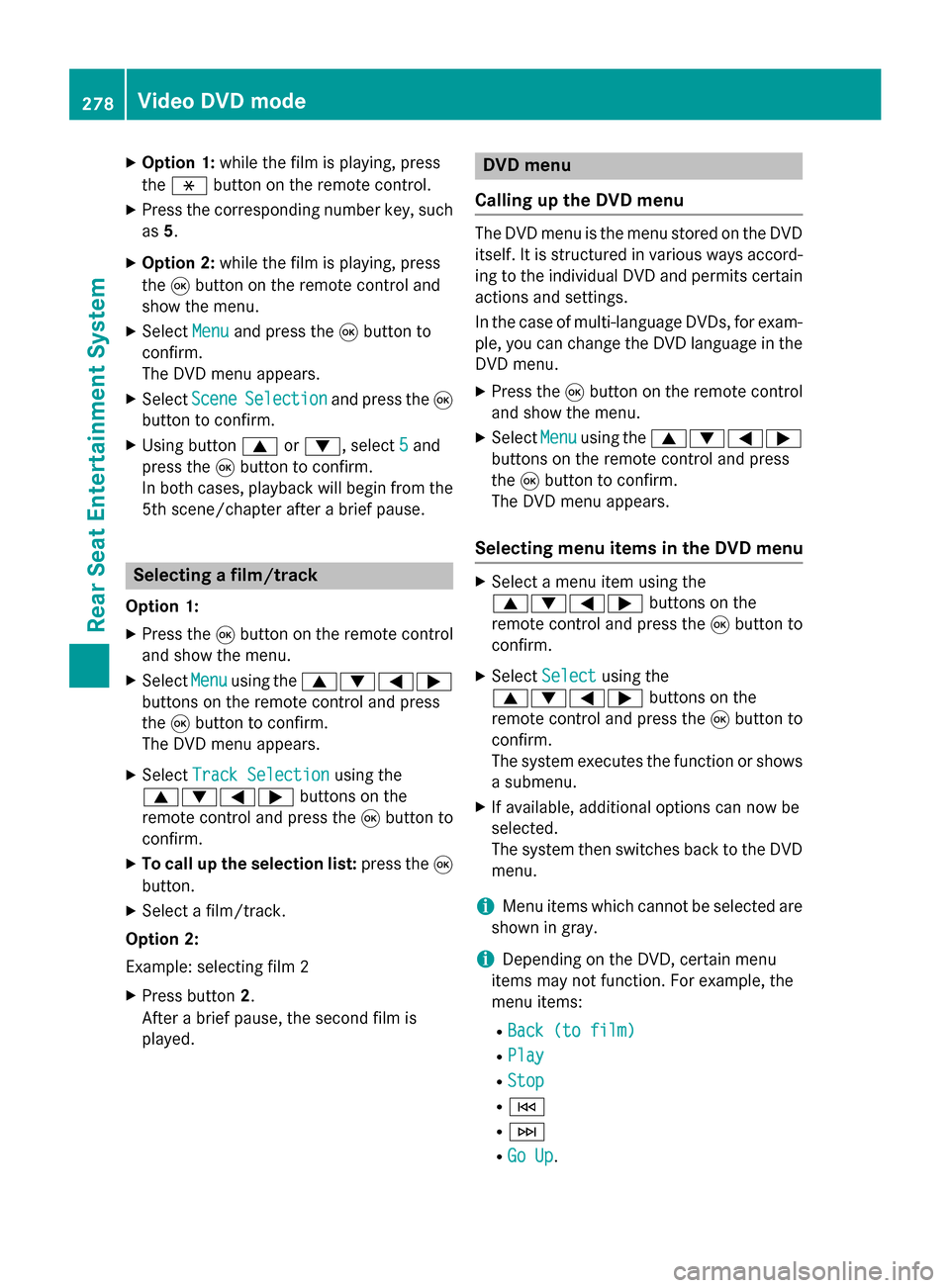
Option 1: while the film is playing, press
the 007E button on the remote control.
X Press the corresponding number key, such
as 5.
X Option 2: while the film is playing, press
the 008Bbutton on the remote control and
show the menu.
X Select Menu
Menu and press the 008Bbutton to
confirm.
The DVD menu appears.
X Select Scene
Scene Selection Selection and press the 008B
button to confirm.
X Using button 0063or0064, select 5
5and
press the 008Bbutton to confirm.
In both cases, playback will begin from the 5th scene/chapter after a brief pause. Selecting a film/track
Option 1:
X Press the 008Bbutton on the remote control
and show the menu.
X Select Menu
Menuusing the 0063006400590065
buttons on the remote control and press
the 008Bbutton to confirm.
The DVD menu appears.
X Select Track Selection
Track Selection using the
0063006400590065 buttons on the
remote control and press the 008Bbutton to
confirm.
X To call up the selection list: press the008B
button.
X Select a film/track.
Option 2:
Example: selecting film 2
X Press button 2.
After a brief pause, the second film is
played. DVD menu
Calling up the DVD menu The DVD menu is the menu stored on the DVD
itself. It is structured in various ways accord-
ing to the individual DVD and permits certain
actions and settings.
In the case of multi-language DVDs, for exam- ple, you can change the DVD language in the
DVD menu.
X Press the 008Bbutton on the remote control
and show the menu.
X Select Menu Menuusing the 0063006400590065
buttons on the remote control and press
the 008Bbutton to confirm.
The DVD menu appears.
Selecting menu items in the DVD menu X
Select a menu item using the
0063006400590065 buttons on the
remote control and press the 008Bbutton to
confirm.
X Select Select Select using the
0063006400590065 buttons on the
remote control and press the 008Bbutton to
confirm.
The system executes the function or shows a submenu.
X If available, additional options can now be
selected.
The system then switches back to the DVD
menu.
i Menu items which cannot be selected are
shown in gray.
i Depending on the DVD, certain menu
items may not function. For example, the
menu items:
R Back (to film) Back (to film)
R Play
Play
R Stop
Stop
R 0048
R 0049
R Go Up
Go Up. 278
Video DVD modeRear Seat Entertainment System
Page 282 of 298
X
Select an action using the
006300650064 buttons on the
remote control and press the 008Bbutton to
execute it.
A menu appears and the first entry, Select Select,
is highlighted.
X Press the 008Bbutton. AUX mode
General notes
You can connect an external video source in
the rear compartment.
Depending on the vehicle model and equip-
ment level, the AUX jacks are found:
R in the stowage box between the rear seats
or
R in the rear-compartment armrest
(Y page 264).
Please see the corresponding operating
instructions for information on how to oper-
ate the external video source.
For further details about external video sour- ces, please consult an authorized Mercedes-
Benz Center. Connecting AUX equipment
X Insert the audio plugs for the left and right
signals into the corresponding Land R
jacks.
X Insert the video plug into the Vjack. Activating AUX mode
X Select AUX AUXusing the 006300590065 but-
tons on the remote control and press the
008B button to confirm.
The AUX source is switched on once the
AUX device is active. 280
AUX modeRear Seat Entertainment System