steering MERCEDES-BENZ S CLASS 2019 Manual PDF
[x] Cancel search | Manufacturer: MERCEDES-BENZ, Model Year: 2019, Model line: S CLASS, Model: MERCEDES-BENZ S CLASS 2019Pages: 578, PDF Size: 23.31 MB
Page 538 of 578
1,2, 3 ...
12V batterysee Battery (vehicle)
12V socketsee Socket (12 V)
115 V socketsee Socket (115V)
360° Camera........................................... 228Function .............................................. 228Openingthe camera cover (rear viewcamera) ............................................... 231Selecting a view .................................. 230Settingfavorites ..................................231
A
A/C functionActivating/deactivating (multimediasystem) ................................................16 0Switching on/off (control panel) .........16 0
ABS (Anti-lock Braking System).............192
Accelerationsee Kickdown
Accident and breakdown manage‐mentMercedes me connect .........................345
Acoustic lockingverification signalActivating/deactivating ......................... 63
Activating/deactivating automaticvolume adjustment
Burmester®surround sound system ....376
Active Blind Spot Assist..........................24 3Brake application .................................24 5Function ..............................................24 3Switching on/off .................................24 6System limitations ...............................243
Active Brake AssistFunction/notes ...................................19 6Setting ................................................. 200
Active Distance Assist DISTRONIC........ 203Active EmergencyStop Assist ..............212Active Lane Change Assist...................210Calling up a speed ...............................204Displays inthe Instrument Display .......212Function .............................................. 203Increasing/decreasing speed .............. 204Requirements ...................................... 204
Route-based speed adaptation ............207Steering wheel buttons ....................... 204Storing a speed ................................... 204Switching off/deactivating .................. 204Switching on/activating ......................204System limitations ...............................203
Active EmergencyStop Assist................212
Active hood (pedestrian protection)...... 396Method of operation ............................396Resetting ............................................. 396
Active Lane Change Assist.....................210Activating/deactivating .......................212Function ...............................................210
Active LaneKeeping Assist....................24 6Activating/deactivating .......................248Activating/deactivatingthewarning ....24 9Function ..............................................24 6Settingthe sensitivity ..........................24 9System limitations ...............................246
ActiveParking Assist.............................. 231CrossTraffic Alert ............................... 236DriveAwayAssist................................ 235Exiting a parking space .......................234Function .............................................. 231
536Index
Page 539 of 578
Maneuvering assistance ...................... 237Parking ................................................ 233System limitations ...............................231
Active Service System PLUSsee ASSYSTPLUS
Active Speed Limit Assist....................... 206Display ................................................ 206Function .............................................. 206
ActiveSteering Assist.............................208Activating/deactivating .......................210Active EmergencyStop Assist ..............212Active Lane Change Assist...................210Displays inthe Instrument Display .......212Function .............................................. 208System limitations ...............................208
Adaptive cruise controlseeActive Distance AssistDISTRONIC
Adaptive Highbeam AssistFunction ..............................................14 8Switching on/off .................................14 9
AdditionalvaluerangeSetting display content ........................ 254
Additives..................................................470Engine oil .............................................470Fuel .....................................................470
Additives (engine oil)seeAdditives
Additives (fuel)seeFuel
Address booksee Contacts
Adjusting the balance/fader
Burmester®high-end 3D surroundsound system ......................................377
Burmester®surround sound system ....376
Adjusting the bass, mid-range andtreble
Burmester®high-end 3D surroundsound system ......................................376
Adjusting the mid-range, treble andbass
Burmester®high-end 3D surroundsound system ......................................376
Adjusting the soundfocus
Burmester®surround sound system ....376
Adjusting the sound optimization
Burmester®high-end 3D surroundsound system ......................................377
Adjusting treble, mid-range and basssettings
Burmester®high-end 3D surroundsound system ......................................376
Burmester®surround sound system ....376
ADS PLUS damping systemsee AIRMATIC
After-sales service centersee ASSYST PLUS
Air bagReduced protection ...............................40
Air distributionSetting (multimedia system) ................161
Air freshener systemseePerfume atomizer
Air inletsee Air-water duct
Air pressureseeTirepressure
Index537
Page 542 of 578
Steering wheel paddle shifters............178Transmission position display ..............17 7Transmission positions ........................17 7
B
BAS (Brake Assist System).....................192
BatteryCharging (RemoteOnline) ....................17 0SmartKey...............................................64
Batterysee Battery (vehicle)
Battery (vehicle)...................................... 424Charging .............................................. 423Charging (RemoteOnline) ....................17 0Notes ...................................................419Notes (starting assistance andcharging) .............................................421Replacing .............................................424Starting assistance .............................. 423
Beltsee Seat belt
Belt airbagActivation .............................................. 32Function/notes .....................................36
Blind Spot Assist.....................................24 3Function ..............................................24 3Switching on/off .................................24 6System limitations ...............................243
Blu-raydrive (Rear Seat Entertain‐ment System)Overview .............................................383
Bluetooth®............................................... 290Activating/deactivating .......................290Information .......................................... 289
Bluetooth®audioActivating ............................................ 366De-authorizing (de-registering)thedevice .................................................. 366Information .......................................... 364Overview .............................................364Searchingfor a track ........................... 366Searchingfor and authorizingthedevice .................................................. 365Selecting a media player .....................366Switching device via NFC .................... 366
Brake Assist SystemseeBAS (Brake AssistSystem)
BrakefluidNotes ...................................................472
Brakeforce distributionEBD (electronic brakeforce distribu‐tion) .....................................................19 6
BrakesABS (Anti-lockBraking System) ...........19 2Active Brake Assist..............................19 6BAS (Brake AssistSystem) ..................19 2Driving tips ..........................................171EBD (electronic brakeforce distribu‐tion) .....................................................19 6HOLD function .....................................214Limited braking effect (salt-treatedroads) ..................................................171New/replaced brakepads/brakediscs ....................................................17 0Notes on breaking-in a newvehicle .....17 0
Braking assistanceseeBAS (Brake AssistSystem)
BreakdownChanging a wheel ................................ 458Overview ofthe help functions ..............16Roadside Assistance ..............................21
540Index
Page 543 of 578
Tow-starting ........................................ 430Towingaway........................................ 426Transportingthevehicle ......................427
Breakdownsee Flat tire
Burmester®high-end 3D surroundsound systemAdjustingthe balance/fader ...............377Adjustingthe sound optimization ........377Adjusting treble, mid-range and basssettings ................................................376Automaticvolume adjustment .............377Calling upthe sound menu ..................376Information ..........................................376Selectingthe sound profile ..................377
Burmester®surround sound system.....375Adjustingthe balance/fader ................376Adjustingthe soundfocus ...................376Adjusting treble, mid-range and basssettings ................................................376Automaticvolume adjustment .............376Calling upthe sound menu ..................375Information ..........................................375
Switchingthe surround sound on/off.............................................................376
ButtonsSteering wheel .................................... 252
C
Call listMaking a call ....................................... 337Overview ............................................. 336
Calling upthe sound menu
Burmester®high-end 3D surroundsound system ......................................376
Burmester®surround sound system ....375
Calls.......................................................... 333Accepting ............................................ 333Activating functions during a call ........ 333Calls withseveral participants .............333Declining ............................................. 333Ending a call ........................................ 333Incoming call during anexisting call .... 334Making ................................................ 333Viatheoverhead control panel(Mercedes me connect) ......................344
Camerasee 360° CameraseeRear view camera
Carkeysee SmartKey
Carwashsee Care
Carwash (care)....................................... 403
Care...........................................................41 0Air-water duct ...................................... 403Automatic carwash ............................. 403Carpet ..................................................41 0Decorativefoil .....................................406Display.................................................41 0EASY-PACK trunk box ...........................410Exterior lighting ................................... 409Headliner .............................................41 0Mattefinish ......................................... 405NightViewAssist................................ 408Paintwork............................................ 405Plastic trim ...........................................41 0Powerwasher ...................................... 404Realwood/trim elements ....................41 0Rear view camera ................................ 409
Index541
Page 548 of 578
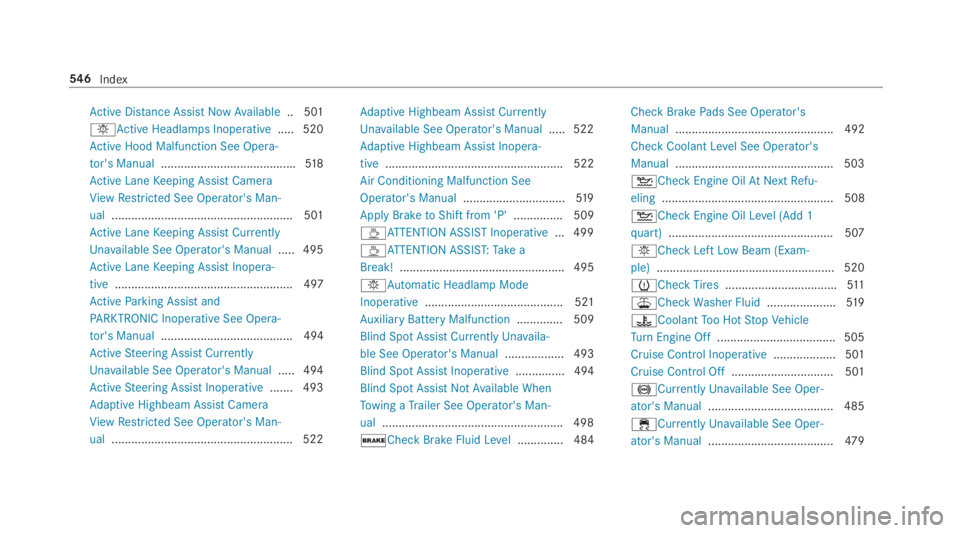
Active Distance AssistNowAvailable.. 501
IActive Headlamps Inoperative..... 520
Active Hood Malfunction See Opera‐
tor's Manual.........................................518
Active LaneKeeping Assist Camera
ViewRestricted See Operator's Man‐
ual.......................................................501
Active LaneKeeping Assist Currently
Unavailable See Operator's Manual.....495
Active LaneKeeping Assist Inopera‐
tive...................................................... 497
ActiveParking Assist and
PARKTRONIC InoperativeSee Opera‐
tor's Manual........................................ 494
ActiveSteering Assist Currently
Unavailable See Operator's Manual.....494
ActiveSteering Assist Inoperative.......493
Adaptive Highbeam Assist Camera
ViewRestricted See Operator's Man‐
ual.......................................................522
Adaptive Highbeam Assist Currently
Unavailable See Operator's Manual.....522
Adaptive Highbeam Assist Inopera‐
tive...................................................... 522
Air Conditioning Malfunction See
Operator's Manual...............................519
ApplyBraketoShift from 'P'............... 509
Page 551 of 578
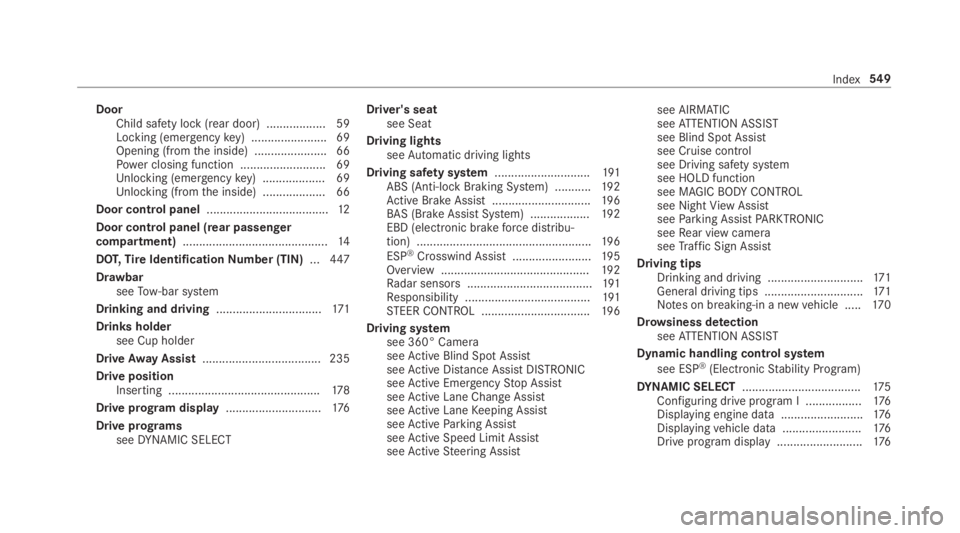
DoorChild safety lock (rear door) .................. 59Locking (emergencykey) .......................69Opening (fromthe inside) ......................66Power closing function .......................... 69Unlocking (emergencykey) ...................69Unlocking (fromthe inside) ...................66
Door control panel.....................................12
Door control panel (rear passengercompartment)............................................14
DOT,TireIdentificationNumber (TIN)...447
DrawbarseeTow-bar system
Drinking and driving................................171
Drinks holdersee Cup holder
DriveAway Assist.................................... 235
Drive positionInserting ..............................................178
Drive program display.............................176
Drive programsseeDYNAMIC SELECT
Driver's seatsee Seat
Driving lightsseeAutomatic driving lights
Driving safety system.............................191ABS (Anti-lockBraking System) ...........19 2Active Brake Assist..............................19 6BAS (Brake AssistSystem) ..................19 2EBD (electronic brakeforce distribu‐tion) .....................................................19 6
ESP®Crosswind Assist........................19 5Overview .............................................19 2Radar sensors ......................................191Responsibility ......................................191STEER CONTROL .................................19 6
Driving systemsee 360° CameraseeActive Blind Spot AssistseeActive Distance AssistDISTRONICseeActive EmergencyStop AssistseeActive Lane Change AssistseeActive LaneKeeping AssistseeActiveParking AssistseeActive Speed Limit AssistseeActiveSteering Assist
see AIRMATICseeATTENTION ASSISTsee Blind Spot Assistsee Cruise controlsee Driving safety systemsee HOLD functionsee MAGICBODYCONTROLsee NightViewAssistseeParking AssistPARKTRONICseeRear view cameraseeTraffic Sign Assist
Driving tipsDrinking and driving .............................171General driving tips ..............................171Notes on breaking-in a newvehicle .....17 0
Drowsiness detectionseeATTENTION ASSIST
Dynamic handling control system
see ESP®(ElectronicStability Program)
DYNAMIC SELECT....................................175Configuring drive program I .................176Displaying engine data .........................176Displayingvehicle data ........................176Drive program display ..........................176
Index549
Page 559 of 578
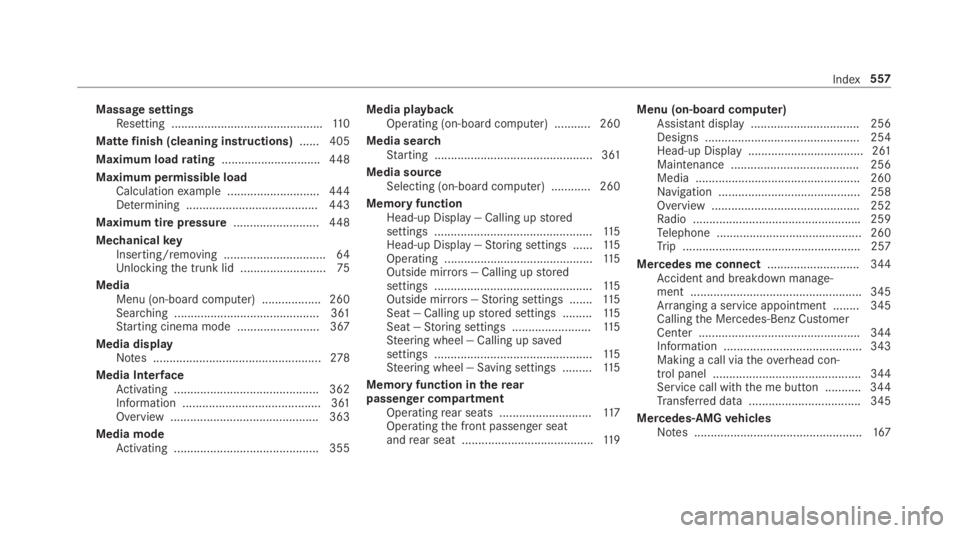
Massage settingsResetting ..............................................110
Mattefinish (cleaning instructions)...... 405
Maximum loadrating..............................448
Maximum permissible loadCalculationexample ............................444Determining ........................................443
Maximum tire pressure..........................448
MechanicalkeyInserting/removing ...............................64Unlockingthe trunk lid ..........................75
MediaMenu (on-boardcomputer) .................. 260Searching ............................................ 361Starting cinema mode .........................367
Media displayNotes ...................................................278
Media InterfaceActivating ............................................ 362Information .......................................... 361Overview .............................................363
Media modeActivating ............................................ 355
Media playbackOperating (on-board computer) ........... 260
Media searchStarting ................................................ 361
Media sourceSelecting (on-board computer) ............ 260
Memory functionHead-up Display — Calling upstoredsettings ................................................11 5Head-up Display —Storing settings ......11 5Operating .............................................11 5Outside mirrors— Calling upstoredsettings ................................................11 5Outside mirrors—Storing settings .......115Seat — Calling upstored settings .........11 5Seat —Storing settings ........................11 5Steering wheel — Calling up savedsettings ................................................11 5Steering wheel — Saving settings .........11 5
Memory function intherearpassenger compartmentOperatingrear seats ............................11 7Operatingthe front passenger seatandrear seat ........................................11 9
Menu (on-board computer)Assistant display................................. 256Designs ............................................... 254Head-up Display ................................... 261Maintenance ....................................... 256Media .................................................. 260Navigation ........................................... 258Overview ............................................. 252Radio ...................................................259Telephone ............................................ 260Trip ...................................................... 257
Mercedes me connect............................ 344Accident and breakdown manage‐ment .................................................... 345Arranging a service appointment ........ 345Callingthe Mercedes-Benz CustomerCenter ................................................. 344Information .......................................... 343Making a call viatheoverhead con‐trol panel ............................................. 344Service call withthe me button ........... 344Transferred data ..................................345
Mercedes-AMGvehiclesNotes ...................................................167
Index557
Page 560 of 578
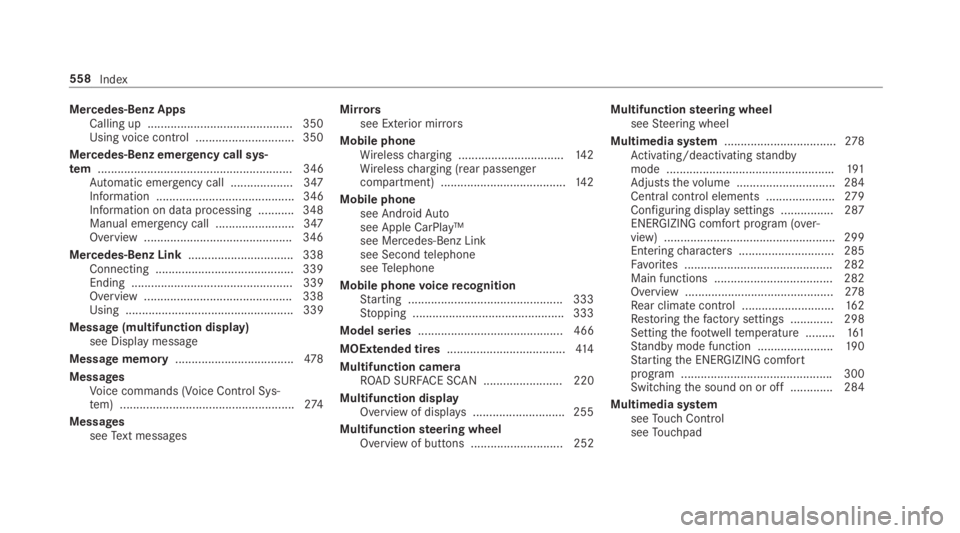
Mercedes-Benz AppsCalling up ............................................ 350Usingvoice control .............................. 350
Mercedes-Benz emergency call sys‐tem........................................................... 346Automatic emergency call ................... 347Information .......................................... 346Information on data processing ...........348Manual emergency call ........................ 347Overview ............................................. 346
Mercedes-Benz Link................................ 338Connecting .......................................... 339Ending ................................................. 339Overview ............................................. 338Using ................................................... 339
Message (multifunction display)see Display message
Message memory....................................478
MessagesVoice commands (Voice Control Sys‐tem) .....................................................274
MessagesseeText messages
Mirrorssee Exterior mirrors
Mobile phoneWirelesscharging ................................14 2Wirelesscharging (rear passengercompartment) ......................................14 2
Mobile phonesee AndroidAutosee Apple CarPlay™see Mercedes-Benz Linksee SecondtelephoneseeTelephone
Mobile phonevoicerecognitionStarting ...............................................333Stopping ..............................................333
Model series............................................ 466
MOExtended tires....................................414
Multifunction cameraROAD SURFACE SCAN ........................ 220
Multifunction displayOverview of displays ............................255
Multifunctionsteering wheelOverview of buttons ............................ 252
Multifunctionsteering wheelseeSteering wheel
Multimedia system..................................278Activating/deactivatingstandbymode ...................................................191Adjuststhevolume .............................. 284Central control elements .....................279Configuring displaysettings ................287ENERGIZING comfort program (over‐view) ....................................................299Enteringcharacters .............................285Favorites ............................................. 282Main functions .................................... 282Overview .............................................278Rear climate control ............................16 2Restoringthefactory settings ............. 298Settingthefootwelltemperature .........161Standby mode function .......................190Startingthe ENERGIZING comfortprogram ..............................................300Switchingthe sound on or off .............284
Multimedia systemseeTouch ControlseeTouchpad
558Index
Page 568 of 578
Selectingthe sound profile
Burmester®high-end 3D surroundsound system ......................................377
Selector leversee DIRECT SELECT lever
Self-testAutomatic front passenger front air‐bag shutoff ............................................ 43
Sensors (Care).........................................409
Service centersee Qualified specialistworkshop
Service interval displaysee ASSYSTPLUS
Servicestation searchStarting automatic search....................312
Setting a speedsee Cruise control
Setting summer time.............................. 288
Settingthe dateformat.......................... 288
Settingthe distance unit........................ 294
SettingthefootwelltemperatureSetting .................................................161
Settingthe map scalesee Map
Shift paddlesseeSteering wheel paddle shifters
ShiftinggearsGearshiftrecommendation ..................17 9
Short messagesseeText messages
Side airbag.................................................38
Side impact protection...........................223
Side windows.......................................76,78Child safety lock intherearpassenger compartment .......................60Closing ..................................................78Closing usingthe SmartKey................... 80Convenience closingfeature .................80Convenience opening ............................ 79Opening .................................................78Opening withthe SmartKey................... 79Problem .................................................81Roller sunblind (electric) ........................76
Size designation (tires)...........................449
Sliding sunroof.......................................... 82Automatic functions .............................. 85Closing .................................................. 82Closing usingthe SmartKey................... 80MAGIC SKYCONTROL (function) ........... 86MAGIC SKYCONTROL (operating) .........86Opening .................................................82Opening withthe SmartKey................... 79Problem .................................................87Rain closing function .............................85
SmartKey................................................... 62Acoustic lockingverification signal ....... 63Battery ..................................................64Energy consumption .............................. 63Features ................................................ 62Keyring attachment ..............................64Mechanicalkey ......................................64Overview ............................................... 62Panic alarm ........................................... 63Problem ................................................. 65Unlocking setting .................................. 63
SmartKeyfunctionsDeactivating .......................................... 63
Smartphonesee AndroidAuto
566Index
Page 570 of 578
Steering wheel........................................ 252Adjusting (electrically) ..........................11 3Buttons ................................................ 252Operatingthe memory function ...........11 5Steering wheel heater ..........................11 4
Steering wheel heaterSwitching on/off ..................................11 4
Steering wheel paddle shifters..............178
Stowage areasseeStowage compartment
Stowage compartment...........................12 2Armrest ...............................................12 2Center console ....................................122Door ....................................................12 2Eyeglasses compartment .....................124Foldingtable ........................................124Glovebox .............................................122Parcel net hooks ..................................126Rear armrest ........................................124Rear passenger compartment centerarmrest ................................................12 5Rear seat backrest ..............................12 5
Stowage compartmentsseeStowage compartment
Stowage space underthe trunk floor....12 9
Sulfur content......................................... 469
Sun visorOperating .............................................157
Surround lighting....................................14 9Setting .................................................14 9
SurroundViewsee 360° Camera
SuspensionAdjustingthechassis level (MAGICBODYCONTROL) .................................221Settingthe suspension level (AIR‐MATIC) .................................................216
Suspensionsee AIRMATICsee MAGICBODYCONTROL
Suspension level (AIRMATIC)Setting .................................................216
Switch-off delay timeExterior ................................................14 9Interior .................................................151
Switching onvoice amplificationMultimedia system .............................. 289
Switchingthe surround sound on/off
Burmester®surround sound system ....376
Synchronization functionActivating/deactivating (multimediasystem) ................................................16 2
System settingsActivating/deactivating PIN protec‐tion ...................................................... 295Reset function (multimedia system) ....298Settingthe distance unit ..................... 294Settingthe time and date automati‐cally ..................................................... 288Settingthe time zone .......................... 288Settingthe time/dateformat .............. 288Switching transmission ofthevehicleposition on/off .................................... 289
System settings
see Bluetooth®
see Data import/exportsee Languagesee Software updateseeWi-Fi
568Index