android auto MERCEDES-BENZ S CLASS 2019 Owners Manual
[x] Cancel search | Manufacturer: MERCEDES-BENZ, Model Year: 2019, Model line: S CLASS, Model: MERCEDES-BENZ S CLASS 2019Pages: 578, PDF Size: 23.31 MB
Page 292 of 578
%Internet connection via Bluetooth®is notavailable in all countries.
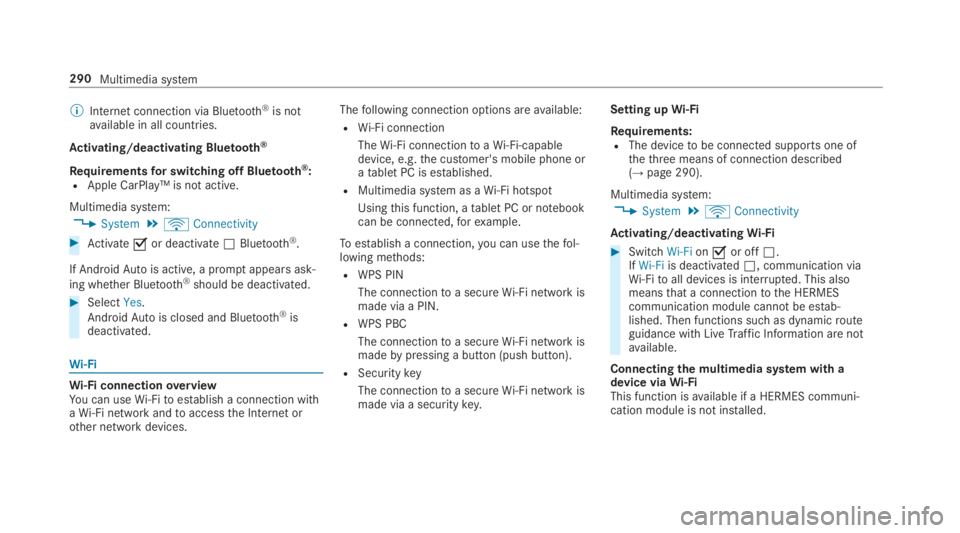
Activating/deactivating Bluetooth®
Requirementsfor switching off Bluetooth®:RApple CarPlay™ is not active.
Multimedia system:
,System.öConnectivity
#Activatesor deactivateSBluetooth®.
If AndroidAutois active, a promptappears ask‐
ing whether Bluetooth®should be deactivated.
#SelectYes.
AndroidAutois closed and Bluetooth®isdeactivated.
Wi-Fi
Wi-Fi connectionoverviewYou can useWi-Fitoestablish a connection withaWi-Fi network andtoaccessthe Internet orother network devices.
Thefollowing connection options areavailable:
RWi-Fi connection
TheWi-Fi connectiontoaWi-Fi-capabledevice, e.g.the customer's mobile phone oratablet PC is established.
RMultimedia system as aWi-Fi hotspot
Usingthis function, atablet PC or notebookcan be connected,forexample.
Toestablish a connection,you can usethefol‐lowing methods:
RWPS PIN
The connectiontoa secureWi-Fi network ismade via a PIN.
RWPS PBC
The connectiontoa secureWi-Fi network ismadebypressing a button (push button).
RSecuritykey
The connectiontoa secureWi-Fi network ismade via a securitykey.
Setting upWi-Fi
Requirements:RThe devicetobe connected supports one ofthethree means of connection described(→page 290).
Multimedia system:
,System.öConnectivity
Activating/deactivatingWi-Fi
#SwitchWi-Fionsor offS.IfWi-Fiis deactivatedS, communication viaWi-Fitoall devices is interrupted. This alsomeansthat a connectiontothe HERMEScommunication module cannotbe estab‐lished. Then functions such as dynamicrouteguidance with LiveTraffic Information are notavailable.
Connectingthe multimedia system with adevice viaWi-FiThis function isavailable if a HERMES communi‐cation module is not installed.
290Multimedia system
Page 340 of 578
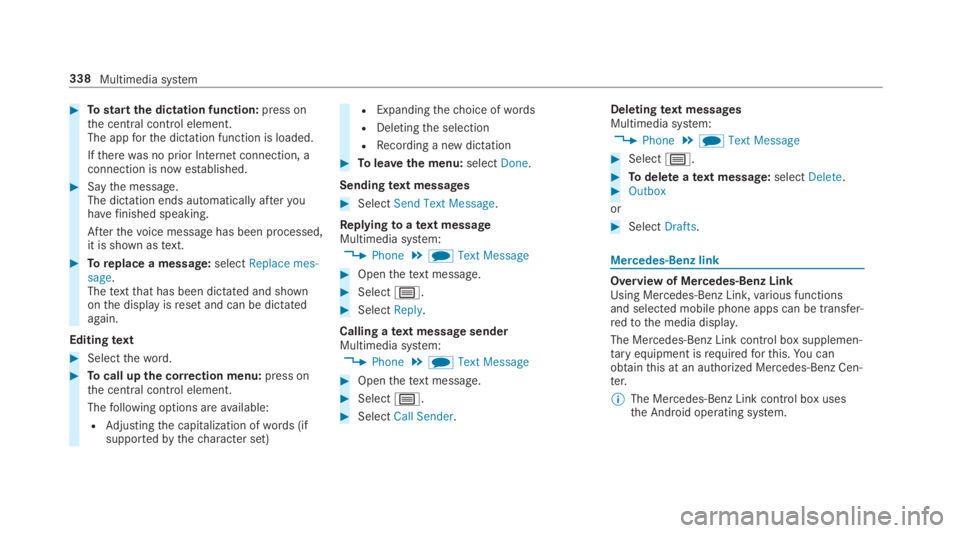
#Tostartthe dictation function:press onthe central control element.The appforthe dictation function is loaded.
Iftherewas no prior Internet connection, aconnection is now established.
#Saythe message.The dictation ends automatically afteryouhavefinished speaking.
Afterthevoice message has been processed,it is shown astext.
#Toreplace a message:selectReplace mes-sage.Thetextthat has been dictated and shownonthe display isreset and can be dictatedagain.
Editingtext
#Selecttheword.
#Tocall upthe correction menu:press onthe central control element.
Thefollowing options areavailable:
RAdjustingthe capitalization ofwords (ifsupportedbythecharacter set)
RExpandingthechoice ofwords
RDeletingthe selection
RRecording a new dictation
#Toleavethe menu:selectDone.
Sendingtext messages
#SelectSend Text Message.
Replyingtoatext messageMultimedia system:
,Phone.iText Message
#Openthetext message.
#Selectp.
#SelectReply.
Calling atext message senderMultimedia system:
,Phone.iText Message
#Openthetext message.
#Selectp.
#SelectCall Sender.
Deletingtext messagesMultimedia system:
,Phone.iText Message
#Selectp.
#Todelete atext message:selectDelete.#Outbox
or
#SelectDrafts.
Mercedes-Benz link
Overview of Mercedes-Benz LinkUsing Mercedes-Benz Link,various functionsand selected mobile phone apps can be transfer‐redtothe media display.
The Mercedes-Benz Link control box supplemen‐taryequipment isrequiredforthis.You canobtainthis at an authorized Mercedes-Benz Cen‐ter.
%The Mercedes-Benz Link control box usesthe Android operating system.
338Multimedia system
Page 343 of 578
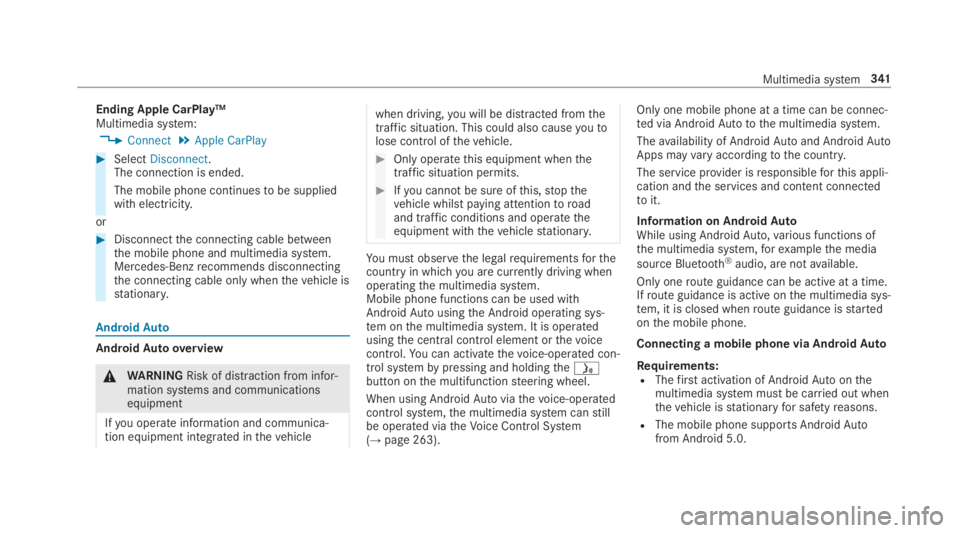
Ending Apple CarPlay™Multimedia system:
,Connect.Apple CarPlay
#SelectDisconnect.The connection is ended.
The mobile phone continuestobe suppliedwith electricity.
or
#Disconnectthe connecting cable betweenthe mobile phone and multimedia system.Mercedes-Benzrecommends disconnectingthe connecting cable only whenthevehicle isstationary.
AndroidAuto
AndroidAutooverview
&WARNINGRisk of distraction from infor‐mation systems and communicationsequipment
Ifyou operate information and communica‐tion equipment integrated inthevehicle
when driving,you will be distracted fromthetraffic situation. This could also causeyoutolose control ofthevehicle.
#Only operatethis equipment whenthetraffic situation permits.
#Ifyou cannot be sure ofthis,stopthevehicle whilst paying attentiontoroadand traffic conditions and operatetheequipment withthevehiclestationary.
You must observethe legalrequirementsforthecountry in whichyou are currently driving whenoperatingthe multimedia system.Mobile phone functions can be used withAndroidAutousingthe Android operating sys‐tem onthe multimedia system. It is operatedusingthe central control element orthevoicecontrol.You can activatethevoice-operated con‐trol systembypressing and holdingthe
Page 344 of 578
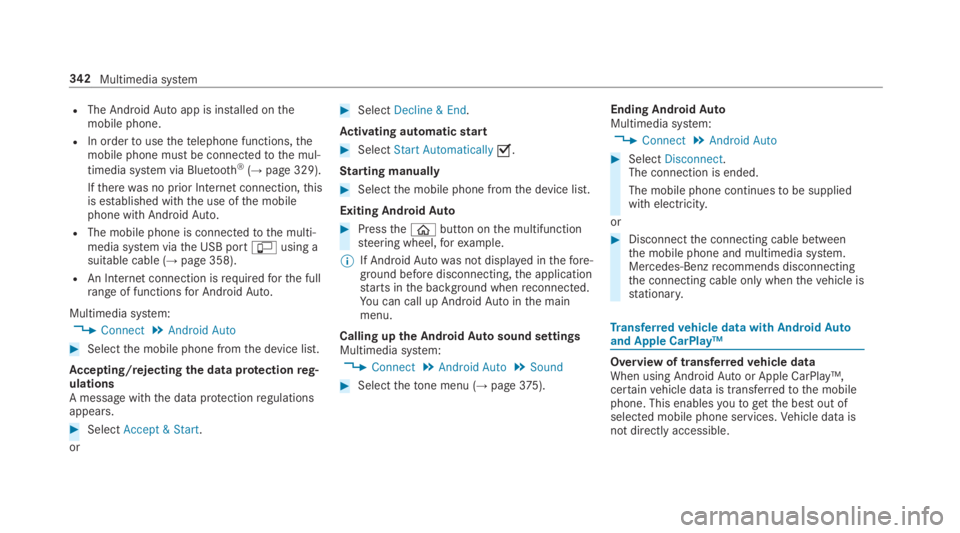
RThe AndroidAutoapp is installed onthemobile phone.
RIn ordertousethetelephone functions,themobile phone must be connectedtothe mul‐
timedia system via Bluetooth®(→page 329).
Iftherewas no prior Internet connection,thisis established withthe use ofthe mobilephone with AndroidAuto.
RThe mobile phone is connectedtothe multi‐media system viathe USB port
Page 540 of 578
Air suspensionsee AIRMATIC
Airvents...................................................16 5Adjusting (front) ..................................16 5Adjusting (rear) ....................................16 5Glovebox .............................................166
Airventssee Airvents
Air-recirculation mode............................16 2
Air-water duct.......................................... 403Keeping free ........................................403
Airbag.........................................................38Activation .............................................. 32Belt airbag .............................................36Cushionbag ...........................................38Front airbag (driver, front passenger) ....38Installation locations .............................38Knee airbag ........................................... 38Overview ............................................... 38PASSENGER AIRBAG indicator lamp .....43Protection ..............................................39Side airbag ............................................ 38Window curtain airbag ...........................38
AIRMATIC..................................................215Setting .................................................216Suspension ..........................................215
AlarmseePanic alarm
Alarm systemseeATA (anti-theft alarm system)
AlternativerouteseeRoute
Ambient lightingSetting (multimedia system) ................150
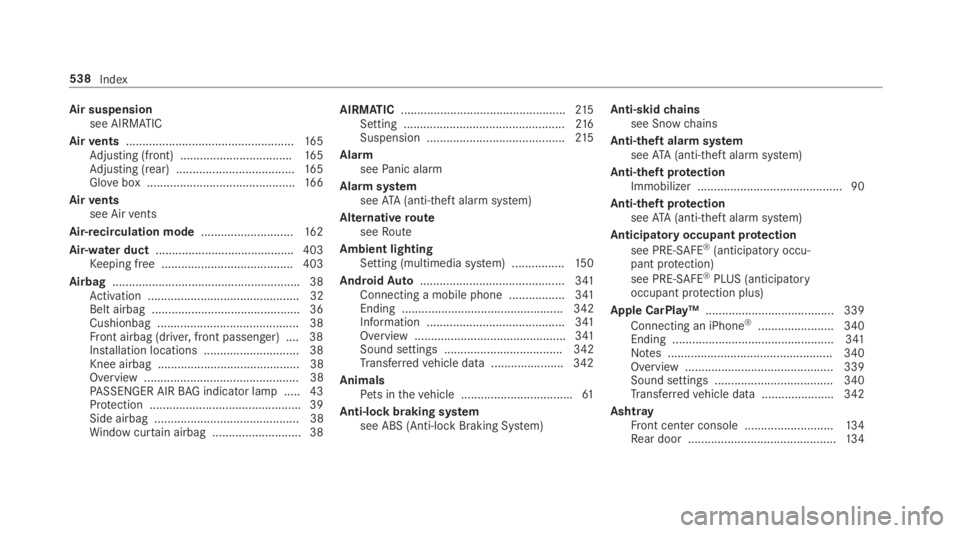
AndroidAuto............................................ 341Connecting a mobile phone ................. 341Ending ................................................. 342Information .......................................... 341Overview .............................................. 341Sound settings .................................... 342Transferredvehicle data ......................342
AnimalsPets inthevehicle ..................................61
Anti-lock braking systemsee ABS (Anti-lock Braking System)
Anti-skidchainssee Snowchains
Anti-theft alarmsystemseeATA (anti-theft alarm system)
Anti-theft protectionImmobilizer ............................................ 90
Anti-theft protectionseeATA (anti-theft alarm system)
Anticipatory occupant protection
see PRE-SAFE®(anticipatory occu‐pant protection)
see PRE-SAFE®PLUS (anticipatoryoccupant protection plus)
Apple CarPlay™....................................... 339
Connecting an iPhone®....................... 340Ending .................................................341Notes .................................................. 340Overview ............................................. 339Sound settings .................................... 340Transferredvehicle data ......................342
AshtrayFront center console ...........................13 4Rear door .............................................134
538Index
Page 560 of 578
Mercedes-Benz AppsCalling up ............................................ 350Usingvoice control .............................. 350
Mercedes-Benz emergency call sys‐tem........................................................... 346Automatic emergency call ................... 347Information .......................................... 346Information on data processing ...........348Manual emergency call ........................ 347Overview ............................................. 346
Mercedes-Benz Link................................ 338Connecting .......................................... 339Ending ................................................. 339Overview ............................................. 338Using ................................................... 339
Message (multifunction display)see Display message
Message memory....................................478
MessagesVoice commands (Voice Control Sys‐tem) .....................................................274
MessagesseeText messages
Mirrorssee Exterior mirrors
Mobile phoneWirelesscharging ................................14 2Wirelesscharging (rear passengercompartment) ......................................14 2
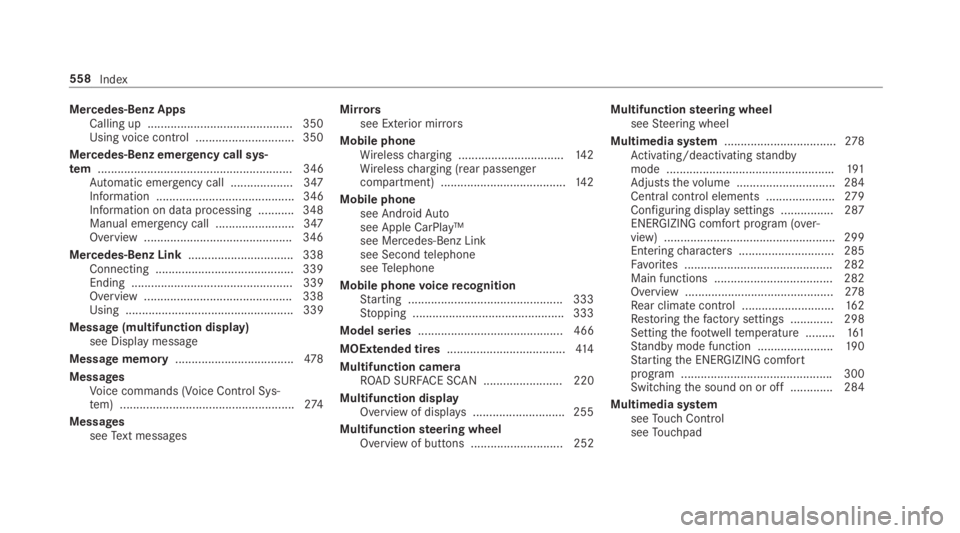
Mobile phonesee AndroidAutosee Apple CarPlay™see Mercedes-Benz Linksee SecondtelephoneseeTelephone
Mobile phonevoicerecognitionStarting ...............................................333Stopping ..............................................333
Model series............................................ 466
MOExtended tires....................................414
Multifunction cameraROAD SURFACE SCAN ........................ 220
Multifunction displayOverview of displays ............................255
Multifunctionsteering wheelOverview of buttons ............................ 252
Multifunctionsteering wheelseeSteering wheel
Multimedia system..................................278Activating/deactivatingstandbymode ...................................................191Adjuststhevolume .............................. 284Central control elements .....................279Configuring displaysettings ................287ENERGIZING comfort program (over‐view) ....................................................299Enteringcharacters .............................285Favorites ............................................. 282Main functions .................................... 282Overview .............................................278Rear climate control ............................16 2Restoringthefactory settings ............. 298Settingthefootwelltemperature .........161Standby mode function .......................190Startingthe ENERGIZING comfortprogram ..............................................300Switchingthe sound on or off .............284
Multimedia systemseeTouch ControlseeTouchpad
558Index
Page 568 of 578
Selectingthe sound profile
Burmester®high-end 3D surroundsound system ......................................377
Selector leversee DIRECT SELECT lever
Self-testAutomatic front passenger front air‐bag shutoff ............................................ 43
Sensors (Care).........................................409
Service centersee Qualified specialistworkshop
Service interval displaysee ASSYSTPLUS
Servicestation searchStarting automatic search....................312
Setting a speedsee Cruise control
Setting summer time.............................. 288
Settingthe dateformat.......................... 288
Settingthe distance unit........................ 294
SettingthefootwelltemperatureSetting .................................................161
Settingthe map scalesee Map
Shift paddlesseeSteering wheel paddle shifters
ShiftinggearsGearshiftrecommendation ..................17 9
Short messagesseeText messages
Side airbag.................................................38
Side impact protection...........................223
Side windows.......................................76,78Child safety lock intherearpassenger compartment .......................60Closing ..................................................78Closing usingthe SmartKey................... 80Convenience closingfeature .................80Convenience opening ............................ 79Opening .................................................78Opening withthe SmartKey................... 79Problem .................................................81Roller sunblind (electric) ........................76
Size designation (tires)...........................449
Sliding sunroof.......................................... 82Automatic functions .............................. 85Closing .................................................. 82Closing usingthe SmartKey................... 80MAGIC SKYCONTROL (function) ........... 86MAGIC SKYCONTROL (operating) .........86Opening .................................................82Opening withthe SmartKey................... 79Problem .................................................87Rain closing function .............................85
SmartKey................................................... 62Acoustic lockingverification signal ....... 63Battery ..................................................64Energy consumption .............................. 63Features ................................................ 62Keyring attachment ..............................64Mechanicalkey ......................................64Overview ............................................... 62Panic alarm ........................................... 63Problem ................................................. 65Unlocking setting .................................. 63
SmartKeyfunctionsDeactivating .......................................... 63
Smartphonesee AndroidAuto
566Index
Page 573 of 578
Notes on installing ...............................454Overview of tire labeling ......................446Removing ............................................. 461Replacing .................................... 454, 458Restartingthe tire pressure monitor‐ing system ...........................................441Rotating ............................................... 456Selection .............................................454Snowchains ........................................ 435Speedrating ........................................449Storing .................................................457Temperature grade ..............................446Tireand Loading Information placard.............................................................442Tirepressure (notes) ........................... 435Tirepressure monitoring system(function) ............................................. 439Tirepressuretable .............................. 437TireQuality Grading .............................446Tiresize designation ............................449TIREFIT kit ............................................41 5Tractiongrade .....................................446Treadwear grade .................................446Unusual handlingcharacteristics ........ 434
Toll systemWindshield ...........................................15 8
ToolseeVehicletool kit
TopTether.................................................. 55
Total distance.......................................... 257Displaying ............................................ 257
Touch Control..........................................279On-board computer ............................. 252Operating ............................................279Settingthe sensitivity ..........................279
Touchpad.................................................. 280Activating/deactivating haptic oper‐ationfeedback .....................................281Operating ............................................ 280Readingthe handwritingrecognitionaloud ................................................... 281Selecting astation and track ...............281Settingthe sensitivity .......................... 281Switching on/off ................................. 280
Tow-bar system.......................................249
Tow-starting............................................. 430
Towingaway............................................ 426
TowingeyeInstalling .............................................. 429Storage location ..................................429
Towing methods...................................... 424
TrackSelecting (audio mode) ....................... 358
Tractiongrade.........................................446
Traffic information...................................318Displayingthe traffic map ....................319Displaying traffic incidents .................. 320Extending a LiveTraffic Informationsubscription .........................................318Issuing hazardwarnings ...................... 320LiveTraffic Information ........................318Overview ..............................................318
Traffic mapsee Map
Traffic Sign Assist...................................239Function/notes ................................... 239Setting .................................................240System limitations ...............................239
Transferredvehicle dataAndroidAuto....................................... 342
Index571
Page 575 of 578
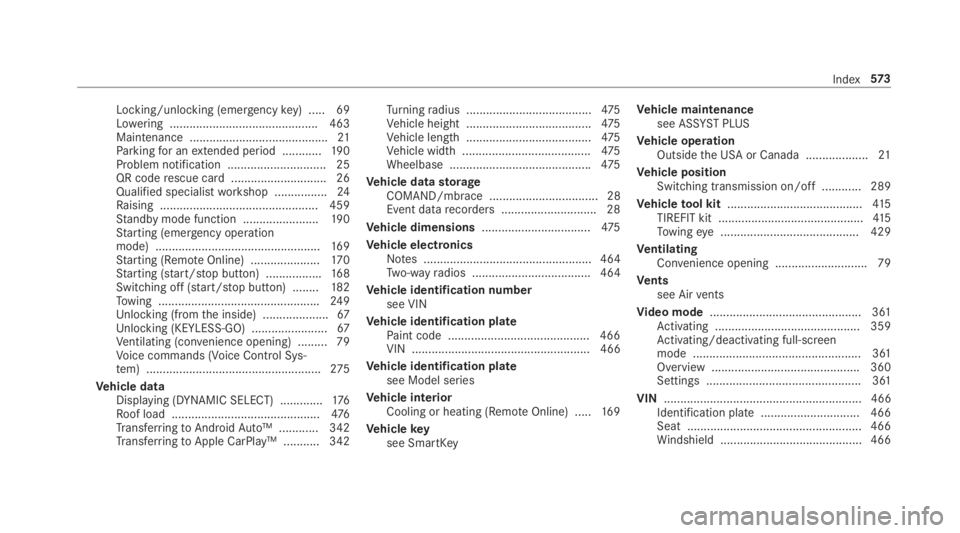
Locking/unlocking (emergencykey) .....69Lowering ............................................. 463Maintenance ..........................................21Parkingfor anextended period ............19 0Problem notification .............................. 25QR coderescue card ............................. 26Qualified specialistworkshop ................24Raising ................................................ 459Standby mode function .......................190Starting (emergency operationmode) ..................................................16 9Starting (RemoteOnline) .....................17 0Starting (start/stop button) .................168Switching off (start/stop button) ........182Towing .................................................249Unlocking (fromthe inside) ....................67Unlocking (KEYLESS-GO) .......................67Ventilating (convenience opening) ......... 79Voice commands (Voice Control Sys‐tem) .....................................................275
Vehicle dataDisplaying (DYNAMIC SELECT) .............176Roof load .............................................476TransferringtoAndroidAuto™ ............ 342TransferringtoApple CarPlay™ ........... 342
Turningradius ......................................475Vehicle height ......................................475Vehicle length ......................................475Vehicle width .......................................475Wheelbase ...........................................475
Vehicle datastorageCOMAND/mbrace ................................. 28Event datarecorders .............................28
Vehicle dimensions.................................475
Vehicle electronicsNotes ................................................... 464Two-wayradios .................................... 464
Vehicle identification numbersee VIN
Vehicle identification platePaint code ...........................................466VIN ...................................................... 466
Vehicle identification platesee Model series
Vehicle interiorCooling or heating (RemoteOnline) .....16 9
Vehiclekeysee SmartKey
Vehicle maintenancesee ASSYST PLUS
Vehicle operationOutsidethe USA or Canada ...................21
Vehicle positionSwitching transmission on/off ............ 289
Vehicletool kit.........................................415TIREFIT kit ............................................41 5Towingeye .......................................... 429
VentilatingConvenience opening ............................ 79
Ventssee Airvents
Video mode.............................................. 361Activating ............................................ 359Activating/deactivating full-screenmode ................................................... 361Overview .............................................360Settings ............................................... 361
VIN............................................................ 466Identification plate.............................. 466Seat ..................................................... 466Windshield ........................................... 466
Index573