ESP MERCEDES-BENZ SL CLASS 2000 User Guide
[x] Cancel search | Manufacturer: MERCEDES-BENZ, Model Year: 2000, Model line: SL CLASS, Model: MERCEDES-BENZ SL CLASS 2000Pages: 297, PDF Size: 7.11 MB
Page 93 of 297
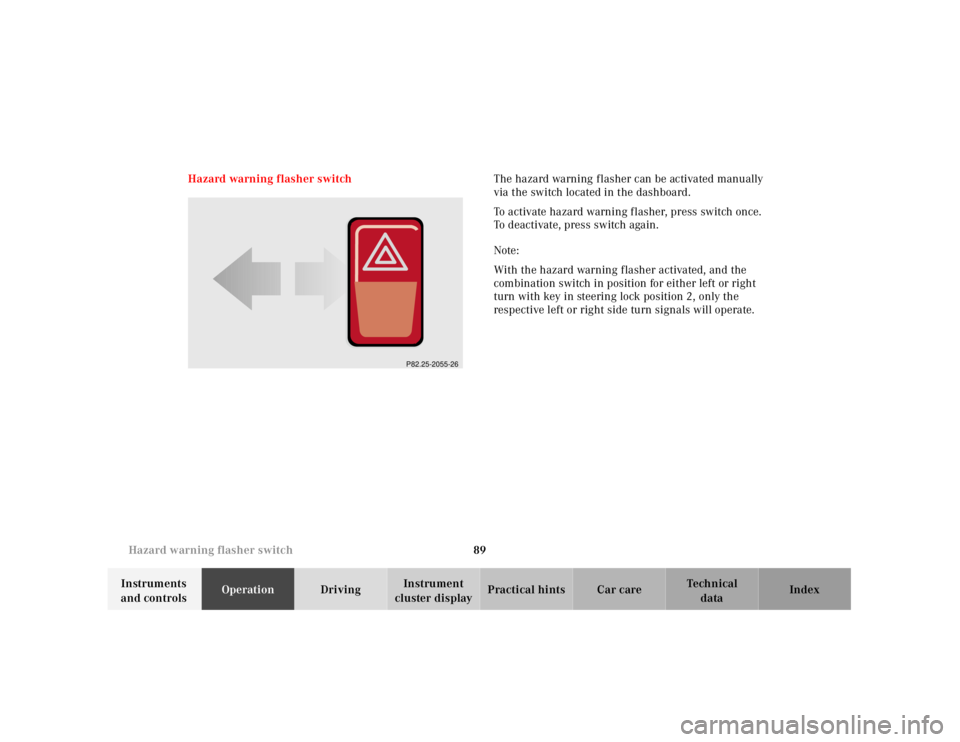
89 Hazard warning flasher switch
Technical
data Instruments
and controlsOperationDrivingInstrument
cluster displayPractical hints Car care Index Hazard warning flasher switchThe hazard warning f lasher can be activated manually
via the switch located in the dashboard.
To activate hazard warning flasher, press switch once.
To deactivate, press switch again.
Note:
With the hazard warning flasher activated, and the
combination switch in position for either left or right
turn with key in steering lock position 2, only the
respective left or right side turn signals will operate.
P82.25-2055-26
Page 97 of 297
93 Automatic climate control
Technical
data Instruments
and controlsOperationDrivingInstrument
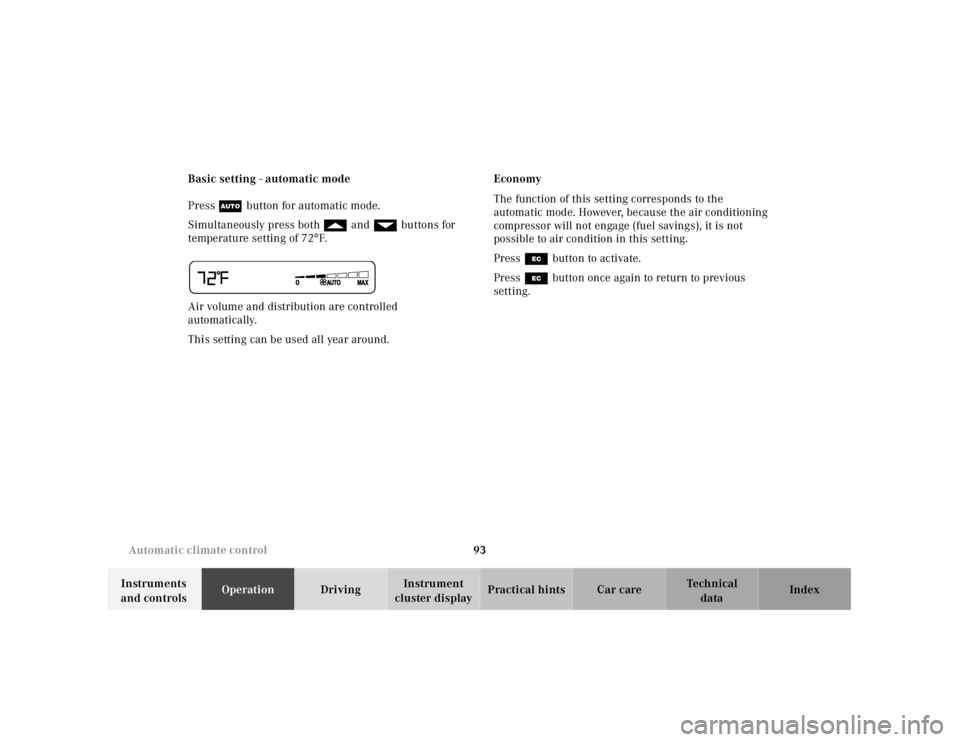
cluster displayPractical hints Car care Index Basic setting - automatic mode
Press U button for automatic mode.
Simultaneously press both f and gbuttons for
temperature setting of 72°F.
Air volume and distribution are controlled
automatically.
This setting can be used all year around.Economy
The function of this setting corresponds to the
automatic mode. However, because the air conditioning
compressor will not engage (fuel savings), it is not
possible to air condition in this setting.
Press S button to activate.
Press S button once again to return to previous
setting.
Page 109 of 297
105 Audio system
Technical
data Instruments
and controlsOperationDrivingInstrument
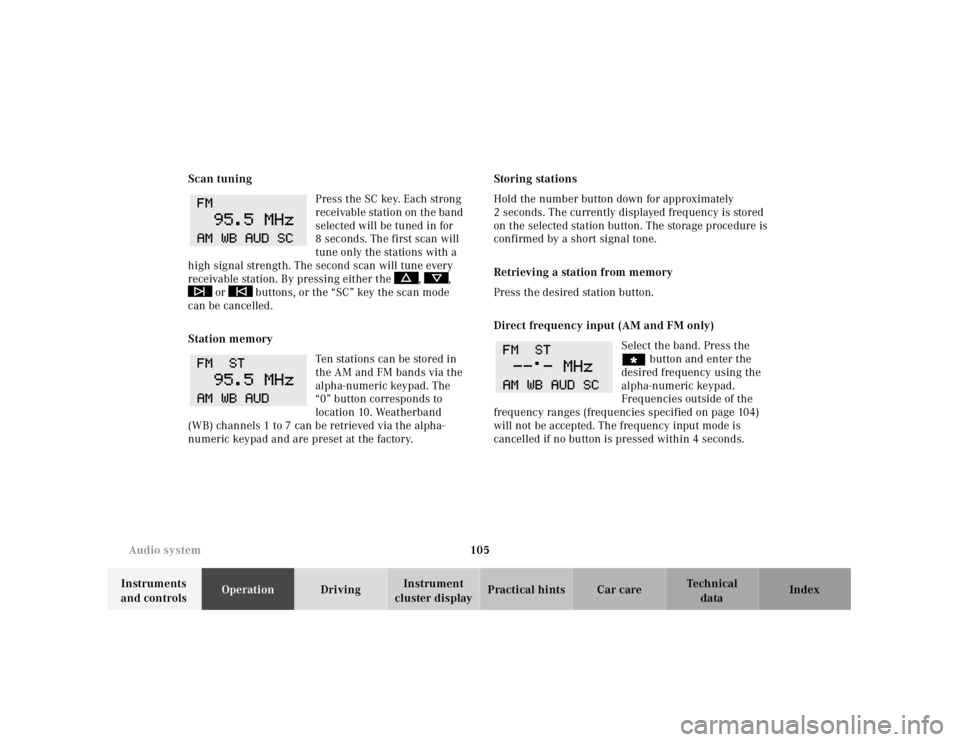
cluster displayPractical hints Car care Index Scan tuning
Press the SC key. Each strong
receivable station on the band
selected will be tuned in for
8 seconds. The first scan will
tune only the stations with a
high signal strength. The second scan will tune every
receivable station. By pressing either the , ,
or buttons, or the “SC” key the scan mode
can be cancelled.
Station memory
Ten stations can be stored in
the AM and FM bands via the
alpha-numeric keypad. The
“0” button corresponds to
location 10. Weatherband
(WB) channels 1 to 7 can be retrieved via the alpha-
numeric keypad and are preset at the factory.Storing stations
Hold the number button down for approximately
2 seconds. The currently displayed frequency is stored
on the selected station button. The storage procedure is
confirmed by a short signal tone.
Retrieving a station from memory
Press the desired station button.
Direct frequency input (AM and FM only)
Select the band. Press the
“ button and enter the
desired frequency using the
alpha-numeric keypad.
Frequencies outside of the
frequency ranges (frequencies specified on page 104)
will not be accepted. The frequency input mode is
cancelled if no button is pressed within 4 seconds.
Page 115 of 297
111 Audio system
Technical
data Instruments
and controlsOperationDrivingInstrument
cluster displayPractical hints Car care Index If there is no CD in the
selected magazine slot,
“NO CD” and the
corresponding slot number
will be displayed
(e.g.“NO CD3”). After the last track on a CD has been
played, the next CD will automatically be selected and
played.
Skipping tracks forwards/backwards
Press the button. The next track on the CD will be
played.
Press the button. If the track has been playing for
more than 10 seconds, it will revert to the start of that
track. If it has been playing for less than ten seconds it
will revert to the preceding track. To skip several tracks,
the respective button must be pressed until the desired
track is reached. If the beginning or end of the CD is
reached during the search, the first or last track will be
played.Fa st for wa rd / reve r se
Press the button and hold it down for audible fast
forward.
Press the button and hold it down for audible
reverse.
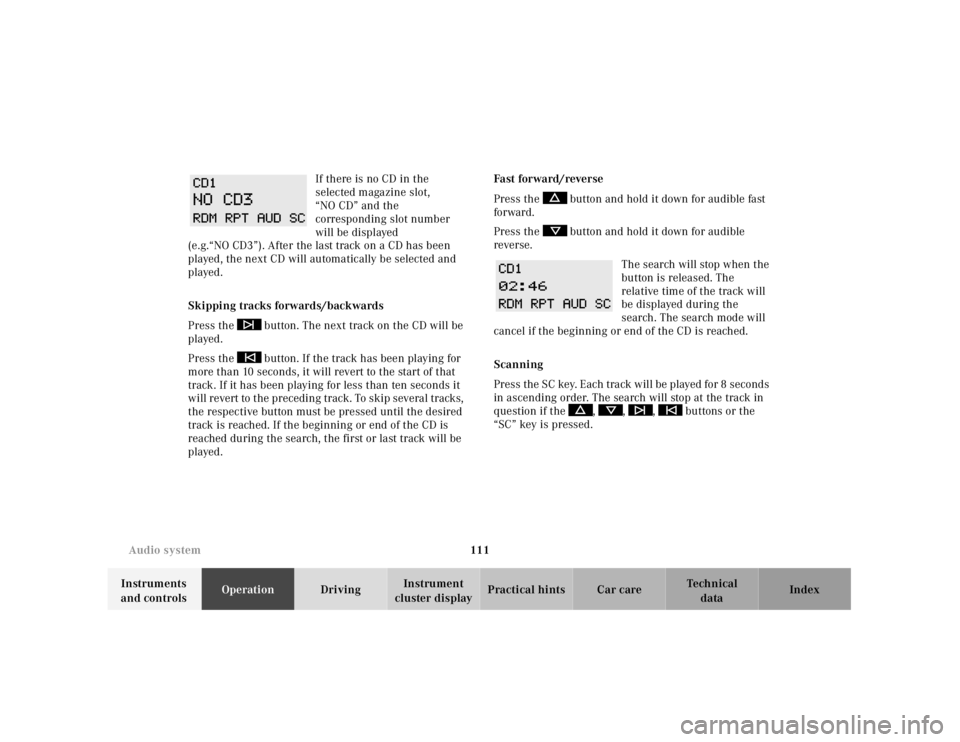
The search will stop when the
button is released. The
relative time of the track will
be displayed during the
search. The search mode will
cancel if the beginning or end of the CD is reached.
Scanning
Press the SC key. Each tra ck w il l be played for 8 second s
in ascending order. The search will stop at the track in
question if the , , , buttons or the
“SC” key is pressed.
Page 132 of 297

128 Interior equipment
Technical
data Instruments
and controlsOperationDrivingInstrument
cluster displayPractical hints Car care Index
Cup holder
To open compartment:
Slide cover (1) back.
To open cup holder (2):
Lift handle in direction of arrow.
To close cup holder (3):
Lift handle in direction of arrow.Parcel net in passenger footwell
A small convenience parcel net is located in the
passenger footwell. It is for small and light items, such
as road maps, mail, etc.
Wa r n i n g !
Keep cup holder closed while traveling. Place only
containers that fit into the cup holder to prevent
spills.Do not fill containers to a height where the
contents could spill during vehicle maneuvers,
especially hot liquids.Wa r n i n g !
Do not place heavy or fragile objects, or objects
having sharp edges, in the parcel net.In an accident, during hard braking or sudden
maneuvers, they could be thrown around inside
the vehicle, and cause injury to vehicle occupants.
Page 148 of 297
144 Soft top
Technical
data Instruments
and controlsOperationDrivingInstrument
cluster displayPractical hints Car care Index
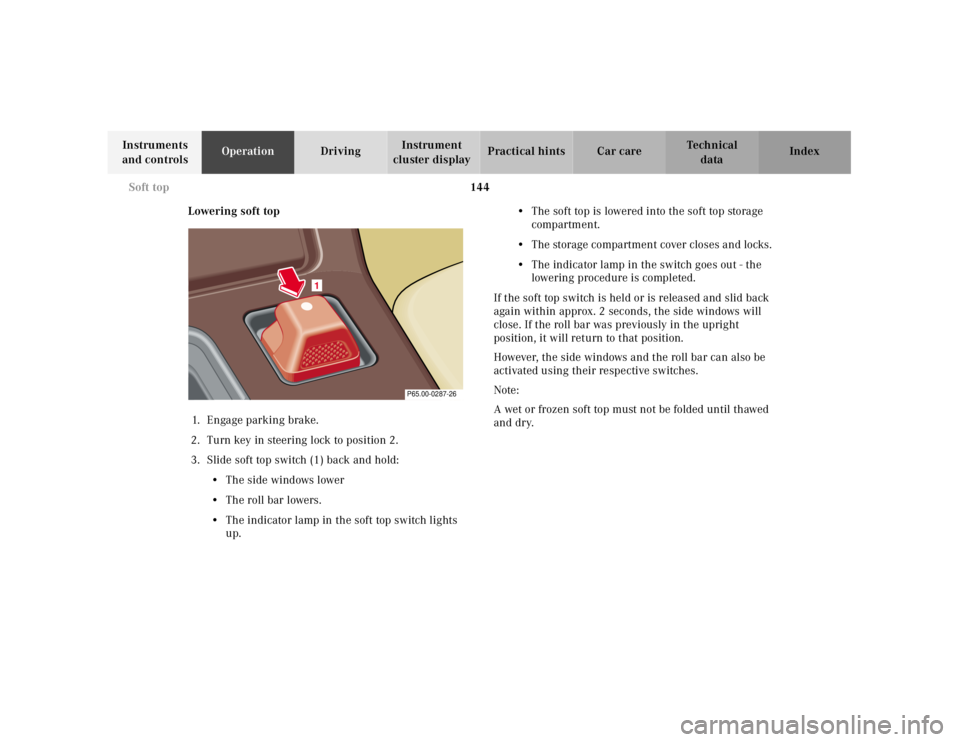
Lowering soft top
1. E n ga g e p a r k i n g b ra ke .
2. Turn key in steering lock to position 2.
3. Slide soft top switch (1) back and hold:
• The side windows lower
• The roll bar lowers.
• The indicator lamp in the soft top switch lights
up.• The soft top is lowered into the soft top storage
compartment.
• The storage compartment cover closes and locks.
• The indicator lamp in the switch goes out - the
lowering procedure is completed.
If the soft top switch is held or is released and slid back
again within approx. 2 seconds, the side windows will
close. If the roll bar was previously in the upright
position, it will return to that position.
However, the side windows and the roll bar can also be
activated using their respective switches.
Note:
A wet or frozen soft top must not be folded until thawed
and dry.
1
P65.00-0287-26
Page 149 of 297
145 Soft top
Technical
data Instruments
and controlsOperationDrivingInstrument
cluster displayPractical hints Car care Index Raising soft top1. Engage parking brake
2. Turn key in steering lock to position 2.
3. Fold down sun visors.
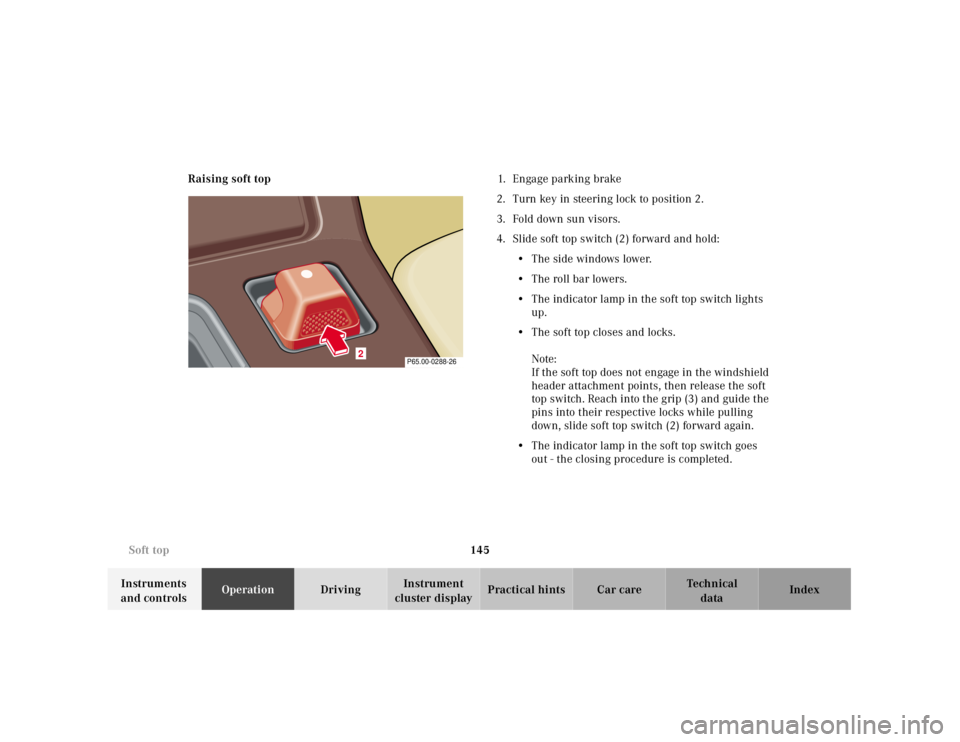
4. Slide soft top switch (2) forward and hold:
• The side windows lower.
•The roll bar lowers.
• The indicator lamp in the soft top switch lights
up.
• The soft top closes and locks.
Note:
If the soft top does not engage in the windshield
header attachment points, then release the soft
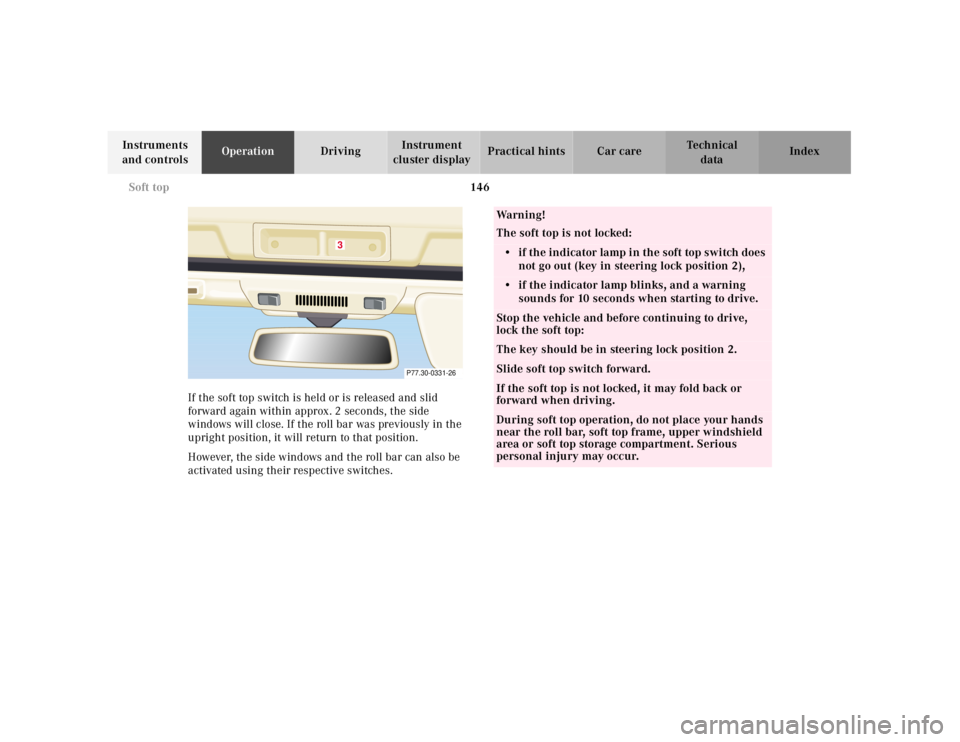
top switch. Reach into the grip (3) and guide the
pins into their respective locks while pulling
down, slide soft top switch (2) forward again.
• The indicator lamp in the soft top switch goes
out - the closing procedure is completed.
2
P65.00-0288-26
Page 150 of 297
146 Soft top
Technical
data Instruments
and controlsOperationDrivingInstrument
cluster displayPractical hints Car care Index
If the soft top switch is held or is released and slid
forward again within approx. 2 seconds, the side
windows will close. If the roll bar was previously in the
upright position, it will return to that position.
However, the side windows and the roll bar can also be
activated using their respective switches.
3
P77.30-0331-26
Wa r n i n g !
The soft top is not locked:• if the indicator lamp in the soft top switch does
not go out (key in steering lock position 2),• if the indicator lamp blinks, and a warning
sounds for 10 seconds when starting to drive.Stop the vehicle and before continuing to drive,
lock the soft top:The key should be in steering lock position 2.Slide soft top switch forward.If the soft top is not locked, it may fold back or
forward when driving.During soft top operation, do not place your hands
near the roll bar, soft top frame, upper windshield
area or soft top storage compartment. Serious
personal injury may occur.
Page 156 of 297
152 Contents – Driving
Technical
data Instruments
and controlsOperationDrivingInstrument
cluster displayPractical hints Car care Index
DrivingControl and operation of radio
transmitters ............................... 153
Radio, telephone and
two-way radio .............................. 153
The first 1 000 miles
(1 500 km) ................................. 154
Maintenance ................................... 154
Tele Aid ........................................... 155
Catalytic converter ........................ 163
Emission control ............................ 164
Steering lock ................................... 165
Starting and turning off
the engine .................................. 167
Before starting ............................ 167
Starting ........................................ 167
Turning off .................................. 167
Automatic transmission ............... 168
Driving ......................................... 168
Accelerator Position ................... 169
Selector lever positions ............. 169
Maneuvering ............................... 172
Stopping ....................................... 172Program mode
selector switch ........................... 173
Emergency Operation ................174
Parking brake ................................ 175
Driving instructions ....................... 176
Drive sensibly - Save fuel .......... 176
Drinking and driving ................. 176
Pedals ........................................... 176
Power assistance ........................ 177
Brakes .......................................... 177
Driving off ................................... 178
Parking ........................................ 178
Tires ............................................. 179
Aquaplaning ................................180
Tire traction .................................180
Tire speed rating ........................181
Snow chains ................................ 181
Ve h i c l e s w i t h s p o r t
package ........................................181
Winter driving
instructions .................................182
Winter driving .............................183
Block heater .................................183
Deep water ...................................184Traveling abroad ........................ 184
Cruise control ................................. 185
Brake assist system (BAS) ............ 188
Antilock brake system (ABS) ....... 190
ABS control ................................. 191
Electronic Stability Program
(ESP) ........................................... 192
Synchronizing ESP .................... 193
ESP Control Switch .................... 194
Level control system ...................... 196
Level control switch
positions ...................................... 196
Normal Level ............................... 197
Wheel Change Switch ............... 198
Adaptive Damping System
(ADS) ........................................... 199
Adaptive damping system
adjustment .................................. 199
What you should know at the gas
station .........................................200
Fuel supply ..................................200
Fuel ...............................................200
Check regularly and before
a long trip ...................................202
Page 157 of 297

153 Control and operation of radio transmitters
Technical
data Instruments
and controlsOperationDrivingInstrument
cluster displayPractical hints Car care Index Control and operation of radio transmitters
Radio, telephone and two-way radio
1 Observe all legal requirements.
Telephones and two-way radio
Radio transmitters, such as a portable telephone or a
citizens band unit should only be used inside the
vehicle if they are connected to an antenna that is
installed on the outside of the vehicle.
Refer to the radio transmitter operation instructions
regarding use of an external antenna.
Wa r n i n g !
Please do not forget that your primary
responsibility is to drive the vehicle. Only operate
the radio, telephone
1 or two-way radio
1 if road and
traffic conditions permit.
Bear in mind that at a speed of just 30 mph
(approximately 50 km/h), your vehicle is covering
a distance of approximately 50 feet (approximately
14 m ) e v e r y s e c o n d .
Wa r n i n g !
Never operate radio transmitters equipped with a
built-in or attached antenna (i.e. without being
connected to an external antenna) from inside the
vehicle while the engine is running. Doing so could
lead to a malfunction of the vehicle’s electronic
system, possibly resulting in an accident and
personal injury.