warning MERCEDES-BENZ SL CLASS 2018 User Guide
[x] Cancel search | Manufacturer: MERCEDES-BENZ, Model Year: 2018, Model line: SL CLASS, Model: MERCEDES-BENZ SL CLASS 2018Pages: 298, PDF Size: 4.54 MB
Page 15 of 298
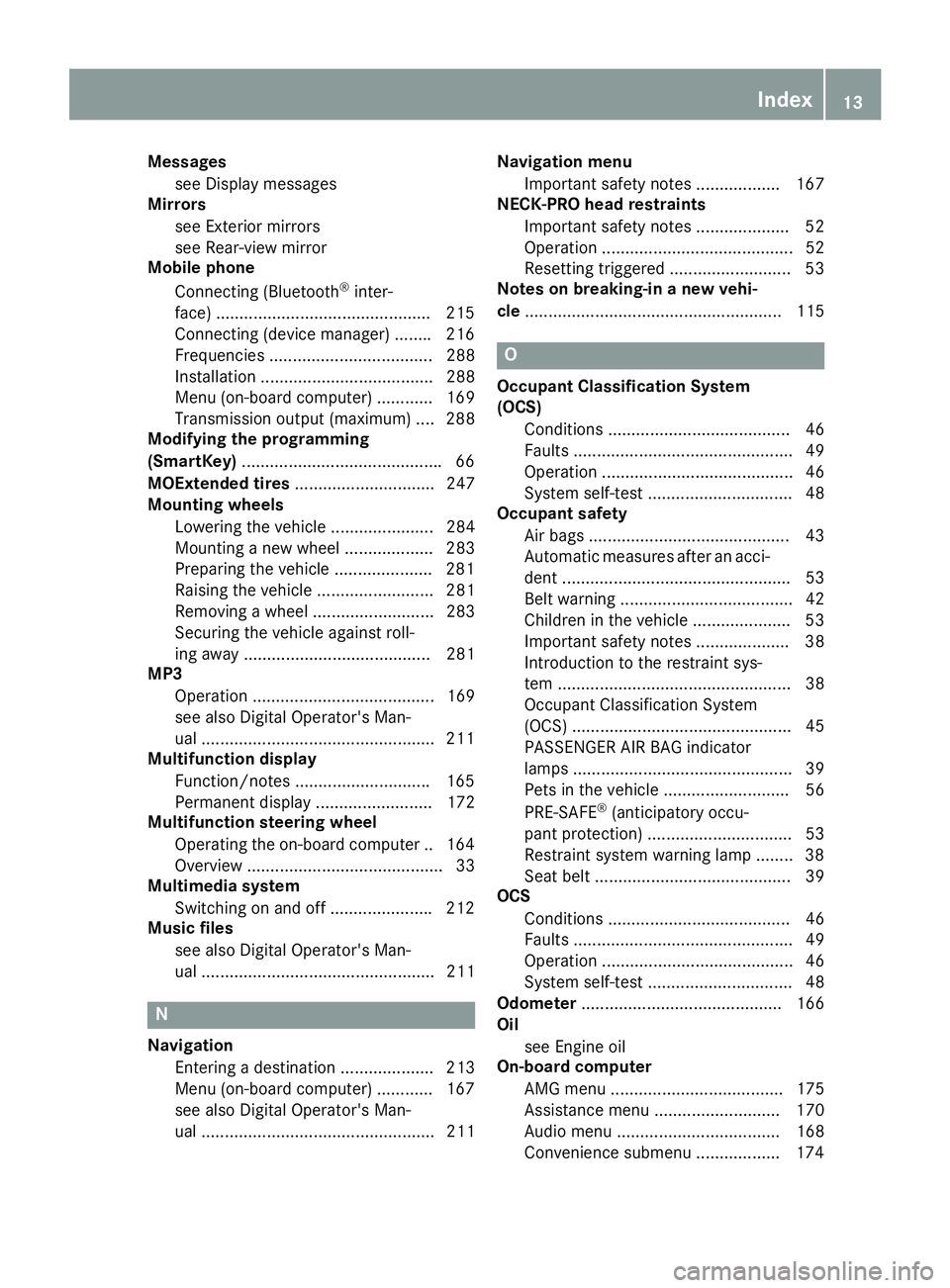
Messages
see Display messages
Mirrors
see Exterior mirrors
see Rear-view mirror
Mobile phone
Connecting (Bluetooth ®
inter-
face) ............................................. .2 15
Connecting (device manager) ....... .2 16
Frequencies ................................... 288
Installatio n. .................................... 288
Menu (on-board computer) ............ 169
Transmissio no utput (maximum ). ... 288
Modifying the programming
(SmartKey) .......................................... .6 6
MOExtended tires .............................. 247
Mountin gw heels
Lowering the vehicl e. ..................... 284
Mounting an ew whee l. .................. 283
Preparing the vehicl e. ................... .2 81
Raising the vehicle ......................... 281
Removing aw heel .......................... 283
Securing the vehicle against roll-
ing away ........................................ 281
MP3
Operation ....................................... 169
see also Digita lO perator's Man-
ua l. ................................................ .2 11
Multifunctio nd isplay
Function/notes ............................ .1 65
Permanent displa y. ........................ 172
Multifunctio ns teering wheel
Operating the on-board computer .. 164
Overview .......................................... 33
Multimedia system
Switching on and off ..................... .2 12
Music files
see also Digita lO perator's Man-
ua l. ................................................. 211
N
Navigation
Entering ad es tination .................... 213
Menu (on-board computer) ............ 167
see also Digital Operator's Man-
ua l. ................................................. 211 Navigation menu
Important safety notes .................. 167
NECK-PRO hea dr estraints
Important safety notes .................... 52
Operation ......................................... 52
Resetting triggered .......................... 53
Note sonb reaking-i nan ew vehi-
cle ....................................................... 115
O Occupant Classification System
(OCS)
Conditions ....................................... 46
Faults ............................................... 49
Operation ......................................... 46
System self-test ............................... 48
Occupant safety
Air bags ........................................... 43
Automati cm easures afte rana cci-
dent ................................................. 53
Bel tw ar ning ..................................... 42
Childre nint he vehicl e. .................... 53
Important safety notes .................... 38
Introduction to the restraint sys-
tem .................................................. 38
Occupant Classification System
(OCS) ............................................... 45
PASSENGER AIR BAG indicator
lamps ............................................... 39
Pets in the vehicl e. .......................... 56
PRE-SAFE ®
(anticipatory occu-
pant protection) ............................... 53
Restraint system warning lamp ........ 38
Sea tb el t. ......................................... 39
OCS
Conditions ....................................... 46
Faults ............................................... 49
Operation ......................................... 46
System self-test ............................... 48
Odometer ........................................... 166
Oil
see Engine oil
On-board computer
AMG menu ..................................... 175
Assistance menu ........................... 170
Audio menu ................................... 168
Convenience submenu .................. 174 Index 13
Page 16 of 298
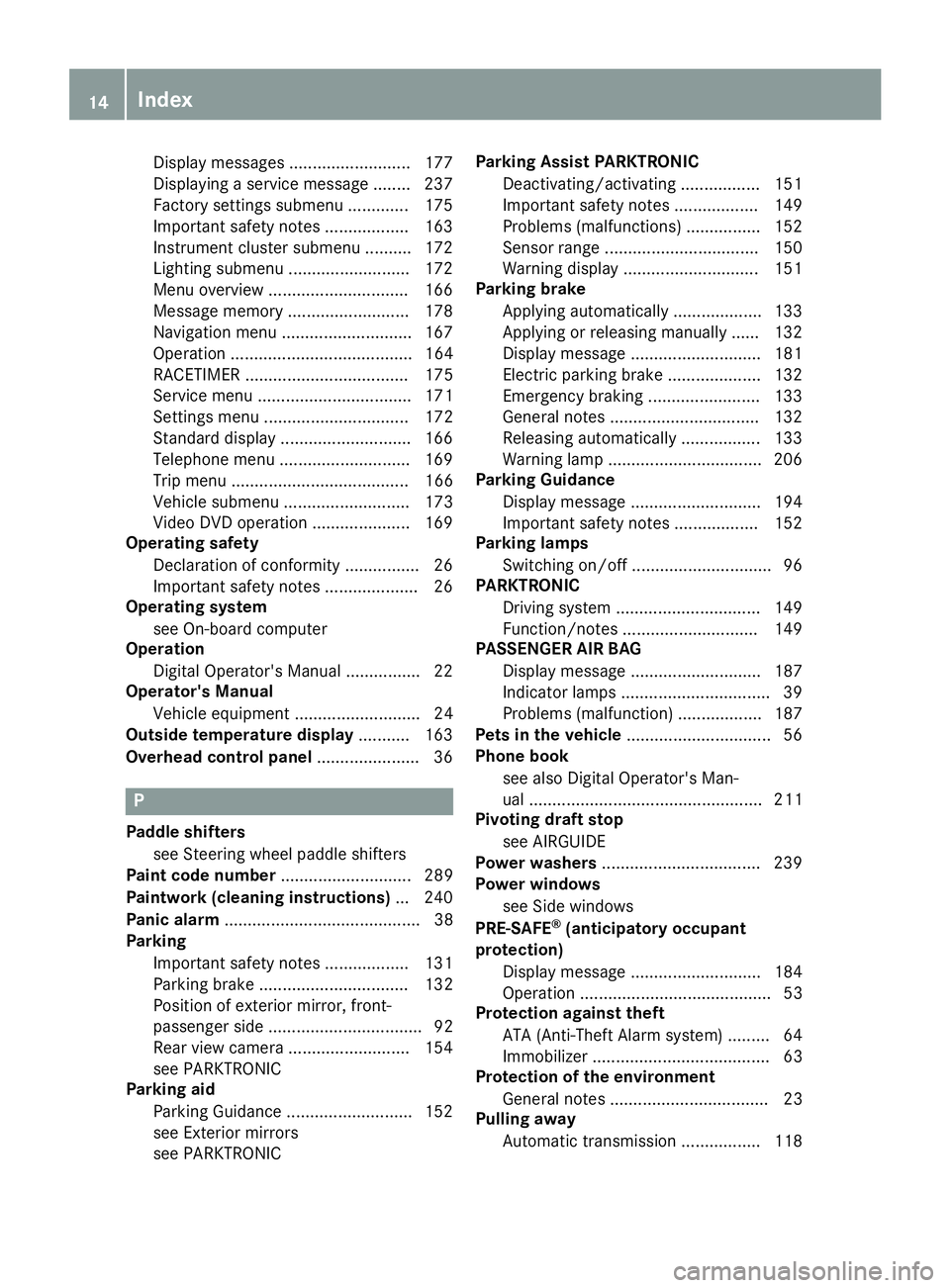
Display message s. ......................... 177
Displaying as ervice message ........ 237
Factory settings submenu ............. 175
Important safety notes .................. 163
Instrument cluster submenu .......... 172
Lighting submenu .......................... 172
Menu overview .............................. 166
Message memory .......................... 178
Navigation menu ............................ 167
Operation ....................................... 164
RACETIMER ................................... 175
Service menu ................................. 171
Setting sm enu ............................... 172
Standard display ............................ 166
Telephone menu ............................ 169
Tri pm enu ...................................... 166
Vehicl es ub menu ........................... 173
Video DVD operation ..................... 169
Operatin gs afety
Declaration of conformity ................ 26
Important safety notes .................... 26
Operatin gs ystem
see On-board computer
Operation
Digital Operator's Manua l. ............... 22
Operator's Manual
Vehicl ee quipment ........................... 24
Outside temperature display ........... 163
Overhead contro lp anel ...................... 36
P
Paddl es hifters
see Steering whee lp addl es hifters
Paint code number ............................ 289
Paintwork (cleaning instructions) ... 240
Panic alarm .......................................... 38
Parking
Important safety notes .................. 131
Parking brake ................................ 132
Position of exterio rm irror, front-
passenger sid e. ................................ 92
Rear vie wc amera .......................... 154
see PARKTRONIC
Parking aid
Parking Guidance ........................... 152
see Exterior mirrors
see PARKTRONIC Parking Assist PARKTRONIC
Deactivating/activating ................. 151
Important safety notes .................. 149
Problems (malfunctions ). ............... 152
Senso rr ang e. ................................ 150
Warning display ............................. 151
Parking brake
Applying automaticall y. .................. 133
Applying or releasing manually ...... 132
Displa ym essage ............................ 181
Electric parking brake .................... 132
Emergency braking ........................ 133
Genera ln otes ................................ 132
Releasing automaticall y. ................ 133
Warning lamp ................................. 206
Parking Guidance
Displa ym essage ............................ 194
Important safety notes .................. 152
Parking lamps
Switching on/of f. ............................. 96
PARKTRONIC
Driving system ............................... 149
Function/note s. ............................ 149
PASSENGER AI RB AG
Displa ym essage ............................ 187
Indicato rl am ps ................................ 39
Problems (malfunction) .................. 187
Pets in the vehicle ............................... 56
Phone book
see also Digital Operator's Man-
ua l. ................................................. 211
Pivotin gd raft stop
see AIRGUIDE
Powe rw ashers .................................. 239
Powe rw in dows
see Sid ew in dows
PRE-SAFE ®
(anticipatory occupant
protection)
Displa ym essage ............................ 184
Operation ......................................... 53
Protectio na gainst theft
ATA (Anti-Theft Alarm system ). ........ 64
Immo bil izer ...................................... 63
Prote ctio noft he environment
Genera ln otes .................................. 23
Pulling away
Automati ct ransmission ................. 11814
Index
Page 17 of 298
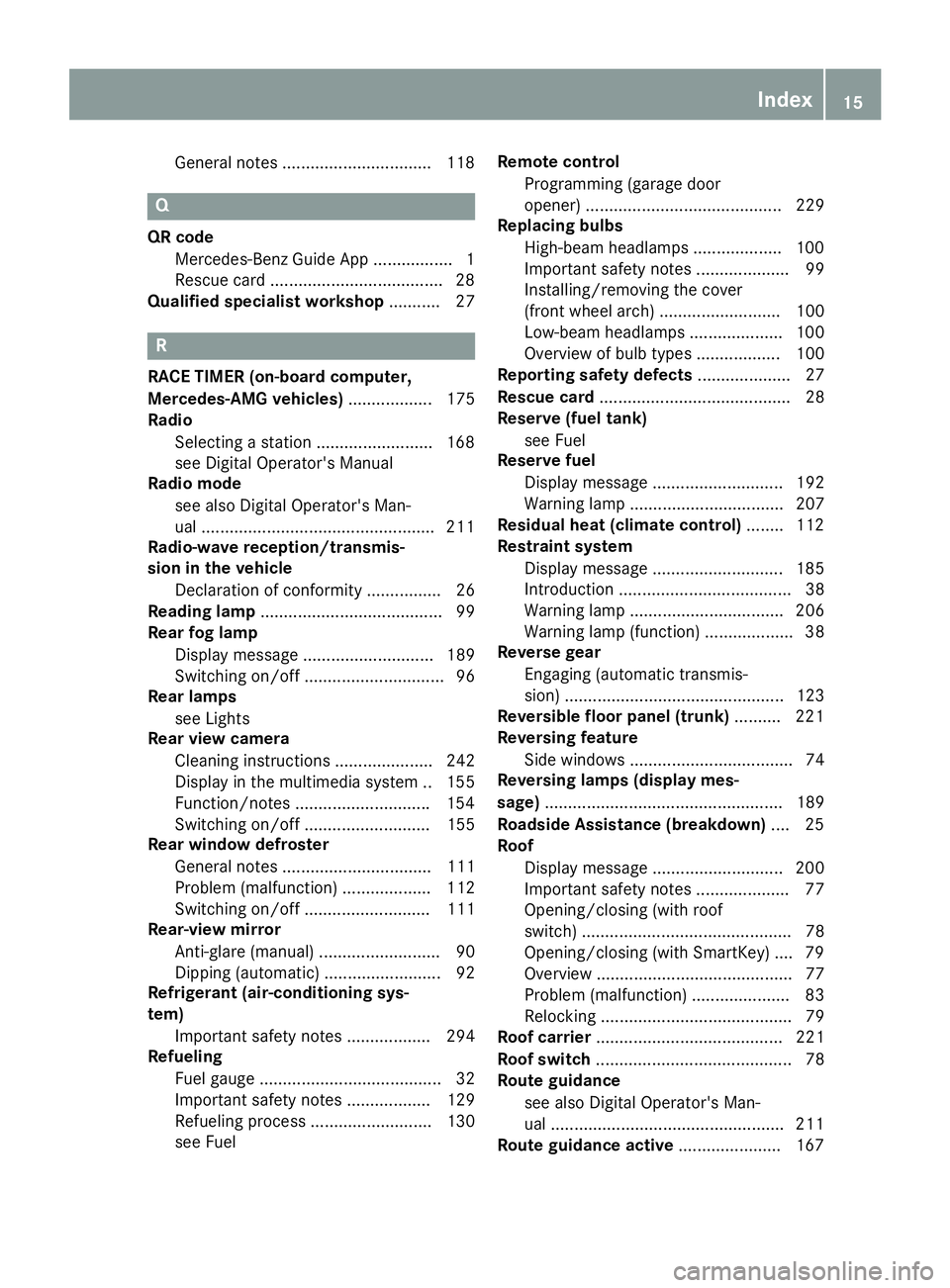
General note s. .............................. .1 18
Q QR code
Mercedes-Ben zG uide Ap p. ................ 1
Rescue car d. ................................... .2 8
Qualified specialist workshop ........... 27
R RACE TIMER (on-board computer,
Mercedes-AMG vehicles) .................. 175
Radio
Selecting as tation ........................ .1 68
see Digita lO perator's Manual
Radio mode
see also Digita lO perator's Man-
ua l. ................................................ .2 11
Radio-wave reception/transmis-
sio nint he vehicle
Declaratio nofc onformity ................ 26
Readin gl amp ....................................... 99
Rear fog lamp
Display message ............................ 189
Switching on/off .............................. 96
Rear lamps
see Lights
Rear vie wc amera
Cleaning instructions ..................... 242
Display in the multimedi as ystem .. 155
Function/notes ............................ .1 54
Switching on/off ........................... 155
Rear window defroster
General notes ................................ 111
Problem (malfunction) ................... 112
Switching on/off ........................... 111
Rear-vie wm irror
Anti-glare (manual ). ......................... 90
Dipping (automatic) ......................... 92
Refrigerant (air-conditioning sys-
tem)
Important safety notes .................. 294
Refueling
Fuel gauge ....................................... 32
Important safety notes .................. 129
Refueling proces s. ......................... 130
see Fuel Remote control
Programming (garage door
opener) .......................................... 229
Replacing bulbs
High-beam headlamps ................... 100
Important safety notes .................... 99
Installing/removing the cover
(front wheel arch) .......................... 100
Low-beam headlamps .................... 100
Overview of bul bt ype s. ................. 100
Reportin gs afety defects .................... 27
Rescue card ......................................... 28
Reserve (fue lt ank)
see Fuel
Reserve fuel
Display message ............................ 192
Warning lamp ................................. 207
Residual heat (climate control) ....... .1 12
Restrain ts ystem
Display message .............. .............. 185
Introdu cti on ..................................... 38
Warning lamp ................................. 206
Warning lamp (function) ................... 38
Reverse gear
Engaging (automatic transmis-
sion) ............................................... 123
Reversibl ef loor panel (trunk) .......... 221
Reversing feature
Side windows ................................... 74
Reversing lamps (display mes-
sage) ................................................... 189
Roadside Assistanc e( breakdown) .... 25
Roof
Display message ............................ 200
Important safety notes .................... 77
Opening/closing (with roof
switch) ............................................. 78
Opening/closing (with SmartKey ). ... 79
Overview .......................................... 77
Problem (malfunction) ..................... 83
Relocking ......................................... 79
Roof carrier ........................................ 221
Roof switch .......................................... 78
Route guidance
see also Digita lO perator's Man-
ua l. ................................................ .2 11
Route guidance active ..................... .1 67Index 15
Page 18 of 298
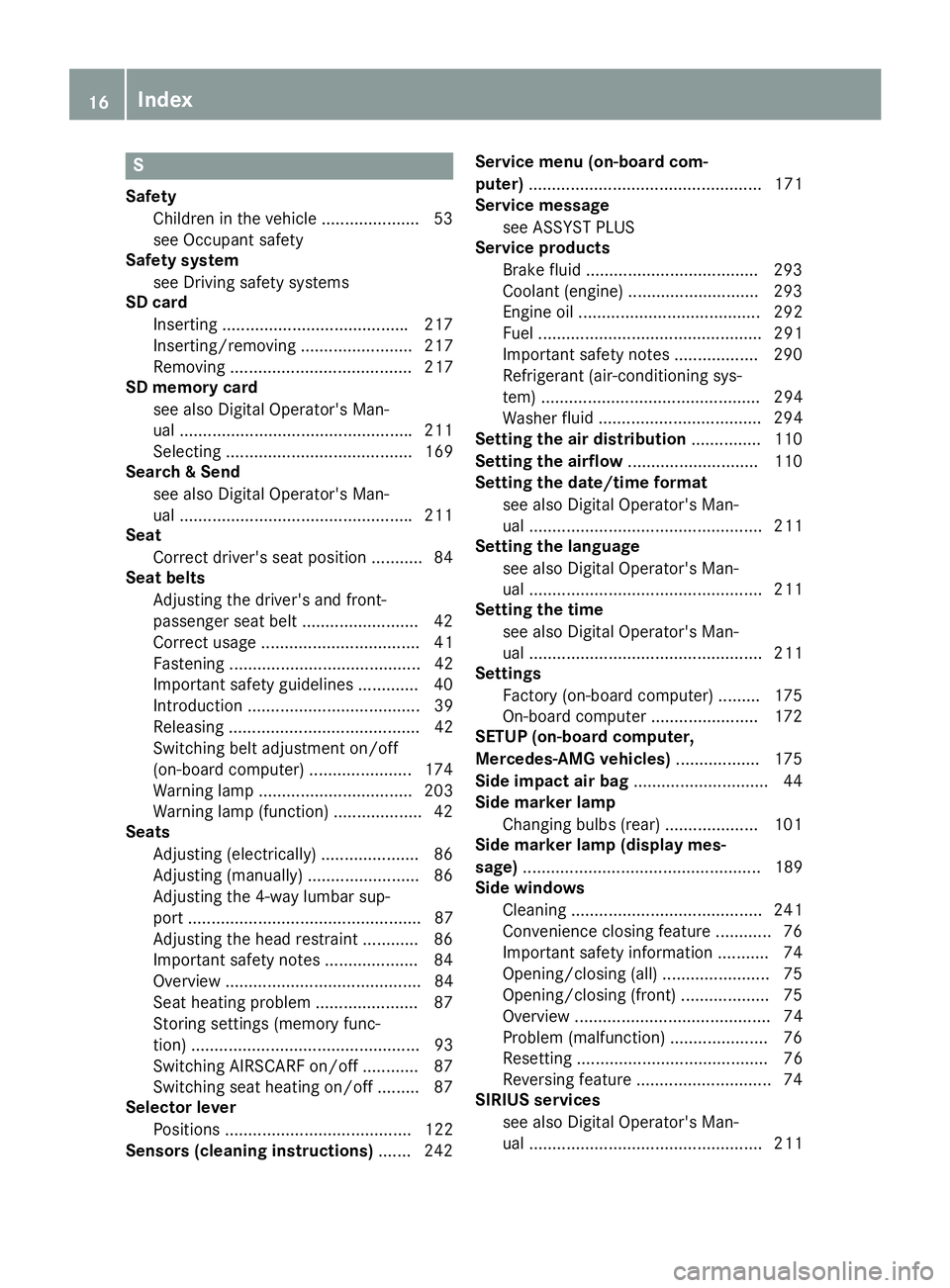
SSafety
Children in the vehicle ..................... 53
see Occupant safety
Safety system
see Driving safety systems
SD card
Inserting ....................................... .2 17
Inserting/removing ........................ 217
Removing ....................................... 217
SD memory card
see also Digita lO perator's Man-
ua l. ................................................ .2 11
Selecting ........................................ 169
Searc h&S end
see also Digita lO perator's Man-
ua l. ................................................ .2 11
Seat
Correct driver's sea tp osition ........... 84
Seat belts
Adjusting the driver's and front-
passenger sea tb el t. ........................ 42
Correct usag e. ................................. 41
Fastening ......................................... 42
Important safety guideline s. ............ 40
Introduction ..................................... 39
Releasing ......................................... 42
Switching belt adjustment on/off
(on-board computer) ...................... 174
Warning lamp ................................. 203
Warning lamp (function) ................... 42
Seats
Adjusting (electrically) ..................... 86
Adjusting (manually) ........................ 86
Adjusting the 4-wa yl um ba rs up -
por t. ................................................. 87
Adjusting the hea dr estraint ............ 86
Important safety notes .................... 84
Overview .......................................... 84
Sea th eating problem ...................... 87
Storing settings (memory func-
tion) ................................................. 93
Switching AIRSCAR Fo n/of f. ........... 87
Switching sea th eating on/of f. ........ 87
Selecto rl ever
Positions ........................................ 122
Sensors (cleaning instructions) ....... 242 Servic em en u( on -board com-
puter) .................................................. 171
Servic em essage
see ASSYST PLUS
Servic ep roducts
Brake fluid ..................................... 293
Coolant (engine) ............................ 293
Engine oi l. ...................................... 292
Fue l. ............................................... 291
Important safety notes .................. 290
Refrigerant (air-conditioning sys-
tem) ............................................... 294
Washe rf lui d ................................... 294
Setti
n gt he air distribution ............... 110
Setting the airflow ............................ 110
Setting the date/time format
see also Digital Operator's Man-
ua l. ................................................. 211
Setting the language
see also Digital Operator's Man-
ua l. ................................................. 211
Setting the time
see also Digital Operator's Man-
ua l. ................................................. 211
Settings
Factory (on-board computer) ......... 175
On-board compute r. ...................... 172
SETUP (on-board computer,
Mercedes-AMG vehicles) .................. 175
Side impac ta ir bag ............................. 44
Side marker lamp
Changing bulb s( rear) .................... 101
Side marker lamp (display mes-
sage) ................................................... 189
Side windows
Cleaning ......................................... 241
Convenience closing feature ............ 76
Important safety information ........... 74
Opening/closing (all ). ...................... 75
Opening/closing (front) ................... 75
Overview .......................................... 74
Problem (malfunction) ..................... 76
Resetting ......................................... 76
Reversing feature ............................. 74
SIRIU Ss er vices
see also Digital Operator's Man-
ua l. ................................................. 21116
Index
Page 19 of 298
SmartKey
Changing the battery ....................... 68
Changing the programming ............ .6 6
Checkin gt he battery ...................... .6 8
Display message ............................ 201
Doo rc entral locking/unlocking ....... 65
Important safety note s. ................... 65
Los s. ................................................ 69
Mechanical key ................................ 67
Opening/closing the roo f. ............... 79
Overview .......................................... 65
Positions (ignition lock) ................. 116
Problem (malfunction) ..................... 69
Starting the engine ........................ 118
SMS
see also Digital Operator's Man-
ua l. ................................................. 211
Sno wc hains ...................................... 262
Sockets
Center console .............................. 223
Genera ln otes ................................ 223
Sound
Switching on/of f. .......................... 212
Special seat belt retractor .................. 54
Specialist workshop ............................ 27
Speed, controlling
see Cruise control
Speedometer
Digital ............................................ 167
In the Instrument cluster ................. 32
Segments ...................................... 163
Selecting the display uni t. .............. 172
Sport handlin gm ode
Activating/deactivating
(Mercedes-AM GS LC 43) ................. 62
Warning lamp ................................. 206
Standin gl amps
Displa ym essage ............................ 189
Switching on/of f. ............................. 96
Start/sto pf unction
see ECO start/stop function
Startin g( engine ) ................................ 117
Steering
Displa ym essage ............................ 200
Steering wheel
Adjusting (electrically) ..................... 89
Adjusting (manually) ........................ 88
Butto no verview ............................... 33 Buttons (on-board computer) ......... 164
Important safety notes .................... 88
Storing settings (memory func-
tion) ................................................. 93
Steering whee lp addle shifters ........ 126
Stopwatch (RACETIMER) ................... 175
Stowag ea reas ................................... 219
Stowag ec om partments
Armrest (under ). ............................ 219
Cente r console .............................. 220
C u ph olders ................................... 221
Door ............................................... 220
Eyeglasses compartment ............... 220
Glove box ....................................... 219
Important safety information ......... 219
Rear wall ........................................ 220
Stowag en et ................................... 220
Stowag en et ....................................... 220
Summe rt ires ..................................... 262
Sun visor ............................................ 222
Surround lighting (on-board com-
puter) .................................................. 173
Switchin ga ir-recirculatio nm ode
on/off ................................................. 112
Switchin gonm edi am ode
Via the device list .......................... 217
T
Tachometer ........................................ 163
Tail lamps
Displa ym essage ............................ 189
see Lights
Tank content
Fue lg auge ....................................... 32
Technical data
Capacities ...................................... 290
Emergency spare whee l. ................ 286
Information .................................... 288
Tires/wheels ................................. 284
Vehicl ed at a. .................................. 295
TELEAID
Call priority .................................... 227
Emergency cal l. ............................. 225
Genera ln otes ................................ 224
MB info cal lb ut ton ........................ 226
Roadsid eA ssistance button .......... 226
Self-test ......................................... 224 Index 17
Page 20 of 298
System .......................................... 224
Vehicl eH ealth Check .................... 227
Telephone
Accepting ac al l( multifunction
steering wheel ). ............................. 170
Authorizing am obil ep hone (con-
necting ). ........................................ 215
Authorizing am obil ep hone via the
device manager (connecting ). ........ 216
Connecting am obil ep hone
(device manager ). .......................... 216
Connecting am obil ep hone (gen-
era li nformation) ............................ 215
Displa ym essage ............................ 200
Menu (on-board computer) ............ 169
Numbe rf rom the phone boo k. ....... 170
Redialing ........................................ 170
Rejecting/ending ac al l. ................ 170
see also Digital Operator's Man-
ua l. ................................................. 211
Temperature
Coolant .......................................... 164
Coolant (on-board computer,
Mercedes-AM GS LC 43) ................ 175
Engine oi l( on -board computer,
Mercedes-AM GS LC 43) ................ 175
Outsid et emperature ...................... 163
Setting (climate control ). ............... 109
Transmission oi l( on -board com-
puter, Mercedes-AM GS LC 43) ...... 175
Timing (RACETIMER) ......................... 175
Tire pressure
Calling up (on-board computer) ..... 267
Checking manually ........................ 266
Displa ym essage ............................ 196
Maximu m. ...................................... 266
Not reached (TIREFIT) .................... 249
Note s. ............................................ 265
Reached (TIREFIT) .......................... 249
Recommended ............................... 263
Tire pressure loss warnin gs ystem
Genera ln otes ................................ 266
Important safety notes .................. 267
Restarting ...................................... 267
Tire pressure monitor
Checking the tire pressure elec-
tronically ........................................ 269
Function/note s. ............................ 267 Genera ln otes ................................ 267
Important safety notes .................. 268
Radi ot yp ea pp roval for the tire
pressure monitor ........................... 270
Restarting ...................................... 270
Warning lamp ................................. 210
W arni
ng message .......................... 269
Tire-chang et oo lk it ........................... 246
TIREFI Tk it .......................................... 247
Important safety notes .................. 247
Storage location ............................ 246
Tire pressure not reached .............. 249
Tire pressure reached .................... 249
Tires
Aspect rati o( de finition) ................. 279
Average weight of the vehicle
occupants (definition) .................... 278
Bar (definition) ............................... 278
Changing aw heel .......................... 280
Characteristics .............................. 278
Checking ........................................ 260
Curb weight (definition) ................. 279
Definition of terms ......................... 278
Directio nofr otation ...................... 280
Displa ym essage ............................ 196
Distribution of the vehicl eo ccu-
pants (definition) ............................ 280
DOT (Department of Transporta-
tion) (definition) ............................. 278
DOT, Tire Identification Number
(TIN) ............................................... 277
GAW R( Gr os sA xle Weight Rating)
(definition) ..................................... 278
GV W( Gr os sV ehicl eW eight) (def-
inition) ........................................... 279
GVWR (Gros sV ehicl eW eight Rat-
ing )( de finition) .............................. 279
Important safety notes .................. 260
Increased vehicl ew eigh td ue to
optiona le quipment (definition) ...... 278
Information on driving .................... 260
Kilopasca l( kPa )( de finition) ........... 279
Labeling (overview) ........................ 275
Loa db ea ring index (definition) ...... 280
Loa di ndex ..................................... 277
Loa di ndex (definition) ................... 279
M+S tire s. ...................................... 26218
Index
Page 22 of 298
From inside the vehicle (central
unlocking button) ............................. 71
Upshift indicator
(on-board computer, Mercedes-
AMG SLC 43) ................................ .1 75
USB devices
Connecting to the Medi aI nter-
face ............................................... 218
VVehicle
Correct use ...................................... 27
Data acquisition ............................... 28
Display message ............................ 198
Electronics ..................................... 288
Equipment ....................................... 24
Individua ls ettings .......................... 172
Limited Warranty ............................ .2 8
Loading .......................................... 271
Locking (in an emergency) ............... 72
Locking (SmartKey) .......................... 65
Lowering ........................................ 284
Maintenance .................................... 25
Parking for al ong perio d. ............... 133
Pulling awa y. .................................. 118
Raising ........................................... 281
Reporting problems ......................... 27
Securing from rolling away ............ 281
Tow-starting ................................... 256
Towing away .................................. 256
Transporting .................................. 258
Unlocking (i nane mergency) ........... 72
Unlocking (SmartKey ). ..................... 65
Vehicl ed at a. .................................. 295
Vehicl eb attery
see Battery (vehicle)
Vehicl ed ata ....................................... 295
Vehicl ed imensions ........................... 295
Vehicl ee mergenc yl oc king ................ 72
Vehicl ei dentificatio nn umber
see VIN
Vehicl ei dentificatio np late .............. 289
Vehicl et oo lk it .................................. 245
Video
Operating the DVD ......................... 169
see also Digital Operator's Man-
ua l. ................................................. 211 VIN
Sea t. .............................................. 290
Type plate ...................................... 289
W Warning and indicator lamps
ABS ................................................ 204
Active Brake Assist ........................ 209
Brake Assist ................................... 209
Brakes ........................................... 204
Check Engine ................................. 207
Coolant .......................................... 207
Distance Pilo tD ISTRONIC ............. 209
Distance warning ........................... 209
ESP ®
.............................................. 205
ESP ®
OFF ....................................... 206
Fue lt ank ........................................ 207
Genera ln otes ................................ 202
Parking brake ................................ 206
PASSENGER AIR BAG ...................... 39
Reserve fue l. .................................. 207
Restraint system ............................ 206
Sea tb el t. ....................................... 203
SPOR Th an dling mod e. .................. 206
Tire pressure monitor .................... 210
Warning triangle ................................ 244
Warranty .............................................. 24
Washer fluid
Displa ym essage ............................ 201
Weather display (COMAND)
see also Digital Operator's Man-
ua l. ................................................. 211
Wheel and tire combinations
Tires ............................................... 284
Wheel bolt tightenin gt orque ........... 284
Wheel chock ...................................... 281
Wheels
Changing aw heel .......................... 280
Checking ........................................ 260
Cleaning ......................................... 241
Emergency spare whee l. ................ 285
Important safety notes .................. 260
Information on driving .................... 260
Interchanging/changing ................ 280
Mounting an ew whee l. .................. 283
Mounting aw heel .......................... 281
Overview ........................................ 26020
Index
Page 28 of 298
Operating safety
Important safet yn otes
G WARNING
If you do not have the prescribed service/
maintenanc ew ork or any required repairs
carried out, this can result in malfunctions or
system failures. There is ar isk of an accident.
Always have the prescribed service/mainte-
nanc ew ork as well as any required repairs
carried out at aq ualified specialist workshop.
G WARNING
Flammable material such as leaves, grass or
twigs may ignite if they come into contact with
hot parts of the exhaust system. There is ar isk
of fire.
When driving off road or on unpaved roads,
chec kt he vehicle's underside regularly. In
particular, remove parts of plants or other
flammable materials which have become
trapped. In the case of damage, contact a
qualified specialist workshop.
G WARNING
Modifications to electronic components, their
software as well as wiring can impair their
function and/or the function of other net-
worked components. In particular, systems
relevant to safety could also be affected. As a
result, these may no longer function as inten-
ded and/or jeopardiz et he operatin gs afety of
the vehicle. There is an increased risk of an
acciden ta nd injury.
Never tamper with the wiring as well as elec-
tronic component sort heir software. You
should have all work to electrical and elec-
tronic equipment carried out at aq ualified
specialist workshop. ! There is ar isk of damage to the vehicle if: R
the vehicle becomes stuck ,e .g. on ah igh
curb or an unpaved road R
you drive too fast over an obstacle, e.g. a
curb, as peed bump or ap othole in the roadR
ah eavy objec ts trikes the underbody or
parts of the chassis
In situation sl ike this, the body, the under-
body, chassis parts, wheels or tires could be
damaged without the damage being visible.
Components damaged in this way can unex-
pectedly fail or, in the case of an accident, no
longer withstand the loads they are designed
to.
If the underbody paneling is damaged, com-
bustible materials such as leaves, grass or
twigs can gather between the underbody and
the underbody paneling. If these materials
come in contact with hot parts of the exhaust
system, they can catc hf ire.
In such situations, have the vehicle checked
and repaired immediately at aq ualified spe-
cialist workshop. If on continuin gy our jour-
ney you notice that driving safety is impaired,
pull over and stop the vehicle immediately,
paying attention to road and traffic condi-
tions. In such cases, consult aq ualified spe-
cialist workshop.
Declarations of conformity
Vehicle components which receive
and/or transmit radio waves USA: "The wireless devices of this vehicle com-
ply with Part 15 of the FCC Rules. Operation is
subject to the two following two conditions :1 )
These devices may not cause harmful interfer-
ence, and 2) These devices must accept any
interference received, including interference
that may cause undesired operation .C hanges
or modifications not expressly approved by the
party responsible for complianc ec ould void the
user’s authorit ytoo perate the equipment."
Canada: "The wireless devices of this vehicle
comply with Industry Canada license-exempt
RSS standard(s). Operation is subject to the fol-
lowing two conditions :( 1) These devices may
not cause interference, and (2) These devices
must accept any interference, including inter-
ference that may cause undesired operation of
the device."26
Operating safety
Introduction
Page 29 of 298
Diagnostics connection The diagnostic sc onnectio niso nl yi ntende df or
th ec onnectio nofd iagnostic equipmen tata
qualified specialis tw orkshop .
G WARNING
If you connec te quipmen ttoad iagnostic s
connection in th ev ehicle, it may affec tt he
operation of vehicle systems .Asar esult ,t he
operatin gs afet yo ft he vehicle could be affec -
ted. There is ar is kofana ccident.
Only connec te quipmen ttoad iagnostic sc on -
nection in th ev ehicle, whic hisa pproved fo r
your vehicle by Mercedes-Benz.
G WARNING
Objects in th ed river's footwell may restric t
th ec le aranc ea round th ep edals or bloc ka
depressed pedal. Thi sj eo pardizes th eo per-
atin ga nd road safet yo ft he vehicle. There is a
ris kofana ccident.
Stow all objects securely in th ev ehicle so that
they do no tg et into th ed river's footwell.
Whe nu sin gf loormat sorc arpets, mak es ur e
that they are properly secure dsot ha tt he yd o
no ts lip or obstruct th ep edals. Do no tp lac e
severa lf loormat sorc arpet sont op of on e
another.
! If th ee ng in eiss witched of fa nd equipmen t
on th ed iagnostic sc onnectio nisu sed ,t he
starter battery may discharge.
Connectin ge quipmen ttot he diagnostic sc on -
nection can lead to emission sm onitor in gi nfor -
mation bein gr eset ,f or example. Thi sm ay lead
to th ev ehicle failin gtom ee tt he requirements of
th en ex te mission st es td urin gt he main inspec-
tion .
Qualified specialist workshop
An authorized Mercedes-Ben zC ente risaq uali-
fie ds pecialis tw orkshop .Ith as th en eces sary
specialis tk no wledge ,t oo ls and qualification st o
correctl yc arry out th ew or kr equire dony our
vehicle. Thi sise specially th ec as ef or wor kr el -
evant to safety.
Observ et he note sint he Maintenance Booklet . Always hav et he followin gw or kc arrie do ut at an
authorized Mercedes-Ben zC enter:R
wor kr elevant to safet yR
servic ea nd maintenance wor kR
repair wor k R
alterations, installation wor ka nd modifica-
tion s R
wor kone lectronic component s
Correct us eIf you remov ea ny warnin gs tickers, you or oth-
ers could fail to recogniz ec ertai nd angers.
Leave warnin gs ticker sinp osition .
Observ et he followin gi nformati on when drivin g
your vehicle: R
th es afet yn otes in this manual R
technical dat af or th ev ehicleR
traffic rule sa nd regulation sR
laws and safet ys ta ndard sp ertainin gtom otor
vehicles
Problem sw it hy ou rv ehicleIf you should experience ap roblem wit hy our
vehicle, particularly on et ha ty ou believe may
affec ti ts saf eo peration ,weu rg ey ou to contact
an authorized Mercedes-Ben zC ente ri mmedi-
ately to hav et he problem diagnosed and recti -
fied. If th ep roblem is no tr esolved to your sat -
isfaction ,p lease discus st he problem again wit h
an authorized Mercedes-Ben zC ente ro r, if nec-
essary, contact us at on eoft he followin g
addresses.
In th eU SA
Customer Assistanc eC ente r
Mercedes-Ben zU SA ,L LC
3M ercedes Drive
Montvale, NJ 07645-0350
In Canad a
Customer Relation sD ep artmen t
Mercedes-Ben zC anada, Inc.
98 Vanderhoo fA venu e
Toronto ,O ntar io M4 G4 C9
Reporting safet yd efect s
US Ao nl y:Operating safety 27
Introduction Z
Page 31 of 298
The vehicle is read out by employees of the ser-
vice network (including the manufacturer) using
special diagnostic testers. More detailed infor-
mation is obtained from it, if required.
After am alfunction has been rectified, the infor-
mation is deleted from the malfunction memory
or is continually overwritten.
When operating the vehicle, situations are con-
ceivable in which this technical data, in connec-
tion with other information (if necessary, under
consultation with an authorized expert), could
be traced to ap erson.
Examples include: R
accident reports R
damage to the vehicle R
witness statements
Further additional functions that have been con-
tractually agreed upon with the customer allow
certain vehicle data to be conveyed by the vehi-
cle as well. The additional functions include, for
example, vehicle location in case of an emer-
gency.
COMAND/mbrace (Canada: TELEAID) If the vehicle is equipped with COMAND or
mbrace, additional data about the vehicle's
operation, the use of the vehicle in certain sit-
uations, and the location of the vehicle may be
compiled through COMAND or the mbrace sys-
tem.
For additional information please refer to the
COMAND User Manual or the Digital Operator's
Manual and/or the mbrace Terms and Condi-
tions.
Event dat ar ecordersThis vehicle is equipped with an event data
recorder (EDR). This vehicle is equipped with an
event data recorder (EDR). The main purpose of
an ED Ristor ecord, in certain crash or near
crash-lik es ituations, such as an air bag deploy-
ment or hittin gar oad obstacle, data that will
assist in understanding how av ehicle's systems
performed. The ED Risd esigned to record data
related to vehicle dynamics and safety systems
for as hort period of time, typically 30 seconds
or less. The ED Rint his vehicle is designed to record
such data as: R
How various systems in your vehicle were
operating R
Whether or not the driver and passenger
safety belts were buckled/fastened R
How far (if at all) the driver was depressing the
accelerator and/or brake pedal and R
How fast the vehicle was traveling.
These data can help provide ab etter under-
standin goft he circumstances in which acci-
dents and injuries occur. NOTE: ED Rd ata are
recorded by your vehicle only if an on-trivial
crash situation occurs; no data is recorded by
the ED Ru nder normal driving conditions and no
personal data (e.g. name, gender, age and acci-
dent location) are recorded. However, other par-
ties, such as law enforcement could combine
ED Rd ata with the type of personally identifying
data routinely acquired during ac rash investi-
gation.
Access to the vehicle and/or the ED Risn eeded
to read data that is recorded by the EDR, and
special equipment is required. In addition to the
vehicle manufacturer, other parties that have
the special equipment, such as law enforce-
ment ,c an read the information by accessing the
vehicle or the EDR.
ED Rd ata may be used in civil and criminal mat-
ters as at ool in accident reconstruction, acci-
dent claims and vehicle safety. Sinc et he Crash
Data Retrieval CDR tool that is used to extract
data from the ED Risc ommercially available,
Mercedes-Benz USA ,L LC ("MBUSA") expressly
disclaims any and all liability arising from the
extraction of this information by unauthorized
Mercedes-Benz personnel.
MBUSA will not share ED Rd ata with others
without the consen toft he vehicle owners or, if
t he vehicle is leased, without the consen toft he
lessee. Exceptions to this representation
include responses to subpoenas by law enforce-
ment ;byf ederal, state or local government; in
connection with or arising out of litigation involv-
ing MBUSA or its subsidiaries and affiliates; or,
as required by law.
Warning: The ED Risac omponent of the
Restraint System Module. Tampering with, alter-
ing, modifying or removing the ED Rc omponent
may result in am alfunction of the Restraint Sys-
tem Module and other systems.
Stat el aws or regulations regarding EDRs that
conflict with federal regulation are pre-empted.Data stored in the vehicle 29
Introduction Z