ABS MERCEDES-BENZ SL-CLASS ROADSTER 2013 Owners Manual
[x] Cancel search | Manufacturer: MERCEDES-BENZ, Model Year: 2013, Model line: SL-CLASS ROADSTER, Model: MERCEDES-BENZ SL-CLASS ROADSTER 2013Pages: 572, PDF Size: 9.23 MB
Page 6 of 572
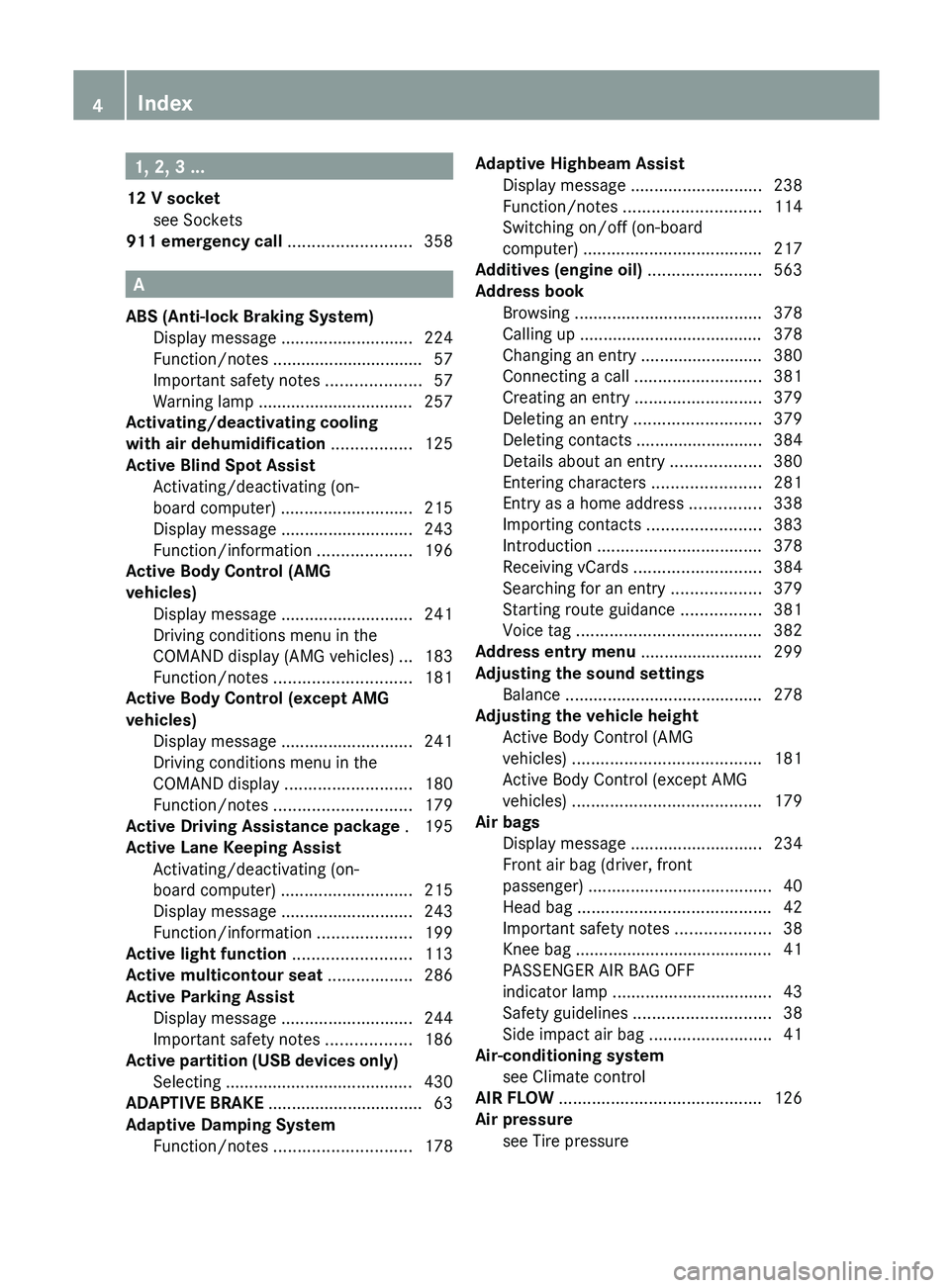
1, 2, 3 ...
12 V socket see Sockets
911 emergency call
..........................358A
ABS (Anti-lock Braking System) Display message ............................ 224
Function/notes
................................ 57
Important safety notes .................... 57
Warning lamp ................................. 257
Activating/deactivating cooling
with air dehumidification ................. 125
Active Blind Spot Assist Activating/deactivating (on-
board computer) ............................ 215
Display message ............................ 243
Function/information .................... 196
Active Body Control (AMG
vehicles)
Display message ............................ 241
Driving conditions menu in the
COMAND display (AMG vehicles) ... 183
Function/notes ............................. 181
Active Body Control (except AMG
vehicles)
Display message ............................ 241
Driving conditions menu in the
COMAND display ........................... 180
Function/notes ............................. 179
Active Driving Assistance package . 195
Active Lane Keeping Assist Activating/deactivating (on-
board computer) ............................ 215
Display message ............................ 243
Function/information .................... 199
Active light function .........................113
Active multicontour seat ..................286
Active Parking Assist Display message ............................ 244
Important safety notes .................. 186
Active partition (USB devices only)
Selecting ........................................ 430
ADAPTIVE BRAKE ................................. 63
Adaptive Damping System Function/notes ............................. 178Adaptive Highbeam Assist
Display message ............................ 238
Function/notes
............................. 114
Switching on/off (on-board
computer) ...................................... 217
Additives (engine oil) ........................563
Address book Browsing ........................................ 378
Calling up ....................................... 378
Changing an entry .......................... 380
Connecting a call ........................... 381
Creating an entry ........................... 379
Deleting an entry ........................... 379
Deleting contacts ........................... 384
Details about an entry ...................380
Entering characters .......................281
Entry as a home address ...............338
Importing contacts ........................ 383
Introduction ................................... 378
Receiving vCards ........................... 384
Searching for an entry ...................379
Starting route guidance ................. 381
Voice tag ....................................... 382
Address entry menu .......................... 299
Adjusting the sound settings Balance .......................................... 278
Adjusting the vehicle height
Active Body Control (AMG
vehicles) ........................................ 181
Active Body Control (except AMG
vehicles) ........................................ 179
Air bags
Display message ............................ 234
Front air bag (driver, front
passenger) ....................................... 40
Head bag ......................................... 42
Important safety notes .................... 38
Knee bag .......................................... 41
PASSENGER AIR BAG OFF
indicator lamp .................................. 43
Safety guidelines ............................. 38
Side impact air bag .......................... 41
Air-conditioning system
see Climate control
AIR FLOW ........................................... 126
Air pressure see Tire pressure 4
Index
Page 7 of 572
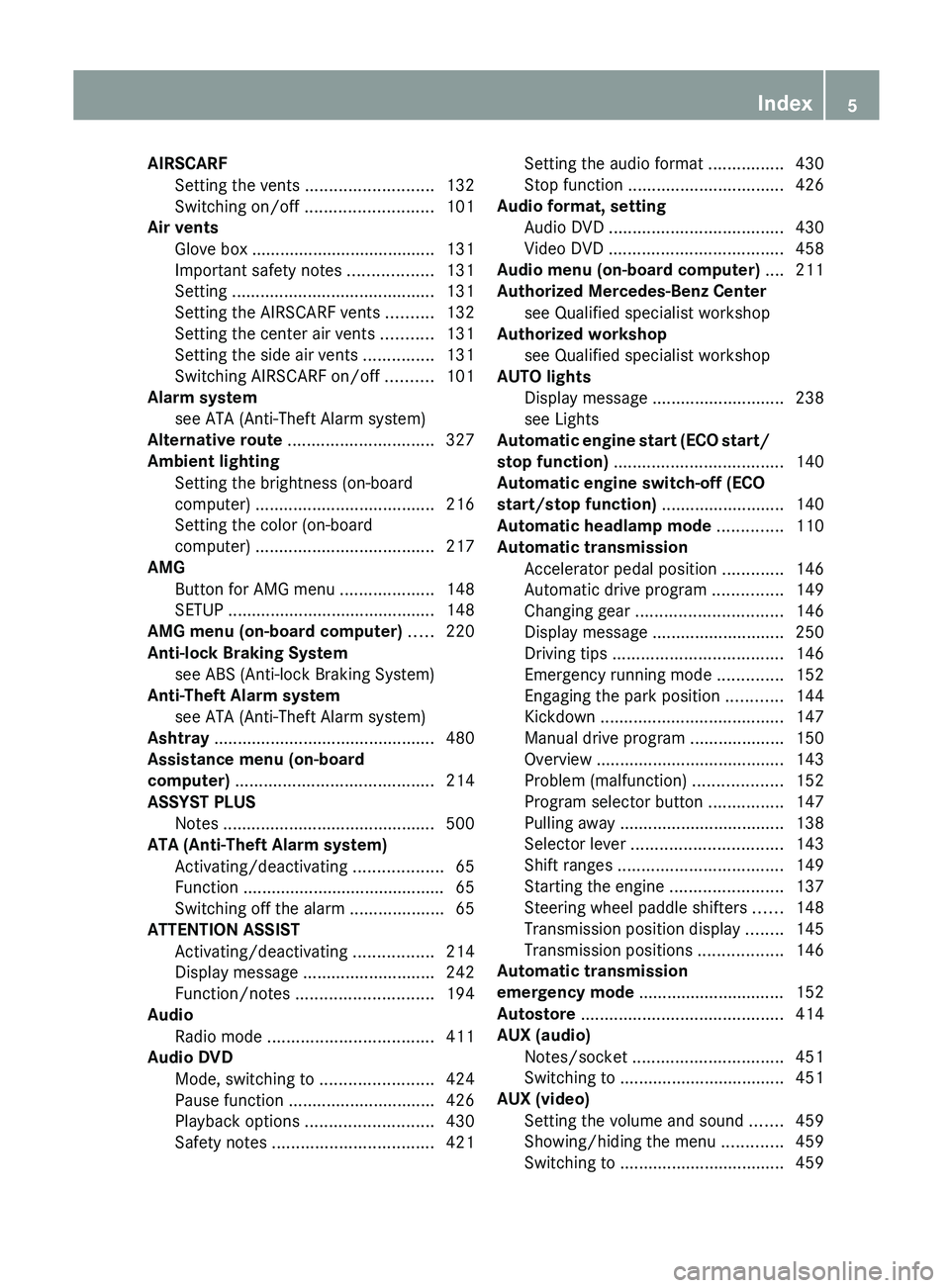
AIRSCARF
Setting the vents
...........................132
Switching on/off ........................... 101
Air vents
Glove box ....................................... 131
Important safety notes .................. 131
Setting ........................................... 131
Setting the AIRSCARF vents ..........132
Setting the center air vents ...........131
Setting the side air vents ............... 131
Switching AIRSCARF on/off ..........101
Alarm system
see ATA (Anti-Theft Alarm system)
Alternative route ............................... 327
Ambient lighting Setting the brightness (on-board
computer) ...................................... 216
Setting the color (on-board
computer) ...................................... 217
AMG
Button for AMG menu .................... 148
SETUP ............................................ 148
AMG menu (on-board computer) ..... 220
Anti-lock Braking System see ABS (Anti-lock Braking System)
Anti-Theft Alarm system
see ATA (Anti-Theft Alarm system)
Ashtray ............................................... 480
Assistance menu (on-board
computer) .......................................... 214
ASSYST PLUS Notes ............................................. 500
ATA (Anti-Theft Alarm system)
Activating/deactivating ................... 65
Function ........................................... 65
Switching off the alarm .................... 65
ATTENTION ASSIST
Activating/deactivating ................. 214
Display message ............................ 242
Function/notes ............................. 194
Audio
Radio mode ................................... 411
Audio DVD
Mode, switching to ........................ 424
Pause function ............................... 426
Playback options ........................... 430
Safety notes .................................. 421Setting the audio format ................
430
Stop function ................................. 426
Audio format, setting
Audio DVD
..................................... 430
Video DVD ..................................... 458
Audio menu (on-board computer) .... 211
Authorized Mercedes-Benz Center see Qualified specialist workshop
Authorized workshop
see Qualified specialist workshop
AUTO lights
Display message ............................ 238
see Lights
Automatic engine start (ECO start/
stop function) .................................... 140
Automatic engine switch-off (ECO
start/stop function) .......................... 140
Automatic headlamp mode ..............110
Automatic transmission Accelerator pedal position .............146
Automatic drive program ............... 149
Changing gear ............................... 146
Display message ............................ 250
Driving tips .................................... 146
Emergency running mode ..............152
Engaging the park position ............ 144
Kickdown ....................................... 147
Manual drive program ....................150
Overview ........................................ 143
Problem (malfunction) ...................152
Program selector button ................147
Pulling away ................................... 138
Selector lever ................................ 143
Shift ranges ................................... 149
Starting the engine ........................ 137
Steering wheel paddle shifters ...... 148
Transmission position display ........ 145
Transmission positions .................. 146
Automatic transmission
emergency mode ............................... 152
Autostore ........................................... 414
AUX (audio) Notes/socket ................................ 451
Switching to ................................... 451
AUX (video)
Setting the volume and sound ....... 459
Showing/hiding the menu ............. 459
Switching to ................................... 459 Index
5
Page 8 of 572
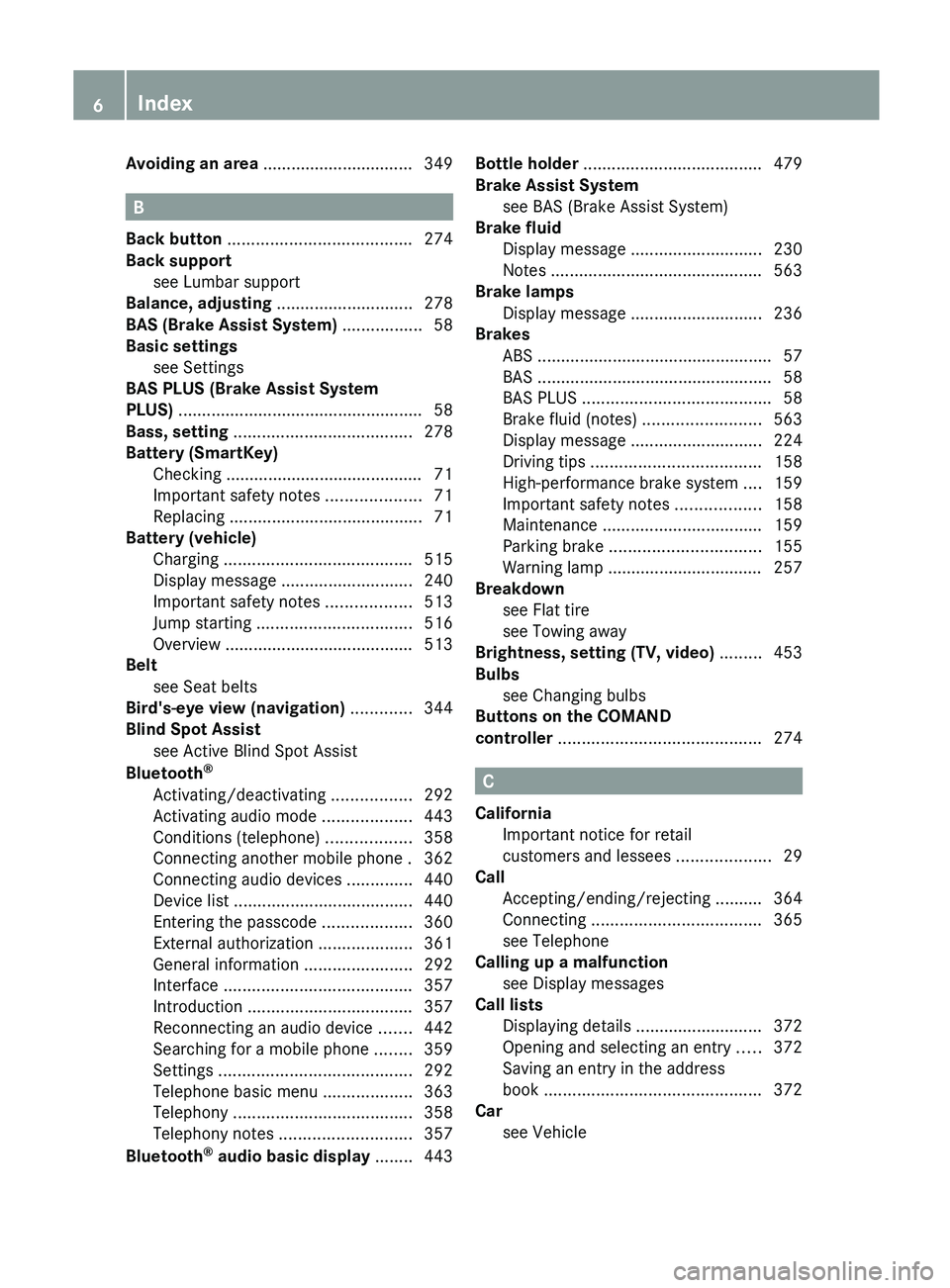
Avoiding an area
................................ 349B
Back button ....................................... 274
Back support see Lumbar support
Balance, adjusting ............................. 278
BAS (Brake Assist System) ................. 58
Basic settings see Settings
BAS PLUS (Brake Assist System
PLUS) .................................................... 58
Bass, setting ...................................... 278
Battery (SmartKey) Checking .......................................... 71
Important safety notes .................... 71
Replacing ......................................... 71
Battery (vehicle)
Charging ........................................ 515
Display message ............................ 240
Important safety notes .................. 513
Jump starting ................................. 516
Overview ........................................ 513
Belt
see Seat belts
Bird's-eye view (navigation) .............344
Blind Spot Assist see Active Blind Spot Assist
Bluetooth ®
Activating/deactivating ................. 292
Activating audio mode ...................443
Conditions (telephone) ..................358
Connecting another mobile phone . 362
Connecting audio devices ..............440
Device list ...................................... 440
Entering the passcode ...................360
External authorization ....................361
General information ....................... 292
Interface ........................................ 357
Introduction ................................... 357
Reconnecting an audio device .......442
Searching for a mobile phone ........359
Settings ......................................... 292
Telephone basic menu ................... 363
Telephony ...................................... 358
Telephony notes ............................ 357
Bluetooth ®
audio basic display ........ 443Bottle holder ......................................
479
Brake Assist System see BAS (Brake Assist System)
Brake fluid
Display message ............................ 230
Notes ............................................. 563
Brake lamps
Display message ............................ 236
Brakes
ABS .................................................. 57
BAS .................................................. 58
BAS PLUS ........................................ 58
Brake fluid (notes) .........................563
Display message ............................ 224
Driving tips .................................... 158
High-performance brake system .... 159
Important safety notes .................. 158
Maintenance .................................. 159
Parking brake ................................ 155
Warning lamp ................................. 257
Breakdown
see Flat tire
see Towing away
Brightness, setting (TV, video) ......... 453
Bulbs see Changing bulbs
Buttons on the COMAND
controller ........................................... 274 C
California Important notice for retail
customers and lessees ....................29
Call
Accepting/ending/rejecting ..........
364
Connecting .................................... 365
see Telephone
Calling up a malfunction
see Display messages
Call lists
Displaying details ........................... 372
Opening and selecting an entry ..... 372
Saving an entry in the address
book .............................................. 372
Car
see Vehicle 6
Index
Page 12 of 572
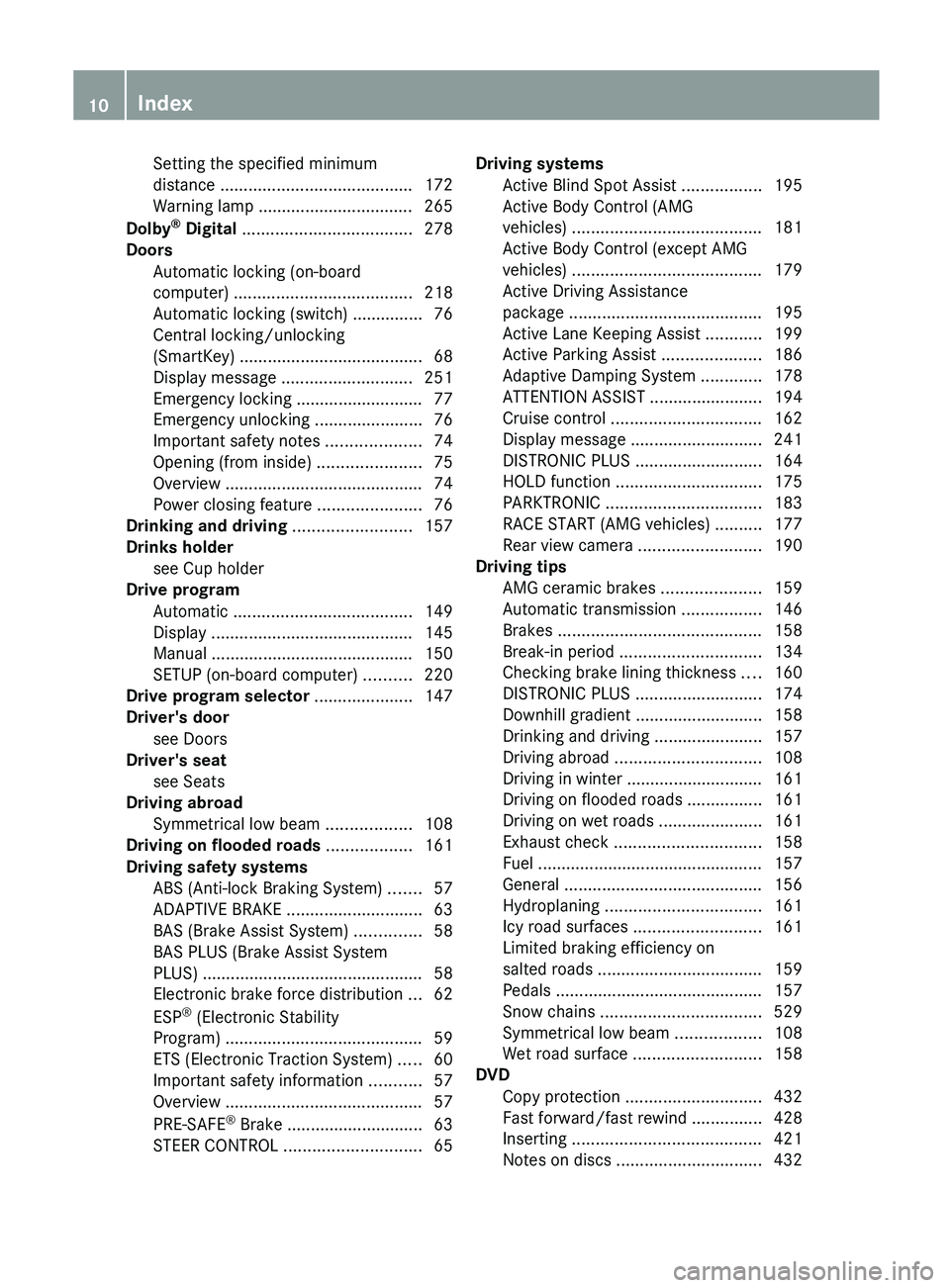
Setting the specified minimum
distance .........................................
172
Warning lamp ................................. 265
Dolby ®
Digital
.................................... 278
Doors Automatic locking (on-board
computer) ...................................... 218
Automatic locking (switch) ............... 76
Central locking/unlocking
(SmartKey) ....................................... 68
Display message ............................ 251
Emergency locking ........................... 77
Emergency unlocking .......................76
Important safety notes .................... 74
Opening (from inside) ......................75
Overview .......................................... 74
Power closing feature ......................76
Drinking and driving .........................157
Drinks holder see Cup holder
Drive program
Automatic ...................................... 149
Display ........................................... 145
Manual ........................................... 150
SETUP (on-board computer) .......... 220
Drive program selector ..................... 147
Driver's door see Doors
Driver's seat
see Seats
Driving abroad
Symmetrical low beam .................. 108
Driving on flooded roads ..................161
Driving safety systems ABS (Anti-lock Braking System) ....... 57
ADAPTIVE BRAKE ............................. 63
BAS (Brake Assist System) ..............58
BAS PLUS (Brake Assist System
PLUS) ............................................... 58
Electronic brake force distribution ... 62
ESP ®
(Electronic Stability
Program) .......................................... 59
ETS (Electronic Traction System) ..... 60
Important safety information ........... 57
Overview .......................................... 57
PRE-SAFE ®
Brake ............................. 63
STEER CONTROL ............................. 65Driving systems
Active Blind Spot Assist
.................195
Active Body Control (AMG
vehicles) ........................................ 181
Active Body Control (except AMG
vehicles) ........................................ 179
Active Driving Assistance
package ......................................... 195
Active Lane Keeping Assist ............ 199
Active Parking Assist .....................186
Adaptive Damping System ............. 178
ATTENTION ASSIST ........................ 194
Cruise control ................................ 162
Display message ............................ 241
DISTRONIC PLUS ........................... 164
HOLD function ............................... 175
PARKTRONIC ................................. 183
RACE START (AMG vehicles) ..........177
Rear view camera .......................... 190
Driving tips
AMG ceramic brakes ..................... 159
Automatic transmission ................. 146
Brakes ........................................... 158
Break-in period .............................. 134
Checking brake lining thickness ....160
DISTRONIC PLUS ........................... 174
Downhill gradient ........................... 158
Drinking and driving .......................157
Driving abroad ............................... 108
Driving in winter ............................. 161
Driving on flooded roads ................161
Driving on wet roads ...................... 161
Exhaust check ............................... 158
Fuel ................................................ 157
General .......................................... 156
Hydroplaning ................................. 161
Icy road surfaces ........................... 161
Limited braking efficiency on
salted roads ................................... 159
Pedals ............................................ 157
Snow chains .................................. 529
Symmetrical low beam .................. 108
Wet road surface ........................... 158
DVD
Copy protection ............................. 432
Fast forward/fast rewind ............... 428
Inserting ........................................ 421
Notes on discs ............................... 43210
Index
Page 28 of 572
Raising ...........................................
549
Reporting problems .........................32
Securing from rolling away ............ 549
Towing away
.................................. 518
Tow-starting ................................... 518
Transporting .................................. 520
Unlocking (in an emergency) ........... 76
Unlocking (SmartKey) ......................68
Vehicle data ................................... 565
Vehicle battery
see Battery (vehicle)
Vehicle data ....................................... 565
Vehicle dimensions ...........................565
Vehicle emergency locking ................77
Vehicle identification number see VIN
Vehicle identification plate ..............559
Vehicle level Active Body Control (AMG
vehicles) ........................................ 181
Active Body Control (except AMG
vehicles) ........................................ 179
Display message ............................ 241
Vehicle maintenance
see ASSYST PLUS
Vehicle tool kit .................................. 508
Video Operating the DVD ......................... 212
Overview ........................................ 452
see Video DVD
Video AUX
Setting the picture ......................... 453
Video DVD
Automatic picture shutoff ..............452
DVD menu ..................................... 457
Fast forward/rewind ...................... 455
Function restrictions ...................... 454
Interactive content ........................458
Notes on discs ............................... 453
Operation ....................................... 453
Pause function ............................... 456
Playing conditions .......................... 453
Safety notes .................................. 453
Selecting ........................................ 456
Selecting a film/title ...................... 456
Selecting a scene/chapter ............ 456
Setting the audio format ................ 458
Setting the language ...................... 458Setting the picture .........................
453
Showing/hiding the control menu . 454
Showing/hiding the menu
.............455
Stop function ................................. 455
Subtitles ........................................ 458
Switching to ................................... 454
VIN ...................................................... 559
Voice Control System Settings ......................................... 291
Volume, adjusting
COMAND ....................................... 277
Navigation messages ..................... 277 W
Warning and indicator lamps ABS
................................................ 257
Brakes ........................................... 257
Check Engine ................................. 263
Coolant .......................................... 263
Distance warning ........................... 265
DISTRONIC PLUS ........................... 265
ESP ®
.............................................. 259
ESP ®
OFF ....................................... 260
Fuel tank ........................................ 263
Overview ........................................ 255
PASSENGER AIR BAG OFF
indicator lamp .................................. 43
Reserve fuel ................................... 263
Seat belt ........................................ 256
SPORT handling mode ................... 260
SRS ................................................ 262
Tire pressure monitor .................... 266
Warranty ............................................ 558
Washer fluid Display message ............................ 253
Waypoints
Accepting waypoints for the route . 310
Editing ........................................... 310
Entering ......................................... 308
Weather Band
Searching for a channel ................. 415
Switching on .................................. 414
Weather display (COMAND)
Calling up the weather map ...........395
Information chart ........................... 393
Selecting locations in the
information chart ........................... 39426
Index
Page 59 of 572
Activating the special seat belt retractor:
X
Pull the seat belt out fully and let the seat
belt retractor retract it again.
While the
seat belt is retracting, you should
hear a ratcheting sound. The special seat
belt retractor is activated.
X Push down on the child restraint system to
take up any slack.
Removing a child restraint system/
deactivating the special seat belt retractor:
X Always comply with the manufacturer's
installation instructions.
X Press the seat belt release button and
guide the belt tongue to the belt outlet.
The special seat belt retractor is
deactivated.
If necessary:
X Additionally move the seat backwards.
The special seat belt retractor is
deactivated.
If necessary:
X Additionally remove the seat belt from the
seat belt guide on the seat backrest and
guide the seat belt back to the belt sash
guide.
The special seat belt retractor is
deactivated. Driving safety systems
Driving safety systems overview
In this
section, you will find information about
the following driving safety systems:
R ABS ( Anti-lock Braking System)
(Y page 57)
R BAS ( Brake Assist System) ( Y page 58)
R BAS PLUS ( Brake Assist System PLUS)
(Y page 58)
R ESP ®
(Electronic Stability Program)
(Y page 59)
R EBD ( electronic brake force distribution)
(Y page 62)
R ADAPTIVE BRAKE (Y page 63) R
PRE-SAFE ®
Brake (Y page 63)
R STEER CONTROL ( Y page 65) Important safety notes
If you fail to adapt your driving style or
become distracted, the driving safety
systems can neither reduce the risk of
accident nor override the laws of physics.
Driving safety systems are merely aids
designed to assist driving. You are
responsible for the distance to the vehicle in
front, for vehicle speed and for braking in
good time.
Always adapt your driving style to
suit the prevailing road and weather
conditions and maintain a safe distance from
the vehicle in front. Drive carefully.
i The driving safety systems described only
work as effectively as possible when there
is adequate contact between the tires and
the road surface. Please pay special
attention to the notes on tires,
recommended minimum tire tread depths,
etc. (Y page 526).
In wintry driving conditions, always use
winter tires (M+S tires) and if necessary,
snow chains. Only in this way will the
driving safety systems described in this
section work as effectively as possible. ABS (Anti-lock Braking System)
Important safety notes G
WARNING
If ABS is faulty, the wheels could lock when
braking. The steerability and braking
characteristics may be severely impaired.
Additionally, further driving safety systems
are deactivated.
There is an increased danger
of skidding and accidents.
Drive on carefully. Have ABS checked
immediately at a qualified specialist
workshop. Driving safety systems
57
Safety Z
Page 60 of 572
When ABS is malfunctioning, other systems,
including driving safety systems, will also
become
inoperative.
Observe the information
on the ABS warning lamp ( Y page 257) and
display messages which may be shown in the
instrument cluster (Y page 224).
ABS regulates brake pressure in such a way
that the wheels do not lock when you brake.
This allows you to continue steering the
vehicle when braking.
ABS works from a speed of about 5 mph
(8 km/h) upwards, regardless of road-surface
conditions. ABS works on slippery surfaces,
even if you only brake gently.
The yellow ! ABS warning lamp in the
instrument cluster lights up when the ignition
is switched on. It goes out when the engine is
running.
Brakes X
If ABS intervenes: continue
to depress the
brake pedal vigorously until the braking
situation is over.
X To make a full brake application:
depress the brake pedal with full force.
If ABS intervenes when braking, you will feel
a pulsing in the brake pedal.
The pulsating brake pedal can be an
indication of hazardous road conditions, and
functions as a reminder to take extra care
while driving. BAS (Brake Assist System)
G
WARNING
If BAS is malfunctioning, the braking distance
in an emergency braking situation is
increased. There is a risk of an accident.
In an emergency braking situation, depress
the brake pedal with full force. ABS prevents
the wheels from locking.
BAS operates in emergency braking
situations. If you depress the brake pedal quickly, BAS automatically boosts the braking
force,
thus
shortening the stopping distance.
The brakes will function as usual once you
release the brake pedal. BAS is deactivated. BAS PLUS (Brake Assist System Plus)
BAS PLUS is only available in vehicles
equipped with DISTRONIC PLUS.
BAS PLUS provides braking assistance in
hazardous situations at speeds greater than
4 mph (7 km/h) and uses radar sensor
technology to assess the traffic situation.
With the
help of the radar sensor system, BAS
PLUS can detect obstacles that are in the
path of your vehicle for an extended period of
time.
At speeds up to 40 mph (70 km/h), BAS PLUS
may also detect stationary obstacles, for
example, stopped or parked vehicles.
To prevent a front-end collision, BAS PLUS
calculates the brake force necessary if:
R you approach an obstacle, and
R BAS PLUS has detected a risk of collision
At a speed greater than 20 mph
(30 km/h) : if you depress the brake sharply,
BAS PLUS automatically raises the brake
pressure to a value adapted to the traffic
situation.
At a speed less than 20 mph (30 km/h) : if
you depress the brake, BAS PLUS is
activated. The increase in brake pressure will
be carried out at the last possible moment.
If BAS PLUS demands particularly high
braking force, preventative passenger
protection measures (PRE-SAFE ®
) are
activated simultaneously.
X Keep the brake pedal depressed until the
emergency braking situation is over.
ABS prevents the wheels from locking.58
Driving safety systems
Safety
Page 74 of 572

X
Repeatedly tap the SmartKey against your
palm until battery = falls out.
X Insert the new battery with the positive
terminal facing upwards. Use a lint-free
cloth to do so.
X Make sure that the surface of the battery is
free from
lint, grease and all other forms of
contamination.
X Insert the front tabs of battery
compartment cover : into the housing
and then press to close it.
X Insert mechanical key ; into the
SmartKey.
X Check the function of all SmartKey buttons
on the vehicle.72
SmartKey
Opening/closing
Page 136 of 572
Useful information
i This Operator's Manual describes all
models and all standard and optional
equipment of your vehicle available at the
time of publication of the Operator's
Manual. Country-specific differences are
possible. Please
note that your vehicle may
not be equipped with all features
described. This also applies to safety-
related systems and functions.
i Read the information on qualified
specialist workshops: ( Y page 31).Breaking-in notes
The first 1,000miles (1,500 km)
The more
you look after the engine when it is
new, the more satisfied you will be with its
performance in the future.
R You should therefore drive at varying
vehicle and engine speeds for the first
1,000miles (1,500km).
R Avoid heavy loads, e.g. driving at full
throttle, during this period.
R Change gear in good time, before the
tachometer needle is Ô of the way to the
red area of the tachometer.
R Do not manually shift to a lower gear to
brake the vehicle.
R If possible, do not depress the accelerator
pedal past the point of resistance
(kickdown).
R Only select shift ranges 3, 2 or 1 when
driving slowly, e.g. in mountainous terrain.
R Ideally, drive for the first 1,000 miles
(1,500km) in drive program C.
After 1,000 miles (1,500km), you can
increase the engine speed gradually and bring
the vehicle up to full speed. Additional breaking-in notes for AMG
vehicles:
R
do not drive faster than 85 mph
(140 km/h ) for the first 1,000 miles
(1,500 km).
R only allow the engine to reach a maximum
engine speed of 4,500 rpm briefly.
R change gear in good time.
i You should also observe these notes on
running
in if the engine or parts of the drive
train on your vehicle have been replaced. AMG vehicles with rear axle locking
differential
Your vehicle is equipped with a self-locking
differential on the rear axle. To improve the
protection of
the differential on the rear axle,
change the oil after a break-in distance of
2,000 miles (3,000 km). This oil change
extends the service life of the differential.
Have the oil change carried out at a qualified
specialist workshop. Mercedes-Benz
recommends that you use an authorized
Mercedes-Benz Center for this purpose. Driving
Important safety notes
G
WARNING
Make sure absolutely no objects are
obstructing the pedals' range of movement.
Keep the driver's footwell clear of all
obstacles. If there are any floormats or
carpets in
the footwell, make sure the pedals
still have sufficient clearance.
During sudden driving or braking maneuvers
the objects could get caught between the
pedals. You could then no longer brake or
accelerate. This could lead to accidents and
injury. 134
Driving
Driving and parking
Page 137 of 572
G
WARNING
On slippery road surfaces, never downshift in
order to obtain braking action. This could
result in
drive wheel slip and reduced vehicle
control. Your vehicle's ABS will not prevent
this type of loss of control. G
WARNING
It is dangerous to shift the automatic
transmission out of parking position
P or
neutral position N if the engine speed is
higher than
idle speed. If your foot is not firmly
on the brake pedal, the vehicle could
accelerate quickly forward or in reverse. You
could lose control of the vehicle and hit
someone or something. Only shift into gear
when the engine is idling normally and when
your right foot is firmly on the brake pedal.
! Warm up the engine quickly. Do not use
the engine's full performance until it has
reached operating temperature.
Only shift the automatic transmission to
the desired drive position when the vehicle
is stationary.
Where possible, avoid spinning the drive
wheels when pulling away on slippery
roads. You could otherwise damage the
drive train.
! AMG vehicles: at low engine oil
temperatures below 68 ‡ (+20 †), the
maximum engine speed is restricted in
order to protect the engine. To protect the
engine and maintain smooth engine
operation, avoid driving at full throttle when
the engine is cold. SmartKey positions
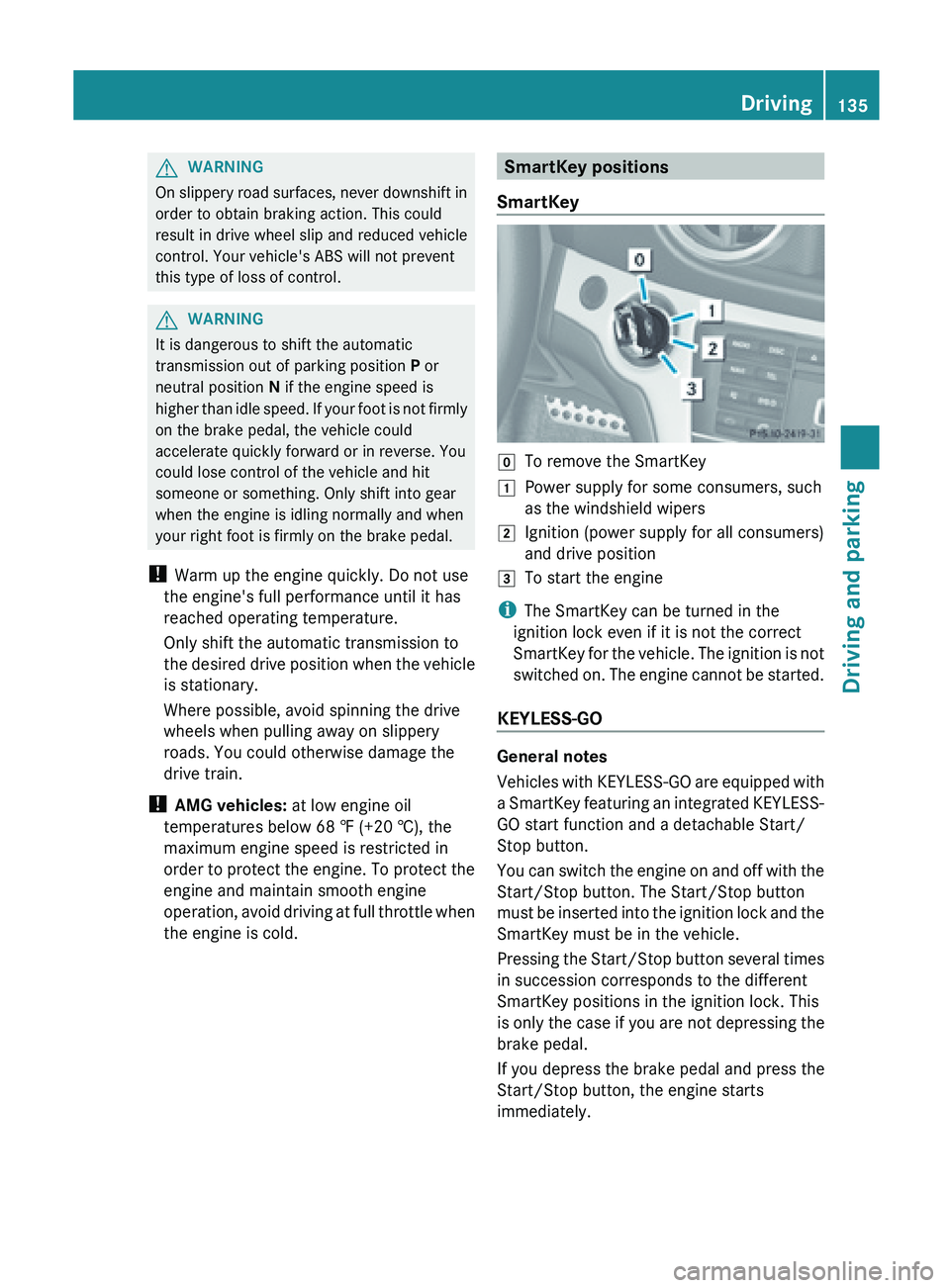
SmartKey g
To remove the SmartKey
1 Power supply for some consumers, such
as the windshield wipers
2 Ignition (power supply for all consumers)
and drive position
3 To start the engine
i The SmartKey can be turned in the
ignition lock even if it is not the correct
SmartKey for
the vehicle. The ignition is not
switched on. The engine cannot be started.
KEYLESS-GO General notes
Vehicles
with
KEYLESS-GO are equipped with
a SmartKey featuring an integrated KEYLESS-
GO start function and a detachable Start/
Stop button.
You can switch the engine on and off with the
Start/Stop button. The Start/Stop button
must be inserted into the ignition lock and the
SmartKey must be in the vehicle.
Pressing the Start/Stop button several times
in succession corresponds to the different
SmartKey positions in the ignition lock. This
is only the case if you are not depressing the
brake pedal.
If you depress the brake pedal and press the
Start/Stop button, the engine starts
immediately. Driving
135
Driving and parking Z