trip computer MERCEDES-BENZ SL-CLASS ROADSTER 2014 Owners Manual
[x] Cancel search | Manufacturer: MERCEDES-BENZ, Model Year: 2014, Model line: SL-CLASS ROADSTER, Model: MERCEDES-BENZ SL-CLASS ROADSTER 2014Pages: 284, PDF Size: 45.52 MB
Page 10 of 284
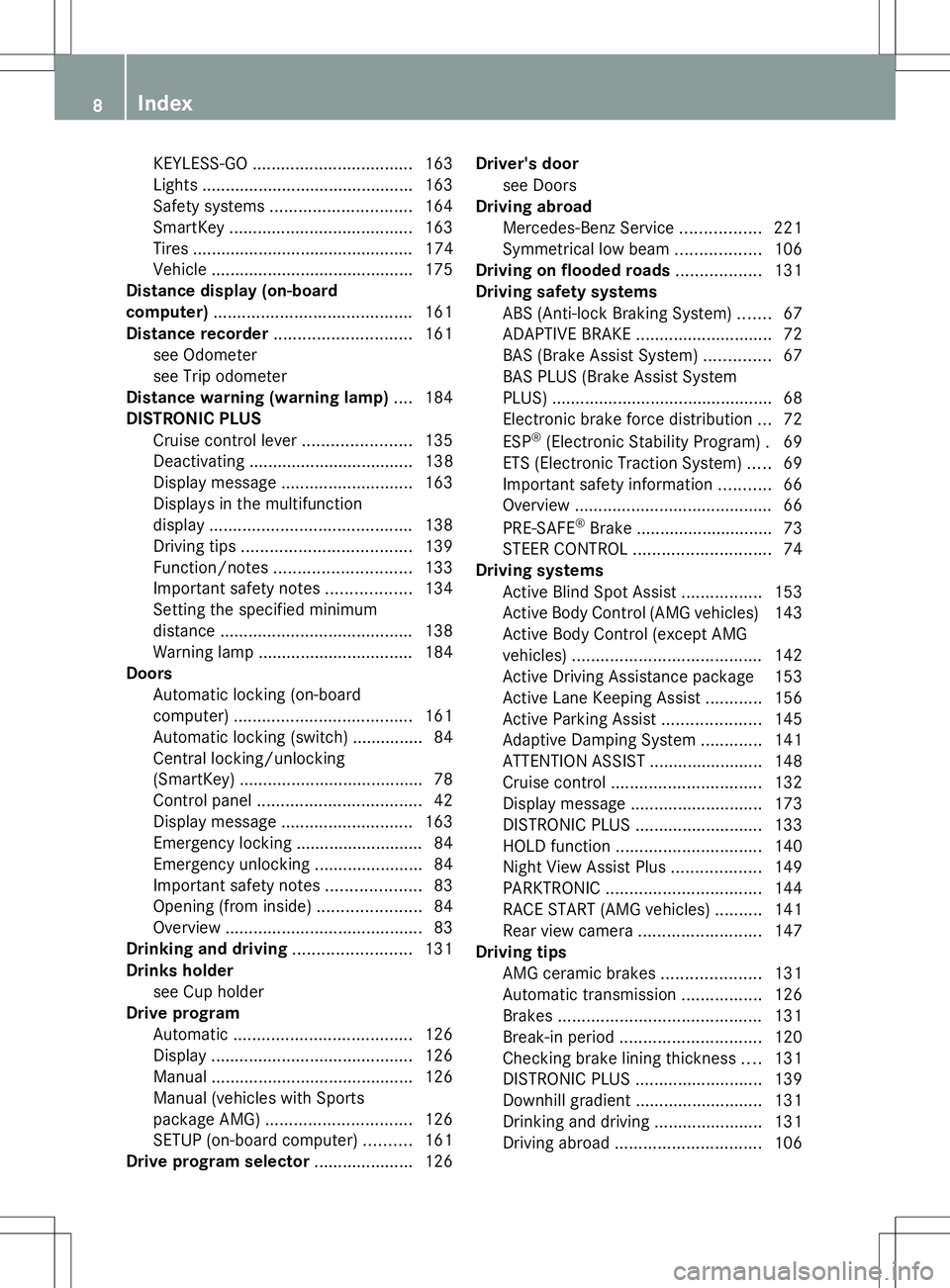
KEYLESS-GO
.................................. 163
Lights ............................................ .163
Safety systems .............................. 164
SmartKey ....................................... 163
Tires ............................................... 174
Vehicle .......................................... .175
Distance display (on-board
computer) .......................................... 161
Distance recorder ............................. 161
see Odometer
see Trip odometer
Distance warning (warning lamp) ....184
DISTRONIC PLUS Cruise control lever .......................135
Deactivating ................................... 138
Display message ............................ 163
Displays in the multifunction
displa y........................................... 138
Driving tips .................................... 139
Function/notes ............................. 133
Important safety notes ..................134
Setting the specified minimum
distance ......................................... 138
Warning lamp ................................. 184
Doors
Automatic locking (on-board
computer) ...................................... 161
Automatic locking (switch) .............. .84
Central locking/unlocking
(SmartKey) ...................................... .78
Control panel ................................... 42
Display message ............................ 163
Emergency locking ........................... 84
Emergency unlocking .......................84
Important safety notes ....................83
Opening (from inside) ......................84
Overview .......................................... 83
Drinking and driving .........................131
Drinks holder see Cup holder
Drive program
Automatic ...................................... 126
Display ........................................... 126
Manual .......................................... .126
Manual (vehicles with Sports
package AMG) ............................... 126
SETUP (on-board computer) ..........161
Drive program selector .....................126Driver's door
see Doors
Driving abroad
Mercedes-Benz Service .................221
Symmetrical low bea m.................. 106
Driving on flooded roads ..................131
Driving safety systems ABS (Anti-lock Braking System) .......67
ADAPTIVE BRAKE ............................. 72
BAS (Brake Assist System) ..............67
BAS PLUS (Brake Assist System
PLUS) .............................................. .68
Electronic brake force distributio n... 72
ESP ®
(Electronic Stability Program) .69
ETS (Electronic Traction System) .....69
Important safety information ...........66
Overview .......................................... 66
PRE-SAFE ®
Brake ............................ .73
STEER CONTROL ............................. 74
Driving systems
Active Blind Spot Assist .................153
Active Body Control (AMG vehicles) 143
Active Body Control (except AMG
vehicles) ........................................ 142
Active Driving Assistance package 153
Active Lane Keeping Assist ............156
Active Parking Assist .....................145
Adaptive Damping System .............141
ATTENTION ASSIST ........................148
Cruise control ................................ 132
Display message ............................ 173
DISTRONIC PLUS ........................... 133
HOLD function ............................... 140
Night View Assist Plus ...................149
PARKTRONIC ................................. 144
RACE START (AMG vehicles) ..........141
Rear view camera .......................... 147
Driving tips
AMG ceramic brakes .....................131
Automatic transmission .................126
Brakes ........................................... 131
Break-in period .............................. 120
Checking brake lining thickness ....131
DISTRONIC PLUS ........................... 139
Downhill gradient ........................... 131
Drinking and driving .......................131
Driving abroad ............................... 1068
Index
Page 15 of 284
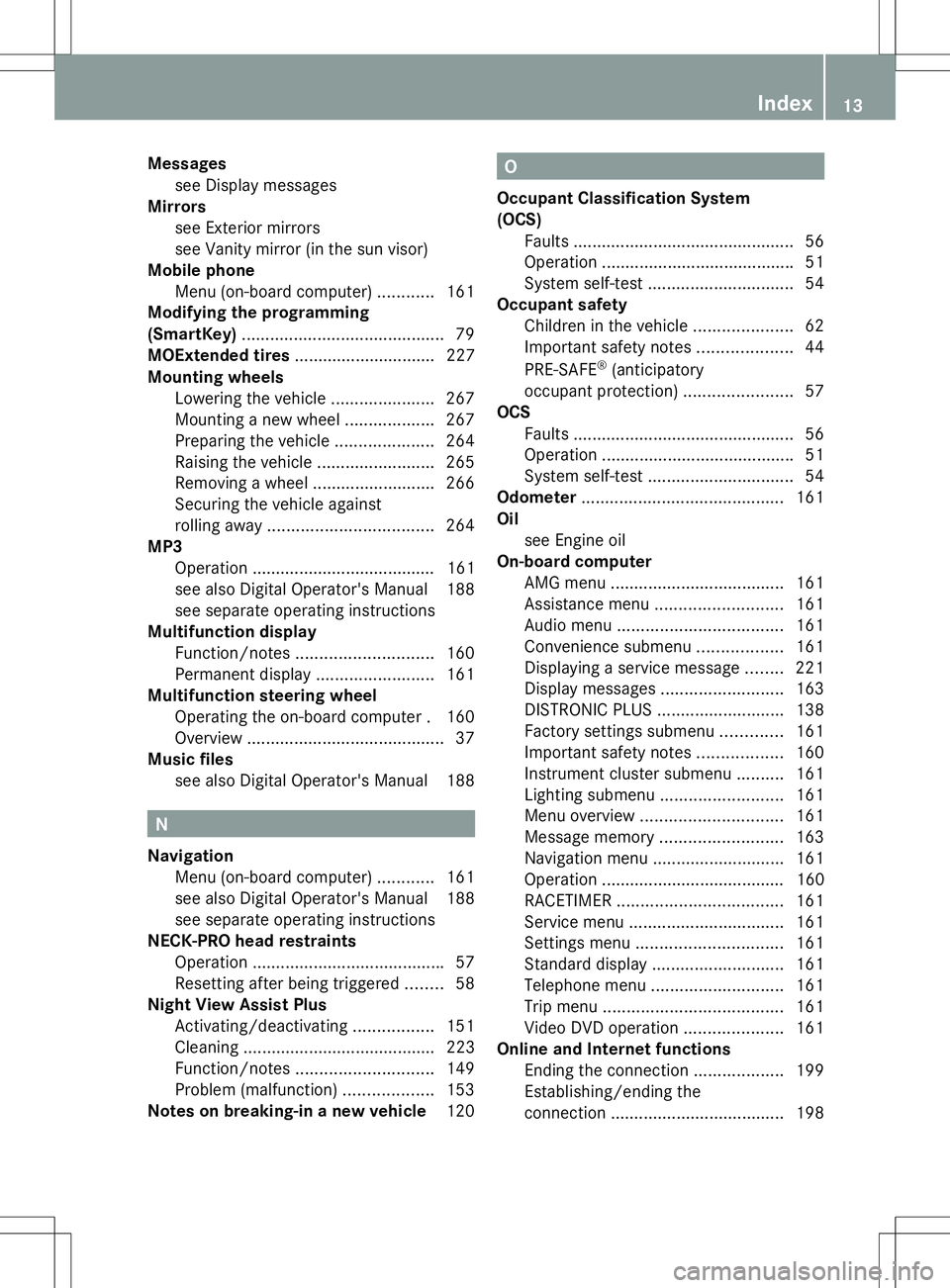
Messages
see Display messages
Mirrors
see Exterior mirrors
see Vanity mirror (in the sun visor)
Mobile phone
Menu (on-board computer) ............161
Modifying the programming
(SmartKey) ........................................... 79
MOExtended tires .............................. 227
Mounting wheels Lowering the vehicle ......................267
Mounting a new wheel ...................267
Preparing the vehicle .....................264
Raising the vehicle .........................265
Removing a wheel ..........................266
Securing the vehicle against
rolling away ................................... 264
MP3
Operation ....................................... 161
see also Digital Operator's Manual 188
see separate operating instructions
Multifunction display
Function/notes ............................. 160
Permanent displa y......................... 161
Multifunction steering wheel
Operating the on-board computer .160
Overview .......................................... 37
Music files
see also Digital Operator's Manual 188 N
Navigation Menu (on-board computer) ............161
see also Digital Operator's Manual 188
see separate operating instructions
NECK-PRO head restraints
Operation ........................................ .57
Resetting after being triggered ........58
Night View Assist Plus
Activating/deactivating .................151
Cleaning ......................................... 223
Function/notes ............................. 149
Problem (malfunction) ...................153
Notes on breaking-in a new vehicle 120 O
Occupant Classification System
(OCS) Faults ............................................... 56
Operation ........................................ .51
System self-test ............................... 54
Occupant safety
Children in the vehicle .....................62
Important safety notes ....................44
PRE-SAFE ®
(anticipatory
occupant protection) .......................57
OCS
Faults ............................................... 56
Operation ........................................ .51
System self-test ............................... 54
Odometer ........................................... 161
Oil see Engine oil
On-board computer
AMG menu ..................................... 161
Assistance menu ........................... 161
Audio menu ................................... 161
Convenience submenu ..................161
Displaying a service message ........221
Display messages ..........................163
DISTRONIC PLUS ........................... 138
Factory settings submenu .............161
Important safety notes ..................160
Instrument cluster submenu ..........161
Lighting submenu .......................... 161
Menu overview .............................. 161
Message memory .......................... 163
Navigation menu ............................ 161
Operation ....................................... 160
RACETIMER ................................... 161
Service menu ................................. 161
Settings menu ............................... 161
Standard displa y............................ 161
Telephone menu ............................ 161
Trip menu ...................................... 161
Video DVD operation .....................161
Online and Internet functions
Ending the connection ...................199
Establishing/ending the
connection ..................................... 198 Index
13
Page 21 of 284
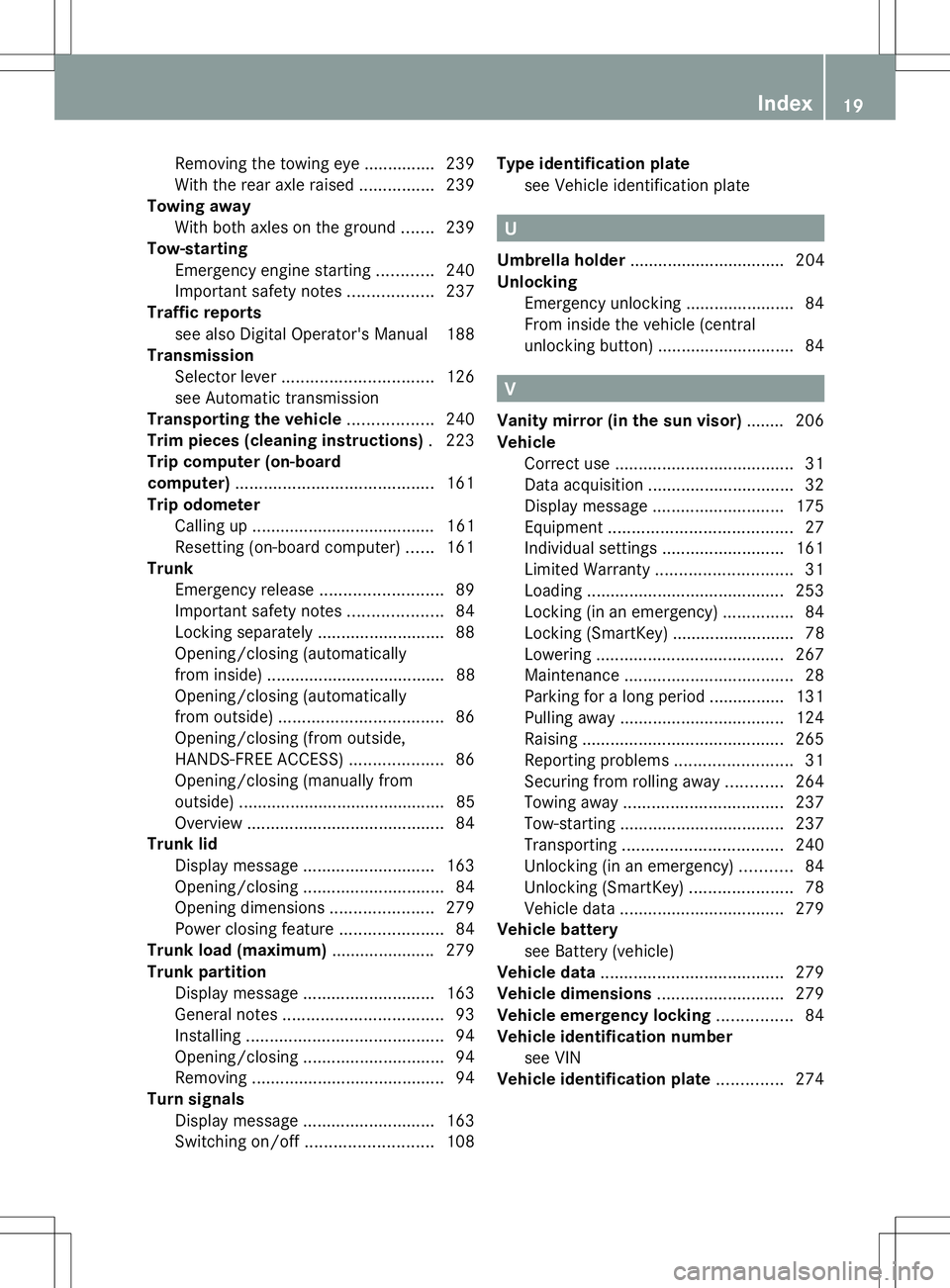
Removing the towing eye
...............239
With the rear axle raised ................239
Towing away
With both axles on the ground .......239
Tow-starting
Emergency engine starting ............240
Important safety notes ..................237
Traffic reports
see also Digital Operator's Manual 188
Transmission
Selector lever ................................ 126
see Automatic transmission
Transporting the vehicle ..................240
Trim pieces (cleaning instructions) .223
Trip computer (on-board
computer) .......................................... 161
Trip odometer Calling up ....................................... 161
Resetting (on-board computer) ......161
Trunk
Emergency release ..........................89
Important safety notes ....................84
Locking separately ...........................88
Opening/closing (automatically
from inside) ...................................... 88
Opening/closing (automatically
from outside) ................................... 86
Opening/closing (from outside,
HANDS-FREE ACCESS) ....................86
Opening/closing (manually from
outside) ............................................ 85
Overview .......................................... 84
Trunk lid
Display message ............................ 163
Opening/closing .............................. 84
Opening dimensions ......................279
Power closing feature ......................84
Trunk load (maximum) ......................279
Trunk partition Display message ............................ 163
General notes .................................. 93
Installing .......................................... 94
Opening/closing .............................. 94
Removing ......................................... 94
Turn signals
Display message ............................ 163
Switching on/off ........................... 108Type identification plate
see Vehicle identification plate U
Umbrella holder ................................. 204
Unlocking Emergency unlocking .......................84
From inside the vehicle (central
unlocking button) ............................. 84 V
Vanity mirror (in the sun visor) ........206
Vehicle Correct use ...................................... 31
Data acquisition ............................... 32
Display message ............................ 175
Equipment ....................................... 27
Individual settings ..........................161
Limited Warranty ............................. 31
Loading .......................................... 253
Locking (in an emergency) ...............84
Locking (SmartKey) .......................... 78
Lowering ........................................ 267
Maintenance .................................... 28
Parking for a long period ................ 131
Pulling away ................................... 124
Raising ........................................... 265
Reporting problems .........................31
Securing from rolling away ............264
Towing away .................................. 237
Tow-starting ................................... 237
Transporting .................................. 240
Unlocking (in an emergency) ...........84
Unlocking (SmartKey) ......................78
Vehicle data ................................... 279
Vehicle battery
see Battery (vehicle)
Vehicle data ....................................... 279
Vehicle dimensions ...........................279
Vehicle emergency locking ................84
Vehicle identification number see VIN
Vehicle identification plate ..............274 Index
19
Page 163 of 284
?
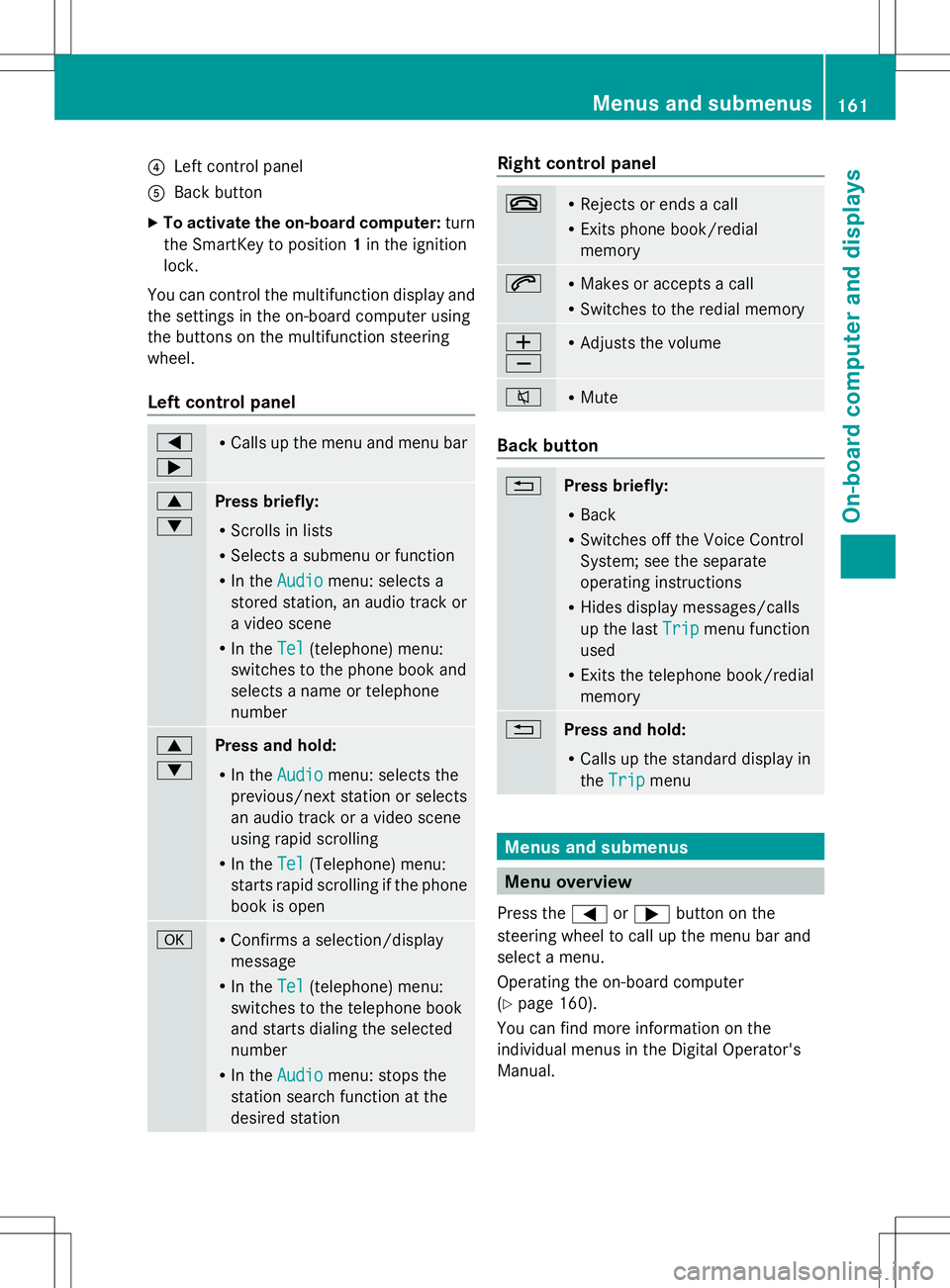
Left control panel
A Back button
X To activate the on-board computer: turn
the SmartKey to position 1in the ignition
lock.
You can control the multifunction display and
the settings in the on-board computer using
the buttons on the multifunction steering
wheel.
Left control panel =
; R
Calls up the menu and menu bar 9
:
Press briefly:
R
Scrolls in lists
R Selects a submenu or function
R In the Audio Audio menu: selects a
stored station, an audio track or
a video scene
R In the Tel Tel(telephone) menu:
switches to the phone book and
selects a name or telephone
number 9
:
Press and hold:
R
In the Audio Audio menu: selects the
previous/next station or selects
an audio track or a video scene
using rapid scrolling
R In the Tel Tel(Telephone) menu:
starts rapid scrolling if the phone
book is open a R
Confirms a selection/display
message
R In the Tel Tel(telephone) menu:
switches to the telephone book
and starts dialing the selected
number
R In the Audio Audio menu: stops the
station search function at the
desired station Right control panel
~ R
Rejects or ends a call
R Exits phone book/redial
memory 6 R
Makes or accepts a call
R Switches to the redial memory W
X R
Adjusts the volume 8 R
Mute Back button
%
Press briefly:
R
Back
R Switches off the Voice Control
System; see the separate
operating instructions
R Hides display messages/calls
up the last Trip Tripmenu function
used
R Exits the telephone book/redial
memory %
Press and hold:
R
Calls up the standard display in
the Trip Trip menu Menus and submenus
Menu overview
Press the =or; button on the
steering wheel to call up the menu bar and
select a menu.
Operating the on-board computer
(Y page 160).
You can find more information on the
individual menus in the Digital Operator's
Manual. Menus and submenus
161On-board computer and displays Z
Page 164 of 284
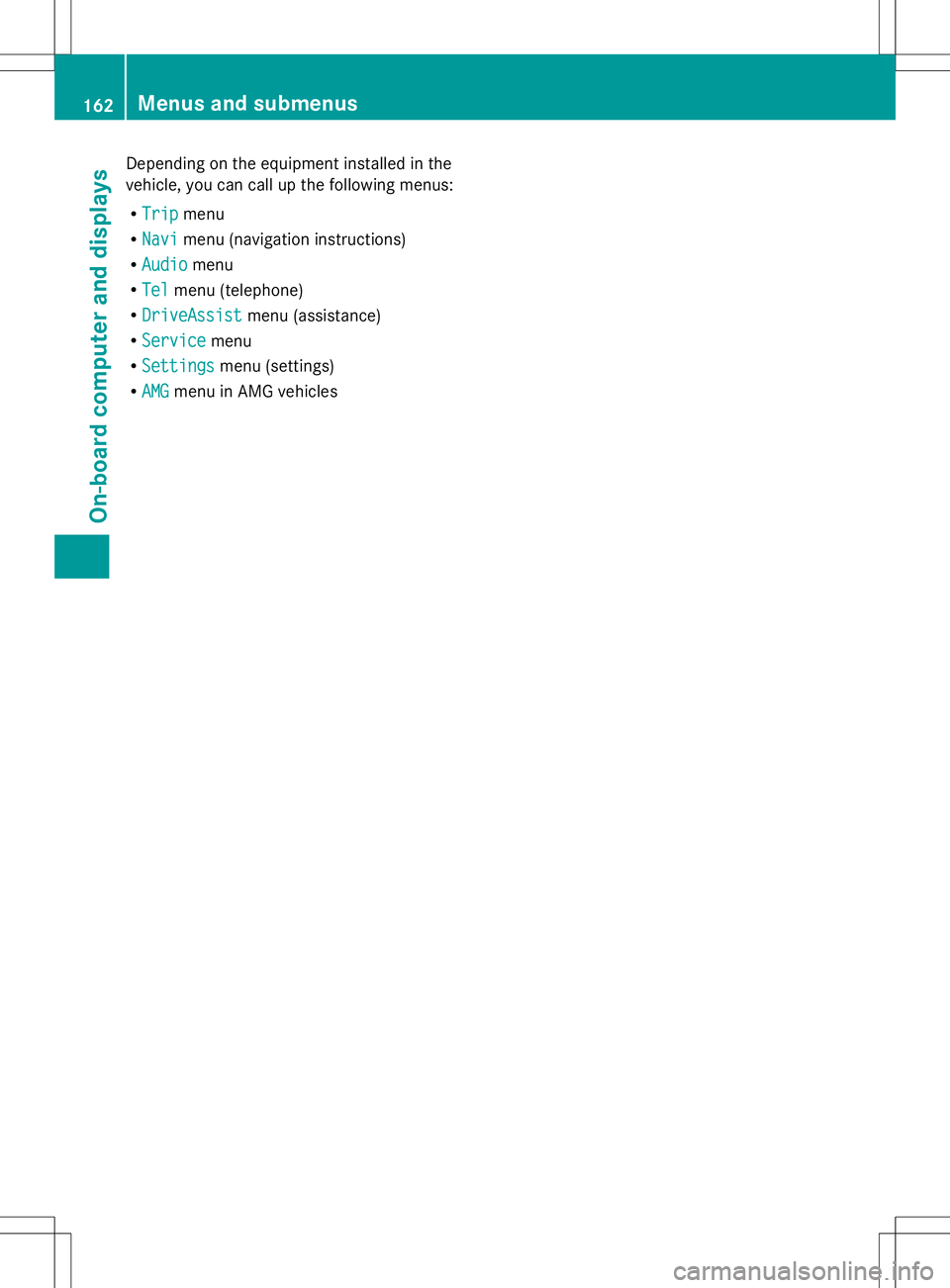
Depending on the equipment installed in the
vehicle, you can call up the following menus:
R Trip
Trip menu
R Navi Navi menu (navigation instructions)
R Audio
Audio menu
R Tel
Tel menu (telephone)
R DriveAssist
DriveAssist menu (assistance)
R Service
Service menu
R Settings
Settings menu (settings)
R AMG
AMG menu in AMG vehicles 162
Menus and submenusOn-board computer and displays