ABS MERCEDES-BENZ SL ROADSTER 2012 Owners Manual
[x] Cancel search | Manufacturer: MERCEDES-BENZ, Model Year: 2012, Model line: SL ROADSTER, Model: MERCEDES-BENZ SL ROADSTER 2012Pages: 637, PDF Size: 20.68 MB
Page 7 of 637
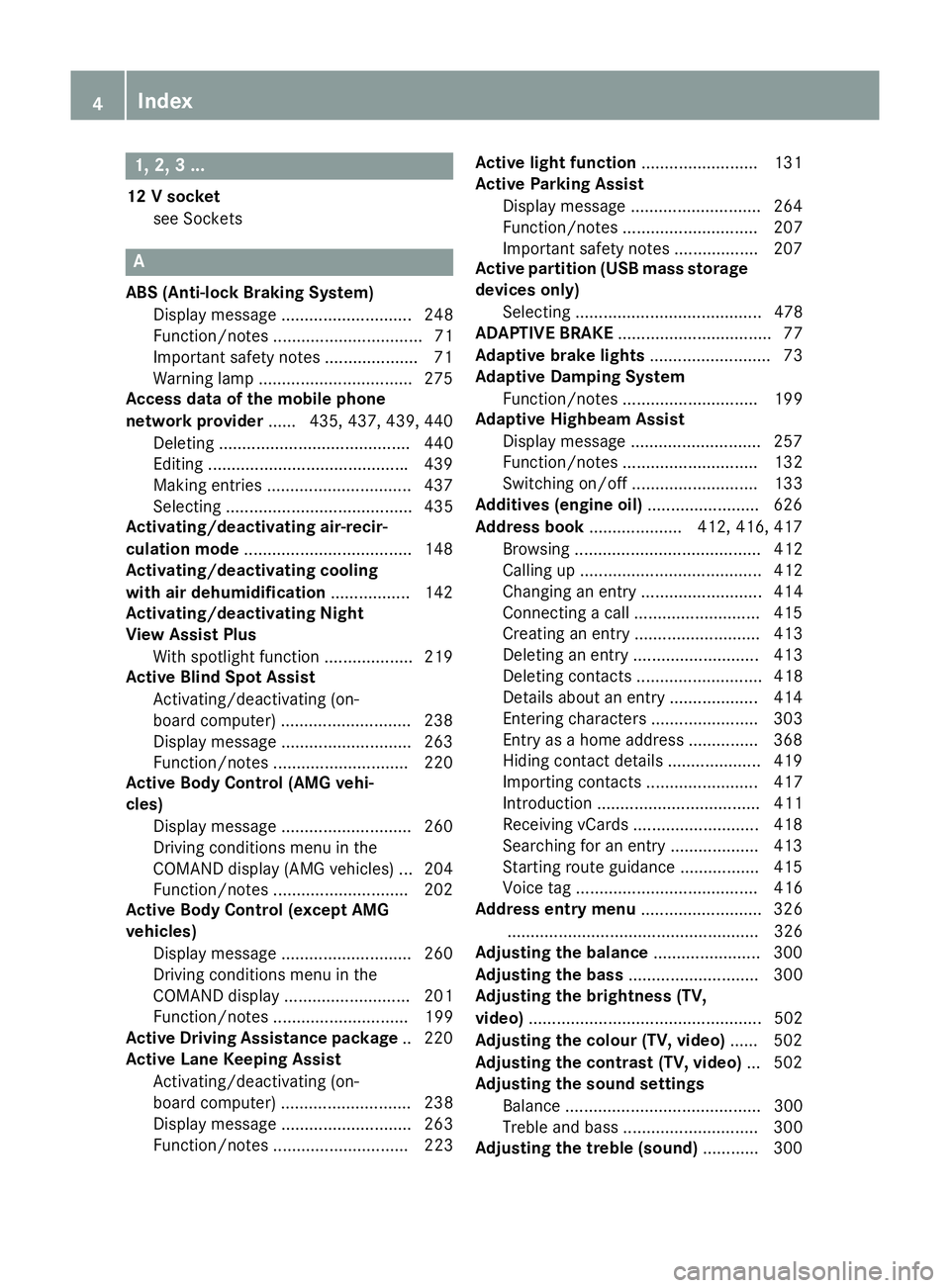
1, 2, 3 ...
12 V socket see Sockets A
ABS (Anti-lock Braking System) Display message ............................ 248
Function/notes ................................ 71
Important safety notes .................... 71
Warning lamp .................................2 75
Access data of the mobile phone
network provider ...... 435, 437, 439, 440
Deleting ......................................... 440
Editing .......................................... .439
Making entries ............................... 437
Selecting ........................................ 435
Activating/deactivating air-recir-
culation mode ................................... .148
Activating/deactivating cooling
with air dehumidification ................. 142
Activating/deactivating Night
View Assist Plus
With spotlight function ................... 219
Active Blind Spot Assist
Activating/deactivating (on-
board computer) ............................ 238
Display message ............................ 263
Function/notes ............................ .220
Active Body Control (AMG vehi-
cles)
Display message ............................ 260
Driving conditions menu in the
COMAND display (AMG vehicles) ... 204
Function/notes ............................ .202
Active Body Control (except AMG
vehicles)
Display message ............................ 260
Driving conditions menu in the
COMAND displa y........................... 201
Function/note s............................. 199
Active Driving Assistance package .. 220
Active Lane Keeping Assist
Activating/deactivating (on-
board computer) ............................ 238
Display message ............................ 263
Function/note s............................. 223 Active light function
......................... 131
Active Parking Assist
Display message ............................ 264
Function/note s............................. 207
Important safety notes .................. 207
Active partition (USB mass storage
devices only)
Selecting ........................................ 478
ADAPTIVE BRAKE ................................. 77
Adaptive brake lights .......................... 73
Adaptive Damping System
Function/note s............................. 199
Adaptive Highbeam Assist
Display message ............................ 257
Function/note s............................. 132
Switching on/of f........................... 133
Additives (engine oil) ........................ 626
Address book .................... 412, 416, 417
Browsing ........................................ 412
Calling up ....................................... 412
Changing an entry .......................... 414
Connecting a call ........................... 415
Creating an entry ........................... 413
Deleting an entry ........................... 413
Deleting contacts ........................... 418
Details about an entry ................... 414
Entering characters ....................... 303
Entry as a home address ............... 368
Hiding contact details .................... 419
Importing contacts ........................ 417
Introduction ................................... 411
Receiving vCards ........................... 418
Searching for an entry ................... 413
Starting route guidance ................. 415
Voice tag ....................................... 416
Address entry menu .......................... 326
...................................................... 326
Adjusting the balance ....................... 300
Adjusting the bass ............................ 300
Adjusting the brightness (TV,
video) .................................................. 502
Adjusting the colour (TV, video) ...... 502
Adjusting the contrast (TV, video) ... 502
Adjusting the sound settings
Balance .......................................... 300
Treble and bass ............................. 300
Adjusting the treble (sound) ............ 3004
Index
Page 8 of 637
Adjusting the vehicle height
Active Body Control (AMG vehi-
cles) .............................................. .202
Active Body Control (except AMG
vehicles) ........................................ 199
Adjusting the volume
COMAND ....................................... 299
Navigation messages ..................... 299
Traffic announcements .................. 299
AIR FLOW .......................................... .144
Air pressure
see Tyre pressure
Air vents
Glove compartment ....................... 150
Important safety notes .................. 150
Setting .......................................... .150
Setting the blower output of the
AIRSCARF vents ............................ .151
Setting the centre air vents ........... 150
Setting the side air vents .............. .150
Switching AIRSCARF on/off .......... 117
Air-conditioning system
see Climate control
Airbag
Headbag .......................................... 55
Airbags
Front airbag (driver, front
passenger) ....................................... 54
Important safety guidelines ............. 52
Sidebag ............................................ 54
Triggering ......................................... 51
AIRSCARF
Switching on/off ........................... 117
AIRSCARF vents
Setting the blower output .............. 151
Alarm
ATA (Anti-Theft Alarm system) ......... 79
Switching off (ATA) .......................... 79
Switching the function on/off
(ATA) ................................................ 79
Alarm system
see ATA (Anti-Theft Alarm system)
Alternate route .................................. 357
Ambient lighting
Setting the brightness (on-board
computer) ...................................... 241
Setting the colour (on-board com-
puter) ............................................. 241 AMG
Button for AMG menu .................... 168
SETUP ............................................ 168
AMG menu (on-board computer) ..... 244
Anti-glare film ................................... .559
Anti-lock braking system
see ABS (Anti-lock Braking System)
Anti-Theft Alarm system
see ATA (Anti-Theft Alarm system)
Aquaplaning ....................................... 181
Ashtray ............................................... 549
Assistance display (on-board com-
puter) ................................................. .237
Assistance menu (on-board com-
puter) ................................................. .237
ASSYST PLUS
Displaying a service message ....... .567
Hiding a service message .............. 567
Resetting the service interval dis-
play ................................................ 567
Service message ............................ 566
Special service requirements ......... 567
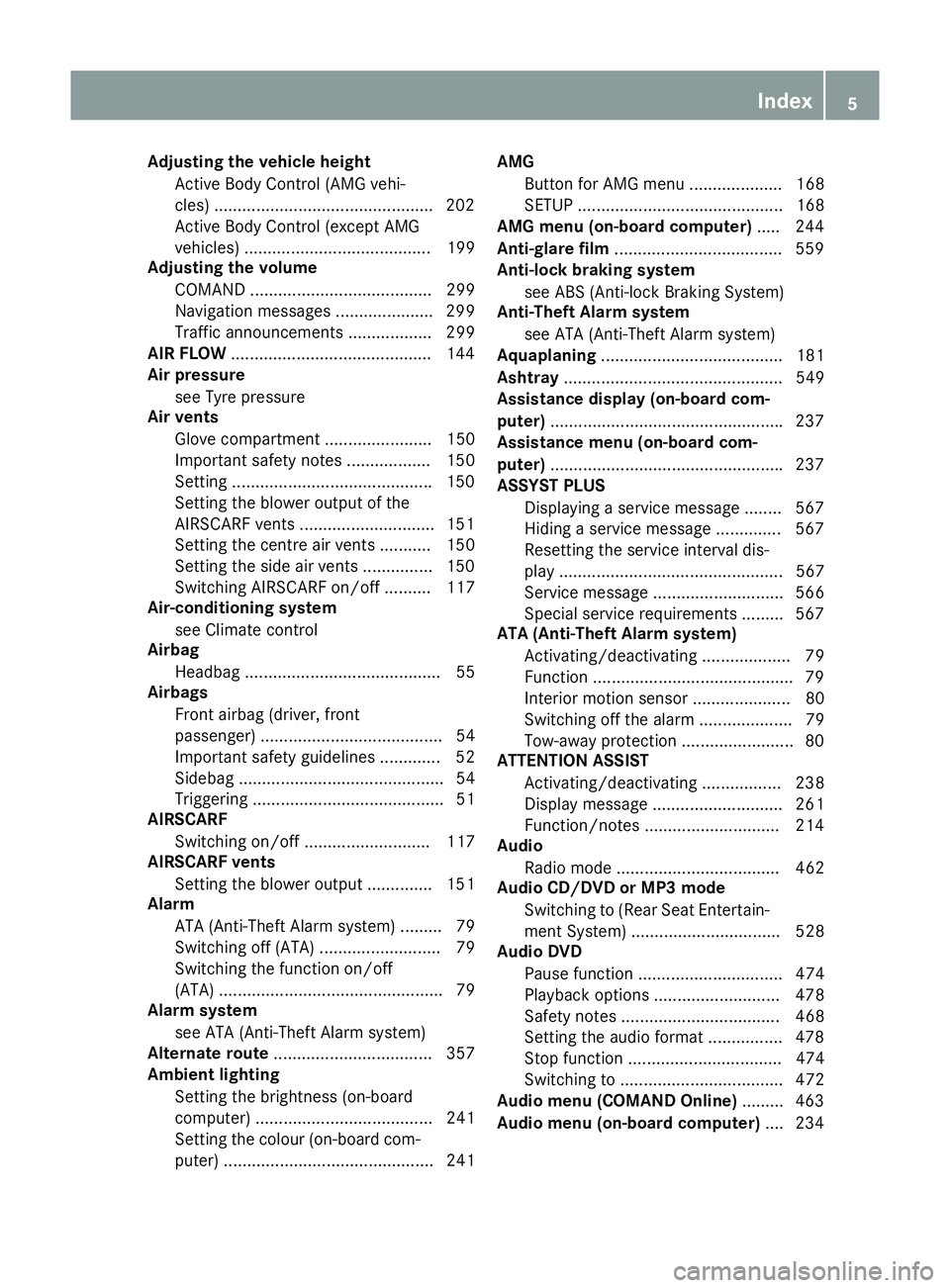
ATA (Anti-Theft Alarm system)
Activating/deactivating ................... 79
Function .......................................... .79
Interior motion sensor .....................80
Switching off the alarm .................... 79
Tow-away protectio n ........................80
ATTENTION ASSIST
Activating/deactivating ................. 238
Display message ............................ 261
Function/notes ............................ .214
Audio
Radio mode ................................... 462
Audio CD/DVD or MP3 mode
Switching to (Rear Seat Entertain-ment System) ................................ 528
Audio DVD
Pause function ............................... 474
Playback options ........................... 478
Safety notes .................................. 468
Setting the audio format ................ 478
Stop function ................................. 474
Switching to ................................... 472
Audio menu (COMAND Online) ......... 463
Audio menu (on-board computer) .... 234 Index
5
Page 10 of 637
Bonnet
Active bonnet (pedestrian protec-tion) ............................................... 562
Closing ........................................... 563
Display message ............................ 270
Important safety notes .................. 562
Opening ......................................... 563
Boot
Emergency release .......................... 99
Important safety notes .................... 94
Locking separately ........................... 98
Opening/closing (automatically
from inside) ...................................... 98
Opening/closing (automatically
from outside) ................................... 95
Opening/closing (from the out-
side, HANDS-FREE ACCESS) ............ 96
Opening/closing (manually from
outside) ............................................ 95
Overview .......................................... 94
Power closing .................................. 93
Boot lid
Display message ............................ 270
Opening dimensions ...................... 629
Opening/closing .............................. 94
Boot load (maximum) ........................ 629
Boot separator
Display message ............................ 271
Fitting ............................................ 106
General notes ................................ 105
Opening/closing ............................ 106
Removing ....................................... 106
Bottle holders .................................... 549
Brake Assist
see BAS (Brake Assist System)
Brake fluid
Display message ............................ 253
Notes ............................................. 627
Brake lamps
Adaptive ........................................... 73
Display message ............................ 256
Brakes
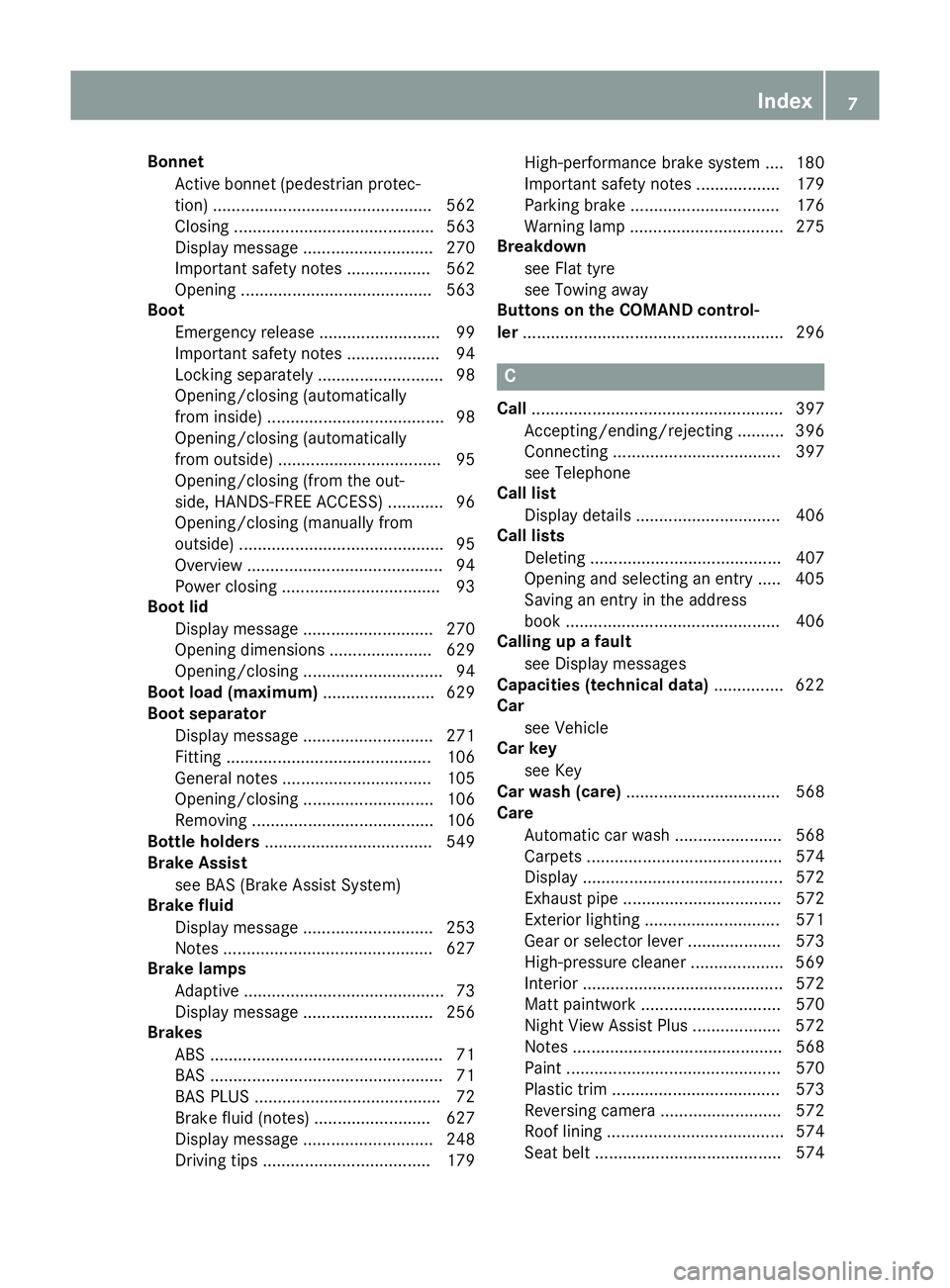
ABS .................................................. 71
BAS .................................................. 71
BAS PLUS ........................................ 72
Brake fluid (notes) ......................... 627
Display message ............................ 248
Driving tips .................................... 179 High-performance brake system .... 180
Important safety notes .................. 179
Parking brake ................................ 176
Warning lamp ................................. 275
Breakdown
see Flat tyre
see Towing away
Buttons on the COMAND control-
ler ........................................................ 296 C
Call ...................................................... 397
Accepting/ending/rejecting .......... 396
Connecting .................................... 397
see Telephone
Call list
Display details ............................... 406
Call lists
Deleting ......................................... 407
Opening and selecting an entry ..... 405
Saving an entry in the address
book .............................................. 406
Calling up a fault
see Display messages
Capacities (technical data) ............... 622
Car
see Vehicle
Car key
see Key
Car wash (care) ................................. 568
Care
Automatic car wash ....................... 568
Carpets .......................................... 574
Display ........................................... 572
Exhaust pipe .................................. 572
Exterior lighting ............................. 571
Gear or selector lever .................... 573
High-pressure cleaner .................... 569
Interior ........................................... 572
Matt paintwork .............................. 570
Night View Assist Plus ................... 572
Notes ............................................. 568
Paint .............................................. 570
Plastic trim .................................... 573
Reversing camera .......................... 572
Roof lining ...................................... 574
Seat belt ........................................ 574 Index
7
Page 14 of 637
Lights .............................................2
55
Safety systems .............................. 248
Tyres .............................................. 267
Vehicle .......................................... .269
Displaying the arrival time ...............358
Displaying the distance to the des-
tination ............................................... 358
Displaying the track and album ....... 478
Distance recorder
see Trip meter
Distance warning signal (warning
lamp) ................................................. .283
DISTRONIC PLUS
Cruise control lever ....................... 186
Deactivating ................................... 192
Display message ............................ 264
Displays in the multifunction dis-
pla y................................................ 191
Driving tips .................................... 192
Function/note s............................. 185
Important safety notes .................. 185
Selecting ........................................ 187
Setting the specified minimum
distance ......................................... 190
Warning lamp ................................. 283
Dolby® Digital ................................... 300
Door
Automatic locking (on-board com-
puter) ............................................. 242
Automatic locking (switch) ............... 92
Central locking/unlocking (key) ...... 85
Control panel ................................... 48
Display message ............................ 270
Emergency locking ........................... 93
Emergency unlocking ....................... 93
Important safety notes .................... 90
Opening (from the inside) ................ 91
Power closing .................................. 93
Doors
Overview .......................................... 90
Draught stop
Electrical draught stop ................... 108
Manual draught stop ...................... 107
Drive program
Automatic ...................................... 169
Display ........................................... 165
Manual ........................................... 169 Manual (vehicles with Sports
package AMG) ............................... 170
Drive program selector ..................... 168
Driver's door
see Door
Driving abroad
Mercedes-Benz Service ................. 568
Symmetrical dipped beam ............. 126
Driving on flooded roads .................. 181
Driving safety system
BAS PLUS (Brake Assist System
PLUS) ............................................... 72
Driving safety systems
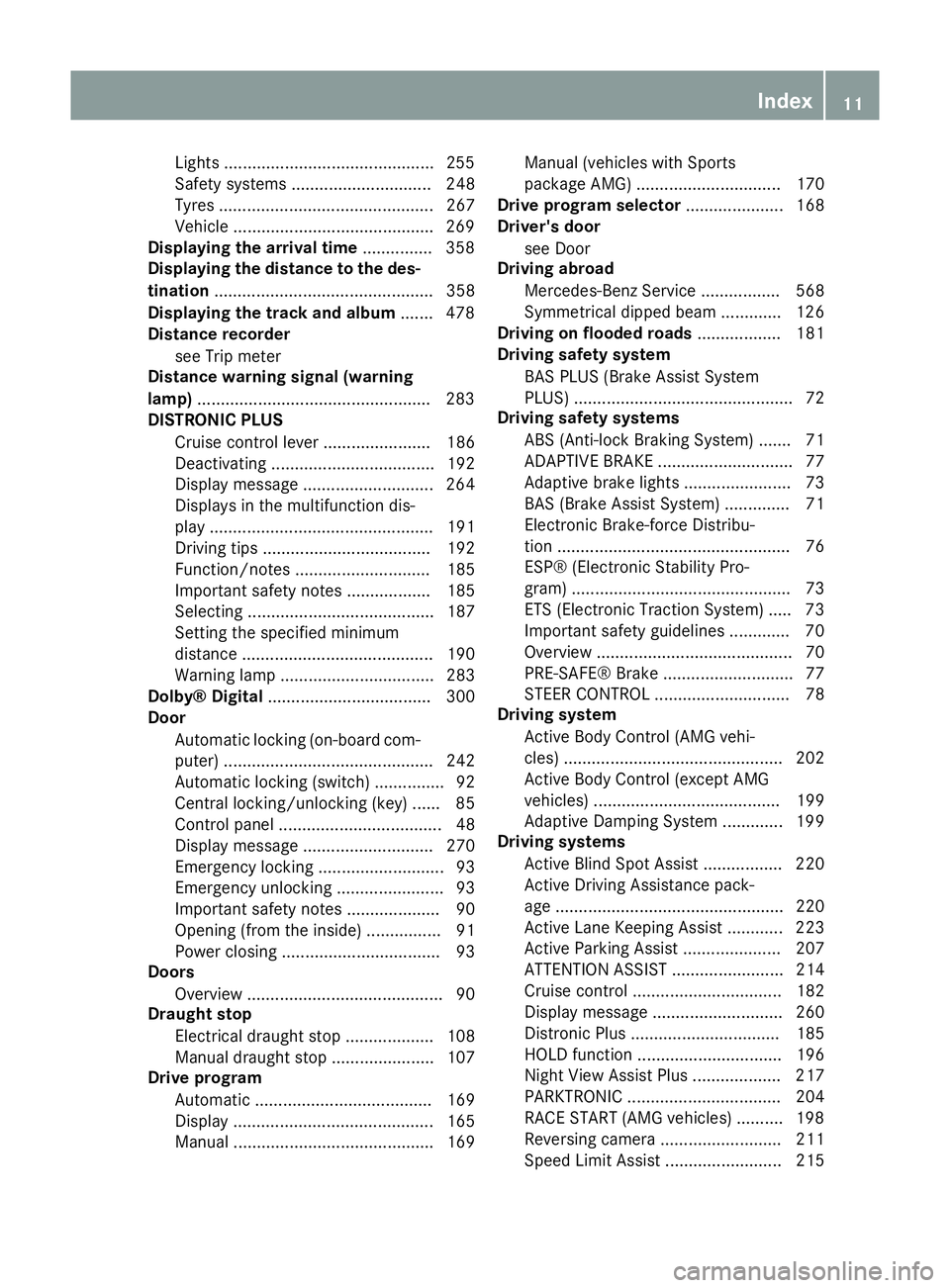
ABS (Anti-lock Braking System) ....... 71
ADAPTIVE BRAK E............................. 77
Adaptive brake lights ....................... 73
BAS (Brake Assist System) .............. 71
Electronic Brake-force Distribu-
tion .................................................. 76
ESP® (Electronic Stability Pro-
gram) ............................................... 73
ETS (Electronic Traction System) ..... 73
Important safety guidelines ............. 70
Overview .......................................... 70
PRE-SAFE® Brake ............................ 77
STEER CONTROL ............................. 78
Driving system
Active Body Control (AMG vehi-
cles) ............................................... 202
Active Body Control (except AMG
vehicles) ........................................ 199
Adaptive Damping System ............. 199
Driving systems
Active Blind Spot Assist ................. 220
Active Driving Assistance pack-
age ................................................. 220
Active Lane Keeping Assist ............ 223
Active Parking Assist ..................... 207
ATTENTION ASSIST ........................ 214
Cruise control ................................ 182
Display message ............................ 260
Distronic Plus ................................ 185
HOLD function ............................... 196
Night View Assist Plus ................... 217
PARKTRONIC ................................. 204
RACE START (AMG vehicles) .......... 198
Reversing camera .......................... 211
Speed Limit Assist ......................... 215 Index
11
Page 32 of 637
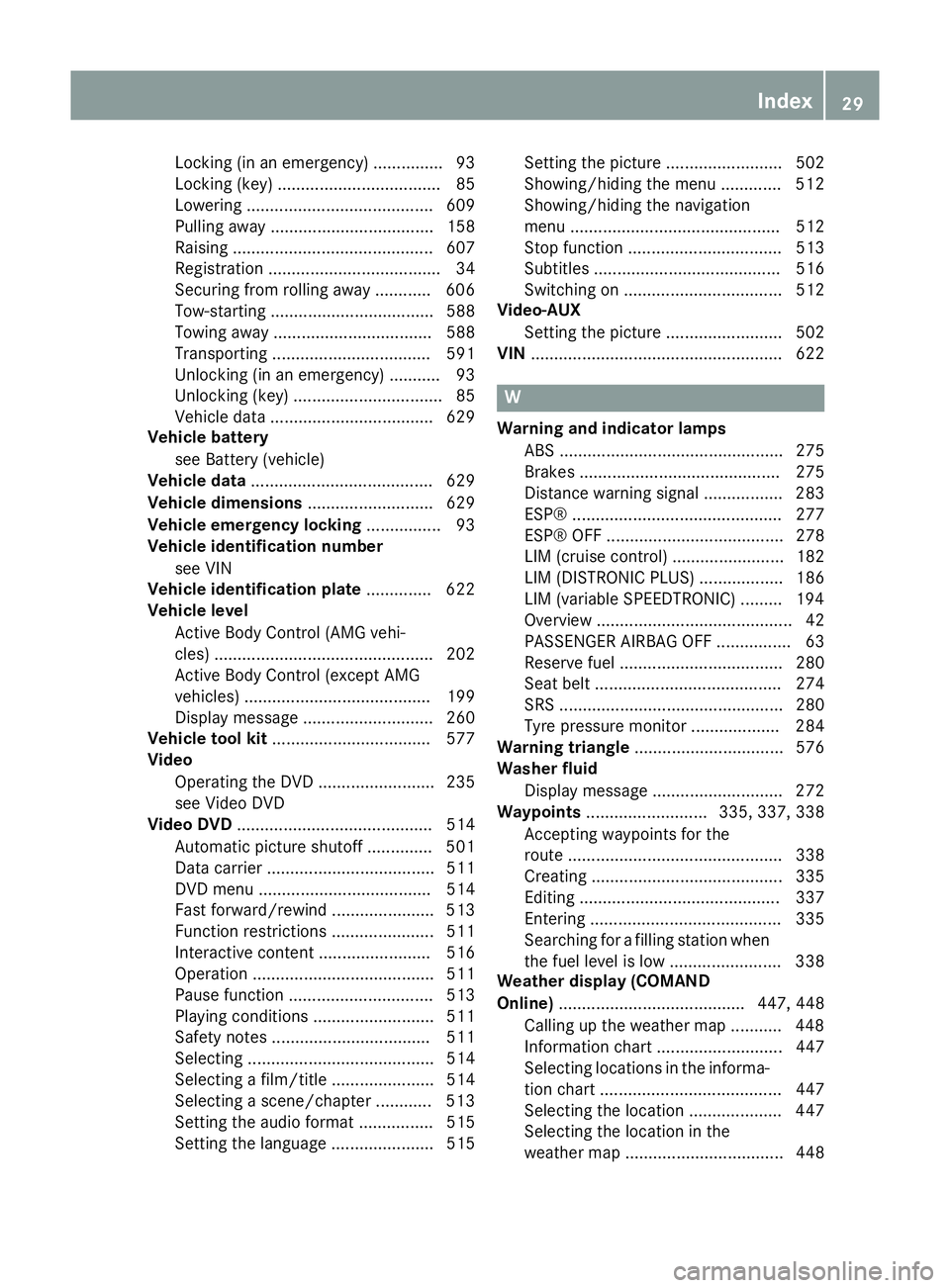
Locking (in an emergency) ............... 93
Locking (key) ................................... 85
Lowering ........................................ 609
Pulling away ................................... 158
Raising ........................................... 607
Registration ..................................... 34
Securing from rolling away ............ 606
Tow-starting ................................... 588
Towing away .................................. 588
Transporting .................................. 591
Unlocking (in an emergency) ........... 93
Unlocking (key) ................................ 85
Vehicle data ................................... 629
Vehicle battery
see Battery (vehicle)
Vehicle data ....................................... 629
Vehicle dimensions ........................... 629
Vehicle emergency locking ................ 93
Vehicle identification number
see VIN
Vehicle identification plate .............. 622
Vehicle level
Active Body Control (AMG vehi-
cles) ............................................... 202
Active Body Control (except AMG
vehicles) ........................................ 199
Display message ............................ 260
Vehicle tool kit .................................. 577
Video
Operating the DVD ......................... 235
see Video DVD
Video DVD .......................................... 514
Automatic picture shutoff .............. 501
Data carrier .................................... 511
DVD menu ..................................... 514
Fast forward/rewind ...................... 513
Function restrictions ...................... 511
Interactive content ........................ 516
Operation ....................................... 511
Pause function ............................... 513
Playing conditions .......................... 511
Safety notes .................................. 511
Selecting ........................................ 514
Selecting a film/title ...................... 514
Selecting a scene/chapter ............ 513
Setting the audio format ................ 515
Setting the language ...................... 515 Setting the picture ......................... 502
Showing/hiding the menu ............. 512
Showing/hiding the navigation
menu ............................................. 512
Stop function ................................. 513
Subtitles ........................................ 516
Switching on .................................. 512
Video-AUX
Setting the picture ......................... 502
VIN ...................................................... 622 W
Warning and indicator lamps ABS ................................................ 275
Brakes ........................................... 275
Distance warning signal ................. 283
ESP® ............................................. 277
ESP® OFF ...................................... 278
LIM (cruise control) ........................ 182
LIM (DISTRONIC PLUS) .................. 186
LIM (variable SPEEDTRONIC) ......... 194
Overview .......................................... 42
PASSENGER AIRBAG OFF ................ 63
Reserve fuel ................................... 280
Seat belt ........................................ 274
SRS ................................................ 280
Tyre pressure monitor ................... 284
Warning triangle ................................ 576
Washer fluid
Display message ............................ 272
Waypoints .......................... 335, 337, 338
Accepting waypoints for the
route .............................................. 338
Creating ......................................... 335
Editing ........................................... 337
Entering ......................................... 335
Searching for a filling station when the fuel level is lo w........................ 338
Weather display (COMAND
Online) ........................................ 447, 448
Calling up the weather map ........... 448
Information chart ........................... 447
Selecting locations in the informa-
tion chart ....................................... 447
Selecting the location .................... 447
Selecting the location in the
weather map .................................. 448 Index
29
Page 45 of 637
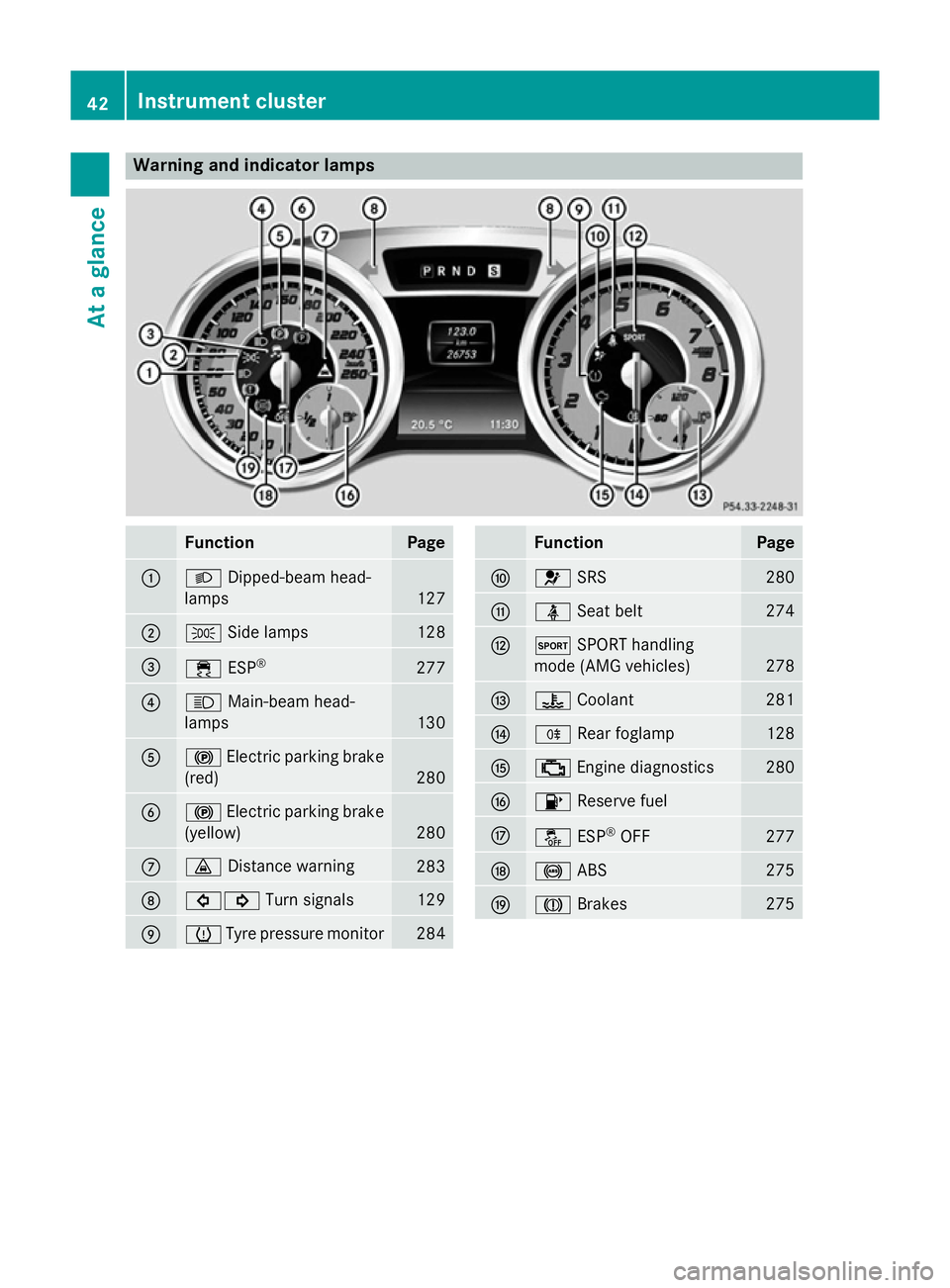
Warning and indicator lamps
Function Page
:
L
Dipped-beam head-
lamps 127
;
T
Side lamps 128
=
÷
ESP® 277
?
K
Main-beam head-
lamps 130
A
!
Electric parking brake
(red) 280
B
!
Electric parking brake
(yellow) 280
C
·
Distance warning 283
D
#!
Turn signals 129
E
h
Tyre pressure monitor 284 Function Page
F
6
SRS 280
G
ü
Seat belt 274
H
M
SPORT handling
mode (AMG vehicles) 278
I
?
Coolant 281
J
R
Rear foglamp 128
K
;
Engine diagnostics 280
L
8
Reserve fuel M
å
ESP®
OFF 277
N
!
ABS 275
O
J
Brakes 27542
Instrument clusterAt a glance
Page 73 of 637
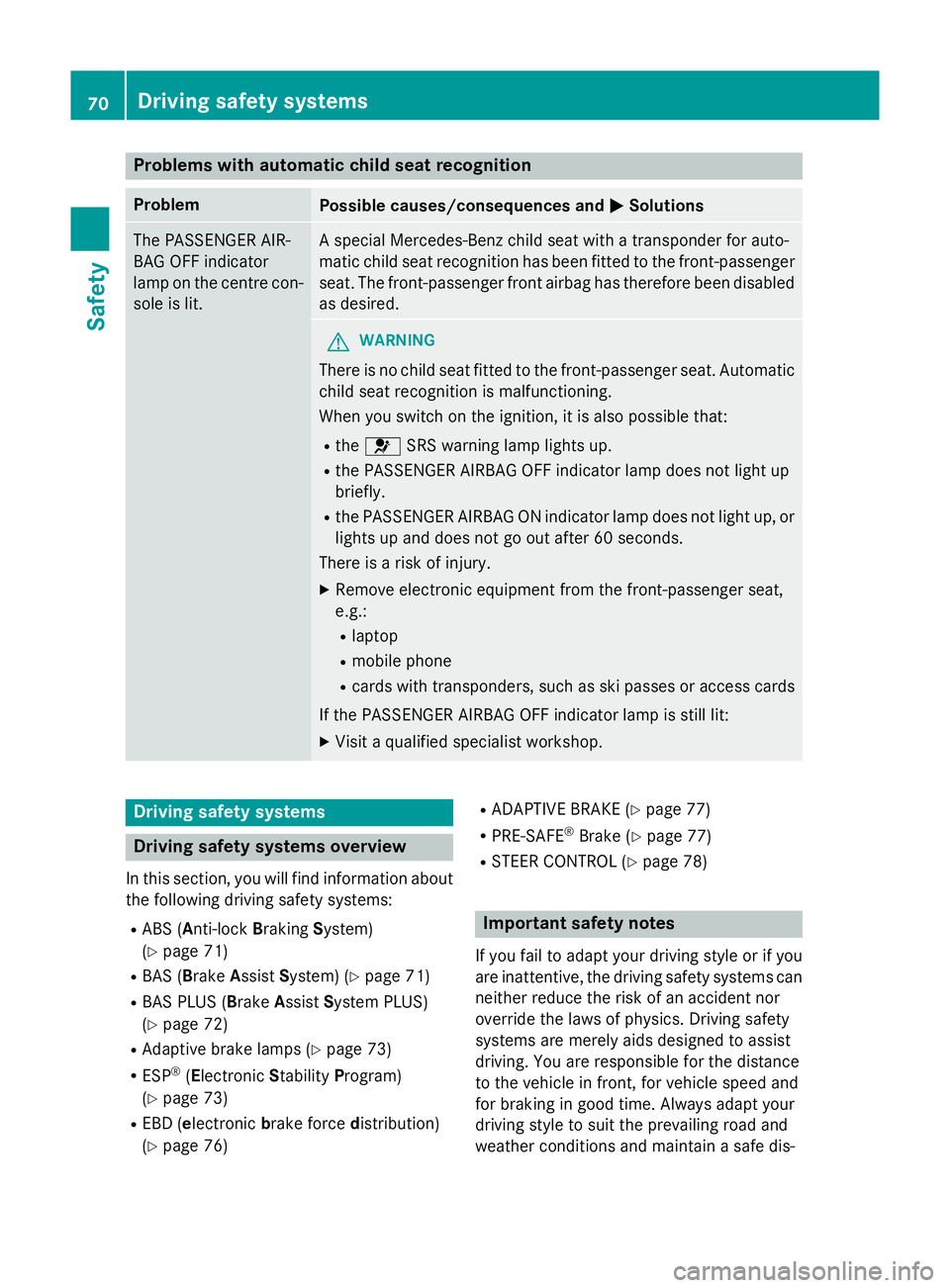
Problems with automatic child seat recognition
Problem
Possible causes/consequences and
M
MSolutions The PASSENGER AIR-
BAG OFF indicator
lamp on the centre con-
sole is lit. A special Mercedes-Benz child seat with a transponder for auto-
matic child seat recognition has been fitted to the front-passenger
seat. The front-passenger front airbag has therefore been disabled
as desired. G
WARNING
There is no child seat fitted to the front-passenger seat. Automatic child seat recognition is malfunctioning.
When you switch on the ignition, it is also possible that:
R the 6 SRS warning lamp lights up.
R the PASSENGER AIRBAG OFF indicator lamp does not light up
briefly.
R the PASSENGER AIRBAG ON indicator lamp does not light up, or
lights up and does not go out after 60 seconds.
There is a risk of injury.
X Remove electronic equipment from the front-passenger seat,
e.g.:
R laptop
R mobile phone
R cards with transponders, such as ski passes or access cards
If the PASSENGER AIRBAG OFF indicator lamp is still lit: X Visit a qualified specialist workshop. Driving safety systems
Driving safety systems overview
In this section, you will find information about the following driving safety systems:
R ABS ( Anti-lock BrakingSystem)
(Y page 71)
R BAS ( Brake Assist System) (Y page 71)
R BAS PLUS ( BrakeAssist System PLUS)
(Y page 72)
R Adaptive brake lamps (Y page 73)
R ESP ®
(Electronic StabilityProgram)
(Y page 73)
R EBD ( electronic brake force distribution)
(Y page 76) R
ADAPTIVE BRAKE (Y page 77)
R PRE-SAFE ®
Brake (Y page 77)
R STEER CONTROL (Y page 78) Important safety notes
If you fail to adapt your driving style or if you
are inattentive, the driving safety systems can
neither reduce the risk of an accident nor
override the laws of physics. Driving safety
systems are merely aids designed to assist
driving. You are responsible for the distance
to the vehicle in front, for vehicle speed and
for braking in good time. Always adapt your
driving style to suit the prevailing road and
weather conditions and maintain a safe dis- 70
Driving safety systemsSafety
Page 74 of 637
tance from the vehicle in front. Drive care-
fully.
i The driving safety systems described only
work as effectively as possible when there
is adequate contact between the tyres and the road surface. Please pay special atten-
tion to the notes on tyres, recommended
minimum tyre tread depths etc.
(Y page 596).
In wintry driving conditions, always use
winter tyres (M+S tyres) and, if necessary,
snow chains. Only in this way will the driv-
ing safety systems described in this section work as effectively as possible. ABS (Anti-lock Braking System)
General notes ABS regulates brake pressure in such a way
that the wheels do not lock when you brake.
This allows you to continue steering the vehi-
cle when braking.
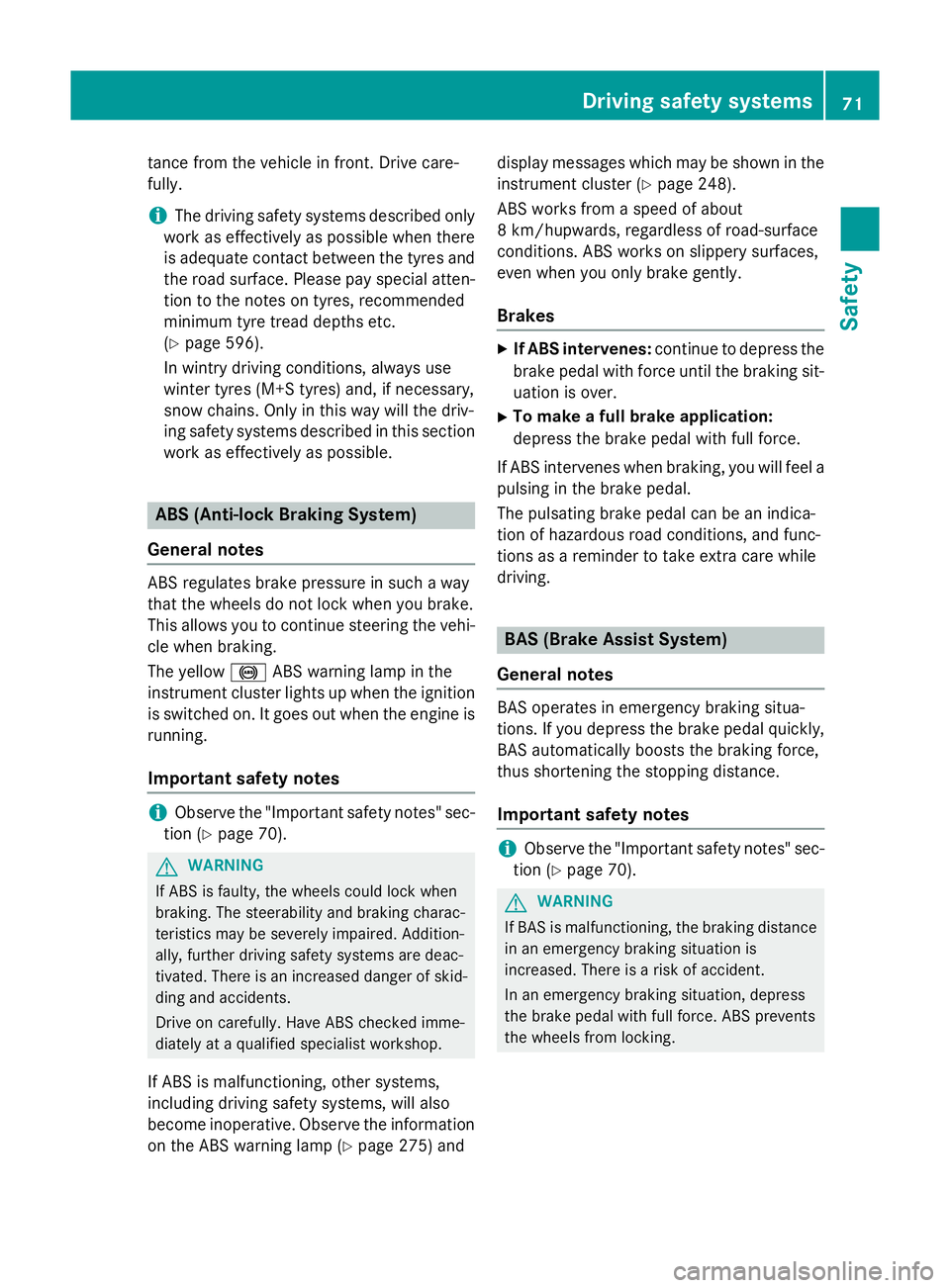
The yellow !ABS warning lamp in the
instrument cluster lights up when the ignition is switched on. It goes out when the engine is
running.
Important safety notes i
Observe the "Important safety notes" sec-
tion (Y page 70). G
WARNING
If ABS is faulty, the wheels could lock when
braking. The steerability and braking charac-
teristics may be severely impaired. Addition-
ally, further driving safety systems are deac-
tivated. There is an increased danger of skid- ding and accidents.
Drive on carefully. Have ABS checked imme-
diately at a qualified specialist workshop.
If ABS is malfunctioning, other systems,
including driving safety systems, will also
become inoperative. Observe the information on the ABS warning lamp (Y page 275) anddisplay messages which may be shown in the
instrument cluster (Y page 248).
ABS works from a speed of about
8 km/hupwards, regardless of road-surface
conditions. ABS works on slippery surfaces,
even when you only brake gently.
Brakes X
If ABS intervenes: continue to depress the
brake pedal with force until the braking sit- uation is over.
X To make a full brake application:
depress the brake pedal with full force.
If ABS intervenes when braking, you will feel a
pulsing in the brake pedal.
The pulsating brake pedal can be an indica-
tion of hazardous road conditions, and func-
tions as a reminder to take extra care while
driving. BAS (Brake Assist System)
General notes BAS operates in emergency braking situa-
tions. If you depress the brake pedal quickly,
BAS automatically boosts the braking force,
thus shortening the stopping distance.
Important safety notes i
Observe the "Important safety notes" sec-
tion (Y page 70). G
WARNING
If BAS is malfunctioning, the braking distance
in an emergency braking situation is
increased. There is a risk of accident.
In an emergency braking situation, depress
the brake pedal with full force. ABS prevents
the wheels from locking. Driving safety systems
71Safety Z
Page 75 of 637
Brakes
X
Keep the brake pedal depressed firmly until
the emergency braking situation is over.
ABS prevents the wheels from locking.
The brakes will function as usual once you
release the brake pedal. BAS is deactivated. BAS PLUS (Brake Assist System Plus)
General notes i
Observe the "Important safety notes" sec-
tion (Y page 70).
BAS PLUS is only available on vehicles with
DISTRONIC PLUS.
For BAS PLUS to assist you, the radar sensor system must be operational.
With the aid of the radar sensor system, BAS
PLUS can detect obstacles that are in the
path of your vehicle for an extended period of
time.
If the radar sensor system is malfunctioning,
BAS PLUS will not be available. The brake
system is still available with complete brake
boosting effect and BAS.
BAS PLUS can help you to minimise the risk of a collision with a vehicle or reduce the effects
of such a collision. If BAS PLUS detects a
danger of collision, you are assisted when
braking.
Important safety notes G
WARNING
BAS PLUS cannot always clearly identify
objects and complex traffic situations.
In such cases, BAS PLUS may:
R intervene unnecessarily
R not intervene
There is a risk of an accident.
Always pay careful attention to the traffic sit- uation and be ready to brake. Terminate the
intervention in a non-critical driving situation. G
WARNING
BAS PLUS does not react:
R to people or animals
R to oncoming vehicles
R to crossing traffic
R when cornering
As a result, BAS PLUS may not intervene in all
critical situations. There is a risk of an acci-
dent.
Always pay careful attention to the traffic sit-
uation and be ready to brake.
In the event of snowfall or heavy rain, detec-
tion can be impaired.
Detection by the radar sensor system is also
impaired in the event of:
R dirt on the sensors or obscured sensors
R interference by other radar sources
R strong radar reflections, for example, in
multi-storey car parks
R a narrow vehicle travelling in front, e.g. a
motorcycle
R a vehicle travelling in front on a different
line
Following damage to the front end of the vehi-
cle, have the radar sensor settings and oper- ation checked at a qualified specialist work-
shop. This also applies to collisions at slow
speeds where there is no visible damage to
the front of the vehicle.
Function To avoid a collision, BAS PLUS calculates the
brake force necessary if:
R you approach an obstacle and
R BAS PLUS has detected a risk of collision
When driving at a speed under 30 km/h : if
you depress the brake pedal, BAS PLUS is
activated. Braking assistance from BAS PLUS
is carried out at the last possible moment.
When driving at a speed above 30 km/h : if
you depress the brake pedal sharply, BAS 72
Driving safety systemsSafety
Page 76 of 637
PLUS automatically increases the brake pres-
sure to a degree suited to the traffic situation.
BAS PLUS provides braking assistance in haz- ardous situations with vehicles in front within
a speed range between 7 km/h and
250 km/h.
At speeds of up to approximately 70 km/h,
BAS PLUS can also detect stationary objects. Examples of stationary objects are stopped or
parked vehicles.
i If BAS PLUS demands particularly high
braking force, preventative passenger pro-
tection measures (PRE-SAFE ®
) are activa-
ted simultaneously.
X Keep the brake pedal depressed until the
emergency braking situation is over.
ABS prevents the wheels from locking.
BAS PLUS is deactivated and the brakes func-
tion as usual again, if:
R you release the brake pedal
R there is no longer a risk of collision
R no obstacle is detected in front of your
vehicle
R you depress the accelerator pedal
R you activate kickdown Adaptive brake lamps
i Observe the "Important safety notes" sec-
tion (Y page 70).
If you brake sharply from a speed of more
than 50 km/ho r if braking is assisted by BAS
or BAS PLUS, the brake lamps flash rapidly. In this way, traffic travelling behind you is
warned in an even more noticeable manner.
If you brake sharply from a speed of more
than 70 km/h to a standstill, the hazard warn-
ing lamps are activated automatically. If the
brakes are applied again, the brake lamps
light up continuously. The hazard warning
lamps switch off automatically if you travel
faster than 10 km/h. You can also switch off the hazard warning lamps using the hazard
warning button (Y page 130). ESP
®
(Electronic Stability Program)
General notes i
Observe the "Important safety notes" sec-
tion (Y page 70).
ESP ®
monitors driving stability and traction,
i.e. power transmission between the tyres
and the road surface.
If ESP ®
detects that the vehicle is deviating
from the direction desired by the driver, one
or more wheels are braked to stabilise the
vehicle. The engine output is also modified to keep the vehicle on the desired course within
physical limits. ESP ®
assists the driver when
pulling away on wet or slippery roads. ESP ®
can also stabilise the vehicle during braking.
ETS (Electronic Traction System) i
Observe the "Important safety notes" sec-
tion (Y page 70).
ETS traction control is part of ESP ®
.
ETS brakes the drive wheels individually if
they spin. This enables you to pull away and
accelerate on slippery surfaces, for example
if the road surface is slippery on one side. In
addition, more drive torque is transferred to
the wheel or wheels with traction.
ETS remains active when you deactivate
ESP ®
.
i AMG vehicles:
your vehicle may be
equipped with 20-inch tyres on the rear
axle. If replaced with a 19-inch tyre, ETS
may intervene noticeably sooner for the
first few kilometres. After approximately
10 km ETS will function as usual again.
Information on the dimensions and types of wheels and tyres for your vehicle can be
found under "Wheel/tyre combinations"
(Y page 610). Driving safety systems
73Safety Z