tape MERCEDES-BENZ SL600 2000 R129 Owner's Manual
[x] Cancel search | Manufacturer: MERCEDES-BENZ, Model Year: 2000, Model line: SL600, Model: MERCEDES-BENZ SL600 2000 R129Pages: 297, PDF Size: 8.33 MB
Page 103 of 297
99 Audio system
Technical
data Instruments
and controlsOperationDrivingInstrument
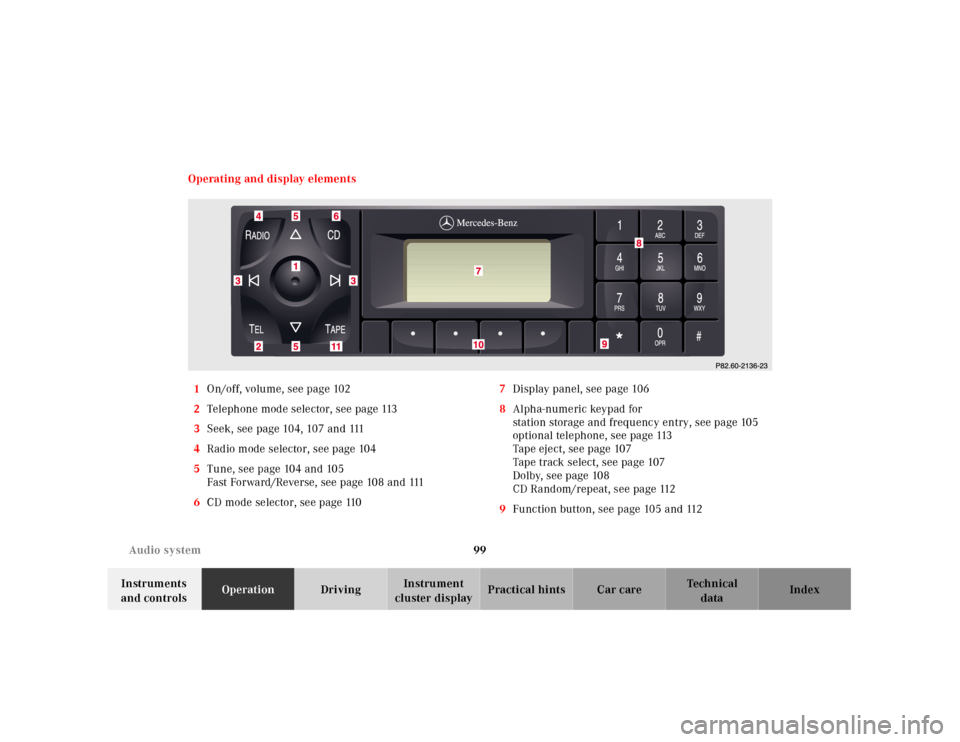
cluster displayPractical hints Car care Index Operating and display elements
1On/off, volume, see page 102
2Telephone mode selector, see page 113
3Seek, see page 104, 107 and 111
4Radio mode selector, see page 104
5Tune, see page 104 and 105
Fast Forward/Reverse, see page 108 and 111
6CD mode selector, see page 1107Display panel, see page 106
8Alpha-numeric keypad for
station storage and frequency entry, see page 105
optional telephone, see page 113
Tape eject, see page 107
Tape track select, see page 107
Dolby, see page 108
CD Random/repeat, see page 112
9Function button, see page 105 and 112
Page 104 of 297
100 Audio system
Technical
data Instruments
and controlsOperationDrivingInstrument
cluster displayPractical hints Car care Index
10Soft keys for
radio band selection, see page 104
tone controls, see page 102
scan, see page 105
11Tape mode selector, see page 106
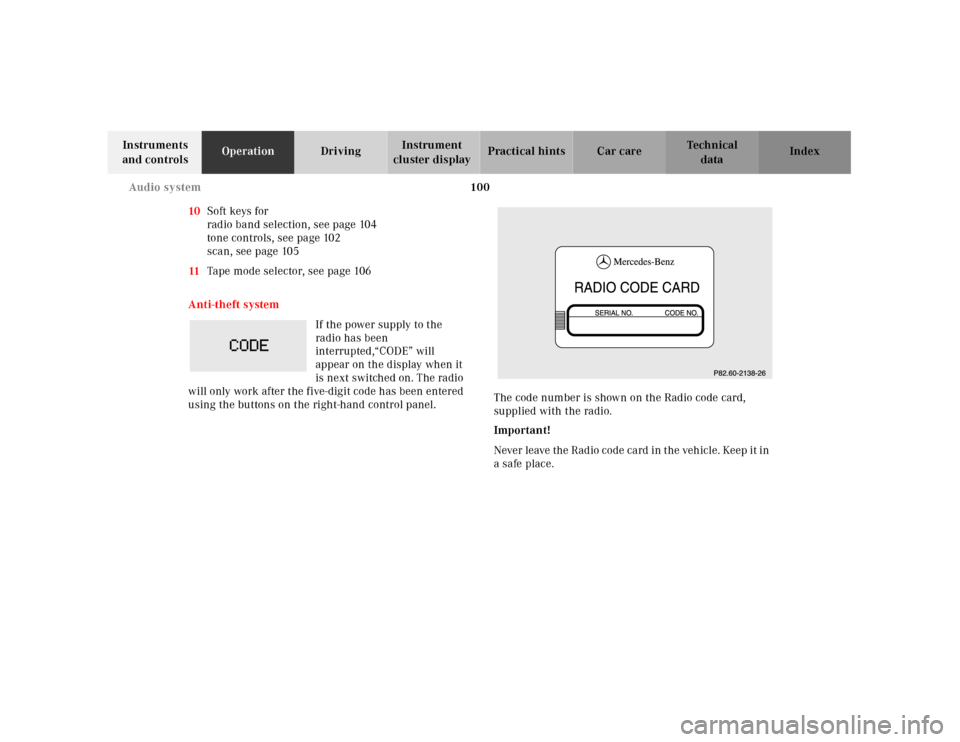
Anti-theft system
If the power supply to the
radio has been
interrupted,“CODE” will
appear on the display when it
is next switched on. The radio
will only work after the five-digit code has been entered
using the buttons on the right-hand control panel.The code number is shown on the Radio code card,
supplied with the radio.
Important!
Never leave the Radio code card in the vehicle. Keep it in
a safe place.
Page 110 of 297
106 Audio system
Technical
data Instruments
and controlsOperationDrivingInstrument
cluster displayPractical hints Car care Index
Cassette mode
Playing cassettes
Press the “TAPE” button. When the eject (EJ) key is
pressed, the display folds down and the cassette slot
becomes visible. Push the cassette into the slot until it
engages. The cassette will be pulled in automatically.
Note:
Do not press directly on the radio display face.
Return the display panel to its normal position by
folding it back up and pressing gently on the display
frame to lock in place.
Important:
If the display is in the down position for more than
20 seconds, 2 successive beeps will be heard. This will
continue at 5 second intervals until the display is
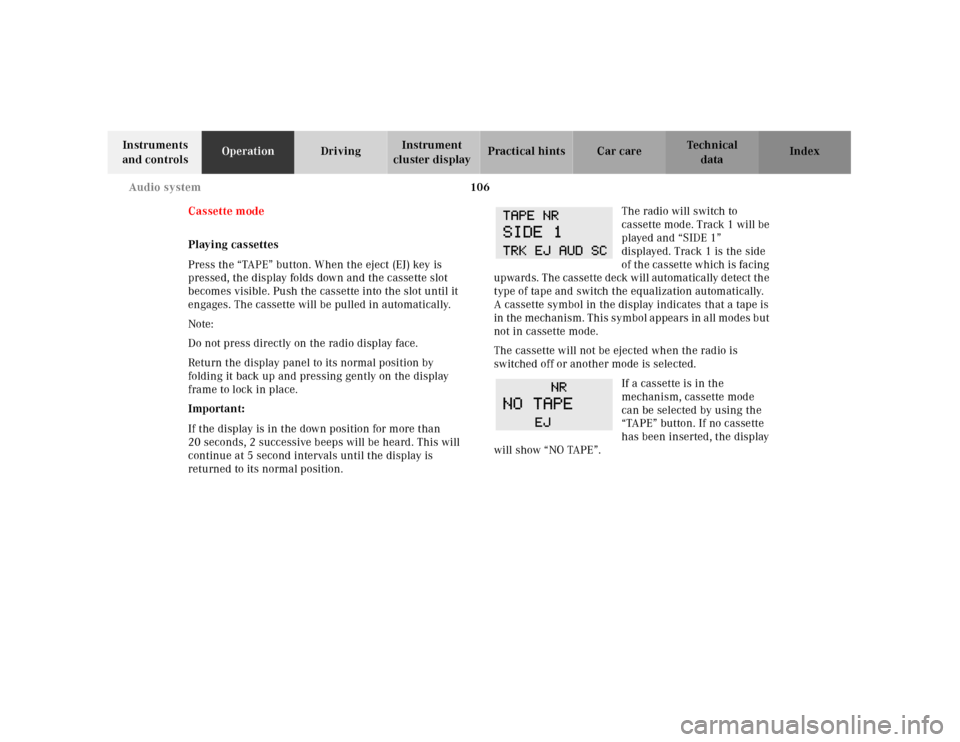
returned to its normal position.The radio will switch to
cassette mode. Track 1 will be
played and “SIDE 1”
displayed. Track 1 is the side
of th e ca ssette w hich is fa cing
upwards. The cassette deck will automatically detect the
type of tape and switch the equalization automatically.
A cassette symbol in the display indicates that a tape is
in t h e m e ch a n i s m . T h i s s y m b o l a p pe a rs in a l l m o d e s b u t
not in cassette mode.
The cassette will not be ejected when the radio is
switched off or another mode is selected.
If a cassette is in the
mechanism, cassette mode
can be selected by using the
“TAPE” button. If no cassette
has been inserted, the display
will show “NO TAPE”.
Page 111 of 297
107 Audio system
Technical
data Instruments
and controlsOperationDrivingInstrument
cluster displayPractical hints Car care Index Cassette eject
Press the eject (EJ) key. The display will fold down and
the cassette will be ejected. Remove the cassette, then
fold the display back up manually. The radio will switch
back to radio mode automatically.
Note:
The cassette will not be ejected when the radio is
switched off.
Important:
If the display is in the down position for more than
20 seconds, 2 successive beeps will be heard. This will
continue at 5 second intervals until the display is
returned to its normal position.
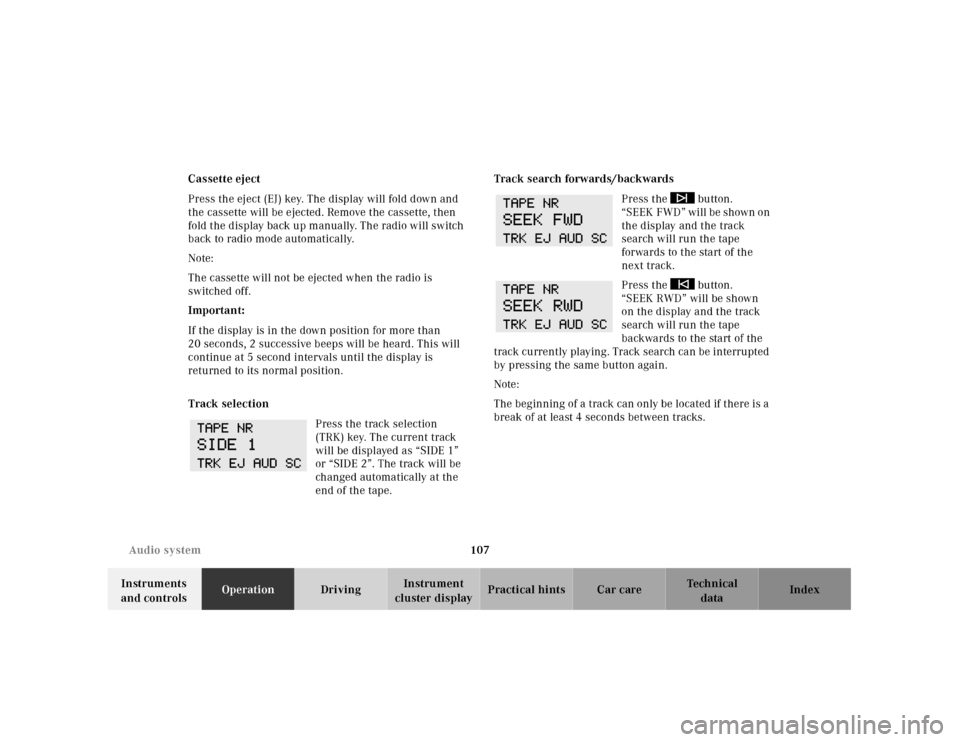
Track selection
Press the track selection
(TRK) key. The current track
will be displayed as “SIDE 1”
or “SIDE 2”. The track will be
changed automatically at the
end of the tape.Track search forwards/backwards
Press the button.
“SEEK FWD” will be shown on
the display and the track
search will run the tape
forwards to the start of the
next track.
Press the button.
“SEEK RWD” will be shown
on the display and the track
search will run the tape
backwards to the start of the
track currently playing. Track search can be interrupted
by pressing the same button again.
Note:
The beginning of a track can only be located if there is a
break of at least 4 seconds between tracks.
Page 112 of 297
108 Audio system
Technical
data Instruments
and controlsOperationDrivingInstrument
cluster displayPractical hints Car care Index
Fast forward/reverse
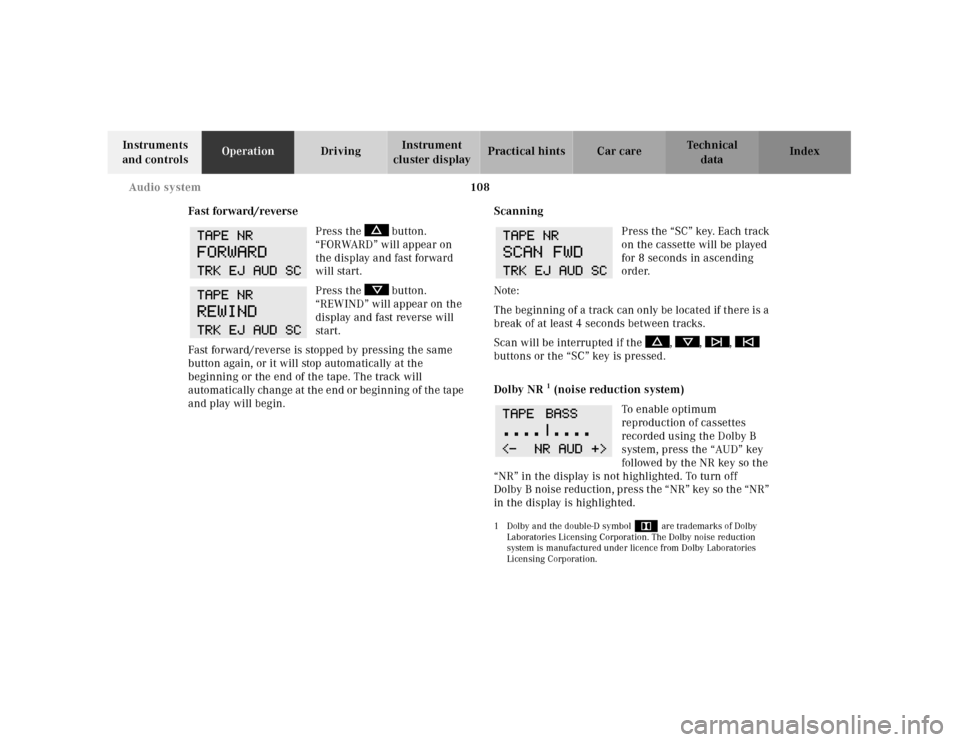
Press the button.
“FORWARD” will appear on
the display and fast forward
will start.
Press the button.
“REWIND” will appear on the
display and fast reverse will
start.
Fast forward/reverse is stopped by pressing the same
button again, or it will stop automatically at the
beginning or the end of the tape. The track will
automatically change at the end or beginning of the tape
and play will begin.Scanning
Press the “SC” key. Each track
on the cassette will be played
for 8 seconds in ascending
order.
Note:
The beginning of a track can only be located if there is a
break of at least 4 seconds between tracks.
Scan will be interrupted if the , , ,
buttons or the “SC” key is pressed.
Dolby NR
1 (noise reduction system)
To en abl e o pti mum
reproduction of cassettes
recorded using the Dolby B
system, press the “AUD” key
followed by the NR key so the
“NR” in the display is not highlighted. To turn off
Dolby B noise redu ction, press t he “ NR” key so th e “NR”
in the display is highlighted.
1 Dolby and the double-D symbol
Ù
are trademarks of Dolby
Laboratories Licensing Corporation. The Dolby noise reduction
system is manufactured under licence from Dolby Laboratories
Licensing Corporation.
Page 119 of 297
115 Audio system
Technical
data Instruments
and controlsOperationDrivingInstrument
cluster displayPractical hints Car care Index Accepting incoming call in telephone mode
With an incoming call, the ringing tone will be heard
and the message “CALL” appears in the display. Press
the SND key to answer the call.
Accepting incoming call in tape, CD or radio mode
If the telephone is activated in the background
(telephone symbol in the display), then a switch is made
automatically to telephone when an incoming call is
received. The audio source is muted, the ringing tone is
heard and the message “CALL” appears. After the call
has been terminated, the previously selected audio
source is resumed.
Terminating call
A current call can be terminated by pressing the END
button.Component malfunctions
The radio, CD changer
1 , and Mercedes-Benz integrated
cellular telephone
1 are part of a fiberoptic networked
system. Failure of one of the components can lead to
malfunctions of the other components. Please contact
your authorized Mercedes-Benz Center or call
1-800-FOR-MERCedes for more information in the event
of a malfunction.
1 Optional equipment
Page 164 of 297
160 Tele Aid
Technical
data Instruments
and controlsOperationDrivingInstrument
cluster displayPractical hints Car care Index
Upgrade Signals
Tele Aid system processes calls using the following
priority.
• Automatic emergency – First priority
• Manual emergency – Second priority
• Roadside assistance – Third priority
• Information – Fourth priority
Should a higher priority call be initiated while you are
connected, an upgrade (alternating) tone will be heard,
and the appropriate indicator lamp will f lash. If certain
information such as vehicle identification number or
client information is not available, the operator may
need to retransmit. During this time you will hear a
chirp and voice contact will be interrupted. Voice
contact will resume once the retransmission is
c omplete. Once a cal l is concl uded , a ch irp w ill be hea rd ,
the appropriate indicator lamp will stop flashing and a
tone will be heard indicating that the system has reset.
The audio system operation will resume.Important!
If the indicator lamp continues to flash or the system
does not reset, contact the Response Center at
1-800-756-9018 (in the USA) or 1-888-923-8367 (in
Canada), or Mercedes-Benz Client Assistance at
1-800-FOR-MERCedes (1-800-367-6372) in the USA or
Customer Service at 1-800-387-0100 in Canada.
Notes:
The indicator lamp in the respective button flashes until
the call is concluded and this can only be completed by
a Response Center or Client Assistance Center
representative.
When a Tele Aid call has been initiated, the audio
system is muted and the selected mode (radio, tape or
CD) pauses. The optional cellular phone (if installed)
switches off. If you must use this phone, the vehicle
must be parked. Disconnect the coiled cord and place
the call. A message will appear in the radio display to
indicate that a Tele Aid call is in progress.