buttons MERCEDES-BENZ SPRINTER 2014 MY14 Operator’s Manual
[x] Cancel search | Manufacturer: MERCEDES-BENZ, Model Year: 2014, Model line: SPRINTER, Model: MERCEDES-BENZ SPRINTER 2014Pages: 338, PDF Size: 6.78 MB
Page 262 of 338
Service due date has been exceeded
Vehicles with steering wheel buttons:
if
you have missed the service due date, one of
the following messages appears in the display
and warning tone also sounds.
R 0099 Service A overdue by ... days
Service A overdue by ... days
R 0099 Service A overdue by ... mi
Service A overdue by ... mi
(km km)
Vehicles without steering wheel buttons:
if you have missed the service due date, the
0099 or009A symbol for the service flashes
for 10 seconds after the ignition is switched
on. A minus sign also appears in front of the
service due date.
Calling up the service due date X
Turn the key to position 2in the ignition
lock.
The display is activated.
Vehicles without steering wheel buttons
X Press the 0079menu button on the instru-
ment cluster repeatedly until the 0099or
009A symbol for the service appears in the
display.
Additionally, you will see the remaining dis-
tance in miles (mi mi) or kilometers ( km km) or the
remaining time in days (d d).
Vehicles with steering wheel buttons
X Press the 0080or007F button on the steer-
ing wheel until the standard display
(Y page 189) appears in the display.
X Press the 0041or0068 button on the steer-
ing wheel repeatedly until the service mes-
sage appears in the display, for example:
R 0099 Service A due in ... days
Service A due in ... days
R 0099 Service A due in ... mi Service A due in ... mi (kmkm) Battery
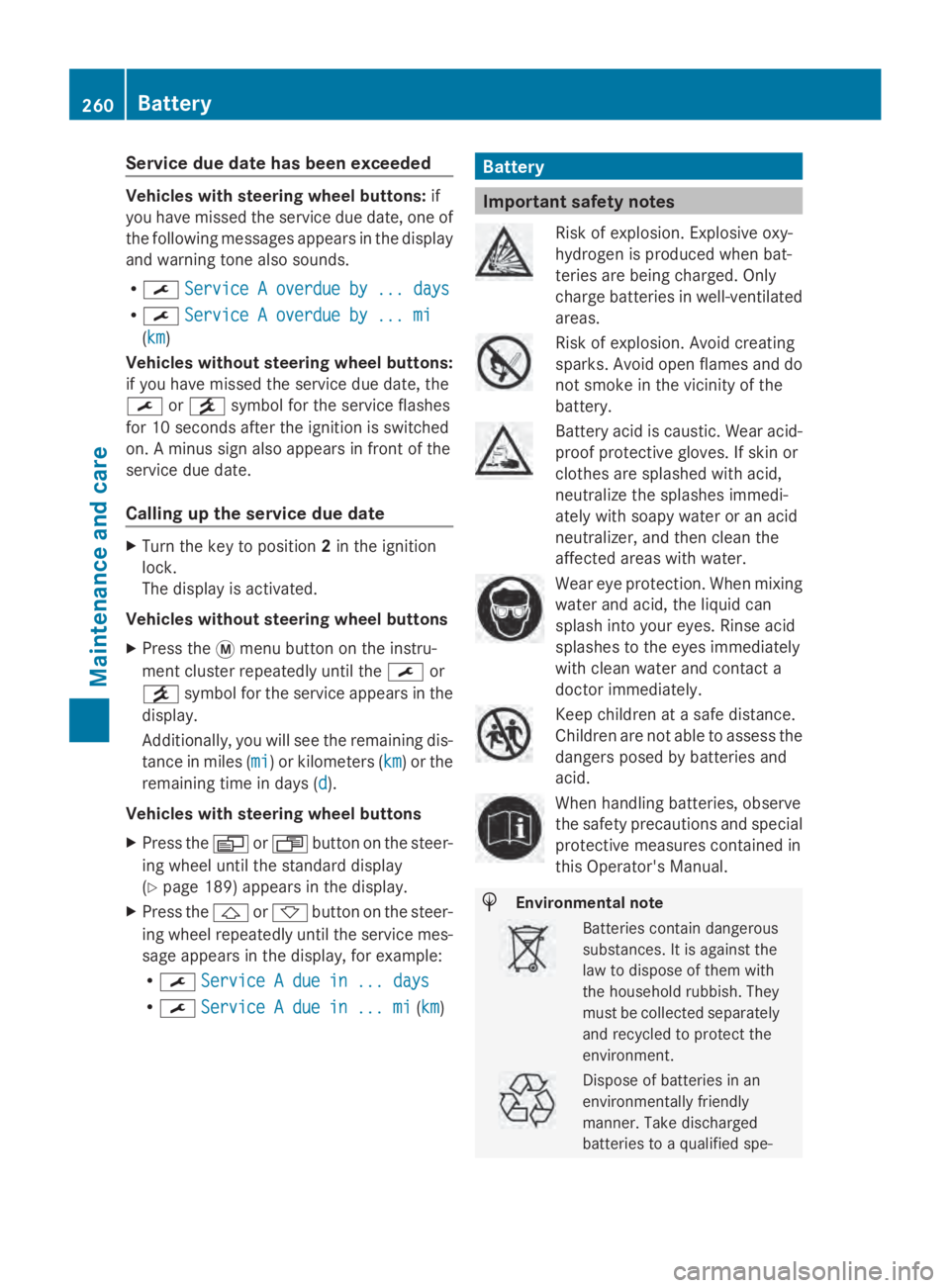
Important safety notes
Risk of explosion. Explosive oxy-
hydrogen is produced when bat-
teries are being charged. Only
charge batteries in well-ventilated
areas.
Risk of explosion. Avoid creating
sparks. Avoid open flames and do
not smoke in the vicinity of the
battery.
Battery acid is caustic. Wear acid-
proof protective gloves. If skin or
clothes are splashed with acid,
neutralize the splashes immedi-
ately with soapy water or an acid
neutralizer, and then clean the
affected areas with water.
Wear eye protection. When mixing
water and acid, the liquid can
splash into your eyes. Rinse acid
splashes to the eyes immediately
with clean water and contact a
doctor immediately.
Keep children at a safe distance.
Children are not able to assess the
dangers posed by batteries and
acid.
When handling batteries, observe
the safety precautions and special
protective measures contained in
this Operator's Manual.
H
Environmental note Batteries contain dangerous
substances. It is against the
law to dispose of them with
the household rubbish. They
must be collected separately
and recycled to protect the
environment. Dispose of batteries in an
environmentally friendly
manner. Take discharged
batteries to a qualified spe-260
BatteryMaintenance and care
Page 296 of 338
notes on the recommended tire pressure
(Y
page 290).
The tire pressure monitor is not able to warn
you of a sudden loss of pressure, e.g. follow-
ing penetration by a foreign object. In this
event, brake the vehicle until it comes to a
standstill. Do not carry out any sudden steer-
ing maneuvers.
The tire pressure monitor has a yellow 0077
warning lamp in the instrument cluster for
indicating pressure loss/malfunctions (USA)
or pressure loss (Canada). Depending on how
the warning lamp flashes or lights up, an
underinflated tire or a malfunction in the tire
pressure monitor is displayed:
R if the 0077 warning lamp is lit continuously,
the tire pressure on one or more tires is
significantly too low. The tire pressure mon-
itor is not malfunctioning.
R USA only: if the 0077warning lamp flashes
for 60 seconds and then remains lit con-
stantly, the tire pressure monitor is mal-
functioning.
Only vehicles with steering wheel buttons: the
on-board computer displays information on
tire pressure. After a few minutes of driving,
the current tire pressure of each tire is shown
in the on-board computer.
USA only: if the tire pressure monitor is mal-
functioning, it may be more than 10 minutes
before the malfunction is shown. The 0077
tire pressure warning lamp flashes for
60 seconds and then remains lit. When the
malfunction has been rectified, the 0077tire
pressure warning lamp goes out after a few
minutes of driving.
The tire pressure values indicated by the on-
board computer may differ from those meas-
ured at a gas station with a pressure gauge.
The tire pressures shown by the on-board
computer refer to those measured at sea
level. At high altitudes, the tire pressure value
indicated by a pressure gauge are higher than
those shown by the on-board computer. In
this case, do not reduce the tire pressures. If radio transmitting equipment (e.g. wireless
headphones, two-way radios) is operated
inside the vehicle or in the vicinity of the vehi-
cle, this can interfere with the operation of
the tire pressure monitor.
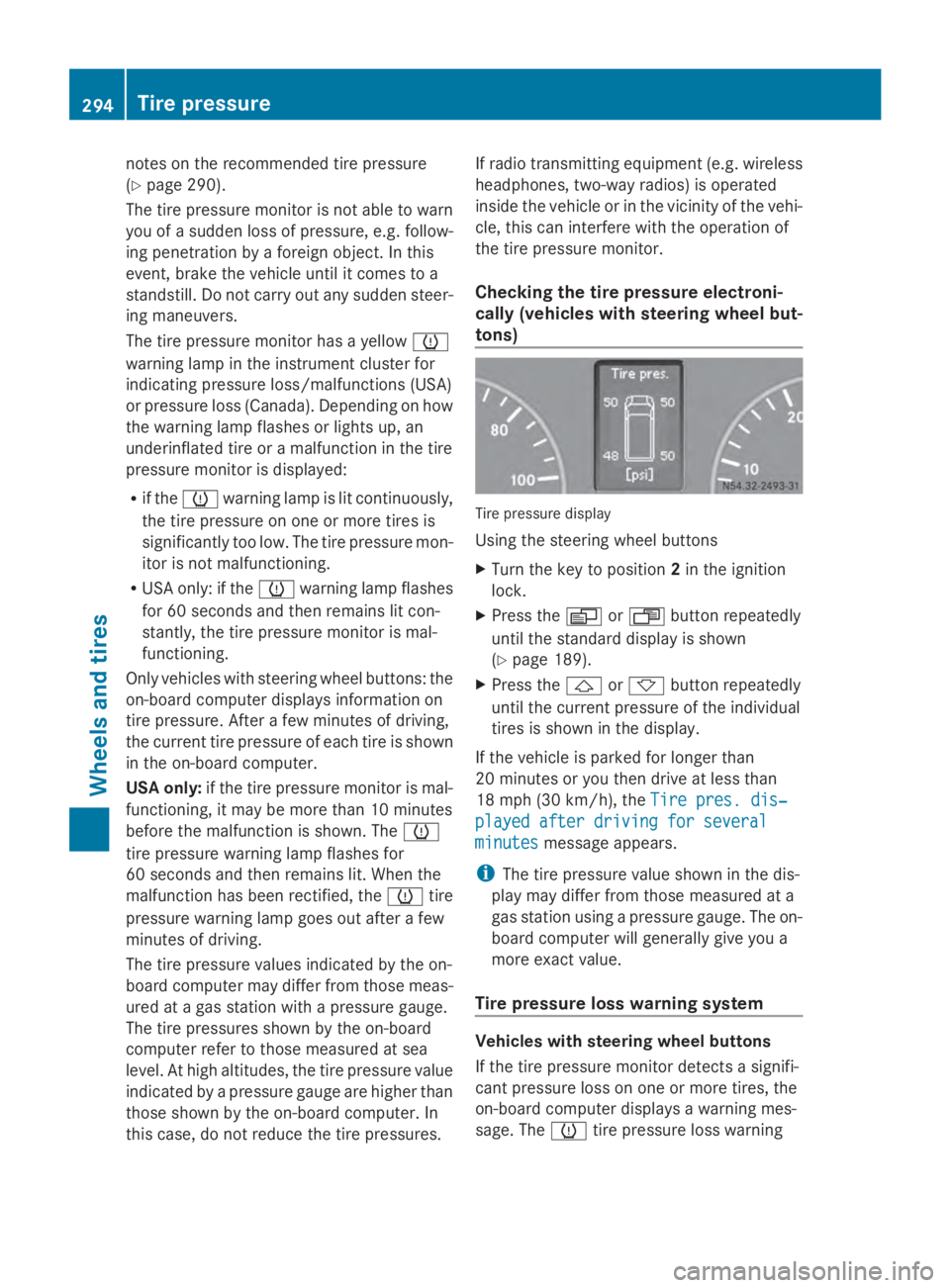
Checking the tire pressure electroni-
cally (vehicles with steering wheel but-
tons) Tire pressure display
Using the steering wheel buttons
X
Turn the key to position 2in the ignition
lock.
X Press the 0080or007F button repeatedly
until the standard display is shown
(Y page 189).
X Press the 0041or0068 button repeatedly
until the current pressure of the individual
tires is shown in the display.
If the vehicle is parked for longer than
20 minutes or you then drive at less than
18 mph (30 km/h), the Tire pres. dis‐
Tire pres. dis‐
played after driving for several played after driving for several
minutes minutes message appears.
i The tire pressure value shown in the dis-
play may differ from those measured at a
gas station using a pressure gauge. The on-
board computer will generally give you a
more exact value.
Tire pressure loss warning system Vehicles with steering wheel buttons
If the tire pressure monitor detects a signifi-
cant pressure loss on one or more tires, the
on-board computer displays a warning mes-
sage. The 0077tire pressure loss warning 294
Tire pressureWheels and tires
Page 297 of 338
lamp in the instrument cluster (Y
page 229)
lights up.
The tire pressure is shown in 2 red rectangles.
The pressure of the tire concerned is shown
in one of the two rectangles (Y page 199).
Additionally, a warning tone sounds.
Each tire that is affected by a significant loss
of pressure is highlighted in the pressure dis-
play.
Restarting the tire pressure monitor When you restart the tire pressure monitor,
the currently set tire pressure are taken as
reference values for monitoring.
In most cases, the tire pressure monitor
detects the new reference values automati-
cally, e.g. after you have:
R changed the tire pressure
R mounted
R mounted new wheels or tires
However, you can also define reference val-
ues manually as described here.
Before restarting the tire pressure moni-
tor:
X Set the tire pressure to the value recom-
mended on the Tire and Loading Informa-
tion placard or the tire pressure table on
the B-pillar on the driver's side
(Y page 290).
Observe the notes on tire pressure when
doing so (Y page 290).
X Make sure that the tire pressure is correct
on all four wheels. Restarting the tire pressure monitor
(vehicles without steering wheel but-
tons):
X
Turn the key to position 2in the ignition
lock.
X Press the 0079menu button on the instru-
ment cluster repeatedly until the display
shows the following message:
+CAL- TPMS
+CAL- TPMS
X Press the 0074button on the instrument clus-
ter.
The display shows:
OK TPMS OK TPMS
The tire pressure monitor activation proc-
ess has begun. The tire pressures meas-
ured for the individual wheels are stored as
the new reference values, provided that the
tire pressure monitor considers them to be
plausible.
If you wish to cancel the restart:
X Press the 0075button or the 0079menu button
on the instrument cluster.
The activation process is canceled auto-
matically if 30 seconds elapse without
input.
Restarting the tire pressure monitor
(vehicles with steering wheel buttons):
X Turn the key to position 2in the ignition
lock.
X Press the 0080or007F button on the steer-
ing wheel repeatedly until the standard dis-
play is shown ( Ypage 189).
X Press the 0041or0068 button on the steer-
ing wheel repeatedly until the current pres-
sure of the individual tires is displayed or
the display shows the following message:
Tire Tire pres.
pres. displayed
displayed after
afterdriving
driving
for several minutes
for several minutes
X Press the 0045reset button on the instru-
ment cluster.
The display shows the following message: Tire pressure
295Wheels and tires Z
Page 326 of 338
ITY). These documents are supplied when
the vehicle is delivered.
Consumption figures were found in the cur-
rently valid respective version:
R for vehicles from the Euro 5 standard
according to regulation (EC) no.
715/2007
R for vehicles from the Euro 6 standard
according to regulation (EC) no.
595/2009
Fuel consumption depends on:
R the vehicle version
R the style of driving
R the operating conditions
R the type or quality of the fuel used
The vehicle will use more fuel than usual in
the following situations:
R at very low outside temperatures
R in city traffic
R during short journeys
R on mountainous terrain
R when towing a trailer
To keep fuel consumption low, observe the
advice in the "Protection of the environment"
section (Y page 22).
The following components of the different
vehicle versions influence fuel consumption:
R tire sizes, tire tread, tire pressure, tire con-
dition
R body
R transmission ratios for the drive assem-
blies
R additional equipment (e.g. air-conditioning
system, auxiliary heating system).
For these reasons, the actual consumption
figures for your vehicle may deviate from the
consumption figures determined according
to EU Directive 80/1268/EEC.
Data concerning fuel consumption are
recorded in the on-board computer; use the
steering wheel buttons to call up the Trip
computer menu (Ypage 197). Diesel Exhaust Fluid (DEF) General notes
!
Only use DEF in accordance with
ISO 22241. The exhaust gas aftertreatment
system may otherwise be damaged.
Observe the MB Specifications for Service
Products, Sheet No. 352.0.
Damage caused by the use of other reduc-
ing agents will invalidate the New Vehicle
Limited Warranty.
! If DEF comes into contact with a painted
or aluminum surface, wash the surface off
immediately with plenty of water.
High ambient temperatures
When opening the DEF tank filler cap at high
outside temperatures, ammonia vapors may
escape. Ammonia vapors have a pungent
odor and are particularly irritating for your
skin, respiratory organs and eyes. This may
result in burning eyes, nose and throat, as
well as coughing and watering eyes. Do not
inhale ammonia vapors.
If DEF heats up, e.g. in direct sunlight, in the
DEF supply reservoir for some time to over
122 ‡ (50 †), ammonia vapor will develop.
Low ambient temperatures
DEF freezes at a temperature of approx-
imately 12 ‡(00F811 †). The vehicle is equipped
with a DEF preheating system at the factory.
Winter operation is therefore also guaranteed
at temperatures under 12 ‡ (00F811 †).
Additives and tap water
! Do not mix DEF with any additives and do
not dilute DEF with tap water. Otherwise,
the exhaust gas aftertreatment may be
damaged.
Observe the MB Specifications for Service
Products, Sheet No. 352.0.
Damage that arises through the use of addi-
tives or tap water will invalidate the New
Vehicle Limited Warranty. 324
Service products and capacitiesTechnical data