light Mercury Grand Marquis 2006 Owner's Manuals
[x] Cancel search | Manufacturer: MERCURY, Model Year: 2006, Model line: Grand Marquis, Model: Mercury Grand Marquis 2006Pages: 272, PDF Size: 2.47 MB
Page 1 of 272
Introduction 4
Instrument Cluster 10
Warning and control lights 10
Gauges 14
Entertainment Systems 17
AM/FM stereo 17
AM/FM stereo cassette 19
AM/FM stereo with CD 21
AM/FM stereo cassette with CD 25
AM/FM stereo with cassette and in-dash six CD 30
Climate Controls 36
Manual heating and air conditioning 36
Automatic temperature control 37
Rear window defroster 39
Lights 40
Headlamps 40
Turn signal control 44
Bulb replacement 45
Driver Controls 52
Windshield wiper/washer control 52
Steering wheel adjustment 52
Power windows 63
Mirrors 65
Speed control 66
Message center 74
Locks and Security 83
Keys 83
Locks 83
Anti-theft system 91
Table of Contents
1
2006 Grand Marquis(grn)
Owners Guide (post-2002-fmt)
USA(fus)
Page 5 of 272
SAFETY AND ENVIRONMENT PROTECTION
Warning symbols in this guide
How can you reduce the risk of personal injury to yourself or others? In
this guide, answers to such questions are contained in comments
highlighted by the warning triangle symbol. These comments should be
read and observed.
Warning symbols on your vehicle
When you see this symbol, it is
imperative that you consult the
relevant section of this guide before
touching or attempting adjustment
of any kind.
Protecting the environment
We must all play our part in
protecting the environment. Correct
vehicle usage and the authorized
disposal of waste, cleaning and
lubrication materials are significant
steps towards this aim. Information in this respect is highlighted in this
guide with the tree symbol.
BREAKING-IN YOUR VEHICLE
Your vehicle does not need an extensive break-in. Try not to drive
continuously at the same speed for the first 1,000 miles (1,600 km) of
new vehicle operation. Vary your speed frequently in order to give the
moving parts a chance to break in.
Drive your new vehicle at least 500 miles (800 km) before towing a
trailer. For more detailed information about towing a trailer, refer to
Trailer towingin theTires, Wheels and Loadingchapter.
Do not add friction modifier compounds or special break-in oils during
the first few thousand miles (kilometers) of operation, since these
additives may prevent piston ring seating. SeeEngine oilin the
Maintenance and Specificationschapter for more information on oil
usage.
2006 Grand Marquis(grn)
Owners Guide (post-2002-fmt)
USA(fus)
Introduction
5
Page 8 of 272
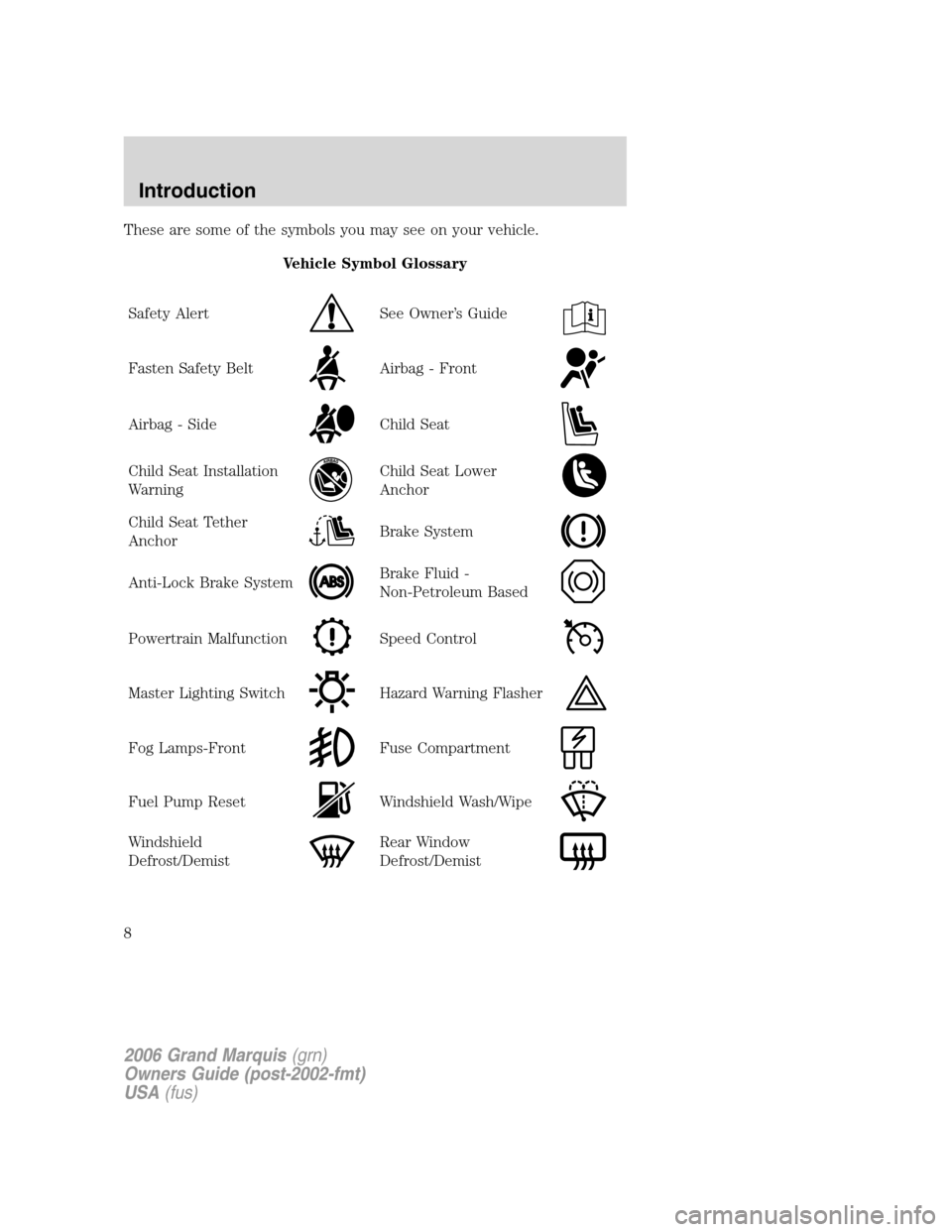
These are some of the symbols you may see on your vehicle.
Vehicle Symbol Glossary
Safety Alert
See Owner’s Guide
Fasten Safety BeltAirbag - Front
Airbag - SideChild Seat
Child Seat Installation
WarningChild Seat Lower
Anchor
Child Seat Tether
AnchorBrake System
Anti-Lock Brake SystemBrake Fluid -
Non-Petroleum Based
Powertrain MalfunctionSpeed Control
Master Lighting SwitchHazard Warning Flasher
Fog Lamps-FrontFuse Compartment
Fuel Pump ResetWindshield Wash/Wipe
Windshield
Defrost/DemistRear Window
Defrost/Demist
2006 Grand Marquis(grn)
Owners Guide (post-2002-fmt)
USA(fus)
Introduction
8
Page 10 of 272
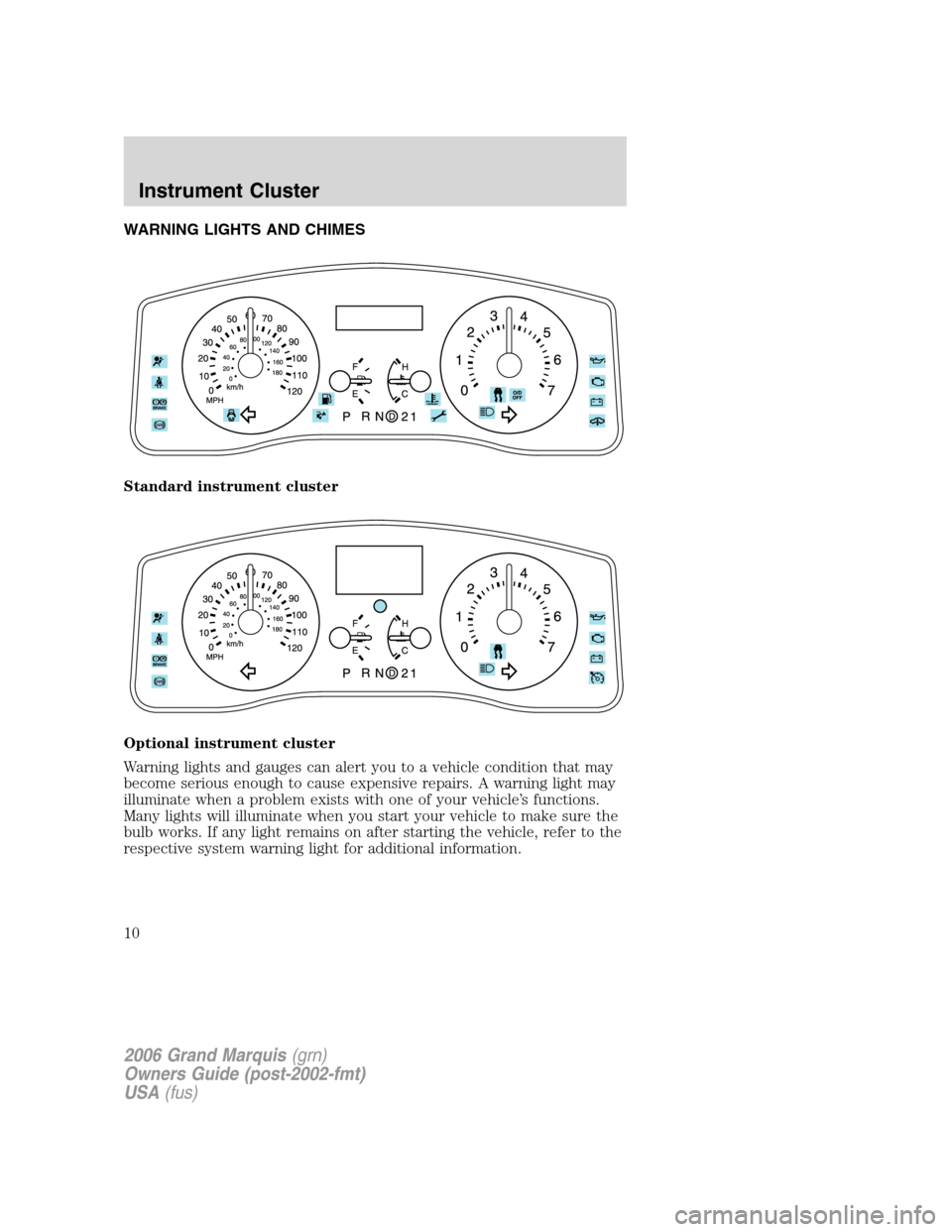
WARNING LIGHTS AND CHIMES
Standard instrument cluster
Optional instrument cluster
Warning lights and gauges can alert you to a vehicle condition that may
become serious enough to cause expensive repairs. A warning light may
illuminate when a problem exists with one of your vehicle’s functions.
Many lights will illuminate when you start your vehicle to make sure the
bulb works. If any light remains on after starting the vehicle, refer to the
respective system warning light for additional information.
2006 Grand Marquis(grn)
Owners Guide (post-2002-fmt)
USA(fus)
Instrument Cluster
10
Page 11 of 272
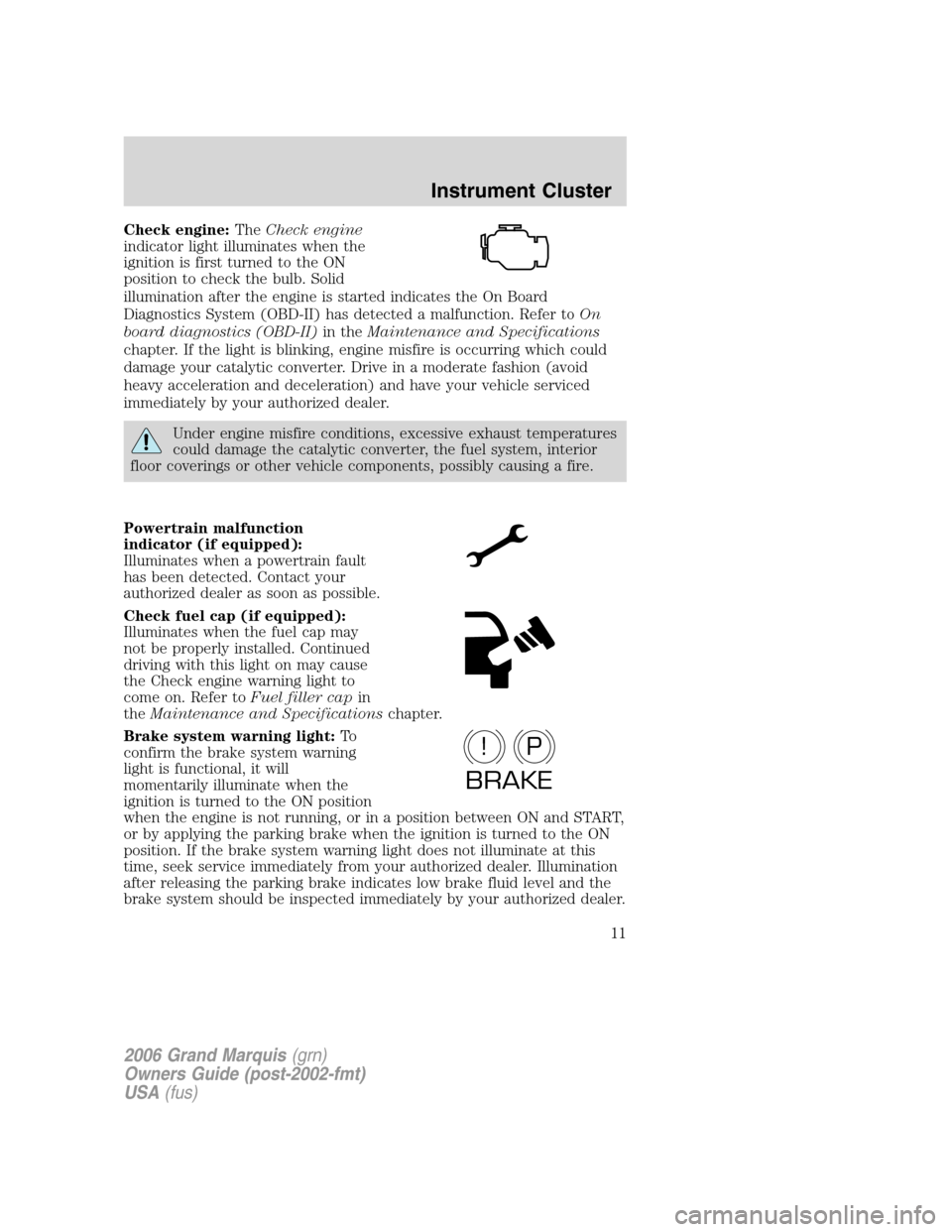
Check engine:TheCheck engine
indicator light illuminates when the
ignition is first turned to the ON
position to check the bulb. Solid
illumination after the engine is started indicates the On Board
Diagnostics System (OBD-II) has detected a malfunction. Refer toOn
board diagnostics (OBD-II)in theMaintenance and Specifications
chapter. If the light is blinking, engine misfire is occurring which could
damage your catalytic converter. Drive in a moderate fashion (avoid
heavy acceleration and deceleration) and have your vehicle serviced
immediately by your authorized dealer.
Under engine misfire conditions, excessive exhaust temperatures
could damage the catalytic converter, the fuel system, interior
floor coverings or other vehicle components, possibly causing a fire.
Powertrain malfunction
indicator (if equipped):
Illuminates when a powertrain fault
has been detected. Contact your
authorized dealer as soon as possible.
Check fuel cap (if equipped):
Illuminates when the fuel cap may
not be properly installed. Continued
driving with this light on may cause
the Check engine warning light to
come on. Refer toFuel filler capin
theMaintenance and Specificationschapter.
Brake system warning light:To
confirm the brake system warning
light is functional, it will
momentarily illuminate when the
ignition is turned to the ON position
when the engine is not running, or in a position between ON and START,
or by applying the parking brake when the ignition is turned to the ON
position. If the brake system warning light does not illuminate at this
time, seek service immediately from your authorized dealer. Illumination
after releasing the parking brake indicates low brake fluid level and the
brake system should be inspected immediately by your authorized dealer.
P!
BRAKE
2006 Grand Marquis(grn)
Owners Guide (post-2002-fmt)
USA(fus)
Instrument Cluster
11
Page 12 of 272
Driving a vehicle with the brake system warning light on is
dangerous. A significant decrease in braking performance may
occur. It will take you longer to stop the vehicle. Have the vehicle
checked by your authorized dealer.
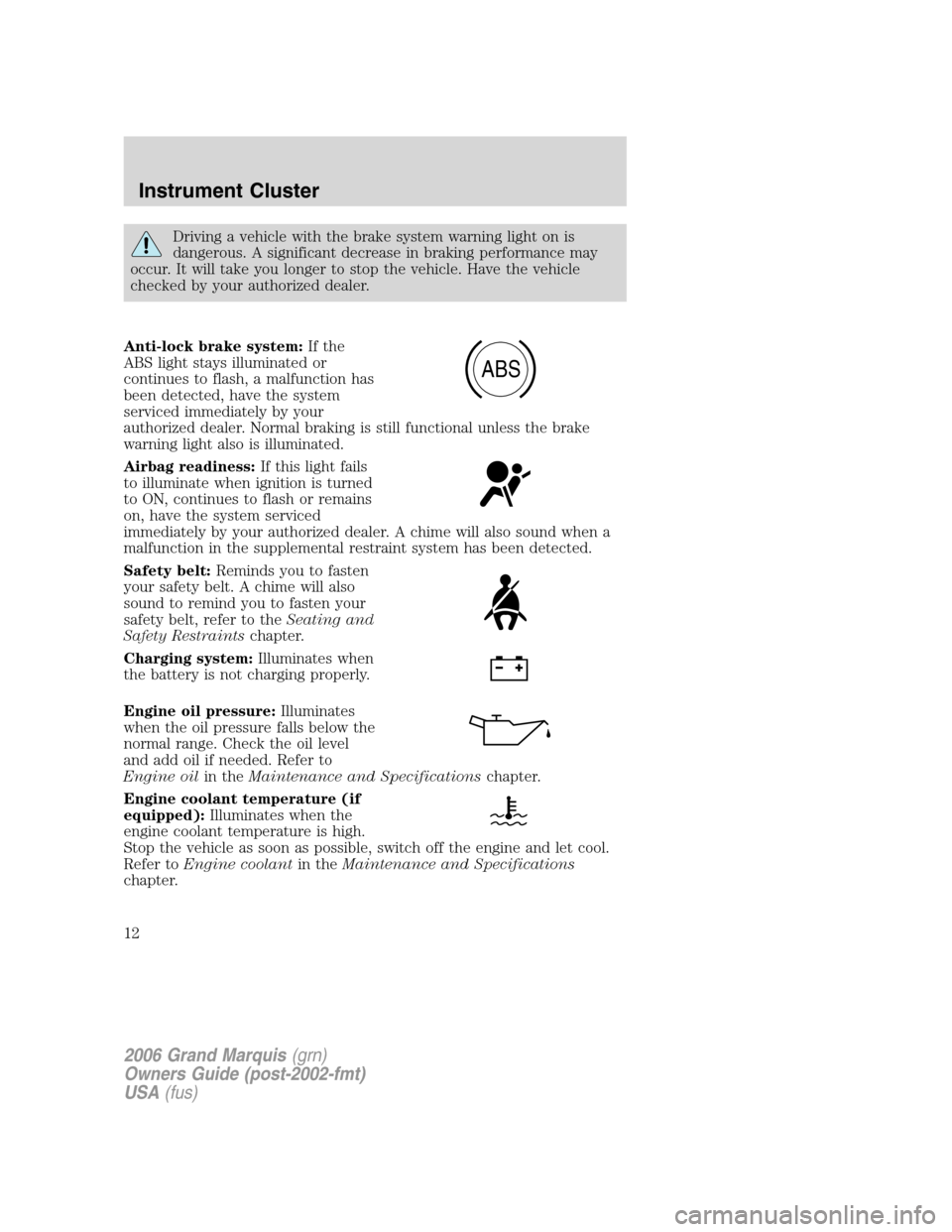
Anti-lock brake system:If the
ABS light stays illuminated or
continues to flash, a malfunction has
been detected, have the system
serviced immediately by your
authorized dealer. Normal braking is still functional unless the brake
warning light also is illuminated.
Airbag readiness:If this light fails
to illuminate when ignition is turned
to ON, continues to flash or remains
on, have the system serviced
immediately by your authorized dealer. A chime will also sound when a
malfunction in the supplemental restraint system has been detected.
Safety belt:Reminds you to fasten
your safety belt. A chime will also
sound to remind you to fasten your
safety belt, refer to theSeating and
Safety Restraintschapter.
Charging system:Illuminates when
the battery is not charging properly.
Engine oil pressure:Illuminates
when the oil pressure falls below the
normal range. Check the oil level
and add oil if needed. Refer to
Engine oilin theMaintenance and Specificationschapter.
Engine coolant temperature (if
equipped):Illuminates when the
engine coolant temperature is high.
Stop the vehicle as soon as possible, switch off the engine and let cool.
Refer toEngine coolantin theMaintenance and Specifications
chapter.
ABS
2006 Grand Marquis(grn)
Owners Guide (post-2002-fmt)
USA(fus)
Instrument Cluster
12
Page 14 of 272
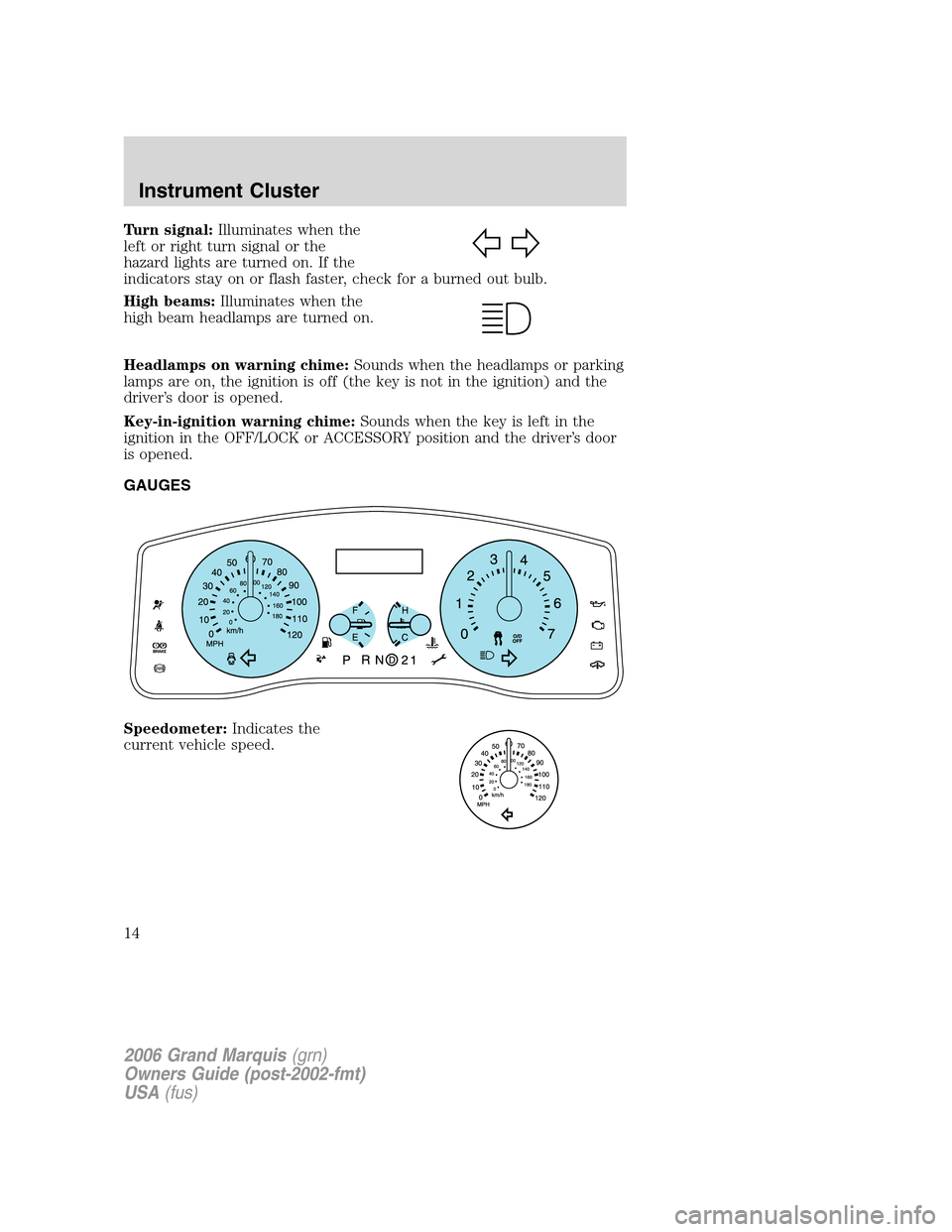
Turn signal:Illuminates when the
left or right turn signal or the
hazard lights are turned on. If the
indicators stay on or flash faster, check for a burned out bulb.
High beams:Illuminates when the
high beam headlamps are turned on.
Headlamps on warning chime:Sounds when the headlamps or parking
lamps are on, the ignition is off (the key is not in the ignition) and the
driver’s door is opened.
Key-in-ignition warning chime:Sounds when the key is left in the
ignition in the OFF/LOCK or ACCESSORY position and the driver’s door
is opened.
GAUGES
Speedometer:Indicates the
current vehicle speed.
2006 Grand Marquis(grn)
Owners Guide (post-2002-fmt)
USA(fus)
Instrument Cluster
14
Page 16 of 272
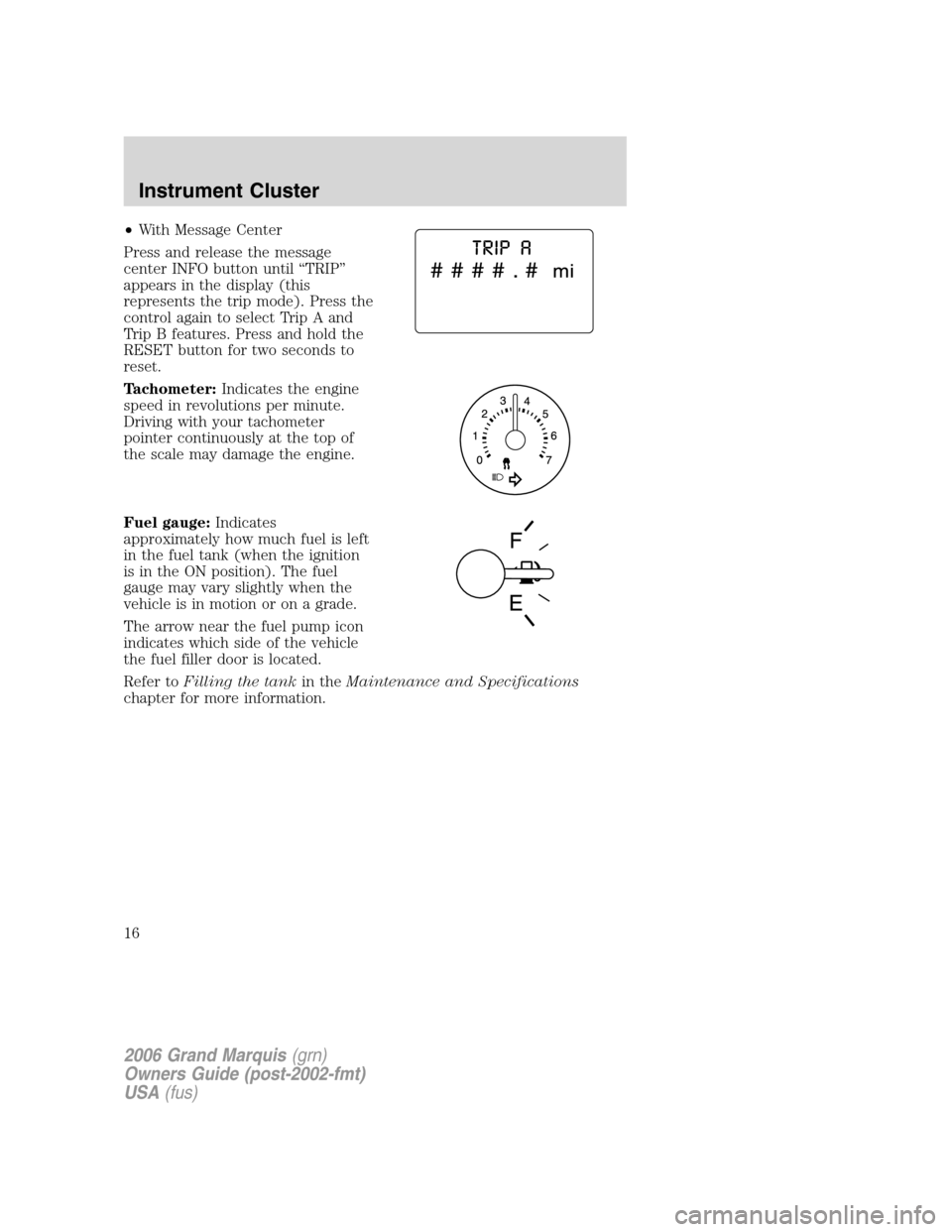
•With Message Center
Press and release the message
center INFO button until “TRIP”
appears in the display (this
represents the trip mode). Press the
control again to select Trip A and
Trip B features. Press and hold the
RESET button for two seconds to
reset.
Tachometer:Indicates the engine
speed in revolutions per minute.
Driving with your tachometer
pointer continuously at the top of
the scale may damage the engine.
Fuel gauge:Indicates
approximately how much fuel is left
in the fuel tank (when the ignition
is in the ON position). The fuel
gauge may vary slightly when the
vehicle is in motion or on a grade.
The arrow near the fuel pump icon
indicates which side of the vehicle
the fuel filler door is located.
Refer toFilling the tankin theMaintenance and Specifications
chapter for more information.
2006 Grand Marquis(grn)
Owners Guide (post-2002-fmt)
USA(fus)
Instrument Cluster
16
Page 23 of 272
8.SEL:Use with Bass, Treble,
Balance, Fade and other menu
functions.
9.MENU:Press MENU to access
the following functions:
Compression:Brings soft and loud CD passages together for a more
consistent listening level when in CD mode. Press MENU until
compression status is displayed. Press
SELto enable the
compression feature when COMPRESS OFF is displayed. Press SEL
again to disable the feature when COMPRESS ON is displayed. When
activated, the compression icon will appear in the display.
Autoset:Allows you to set the strongest local radio stations without
losing your original manually set preset stations for AM/FM1/FM2. Press
MENU until AUTOSET appears in the display. Press
SELto
toggle ON/OFF. When the six strongest stations are filled, the station
stored in preset 1 will begin playing. If there are less than six strong
stations, the system will store the last one in the remaining presets.
When activated, AUTOSET will momentarily appear in the display when
any of the preset controls are pressed.
Speed sensitive volume:Radio volume changes automatically and
slightly with vehicle speed to compensate for road and wind noise.
Recommended level is 1–3. Level 0 turns the feature off and level 7 is
the maximum setting.
Press MENU to access and use
SELto adjust the volume setting.
The level will appear in the display.
Setting the clock:Press MENU until SELECT HOUR or SELECT MINS
is displayed. Press
SELto manually decrease/increase the
hours/minutes. Press MENU again to disengage clock mode.
Note:The menu selections will remain in the display for approximately
10 seconds, at which time the display will return to the previous mode.
You may also exit the menu options by pressing any other audio control.
10.Memory presets:To set a
station: Select frequency band, tune
to a station, press and hold a preset
button until sound returns.
2006 Grand Marquis(grn)
Owners Guide (post-2002-fmt)
USA(fus)
Entertainment Systems
23
Page 27 of 272
With RDS ON, press MENU until the program type menu is displayed.
One of the various program types will appear. Press
SEL-TEXT
to scroll through music types. Press SEEK or SCAN to search for a
station playing the requested music category.
Show TYPE:Selects between displaying the station’s call letters or
music format when RDS is enabled. Press and hold MENU until SHOW
XX appears in the display. Press
SEL-TEXTto select NAME or
TYPE.
Compression:Brings soft and loud CD passages together for a more
consistent listening level when in CD mode. Press MENU repeatedly until
compression status is displayed. Press
SEL-TEXTcontrol to
enable the compression feature when COMPRESS OFF is displayed.
Press
SEL-TEXTcontrol again to disable the feature when
COMPRESS ON is displayed. When activated, the compression icon will
appear in the display.
Occupancy mode(Available only on Audiophile audios): Press MENU
repeatedly until occupancy mode appears in the display.
Press
SEL-TEXTto select ALL, DRIVER or REAR SEAT
occupancy mode.
Autoset:Allows you to set the strongest local radio stations without
losing your original manually set preset stations for AM/FM1/FM2. Press
MENU repeatedly until AUTOSET appears in the display. Press
SEL-TEXTto toggle ON/OFF. When the six strongest stations
are filled, the station stored in preset 1 will begin playing. If there are
less than six strong stations, the system will store the last one in the
remaining presets. When activated, AUTOSET will momentarily appear in
the display when any of the preset controls are pressed.
Speed sensitive volume:Radio volume changes automatically and
slightly with vehicle speed to compensate for road and wind noise.
Recommended level is 1–3. Level 0 turns the feature off and level 7 is
the maximum setting.
Press MENU repeatedly to access and use
SEL/TEXTto adjust
the volume setting. The level will appear in the display.
Dolby:Works in tape mode to reduces tape noise and hiss. Press MENU
until DOLBY XX appears in the display. Press
SEL-TEXTto
toggle ON/OFF.
2006 Grand Marquis(grn)
Owners Guide (post-2002-fmt)
USA(fus)
Entertainment Systems
27