Memory Driver Set Mercury Mountaineer 2006 Owner's Manuals
[x] Cancel search | Manufacturer: MERCURY, Model Year: 2006, Model line: Mountaineer, Model: Mercury Mountaineer 2006Pages: 344, PDF Size: 2.66 MB
Page 70 of 344
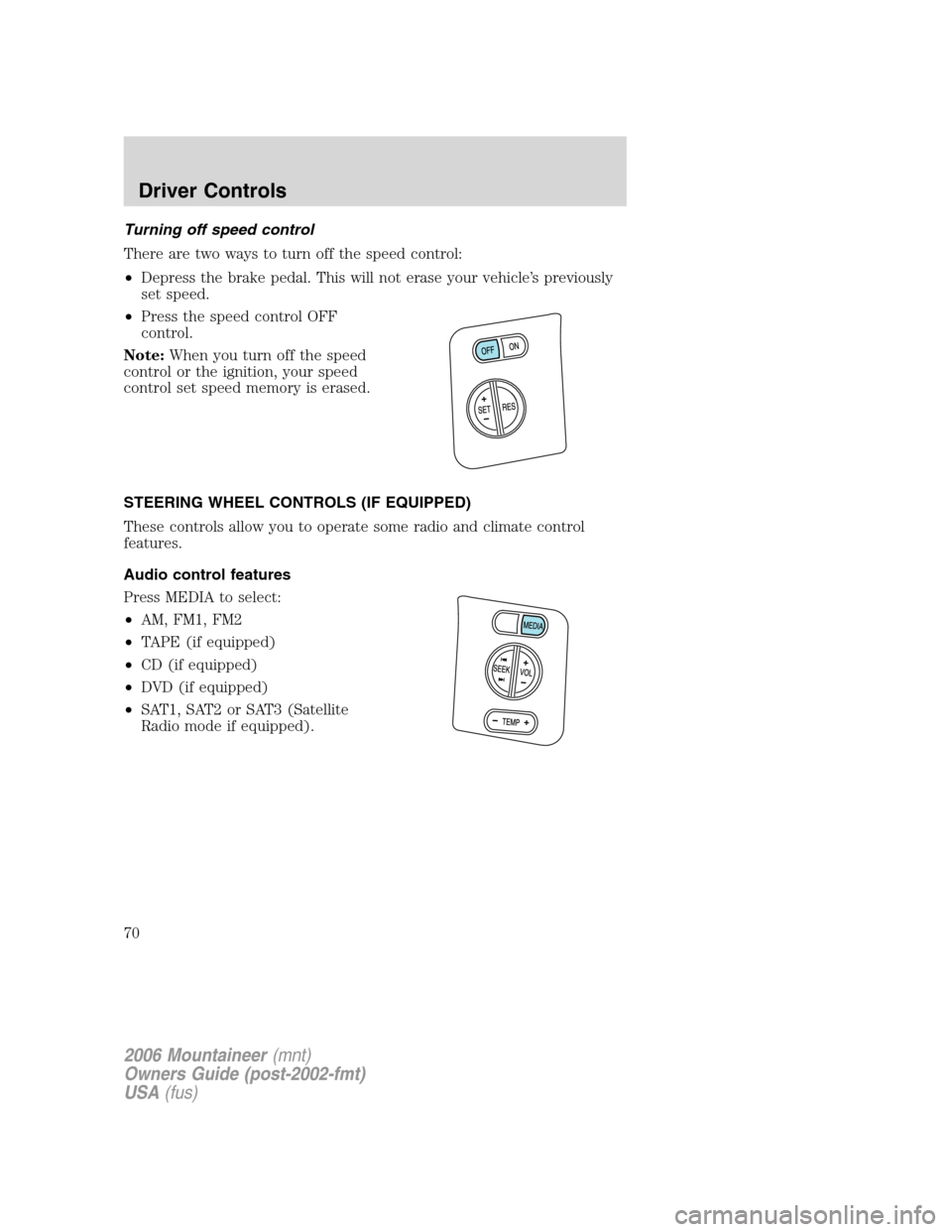
Turning off speed control
There are two ways to turn off the speed control:
•Depress the brake pedal. This will not erase your vehicle’s previously
set speed.
•Press the speed control OFF
control.
Note:When you turn off the speed
control or the ignition, your speed
control set speed memory is erased.
STEERING WHEEL CONTROLS (IF EQUIPPED)
These controls allow you to operate some radio and climate control
features.
Audio control features
Press MEDIA to select:
•AM, FM1, FM2
•TAPE (if equipped)
•CD (if equipped)
•DVD (if equipped)
•SAT1, SAT2 or SAT3 (Satellite
Radio mode if equipped).
2006 Mountaineer(mnt)
Owners Guide (post-2002-fmt)
USA(fus)
Driver Controls
70
Page 113 of 344

Activating the memory seat feature
To activate this feature:
1. Position the seat and adjustable pedals to the position desired.
2. Press the SET control on the
lower-center portion of the
instrument panel.
3. Within 5 five seconds, press one
control on the remote transmitter
and then press the 1 or 2 control on
the lower-center portion of the
instrument panel which you would
like to associate with the seat and
Driver 1 or Driver 2 positions.
4. Repeat this procedure for another remote transmitter if desired.
Deactivating the memory seat feature
To deactivate this feature:
1. Press the SET control on the driver’s door panel.
2. Within 5 five seconds, press any control on the remote transmitter
which you would like to deactivate and then press the SET control on
the lower-center portion of the instrument panel.
3. Repeat this procedure for another remote transmitter if desired.
Replacing the battery
The remote entry transmitter uses one coin type three-volt lithium
battery CR2032 or equivalent.
To replace the battery:
1. Twist a thin coin between the two
halves of the remote entry
transmitter near the key ring. DO
NOT TAKE THE RUBBER COVER
AND CIRCUIT BOARD OFF THE
FRONT HOUSING OF THE
REMOTE ENTRY TRANSMITTER.
2006 Mountaineer(mnt)
Owners Guide (post-2002-fmt)
USA(fus)
Locks and Security
113
Page 128 of 344

Press the control to move the seat
forward, backward, up or down.
Press the control to recline the
seatback forward or rearward.
Memory seats and adjustable pedals (if equipped)
This system allows automatic
positioning of the driver seat and
adjustable pedals to two
programmable positions.
The memory seat control is located
on the lower-center portion of the
instrument panel.
•To program position 1, move the
driver seat and pedals (if
equipped) to the desired position
using the associated controls. Press the SET control. The SET control
indicator light will briefly illuminate. While the light is illuminated,
press control 1.
•To program position 2, repeat the previous procedure using control 2.
A position can be recalled:
•in any gearshift position if the ignition isnotin the RUN position.
•only in Park or Neutral if the ignition is in the RUN position.
A memory seat position may be programmed at any time.
2006 Mountaineer(mnt)
Owners Guide (post-2002-fmt)
USA(fus)
Seating and Safety Restraints
128