reset MINI 3 door 2013 User Guide
[x] Cancel search | Manufacturer: MINI, Model Year: 2013, Model line: 3 door, Model: MINI 3 door 2013Pages: 233, PDF Size: 17.19 MB
Page 136 of 233
idling to reduce fuel consumption. Transmission
position D remains engaged. An indicator pro‐
vides information about the distance traveled
in Coasting mode.
In addition, context-sensitive instructions can
be displayed that assist in driving in a manner
that optimizes fuel consumption.
The extension of the range that is achieved as a
result can be displayed in the instrument clus‐
ter.
At a glance
The system includes the following MINIMALISM
functions and displays:▷GREEN bonus range, refer to page 132▷GREEN tips driving instruction, refer to
page 133▷GREEN climate control, refer to page 132▷Coasting driving condition, refer to
page 133
Activating GREEN mode
Turn Driving Dynamics Control to
the right until GREEN mode is
displayed in the instrument clus‐
ter.
Configuring GREEN mode
Via radio
1. "Settings"2.If necessary, "Driving mode" or "GREEN
Mode"
Configure the program.
GREEN tip
"GREEN speed warning":
A reminder is displayed if the set GREEN mode
speed is exceeded.
GREEN climate control
"GREEN climate control":
Set the GREEN mode speed at which a GREEN
mode tip is to be displayed.
The climate control is adjusted to be fuel-effi‐
cient.
By making a slight change to the set tempera‐
ture, or adjusting the rate of heating or cooling
of the passenger compartment fuel consump‐
tion can be economized.
The outputs of the seat heater and the exterior
mirror heating are also reduced.
The exterior mirror heating is made available
when outside temperatures are very cold.
Coasting Fuel-efficiency can be optimized by disengag‐
ing the engine and Coasting, refer to page 133,
with the engine idling.
This function is only available in GREEN mode.
Display in the instrument cluster
GREEN bonus range An extension of the range can be
achieved by an adjusted driving
style.
This may be displayed as the bo‐
nus range in the instrument clus‐
ter.
The bonus range is shown in the range display.
The bonus range is automatically reset every
time the vehicle is refueled.▷Green display: efficient driving style.▷Gray display: adjust driving style, e. g. by
backing off the accelerator pedal.Seite 132Driving tipsSaving fuel132
Online Edition for Part no. 01 40 2 925 116 - X/13
Page 142 of 233
ToneVehicle equipmentAll standard, country-specific and optional
equipment that is offered in the model series is
described in this chapter. Therefore, equipment
is also described that is not available in a vehi‐
cle, e. g., because of the selected optional
equipment or country variant. This also applies
for safety-related functions and systems.
General information
The sound settings are stored for the remote
control currently in use.
Treble, bass, balance,
and fader
General information▷"Treble": treble adjustment.▷"Bass": depth adjustment.▷"Balance": left/right volume distribution.▷"Fader": front/rear volume distribution.
Adjusting treble, bass, balance, and
fader
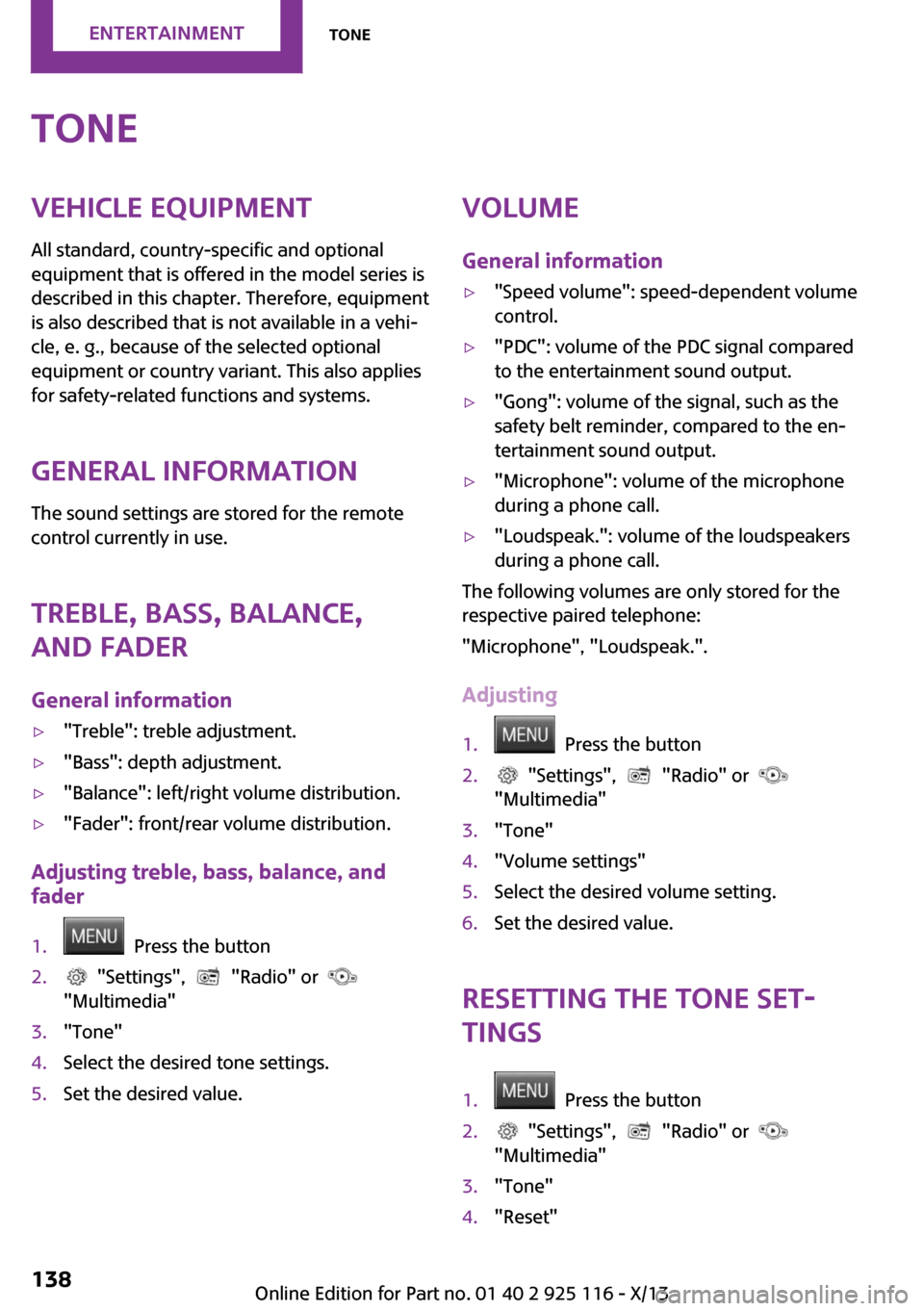
1. Press the button2. "Settings", "Radio" or
"Multimedia"3."Tone"4.Select the desired tone settings.5.Set the desired value.Volume
General information▷"Speed volume": speed-dependent volume
control.▷"PDC": volume of the PDC signal compared
to the entertainment sound output.▷"Gong": volume of the signal, such as the
safety belt reminder, compared to the en‐
tertainment sound output.▷"Microphone": volume of the microphone
during a phone call.▷"Loudspeak.": volume of the loudspeakers
during a phone call.
The following volumes are only stored for the
respective paired telephone:
"Microphone", "Loudspeak.".
Adjusting
1. Press the button2. "Settings", "Radio" or
"Multimedia"3."Tone"4."Volume settings"5.Select the desired volume setting.6.Set the desired value.
Resetting the tone set‐
tings
1. Press the button2. "Settings", "Radio" or
"Multimedia"3."Tone"4."Reset"Seite 138EntertainmentTone138
Online Edition for Part no. 01 40 2 925 116 - X/13
Page 145 of 233
4. Press the button.5."RDS"
HD Radio™ reception
Many stations broadcast both analog and digi‐
tal signals.
License conditions
HD Radio™ technology manufactured under li‐
cense from iBiquity Digital Corporation. U. S.
and Foreign Patents. HD Radio™ and the HD,
HD Radio, and “Arc” logos are proprietary
trademarks of iBiquity Digital Corp.
Activating/deactivating digital radio
reception
1. Press the button2. "Radio"3."FM" or "AM"4. Press the button.5."HD Radio reception"
The setting is stored for the remote control cur‐
rently in use.
This symbol is displayed in the status line
when the audio signal is digital.
When setting a station with a digital signal, it
may take a few seconds before the station
plays in digital quality.
Information about HD stations whose station
name ends with ...HD or with ...HD1:
In areas in which the station is not continuously
received in digital mode, the playback switches
between analog and digital reception. In this
case, switch off digital radio reception.
Information about HD multicast stations whose
station name ends with ...HD2, ...HD3, ...:
In areas in which the station is not continuously
received in digital mode, there may be inter‐
ruptions of the audible signal lasting several
seconds. This depends on the reception.
Displaying additional information
Some stations broadcast additional information
on the current track, such as the name of the
artist.1.Select the desired station.2. Press the button.3."Station info"
Stored stations
General information
It is possible to store up to 40 stations.
SymbolMeaning1 ... 40Memory location.FMStations out of the FM waveband.AMStations out of the AM waveband.DABDigital radio station.
Calling up a station
1. Press the button2. "Radio"3."Presets"4.Select the desired memory location.
Storing a station The station currently selected is stored.
1. Press the button2. "Radio"3."Presets"4."Store station ( )"5.Memory location to be selected.
The stations are stored for the remote control
currently in use.
Seite 141RadioEntertainment141
Online Edition for Part no. 01 40 2 925 116 - X/13
Page 146 of 233
The stations can also be stored on the pro‐
grammable memory buttons.
Programmable memory buttons
The first eight locations in the station list corre‐
spond to the assignment of the Favorites keys.
To store the station:1.Select a station.2.Press and hold favorites button until a sig‐
nal tone sounds.
Calling up a station:
1.Press Favorites button.
Shifting stations
1. Press the button2. "Radio"3."Presets"4.Select the station that is to be moved.5. Press the button.6."Move entry"7.Select the memory location.
Deleting a station
1. Press the button2. "Radio"3."Presets"4. Press the button.5."Delete entry"
Deleting all stations
1. Press the button2. "Radio"3."Presets"4. Press the button.5."Delete saved stations"6.Confirm "Are you sure you want to delete
all saved stations?".
Traffic bulletins
General information When traffic bulletins are switched on, only sta‐
tions are played that broadcast the traffic an‐
nouncements.
Switching on/off Press the button.
Display in the status field
SymbolMeaningTraffic bulletins switched on.Traffic bulletins switched on, no traffic
bulletin stations available.The muting of the radio is not can‐
celed by a traffic announcement.
Stopping a traffic announcement
Press one of the following buttons during the
traffic report:
▷▷
Adjusting the volume
Turn the left button during the traffic an‐
nouncement to set the desired volume.
Seite 142EntertainmentRadio142
Online Edition for Part no. 01 40 2 925 116 - X/13
Page 157 of 233
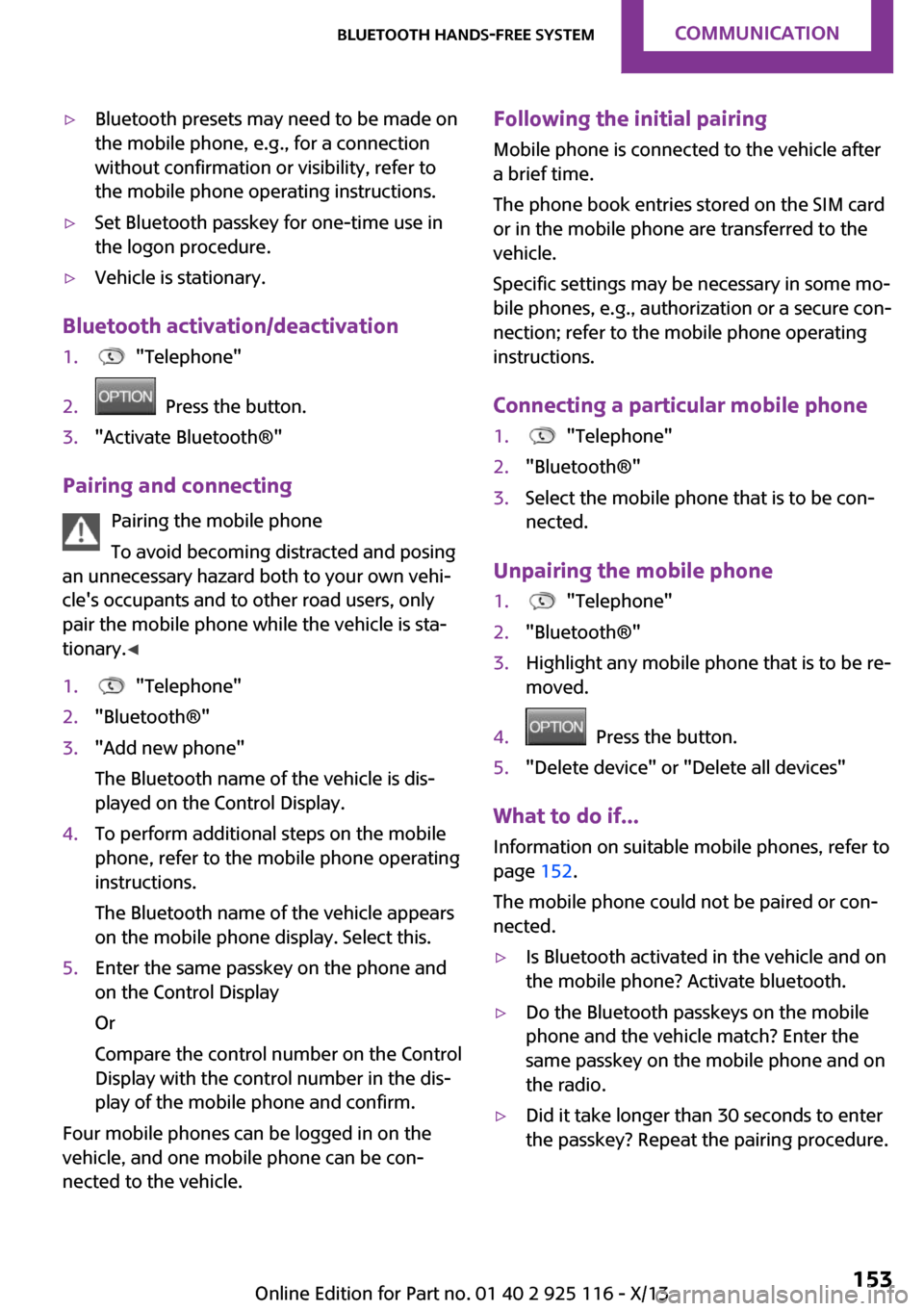
▷Bluetooth presets may need to be made on
the mobile phone, e.g., for a connection
without confirmation or visibility, refer to
the mobile phone operating instructions.▷Set Bluetooth passkey for one-time use in
the logon procedure.▷Vehicle is stationary.
Bluetooth activation/deactivation
1. "Telephone"2. Press the button.3."Activate Bluetooth®"
Pairing and connecting
Pairing the mobile phone
To avoid becoming distracted and posing
an unnecessary hazard both to your own vehi‐
cle's occupants and to other road users, only
pair the mobile phone while the vehicle is sta‐
tionary. ◀
1. "Telephone"2."Bluetooth®"3."Add new phone"
The Bluetooth name of the vehicle is dis‐
played on the Control Display.4.To perform additional steps on the mobile
phone, refer to the mobile phone operating
instructions.
The Bluetooth name of the vehicle appears
on the mobile phone display. Select this.5.Enter the same passkey on the phone and
on the Control Display
Or
Compare the control number on the Control
Display with the control number in the dis‐
play of the mobile phone and confirm.
Four mobile phones can be logged in on the
vehicle, and one mobile phone can be con‐
nected to the vehicle.
Following the initial pairing
Mobile phone is connected to the vehicle after
a brief time.
The phone book entries stored on the SIM card
or in the mobile phone are transferred to the
vehicle.
Specific settings may be necessary in some mo‐
bile phones, e.g., authorization or a secure con‐
nection; refer to the mobile phone operating
instructions.
Connecting a particular mobile phone1. "Telephone"2."Bluetooth®"3.Select the mobile phone that is to be con‐
nected.
Unpairing the mobile phone
1. "Telephone"2."Bluetooth®"3.Highlight any mobile phone that is to be re‐
moved.4. Press the button.5."Delete device" or "Delete all devices"
What to do if...
Information on suitable mobile phones, refer to
page 152.
The mobile phone could not be paired or con‐
nected.
▷Is Bluetooth activated in the vehicle and on
the mobile phone? Activate bluetooth.▷Do the Bluetooth passkeys on the mobile
phone and the vehicle match? Enter the
same passkey on the mobile phone and on
the radio.▷Did it take longer than 30 seconds to enter
the passkey? Repeat the pairing procedure.Seite 153Bluetooth hands-free systemCommunication153
Online Edition for Part no. 01 40 2 925 116 - X/13
Page 229 of 233
Octane rating, refer to Gaso‐line quality 164
Odometer 59
Oil 180
Oil, adding 181
Oil additives 181
Oil change 182
Oil change interval, service re‐ quirements 60
Oil filler neck 181
Oil types, alternative 182
Oil types, approved 182
Old batteries, disposal 197
Onboard Diagnostics OBD 184
Onboard vehicle tool kit 186
Opening/closing via door lock 23
Opening/closing with remote control 22
Optional equipment, standard equipment 6
Outside air, refer to Automatic recirculated-air control 108
Overheating of engine, refer to Coolant temperature 59
P Paint, vehicle 204
Panoramic glass sunroof 30
Parallel parking assistant 100
Park Distance Control PDC 98
Parked vehicle, condensa‐ tion 126
Parking aid, refer to PDC 98
Parking assistant 100
Parking brake 48
Parking lamps 66
Particulate filter 125
Passenger side mirror, tilting downward 37
PDC Park Distance Control 98
Pedestrian warning with city braking function 83
Performance Control 87 Personal Profile 21
Phone 152
Pinch protection system, glass sunroof 31
Pinch protection system, win‐ dows 29
Plastic, care 205
Power failure 196
Power windows 29
Pressure, tire air pressure 166
Pressure warning, tires 77
Profile, refer to Personal Pro‐ file 21
Protective function, glass sun‐ roof 31
Protective function, win‐ dows 29
R Radiator fluid 183
Radio, AM/FM stations 139
Radio, control ele‐ ments 139, 145
Radio, FM/AM 139
Radio, muting 139
Radio-operated key, refer to Remote control 20
Radio, overview 139, 145
Radio ready state 45
Radio, satellite radio 143
Radio, save stations 141
Radio, traffic bulletins 142
Rain sensor 50
Rear fog lamps 69
Rear lamps 190
Rear luggage rack 129
Rearview mirror 37
Rear window de‐ froster 105, 108
Recirculated-air filter 109
Recirculated-air mode 105, 108
Recommended tire brands 172
Refueling 162 Remaining range 60
Remote control/key 20
Remote control, blocking 21
Remote control, malfunc‐ tion 23
Remote control, replacing the battery 20
Remote control, univer‐ sal 110
Replacement fuse 197
Replacing parts 186
Replacing the battery, remote control 20
Replacing wheels/tires 171
Reporting safety defects 9
RES button 92
Reserve warning, refer to Range 60
Resetting the tone set‐ tings 138
Reset, Tire Pressure Monitor TPM 75
Retaining straps, securing cargo 128
Retreaded tires 172
Right-hand traffic, lamp set‐ ting 69
Roadside parking lamps 66
RON gasoline quality 164
Roof load capacity 210
Roof-mounted luggage rack 128
Rope for tow-starting/ towing 201
RSC Run Flat System Compo‐ nent, refer to Run-flat
tires 173
Rubber components, care 205
Run-flat tires 173
S
Safe braking 125
Safety 6 Seite 225Everything from A to ZReference225
Online Edition for Part no. 01 40 2 925 116 - X/13