fuel consumption MINI 3 door 2013 Owner's Manual
[x] Cancel search | Manufacturer: MINI, Model Year: 2013, Model line: 3 door, Model: MINI 3 door 2013Pages: 233, PDF Size: 17.19 MB
Page 64 of 233
Therefore, drive carefully on bridges and
shaded roads, for example, to avoid the in‐
creased risk of an accident. ◀
Time The time is displayed in the in‐
strument cluster.
Setting the time on the radio, re‐
fer to page 65.
Date The date is displayed in the in‐
strument cluster.
Set the date on the radio, refer
to page 65.
Range After the reserve range is
reached:▷A Check Control message is
displayed briefly.▷The remaining range is
shown on the onboard com‐
puter.▷When a dynamic driving style is used, such
as when cornering quickly, operation of the
engine is not always ensured.
The Check Control message appears continu‐
ously below a range of approx. 30 miles/50 km.
Refuel promptly
Refuel no later than at a range of
30 miles/50 km, or operation of the engine is
not ensured and damage may occur. ◀
Displaying the cruising range1. Press the button.2. "Settings"3."Info display"4."Range"
Current fuel consump‐
tion
Displays the current fuel consumption. You can
check whether you are currently driving in an
efficient and environmentally-friendly manner.
Service requirements The concept
The driving distance or the time to the next
scheduled maintenance is displayed briefly in
the instrument cluster after the ignition is
switched on.
The current service requirements can be read
out from the remote control by the service spe‐
cialist.
Display
Detailed information on service
requirements
Detailed information on service requirements is
displayed on the radio.
1. Press the button.2. "Vehicle Info"3."Vehicle status"4."Service required"5.Select the desired entry to view detailed in‐
formation.Seite 60ControlsDisplays60
Online Edition for Part no. 01 40 2 925 116 - X/13
Page 67 of 233
▷During calibration of the camera immedi‐
ately after vehicle shipment.
Selection lists in the in‐
strument cluster
The concept
The following can be displayed or operated us‐
ing the buttons on the steering wheel and the
display in the instrument cluster:
▷Current audio source.
In addition, programs of the Driving Dynamics
Control are displayed.
Display
Activating a list and adjusting the
setting
Button the steering wheelFunctionActivate the corre‐
sponding list, and se‐
lect the desired set‐
ting.Computer
Calling up information on the info
display
Press the onboard computer button on the turn
signal lever.
Information is displayed on the info display of
the instrument cluster.
Calling up information in the radio Information is also shown on the radio display.
1. Press the button.2. "Vehicle Info"3."Onboard info"
Resetting values
1.Select the desired value.2."Reset?"
Information at a glance
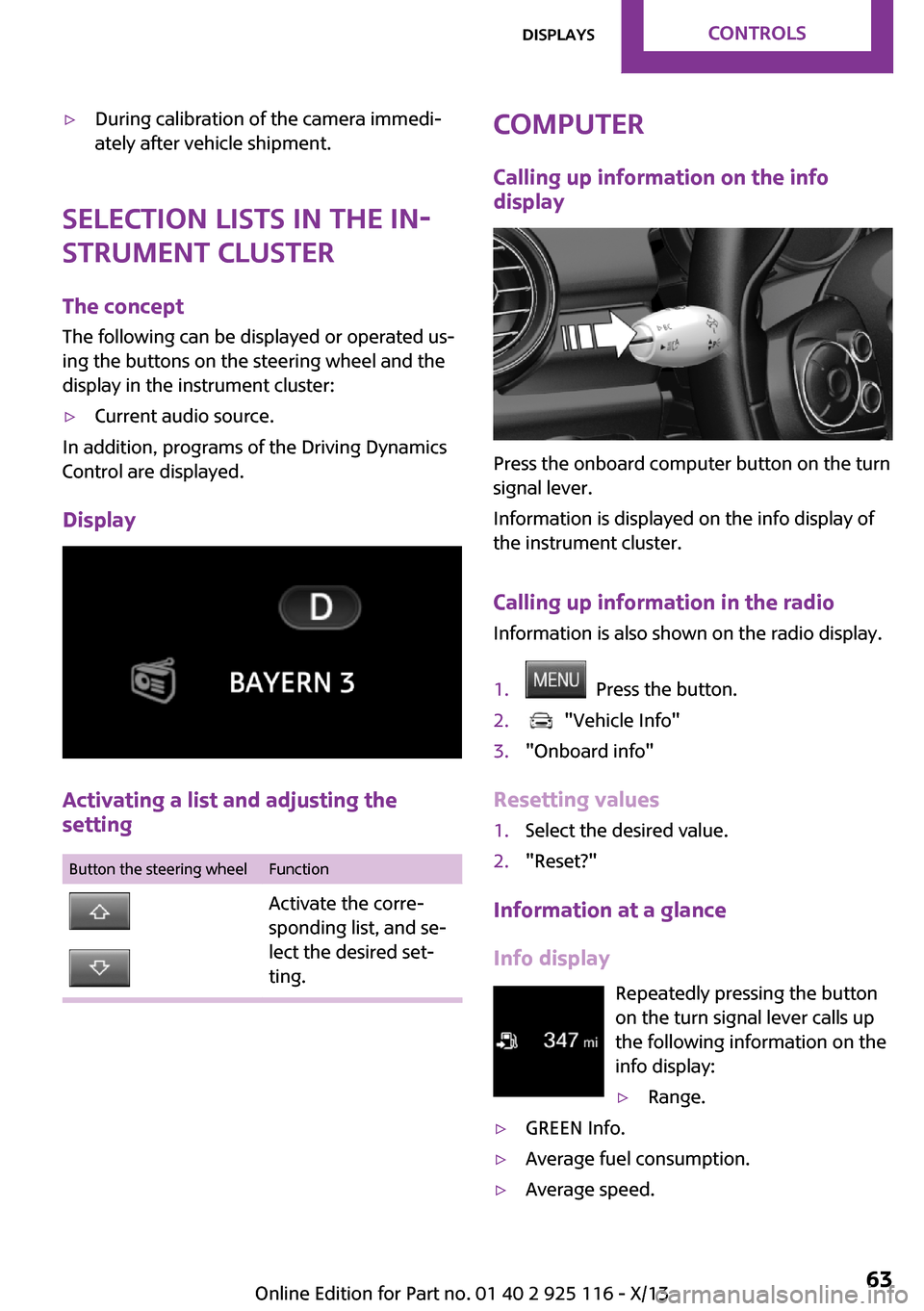
Info display Repeatedly pressing the button
on the turn signal lever calls up the following information on the
info display:
▷Range.▷GREEN Info.▷Average fuel consumption.▷Average speed.Seite 63DisplaysControls63
Online Edition for Part no. 01 40 2 925 116 - X/13
Page 68 of 233
▷Date.▷Speed limit detection.
Radio
Selected information is shown on the radio.
▷Range.▷Average fuel consumption.▷Average speed.
Adjusting the info display
You can select what information from the on‐
board computer is to be displayed on the info
display of the instrument cluster.
1. Press the button.2. "Settings"3."Info display"4.Select the desired displays.
Information in detail
Range
Displays the estimated cruising range available
with the remaining fuel.
It is calculated based on your driving style over
the last 20 miles/30 km.
Average fuel consumption This is calculated for the period during which
the engine is running.
The average fuel consumption is calculated for
the distance traveled since the last reset by the
onboard computer.
Average speed Periods in which the vehicle is parked with the
engine manually stopped are not included in
the calculation of the average speed.
Resetting average values
Press and hold the onboard computer button
on the turn signal lever.
Speed limit detection
Description of the speed limit detection, refer
to page 61, function.
Speed limit Display of a speed limit which, when reached,
should cause a warning to be issued.
The warning is repeated if the vehicle speed
drops below the set speed limit once by at least
3 mph/5 km/h.
Displaying, setting or changing the
limit1. Press the button.2. "Settings"3."Speed"4."Warning at:"5.Turn the right knob until the desired limit is
displayed.6.Press the right button.
The speed limit is stored.
Activating/deactivating the limit
1. Press the button.2. "Settings"3."Speed"4."Warning"
Setting your current speed as the limit
1. Press the button.2. "Settings"3."Speed"4."Select current speed"Seite 64ControlsDisplays64
Online Edition for Part no. 01 40 2 925 116 - X/13
Page 92 of 233
Programs
The system offers several different programs.
The programs can be selected via the Driving
Dynamics Control, refer to page 88.
MID/GREEN Balanced control of the vehicle.
SPORT Consistently sporty control of the shock absorb‐
ers for greater driving agility.
Driving Dynamics Con‐
trol
The concept
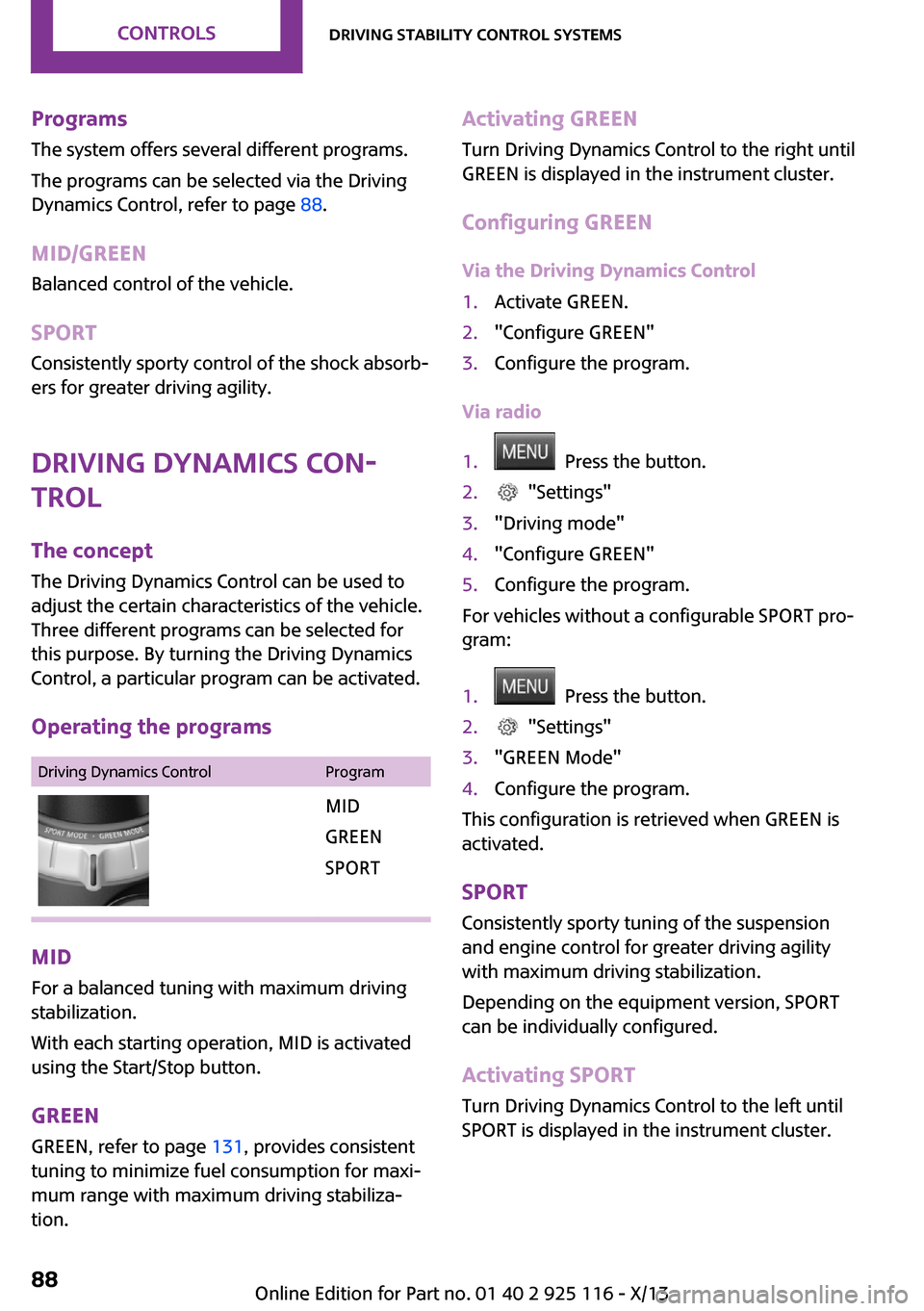
The Driving Dynamics Control can be used to
adjust the certain characteristics of the vehicle.
Three different programs can be selected for
this purpose. By turning the Driving Dynamics
Control, a particular program can be activated.
Operating the programsDriving Dynamics ControlProgramMID
GREEN
SPORT
MID For a balanced tuning with maximum driving
stabilization.
With each starting operation, MID is activated
using the Start/Stop button.
GREEN GREEN, refer to page 131, provides consistent
tuning to minimize fuel consumption for maxi‐
mum range with maximum driving stabiliza‐
tion.
Activating GREEN
Turn Driving Dynamics Control to the right until
GREEN is displayed in the instrument cluster.
Configuring GREEN Via the Driving Dynamics Control1.Activate GREEN.2."Configure GREEN"3.Configure the program.
Via radio
1. Press the button.2. "Settings"3."Driving mode"4."Configure GREEN"5.Configure the program.
For vehicles without a configurable SPORT pro‐
gram:
1. Press the button.2. "Settings"3."GREEN Mode"4.Configure the program.
This configuration is retrieved when GREEN is
activated.
SPORT
Consistently sporty tuning of the suspension
and engine control for greater driving agility
with maximum driving stabilization.
Depending on the equipment version, SPORT
can be individually configured.
Activating SPORT
Turn Driving Dynamics Control to the left until
SPORT is displayed in the instrument cluster.
Seite 88ControlsDriving stability control systems88
Online Edition for Part no. 01 40 2 925 116 - X/13
Page 134 of 233
Saving fuelVehicle equipment
All standard, country-specific and optional
equipment that is offered in the model series is
described in this chapter. Therefore, equipment
is also described that is not available in a vehi‐
cle, e. g., because of the selected optional
equipment or country variant. This also applies
for safety-related functions and systems.
General information
Fuel consumption depends on a number of dif‐
ferent factors.
The implementation of certain measures, driv‐
ing style and regular maintenance can have an
influence on fuel consumption and on the envi‐
ronmental impact.
Remove unnecessary
cargo
Additional weight increases fuel consumption.
Remove attached partsfollowing use
Remove roof or rear luggage racks which are
no longer required following use.
Attached parts on the vehicle impair the aero‐
dynamics and increase the fuel consumption.
Close the windows andglass sunroof
Driving with the glass sunroof and windows
open results in increased air resistance and
raises fuel consumption.Tires
General information Tires can affect fuel consumption values in vari‐
ous ways, for instance fuel consumption can be
influenced by the size of the tires.
Check the tire inflation pressure
regularly
Check and, if necessary, correct the tire infla‐
tion pressure at least twice a month and before
starting on a long trip.
Low tire inflation pressure increases rolling re‐
sistance and thus raises fuel consumption and
tire wear.
Drive away without de‐lay
Do not wait for the engine to warm-up while
the vehicle remains stationary. Start driving right away, but at moderate engine speeds.
This is the fastest way for the cold engine to
reach its operating temperature.
Look well ahead when
driving
Avoid unnecessary acceleration and braking.
By maintaining a suitable distance to the vehi‐
cle driving ahead of you.
Driving smoothly and looking ahead reduces
fuel consumption.Seite 130Driving tipsSaving fuel130
Online Edition for Part no. 01 40 2 925 116 - X/13
Page 135 of 233
Avoid high engine speeds
Use 1st gear to get the vehicle in motion. Be‐
ginning with 2nd gear, accelerate rapidly. When
accelerating, shift up before reaching high en‐
gine speeds.
When you reach the desired speed, shift into
the highest applicable gear and drive with the
engine speed as low as possible and at a con‐
stant speed.
As a rule: driving at low engine speeds lowers
fuel consumption and reduces wear.
The gear shift indicator, refer to page 61, of
your vehicle indicates the most fuel efficient
gear.
Use coasting conditions
When approaching a red light, take your foot
off the accelerator and let the vehicle coast to a
halt.
On a downhill gradient, take your foot off the
accelerator and let the vehicle roll.
The flow of fuel is interrupted while coasting.
Switch off the engine
during longer stops
Switch off the engine during longer stops, e.g.,
at traffic lights, railroad crossings or in traffic
congestion.
Auto Start/Stop function The Auto Start/Stop function of your vehicle au‐
tomatically switches off the engine during a
stop.
If the engine is switched off and then restarted
rather than leaving the engine running con‐
stantly, fuel consumption and emissions are re‐
duced. Savings can begin within a few seconds
of switching off the engine.In addition, fuel consumption is also deter‐
mined by other factors, such as driving style,
road conditions, maintenance or environmental
factors.
Switch off any functions
that are not currently
needed
Functions such as seat heating and the rear
window defroster require a lot of energy and
consume additional fuel, especially in city and
stop-and-go traffic.
Therefore, switch off these functions if they are
not actually needed.
Have maintenance car‐
ried out
Have vehicles maintained regularly to achieve
optimal vehicle economy and operating life.
Have the maintenance carried out by your
service center.
Please also note the MINI Maintenance System,
refer to page 184.
GREEN mode The concept
The GREEN mode supports a driving style that
saves on fuel consumption. For this purpose,
the engine control and comfort functions, e. g.
the climate control output, are adjusted.
In cars with automatic transmission:
The Coasting driving condition is enabled under
certain conditions.
Thus, under certain conditions the engine is au‐
tomatically decoupled from the transmission
when transmission position D is engaged. The
vehicle continues traveling with the engineSeite 131Saving fuelDriving tips131
Online Edition for Part no. 01 40 2 925 116 - X/13
Page 136 of 233
idling to reduce fuel consumption. Transmission
position D remains engaged. An indicator pro‐
vides information about the distance traveled
in Coasting mode.
In addition, context-sensitive instructions can
be displayed that assist in driving in a manner
that optimizes fuel consumption.
The extension of the range that is achieved as a
result can be displayed in the instrument clus‐
ter.
At a glance
The system includes the following MINIMALISM
functions and displays:▷GREEN bonus range, refer to page 132▷GREEN tips driving instruction, refer to
page 133▷GREEN climate control, refer to page 132▷Coasting driving condition, refer to
page 133
Activating GREEN mode
Turn Driving Dynamics Control to
the right until GREEN mode is
displayed in the instrument clus‐
ter.
Configuring GREEN mode
Via radio
1. "Settings"2.If necessary, "Driving mode" or "GREEN
Mode"
Configure the program.
GREEN tip
"GREEN speed warning":
A reminder is displayed if the set GREEN mode
speed is exceeded.
GREEN climate control
"GREEN climate control":
Set the GREEN mode speed at which a GREEN
mode tip is to be displayed.
The climate control is adjusted to be fuel-effi‐
cient.
By making a slight change to the set tempera‐
ture, or adjusting the rate of heating or cooling
of the passenger compartment fuel consump‐
tion can be economized.
The outputs of the seat heater and the exterior
mirror heating are also reduced.
The exterior mirror heating is made available
when outside temperatures are very cold.
Coasting Fuel-efficiency can be optimized by disengag‐
ing the engine and Coasting, refer to page 133,
with the engine idling.
This function is only available in GREEN mode.
Display in the instrument cluster
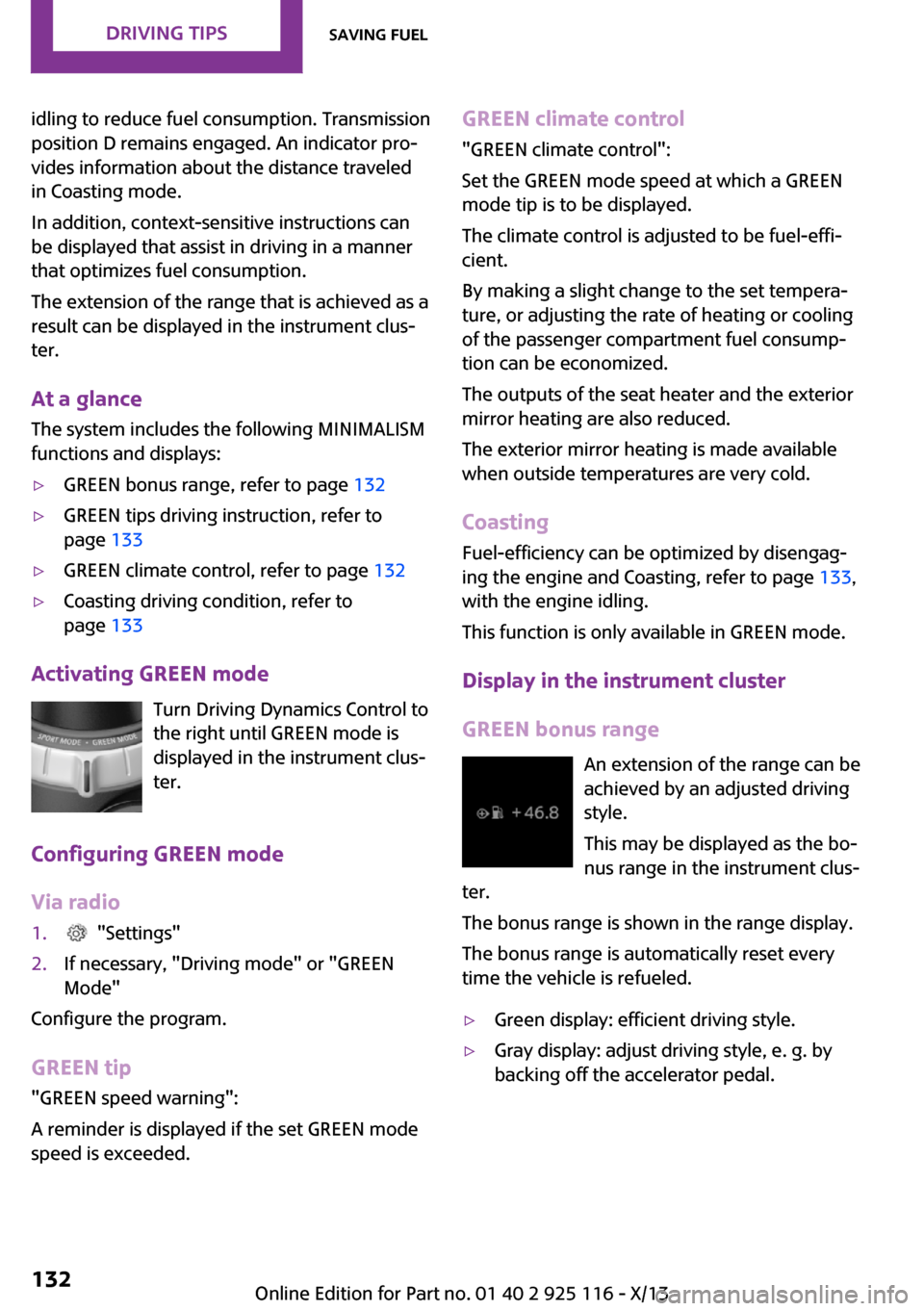
GREEN bonus range An extension of the range can be
achieved by an adjusted driving
style.
This may be displayed as the bo‐
nus range in the instrument clus‐
ter.
The bonus range is shown in the range display.
The bonus range is automatically reset every
time the vehicle is refueled.▷Green display: efficient driving style.▷Gray display: adjust driving style, e. g. by
backing off the accelerator pedal.Seite 132Driving tipsSaving fuel132
Online Edition for Part no. 01 40 2 925 116 - X/13
Page 137 of 233
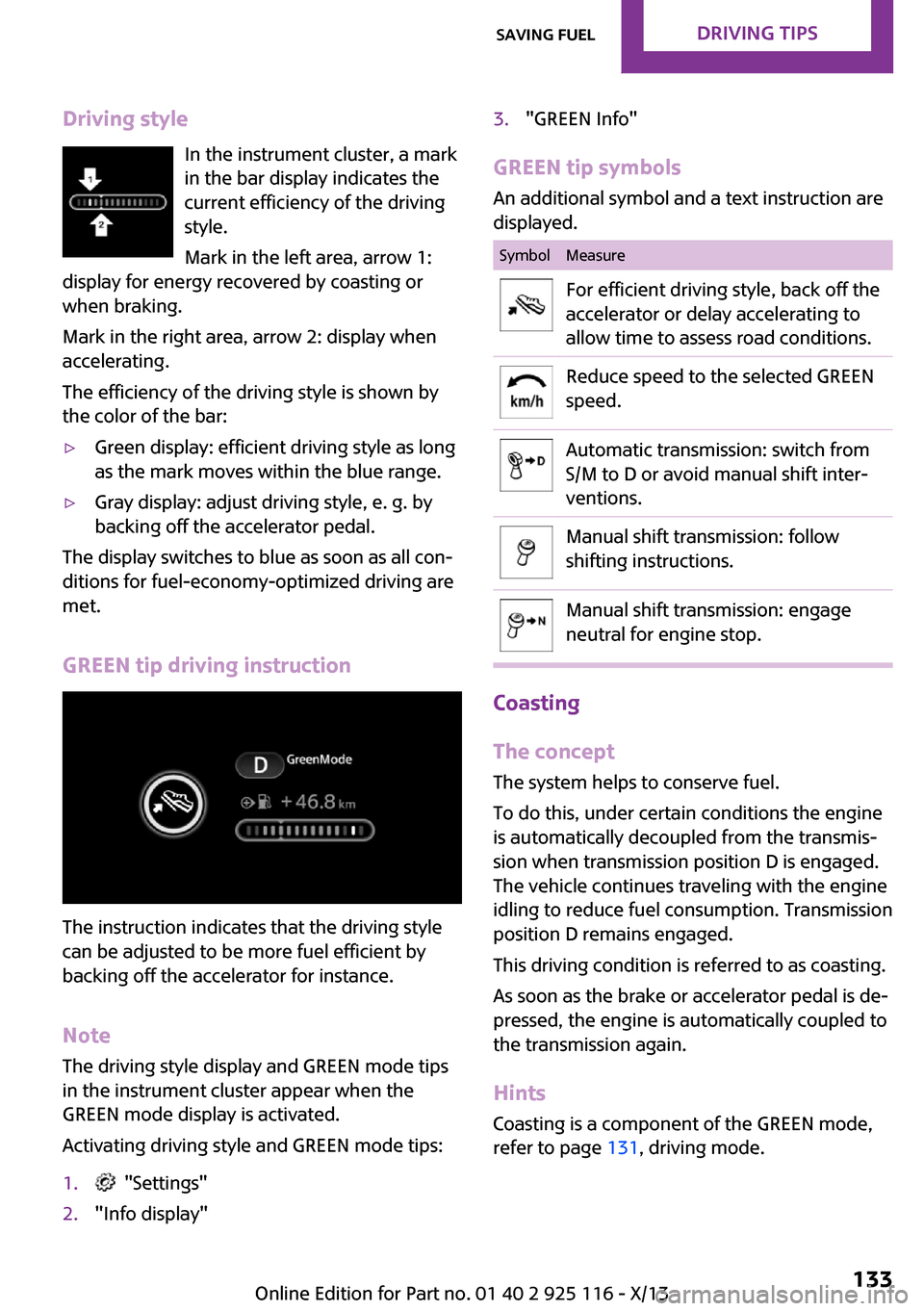
Driving styleIn the instrument cluster, a mark
in the bar display indicates the
current efficiency of the driving
style.
Mark in the left area, arrow 1:
display for energy recovered by coasting or
when braking.
Mark in the right area, arrow 2: display when
accelerating.
The efficiency of the driving style is shown by
the color of the bar:▷Green display: efficient driving style as long
as the mark moves within the blue range.▷Gray display: adjust driving style, e. g. by
backing off the accelerator pedal.
The display switches to blue as soon as all con‐
ditions for fuel-economy-optimized driving are
met.
GREEN tip driving instruction
The instruction indicates that the driving style
can be adjusted to be more fuel efficient by
backing off the accelerator for instance.
Note
The driving style display and GREEN mode tips
in the instrument cluster appear when the
GREEN mode display is activated.
Activating driving style and GREEN mode tips:
1. "Settings"2."Info display"3."GREEN Info"
GREEN tip symbols An additional symbol and a text instruction are
displayed.
SymbolMeasureFor efficient driving style, back off the
accelerator or delay accelerating to
allow time to assess road conditions.Reduce speed to the selected GREEN
speed.Automatic transmission: switch from
S/M to D or avoid manual shift inter‐
ventions.Manual shift transmission: follow
shifting instructions.Manual shift transmission: engage
neutral for engine stop.
Coasting
The concept
The system helps to conserve fuel.
To do this, under certain conditions the engine
is automatically decoupled from the transmis‐
sion when transmission position D is engaged.
The vehicle continues traveling with the engine
idling to reduce fuel consumption. Transmission
position D remains engaged.
This driving condition is referred to as coasting.
As soon as the brake or accelerator pedal is de‐
pressed, the engine is automatically coupled to
the transmission again.
Hints Coasting is a component of the GREEN mode,
refer to page 131, driving mode.
Seite 133Saving fuelDriving tips133
Online Edition for Part no. 01 40 2 925 116 - X/13
Page 184 of 233
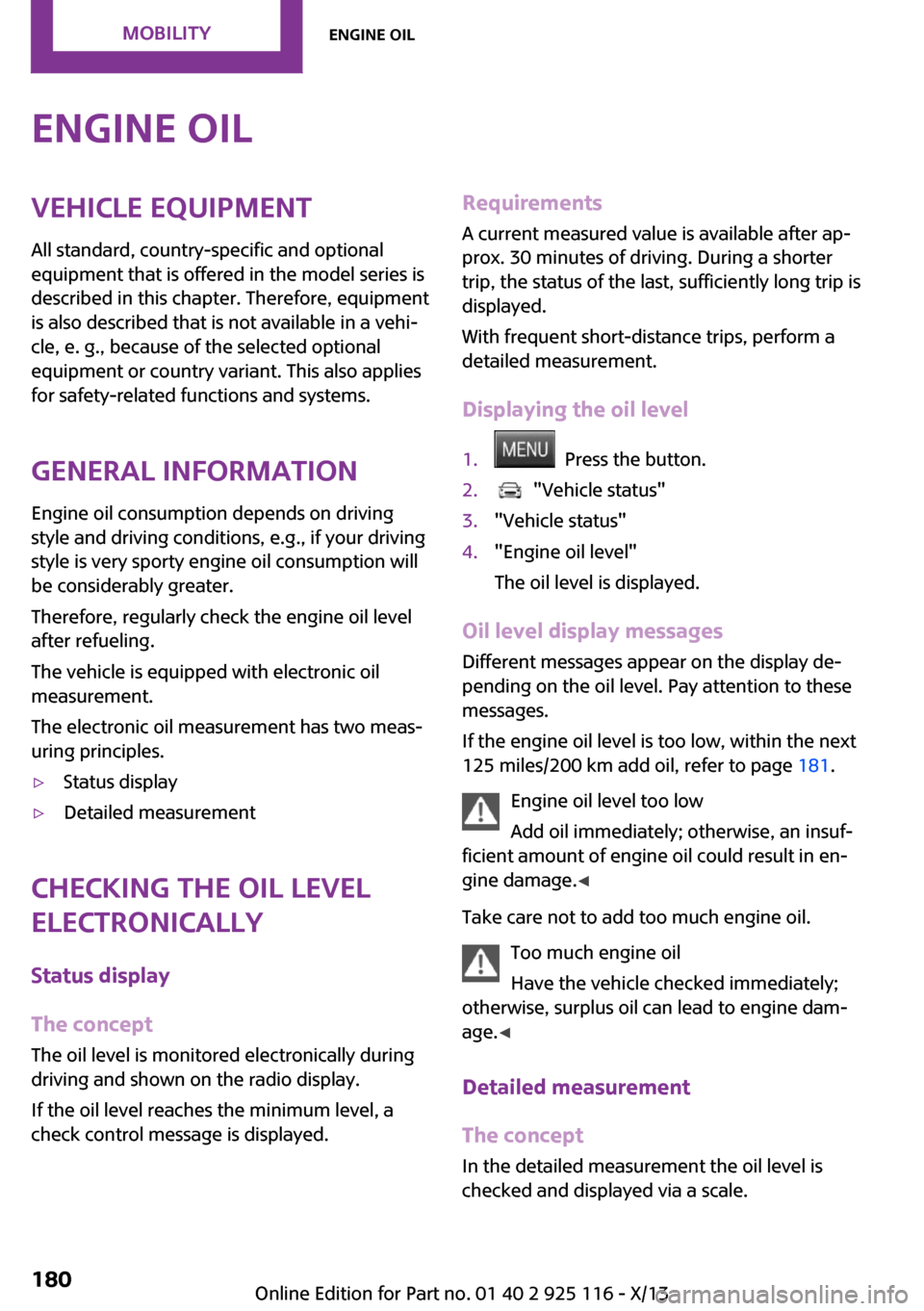
Engine oilVehicle equipment
All standard, country-specific and optional
equipment that is offered in the model series is
described in this chapter. Therefore, equipment
is also described that is not available in a vehi‐
cle, e. g., because of the selected optional
equipment or country variant. This also applies
for safety-related functions and systems.
General information
Engine oil consumption depends on driving
style and driving conditions, e.g., if your driving
style is very sporty engine oil consumption will
be considerably greater.
Therefore, regularly check the engine oil level
after refueling.
The vehicle is equipped with electronic oil
measurement.
The electronic oil measurement has two meas‐
uring principles.▷Status display▷Detailed measurement
Checking the oil level
electronically
Status display
The concept
The oil level is monitored electronically during
driving and shown on the radio display.
If the oil level reaches the minimum level, a
check control message is displayed.
Requirements
A current measured value is available after ap‐
prox. 30 minutes of driving. During a shorter
trip, the status of the last, sufficiently long trip is
displayed.
With frequent short-distance trips, perform a
detailed measurement.
Displaying the oil level1. Press the button.2. "Vehicle status"3."Vehicle status"4."Engine oil level"
The oil level is displayed.
Oil level display messages Different messages appear on the display de‐
pending on the oil level. Pay attention to these
messages.
If the engine oil level is too low, within the next
125 miles/200 km add oil, refer to page 181.
Engine oil level too low
Add oil immediately; otherwise, an insuf‐
ficient amount of engine oil could result in en‐
gine damage. ◀
Take care not to add too much engine oil. Too much engine oil
Have the vehicle checked immediately;
otherwise, surplus oil can lead to engine dam‐
age. ◀
Detailed measurement
The concept
In the detailed measurement the oil level is
checked and displayed via a scale.
Seite 180MobilityEngine oil180
Online Edition for Part no. 01 40 2 925 116 - X/13
Page 224 of 233
Everything from A to Z
Index
A
ABS, Antilock Brake Sys‐
tem 86
ACC, Active Cruise Control 90
Acceleration Assistant, refer to
Launch Control 55
Activated-charcoal filter 109
Active cruise control, ACC 90
Additives, oil 181
Adjusting the headlamps 69
Adjustments, seats/head re‐
straints 32
Adjustments, steering
wheel 39
After washing vehicle 204
Airbags 71
Airbags, indicator/warning
light 72
Air circulation, refer to Recir‐
culated-air mode 105, 108
Air conditioner 104
Air, dehumidifying, refer to
Cooling function 105, 108
Air distribution,
manual 105, 107
Air flow, air conditioner 105
Air flow, automatic climate
control 107
Air pressure, tires 166
Air vents, refer to Ventila‐
tion 109
Alarm system 27
Alarm triggering 27
Alarm, unintentional 28
All around the center con‐
sole 14
All around the headliner 15
All around the steering
wheel 12
All-season tires, refer to Win‐
ter tires 172
Alternating-code hand-held
transmitter 111
Alternative oil types 182
Antifreeze, washer fluid 51
Antilock Brake System,
ABS 86
Anti-slip control, refer to
DSC 86
Appendix
Approved axle load 210
Approved engine oils 182
Ash tray 115
Assistance, Roadside Assis‐
tance 198
Assistance when driving
off 89
Assist system, refer to Intelli‐
gent Safety 79
AUTO intensity 107
Automatic car wash 203
Automatic climate con‐
trol 106
Automatic cruise control with
Stop & Go 90
Automatic Curb Monitor 37
Automatic deactivation, front
passenger airbags 73
Automatic headlamp con‐
trol 67
Automatic locking 27
Automatic recirculated-air
control 108
Automatic transmission with
Steptronic 52
AUTO program, automatic cli‐
mate control 107
AUTO program, intensity 107
Auto Start/Stop function 46
Average fuel consumption 64
Average speed 64
Axle loads, weights 210
B
Backrest curvature, refer to
Lumbar support 33
Balance 138
Band-aids, refer to First aid
kit 198
Bar for tow-starting/
towing 201
Bass 138
Battery replacement, vehicle
battery 196
Battery, vehicle 196
Belts, safety belts 34
Beverage holder, cu‐
pholder 119
Bluetooth, refer to Hands-free
system 152
Bonus range, GREEN
mode 132
Bottle holder, refer to Cu‐
pholder 119
Brake assistant 86
Brake discs, breaking in 124
Brake pads, breaking in 124
Braking, hints 125
Breakdown assistance 198
Breaking in 124
Bug light 188
Bulb replacement 187
Bulb replacement, front 188
Bulb replacement, rear 190
Bulb replacement, side 193
Bulbs and lamps 187
Button, RES 92
Button, Start/Stop 44
Bypassing, refer to Jump-
starting 198
Seite 220ReferenceEverything from A to Z220
Online Edition for Part no. 01 40 2 925 116 - X/13
212