maintenance MINI Clubman 2014 User Guide
[x] Cancel search | Manufacturer: MINI, Model Year: 2014, Model line: Clubman, Model: MINI Clubman 2014Pages: 210, PDF Size: 5.12 MB
Page 161 of 210

Socket for OBD Onboard
Diagnosis
Socket for Onboard Diagnosis
The socket for Onboard Diagnosis may
only be used by the service center, by work‐
shops that operate according to the specifica‐
tions of the vehicle manufacturer with appro‐
priately trained personnel, and by other
authorized persons. Otherwise, its use may
lead to vehicle malfunctions. ◀
Primary components in the vehicle emissions
can be checked via the OBD socket using a de‐
vice.
Emissions The warning lamps light up. The vehicle
is producing higher emissions. You can
continue your journey, but moderate
your speed and exercise due caution. Have the
vehicle checked as soon as possible.
Under certain circumstances, one of the lamps
flashes or lights up continuously. This indicates
that there is excessive misfiring or a malfunc‐
tion in the engine. If this happens, reduce the
vehicle speed and drive to the next service cen‐
ter promptly. Serious engine misfiring within a
brief period can seriously damage emission
control components, in particular the catalytic
converter. In addition, the mechanical engine
components may become damaged.
If the fuel filler cap is not properly tight‐
ened, the OBD system may conclude
that fuel vapor is escaping; this will cause a dis‐
play to light up. If the filler cap is then tight‐
ened, the display should go out in a few days.Seite 161MaintenanceMobility161
Online Edition for Part no. 01 40 2 911 429 - VI/13
Page 172 of 210

The vehicle jack is designed for changing
wheels only.
The vehicle jack is designed for changing
wheels only. Do not attempt to raise another
vehicle model with it or to raise any load of any
kind. To do so could cause accidents and per‐
sonal injury. ◀1.Position the vehicle jack at the jacking point
closest to the wheel.
The entire surface of the jack base must
rest on the ground vertically beneath the
jacking point.2.Guide the jack head into the rectangular re‐
cess of the jacking point when cranking up.3.Jack the vehicle up until the wheel you are
changing is raised from the ground.
Mounting the compact wheel
1.Unscrew the lug bolts and remove the
wheel.2.Remove accumulations of mud or dirt from
the mounting surfaces of the wheel and
hub. Also clean the lug bolts.3.Mount the new wheel.4.Screw in at least two bolts crosswise.5.Screw in the remaining lug bolts.6.Fully tighten all lug bolts in a diagonal pat‐
tern.7.Lower the vehicle.8.Remove the jack.Retightening the lug bolts
Retighten the lug bolts diagonally.
Checking that the lug bolts are tight
Always have the lug bolts checked with a
calibrated torque wrench as soon as possible to
ensure that they are tightened to the specified
torque. Otherwise, incorrectly tightened lug
bolts are a hidden safety risk. ◀
The tightening torque equals
103.3 lb ft/140 Nm.
Replace the defective tire as soon as possible
and have the new wheel balanced.
Vehicle battery Maintenance
The battery is maintenance-free, i.e., the elec‐
trolyte will last for the life of the battery in tem‐
perate climate conditions.
The service center will be happy to answer any
questions on the battery.
Battery replacement Use approved vehicle batteries
Only use vehicle batteries that have been
approved for your vehicle by the manufacturer;
otherwise, the vehicle could be damaged and
systems or functions may not be fully availa‐
ble. ◀
Have the vehicle battery registered by the serv‐
ice center after it is replaced to ensure that all comfort functions are available without restric‐
tions and that any associated Check Control
messages are no longer displayed.Seite 172MobilityReplacing components172
Online Edition for Part no. 01 40 2 911 429 - VI/13
Page 200 of 210
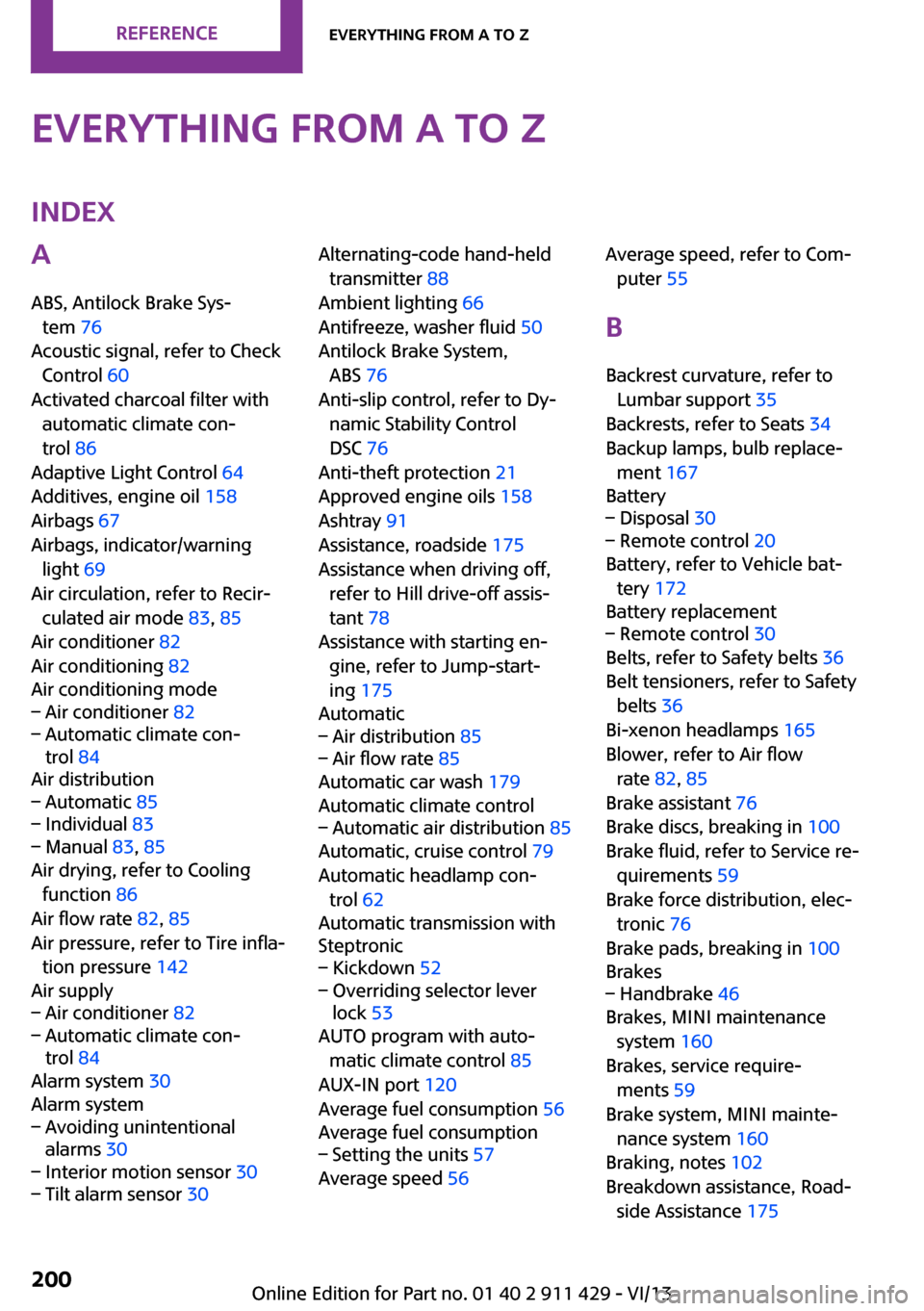
Everything from A to ZIndexA
ABS, Antilock Brake Sys‐ tem 76
Acoustic signal, refer to Check Control 60
Activated charcoal filter with automatic climate con‐
trol 86
Adaptive Light Control 64
Additives, engine oil 158
Airbags 67
Airbags, indicator/warning light 69
Air circulation, refer to Recir‐ culated air mode 83, 85
Air conditioner 82
Air conditioning 82
Air conditioning mode– Air conditioner 82– Automatic climate con‐
trol 84
Air distribution
– Automatic 85– Individual 83– Manual 83, 85
Air drying, refer to Cooling
function 86
Air flow rate 82, 85
Air pressure, refer to Tire infla‐ tion pressure 142
Air supply
– Air conditioner 82– Automatic climate con‐
trol 84
Alarm system 30
Alarm system
– Avoiding unintentional
alarms 30– Interior motion sensor 30– Tilt alarm sensor 30Alternating-code hand-held
transmitter 88
Ambient lighting 66
Antifreeze, washer fluid 50
Antilock Brake System, ABS 76
Anti-slip control, refer to Dy‐ namic Stability Control
DSC 76
Anti-theft protection 21
Approved engine oils 158
Ashtray 91
Assistance, roadside 175
Assistance when driving off, refer to Hill drive-off assis‐
tant 78
Assistance with starting en‐ gine, refer to Jump-start‐
ing 175
Automatic– Air distribution 85– Air flow rate 85
Automatic car wash 179
Automatic climate control
– Automatic air distribution 85
Automatic, cruise control 79
Automatic headlamp con‐ trol 62
Automatic transmission with
Steptronic
– Kickdown 52– Overriding selector lever
lock 53
AUTO program with auto‐
matic climate control 85
AUX-IN port 120
Average fuel consumption 56
Average fuel consumption
– Setting the units 57
Average speed 56
Average speed, refer to Com‐
puter 55
B Backrest curvature, refer to Lumbar support 35
Backrests, refer to Seats 34
Backup lamps, bulb replace‐ ment 167
Battery– Disposal 30– Remote control 20
Battery, refer to Vehicle bat‐
tery 172
Battery replacement
– Remote control 30
Belts, refer to Safety belts 36
Belt tensioners, refer to Safety belts 36
Bi-xenon headlamps 165
Blower, refer to Air flow rate 82, 85
Brake assistant 76
Brake discs, breaking in 100
Brake fluid, refer to Service re‐ quirements 59
Brake force distribution, elec‐ tronic 76
Brake pads, breaking in 100
Brakes
– Handbrake 46
Brakes, MINI maintenance
system 160
Brakes, service require‐ ments 59
Brake system, MINI mainte‐ nance system 160
Braking, notes 102
Breakdown assistance, Road‐ side Assistance 175
Seite 200ReferenceEverything from A to Z200
Online Edition for Part no. 01 40 2 911 429 - VI/13
Page 202 of 210
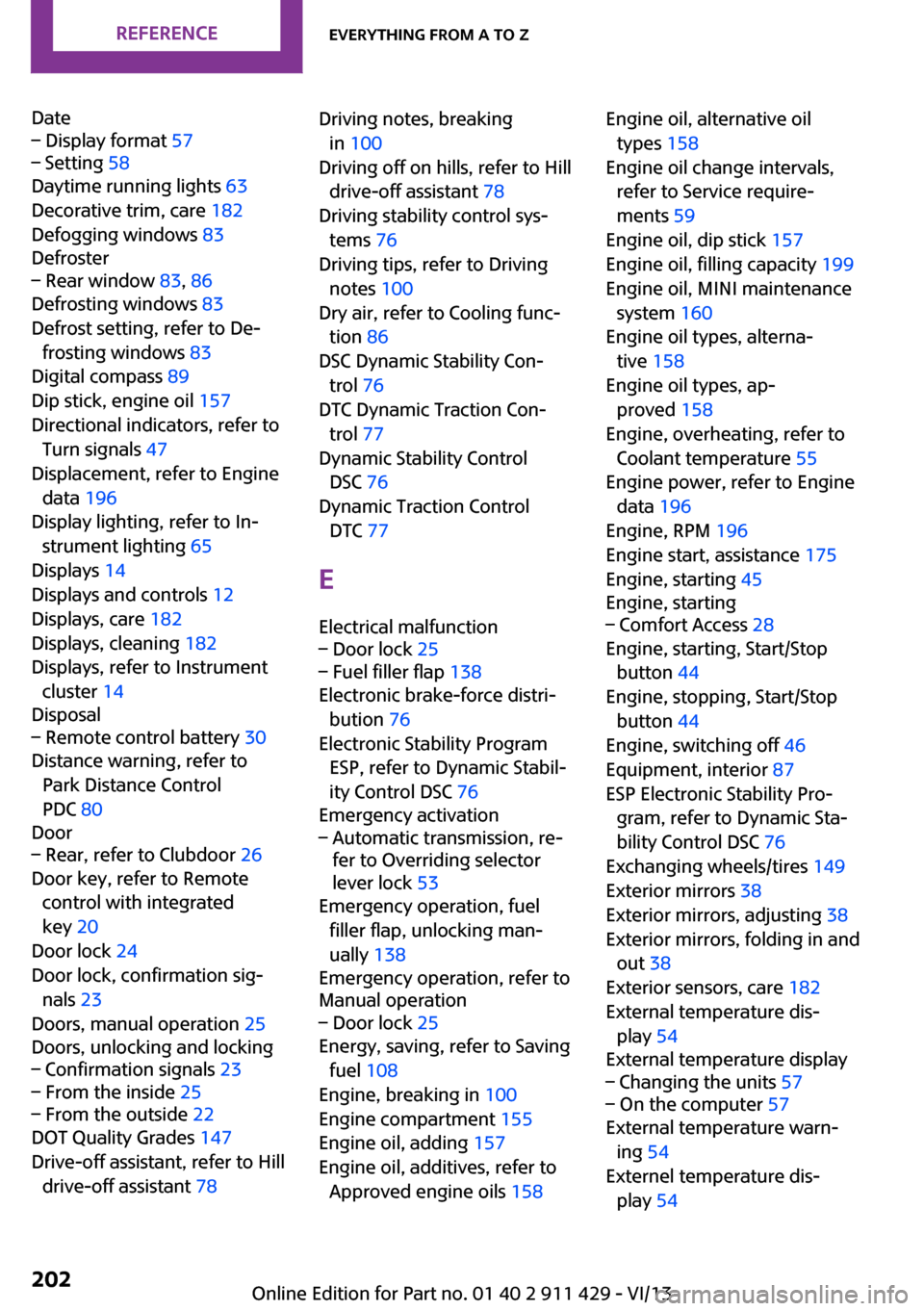
Date– Display format 57– Setting 58
Daytime running lights 63
Decorative trim, care 182
Defogging windows 83
Defroster
– Rear window 83, 86
Defrosting windows 83
Defrost setting, refer to De‐ frosting windows 83
Digital compass 89
Dip stick, engine oil 157
Directional indicators, refer to Turn signals 47
Displacement, refer to Engine data 196
Display lighting, refer to In‐ strument lighting 65
Displays 14
Displays and controls 12
Displays, care 182
Displays, cleaning 182
Displays, refer to Instrument cluster 14
Disposal
– Remote control battery 30
Distance warning, refer to
Park Distance Control
PDC 80
Door
– Rear, refer to Clubdoor 26
Door key, refer to Remote
control with integrated
key 20
Door lock 24
Door lock, confirmation sig‐ nals 23
Doors, manual operation 25
Doors, unlocking and locking
– Confirmation signals 23– From the inside 25– From the outside 22
DOT Quality Grades 147
Drive-off assistant, refer to Hill drive-off assistant 78
Driving notes, breaking
in 100
Driving off on hills, refer to Hill drive-off assistant 78
Driving stability control sys‐ tems 76
Driving tips, refer to Driving notes 100
Dry air, refer to Cooling func‐ tion 86
DSC Dynamic Stability Con‐ trol 76
DTC Dynamic Traction Con‐ trol 77
Dynamic Stability Control DSC 76
Dynamic Traction Control DTC 77
E Electrical malfunction– Door lock 25– Fuel filler flap 138
Electronic brake-force distri‐
bution 76
Electronic Stability Program ESP, refer to Dynamic Stabil‐
ity Control DSC 76
Emergency activation
– Automatic transmission, re‐
fer to Overriding selector
lever lock 53
Emergency operation, fuel
filler flap, unlocking man‐
ually 138
Emergency operation, refer to
Manual operation
– Door lock 25
Energy, saving, refer to Saving
fuel 108
Engine, breaking in 100
Engine compartment 155
Engine oil, adding 157
Engine oil, additives, refer to Approved engine oils 158
Engine oil, alternative oil
types 158
Engine oil change intervals, refer to Service require‐
ments 59
Engine oil, dip stick 157
Engine oil, filling capacity 199
Engine oil, MINI maintenance system 160
Engine oil types, alterna‐ tive 158
Engine oil types, ap‐ proved 158
Engine, overheating, refer to Coolant temperature 55
Engine power, refer to Engine data 196
Engine, RPM 196
Engine start, assistance 175
Engine, starting 45
Engine, starting– Comfort Access 28
Engine, starting, Start/Stop
button 44
Engine, stopping, Start/Stop button 44
Engine, switching off 46
Equipment, interior 87
ESP Electronic Stability Pro‐ gram, refer to Dynamic Sta‐
bility Control DSC 76
Exchanging wheels/tires 149
Exterior mirrors 38
Exterior mirrors, adjusting 38
Exterior mirrors, folding in and out 38
Exterior sensors, care 182
External temperature dis‐ play 54
External temperature display
– Changing the units 57– On the computer 57
External temperature warn‐
ing 54
Externel temperature dis‐ play 54
Seite 202ReferenceEverything from A to Z202
Online Edition for Part no. 01 40 2 911 429 - VI/13
Page 205 of 210
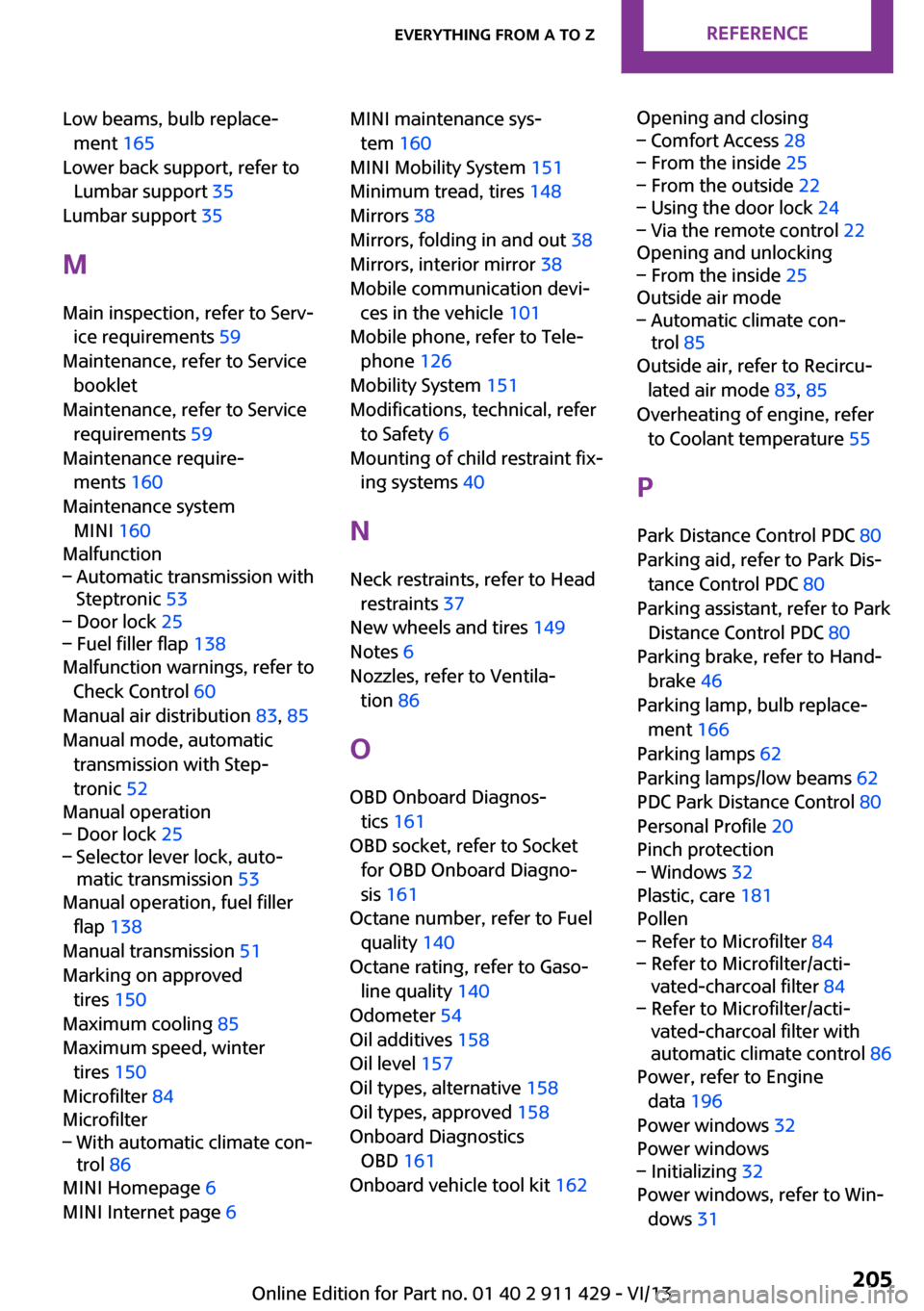
Low beams, bulb replace‐ment 165
Lower back support, refer to Lumbar support 35
Lumbar support 35
M
Main inspection, refer to Serv‐ ice requirements 59
Maintenance, refer to Service booklet
Maintenance, refer to Service requirements 59
Maintenance require‐ ments 160
Maintenance system MINI 160
Malfunction– Automatic transmission with
Steptronic 53– Door lock 25– Fuel filler flap 138
Malfunction warnings, refer to
Check Control 60
Manual air distribution 83, 85
Manual mode, automatic transmission with Step‐
tronic 52
Manual operation
– Door lock 25– Selector lever lock, auto‐
matic transmission 53
Manual operation, fuel filler
flap 138
Manual transmission 51
Marking on approved tires 150
Maximum cooling 85
Maximum speed, winter tires 150
Microfilter 84
Microfilter
– With automatic climate con‐
trol 86
MINI Homepage 6
MINI Internet page 6
MINI maintenance sys‐
tem 160
MINI Mobility System 151
Minimum tread, tires 148
Mirrors 38
Mirrors, folding in and out 38
Mirrors, interior mirror 38
Mobile communication devi‐ ces in the vehicle 101
Mobile phone, refer to Tele‐ phone 126
Mobility System 151
Modifications, technical, refer to Safety 6
Mounting of child restraint fix‐ ing systems 40
N Neck restraints, refer to Head restraints 37
New wheels and tires 149
Notes 6
Nozzles, refer to Ventila‐ tion 86
O
OBD Onboard Diagnos‐ tics 161
OBD socket, refer to Socket for OBD Onboard Diagno‐
sis 161
Octane number, refer to Fuel quality 140
Octane rating, refer to Gaso‐ line quality 140
Odometer 54
Oil additives 158
Oil level 157
Oil types, alternative 158
Oil types, approved 158
Onboard Diagnostics OBD 161
Onboard vehicle tool kit 162 Opening and closing– Comfort Access 28– From the inside 25– From the outside 22– Using the door lock 24– Via the remote control 22
Opening and unlocking
– From the inside 25
Outside air mode
– Automatic climate con‐
trol 85
Outside air, refer to Recircu‐
lated air mode 83, 85
Overheating of engine, refer to Coolant temperature 55
P Park Distance Control PDC 80
Parking aid, refer to Park Dis‐ tance Control PDC 80
Parking assistant, refer to Park Distance Control PDC 80
Parking brake, refer to Hand‐ brake 46
Parking lamp, bulb replace‐ ment 166
Parking lamps 62
Parking lamps/low beams 62
PDC Park Distance Control 80
Personal Profile 20
Pinch protection
– Windows 32
Plastic, care 181
Pollen
– Refer to Microfilter 84– Refer to Microfilter/acti‐
vated-charcoal filter 84– Refer to Microfilter/acti‐
vated-charcoal filter with
automatic climate control 86
Power, refer to Engine
data 196
Power windows 32
Power windows
– Initializing 32
Power windows, refer to Win‐
dows 31
Seite 205Everything from A to ZReference205
Online Edition for Part no. 01 40 2 911 429 - VI/13