battery MINI COOPER 2003 User Guide
[x] Cancel search | Manufacturer: MINI, Model Year: 2003, Model line: COOPER, Model: MINI COOPER 2003Pages: 148, PDF Size: 3.17 MB
Page 109 of 148

107
OVERVIEW REPAIRSOPERATION CONTROLS DATA INDEX
LAMPS AND BULBSProceed carefully when handling lamps and
bulbs. If you are not familiar with any of
the procedures, consult your MINI Dealer.
Do not touch the glass portion of a
new bulb with your bare hands since
even small amounts of impurities burn into
the surface and reduce the service life of
the bulb. Use a clean cloth, paper napkin, or
similar material, or hold the bulb by its
metallic base.<
Replacement bulbs are available from your
MINI Dealer.
Whenever working on the electrical
system, switch off the electrical
accessory you are working on or disconnect
the cable from the negative terminal of the
battery. Failure to do this could result in
short circuits.
To prevent injuries and damage, comply
with any instructions provided by the bulb
manufacturer.<
1Low beams H7 bulb, 55 Watts2High beamsH7 bulb, 55 Watts
The H7 bulb is pressurized. Therefore,
wear safety glasses and protective
gloves. If the lamp is damaged there is a
risk of injury.
1. Pull on the tab of the cover of the defec-
tive lamp and open it
2. Press the retaining wire lightly at the
eyelet and at the same time guide it out-
wards
3. Fold the retaining wire down
4. Remove the lamp holder and replace the
lamp
5. Reinsert the lamp holder in the correct
position
6. Fold the retaining wire back up and
catch in place. Ensure that it is placed in
the middle of the wire connector.Xenon lamps* The service life of these bulbs is very long
and the probability of a failure is very low,
provided that they are not switched on and
off an unusual number of times. If one of
these bulbs should nevertheless fail, it is
possible to continue driving with great cau-
tion using the fog lamps, provided traffic
laws in your area do not prohibit this.
Because of the extremely high volt-
ages involved, any work on the xenon
lighting system should be carried out by
technically-qualified personnel only. Other-
wise, there is a risk of fatal injury.<
ba.book Seite 107 Montag, 5. August 2002 8:09 20
ProCarManuals.com
Page 124 of 148

122
BATTERYLocation in the MINI COOPERThe battery is located in the engine com-
partment.
Exact location, see page 92.Location in the MINI COOPER SThe battery is located in the cargo area
under the floor mat.
Battery careThe battery is absolutely maintenance-free,
that is, the original electrolyte will normally
last for the service life of the battery under
moderate climatic conditions.
For all questions regarding the bat-
tery, please consult your MINI
Dealer.<
Charging the battery Only charge the battery in the vehicle via
the terminals in the engine compartment
with the engine switched off, see "Jump-
starting" on page 124.
Whenever working on the electrical
system, disconnect the cable from
the negative terminal of the battery. Fail-
ure to do this could result in fire hazards or
injury due to short circuits.
point or your MINI Dealer. Maintain
the battery in an upright position for trans-
port and storage. Secure the battery to pre-
vent it from tilting during transport.<
ba.book Seite 122 Montag, 5. August 2002 8:09 20
ProCarManuals.com
Page 125 of 148

123
OVERVIEW REPAIRSOPERATION CONTROLS DATA INDEX
FUSESIf an electrical device fails, switch it off and
check the fuse.
Plastic tweezers that you can use to pull
fuses out of their sockets can be found in
the fuse box in the vehicle interior, see next
column.In the engine compartmentIn the MINI COOPER on the right next to the
battery.
In the MINI COOPER S on the right next to
the air filter box.
Open the cover panel of the fuse box. To do
so, press the clip fastener.
In the vehicle interiorOn the left side of the footwell in the side
trim panel.
Open the cover panel of the fuse box. To do
so, press the fastener.
Do not attempt to repair a blown fuse
or replace it with a fuse of a different
color or Ampere rating. To do this could
cause a fire in the vehicle resulting from a
circuit overload.<
If a fuse blows a second time, have
the cause of the damage rectified by
your MINI Dealer.<
ba.book Seite 123 Montag, 5. August 2002 8:09 20
ProCarManuals.com
Page 126 of 148

124
WARNING TRIANGLE
*
FIRST-AID KIT
*
JUMP-STARTING
The warning triangle is located beneath the
luggage compartment cover.
Comply with legal requirements
requiring you to carry a hazard warn-
ing triangle in the vehicle.<
The first-aid kit is located on the left in the
luggage compartment, behind the side
trim panel.
Some articles in the first-aid kit are
perishable. For this reason, check the
expiration dates of each of the items regu-
larly, and replace any whose expiration
dates have passed. Source: any pharmacy.
Comply with legislation requiring you to
carry a first-aid kit in the vehicle.<
Do not use spray starter fluids to start
the engine.<
When your battery is discharged, you can
use two jumper cables to start your vehicle
with power from the battery in a second
vehicle. Correspondingly you can help start
another vehicle. Only use jumper cables
with fully insulated handles on the termi-
nal clamps.
Do not touch live wiring and cables
on a running engine. There is a risk of
fatal injury if you do this. Carefully observe
the following instructions to avoid personal
injury and/or damage to either vehicle or
both vehicles.<
ba.book Seite 124 Montag, 5. August 2002 8:09 20
ProCarManuals.com
Page 127 of 148

125
OVERVIEW REPAIRSOPERATION CONTROLS DATA INDEX
JUMP-STARTINGPreparing for jump-starting1. Check whether the battery of the sup-
port vehicle has 12 Volts and approxi-
mately the same capacity – measured in
Ah, printed on the battery
2. Switch off the engine of the support
vehicle
3. Switch off any electrical systems and
components in both vehicles – except
for the hazard warning flashers of the
support vehicle.
>Do not disconnect the discharged bat-
tery from the vehicle electrical system
>Make certain that there is no contact
between the bodywork of the two
vehicles – short circuit hazard!
4. With the battery of the MINI COOPER,
remove the cover panel. To do so, press
both clips at the same time
or
with the MINI COOPER S, open the cover
of the positive terminal connection for
jump-starting
*, see arrow 1.
Connect the jumper cables
Adhere to the sequence also when
providing support for other vehicles;
failure to observe this procedure can lead
to sparks at the terminals and pose an
injury hazard.<
1. On the MINI COOPER S, the positive ter-
minal connection for jump-starting, see
arrow 1, functions as the positive bat-
tery terminal.
Make a connection with the "+" jumper
cable between the positive terminal of
the discharged battery and the positive
terminal of the support battery
2. Use the second, "–" jumper cable to set
up the connection between the negative
terminals of both vehicles.
To do so:
>Connect one terminal clamp to the
negative terminal and/or to an engine
or body ground of the support vehicle
>Connect the second terminal clamp to
the negative terminal of the battery
and/or to an engine or body ground of
the vehicle to be started. For the MINI,
see arrow 2.
Performing the jump-start1. Start the engine of the vehicle providing
the current and allow to run at a fast idle
speed for several minutes
2. Start the engine on the vehicle with the
discharged battery in the usual manner.
>If the first start attempt is not suc-
cessful, wait a few minutes before
another attempt in order to allow the
discharged battery to recharge
On the MINI:
Before disconnecting the jumper
cables, switch on the lighting, rear window
defroster and the highest blower speed as
well as the engine for at least approx.
10 seconds to prevent a voltage surge from
the regulator to the electrical systems and
components.<
3. Then disconnect the jumper cables in
the reverse order.
If necessary have the battery checked and
completely charged at a MINI Dealer.
ba.book Seite 125 Montag, 5. August 2002 8:09 20
ProCarManuals.com
Page 138 of 148
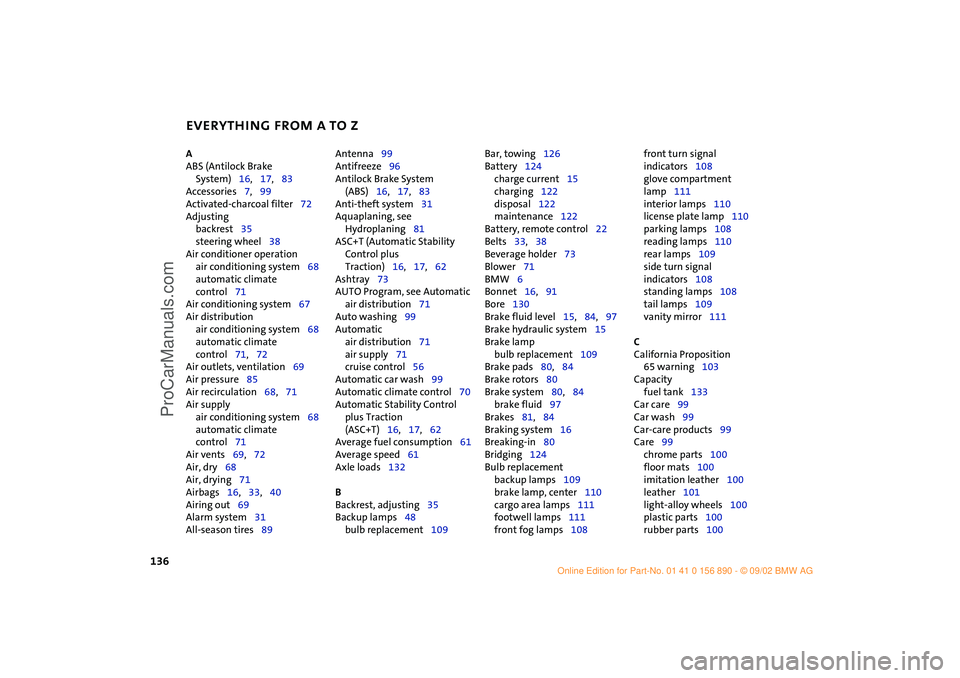
EVERYTHING FROM A TO Z
136
A
ABS (Antilock Brake
System)16,17,83
Accessories7,99
Activated-charcoal filter72
Adjusting
backrest35
steering wheel38
Air conditioner operation
air conditioning system68
automatic climate
control71
Air conditioning system67
Air distribution
air conditioning system68
automatic climate
control71,72
Air outlets, ventilation69
Air pressure85
Air recirculation68,71
Air supply
air conditioning system68
automatic climate
control71
Air vents69,72
Air, dry68
Air, drying71
Airbags16,33,40
Airing out69
Alarm system31
All-season tires89 Antenna99
Antifreeze96
Antilock Brake System
(ABS)16,17,83
Anti-theft system31
Aquaplaning, see
Hydroplaning81
ASC+T (Automatic Stability
Control plus
Traction)16,17,62
Ashtray73
AUTO Program, see Automatic
air distribution71
Auto washing99
Automatic
air distribution71
air supply71
cruise control56
Automatic car wash99
Automatic climate control70
Automatic Stability Control
plus Traction
(ASC+T)16,17,62
Average fuel consumption61
Average speed61
Axle loads132
B
Backrest, adjusting35
Backup lamps48
bulb replacement109 Bar, towing126
Battery124
charge current15
charging122
disposal122
maintenance122
Battery, remote control22
Belts33,38
Beverage holder73
Blower71
BMW6
Bonnet16,91
Bore130
Brake fluid level15,84,97
Brake hydraulic system15
Brake lamp
bulb replacement109
Brake pads80,84
Brake rotors80
Brake system80,84
brake fluid97
Brakes81,84
Braking system16
Breaking-in80
Bridging124
Bulb replacement
backup lamps109
brake lamp, center110
cargo area lamps111
footwell lamps111
front fog lamps108 front turn signal
indicators108
glove compartment
lamp111
interior lamps110
license plate lamp110
parking lamps108
reading lamps110
rear lamps109
side turn signal
indicators108
standing lamps108
tail lamps109
vanity mirror111
C
California Proposition
65 warning103
Capacity
fuel tank133
Car care99
Car wash99
Car-care products99
Care99
chrome parts100
floor mats100
imitation leather100
leather101
light-alloy wheels100
plastic parts100
rubber parts100
Hilfsrahmen für Querverweise
ba.book Seite 136 Montag, 5. August 2002 8:09 20
ProCarManuals.com
Page 139 of 148
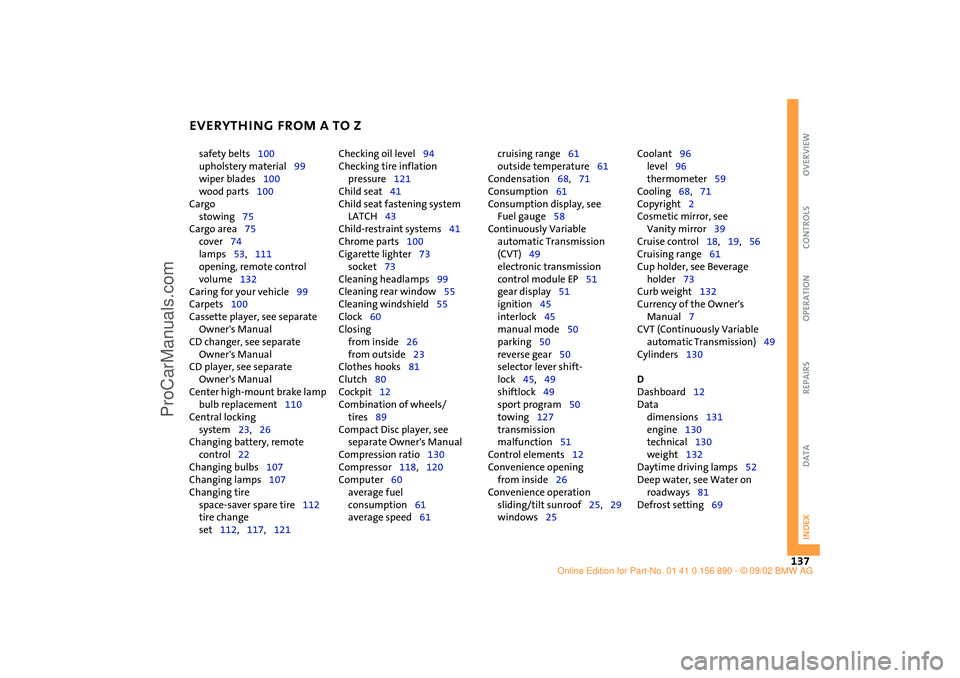
EVERYTHING FROM A TO Z
137
OVERVIEW REPAIRS OPERATION CONTROLS DATA INDEX
safety belts100
upholstery material99
wiper blades100
wood parts100
Cargo
stowing75
Cargo area75
cover74
lamps53,111
opening, remote control
volume132
Caring for your vehicle99
Carpets100
Cassette player, see separate
Owner's Manual
CD changer, see separate
Owner's Manual
CD player, see separate
Owner's Manual
Center high-mount brake lamp
bulb replacement110
Central locking
system23,26
Changing battery, remote
control22
Changing bulbs107
Changing lamps107
Changing tire
space-saver spare tire112
tire change
set112,117,121 Checking oil level94
Checking tire inflation
pressure121
Child seat41
Child seat fastening system
LATCH43
Child-restraint systems41
Chrome parts100
Cigarette lighter73
socket73
Cleaning headlamps99
Cleaning rear window55
Cleaning windshield55
Clock60
Closing
from inside26
from outside23
Clothes hooks81
Clutch80
Cockpit12
Combination of wheels/
tires89
Compact Disc player, see
separate Owner's Manual
Compression ratio130
Compressor118,120
Computer60
average fuel
consumption61
average speed61 cruising range61
outside temperature61
Condensation68,71
Consumption61
Consumption display, see
Fuel gauge58
Continuously Variable
automatic Transmission
(CVT)49
electronic transmission
control module EP51
gear display51
ignition45
interlock45
manual mode50
parking50
reverse gear50
selector lever shift-
lock45,49
shiftlock49
sport program50
towing127
transmission
malfunction51
Control elements12
Convenience opening
from inside26
Convenience operation
sliding/tilt sunroof25,29
windows25 Coolant96
level96
thermometer59
Cooling68,71
Copyright2
Cosmetic mirror, see
Vanity mirror39
Cruise control18,19,56
Cruising range61
Cup holder, see Beverage
holder73
Curb weight132
Currency of the Owner's
Manual7
CVT (Continuously Variable
automatic Transmission)49
Cylinders130
D
Dashboard12
Data
dimensions131
engine130
technical130
weight132
Daytime driving lamps52
Deep water, see Water on
roadways81
Defrost setting69
ba.book Seite 137 Montag, 5. August 2002 8:09 20
ProCarManuals.com
Page 143 of 148

EVERYTHING FROM A TO Z
141
OVERVIEW REPAIRS OPERATION CONTROLS DATA INDEX
Q
Quality grading, tire88
R
Radiator96
Radio, see separate Owner's
Manual
Rain sensor54
Reading lamps53
bulb replacement110
Rear backrest
foldable74
Rear fog lamp
bulb replacement109
Rear lamps48,109
Rear shelf, see Cargo area
cover74
Rear window defroster
air conditioning system68
automatic climate
control71
Rear window wiper55
replacing106
Rearview mirror39
Recirculated air mode
air conditioner system68
automatic climate
control71
Recirculation of air68,71
Reclining seat34 Recommended grades of
oil96
Refueling, fuel filler door82
Remaining distance for
service60
Remote control23
battery22
changing battery22
initialization22
Removing fog on windows
air conditioning system69
automatic climate
control72
Replacement key22
Reporting safety defects8
Reserve indicator light58
Restore tire inflation
pressure120
Restraint system41
Reverse gear48,50
Rod antenna99
Roller sun blind, rear window
blind30
Roof load132
Rope, towing126
Rubber parts100
Run Flat tires85,88,116
winter tires89 S
Safety belts16,33
adjusting38
care100
Safety lock buttons26
Seat heater36
Securing cargo75
Selector lever
shiftlock45,49
Service and Warranty
Information Booklet
for US models98
Service interval
display60,98
Setting up the car44
Shiftlock49
Side airbags40
Side turn signal indicators
bulb replacement108
Sitting safely with airbags33
Sitting safely with safety
belts33
Size131
Sliding/tilt sunroof29
convenience
operation25,29
Snow chains90
Space-saver spare tire
changing tires112
Spare key22
Speed130 Speed control see Cruise
control56
Speed, winter tires90
Split rear backrest74
Spray jets55
Standing lamps52
bulb replacement108
Starting46
problems46,124,126
with a discharged
battery124
Steering lock45
Storage, tires89
Storing the vehicle101
Sun visors39
Switches12
Symbols6
T
Tachometer13,14,58
Tail lamps
bulb replacement109
Tailgate16,27
manually unlocking27
opening, remote control24
Tank display58
Technical data130
Technical modifications103
Temperature
air conditioning system68
ba.book Seite 141 Montag, 5. August 2002 8:09 20
ProCarManuals.com