wheel size MINI COOPER 2013 User Guide
[x] Cancel search | Manufacturer: MINI, Model Year: 2013, Model line: COOPER, Model: MINI COOPER 2013Pages: 267, PDF Size: 3.53 MB
Page 229 of 267

MOBILITYReplacing components
228
12.Unscrew the dust cap from the extension
and place it on the valve of the space-saver
spare tire.
Due to its different dimensions, the dam-
aged wheel cannot be placed in the recess
for the space-saver spare tire. <
MINI Clubman: removing the space-
saver spare tire
The space-saver spare tire is located under the
tire change set in the cargo area.
1.Fold up the floor mat.
2. Unscrew the nut, arrow, and remove the
space-saver spare tire.
Driving with the space-saver spare tire
Drive cautiously and do not exceed a
speed of 50 mph/80 km/h. Changes may
occur in vehicle handling such as lower track sta-
bility during br aking, longer braking distances
and changes in self-steering properties when
close to the handling limit. These properties are
more noticeable with winter tires. <
Only one space-saver spare tire may be
mounted at one time. Mount a wheel and
tire of the original size as soon as possible, to
avoid any safety risks. <
Check the tire inflation pressure at the ear-
liest opportunity and correct it if neces-
sary. Replace the defective tire as soon as possi-
ble and have the new wheel/tire assembly
balanced. <
Preparing for a tire change
Observe the safety precautions regarding
flat tires on page 224.<
Additional safety measures when chang-
ing tires:
Only change the tire wh en parked on a surface
that is level, firm and not slippery.
The vehicle or the jack could slip sideways on
soft or slippery support surfaces, such as snow,
ice, flagstones, etc.
Do not use a wooden block or similar object as a
support base for the jack, as this would prevent
it from extending to its full support height and
reduce its load-carrying capacity.
Do not lie under the vehicle or start the engine
when the vehicle is supported by the jack; other-
wise, there is a risk of fatal injury. <
1. Place the foldable chock behind the front
wheel on the other side of the vehicle or in
front of the wheel if the vehicle is on an
incline. If the wheel is changed on a surface
with a more severe sl ope, take additional
precautions to secure the vehicle from roll-
ing.
2. Uncover the lug bolts if necessary.
3. Loosen the lug bolts by a half turn.
Jacking up the vehicle
The vehicle jack is designed for changing
wheels only. Do not attempt to raise
another vehicle model with it or to raise any load
of any kind. To do so could cause accidents and
personal injury. <
1. Place the jack at the jacking point closest to
the wheel.
00320051004F004C00510048000300280047004C0057004C005200510003
Page 263 of 267
REFERENCEEverything from A to Z
262
Side windows, refer to Windows 36
Signal horn, refer to Horn 10
Sitting safely 38
– airbags 38
– safety belts 38
– with head restraint 38
Size, refer to Dimensions 239
Sliding/tilt sunroof
– refer to Glass roof, electric 35
Slot for remote control 47
Smokers' package, refer to Ashtray 96
Snap-in adapter
– inserting/removing 177
– use 166
Snap-in adapter, refer to Center armrest storage
compartment 95
Snow chains 206
Socket, refer to Connecting electrical appliances 97
Socket for On-Board Diagnosis OBD 212
Software update 153
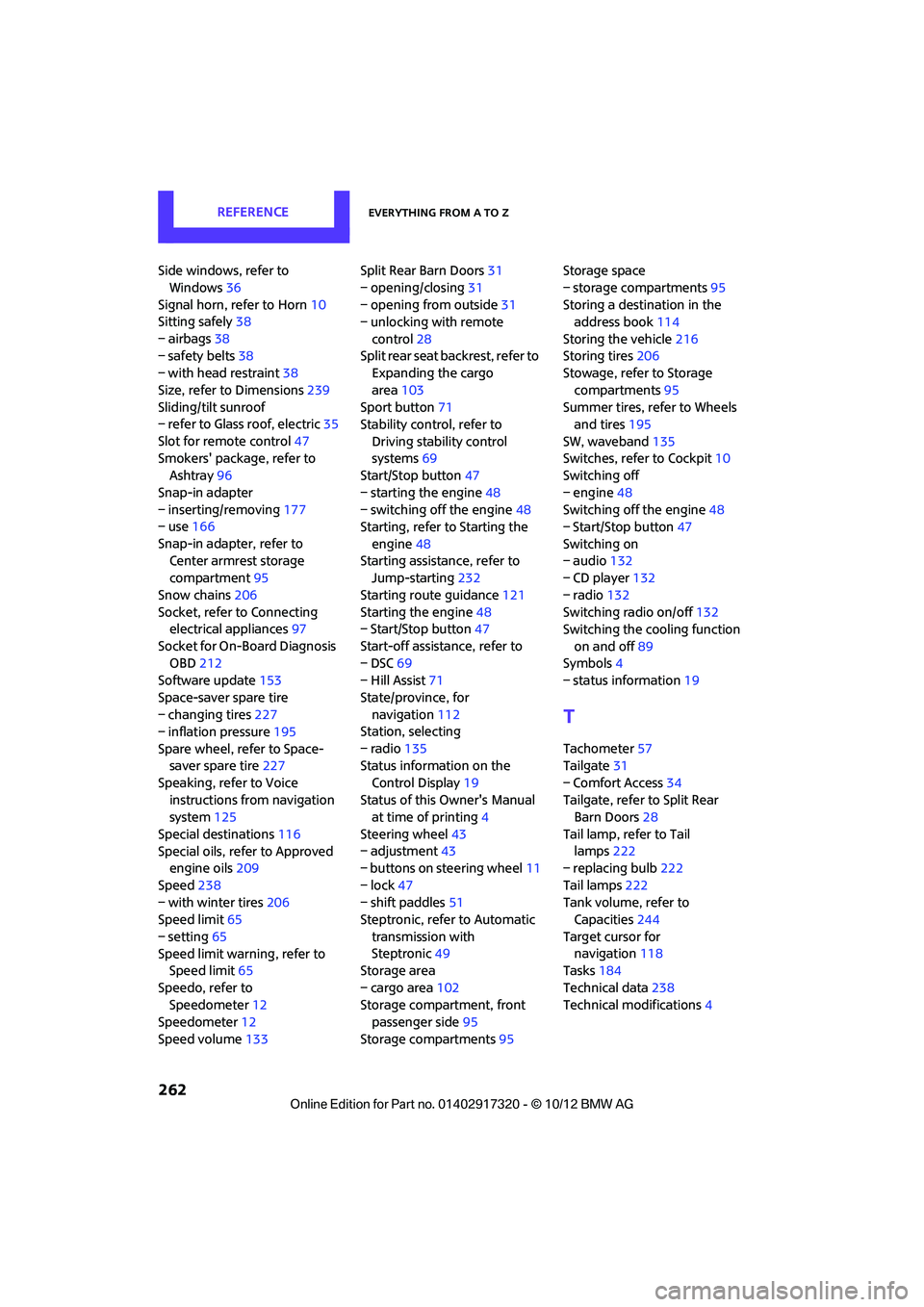
Space-saver spare tire
– changing tires 227
– inflation pressure 195
Spare wheel, refer to Space- saver spare tire 227
Speaking, refer to Voice instructions from navigation
system 125
Special destinations 116
Special oils, refer to Approved engine oils 209
Speed 238
– with winter tires 206
Speed limit 65
– setting 65
Speed limit warning, refer to Speed limit 65
Speedo, refer to Speedometer 12
Speedometer 12
Speed volume 133 Split Rear Barn Doors
31
– opening/closing 31
– opening from outside 31
– unlocking with remote
control 28
Split rear seat backrest, refer to Expanding the cargo
area 103
Sport button 71
Stability contro l, refer to
Driving stability control
systems 69
Start/Stop button 47
– starting the engine 48
– switching off the engine 48
Starting, refer to Starting the
engine 48
Sta rting assistance, refer to
Jump-sta r
ting232
Starting route guidance 121
Starting the engine 48
– Start/Stop button 47
Start-off assistance, refer to
– DSC 69
– Hill Assist 71
State/province, for navigation 112
Station, selecting
– radio 135
Status information on the
Control Display 19
Status of this Owner's Manual at time of printing 4
Steering wheel 43
– adjustment 43
– buttons on steering wheel 11
– lock 47
– shift paddles 51
Steptronic, refer to Automatic
transmission with
Steptronic 49
Storage area
– cargo area 102
Storage compartment, front passenger side 95
Storage compartments 95Storage space
– storage compartments
95
Storing a destination in the address book 114
Storing the vehicle 216
Storing tires 206
Stowage, refer to Storage
compartments 95
Summer tires, refer to Wheels and tires 195
SW, waveband 135
Switches, refer to Cockpit 10
Switching off
– engine 48
Switching off the engine 48
– Start/Stop button 47
Switching on
– audio 132
– CD player 132
– radio 132
Switching radio on/off 132
Switching the cooling function
on and off 89
Symbols 4
– status information 19
T
Tachometer57
Tailgate 31
– Comfort Access 34
Tailgate, refer to Split Rear Barn Doors 28
Tail lamp, refer to Tail lamps 222
– replacing bulb 222
Tail lamps 222
Tank volume, refer to Capacities 244
Target cursor for navigation 118
Tasks 184
Technical data 238
Technical modifications 4
00320051004F004C00510048000300280047004C0057004C005200510003
Page 264 of 267
Everything from A to ZREFERENCE
263
Telephone
– hands-free system163,175
– installation location, refer to Center armrest 95
– voice commands 175
Telephone receiving power, refer to Status
information 19
Temperature display
– setting the units 60
Temperature of coolant, refer to Coolant temperature 210
Temperature setting
– air conditioner 87
– automatic climate control 89
Tempomat, refer to Cruise
control 55
Tensioning straps, refer to Securing cargo 105
Text message 182
Third brake lamp, refer to Center brake lamp 224
Three-point safety belt 41
Tightening the lug bolts
– keys 217,218
– torque 229
Tightening torque, refer to Tightening lug bolts 229
Tire change set
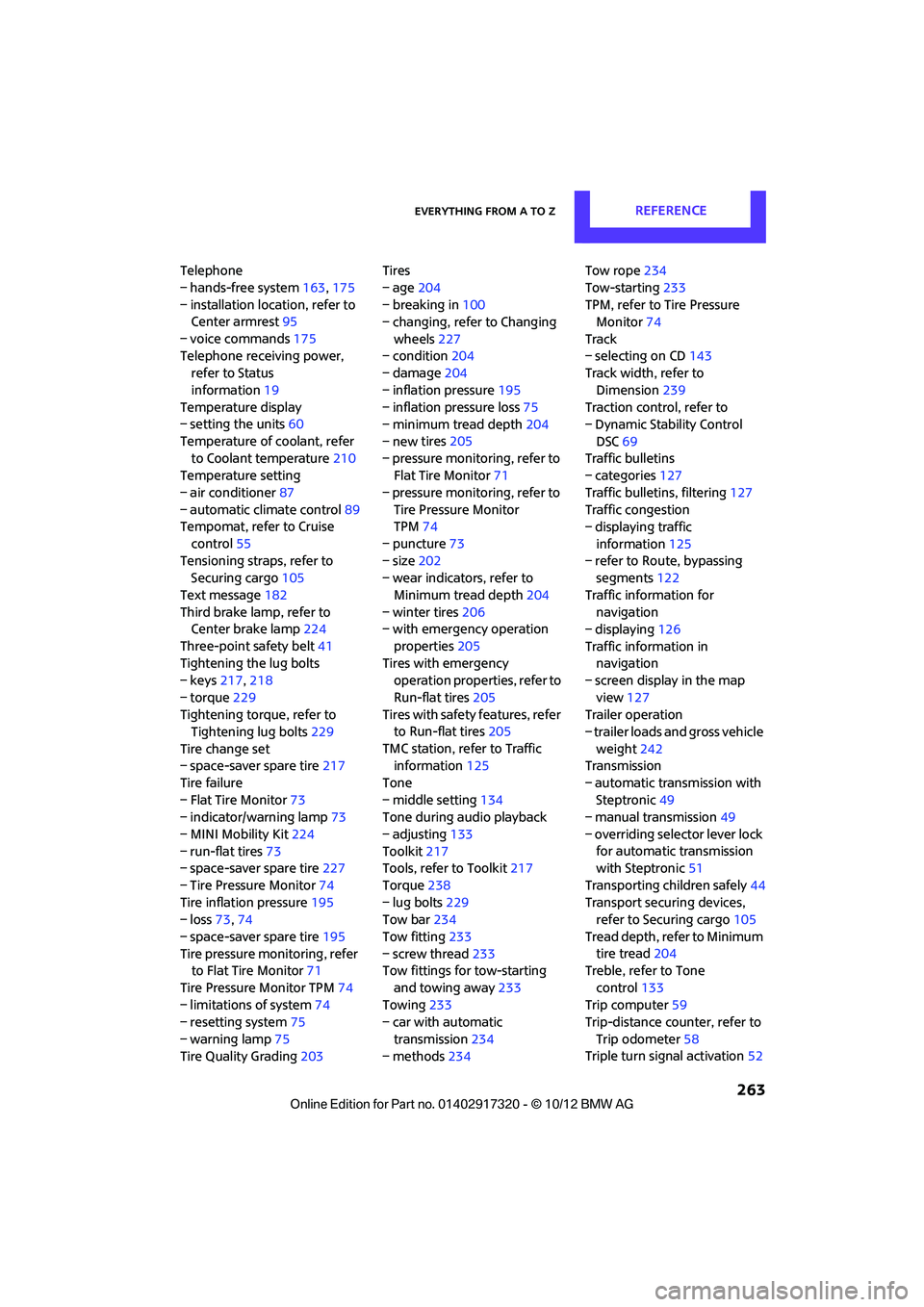
– space-saver spare tire 217
Tire failure
– Flat Tire Monitor 73
– indicator/warning lamp 73
– MINI Mobility Kit 224
– run-flat tires 73
– space-saver spare tire 227
– Tire Pressure Monitor 74
Tire inflation pressure 195
– loss 73,74
– space-saver spare tire 195
Tire pressure monitoring, refer to Flat Tire Monitor 71
Tire Pressure Monitor TPM 74
– limitations of system 74
– resetting system 75
– warning lamp 75
Tire Quality Grading 203Tires
– age
204
– breaking in 100
– changing, refe r to Changing
wheels 227
– condition 204
– damage 204
– inflation pressure 195
– inflation pressure loss 75
– minimum tread depth 204
– new tires
205
– pressure moni toring,
refer to
Flat Tire Monitor 71
– pressure monitoring, refer to Tire Pressure Monitor
TPM 74
– puncture 73
– size 202
– wear indicators, refer to
Minimum tread depth 204
– winter tires 206
– with emergency operation
properties 205
Tires with emergency operation properties, refer to
Run-flat tires 205
Tires with safety features, refer
to Run-flat tires 205
TMC station, refer to Traffic information 125
Tone
– middle setting 134
Tone during audio playback
– adjusting 133
Toolkit 217
Tools, refer to Toolkit 217
Torque 238
– lug bolts 229
Tow bar 234
Tow fitting 233
– screw thread 233
Tow fittings for tow-starting
and towing away 233
Towing 233
– car with automatic
transmission 234
– methods 234 Tow rope
234
Tow-starting 233
TPM, refer to Tire Pressure Monitor 74
Track
– selecting on CD 143
Track width, refer to
Dimension 239
Traction control, refer to
– Dynamic Stability Control
DSC 69
Traffic bulletins
– categories 127
Traffic bulletins, filtering 127
Traffic congestion
– displaying traffic
information 125
– refer to Route, bypassing segments 122
Traffic information for navigation
– displaying 126
Traffic information in navigation
– screen display in the map
view 127
Trailer operation
– trailer loads and gross vehicle
weight 242
Transmission
– automatic transmission with Steptron ic
49
– manual transmission 49
– overriding selector lever lo ck
f
or automatic transmission
with Steptronic 51
Transporting children safely 44
Transport securing devices, refer to Securing cargo 105
Tread depth, refer to Minimum tire tread 204
Treble, refer to Tone
control 133
Trip computer 59
Trip-distance counter, refer to
Trip odometer 58
Triple turn signal activation 52
00320051004F004C00510048000300280047004C0057004C005200510003