cruise control MINI COOPER 2014 User Guide
[x] Cancel search | Manufacturer: MINI, Model Year: 2014, Model line: COOPER, Model: MINI COOPER 2014Pages: 230, PDF Size: 11.58 MB
Page 117 of 230
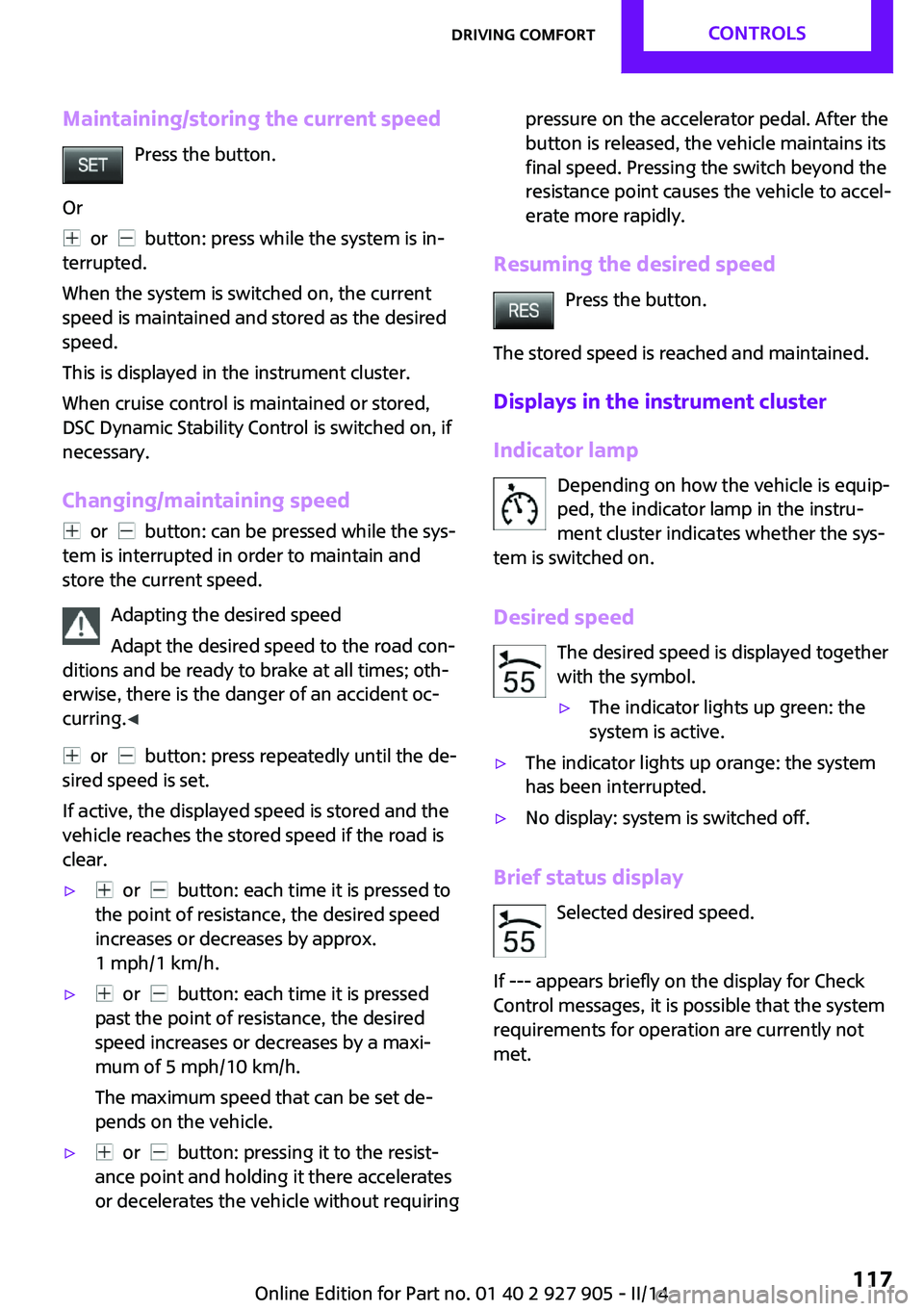
Maintaining/storing the current speedPress the button.
Or
or button: press while the system is in‐
terrupted.
When the system is switched on, the current
speed is maintained and stored as the desired
speed.
This is displayed in the instrument cluster.
When cruise control is maintained or stored,
DSC Dynamic Stability Control is switched on, if
necessary.
Changing/maintaining speed
or button: can be pressed while the sys‐
tem is interrupted in order to maintain and
store the current speed.
Adapting the desired speed
Adapt the desired speed to the road con‐
ditions and be ready to brake at all times; oth‐
erwise, there is the danger of an accident oc‐
curring. ◀
or button: press repeatedly until the de‐
sired speed is set.
If active, the displayed speed is stored and the
vehicle reaches the stored speed if the road is
clear.
▷ or button: each time it is pressed to
the point of resistance, the desired speed
increases or decreases by approx.
1 mph/1 km/h.▷ or button: each time it is pressed
past the point of resistance, the desired
speed increases or decreases by a maxi‐
mum of 5 mph/10 km/h.
The maximum speed that can be set de‐
pends on the vehicle.▷ or button: pressing it to the resist‐
ance point and holding it there accelerates
or decelerates the vehicle without requiringpressure on the accelerator pedal. After the
button is released, the vehicle maintains its
final speed. Pressing the switch beyond the
resistance point causes the vehicle to accel‐
erate more rapidly.
Resuming the desired speed
Press the button.
The stored speed is reached and maintained.
Displays in the instrument cluster
Indicator lamp Depending on how the vehicle is equip‐
ped, the indicator lamp in the instru‐
ment cluster indicates whether the sys‐
tem is switched on.
Desired speed The desired speed is displayed together
with the symbol.
▷The indicator lights up green: the
system is active.▷The indicator lights up orange: the system
has been interrupted.▷No display: system is switched off.
Brief status display
Selected desired speed.
If --- appears briefly on the display for Check
Control messages, it is possible that the system
requirements for operation are currently not met.
Seite 117Driving comfortCONTROLS117
Online Edition for Part no. 01 40 2 927 905 - II/14
Page 159 of 230
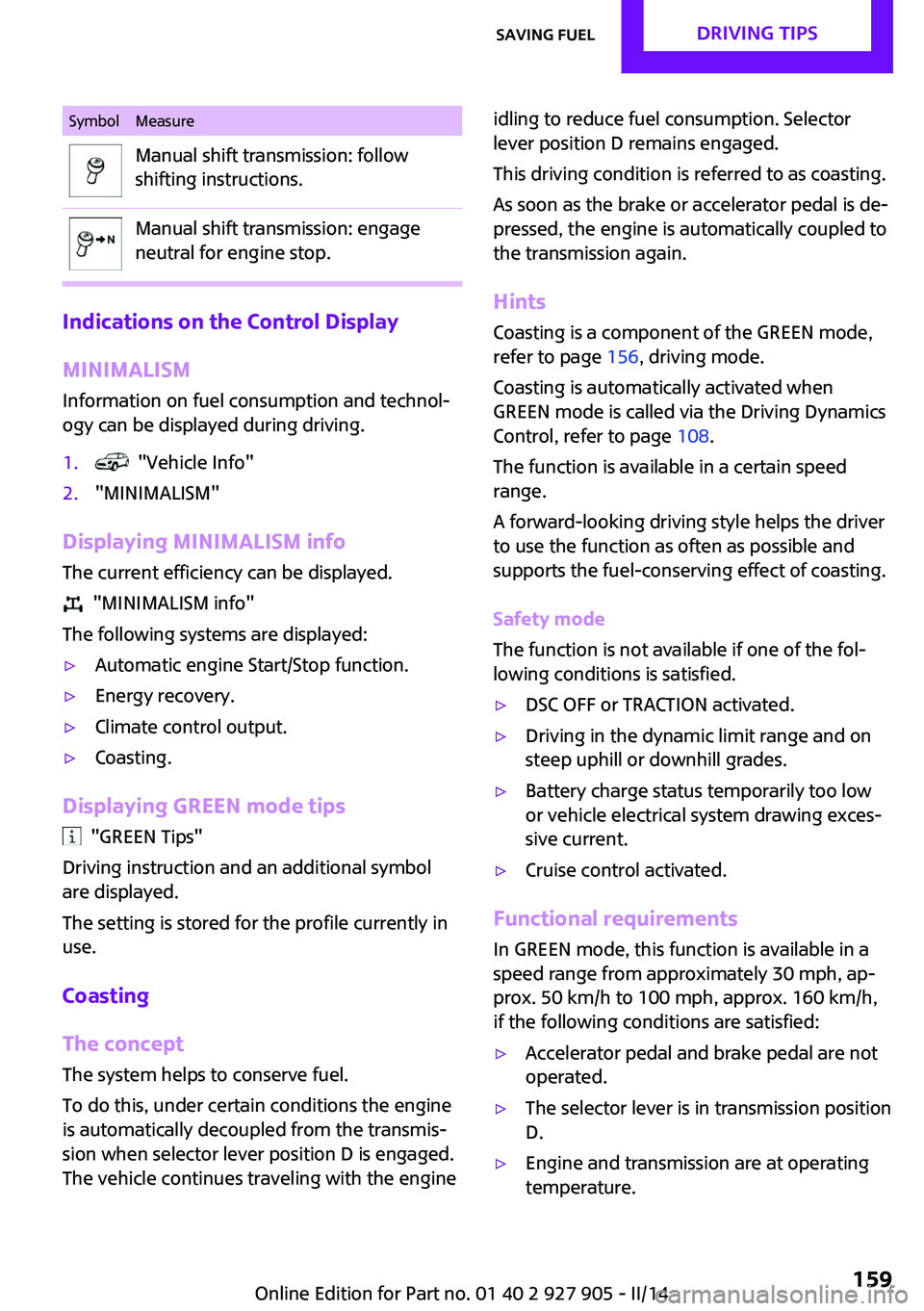
SymbolMeasureManual shift transmission: follow
shifting instructions.Manual shift transmission: engage
neutral for engine stop.
Indications on the Control Display
MINIMALISM
Information on fuel consumption and technol‐
ogy can be displayed during driving.
1. "Vehicle Info"2."MINIMALISM"
Displaying MINIMALISM info
The current efficiency can be displayed.
"MINIMALISM info"
The following systems are displayed:
▷Automatic engine Start/Stop function.▷Energy recovery.▷Climate control output.▷Coasting.
Displaying GREEN mode tips
"GREEN Tips"
Driving instruction and an additional symbol
are displayed.
The setting is stored for the profile currently in
use.
Coasting
The concept
The system helps to conserve fuel.
To do this, under certain conditions the engine
is automatically decoupled from the transmis‐
sion when selector lever position D is engaged.
The vehicle continues traveling with the engine
idling to reduce fuel consumption. Selector
lever position D remains engaged.
This driving condition is referred to as coasting.
As soon as the brake or accelerator pedal is de‐
pressed, the engine is automatically coupled to
the transmission again.
Hints
Coasting is a component of the GREEN mode,
refer to page 156, driving mode.
Coasting is automatically activated when
GREEN mode is called via the Driving Dynamics
Control, refer to page 108.
The function is available in a certain speed
range.
A forward-looking driving style helps the driver
to use the function as often as possible and
supports the fuel-conserving effect of coasting.
Safety mode
The function is not available if one of the fol‐
lowing conditions is satisfied.▷DSC OFF or TRACTION activated.▷Driving in the dynamic limit range and on
steep uphill or downhill grades.▷Battery charge status temporarily too low
or vehicle electrical system drawing exces‐
sive current.▷Cruise control activated.
Functional requirements
In GREEN mode, this function is available in a
speed range from approximately 30 mph, ap‐
prox. 50 km/h to 100 mph, approx. 160 km/h,
if the following conditions are satisfied:
▷Accelerator pedal and brake pedal are not
operated.▷The selector lever is in transmission position
D.▷Engine and transmission are at operating
temperature.Seite 159Saving fuelDRIVING TIPS159
Online Edition for Part no. 01 40 2 927 905 - II/14
Page 220 of 230
Everything from A to ZIndexA
ABS, Antilock Brake Sys‐ tem 106
ACC, Active Cruise Control 110
Acceleration Assistant, refer to Launch Control 70
Accessories and parts 7
Activated-charcoal filter 132
Active cruise control, ACC 110
Additives, oil 183
Adjusting the headlamps 89
Adjustments, seats/head re‐ straints 47
Adjustments, steering wheel 54
After washing vehicle 208
Airbags 91
Airbags, indicator/warning light 92
Air circulation, refer to Recir‐ culated-air mode 128, 131
Air conditioner 127
Air, dehumidifying, refer to Cooling function 128, 131
Air distribution, manual 128, 130
Air flow, air conditioner 128
Air flow, automatic climate control 130
Air pressure, tires 168
Air vents, refer to Ventila‐ tion 132
Alarm system 42
Alarm triggering 42
Alarm, unintentional 43
All around the center con‐ sole 16
All around the headliner 17
All around the steering wheel 14 All-season tires, refer to Win‐
ter tires 174
Alternating-code hand-held transmitter 134
Alternative oil types 184
Antifreeze, washer fluid 66
Antilock Brake System, ABS 106
Anti-slip control, refer to DSC 106
Approved axle load 214
Approved engine oils 184
Arrival time 80
Ash tray 138
Assistance, Roadside Assis‐ tance 202
Assistance when driving off 109
Assist system, refer to Intelli‐ gent Safety 99
AUTO intensity 130
Automatic car wash 207
Automatic climate con‐ trol 129
Automatic cruise control with Stop & Go 110
Automatic Curb Monitor 52
Automatic deactivation, front passenger airbags 93
Automatic headlamp con‐ trol 87
Automatic locking 42
Automatic recirculated-air control 131
Automatic transmission with Steptronic 67
AUTO program, automatic cli‐ mate control 130
AUTO program, intensity 130
Auto Start/Stop function 61
Average fuel consumption 79 Average speed 80
Axle loads, weights 214
B
Backrest curvature, refer to Lumbar support 48
Band-aids, refer to First aid kit 202
Bar for tow-starting/ towing 205
Battery replacement, vehicle battery 199
Battery, vehicle 198
Belts, safety belts 49
Beverage holder, cu‐ pholder 142
Bonus range, GREEN mode 158
Bottle holder, refer to Cu‐ pholder 142
Brake assistant 106
Brake discs, breaking in 148
Brake pads, breaking in 148
Braking, hints 149
Breakdown assis‐ tance 201, 202
Breaking in 148
Brightness of Control Dis‐ play 82
Bug light 190
Bulb replacement 189
Bulb replacement, front 190
Bulb replacement, rear 192
Bulb replacement, side 195
Bulbs and lamps 189
Button, RES 112
Button, Start/Stop 59
Bypassing, refer to Jump- starting 202 Seite 220REFERENCEEverything from A to Z220
Online Edition for Part no. 01 40 2 927 905 - II/14
Page 221 of 230
C
California Proposition 65 Warning 7
Camera-based cruise control, ACC 110
Camera, care 210
Camera, rearview cam‐ era 120
Can holder, refer to Cu‐ pholder 142
Car battery 198
Car care products 208
Care, displays 210
Care, vehicle 208
Cargo 151
Cargo area 138
Cargo area, adapting size 143
Cargo area, enlarging 139
Cargo area lid 39
Cargo area, storage compart‐ ments 143
Cargo cover 138
Cargo, securing 152
Cargo straps, securing cargo 152
Car key, refer to Remote con‐ trol 34
Carpet, care 210
Car wash 207
Catalytic converter, refer to Hot exhaust system 149
CBS Condition Based Serv‐ ice 186
Center armrest 142
Center console 16
Central screen, refer to Control Display 18
Changes, technical, refer to Safety 7
Changing parts 188
Changing wheels 196
Changing wheels/tires 173
Check Control 72
Children, seating position 55 Children, transporting
safely 55
Child restraint fixing sys‐ tem 55
Child restraint fixing system LATCH 56
Child restraint fixing systems, mounting 55
Child seat, mounting 55
Child seats 55
Chrome parts, care 209
Cigarette lighter 138
Cleaning, displays 210
Climate control 127, 129
Clock 75
Closing/opening via door lock 38
Closing/opening with remote control 37
Clothes hooks 143
Coasting 159
Coasting with engine decou‐ pled, coasting 159
Coasting with idling en‐ gine 159
Cold starting, refer to Starting the engine 60
Collision warning with City Braking function 100
Combination switch, refer to Turn signals 64
Combination switch, refer to Wiper system 64
Comfort Access 40
Compact wheel 196
Compartments in the doors 142
Compass 135
Compressor 175
Computer 79
Condensation on win‐ dows 131
Condensation under the vehi‐ cle 150
Condition Based Service CBS 186 Configuring drive pro‐
gram 109
Confirmation signal 42
Control Display 18
Control Display, settings 81
Controller 18, 19
Control systems, driving stabil‐ ity 106
Convenient opening 37
Coolant 185
Coolant temperature 74
Cooling function 128, 131
Cooling, maximum 130
Cooling system 185
Cornering lamp 87
Corrosion on brake discs 150
Cruise control 116
Cruise control, active 110
Cruise control, refer to cam‐ era-based cruise control 110
Cruising range 75
Cupholder 142
Current fuel consumption 75
D
Damage, tires 173
Damping control, dy‐ namic 107
Data, technical 214
Date 75
Daytime running lights 87
Defrosting, refer to defrosting the windows 128
Defrosting, refer to Windows, defrosting 131
Defrosting the windows 128
Dehumidifying, air 128, 131
Destination distance 80
Diesel particulate filter 149
Digital clock 75
Digital compass 135
Dimensions 214
Dimmable exterior mirrors 53
Dimmable interior rearview mirror 53 Seite 221Everything from A to ZREFERENCE221
Online Edition for Part no. 01 40 2 927 905 - II/14