instrument cluster MINI COOPER 2016 User Guide
[x] Cancel search | Manufacturer: MINI, Model Year: 2016, Model line: COOPER, Model: MINI COOPER 2016Pages: 251, PDF Size: 8.4 MB
Page 67 of 251
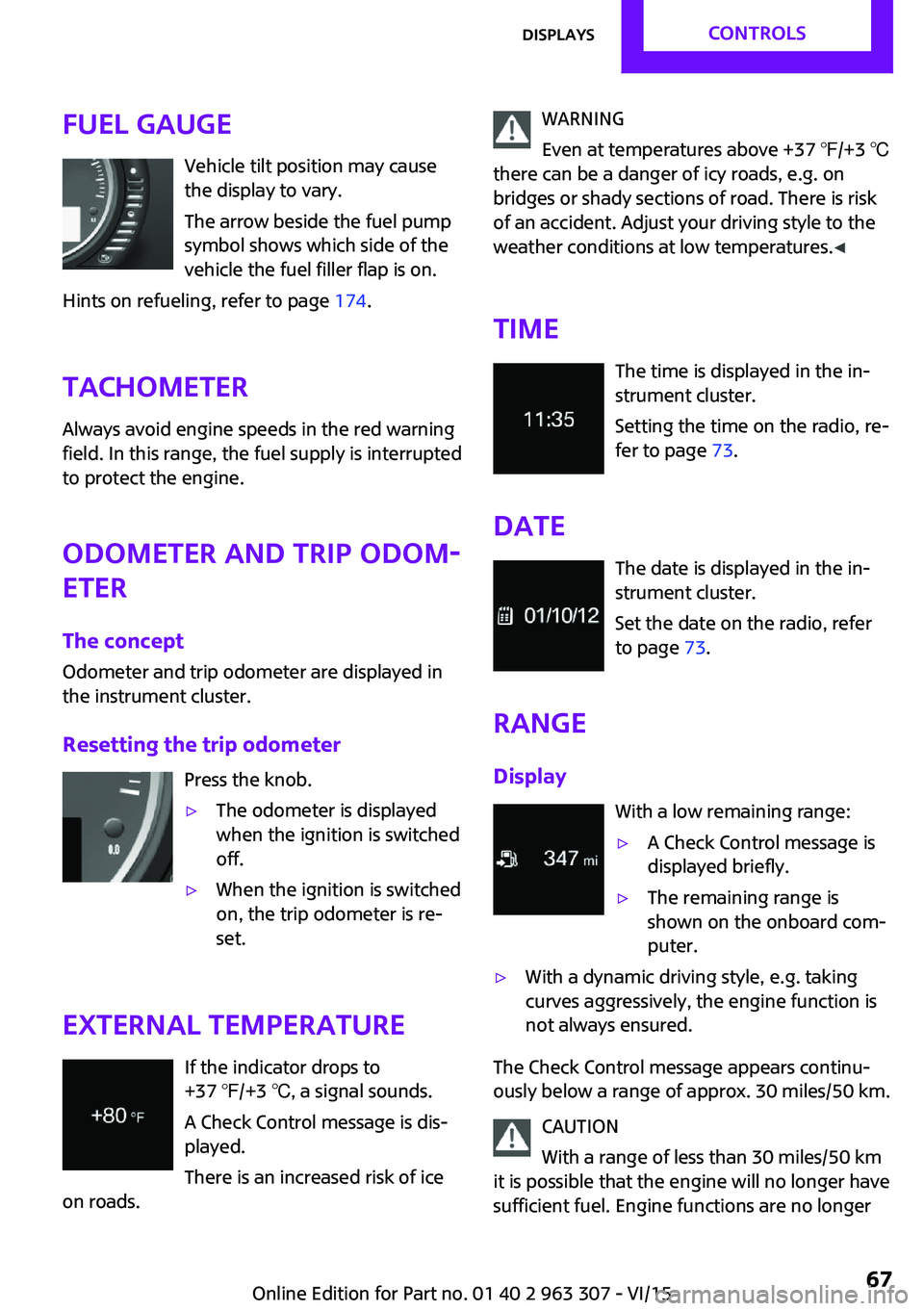
Fuel gaugeVehicle tilt position may cause
the display to vary.
The arrow beside the fuel pump
symbol shows which side of the
vehicle the fuel filler flap is on.
Hints on refueling, refer to page 174.
Tachometer
Always avoid engine speeds in the red warning
field. In this range, the fuel supply is interrupted
to protect the engine.
Odometer and trip odom‐
eter
The concept
Odometer and trip odometer are displayed in
the instrument cluster.
Resetting the trip odometer Press the knob.▷The odometer is displayed
when the ignition is switched
off.▷When the ignition is switched
on, the trip odometer is re‐
set.
External temperature
If the indicator drops to
+37 ℉/+3 ℃, a signal sounds.
A Check Control message is dis‐
played.
There is an increased risk of ice
on roads.
WARNING
Even at temperatures above +37 ℉/+3 ℃
there can be a danger of icy roads, e.g. on
bridges or shady sections of road. There is risk
of an accident. Adjust your driving style to the
weather conditions at low temperatures. ◀
Time The time is displayed in the in‐
strument cluster.
Setting the time on the radio, re‐
fer to page 73.
Date The date is displayed in the in‐
strument cluster.
Set the date on the radio, refer
to page 73.
Range
Display With a low remaining range:▷A Check Control message is
displayed briefly.▷The remaining range is
shown on the onboard com‐
puter.▷With a dynamic driving style, e.g. taking
curves aggressively, the engine function is
not always ensured.
The Check Control message appears continu‐
ously below a range of approx. 30 miles/50 km.
CAUTION
With a range of less than 30 miles/50 km
it is possible that the engine will no longer have
sufficient fuel. Engine functions are no longer
Seite 67DisplaysCONTROLS67
Online Edition for Part no. 01 40 2 963 307 - VI/15
Page 68 of 251

ensured. There is risk of property damage. Re‐
fuel promptly. ◀
Displaying the cruising range1. Press button.2. "Settings"3."Instrument cluster display"4."Range"
Current fuel consump‐
tion
The concept
Displays the current fuel consumption. Check
whether you are currently driving in an efficient
and environmentally-friendly manner.
Service requirements
The concept
After the ignition is turned on the instrument
cluster briefly displays available driving distance
or time to the next scheduled maintenance.
A service advisor can read out the current serv‐
ice requirements from your remote control.
Display
Detailed information on service
requirements
The radio will display detailed information
about service requirements.
1. Press button.2. "Vehicle Info"3."Vehicle status"4."Service required"5.Select the desired entry to view detailed in‐
formation.
Symbols
SymbolsDescriptionNo service is currently required.The deadline for scheduled
maintenance or a legally man‐
dated inspection is approach‐
ing.The service deadline has al‐
ready passed.
Entering appointment dates
Enter the dates for the required inspections.
Make sure that the vehicle's date and time are
set correctly.
1. Press button.2. "Vehicle Info"3."Vehicle status"4."Service required"5."§ Vehicle inspection" or "§ Emission
inspection"6."Change date"7.Enter the desired appointment.
Gear shift indicator
The concept
The system recommends the most fuel efficient
gear for the current driving situation.
General information Depending on the vehicle's features and coun‐
try version of the vehicle, the gear shift indica‐
Seite 68CONTROLSDisplays68
Online Edition for Part no. 01 40 2 963 307 - VI/15
Page 69 of 251

tor is active in the manual mode of the Step‐
tronic transmission and with manual
transmission.
Suggestions to shift gear up or down are dis‐
played in the instrument cluster.
Manual transmission: displayingExampleDescriptionFuel efficient gear is set.Shift into fuel efficient gear.
Steptronic transmission: displaying
ExampleDescriptionFuel efficient gear is set.Shift into fuel efficient gear.
Speed limit detection
The concept
Speed limit detection
Speed limit detection shows the current maxi‐
mum permitted speed in the instrument clus‐
ter. The camera at the base of the interior rear‐
view mirror detects traffic signs at the edge of
the road as well as variable overhead sign
posts. Traffic signs with extra symbols for wet
road conditions, etc. are also detected and
compared with the vehicle's onboard data,
such as for the rain sensor, and will be dis‐
played depending on the situation.
Without a navigation system, the system is sub‐
ject to limitations imposed by technology.
Speed limits with extra text characters are al‐
ways displayed.
Information
Speed limits when towing a trailer are not
shown.
WARNING
The system does not relieve from the per‐
sonal responsibility to correctly assess visibility
and traffic situation. There is risk of an accident.
Adjust the driving style to the traffic conditions.
Watch traffic closely and actively interfere in
the respective situations. ◀
Overview
Camera
The camera is installed near the interior rear‐
view mirror.
Keep the windshield in the area behind the in‐
terior rearview mirror clean and clear.
Switching on/off
1. Press button.2. "Settings"3."Instrument cluster display"4."Speed limit information"
If speed limit detection is switched on, it can be
displayed on the info display in the instrument
cluster via the on-board comupter.
Seite 69DisplaysCONTROLS69
Online Edition for Part no. 01 40 2 963 307 - VI/15
Page 70 of 251

Display
The following is displayed in the instrument
cluster:
Speed limit detection The last speed limit detected.Without a navigation system the
traffic signals are grayed out af‐ ter curves or longer stretches of
roadway.
Without navigation system:
speed limit detection switched
on but no speed limit or cancel‐
lation is detected.
System limits
The system may not be fully functional and
may provide incorrect information in the fol‐
lowing situations:▷In heavy fog, rain or snowfall.▷When signs are concealed by objects.▷When driving very close to the vehicle in
front of you.▷When driving toward bright lights.▷When the windshield behind the interior
rearview mirror is fogged over, dirty or cov‐
ered by a sticker, etc.▷In the event of incorrect detection by the
camera.▷When passing buses or trucks with a speed
sticker.▷If the traffic signs are non-conforming.▷During calibration of the camera immedi‐
ately after vehicle delivery.Selection lists in the in‐
strument cluster
The concept
With the buttons on the steering wheel and the
display in the instrument cluster the following
can be displayed or operated:▷Current audio source.
It also displays programs of the Driving Dynam‐
ics Control.
Display
Activating a list and adjusting the
setting
Button the steering wheelFunctionActivate the respec‐
tive list and select the
desired settings.Seite 70CONTROLSDisplays70
Online Edition for Part no. 01 40 2 963 307 - VI/15
Page 71 of 251

On-board computer
Calling up information on the info
display
Press and hold PC button on blinker lever.
Information is displayed in the info display of
the instrument cluster.
Calling up information in the radio Information is also shown on the radio display.
1. Press button.2. "Vehicle Info"3."Onboard info"
Resetting values
1.Select the desired value.2."Reset?"
Information at a glance
Info display Repeatedly pressing the button
on the turn signal lever calls up the following information in the
info display:
▷Range.▷GREEN Info.
When GREEN Mode is activated.▷Average fuel consumption.▷Current fuel consumption.▷Average speed.▷Date.▷Engine temperature display.▷Speed limit detection.▷Speed.
Radio
Selected information is shown on the radio.
▷Range.▷Average fuel consumption.▷Average speed.
Adjusting the info display
You can select what information from the on-
board comupter is to be displayed on the info
display of the instrument cluster.
1. Press button.2. "Settings"3."Instrument cluster display"4.Select the desired displays.
Information in detail
Range
Displays the estimated cruising range available
with the remaining fuel.
It is calculated based on your driving style over
the last 20 miles/30 km.
GREEN info Description of GREEN info, refer to page 144.
Average fuel consumption
This is calculated for the period while the en‐
gine is running.
The average fuel consumption is calculated for
the distance traveled since the last reset by the
on-board comupter.
Seite 71DisplaysCONTROLS71
Online Edition for Part no. 01 40 2 963 307 - VI/15
Page 73 of 251

4.Select the desired format or unit of meas‐
ure:▷"Language:"▷"Consumption:"▷"Distance:"▷"Pressure:"▷"Temperature:"5.Set the desired unit of measure or lan‐
guage.
Setting the time and date
1. Press button.2. "Settings"3."Time/Date"4.Select desired menu entry:▷"Time:"▷"Time format:"▷"Date:"▷"Date format:"5.Turn the right knob until the desired setting
is selected.
LED ring on the central
instrument cluster
The concept
The LED ring displays light animations to repre‐
sent specific functions.
Basic displays
Basic functions, for example the tachometer,
can be set to be displayed continually if so de‐
sired.
Event displays
Functions that are only displayed temporarily,
for example the volume or temperature set‐
tings, can be set as event displays.
Several vehicle assistance functions can also be
displayed on the LED ring. This display corre‐
sponds with the displays of the function in the
respective display.
Example: tachometer
Like the tachometer in the instrument cluster,
the light animations of the tachometer's basic
display show the current RPMs and the respec‐
tive RPM warning margins.
Display▷Arrow 1: current RPM.▷Arrow 2: prewarning field.▷Arrow 3: warning field.
Switching on/off LED ring
1. Press button.2. "Settings"3."Center Instrument"4."Center Instrument"
Adjusting the LED ring
1. Press button.2. "Settings"3."Center Instrument"4."Basic display" or "Event display"5.Select desired setting.Seite 73DisplaysCONTROLS73
Online Edition for Part no. 01 40 2 963 307 - VI/15
Page 74 of 251

Setting the brightnessThe brightness can be adjusted when night
lighting is active in the instrument cluster.1. Press button.2. "Settings"3."Center Instrument"4."Brightness"5.Turn the right-hand knob.
Settings are stored for the profile currently
used.
Chrono package in the
cockpit
The concept
The Chrono package consists of three display
instruments in the cockpit, where the engine oil
pressure, the turbocharger boost, and the time
are displayed. In addition, intermediate and to‐
tal times can be measured using the stop
watch.
The display elements of the Chrono package
mainly support a sporty driving style, e,g, on
racetracks.
Overview
1Engine oil pressure display2Display of turbocharger boost3Time/stop watchEngine oil pressure
The current engine oil pressure is displayed. At
low temperatures, there can be an increase in
the engine oil pressure.
Turbocharger boostThe current boost of the engine's turbocharger
is displayed.
Stop watch
General information The stop watch contains the following features:▷Measuring the total time.▷Measuring and storing of up to nine lap
times.▷Displaying the time.
The red indicator light indicates that the
stop watch is active.
Overview, buttons
▷MODE button, arrow 1.▷START/STOP button, arrow 2.▷RESET/LAP buttons, arrow 3.
Displaying the measured times
The times measured using the stop watch are
shown in minutes and seconds on the display.
For times greater than 60 minutes, the num‐ bers of hours and the minutes with seconds are
alternatively displayed.
Seite 74CONTROLSDisplays74
Online Edition for Part no. 01 40 2 963 307 - VI/15
Page 75 of 251

If the stop watch is running, the seconds are
also shown using a seconds pointer in the scale
of the display element.
Measuring the total time1.Press button, arrow 2, to start the stop
watch.2.Press button, arrow 2, again to stop the
stop watch.
Lap times
General information
It is possible to measure and store up to nine
lap times. Older lap times are overwritten.
Measuring and storing a lap time
1.Press button, arrow 2, to start the stop
watch.2.Press button, arrow 3, to measure and store
a lap time.
The lap time is briefly shown in the display
and via the seconds pointer of the stop
watch, e.g., LAP 1 with the measured time.
The stop watch continues running in the
background.3.If needed, press button, arrow 3, again to
measure a further lap time.
Calling up lap times
1.Press button, arrow 1, repeatedly until
LAP 1 is shown on the display.2.Press button, arrow 2, to call up the individ‐
ual lap times.
Deleting lap times
1.Press button, arrow 1, repeatedly until
LAP 1 is shown on the display.2.Press button, arrow 3, to delete all stored
lap times.
Displaying the time
The time is copied from the instrument cluster.
Press button, arrow 1, repeatedly until the time
is displayed.Seite 75DisplaysCONTROLS75
Online Edition for Part no. 01 40 2 963 307 - VI/15
Page 77 of 251
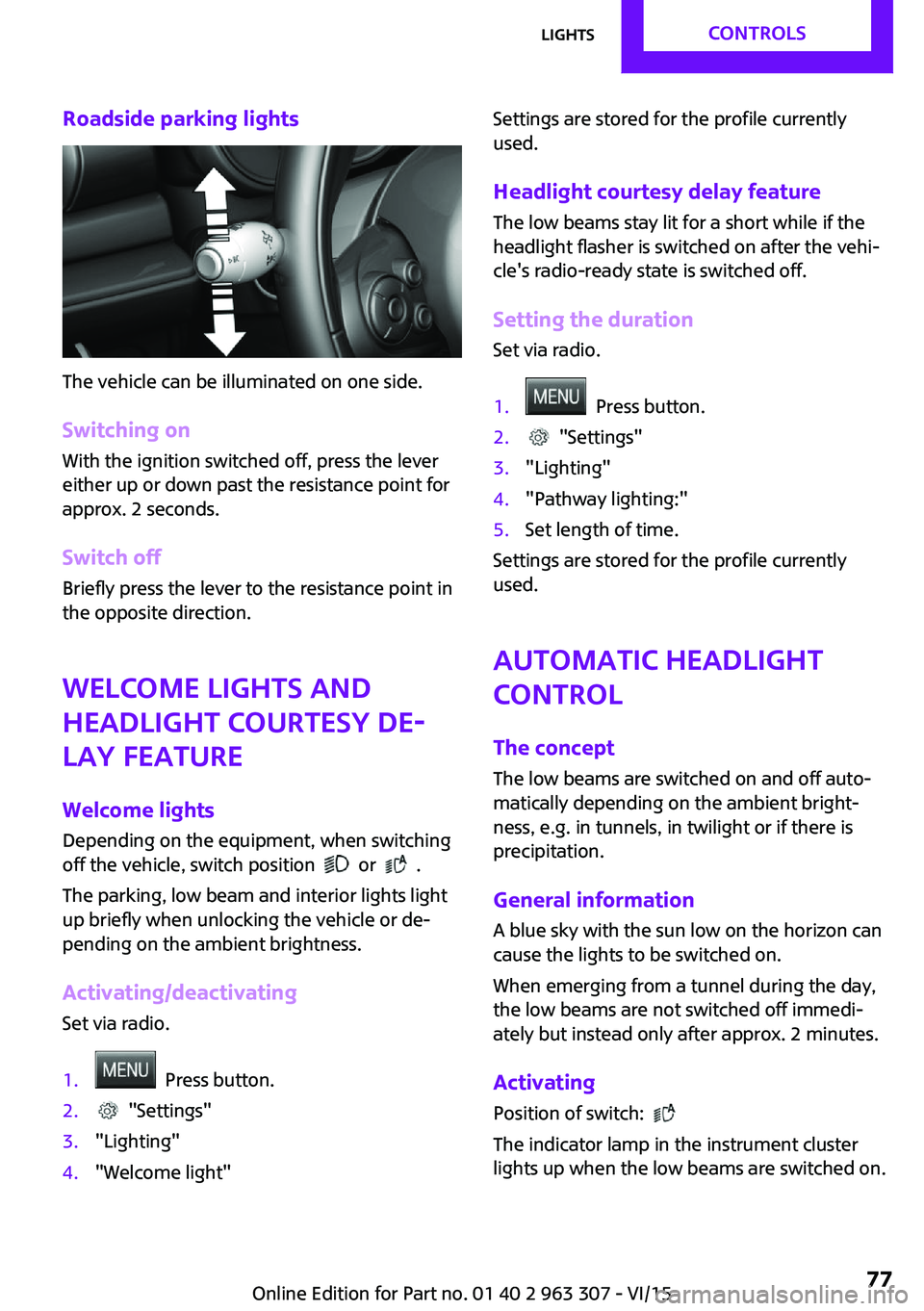
Roadside parking lights
The vehicle can be illuminated on one side.
Switching on With the ignition switched off, press the lever
either up or down past the resistance point for
approx. 2 seconds.
Switch off Briefly press the lever to the resistance point in
the opposite direction.
Welcome lights and
headlight courtesy de‐
lay feature
Welcome lights
Depending on the equipment, when switching
off the vehicle, switch position
or .
The parking, low beam and interior lights light
up briefly when unlocking the vehicle or de‐
pending on the ambient brightness.
Activating/deactivating
Set via radio.
1. Press button.2. "Settings"3."Lighting"4."Welcome light"Settings are stored for the profile currently
used.
Headlight courtesy delay feature The low beams stay lit for a short while if the
headlight flasher is switched on after the vehi‐
cle's radio-ready state is switched off.
Setting the duration Set via radio.1. Press button.2. "Settings"3."Lighting"4."Pathway lighting:"5.Set length of time.
Settings are stored for the profile currently
used.
Automatic headlight
control
The concept
The low beams are switched on and off auto‐
matically depending on the ambient bright‐
ness, e.g. in tunnels, in twilight or if there is
precipitation.
General information
A blue sky with the sun low on the horizon can
cause the lights to be switched on.
When emerging from a tunnel during the day,
the low beams are not switched off immedi‐
ately but instead only after approx. 2 minutes.
Activating Position of switch:
The indicator lamp in the instrument cluster
lights up when the low beams are switched on.
Seite 77LightsCONTROLS77
Online Edition for Part no. 01 40 2 963 307 - VI/15
Page 78 of 251
System limits
The automatic headlamp control cannot serve
as a substitute for your personal judgment of
lighting conditions.
E. g. the sensors are unable to detect fog or
hazy weather. To avoid safety risks under these
conditions, you should always switch on the
lights manually.
Daytime running lights Position of switch:
, ,
The daytime running lights light up when the
ignition is switched on. After the ignition is
switched off, the parking lights light up in posi‐
tion
.
Activating/deactivating
In some countries, daytime running lights are
mandatory, so it may not be possible to deacti‐ vate the daytime running lights.
Set via radio.
1. Press button.2. "Settings"3."Lighting"4."Daytime running lamps"
Settings are stored for the profile currently
used.
Cornering lamp
Position of switch:
When going around corners, the cornering light
also lights the interior area of the curve. Below
a speed of approx. 25 mph/40 km/h when the
turn signal is switched on and the steering an‐
gle is detected, there is automatic activation.
Malfunction A Check Control message is displayed.
Cornering light is disrupted or failed. Have the
system checked as soon as possible.
High-beam Assistant The concept
When the low beams are activated, this system automatically switches the high beams on and
off. The procedure is controlled by a camera on
the front of the interior rearview mirror. The as‐
sistant ensures that the high beams are acti‐
vated whenever the traffic situation allows. The
driver can intervene at any time and switch the
high beams on and off as usual. In the low
speed range, the high beams are not switched
on by the system.
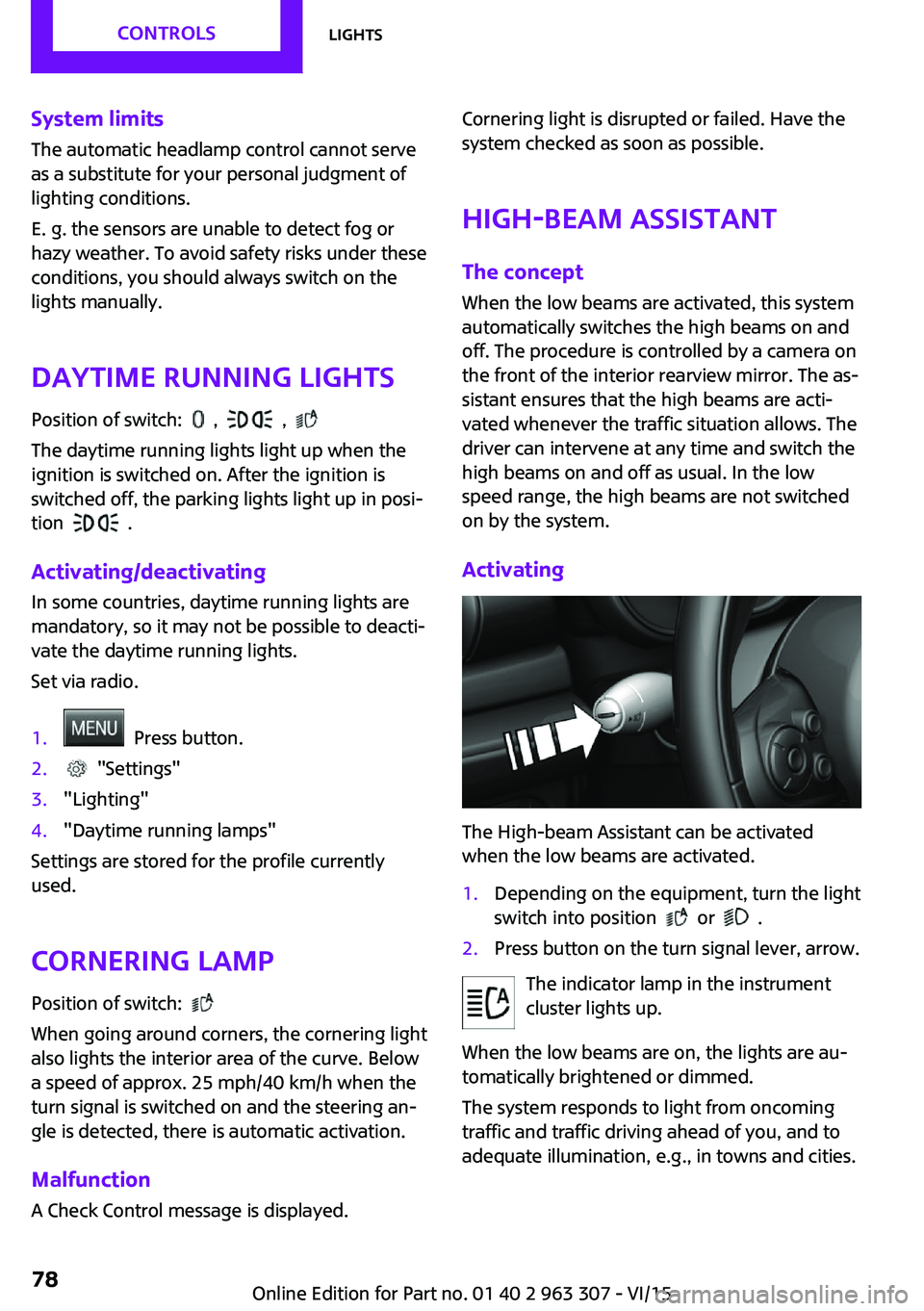
Activating
The High-beam Assistant can be activated
when the low beams are activated.
1.Depending on the equipment, turn the light
switch into position
or .
2.Press button on the turn signal lever, arrow.
The indicator lamp in the instrument
cluster lights up.
When the low beams are on, the lights are au‐
tomatically brightened or dimmed.
The system responds to light from oncoming
traffic and traffic driving ahead of you, and to
adequate illumination, e.g., in towns and cities.
Seite 78CONTROLSLights78
Online Edition for Part no. 01 40 2 963 307 - VI/15