automatic transmission MINI COOPER CONVERTIBLE 2016 User Guide
[x] Cancel search | Manufacturer: MINI, Model Year: 2016, Model line: COOPER CONVERTIBLE, Model: MINI COOPER CONVERTIBLE 2016Pages: 252, PDF Size: 5.41 MB
Page 120 of 252
Intelligent Safety button
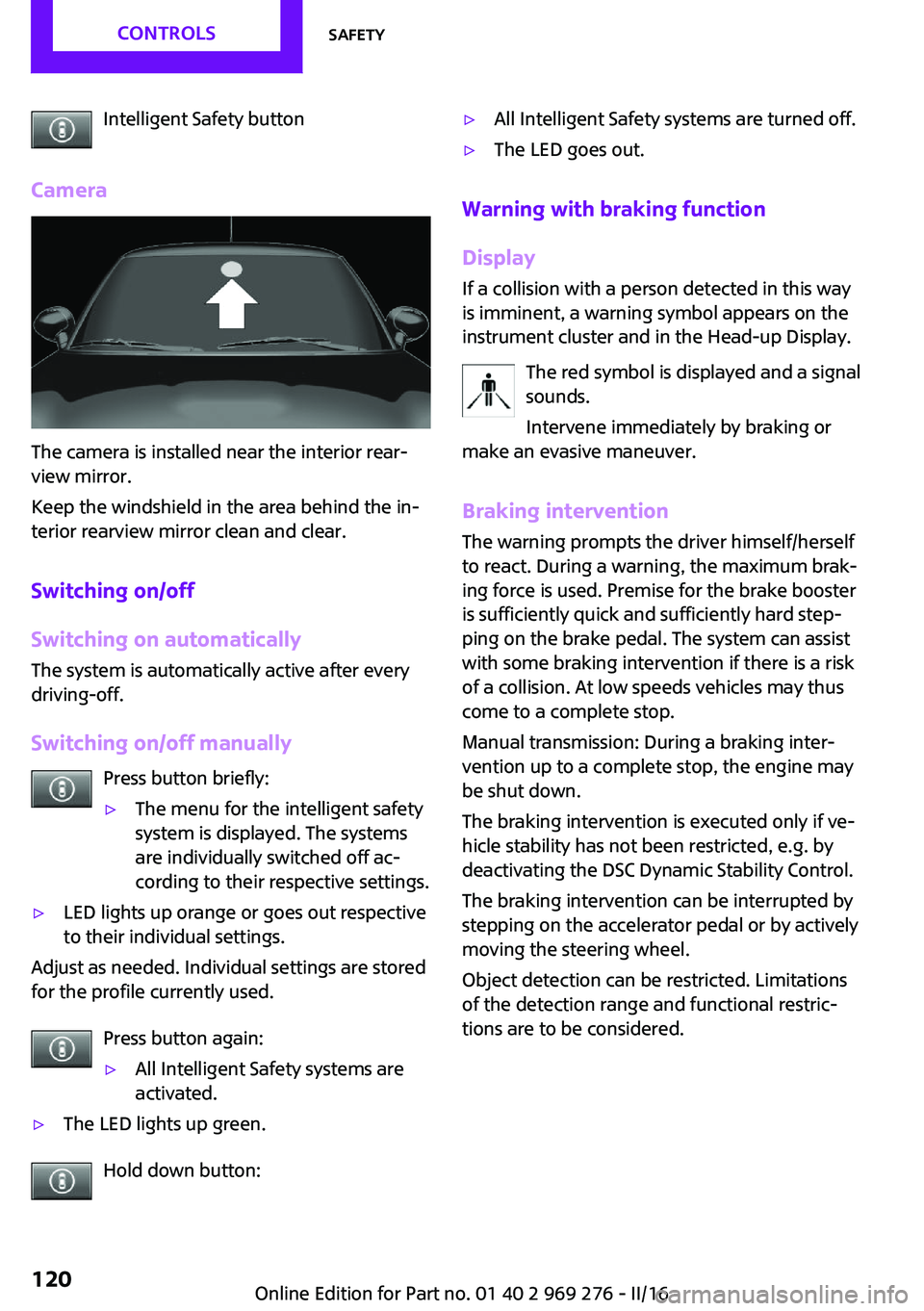
Camera
The camera is installed near the interior rear‐
view mirror.
Keep the windshield in the area behind the in‐
terior rearview mirror clean and clear.
Switching on/off
Switching on automatically
The system is automatically active after every
driving-off.
Switching on/off manually Press button briefly:
▷The menu for the intelligent safety
system is displayed. The systems
are individually switched off ac‐
cording to their respective settings.▷LED lights up orange or goes out respective
to their individual settings.
Adjust as needed. Individual settings are stored
for the profile currently used.
Press button again:
▷All Intelligent Safety systems are
activated.▷The LED lights up green.
Hold down button:
▷All Intelligent Safety systems are turned off.▷The LED goes out.
Warning with braking function
Display
If a collision with a person detected in this way
is imminent, a warning symbol appears on the
instrument cluster and in the Head-up Display.
The red symbol is displayed and a signal
sounds.
Intervene immediately by braking or
make an evasive maneuver.
Braking intervention
The warning prompts the driver himself/herself
to react. During a warning, the maximum brak‐ ing force is used. Premise for the brake booster
is sufficiently quick and sufficiently hard step‐
ping on the brake pedal. The system can assist
with some braking intervention if there is a risk
of a collision. At low speeds vehicles may thus
come to a complete stop.
Manual transmission: During a braking inter‐
vention up to a complete stop, the engine may
be shut down.
The braking intervention is executed only if ve‐
hicle stability has not been restricted, e.g. by
deactivating the DSC Dynamic Stability Control.
The braking intervention can be interrupted by
stepping on the accelerator pedal or by actively
moving the steering wheel.
Object detection can be restricted. Limitations
of the detection range and functional restric‐
tions are to be considered.
Seite 120CONTROLSSafety120
Online Edition for Part no. 01 40 2 969 276 - II/16
Page 135 of 252
Switching on/off
Switching on automatically PDC switches on automatically in the following
situations:▷If selector lever position R is engaged when
the engine is running.
The rearview camera also switches on.▷With front PDC: when obstacles are de‐
tected behind or in front of the vehicle by
PDC and the speed is slower than approx.
2.5 mph/4 km/h.
With front PDC: You can switch off automatic
activation on obstacle detection:
1. "Settings"2."Parking"3.Select setting.
Settings are stored for the profile currently
used.
Automatic deactivation during forward
travel
The system switches off when a certain driving
distance or speed is exceeded.
Switch the system back on if needed.
With front PDC: switching on/off
manually
Press park assistance button.
▷On: the LED lights up.▷Off: the LED goes out.
The rearview camera image is displayed when
the reverse gear is engaged when pressing the
park assistance button.
Display
Signal tones
When approaching an object, an intermittent sound indicates the position of the object. E. g.
if an object is detected to the left rear of the ve‐
hicle, a signal tone sounds from the left rear
speaker.
The shorter the distance to the object, the
shorter the intervals.
If the distance to a detected object is less than
approx. 10 inches/25 cm, a continuous tone is
sounded.
With front PDC: if objects are located both in
front of and behind the vehicle, an alternating
continuous signal is sounded.
The signal tone is switched off, when selector
lever position P is engaged on vehicles with
Steptronic transmission.
Volume
The ratio of the PDC signal tone volume to the
entertainment volume can be adjusted.1. "Multimedia", "Radio" or
"Settings"2."Tone"3."Volume settings"4."PDC"5.To adjust: turn the Controller.6.To store: press the Controller.
Settings are stored for the profile currently
used.
Visual warning The approach of the vehicle to an object can be
shown on the Control Display. Objects that are
farther away are already displayed on the Con‐
trol Display before a signal sounds.
A display appears as soon as Park Distance
Control (PDC) is activated.
The range of the sensors is represented in col‐
ors: red, green and yellow.
When the image of the rearview camera is dis‐
played, the switch can be made to PDC:
"Rear view camera"
Seite 135Driving comfortCONTROLS135
Online Edition for Part no. 01 40 2 969 276 - II/16
Page 176 of 252
Display in the instrument cluster
GREEN bonus range An adjusted driving style helps
you extend your driving range.
This may be displayed as the bo‐
nus range in the instrument clus‐
ter.
The bonus range is shown in the range display.
The bonus range is automatically reset every
time the vehicle is refueled.▷Green display: efficient driving style.▷Gray display: adjust driving style, e.g. by
backing off the accelerator pedal.
Driving style
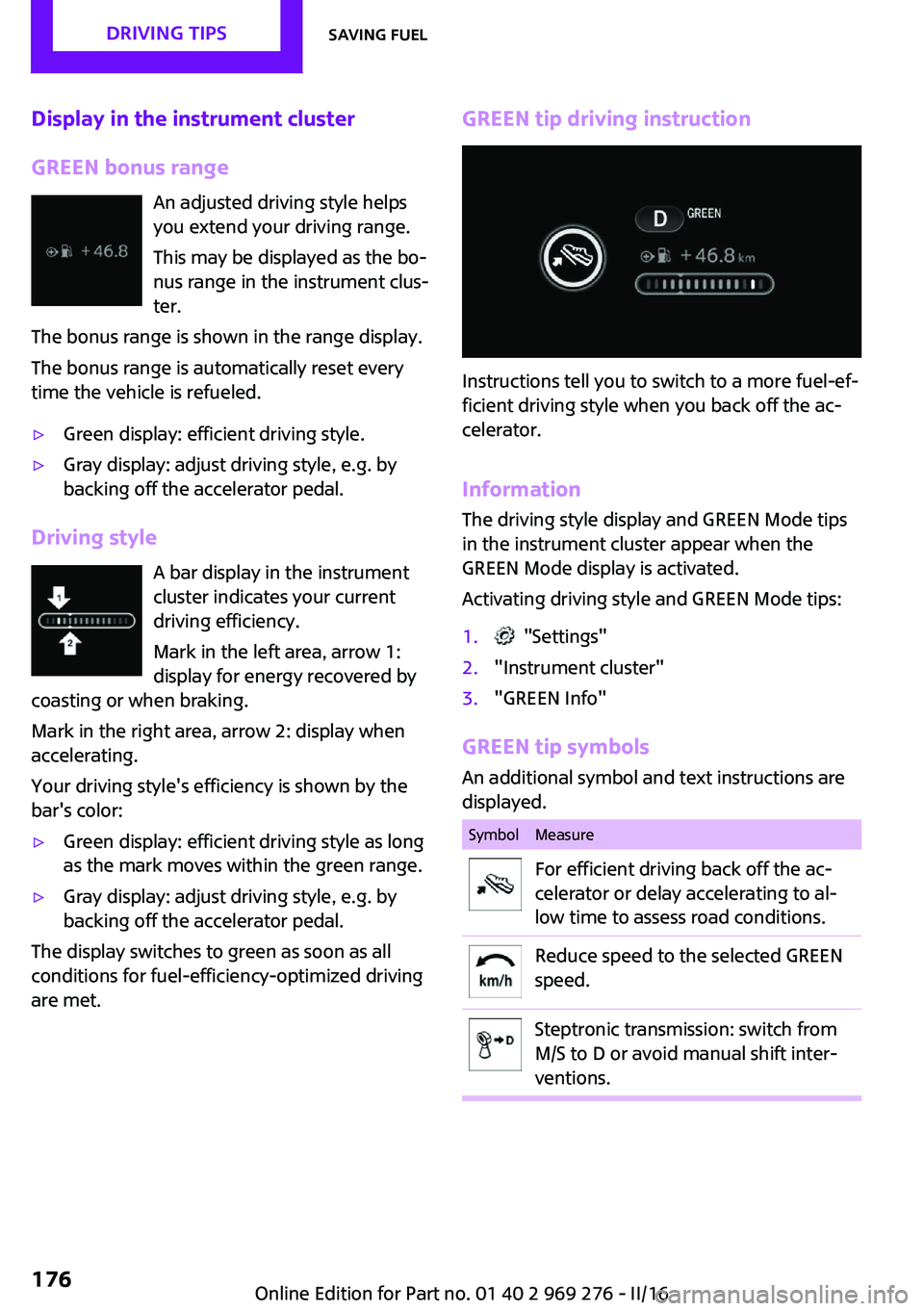
A bar display in the instrument
cluster indicates your current
driving efficiency.
Mark in the left area, arrow 1:
display for energy recovered by
coasting or when braking.
Mark in the right area, arrow 2: display when
accelerating.
Your driving style's efficiency is shown by the
bar's color:
▷Green display: efficient driving style as long
as the mark moves within the green range.▷Gray display: adjust driving style, e.g. by
backing off the accelerator pedal.
The display switches to green as soon as all
conditions for fuel-efficiency-optimized driving
are met.
GREEN tip driving instruction
Instructions tell you to switch to a more fuel-ef‐
ficient driving style when you back off the ac‐
celerator.
Information The driving style display and GREEN Mode tips
in the instrument cluster appear when the
GREEN Mode display is activated.
Activating driving style and GREEN Mode tips:
1. "Settings"2."Instrument cluster"3."GREEN Info"
GREEN tip symbols An additional symbol and text instructions aredisplayed.
SymbolMeasureFor efficient driving back off the ac‐
celerator or delay accelerating to al‐
low time to assess road conditions.Reduce speed to the selected GREEN
speed.Steptronic transmission: switch from
M/S to D or avoid manual shift inter‐
ventions.Seite 176DRIVING TIPSSaving fuel176
Online Edition for Part no. 01 40 2 969 276 - II/16
Page 177 of 252
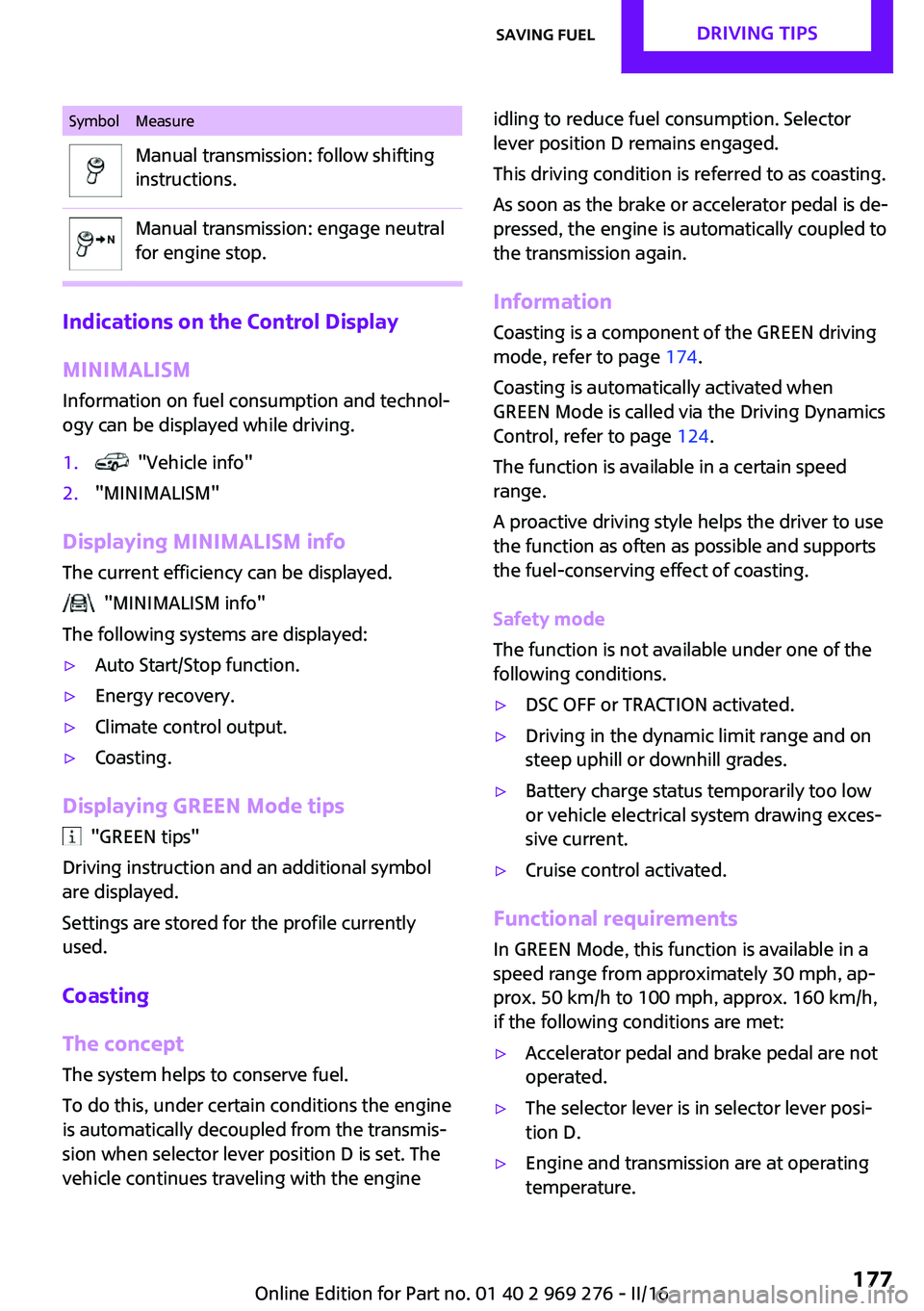
SymbolMeasureManual transmission: follow shifting
instructions.Manual transmission: engage neutral
for engine stop.
Indications on the Control Display
MINIMALISM
Information on fuel consumption and technol‐
ogy can be displayed while driving.
1. "Vehicle info"2."MINIMALISM"
Displaying MINIMALISM info
The current efficiency can be displayed.
"MINIMALISM info"
The following systems are displayed:
▷Auto Start/Stop function.▷Energy recovery.▷Climate control output.▷Coasting.
Displaying GREEN Mode tips
"GREEN tips"
Driving instruction and an additional symbol
are displayed.
Settings are stored for the profile currently
used.
Coasting
The concept The system helps to conserve fuel.
To do this, under certain conditions the engine
is automatically decoupled from the transmis‐ sion when selector lever position D is set. The
vehicle continues traveling with the engine
idling to reduce fuel consumption. Selector
lever position D remains engaged.
This driving condition is referred to as coasting.
As soon as the brake or accelerator pedal is de‐
pressed, the engine is automatically coupled to
the transmission again.
Information
Coasting is a component of the GREEN driving
mode, refer to page 174.
Coasting is automatically activated when
GREEN Mode is called via the Driving Dynamics
Control, refer to page 124.
The function is available in a certain speed
range.
A proactive driving style helps the driver to use
the function as often as possible and supports
the fuel-conserving effect of coasting.
Safety mode
The function is not available under one of the
following conditions.▷DSC OFF or TRACTION activated.▷Driving in the dynamic limit range and on
steep uphill or downhill grades.▷Battery charge status temporarily too low
or vehicle electrical system drawing exces‐
sive current.▷Cruise control activated.
Functional requirements
In GREEN Mode, this function is available in a
speed range from approximately 30 mph, ap‐
prox. 50 km/h to 100 mph, approx. 160 km/h,
if the following conditions are met:
▷Accelerator pedal and brake pedal are not
operated.▷The selector lever is in selector lever posi‐
tion D.▷Engine and transmission are at operating
temperature.Seite 177Saving fuelDRIVING TIPS177
Online Edition for Part no. 01 40 2 969 276 - II/16
Page 242 of 252
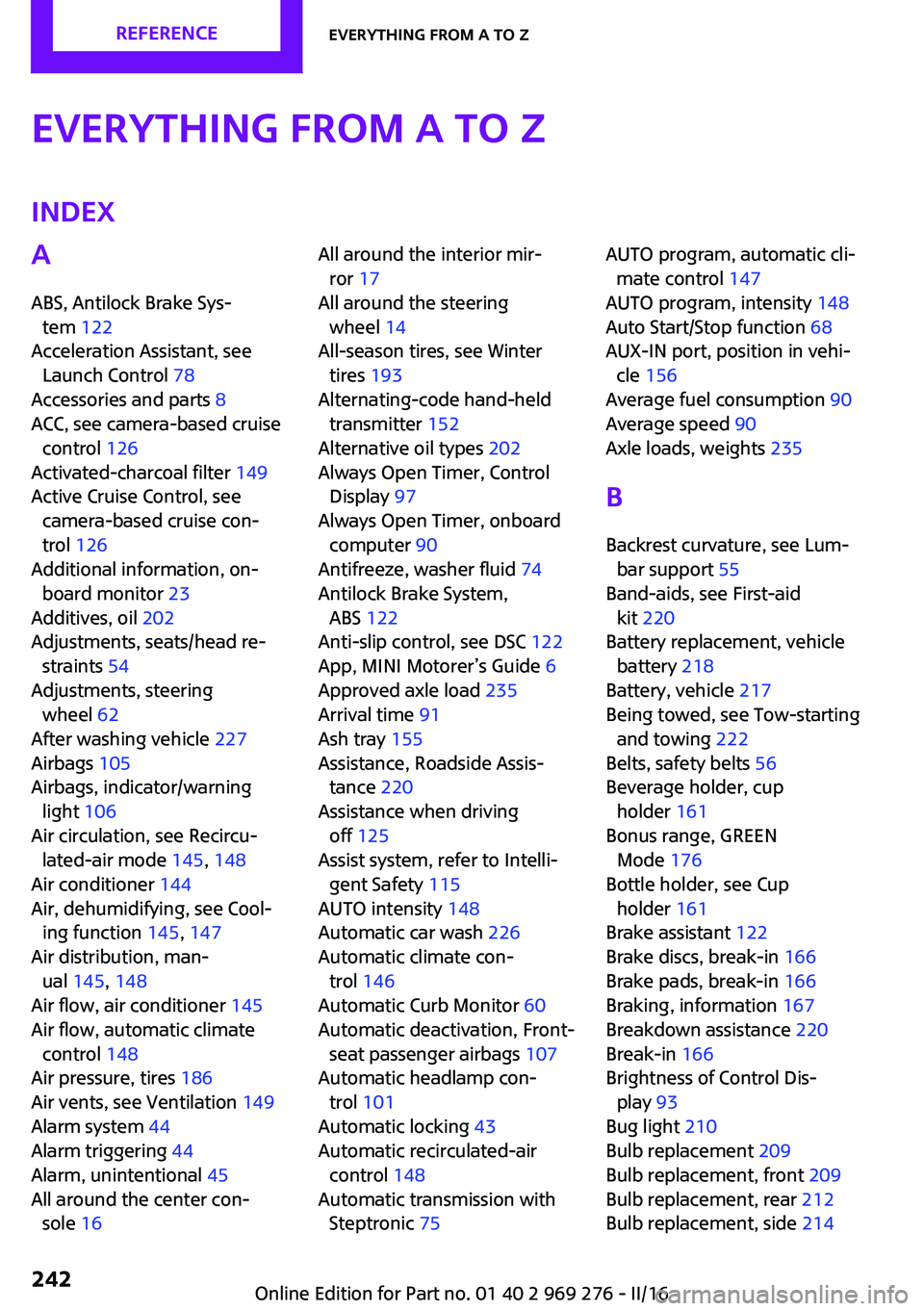
Everything from A to ZIndexA
ABS, Antilock Brake Sys‐ tem 122
Acceleration Assistant, see Launch Control 78
Accessories and parts 8
ACC, see camera-based cruise control 126
Activated-charcoal filter 149
Active Cruise Control, see camera-based cruise con‐
trol 126
Additional information, on‐ board monitor 23
Additives, oil 202
Adjustments, seats/head re‐ straints 54
Adjustments, steering wheel 62
After washing vehicle 227
Airbags 105
Airbags, indicator/warning light 106
Air circulation, see Recircu‐ lated-air mode 145, 148
Air conditioner 144
Air, dehumidifying, see Cool‐ ing function 145, 147
Air distribution, man‐ ual 145 , 148
Air flow, air conditioner 145
Air flow, automatic climate control 148
Air pressure, tires 186
Air vents, see Ventilation 149
Alarm system 44
Alarm triggering 44
Alarm, unintentional 45
All around the center con‐ sole 16 All around the interior mir‐
ror 17
All around the steering wheel 14
All-season tires, see Winter tires 193
Alternating-code hand-held transmitter 152
Alternative oil types 202
Always Open Timer, Control Display 97
Always Open Timer, onboard computer 90
Antifreeze, washer fluid 74
Antilock Brake System, ABS 122
Anti-slip control, see DSC 122
App, MINI Motorer’s Guide 6
Approved axle load 235
Arrival time 91
Ash tray 155
Assistance, Roadside Assis‐ tance 220
Assistance when driving off 125
Assist system, refer to Intelli‐ gent Safety 115
AUTO intensity 148
Automatic car wash 226
Automatic climate con‐ trol 146
Automatic Curb Monitor 60
Automatic deactivation, Front- seat passenger airbags 107
Automatic headlamp con‐ trol 101
Automatic locking 43
Automatic recirculated-air control 148
Automatic transmission with Steptronic 75 AUTO program, automatic cli‐
mate control 147
AUTO program, intensity 148
Auto Start/Stop function 68
AUX-IN port, position in vehi‐ cle 156
Average fuel consumption 90
Average speed 90
Axle loads, weights 235
B
Backrest curvature, see Lum‐ bar support 55
Band-aids, see First-aid kit 220
Battery replacement, vehicle battery 218
Battery, vehicle 217
Being towed, see Tow-starting and towing 222
Belts, safety belts 56
Beverage holder, cup holder 161
Bonus range, GREEN Mode 176
Bottle holder, see Cup holder 161
Brake assistant 122
Brake discs, break-in 166
Brake pads, break-in 166
Braking, information 167
Breakdown assistance 220
Break-in 166
Brightness of Control Dis‐ play 93
Bug light 210
Bulb replacement 209
Bulb replacement, front 209
Bulb replacement, rear 212
Bulb replacement, side 214 Seite 242REFERENCEEverything from A to Z242
Online Edition for Part no. 01 40 2 969 276 - II/16
Page 247 of 252
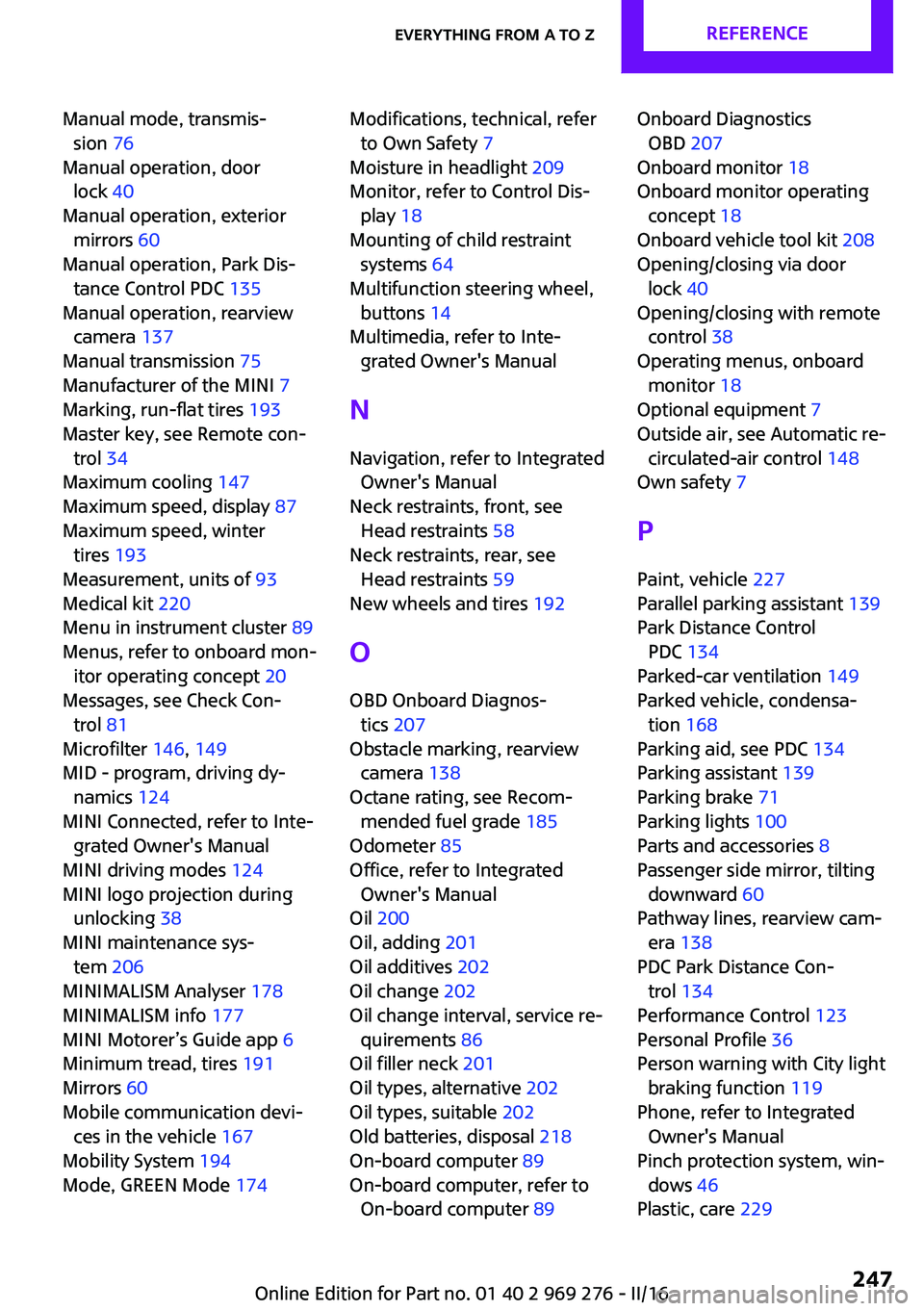
Manual mode, transmis‐sion 76
Manual operation, door lock 40
Manual operation, exterior mirrors 60
Manual operation, Park Dis‐ tance Control PDC 135
Manual operation, rearview camera 137
Manual transmission 75
Manufacturer of the MINI 7
Marking, run-flat tires 193
Master key, see Remote con‐ trol 34
Maximum cooling 147
Maximum speed, display 87
Maximum speed, winter tires 193
Measurement, units of 93
Medical kit 220
Menu in instrument cluster 89
Menus, refer to onboard mon‐ itor operating concept 20
Messages, see Check Con‐ trol 81
Microfilter 146, 149
MID - program, driving dy‐ namics 124
MINI Connected, refer to Inte‐ grated Owner's Manual
MINI driving modes 124
MINI logo projection during unlocking 38
MINI maintenance sys‐ tem 206
MINIMALISM Analyser 178
MINIMALISM info 177
MINI Motorer’s Guide app 6
Minimum tread, tires 191
Mirrors 60
Mobile communication devi‐ ces in the vehicle 167
Mobility System 194
Mode, GREEN Mode 174 Modifications, technical, refer
to Own Safety 7
Moisture in headlight 209
Monitor, refer to Control Dis‐ play 18
Mounting of child restraint systems 64
Multifunction steering wheel, buttons 14
Multimedia, refer to Inte‐ grated Owner's Manual
N
Navigation, refer to Integrated Owner's Manual
Neck restraints, front, see Head restraints 58
Neck restraints, rear, see Head restraints 59
New wheels and tires 192
O
OBD Onboard Diagnos‐ tics 207
Obstacle marking, rearview camera 138
Octane rating, see Recom‐ mended fuel grade 185
Odometer 85
Office, refer to Integrated Owner's Manual
Oil 200
Oil, adding 201
Oil additives 202
Oil change 202
Oil change interval, service re‐ quirements 86
Oil filler neck 201
Oil types, alternative 202
Oil types, suitable 202
Old batteries, disposal 218
On-board computer 89
On-board computer, refer to On-board computer 89 Onboard Diagnostics
OBD 207
Onboard monitor 18
Onboard monitor operating concept 18
Onboard vehicle tool kit 208
Opening/closing via door lock 40
Opening/closing with remote control 38
Operating menus, onboard monitor 18
Optional equipment 7
Outside air, see Automatic re‐ circulated-air control 148
Own safety 7
P Paint, vehicle 227
Parallel parking assistant 139
Park Distance Control PDC 134
Parked-car ventilation 149
Parked vehicle, condensa‐ tion 168
Parking aid, see PDC 134
Parking assistant 139
Parking brake 71
Parking lights 100
Parts and accessories 8
Passenger side mirror, tilting downward 60
Pathway lines, rearview cam‐ era 138
PDC Park Distance Con‐ trol 134
Performance Control 123
Personal Profile 36
Person warning with City light braking function 119
Phone, refer to Integrated Owner's Manual
Pinch protection system, win‐ dows 46
Plastic, care 229 Seite 247Everything from A to ZREFERENCE247
Online Edition for Part no. 01 40 2 969 276 - II/16
Page 249 of 252
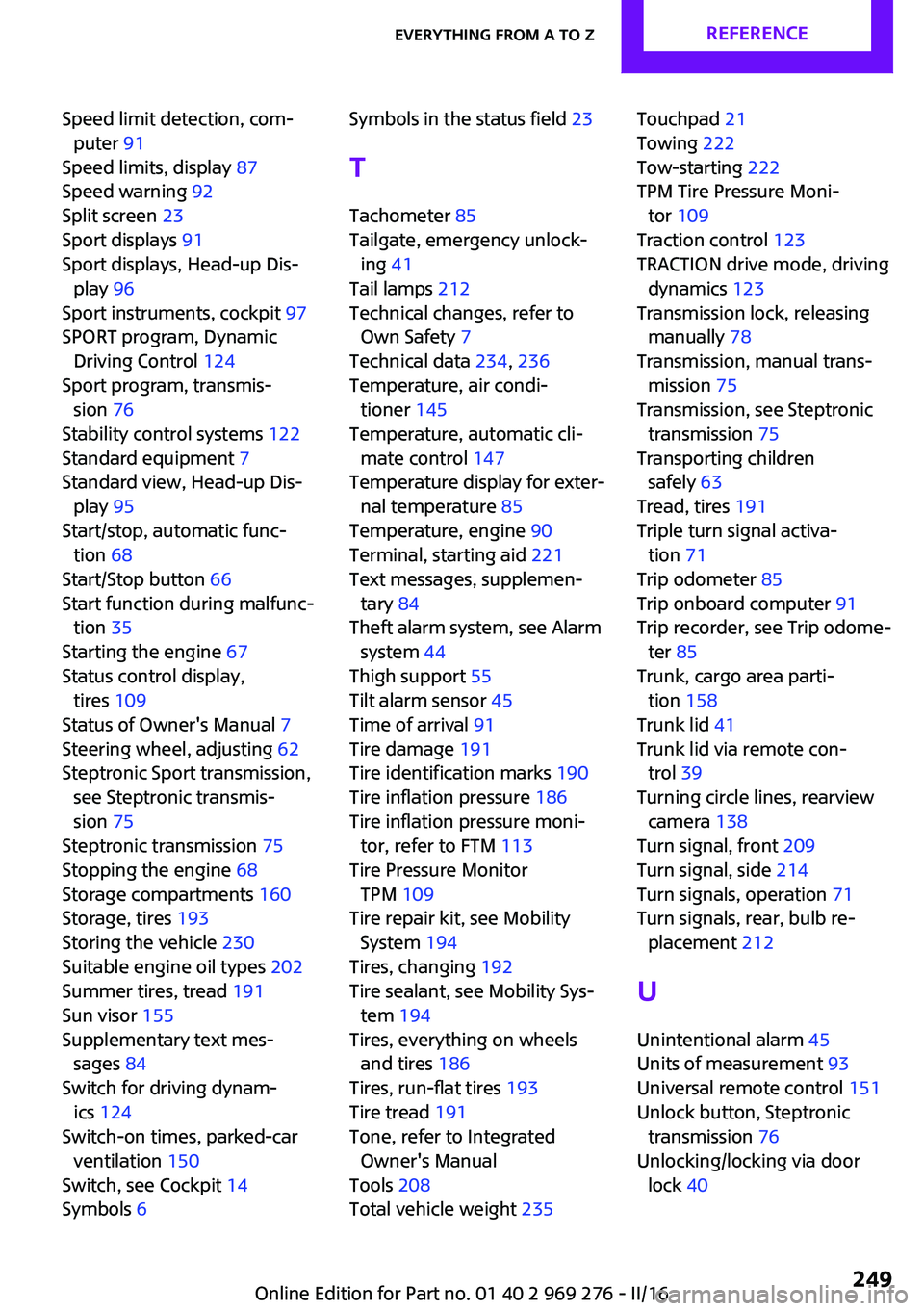
Speed limit detection, com‐puter 91
Speed limits, display 87
Speed warning 92
Split screen 23
Sport displays 91
Sport displays, Head-up Dis‐ play 96
Sport instruments, cockpit 97
SPORT program, Dynamic Driving Control 124
Sport program, transmis‐ sion 76
Stability control systems 122
Standard equipment 7
Standard view, Head-up Dis‐ play 95
Start/stop, automatic func‐ tion 68
Start/Stop button 66
Start function during malfunc‐ tion 35
Starting the engine 67
Status control display, tires 109
Status of Owner's Manual 7
Steering wheel, adjusting 62
Steptronic Sport transmission, see Steptronic transmis‐
sion 75
Steptronic transmission 75
Stopping the engine 68
Storage compartments 160
Storage, tires 193
Storing the vehicle 230
Suitable engine oil types 202
Summer tires, tread 191
Sun visor 155
Supplementary text mes‐ sages 84
Switch for driving dynam‐ ics 124
Switch-on times, parked-car ventilation 150
Switch, see Cockpit 14
Symbols 6 Symbols in the status field 23
T Tachometer 85
Tailgate, emergency unlock‐ ing 41
Tail lamps 212
Technical changes, refer to Own Safety 7
Technical data 234, 236
Temperature, air condi‐ tioner 145
Temperature, automatic cli‐ mate control 147
Temperature display for exter‐ nal temperature 85
Temperature, engine 90
Terminal, starting aid 221
Text messages, supplemen‐ tary 84
Theft alarm system, see Alarm system 44
Thigh support 55
Tilt alarm sensor 45
Time of arrival 91
Tire damage 191
Tire identification marks 190
Tire inflation pressure 186
Tire inflation pressure moni‐ tor, refer to FTM 113
Tire Pressure Monitor TPM 109
Tire repair kit, see Mobility System 194
Tires, changing 192
Tire sealant, see Mobility Sys‐ tem 194
Tires, everything on wheels and tires 186
Tires, run-flat tires 193
Tire tread 191
Tone, refer to Integrated Owner's Manual
Tools 208
Total vehicle weight 235 Touchpad 21
Towing 222
Tow-starting 222
TPM Tire Pressure Moni‐ tor 109
Traction control 123
TRACTION drive mode, driving dynamics 123
Transmission lock, releasing manually 78
Transmission, manual trans‐ mission 75
Transmission, see Steptronic transmission 75
Transporting children safely 63
Tread, tires 191
Triple turn signal activa‐ tion 71
Trip odometer 85
Trip onboard computer 91
Trip recorder, see Trip odome‐ ter 85
Trunk, cargo area parti‐ tion 158
Trunk lid 41
Trunk lid via remote con‐ trol 39
Turning circle lines, rearview camera 138
Turn signal, front 209
Turn signal, side 214
Turn signals, operation 71
Turn signals, rear, bulb re‐ placement 212
U
Unintentional alarm 45
Units of measurement 93
Universal remote control 151
Unlock button, Steptronic transmission 76
Unlocking/locking via door lock 40 Seite 249Everything from A to ZREFERENCE249
Online Edition for Part no. 01 40 2 969 276 - II/16