navigation MINI COOPER CONVERTIBLE 2016 User Guide
[x] Cancel search | Manufacturer: MINI, Model Year: 2016, Model line: COOPER CONVERTIBLE, Model: MINI COOPER CONVERTIBLE 2016Pages: 252, PDF Size: 5.41 MB
Page 91 of 252
Resetting the Always Open Timer
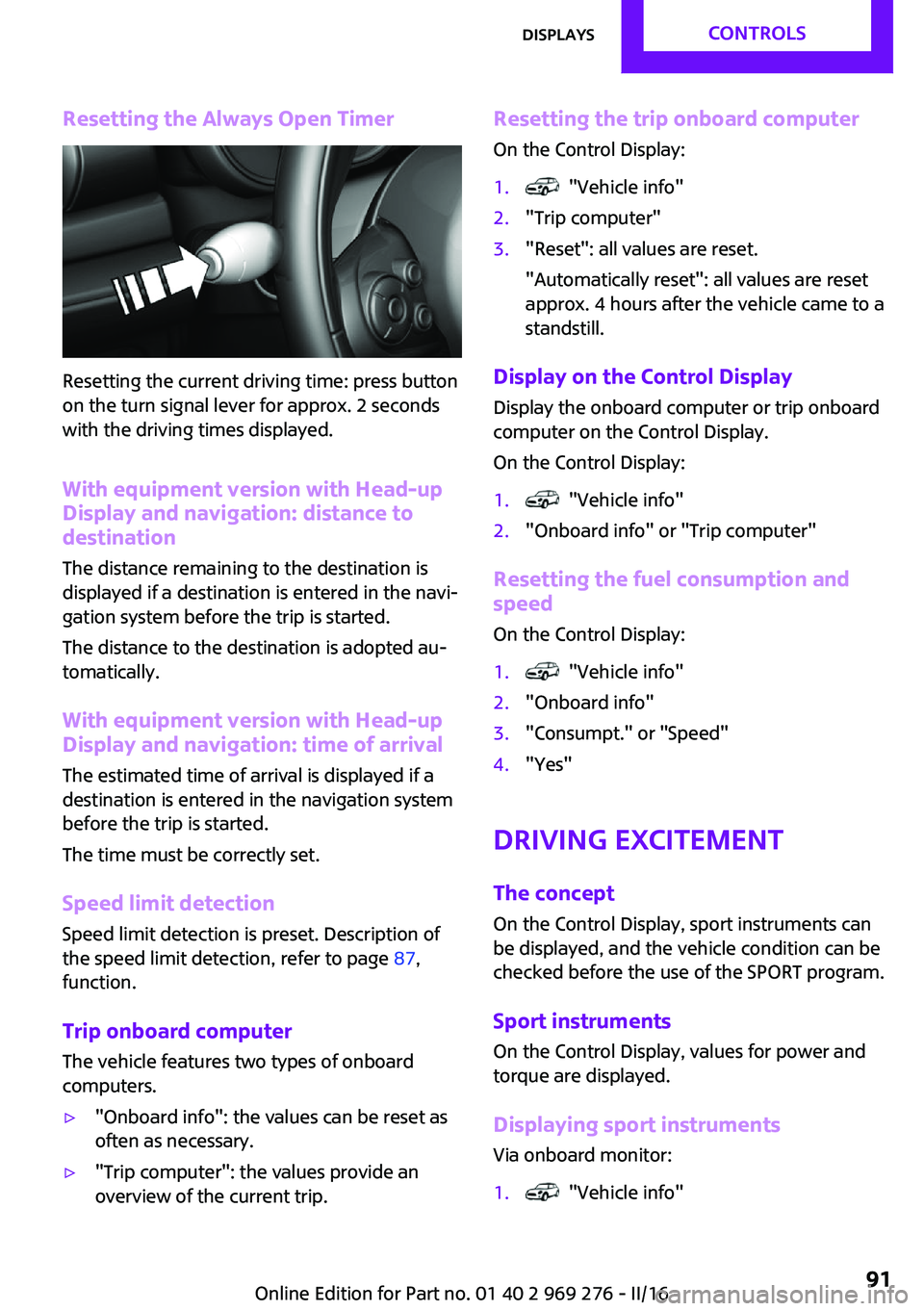
Resetting the current driving time: press button
on the turn signal lever for approx. 2 seconds
with the driving times displayed.
With equipment version with Head-upDisplay and navigation: distance to
destination
The distance remaining to the destination is
displayed if a destination is entered in the navi‐
gation system before the trip is started.
The distance to the destination is adopted au‐
tomatically.
With equipment version with Head-up
Display and navigation: time of arrival
The estimated time of arrival is displayed if a
destination is entered in the navigation system
before the trip is started.
The time must be correctly set.
Speed limit detection
Speed limit detection is preset. Description of
the speed limit detection, refer to page 87,
function.
Trip onboard computerThe vehicle features two types of onboard
computers.
▷"Onboard info": the values can be reset as
often as necessary.▷"Trip computer": the values provide an
overview of the current trip.Resetting the trip onboard computer
On the Control Display:1. "Vehicle info"2."Trip computer"3."Reset": all values are reset.
"Automatically reset": all values are reset
approx. 4 hours after the vehicle came to a
standstill.
Display on the Control Display
Display the onboard computer or trip onboard
computer on the Control Display.
On the Control Display:
1. "Vehicle info"2."Onboard info" or "Trip computer"
Resetting the fuel consumption and
speed
On the Control Display:
1. "Vehicle info"2."Onboard info"3."Consumpt." or "Speed"4."Yes"
Driving Excitement
The concept
On the Control Display, sport instruments can
be displayed, and the vehicle condition can be
checked before the use of the SPORT program.
Sport instruments On the Control Display, values for power and
torque are displayed.
Displaying sport instruments
Via onboard monitor:
1. "Vehicle info"Seite 91DisplaysCONTROLS91
Online Edition for Part no. 01 40 2 969 276 - II/16
Page 95 of 252
attach to system components or plug into the
system. Do not move the moving parts man‐
ually. ◀
WARNING
When extending and retracting the pro‐
jection screen of the Head-up Display, body
parts can be jammed. There is a risk of injuries.
Make sure that the area of movement of the
projection screen is clear during opening and
closing. ◀
Follow the instructions for cleaning the Head-
up Display, refer to page 230.
Overview
Display visibility
The visibility of the displays in the Head-up Dis‐
play is influenced by the following factors:
▷Certain sitting positions.▷Objects on the cover of the Head-up Dis‐
play.▷Sunglasses with certain polarization filters.▷Wet roads.▷Unfavorable light conditions.
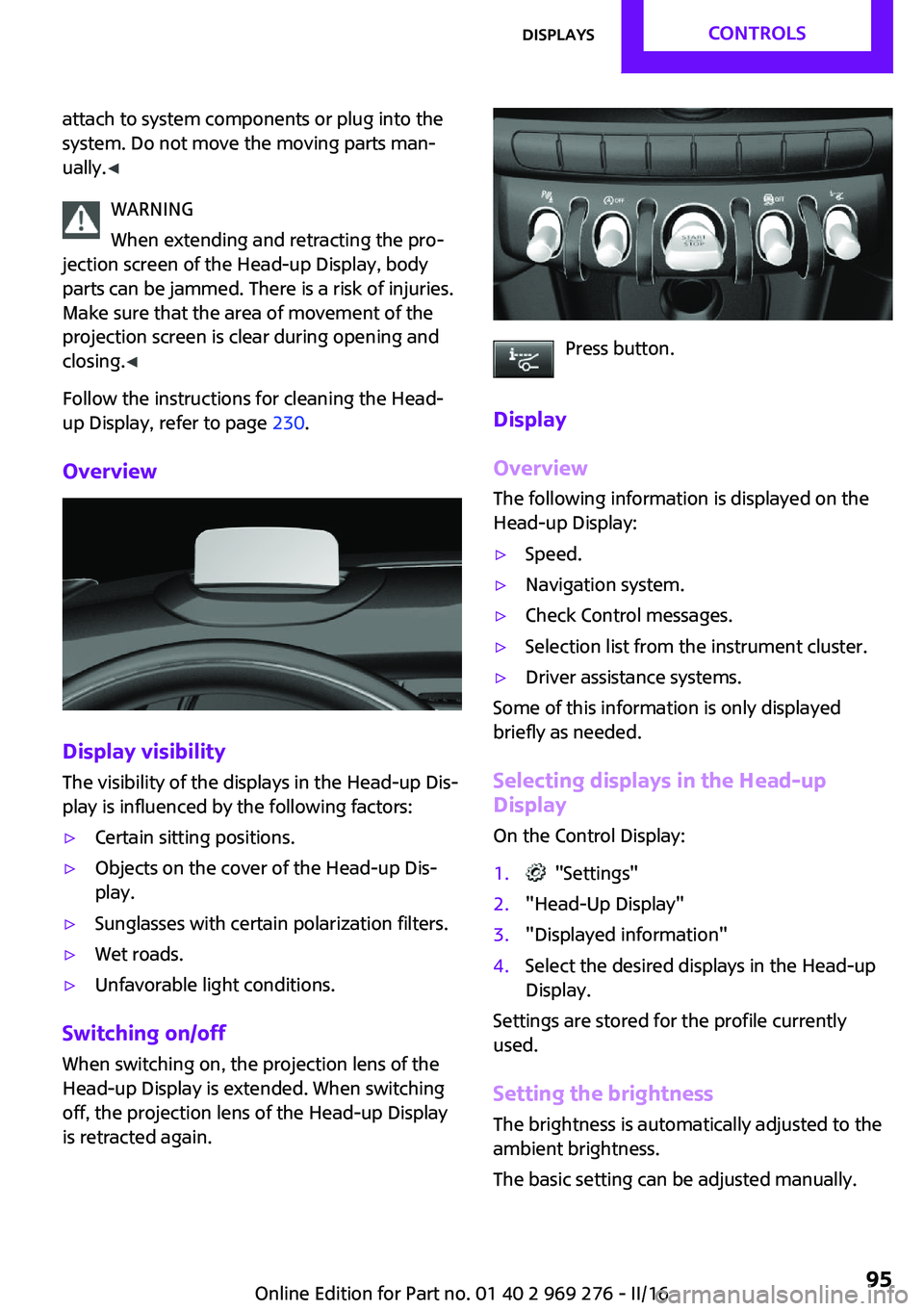
Switching on/off
When switching on, the projection lens of the
Head-up Display is extended. When switching
off, the projection lens of the Head-up Display
is retracted again.
Press button.
Display
Overview
The following information is displayed on the
Head-up Display:
▷Speed.▷Navigation system.▷Check Control messages.▷Selection list from the instrument cluster.▷Driver assistance systems.
Some of this information is only displayed
briefly as needed.
Selecting displays in the Head-up
Display
On the Control Display:
1. "Settings"2."Head-Up Display"3."Displayed information"4.Select the desired displays in the Head-up
Display.
Settings are stored for the profile currently
used.
Setting the brightness The brightness is automatically adjusted to the
ambient brightness.
The basic setting can be adjusted manually.
Seite 95DisplaysCONTROLS95
Online Edition for Part no. 01 40 2 969 276 - II/16
Page 96 of 252
On the Control Display:1. "Settings"2."Head-Up Display"3."Brightness"4.Turn the Controller until the desired bright‐
ness is set.5.Press the Controller.
When the low beams are activated, the bright‐
ness of the Head-up Display can be additionally
influenced using the instrument lighting, refer
to page 103.
Settings are stored for the profile currently
used.
Adjusting the height On the Control Display:
1. "Settings"2."Head-Up Display"3."Height"4.Turn the Controller until the desired height
is reached.5.Press the Controller.
Settings are stored for the profile currently
used.
Setting the rotation The screen of the Head-up Display can be ro‐
tated around its own axis.
On the Control Display:
1. "Settings"2."Head-Up Display"3."Rotation"4.Turn the Controller until the desired setting
is selected.5.Press the Controller.
Settings are stored for the profile currently
used.
John Cooper Works: Sport displays in the Head-up Display
General information
The sport displays in the Head-up Display assist
with a sporty driving style.
Switching on1. "Settings"2."Head-Up Display"3."Displayed information"4."Sport displays"
With navigation system: if the sport displays are
switched on, no navigation content will be dis‐
played on the Head-up Display.
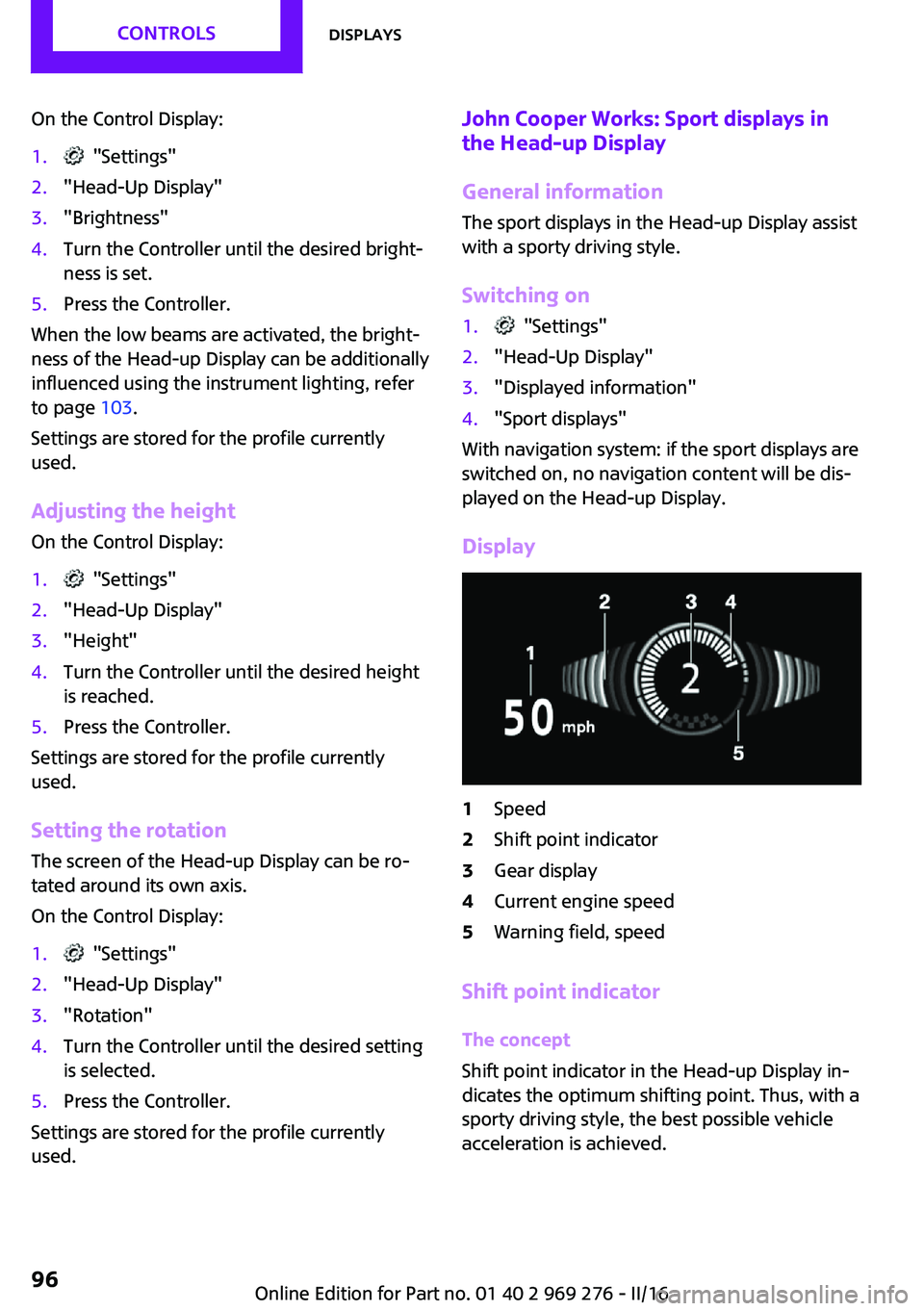
Display
1Speed2Shift point indicator3Gear display4Current engine speed5Warning field, speed
Shift point indicator
The concept
Shift point indicator in the Head-up Display in‐
dicates the optimum shifting point. Thus, with a
sporty driving style, the best possible vehicle
acceleration is achieved.
Seite 96CONTROLSDisplays96
Online Edition for Part no. 01 40 2 969 276 - II/16
Page 155 of 252
Left/right-hand steeringThe digital compass is already set for right or
left-hand steering at the factory.
Setting the language
Press and hold the control button for approx.
12 to 13 seconds. Briefly press the control but‐ ton again to switch between English "E" and
German "O".
Settings are stored automatically after approxi‐
mately 10 seconds.
Sun visor Glare shield Fold the sun visor down or up.
Vanity mirror A vanity mirror is located in the sun visor be‐
hind a cover.
Ashtray/cigarette
lighter
Overview
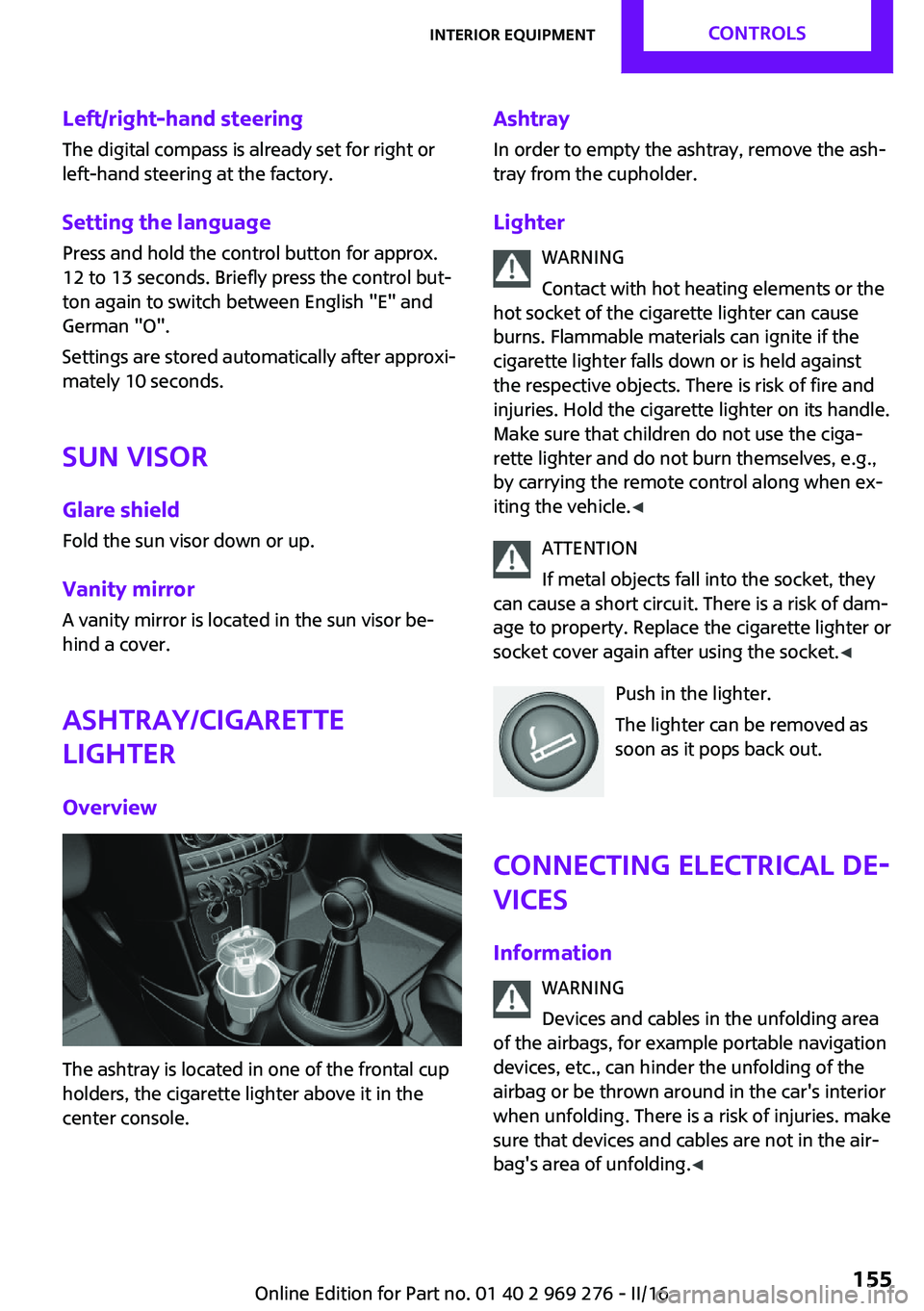
The ashtray is located in one of the frontal cup
holders, the cigarette lighter above it in the
center console.
Ashtray
In order to empty the ashtray, remove the ash‐
tray from the cupholder.
Lighter WARNING
Contact with hot heating elements or the
hot socket of the cigarette lighter can cause
burns. Flammable materials can ignite if the cigarette lighter falls down or is held against
the respective objects. There is risk of fire and
injuries. Hold the cigarette lighter on its handle.
Make sure that children do not use the ciga‐
rette lighter and do not burn themselves, e.g.,
by carrying the remote control along when ex‐
iting the vehicle. ◀
ATTENTION
If metal objects fall into the socket, they
can cause a short circuit. There is a risk of dam‐
age to property. Replace the cigarette lighter or
socket cover again after using the socket. ◀
Push in the lighter.
The lighter can be removed as
soon as it pops back out.
Connecting electrical de‐
vices
Information WARNING
Devices and cables in the unfolding area
of the airbags, for example portable navigation
devices, etc., can hinder the unfolding of the
airbag or be thrown around in the car's interior
when unfolding. There is a risk of injuries. make
sure that devices and cables are not in the air‐
bag's area of unfolding. ◀Seite 155Interior equipmentCONTROLS155
Online Edition for Part no. 01 40 2 969 276 - II/16
Page 218 of 252
More information about the battery can be re‐
quested from a dealer’s service center or an‐
other qualified service center or repair shop.
Battery replacement ATTENTION
Vehicle batteries that are not compatible
can damage vehicle systems and impair vehicle
functions. There is a risk of personal and prop‐
erty damage. Only vehicle batteries that are
compatible with your vehicle type should be in‐
stalled in your vehicle. Information on compati‐
ble vehicle batteries is available at your dealer’s
service center. ◀
After a battery replacement, the manufacturer
of your vehicle recommends that the vehicle
battery be registered on the vehicle by a
dealer’s service center or another qualified
service center or repair shop to ensure that all
comfort features are fully available and that
any Check Control messages of these comfort
features are no longer displayed.
Charging the battery
General information
Make sure that the battery is always sufficiently
charged to guarantee that the battery remains
usable for its full service life.
The battery may need to be charged in the fol‐
lowing cases:▷When making frequent short-distance
drives.▷If the vehicle is not used for more than a
month.▷Steptronic transmission: when parked for
long periods of time in selector lever posi‐
tion D, R or N.Information
ATTENTION
Battery chargers for the vehicle battery
can work with high voltages and currents, which means that the 12 volt on-board net‐
work can be overloaded or damaged. There is a
risk of damage to property. Only connect bat‐
tery chargers for the vehicle battery to the
starting aid terminals in the engine compart‐
ment. ◀
Starting aid terminals In the vehicle, only charge the battery via the
starting aid terminals, refer to page 221, in the
engine compartment with the engine off.
Power failure
After a power loss, some equipment needs to
be newly initialized or individual settings up‐
dated, for example:▷Time: update.▷Date: update.▷Navigation system: wait for the operability
of the navigation.▷Seat and mirror memory: store the posi‐
tions again.
Disposing of old batteries
Have old batteries disposed of by a
dealer’s service center or another quali‐
fied service center or repair shop or
take them to a collection point.
Maintain the battery in an upright position for
transport and storage. Secure the battery so
that it does not tip over during transport.
Seite 218MOBILITYReplacing components218
Online Edition for Part no. 01 40 2 969 276 - II/16
Page 247 of 252
Manual mode, transmis‐sion 76
Manual operation, door lock 40
Manual operation, exterior mirrors 60
Manual operation, Park Dis‐ tance Control PDC 135
Manual operation, rearview camera 137
Manual transmission 75
Manufacturer of the MINI 7
Marking, run-flat tires 193
Master key, see Remote con‐ trol 34
Maximum cooling 147
Maximum speed, display 87
Maximum speed, winter tires 193
Measurement, units of 93
Medical kit 220
Menu in instrument cluster 89
Menus, refer to onboard mon‐ itor operating concept 20
Messages, see Check Con‐ trol 81
Microfilter 146, 149
MID - program, driving dy‐ namics 124
MINI Connected, refer to Inte‐ grated Owner's Manual
MINI driving modes 124
MINI logo projection during unlocking 38
MINI maintenance sys‐ tem 206
MINIMALISM Analyser 178
MINIMALISM info 177
MINI Motorer’s Guide app 6
Minimum tread, tires 191
Mirrors 60
Mobile communication devi‐ ces in the vehicle 167
Mobility System 194
Mode, GREEN Mode 174 Modifications, technical, refer
to Own Safety 7
Moisture in headlight 209
Monitor, refer to Control Dis‐ play 18
Mounting of child restraint systems 64
Multifunction steering wheel, buttons 14
Multimedia, refer to Inte‐ grated Owner's Manual
N
Navigation, refer to Integrated Owner's Manual
Neck restraints, front, see Head restraints 58
Neck restraints, rear, see Head restraints 59
New wheels and tires 192
O
OBD Onboard Diagnos‐ tics 207
Obstacle marking, rearview camera 138
Octane rating, see Recom‐ mended fuel grade 185
Odometer 85
Office, refer to Integrated Owner's Manual
Oil 200
Oil, adding 201
Oil additives 202
Oil change 202
Oil change interval, service re‐ quirements 86
Oil filler neck 201
Oil types, alternative 202
Oil types, suitable 202
Old batteries, disposal 218
On-board computer 89
On-board computer, refer to On-board computer 89 Onboard Diagnostics
OBD 207
Onboard monitor 18
Onboard monitor operating concept 18
Onboard vehicle tool kit 208
Opening/closing via door lock 40
Opening/closing with remote control 38
Operating menus, onboard monitor 18
Optional equipment 7
Outside air, see Automatic re‐ circulated-air control 148
Own safety 7
P Paint, vehicle 227
Parallel parking assistant 139
Park Distance Control PDC 134
Parked-car ventilation 149
Parked vehicle, condensa‐ tion 168
Parking aid, see PDC 134
Parking assistant 139
Parking brake 71
Parking lights 100
Parts and accessories 8
Passenger side mirror, tilting downward 60
Pathway lines, rearview cam‐ era 138
PDC Park Distance Con‐ trol 134
Performance Control 123
Personal Profile 36
Person warning with City light braking function 119
Phone, refer to Integrated Owner's Manual
Pinch protection system, win‐ dows 46
Plastic, care 229 Seite 247Everything from A to ZREFERENCE247
Online Edition for Part no. 01 40 2 969 276 - II/16