CHECK INFO MINI Countryman 2012 User Guide
[x] Cancel search | Manufacturer: MINI, Model Year: 2012, Model line: Countryman, Model: MINI Countryman 2012Pages: 201, PDF Size: 3.19 MB
Page 115 of 201
ENTERTAINMENTRadio MINI Boost CD
114
Playing a track and selecting, scan
Press the button.
To cancel the scan and select a track:
Press the button.
Selecting MP3 music tracks
The CD player can also play CDs with com-
pressed audio data, such as MP3 and WMA.
Selecting a track
1.
Press button.
2. Use the knob on the right to select the
desired folder.
> : press the knob on the right to open a
folder
> : press the knob on the right to close a
folder
3. Select additional folders if you wish.
4. Select the desired track and press the knob
on the right.
You can browse through the folders during play-
back.
To change to the current track:
Press the button.
Track display
You can call up any input information about the
current music track:
1. Press button.
2. Press button.
Ejecting the CD out of the CD player
Press the button.
The CD is partially ejected from the CD slot.
Operation indicators
>"Insert CD"
The CD slot is empty.
> "Error CD"
The CD can not be read or is defective.
> "Temp. CD"
The operating temperature is too high.
Notes
CD players are laser products of Class 1. Do
not operate if the co ver is damaged; oth-
erwise, serious injury to eyes may result.
Do not use CDs with after-market labels; other-
wise, the labels can loosen as a result of the heat
generated during playback and possibly cause
irreparable damage to the system.
Only use round CDs with a standard diameter of
4.7 in/12 cm and do not pl ay CDs with adapters,
e.g., single CDs; otherwise, the CDs or the adapt-
ers may jam and it may not be possible to eject
them.
Do not use combined CD/DVDs, e.g., DVD
Plus;
otherwise, the CD/DVD may jam and it may not
be possible to eject it. <
General malfunctions
The CD players are optimized for operation in
vehicles. They may be more sensitive to defec-
tive CDs than players for stationary use.
If a CD can not be played, first check if the CD is
properly inserted.
Humidity
If there is high humidity, the CD or the focusing
lens for the laser beam may get fogged up and
playing the CD may temporarily not be possible.
Malfunctions with individual CDs
If there are malfunctions with individual CDs,
then they may be due to the following causes.
CDs that you burned yourself
Potential problems with home-burned CDs are,
for example, inconsistent data generation and
Online Edition for Part no. 01 40 2 914 828 - \251 07/12 BMW AG
Page 116 of 201
Radio MINI Boost CDENTERTAINMENT
115
burning processes, as well as low quality or
excessive aging of the blanks that are used.
Only write on the upper surface of CDs with a
writing instrument that is suitable for the pur-
pose.
Damaged CDs
Avoid finger prints as well as dust, scratches and
moisture.
Store CDs in sleeves.
Do not expose CDs to a temperature greater
than 122 7/50 6, high humidity or direct sun-
light.
CDs with copy protection
CDs are often provided with copy protection
from the manufacturer. This can result in CDs not
playing or playing back in only a limited fashion.
Care
If necessary, clean the reflecting side of the CD
with a commercially avail able cleaning cloth by
wiping in a straight line from the center out-
wards.
USB audio interface
> iPods/iPhones or USB devices such as MP3
players and USB memory sticks: connection
via the USB audio interface.
> iPhone/mobile phone music players: con-
nection using a snap-in adapter, refer to
page 130.
> Only one iPod/iPhone can be connected to
the vehicle. Output fr om an iPod/iPhone to
the USB audio interface is only possible if
there is no iPhone in the snap-in adapter.
> Popular audio files, such as MP3, AAC and
M3U playlists, PLS and WPL, can be played.
Depending on the audio file, proper play-
back can not be ensured in every case, such
as for bit rates greater than 256 kbit/s.
> Music tracks with inte grated Digital Rights
Management (DRM) cannot be played. Because of the large number of audio devices on
the market, it can not be ensured that every
device will properly operate in the vehicle. Addi-
tional information
may be found at
www.mini.com/connectivity or at a MINI dealer.
File systems
Popular FAT file system s for USB devices are
supported. The manufacturer of your MINI
recommends the FAT 32 format.
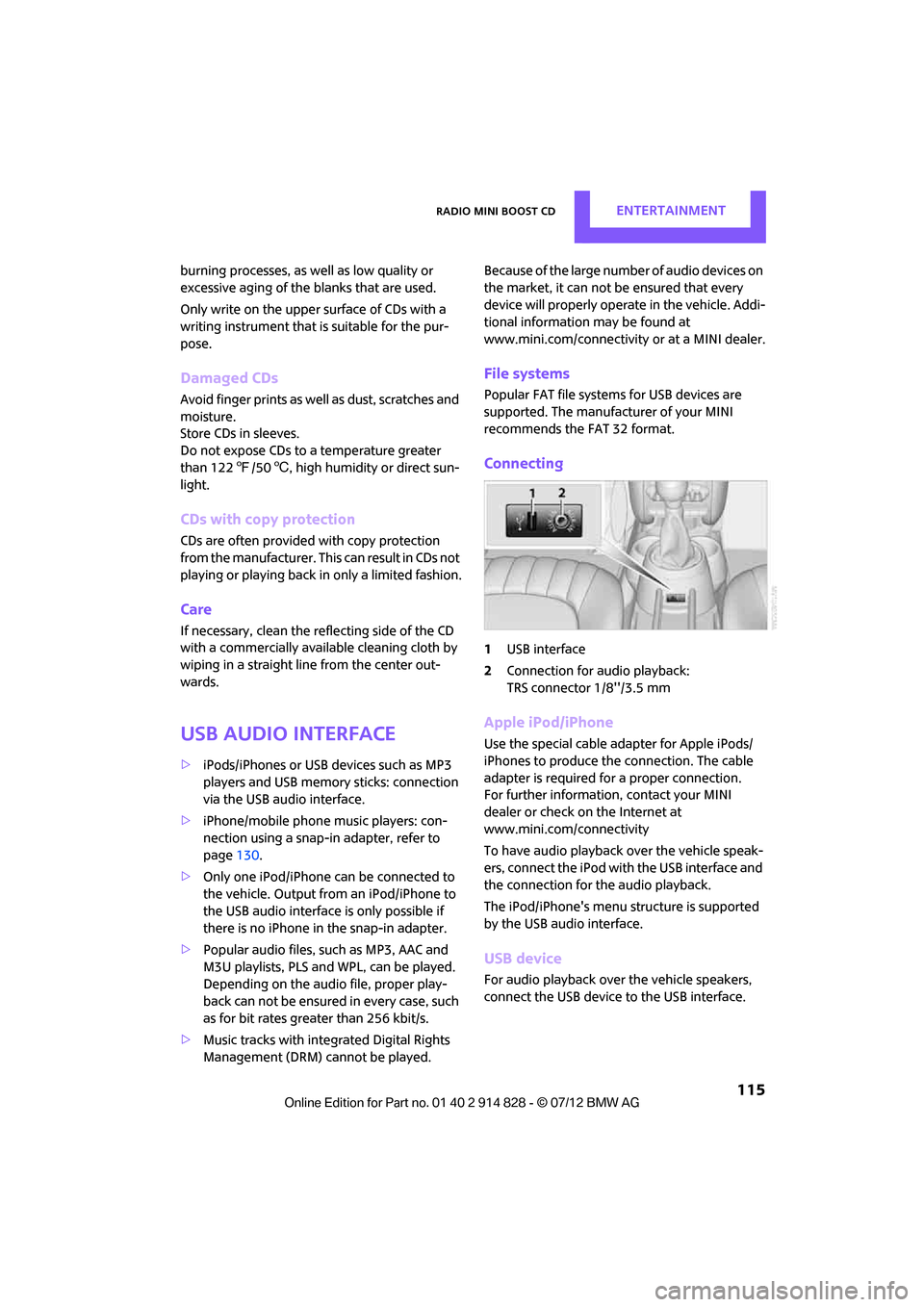
Connecting
1 USB interface
2 Connection for audio playback:
TRS connector 1/8''/3.5 mm
Apple iPod/iPhone
Use the special cable adapter for Apple iPods/
iPhones to produce the connection. The cable
adapter is required for a proper connection.
For further information, contact your MINI
dealer or check on the Internet at
www.mini.com/connectivity
To have audio playback over the vehicle speak-
ers, connect the iPod with the USB interface and
the connection for the audio playback.
The iPod/iPhone's menu structure is supported
by the USB audio interface.
USB device
For audio playback over the vehicle speakers,
connect the USB device to the USB interface.
Online Edition for Part no. 01 40 2 914 828 - \251 07/12 BMW AG
Page 137 of 201
MOBILITYWheels and tires
136
Wheels and tires
Vehicle equipment
In this chapter, all production, country, and
optional equipment that is offered in the model
range is described. Equipment is also described
that is not available because of, for example,
selected options or coun try version. This also
applies to safety relate d functions and systems.
Tire inflation pressures
Information for your safety
It is not merely the tire s' service life, but also
driving comfort and, to a great extent, driving
safety that depend on the condition of the tires
and the maintenance of the specified tire pres-
sure.
Checking pressure
Check the tire inflation pressure regularly
and correct it, if necessary: at least twice a
month and before starting long trips. If you fail
to observe this precauti on you may be driving
on tires with incorrect ti re pressures, a condition
that can not only compromise your vehicle's
driving stability, but also l e a d t o t i r e d a m a g e a n d
the risk of an accident. Do not drive with
deflated, i.e. flat tires, except when using run-
flat tires. A flat tire will seriously impair your
vehicle's handling and braking response.
Att empt s to drive o n a flat t ire can lead to lo ss of
control over the vehicle. <
Check the tire inflation pressures only on cold
tires. This means after a maximum of 1.25 miles/
2 km driving or when the vehicle has been
parked for at least 2 hou rs. When tires are warm,
the tire inflation pressure is higher.
After adjusting the tire inflation pressure,
reinitialize the Flat Tire Monitor, page 68,
or reset the Tire Pressure Monitor, page 70.<
Pressure specifications
The tables below provide all the correct inflation
pressures for the specified tire sizes at ambient
temperature.
The tire inflation pressures apply to the
tire sizes approved and the tire brands
recommended by the manufacturer of your
MINI. Your MINI dealer will be glad to advise
you. <
For correct identification of the right tire infla-
tion pressures, ob serve the following:
> Tire sizes for your vehicle
> Maximum allowable driving speed
Tire inflation pressures for driving up to
100 mph or 160 km/h
For normal driving up to 100 mph or 160 km/h
and to achieve optimum driving comfort, adjust
pressures to the respective tire inflation pres-
sures listed on the follo wing pages in the col-
umns for traveling speeds up to a maximum of
100 mph or 160 km/h.
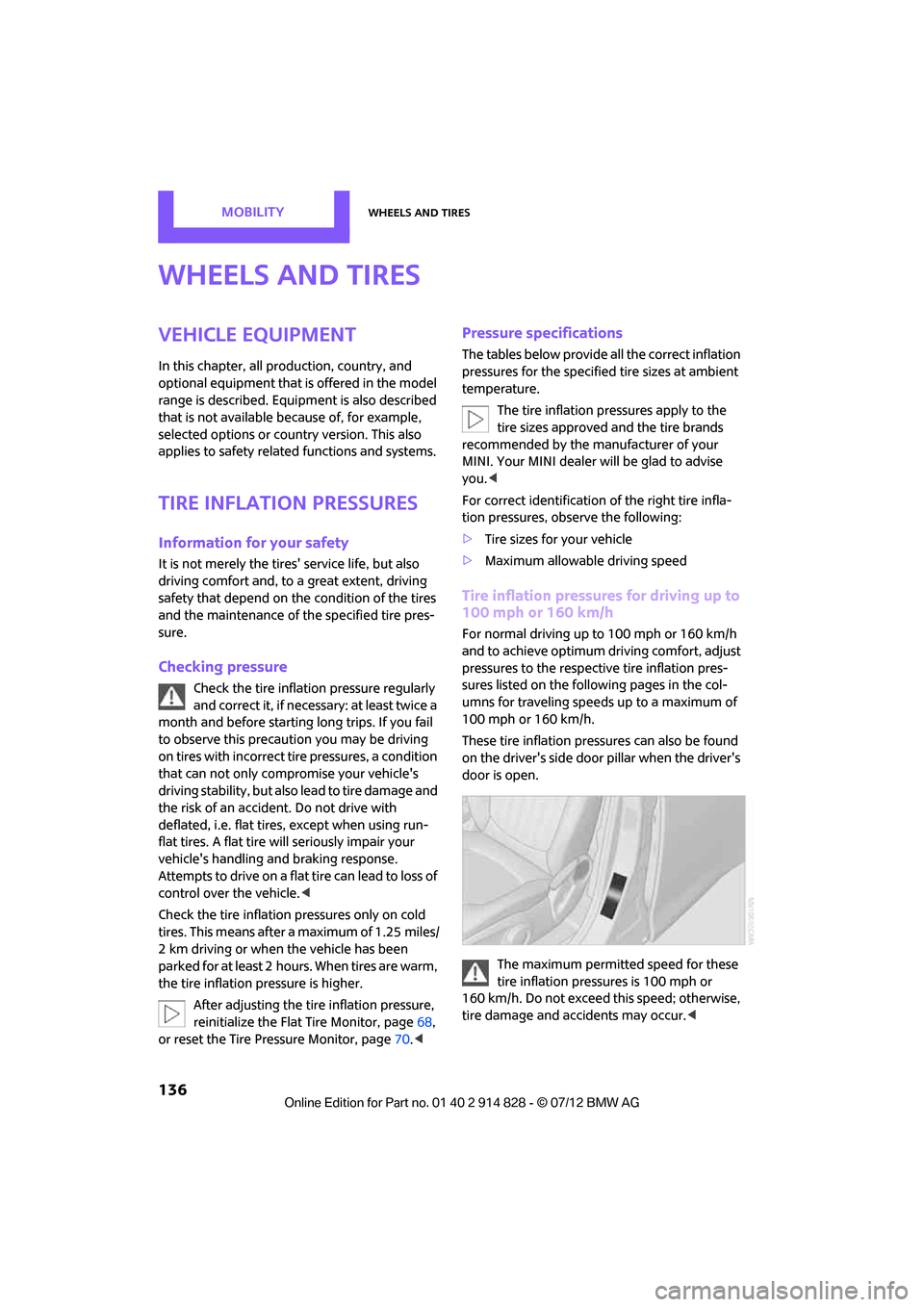
These tire inflation pre ssures can also be found
on the driver's side door pillar when the driver's
door is open.
The maximum permitted speed for these
tire inflation pressures is 100 mph or
160 km/h. Do not exceed this speed; otherwise,
tire damage and accidents may occur. <
Online Edition for Part no. 01 40 2 914 828 - \251 07/12 BMW AG
Page 143 of 201

MOBILITYWheels and tires
142
failure. The grade C corresponds to a level of
performance which all pa ssenger car tires must
meet under the Federal Motor Vehicle Safety
Standard No. 109. Grades B and A represent lev-
els of performance on the laboratory test wheel
that exceed the minimum required by law.
The temperature grade for this tire is
established for a tire that is properly
inflated and not overloaded. Excessive speed,
underinflation, or excessive loading, either
separately or in combin ation, can cause heat
buildup and possible tire failure. <
RSC - run-flat tires
You will recognize run-flat tires by a circular
symbol containing the letters RSC on the side of
the tire, page 143.
M+S
Winter and all-season tires.
These have better winter properties than sum-
mer tires.
XL
Designation for specia lly reinforced tires.
Tire condition
Inspect your tires regula rly for tread wear, signs
of damage and for foreign objects lodged in the
tread. Check the tread depth.
Tread depth
The tread depth should not drop below 0.12 in/
3 mm, although, for exam ple, European legisla-
tion only specifies a minimum tread depth of
0.063 in/1.6 mm. At tread depths below 0.12 in/
3 mm there is an increased risk of high-speed
hydroplaning, even when only small amounts of
water are present on the road surface.
Winter tires
When winter tires wear down past a tread depth
of 0.16 in/4 mm, they become perceptibly less suitable for winter condit
ions. In the interest of
safety, new tires should be installed.
Minimum tread depth
Wear indicators in the base of the tread groove
are distributed around th e tire's circumference;
the letters TWI, for Tread Wear Indicator, on the
tire's sidewalls identify tires that incorporate
these wear indicators. If the tire tread has been
driven down to the wear indicators, a tread
depth of 0.063 in/1.6 mm has been reached.
Tire damage
Driving over rough or damaged road surfaces, as
well as debris, curbs, and other obstacles can
cause serious damage to wheels, tires, and sus-
pension parts. This is more likely to occur with
low-profile tires, which provide less cushioning
between the wheel and the road. Be careful to
avoid road hazards and reduce your speed,
especially if your vehi cle is equipped with low-
profile tires.
Unusual vibrations encountered during normal
vehicle operation can indi cate tire failure or
some other vehicle defect . This can, for exam-
ple, be caused by drivin g over curbs. The same
applies to any other abnormal road behavior,
such as pulling severely to the right or left.
In these cases, reduce speed immediately
and have wheels and tires thoroughly
checked. To do so, drive carefully to the nearest
MINI dealer or a specialized tire shop that has
specially trained personnel working in accor-
dance with the specifications of the MINI manu-
facturer. If necessary, have the vehicle towed
there.
Online Edition for Part no. 01 40 2 914 828 - \251 07/12 BMW AG
Page 148 of 201
Engine compartmentMOBILITY
147
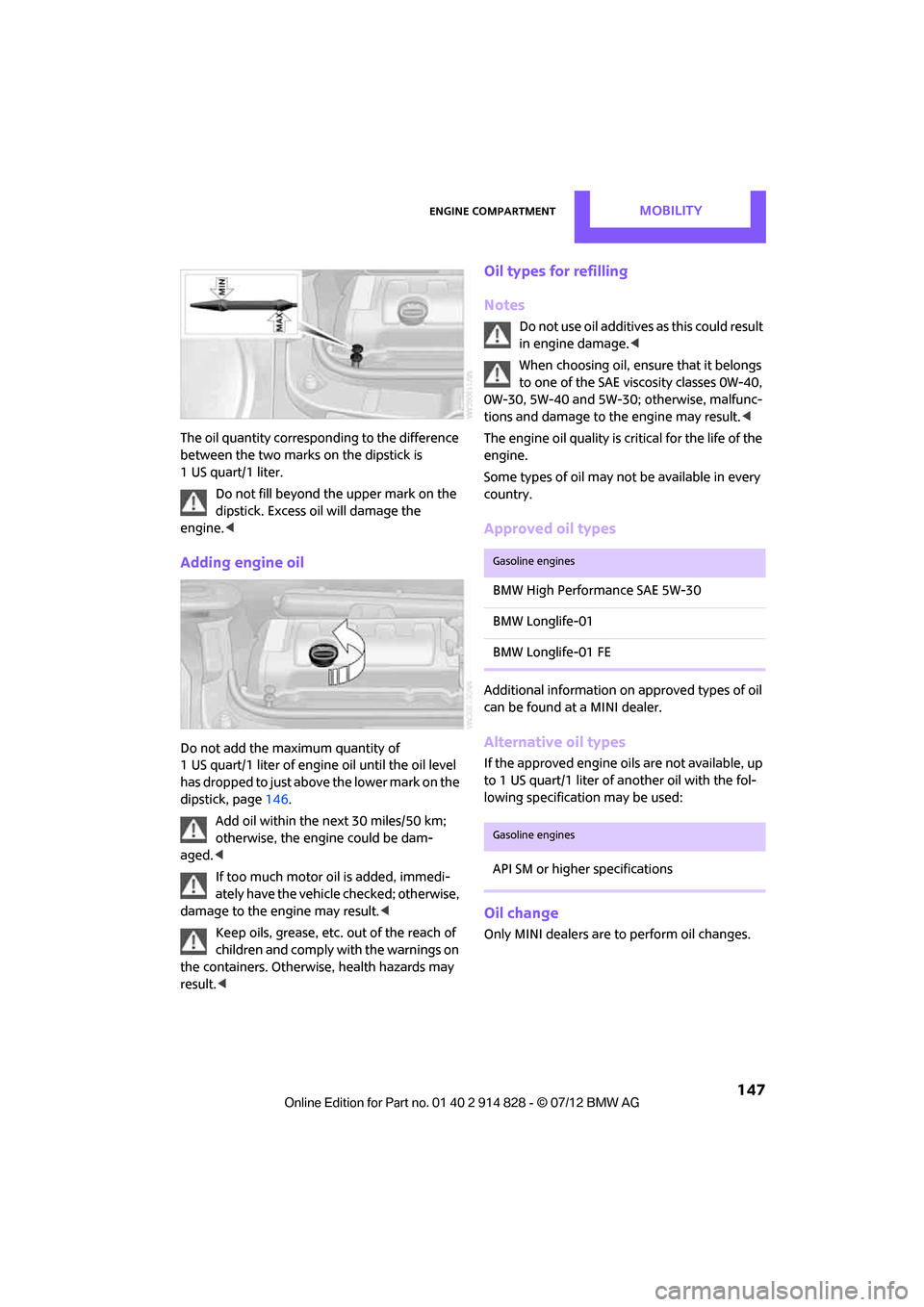
The oil quantity corresponding to the difference
between the two marks on the dipstick is
1 US quart/1 liter.Do not fill beyond the upper mark on the
dipstick. Excess oil will damage the
engine. <
Adding engine oil
Do not add the maximum quantity of
1 US quart/1 liter of engine oil until the oil level
has dropped to just abov e the lower mark on the
dipstick, page 146.
Add oil within the next 30 miles/50 km;
otherwise, the engine could be dam-
aged. <
If too much motor oi l is added, immedi-
ately have the vehicle checked; otherwise,
damage to the engine may result.<
Keep oils, grease, etc. out of the reach of
children and comply with the warnings on
the containers. Otherwise, health hazards may
result. <
Oil types for refilling
Notes
Do not use oil additives as this could result
in engine damage. <
When choosing oil, en sure that it belongs
to one of the SAE viscosity classes 0W-40,
0W-30, 5W-40 and 5W-30; otherwise, malfunc-
tions and damage to the engine may result. <
The engine oil quality is critical for the life of the
engine.
Some types of oil may not be available in every
country.
Approved oil types
Additional information on approved types of oil
can be found at a MINI dealer.
Alternative oil types
If the approved engine oi ls are not available, up
to 1 US quart/1 liter of an other oil with the fol-
lowing specification may be used:
Oil change
Only MINI dealers are to perform oil changes.
Gasoline engines
BMW High Performance SAE 5W-30
BMW Longlife-01
BMW Longlife-01 FE
Gasoline engines
API SM or higher specifications
Online Edition for Part no. 01 40 2 914 828 - \251 07/12 BMW AG
Page 164 of 201

Replacing componentsMOBILITY
163
3.As you ratchet up the jack, place the jack
head onto the lifting point on the body,
arrow 2.
4. Jack the vehicle up until the wheel you are
changing is raised off the ground.
Mounting the wheel
1.Unscrew the lug bolts and remove the
wheel.
2. Remove accumulations of mud or dirt from
the mounting surfaces of the wheel and
hub. Clean the lug bolts.
3. Lift the new wheel into place.
4. Screw at least two lug bolts finger-tight into
opposite bolt holes.
5. Screw in the remaining bolts.
6. Tighten all the lug bolts firmly in a diagonal
pattern.
7. Lower the vehicle.
8. Remove the jack.
Tightening the lug bolts
Tighten the lug bolts in a diagonal pattern.
Immediately have the wheels checked
with a calibrated torque wrench to ensure
that the lug bolts are firmly seated. Otherwise,
incorrectly tightened lug bolts can present a
safety hazard. <
Tightening torque: 103.3 lb ft or 140 Nm.
Replace the defective tire as soon as possible
and have the new wheel/tire assembly bal-
anced.
Vehicle battery
Maintenance
The battery is maintenance-free; that is, the
electrolyte will last for the life of the battery
when the vehicle is operated in a temperate
climate.
If you have any questions regarding your
battery, please contact your MINI dealer.
Battery replacement
Only use vehicle batteries that have been
approved for your vehicle by the manu-
facturer; otherwise, the vehicle could be dam-
aged and systems or func tions may not be fully
available. <
After a battery replacement, have the battery
registered on the vehicle by your MINI dealer to
ensure that all convenie nce functions are fully
available and, if nece ssary, the corresponding
Check Control messages are no longer dis-
played.
Charging the battery
Note
Do not connect battery chargers to the
sockets installed in the vehicle at the fac-
tory; otherwise you may cause damage to the
battery. <
Only charge the battery in the vehicle when the
engine is off. Connection s, refer to Jump-start-
ing on page 165.
General information
To guarantee the full service life of the battery,
ensure that the battery is always properly
charged.
It may be necessary to charge the battery in the
following situations:
>If frequent short trips are taken.
> If the vehicle is frequently parked for more
than a month.
Disposal
After replacing old batteries, return the
used batteries to your MINI dealer or to
arecycling center. Maint ain the battery in an
upright position for transport and storage.
Always secure the battery against tipping over
during transport. <
Online Edition for Part no. 01 40 2 914 828 - \251 07/12 BMW AG
Page 166 of 201

Giving and receiving assistanceMOBILITY
165
Giving and receiving assistance
Vehicle equipment
In this chapter, all production, country, and
optional equipment that is offered in the model
range is described. Equipment is also described
that is not available because of, for example,
selected options or count ry version. This also
applies to safety related functions and systems.
Roadside Assistance
Roadside Assistance is available by phone
24 hours a day in many countries. You can
obtain assistance there in the event of a vehicle
breakdown.
First aid pouch
Some of the articles co ntained in the first aid
pouch have a limited se rvice life. Therefore,
check the expiration dates of the contents
regularly and replace any items in good time, if
necessary.
The first aid pouch is located on the rear cargo
well by the left side trim panel or under the pull-
out floor panel.
Warning triangle
In the cargo area under the loading sill.
To remove, open the two clasps.
Jump-starting
If the car's own battery is flat, your MINI's engine
can be started by connecting two jumper cables
to another vehicle's battery. You can also use
the same method to help start another vehicle.
Only use jumper cables with fully-insulated
clamp handles.
Do not touch any electrically live parts
when the engine is running, or a fatal
accident may occur. Ca refully adhere to the
following sequence, both to prevent damage to
one or both vehicles, and to guard against
possible personal injuries. <
Preparation
1.Check whether the battery of the other vehi-
cle has a voltage of 12 volts and approxi-
mately the same capacitance in Ah. This
information can be found on the battery.
2. Switch off the engine of the support vehicle.
3. Switch off any consumers in both vehicles.
There must not be any contact between
the bodies of the two vehicles; otherwise,
there is a danger of shorting. <
Online Edition for Part no. 01 40 2 914 828 - \251 07/12 BMW AG
Page 178 of 201

Indicator and warning lampsMOBILITY
177
Vehicles with Flat Tire Monitor
Light up in yellow and red:
>Tire damage Carefully bring the car to a stop.
Observe the information starting on
page
68.
> Flat Tire Monitor not initialized Initialize Flat Tire Monitor, page
68.
Light up in yellow:
Flat Tire Monitor failed. Punctures are
not indicated Have the system checked.
Vehicles with Tire Pressure Monitor
Light up in yellow and red:
There is a flat tire or significant tire
pressure loss, e.g. in the front right
tire Carefully bring the car to a stop.
Observe the information starting on
page
70.
Vehicles with Tire Pressure Monitor
Light up in yellow:
Tire Pressure Monitor not initialized Check the inflation pressure and reset
the system, page
71.
The small lamp flashes yellow and
then stays on, the large lamp lights
up in yellow:
> Wheel mounted without TPM
electronics Have the system checked.
> The TPM is temporarily malfunc-
tioning due to other systems or
devices using the same radio fre-
quency.
12Cause What to do
Online Edition for Part no. 01 40 2 914 828 - \251 07/12 BMW AG
Page 194 of 201
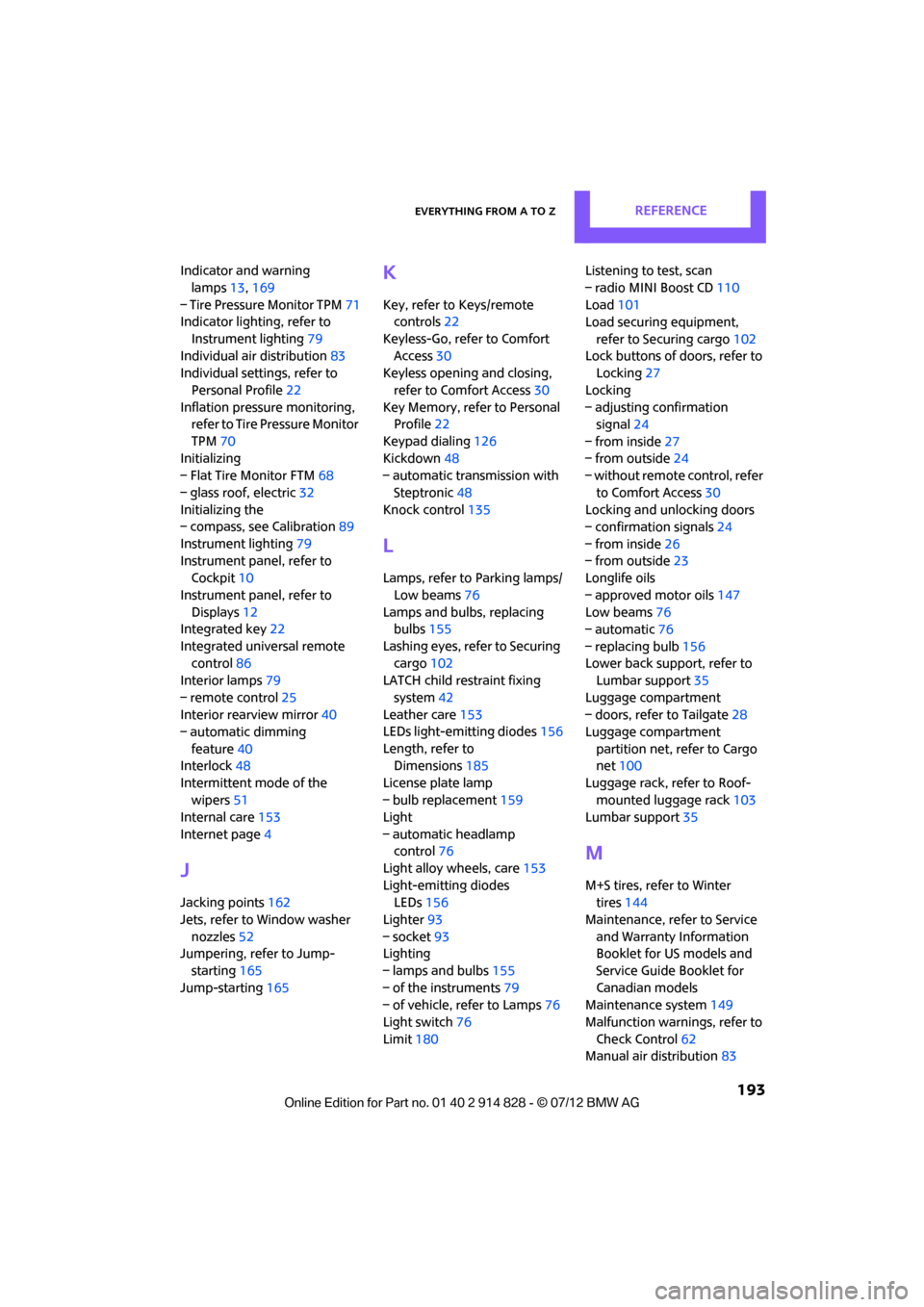
Everything from A to ZREFERENCE
193
Indicator and warning lamps 13,169
– Tire Pressure Monitor TPM 71
Indicator lighting, refer to
Instrument lighting 79
Individual air distribution 83
Individual settings, refer to
Personal Profile 22
Inflation pressure monitoring, refer to Tire Pressure Monitor
TPM 70
Initializing
– Flat Tire Monitor FTM 68
– glass roof, electric 32
Initializing the
– compass, see Calibration 89
Instrument lighting 79
Instrument panel, refer to Cockpit 10
Instrument panel, refer to Displays 12
Integrated key 22
Integrated universal remote control 86
Interior lamps 79
– remote control 25
Interior rearview mirror 40
– automatic dimming
feature 40
Interlock 48
Intermittent mode of the wipers 51
Internal care 153
Internet page 4
J
Jacking points 162
Jets, refer to Window washer
nozzles 52
Jumpering, refer to Jump- starting 165
Jump-starting 165
K
Key, refer to Keys/remote
controls 22
Keyless-Go, refer to Comfort Access 30
Keyless opening and closing,
refer to Comfort Access 30
Key Memory, refer to Personal Profile 22
Keypad dialing 126
Kickdown 48
– automatic transmission with
Steptronic 48
Knock control 135
L
Lamps, refer to Parking lamps/
Low beams 76
Lamps and bulbs, replacing bulbs 155
Lashing eyes, refer to Securing cargo 102
LATCH child restraint fixing
system 42
Leather care 153
LEDs light-emitting diodes 156
Length, refer to Dimensions 185
License plate lamp
– bulb replacement 159
Light
– automatic headlamp control 76
Light alloy wheels, care 153
Light-emitting diodes LEDs 156
Lighter 93
– socket 93
Lighting
– lamps and bulbs 155
– of the instruments 79
– of vehicle, refer to Lamps 76
Light switch 76
Limit 180 Listening to test, scan
– radio MINI Boost CD
110
Load 101
Load securing equipment,
refer to Securing cargo 102
Lock buttons of doors, refer to
Locking 27
Locking
– adjusting confirmation signal 24
– from inside 27
– from outside 24
– without remote control, refer
to Comfort Access 30
Locking and unlocking doors
– confirmation signals 24
– from inside 26
– from outside 23
Longlife oils
– approved motor oils 147
Low beams 76
– automatic 76
– replacing bulb 156
Lower back suppo rt, refer to
Lumbar support 35
Luggage compartment
– doors, refer to Tailgate 28
Luggage compartment
partition net, refer to Cargo
net 100
Luggage rack, re fer to Roof-
mounted luggage rack 103
Lumbar support 35
M
M+S tires, refer to Winter
tires 144
Maintenance, refer to Service
and Warranty Information
Booklet for US models and
Service Guide Booklet for
Canadian models
Maintenance system 149
Malfunction warnings, refer to
Check Control 62
Manual air distribution 83
Online Edition for Part no. 01 40 2 914 828 - \251 07/12 BMW AG