center console MINI Countryman 2015 (Mini Connected) User Guide
[x] Cancel search | Manufacturer: MINI, Model Year: 2015, Model line: Countryman, Model: MINI Countryman 2015Pages: 283, PDF Size: 6.76 MB
Page 209 of 283

MINI ConnectedVehicle equipmentThis chapter describes all series equipment as
well as country-specific and special equipment
offered for this model series. Therefore, it also
describes equipment that may not be found in
your vehicle, for instance due to the selected
special equipment or the country version. This
also applies to safety-related functions and sys‐
tems.
When using the features and systems described
here, adhere to local regulations.
At a glance
The concept
Certain software applications of a suitable mo‐
bile phone can be integrated in the vehicle.
These software applications are displayed on
the Control Display.
They are operated via the onboard monitor.
The scope of the software applications may
vary by country.
Requirements▷The mobile phone is suitable.▷The mobile phone operating system sup‐
ports the software applications of MINI
Connected.▷Software applications are installed on the
mobile phone and ready to use.▷Corresponding mobile wireless contract.
Any additionally incurred costs are not a
part of MINI Connected.
Information about suitable mobile phones,
available software applications, and their instal‐
lation can be obtained at www.mini.com/
connectivity or from the service center.
Create the entries.
Make entries only when traffic and road
conditions allow. Otherwise, the vehicle occu‐
pants and other road users may be put in dan‐
ger because of the distraction from driving.
For reasons of safety, some software applica‐
tions are usable only while the vehicle is sta‐
tionary. ◀
Software applications
Use only software applications approved
by the manufacturer of your MINI; otherwise,
malfunctions may occur. ◀
Connecting the mobile
phone
Connection via the USB audio interface The USB audio interface is in the
center console.
Connect the mobile phone to the
USB interface and the AV-IN port
using a special adapter cable
available from the service center.
To perform additional steps on the mobile
phone, refer to the mobile phone operating in‐
structions: for instance, selecting and activating
software applications.
Connection via the snap-in adapter
The mobile phone can also be connected, refer
to page 198, via the snap-in adapter.
Operating MINI Connected After the mobile phone is successfully con‐
nected with the vehicle and MINI Connected is
started, the applications are displayed on theSeite 207MINI ConnectedCOMMUNICATION207
Online Edition for Part no. 01 40 2 961 110 - II/15
Page 271 of 283
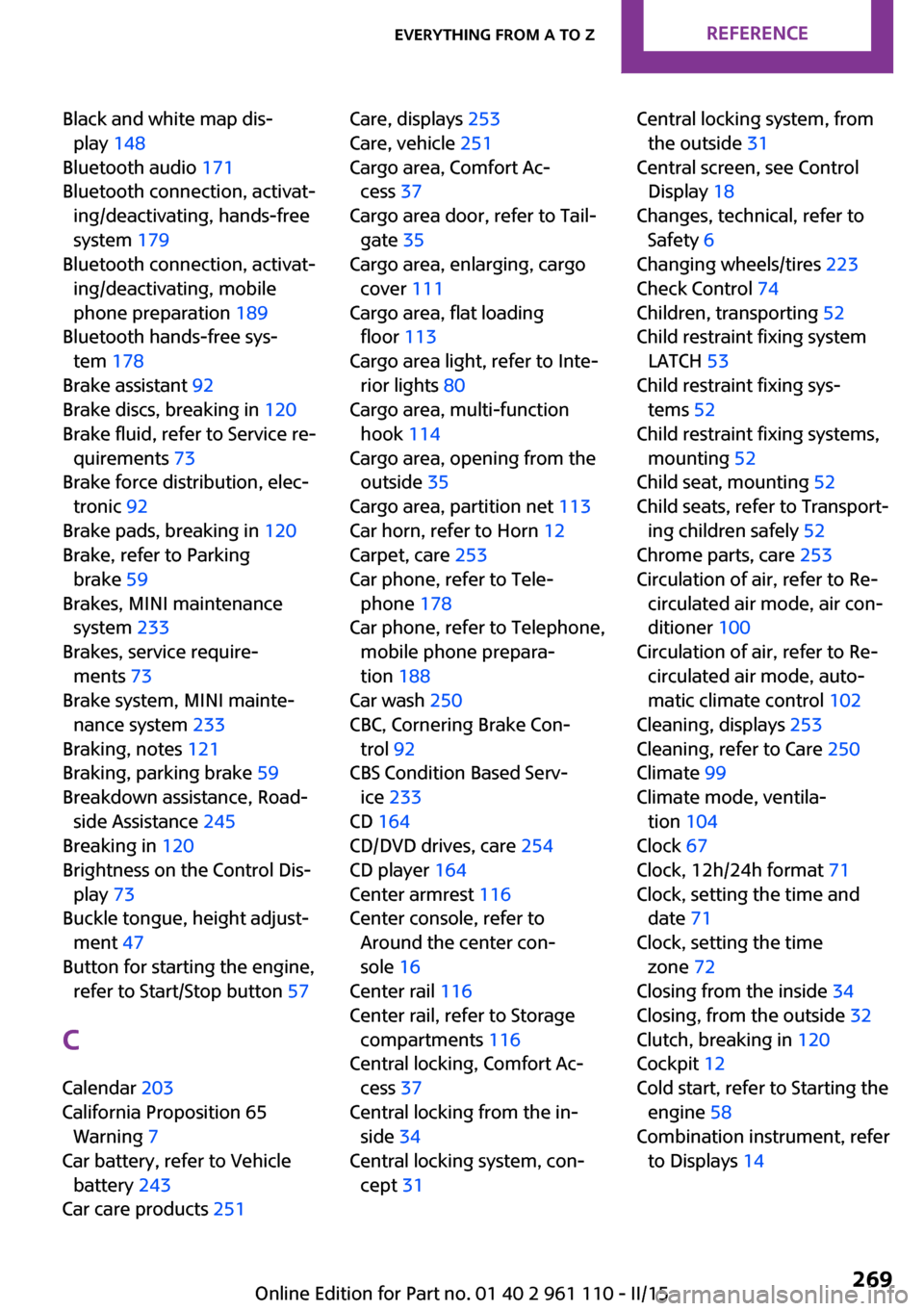
Black and white map dis‐play 148
Bluetooth audio 171
Bluetooth connection, activat‐ ing/deactivating, hands-free
system 179
Bluetooth connection, activat‐ ing/deactivating, mobile
phone preparation 189
Bluetooth hands-free sys‐ tem 178
Brake assistant 92
Brake discs, breaking in 120
Brake fluid, refer to Service re‐ quirements 73
Brake force distribution, elec‐ tronic 92
Brake pads, breaking in 120
Brake, refer to Parking brake 59
Brakes, MINI maintenance system 233
Brakes, service require‐ ments 73
Brake system, MINI mainte‐ nance system 233
Braking, notes 121
Braking, parking brake 59
Breakdown assistance, Road‐ side Assistance 245
Breaking in 120
Brightness on the Control Dis‐ play 73
Buckle tongue, height adjust‐ ment 47
Button for starting the engine, refer to Start/Stop button 57
C
Calendar 203
California Proposition 65 Warning 7
Car battery, refer to Vehicle battery 243
Car care products 251 Care, displays 253
Care, vehicle 251
Cargo area, Comfort Ac‐ cess 37
Cargo area door, refer to Tail‐ gate 35
Cargo area, enlarging, cargo cover 111
Cargo area, flat loading floor 113
Cargo area light, refer to Inte‐ rior lights 80
Cargo area, multi-function hook 114
Cargo area, opening from the outside 35
Cargo area, partition net 113
Car horn, refer to Horn 12
Carpet, care 253
Car phone, refer to Tele‐ phone 178
Car phone, refer to Telephone, mobile phone prepara‐
tion 188
Car wash 250
CBC, Cornering Brake Con‐ trol 92
CBS Condition Based Serv‐ ice 233
CD 164
CD/DVD drives, care 254
CD player 164
Center armrest 116
Center console, refer to Around the center con‐
sole 16
Center rail 116
Center rail, refer to Storage compartments 116
Central locking, Comfort Ac‐ cess 37
Central locking from the in‐ side 34
Central locking system, con‐ cept 31 Central locking system, from
the outside 31
Central screen, see Control Display 18
Changes, technical, refer to Safety 6
Changing wheels/tires 223
Check Control 74
Children, transporting 52
Child restraint fixing system LATCH 53
Child restraint fixing sys‐ tems 52
Child restraint fixing systems, mounting 52
Child seat, mounting 52
Child seats, refer to Transport‐ ing children safely 52
Chrome parts, care 253
Circulation of air, refer to Re‐ circulated air mode, air con‐
ditioner 100
Circulation of air, refer to Re‐ circulated air mode, auto‐
matic climate control 102
Cleaning, displays 253
Cleaning, refer to Care 250
Climate 99
Climate mode, ventila‐ tion 104
Clock 67
Clock, 12h/24h format 71
Clock, setting the time and date 71
Clock, setting the time zone 72
Closing from the inside 34
Closing, from the outside 32
Clutch, breaking in 120
Cockpit 12
Cold start, refer to Starting the engine 58
Combination instrument, refer to Displays 14 Seite 269Everything from A to ZREFERENCE269
Online Edition for Part no. 01 40 2 961 110 - II/15
Page 272 of 283
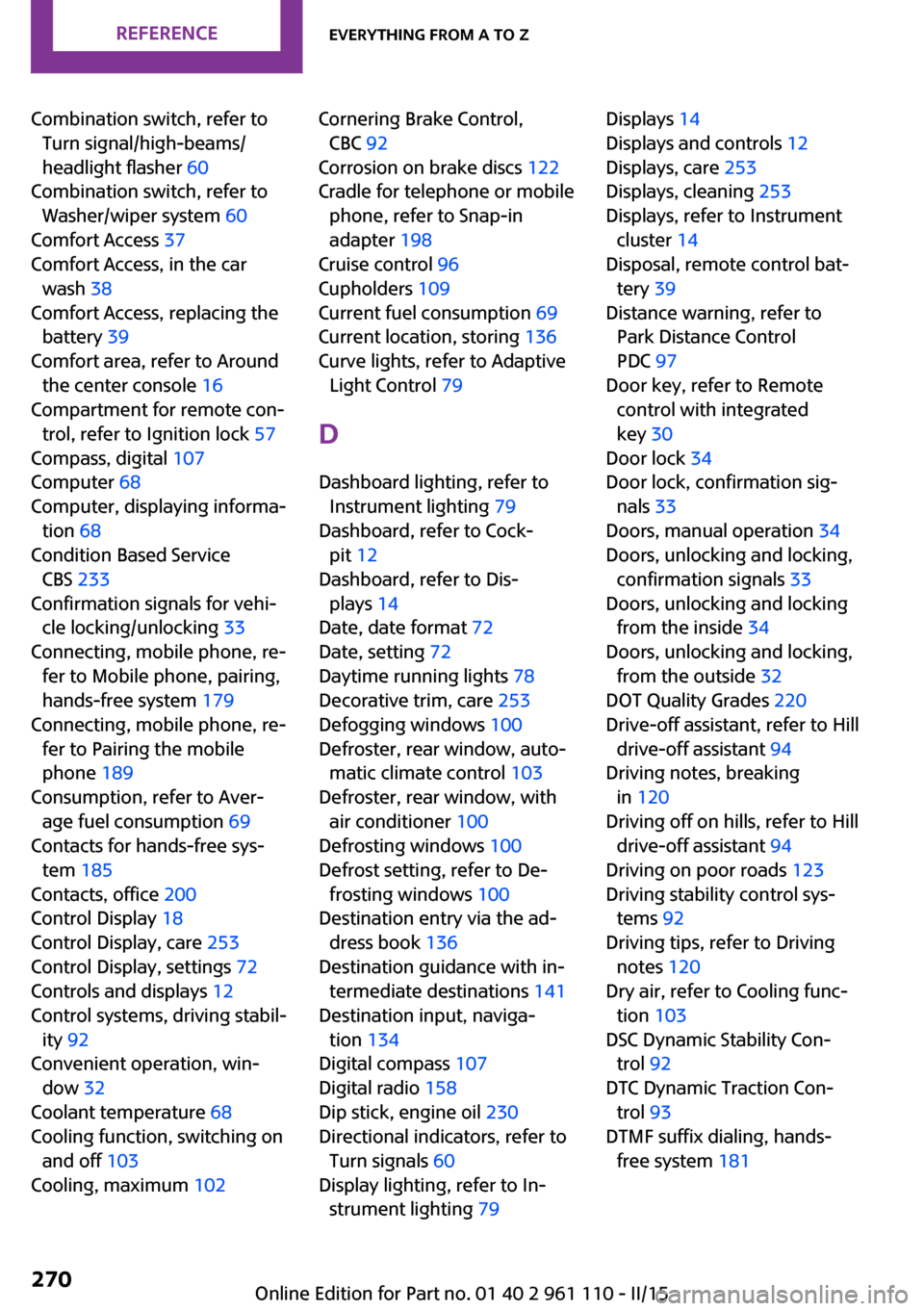
Combination switch, refer toTurn signal/high-beams/
headlight flasher 60
Combination switch, refer to Washer/wiper system 60
Comfort Access 37
Comfort Access, in the car wash 38
Comfort Access, replacing the battery 39
Comfort area, refer to Around the center console 16
Compartment for remote con‐ trol, refer to Ignition lock 57
Compass, digital 107
Computer 68
Computer, displaying informa‐ tion 68
Condition Based Service CBS 233
Confirmation signals for vehi‐ cle locking/unlocking 33
Connecting, mobile phone, re‐ fer to Mobile phone, pairing,
hands-free system 179
Connecting, mobile phone, re‐ fer to Pairing the mobile
phone 189
Consumption, refer to Aver‐ age fuel consumption 69
Contacts for hands-free sys‐ tem 185
Contacts, office 200
Control Display 18
Control Display, care 253
Control Display, settings 72
Controls and displays 12
Control systems, driving stabil‐ ity 92
Convenient operation, win‐ dow 32
Coolant temperature 68
Cooling function, switching on and off 103
Cooling, maximum 102 Cornering Brake Control,
CBC 92
Corrosion on brake discs 122
Cradle for telephone or mobile phone, refer to Snap-in
adapter 198
Cruise control 96
Cupholders 109
Current fuel consumption 69
Current location, storing 136
Curve lights, refer to Adaptive Light Control 79
D Dashboard lighting, refer to Instrument lighting 79
Dashboard, refer to Cock‐ pit 12
Dashboard, refer to Dis‐ plays 14
Date, date format 72
Date, setting 72
Daytime running lights 78
Decorative trim, care 253
Defogging windows 100
Defroster, rear window, auto‐ matic climate control 103
Defroster, rear window, with air conditioner 100
Defrosting windows 100
Defrost setting, refer to De‐ frosting windows 100
Destination entry via the ad‐ dress book 136
Destination guidance with in‐ termediate destinations 141
Destination input, naviga‐ tion 134
Digital compass 107
Digital radio 158
Dip stick, engine oil 230
Directional indicators, refer to Turn signals 60
Display lighting, refer to In‐ strument lighting 79 Displays 14
Displays and controls 12
Displays, care 253
Displays, cleaning 253
Displays, refer to Instrument cluster 14
Disposal, remote control bat‐ tery 39
Distance warning, refer to Park Distance Control
PDC 97
Door key, refer to Remote control with integrated
key 30
Door lock 34
Door lock, confirmation sig‐ nals 33
Doors, manual operation 34
Doors, unlocking and locking, confirmation signals 33
Doors, unlocking and locking from the inside 34
Doors, unlocking and locking, from the outside 32
DOT Quality Grades 220
Drive-off assistant, refer to Hill drive-off assistant 94
Driving notes, breaking in 120
Driving off on hills, refer to Hill drive-off assistant 94
Driving on poor roads 123
Driving stability control sys‐ tems 92
Driving tips, refer to Driving notes 120
Dry air, refer to Cooling func‐ tion 103
DSC Dynamic Stability Con‐ trol 92
DTC Dynamic Traction Con‐ trol 93
DTMF suffix dialing, hands- free system 181 Seite 270REFERENCEEverything from A to Z270
Online Edition for Part no. 01 40 2 961 110 - II/15