maintenance MINI Hardtop 4 Door 2016 (Mini Connected) User Guide
[x] Cancel search | Manufacturer: MINI, Model Year: 2016, Model line: Hardtop 4 Door, Model: MINI Hardtop 4 Door 2016Pages: 246, PDF Size: 6.36 MB
Page 201 of 246

service center or repair shop. Records of regu‐
lar maintenance and repair work should be re‐
tained.
Socket for OBD Onboard
Diagnosis
Information CAUTION
Improper use of the socket for Onboard
Diagnosis can lead to vehicle malfunctions.
There is risk of property damage. The manufac‐
turer of your vehicle strongly recommends ac‐
cess to the socket for Onboard Diagnosis be
limited to a dealer's service center, another
qualified service center or repair shop or other
authorized persons. ◀
Position
There is an OBD socket on the driver's side for
checking the primary components in the vehi‐
cle's emissions.
Emissions
▷The warning lamp lights up:
Emissions are deteriorating. Have
the vehicle checked as soon as pos‐
sible.▷The warning lamp flashes under certain cir‐
cumstances:
This indicates that there is excessive misfir‐
ing in the engine.Reduce the vehicle speed and have the sys‐
tem checked immediately; otherwise, seri‐
ous engine misfiring within a brief period
can seriously damage emission control
components, in particular the catalytic con‐
verter.Seite 201MaintenanceMOBILITY201
Online Edition for Part no. 01 40 2 963 334 - VI/15
Page 212 of 246

3.Check tire inflation pressure at the next op‐
portunity and correct as needed.4.Reinitialize the Flat Tire Monitor, refer to
page 106.
Reinitialize the Tire Pressure Monitor, refer
to page 103.5.Check to make sure the lug bolts are tight
with a calibrated torque wrench.
Driving with emergency wheel
WARNING
The emergency wheel has particular di‐
mensions. When driving with an emergency wheel, changed driving properties may occur at
higher speeds, e.g. reduced lane stability when
braking, longer braking distance and changed
self-steering properties in the limit area. There
is risk of an accident. Drive moderately and do
not exceed a speed of 50 mph/80 km/h. ◀
After the trip with emergency wheel
Have the following work performed by a deal‐
er's service center or another qualified service
center or repair shop.
1.Replace the damaged tires as soon as pos‐
sible.2.Replace the emergency wheel with a new
wheel.3.Have the tray with the emergency wheel
installed.
Vehicle battery
Maintenance
The battery is maintenance-free.
The added amount of acid is sufficient for the
service life of the battery.
More information about the battery can be re‐
quested from a dealer’s service center or an‐
other qualified service center or repair shop.
Battery replacement
CAUTION
Vehicle batteries that are not compatible
can damage vehicle systems and impair vehicle
functions.There is risk of property damage. In‐ formation on the compatible vehicle batteries is
available at your dealer's service center. ◀
After a battery replacement, the manufacturer
of your vehicle recommends that the vehicle
battery be registered on the vehicle by a
dealer’s service center or another qualified
service center or repair shop to ensure that all
comfort features are fully available and that
any Check Control messages of these comfort
features are no longer displayed.
Charging the battery
General information Make sure that the battery is always sufficiently
charged to guarantee that the battery remains
usable for its full service life.
The battery may need to be charged in the fol‐
lowing cases:▷When making frequent short-distance
drives.▷If the vehicle is not used for prolonged peri‐
ods, longer than a month.▷Steptronic transmission: when parked for
long periods of time in selector lever posi‐
tion D, R or N.
Information
CAUTION
Battery chargers for the vehicle battery
can work with high voltages and currents, which means that the 12V on-board network
can be overloaded or damaged. There is risk of
property damage. Only connect battery charg‐
ers for the vehicle battery to the starting aid
terminals in the engine compartment. ◀
Seite 212MOBILITYReplacing components212
Online Edition for Part no. 01 40 2 963 334 - VI/15
Page 240 of 246
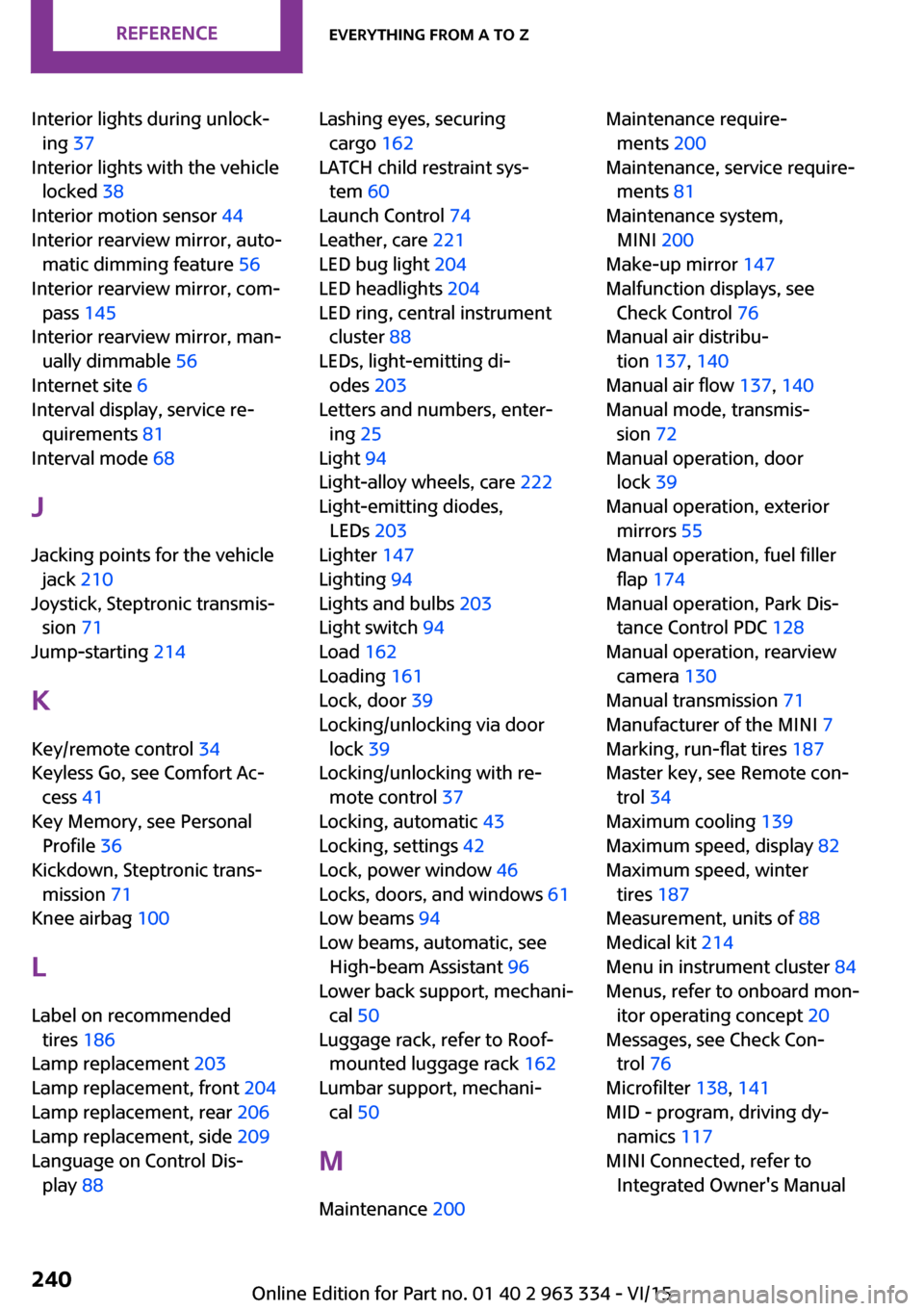
Interior lights during unlock‐ing 37
Interior lights with the vehicle locked 38
Interior motion sensor 44
Interior rearview mirror, auto‐ matic dimming feature 56
Interior rearview mirror, com‐ pass 145
Interior rearview mirror, man‐ ually dimmable 56
Internet site 6
Interval display, service re‐ quirements 81
Interval mode 68
J Jacking points for the vehicle jack 210
Joystick, Steptronic transmis‐ sion 71
Jump-starting 214
K
Key/remote control 34
Keyless Go, see Comfort Ac‐ cess 41
Key Memory, see Personal Profile 36
Kickdown, Steptronic trans‐ mission 71
Knee airbag 100
L
Label on recommended tires 186
Lamp replacement 203
Lamp replacement, front 204
Lamp replacement, rear 206
Lamp replacement, side 209
Language on Control Dis‐ play 88 Lashing eyes, securing
cargo 162
LATCH child restraint sys‐ tem 60
Launch Control 74
Leather, care 221
LED bug light 204
LED headlights 204
LED ring, central instrument cluster 88
LEDs, light-emitting di‐ odes 203
Letters and numbers, enter‐ ing 25
Light 94
Light-alloy wheels, care 222
Light-emitting diodes, LEDs 203
Lighter 147
Lighting 94
Lights and bulbs 203
Light switch 94
Load 162
Loading 161
Lock, door 39
Locking/unlocking via door lock 39
Locking/unlocking with re‐ mote control 37
Locking, automatic 43
Locking, settings 42
Lock, power window 46
Locks, doors, and windows 61
Low beams 94
Low beams, automatic, see High-beam Assistant 96
Lower back support, mechani‐ cal 50
Luggage rack, refer to Roof- mounted luggage rack 162
Lumbar support, mechani‐ cal 50
M
Maintenance 200 Maintenance require‐
ments 200
Maintenance, service require‐ ments 81
Maintenance system, MINI 200
Make-up mirror 147
Malfunction displays, see Check Control 76
Manual air distribu‐ tion 137, 140
Manual air flow 137, 140
Manual mode, transmis‐ sion 72
Manual operation, door lock 39
Manual operation, exterior mirrors 55
Manual operation, fuel filler flap 174
Manual operation, Park Dis‐ tance Control PDC 128
Manual operation, rearview camera 130
Manual transmission 71
Manufacturer of the MINI 7
Marking, run-flat tires 187
Master key, see Remote con‐ trol 34
Maximum cooling 139
Maximum speed, display 82
Maximum speed, winter tires 187
Measurement, units of 88
Medical kit 214
Menu in instrument cluster 84
Menus, refer to onboard mon‐ itor operating concept 20
Messages, see Check Con‐ trol 76
Microfilter 138, 141
MID - program, driving dy‐ namics 117
MINI Connected, refer to Integrated Owner's Manual Seite 240REFERENCEEverything from A to Z240
Online Edition for Part no. 01 40 2 963 334 - VI/15
Page 241 of 246
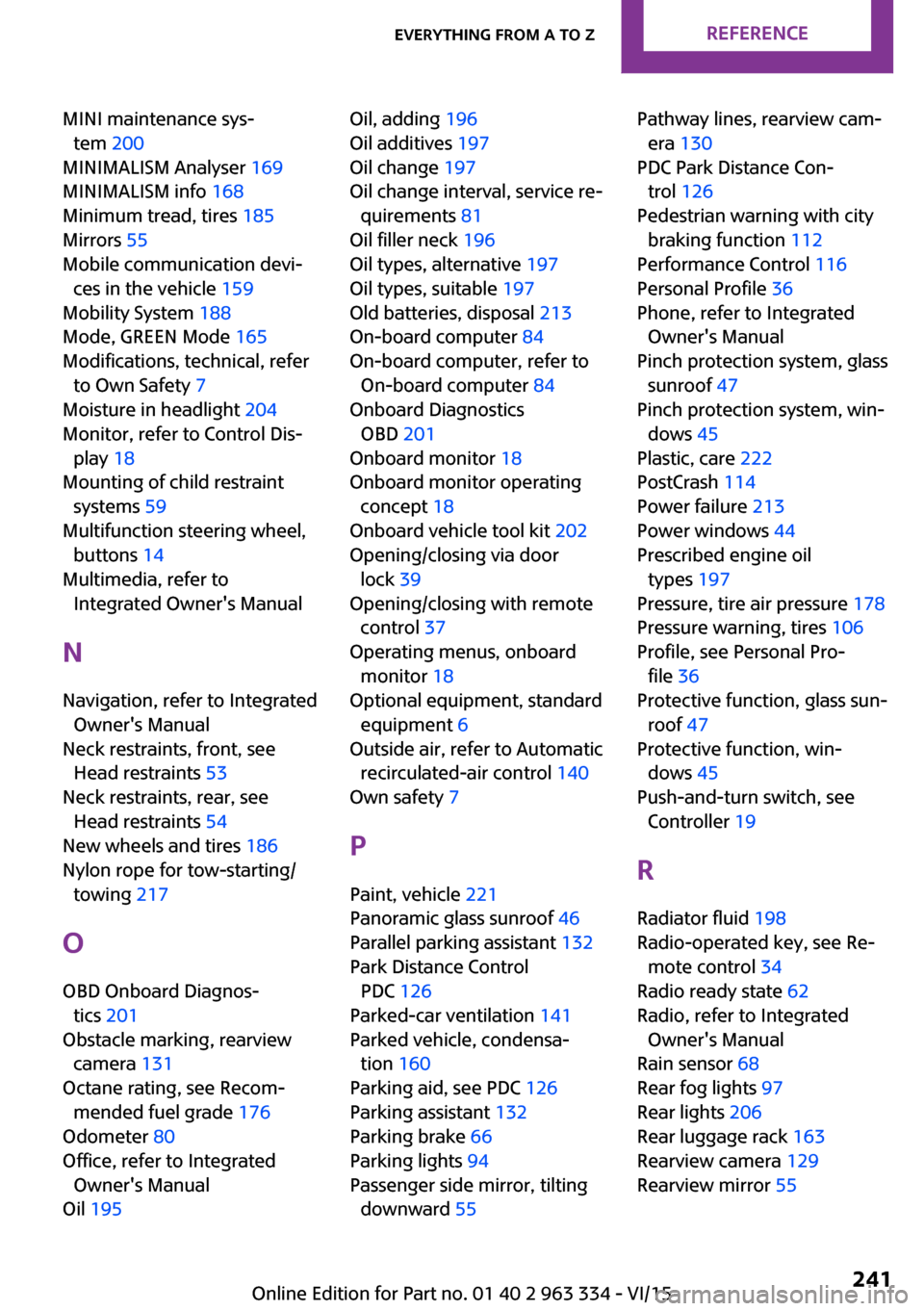
MINI maintenance sys‐tem 200
MINIMALISM Analyser 169
MINIMALISM info 168
Minimum tread, tires 185
Mirrors 55
Mobile communication devi‐ ces in the vehicle 159
Mobility System 188
Mode, GREEN Mode 165
Modifications, technical, refer to Own Safety 7
Moisture in headlight 204
Monitor, refer to Control Dis‐ play 18
Mounting of child restraint systems 59
Multifunction steering wheel, buttons 14
Multimedia, refer to Integrated Owner's Manual
N Navigation, refer to Integrated Owner's Manual
Neck restraints, front, see Head restraints 53
Neck restraints, rear, see Head restraints 54
New wheels and tires 186
Nylon rope for tow-starting/ towing 217
O
OBD Onboard Diagnos‐ tics 201
Obstacle marking, rearview camera 131
Octane rating, see Recom‐ mended fuel grade 176
Odometer 80
Office, refer to Integrated Owner's Manual
Oil 195 Oil, adding 196
Oil additives 197
Oil change 197
Oil change interval, service re‐ quirements 81
Oil filler neck 196
Oil types, alternative 197
Oil types, suitable 197
Old batteries, disposal 213
On-board computer 84
On-board computer, refer to On-board computer 84
Onboard Diagnostics OBD 201
Onboard monitor 18
Onboard monitor operating concept 18
Onboard vehicle tool kit 202
Opening/closing via door lock 39
Opening/closing with remote control 37
Operating menus, onboard monitor 18
Optional equipment, standard equipment 6
Outside air, refer to Automatic recirculated-air control 140
Own safety 7
P
Paint, vehicle 221
Panoramic glass sunroof 46
Parallel parking assistant 132
Park Distance Control PDC 126
Parked-car ventilation 141
Parked vehicle, condensa‐ tion 160
Parking aid, see PDC 126
Parking assistant 132
Parking brake 66
Parking lights 94
Passenger side mirror, tilting downward 55 Pathway lines, rearview cam‐
era 130
PDC Park Distance Con‐ trol 126
Pedestrian warning with city braking function 112
Performance Control 116
Personal Profile 36
Phone, refer to Integrated Owner's Manual
Pinch protection system, glass sunroof 47
Pinch protection system, win‐ dows 45
Plastic, care 222
PostCrash 114
Power failure 213
Power windows 44
Prescribed engine oil types 197
Pressure, tire air pressure 178
Pressure warning, tires 106
Profile, see Personal Pro‐ file 36
Protective function, glass sun‐ roof 47
Protective function, win‐ dows 45
Push-and-turn switch, see Controller 19
R Radiator fluid 198
Radio-operated key, see Re‐ mote control 34
Radio ready state 62
Radio, refer to Integrated Owner's Manual
Rain sensor 68
Rear fog lights 97
Rear lights 206
Rear luggage rack 163
Rearview camera 129
Rearview mirror 55 Seite 241Everything from A to ZREFERENCE241
Online Edition for Part no. 01 40 2 963 334 - VI/15