ignition MITSUBISHI L200 2010 4.G User Guide
[x] Cancel search | Manufacturer: MITSUBISHI, Model Year: 2010, Model line: L200, Model: MITSUBISHI L200 2010 4.GPages: 369, PDF Size: 30.72 MB
Page 76 of 369
That airbag will remain OFF, and will NOT de-
ploy, until it is turned ON again.
WARNING
l To reduce risk of serious or fatal injury:
• If the indication lamp does not come
on when the front passenger’s airbag
ON-OFF switch is turned OFF, do not
fit a rearward facing child restraint
system to the front passenger seat.
• Do not turn OFF the front passen- ger’s airbag ON-OFF switch except
when a rearward facing child re-
straint system is fitted to the front pas-
senger seat.
To turn an airbag on E00410700106
To turn an airbag on, follow these steps:
1. Insert
the key into the key opening of the ap-
propriate front passenger’s airbag ON-OFF
switch, and turn that airbag ON-OFF switch
to “ON” position.
2. Remove the key from the key opening of that front passenger’s airbag ON-OFF switch. 3. Insert
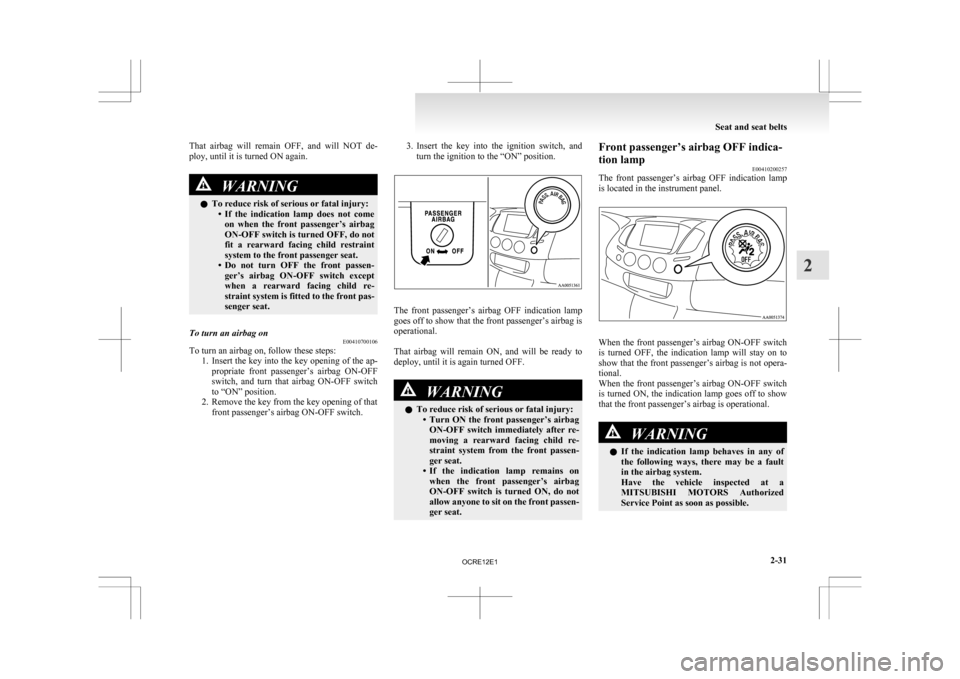
the key into the ignition switch, and
turn the ignition to the “ON” position. The front passenger’s airbag OFF indication lamp
goes
off to show that the front passenger’s airbag is
operational.
That airbag will remain ON, and will be ready to
deploy, until it is again turned OFF. WARNING
l To reduce risk of serious or fatal injury:
• Turn
ON the front passenger’s airbag
ON-OFF switch immediately after re-
moving a rearward facing child re-
straint system from the front passen-
ger seat.
• If the indication lamp remains on when the front passenger’s airbag
ON-OFF switch is turned ON, do not
allow anyone to sit on the front passen-
ger seat. Front passenger’s airbag OFF indica-
tion lamp
E00410200257
The
front passenger’s airbag OFF indication lamp
is located in the instrument panel. When the front passenger’s airbag ON-OFF switch
is
turned OFF, the indication lamp will stay on to
show that the front passenger’s airbag is not opera-
tional.
When the front passenger’s airbag ON-OFF switch
is turned ON, the indication lamp goes off to show
that the front passenger’s airbag is operational. WARNING
l If
the indication lamp behaves in any of
the following ways, there may be a fault
in the airbag system.
Have the vehicle inspected at a
MITSUBISHI MOTORS Authorized
Service Point as soon as possible. Seat and seat belts
2-31 2
OCRE12E1
Page 83 of 369
WARNING
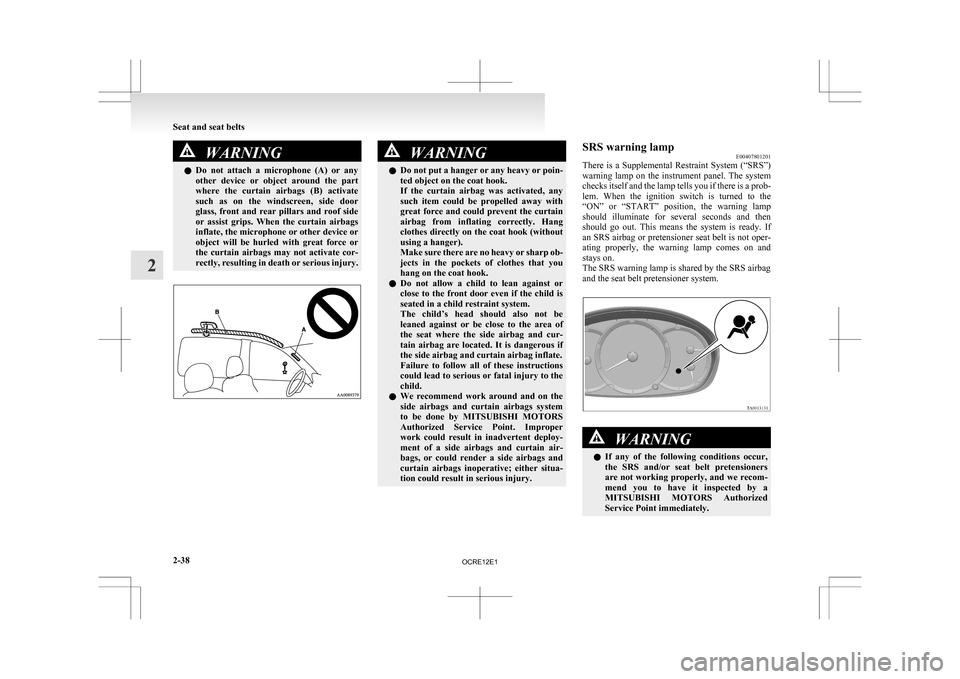
l Do not attach a microphone (A) or any
other device or object around the part
where the curtain airbags (B) activate
such as on the windscreen, side door
glass, front and rear pillars and roof side
or assist grips. When the curtain airbags
inflate, the microphone or other device or
object will be hurled with great force or
the curtain airbags may not activate cor-
rectly, resulting in death or serious injury. WARNING
l Do not put a hanger or any heavy or poin-
ted object on the coat hook.
If the curtain airbag was activated, any
such item could be propelled away with
great force and could prevent the curtain
airbag from inflating correctly. Hang
clothes directly on the coat hook (without
using a hanger).
Make sure there are no heavy or sharp ob-
jects in the pockets of clothes that you
hang on the coat hook.
l Do not allow a child to lean against or
close to the front door even if the child is
seated in a child restraint system.
The child’s head should also not be
leaned against or be close to the area of
the seat where the side airbag and cur-
tain airbag are located. It is dangerous if
the side airbag and curtain airbag inflate.
Failure to follow all of these instructions
could lead to serious or fatal injury to the
child.
l We recommend work around and on the
side airbags and curtain airbags system
to be done by MITSUBISHI MOTORS
Authorized Service Point. Improper
work could result in inadvertent deploy-
ment of a side airbags and curtain air-
bags, or could render a side airbags and
curtain airbags inoperative; either situa-
tion could result in serious injury. SRS warning lamp
E00407801201
There
is a Supplemental Restraint System (“SRS”)
warning lamp on the instrument panel. The system
checks itself and the lamp tells you if there is a prob-
lem. When the ignition switch is turned to the
“ON” or “START” position, the warning lamp
should illuminate for several seconds and then
should go out. This means the system is ready. If
an SRS airbag or pretensioner seat belt is not oper-
ating properly, the warning lamp comes on and
stays on.
The SRS warning lamp is shared by the SRS airbag
and the seat belt pretensioner system. WARNING
l If
any of the following conditions occur,
the SRS and/or seat belt pretensioners
are not working properly, and we recom-
mend you to have it inspected by a
MITSUBISHI MOTORS Authorized
Service Point immediately. Seat and seat belts
2-38
2
OCRE12E1
Page 88 of 369
Speedometer
E00500200880
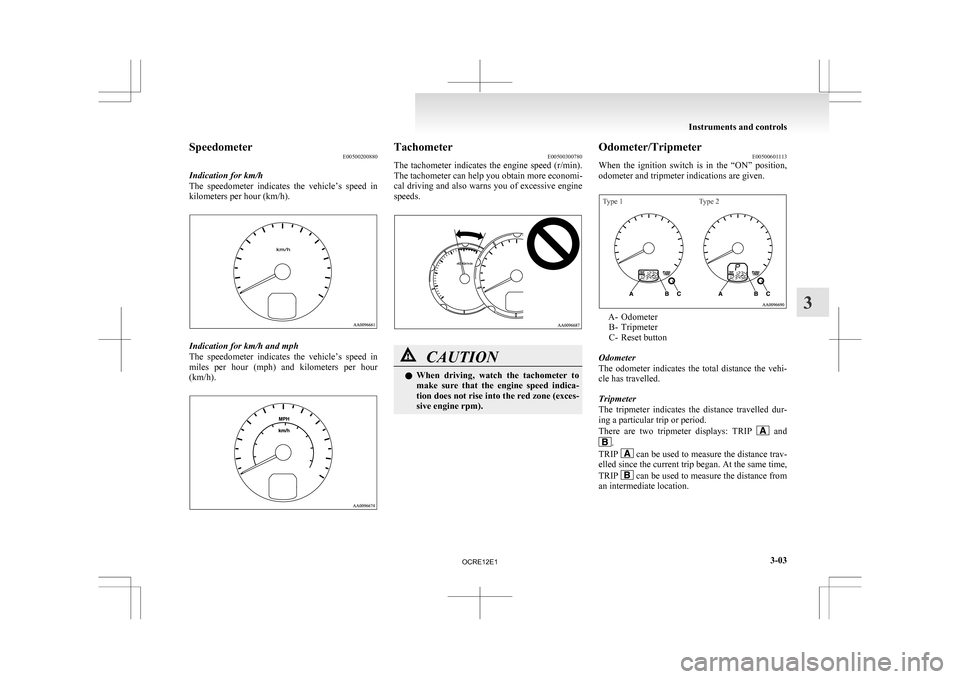
Indication for km/h
The
speedometer indicates the vehicle’s speed in
kilometers per hour (km/h). Indication for km/h and mph
The
speedometer indicates the vehicle’s speed in
miles per hour (mph) and kilometers per hour
(km/h). Tachometer
E00500300780
The
tachometer indicates the engine speed (r/min).
The tachometer can help you obtain more economi-
cal driving and also warns you of excessive engine
speeds. CAUTION
l
When
driving, watch the tachometer to
make sure that the engine speed indica-
tion does not rise into the red zone (exces-
sive engine rpm). Odometer/Tripmeter
E00500601113
When
the ignition switch is in the “ON” position,
odometer and tripmeter indications are given.
Type 1 Type 2 A- Odometer
B-
Tripmeter
C- Reset button
Odometer
The odometer indicates the total distance the vehi-
cle has travelled.
Tripmeter
The tripmeter indicates the distance travelled dur-
ing a particular trip or period.
There are two tripmeter displays: TRIP and
.
TRIP can be used to measure the distance trav-
elled
since the current trip began. At the same time,
TRIP can be used to measure the distance from
an intermediate location. Instruments and controls
3-03 3
OCRE12E1
Page 89 of 369
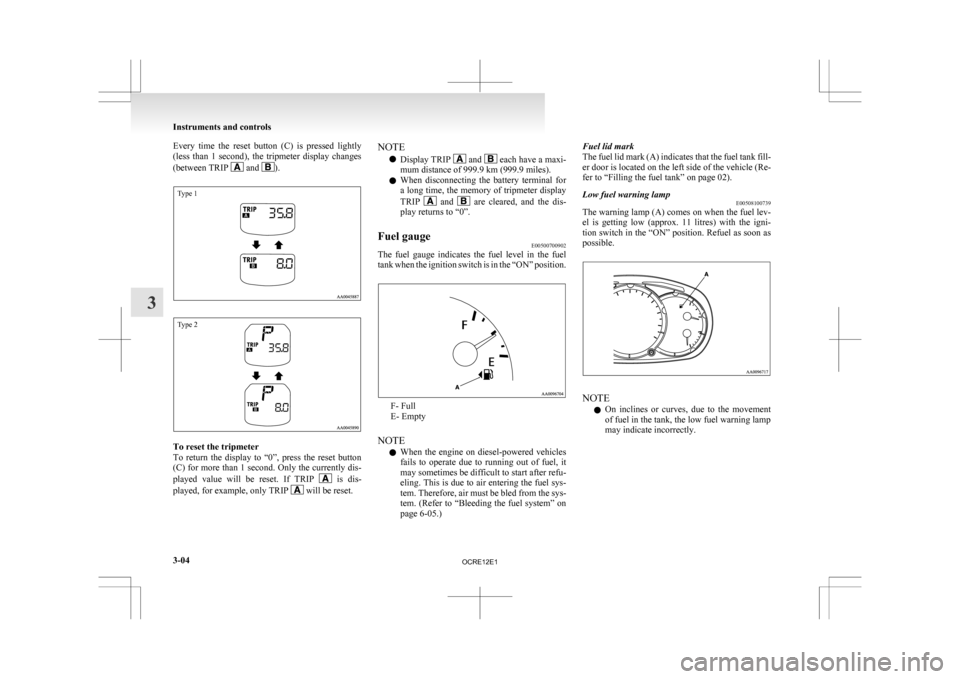
Every time the reset button (C) is pressed lightly
(less
than 1 second), the tripmeter display changes
(between TRIP and ).
Type 1
Type 2
To reset the tripmeter
To
return the display to “0”, press the reset button
(C) for more than 1 second. Only the currently dis-
played value will be reset. If TRIP is dis-
played, for example, only TRIP will be reset.NOTE
l Display TRIP and each have a maxi-
mum distance of 999.9 km
(999.9 miles).
l When disconnecting the battery terminal for
a long time, the memory of tripmeter display
TRIP and are cleared, and the dis-
play returns to “0”.
Fuel gauge E00500700902
The fuel gauge indicates the fuel level in the fuel
tank
when the ignition switch is in the “ON” position. F- Full
E- Empty
NOTE l When
the engine on diesel-powered vehicles
fails to operate due to running out of fuel, it
may sometimes be difficult to start after refu-
eling. This is due to air entering the fuel sys-
tem. Therefore, air must be bled from the sys-
tem. (Refer to “Bleeding the fuel system” on
page 6-05.) Fuel lid mark
The
fuel lid mark (A) indicates that the fuel tank fill-
er door is located on the left side of the vehicle (Re-
fer to “Filling the fuel tank” on page 02).
Low fuel warning lamp E00508100739
The warning lamp (A) comes on when the fuel lev-
el
is getting low (approx. 11 litres) with the igni-
tion switch in the “ON” position. Refuel as soon as
possible. NOTE
l On
inclines or curves, due to the movement
of fuel in the tank, the low fuel warning lamp
may indicate incorrectly. Instruments and controls
3-04
3
OCRE12E1
Page 90 of 369
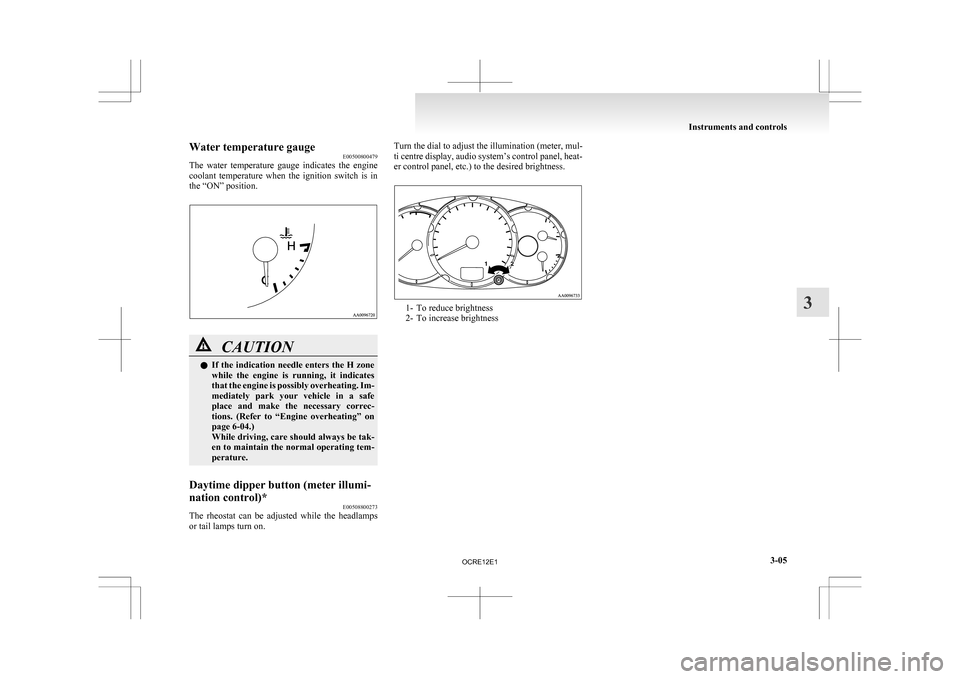
Water temperature gauge
E00500800479
The
water temperature gauge indicates the engine
coolant temperature when the ignition switch is in
the “ON” position. CAUTION
l
If
the indication needle enters the H zone
while the engine is running, it indicates
that the engine is possibly overheating. Im-
mediately park your vehicle in a safe
place and make the necessary correc-
tions. (Refer to “Engine overheating” on
page 6-04.)
While driving, care should always be tak-
en to maintain the normal operating tem-
perature.
Daytime dipper button (meter illumi-
nation control)* E00508800273
The rheostat can be adjusted while the headlamps
or tail lamps turn on. Turn the dial to adjust the illumination (meter, mul-
ti
centre display, audio system’s control panel, heat-
er control panel, etc.) to the desired brightness. 1- To reduce brightness
2-
To increase brightness Instruments and controls
3-05 3
OCRE12E1
Page 92 of 369
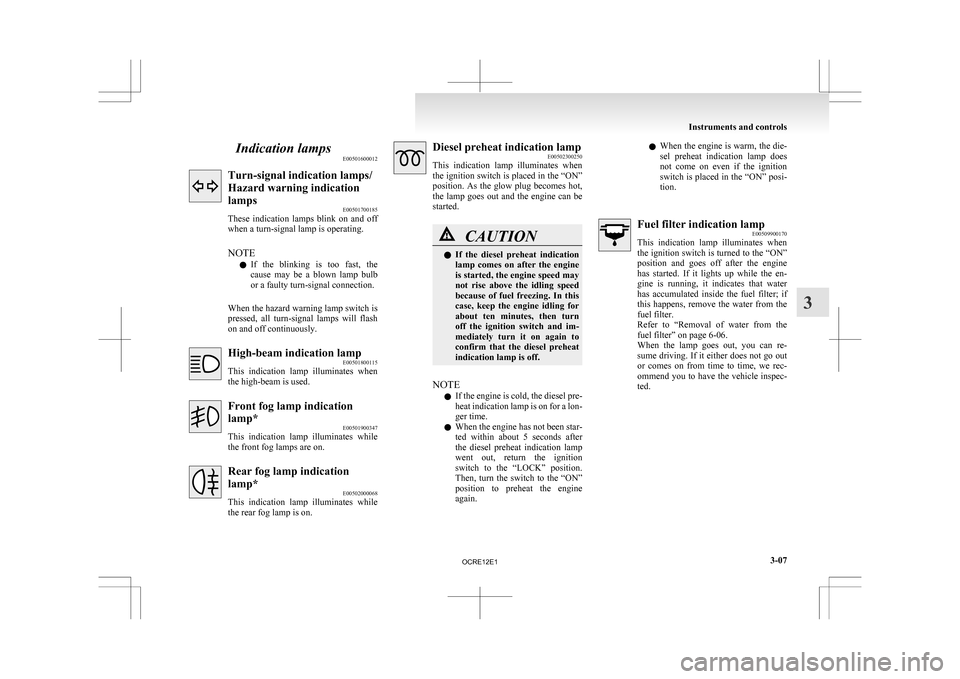
Indication lamps
E00501600012Turn-signal indication lamps/
Hazard warning indication
lamps
E00501700185
These
indication lamps blink on and off
when a turn-signal lamp is operating.
NOTE
l If the blinking is too fast, the
cause may be a blown lamp bulb
or a faulty turn-signal connection.
When the hazard warning lamp switch is
pressed, all turn-signal lamps will flash
on and off continuously. High-beam indication lamp
E00501800115
This
indication lamp illuminates when
the high-beam is used. Front fog lamp indication
lamp*
E00501900347
This
indication lamp illuminates while
the front fog lamps are on. Rear fog lamp indication
lamp*
E00502000068
This
indication lamp illuminates while
the rear fog lamp is on. Diesel preheat indication lamp
E00502300250
This
indication lamp illuminates when
the ignition switch is placed in the “ON”
position. As the glow plug becomes hot,
the lamp goes out and the engine can be
started. CAUTION
l
If
the diesel preheat indication
lamp comes on after the engine
is started, the engine speed may
not rise above the idling speed
because of fuel freezing. In this
case, keep the engine idling for
about ten minutes, then turn
off the ignition switch and im-
mediately turn it on again to
confirm that the diesel preheat
indication lamp is off.
NOTE l If
the engine is cold, the diesel pre-
heat indication lamp is on for a lon-
ger time.
l When the engine has not been star-
ted within about 5 seconds after
the diesel preheat indication lamp
went out, return the ignition
switch to the “LOCK” position.
Then, turn the switch to the “ON”
position to preheat the engine
again. l
When
the engine is warm, the die-
sel preheat indication lamp does
not come on even if the ignition
switch is placed in the “ON” posi-
tion. Fuel filter indication lamp
E00509900170
This
indication lamp illuminates when
the ignition switch is turned to the “ON”
position and goes off after the engine
has started. If it lights up while the en-
gine is running, it indicates that water
has accumulated inside the fuel filter; if
this happens, remove the water from the
fuel filter.
Refer to “Removal of water from the
fuel filter” on page 6-06.
When the lamp goes out, you can re-
sume driving. If it either does not go out
or comes on from time to time, we rec-
ommend you to have the vehicle inspec-
ted. Instruments and controls
3-07 3
OCRE12E1
Page 93 of 369
Warning lamps
E00502400017Brake warning lamp
E00502501637
This
lamp illuminates when the ignition
switch is turned to the “ON” position,
and goes off after a few seconds.
Always make sure that the lamp goes off
before driving.
With the ignition switch in the “ON” po-
sition, the brake warning lamp illumi-
nates under the following conditions:
l When the parking brake lever has
been engaged.
l When the brake fluid level in the
reservoir falls to a low level.
l When the brake force distribution
function is not operating correctly.
(vehicles with anti-lock brake sys-
tem) CAUTION
l
In
the situations listed below,
brake performance may be com-
promised or the vehicle may be-
come unstable if brakes are ap-
plied suddenly; consequently,
avoid driving at high speeds or
applying the brakes suddenly.
Furthermore, immediately the
vehicle should be brought to a
stop in a safe location and to
have it checked. CAUTION
• The
brake warning lamp
does not illuminate when
the parking brake is applied
or does not turn off when
the parking brake is re-
leased.
• The ABS warning lamp and brake warning lamp illumi-
nate at the same time.
For details, refer to “ABS
warning lamp” on page
4-45. (vehicles with anti-lock
brake system)
• The brake warning lamp re- mains illuminated during
driving.
l The vehicle should be brought
to a halt in the following man-
ner when brake performance
has deteriorated.
• Depress the brake pedalharder than usual.
Even if the brake pedal
moves down to the very end
of its possible stroke, keep it
pressed down hard.
• Should the brakes fail, use engine braking to reduce
your speed and carefully
pull the parking brake lever
to park your vehicle.
Depress the brake pedal to
operate the stop lamp to
alert the vehicles behind you. Check engine warning lamp
E00502601797
This
lamp is a part of an onboard diag-
nostic system which monitors the emis-
sions, engine and automatic transmission
control systems.
If a problem is detected in one of these
systems, this lamp illuminates.
Although your vehicle will usually be
drivable and not need towing, we recom-
mend you to have the system checked as
soon as possible.
[Vehicles to comply with the Euro 3 and
Euro 4 regulation]
This lamp will also illuminate for a few
seconds when the ignition switch is
turned to the “ON” position. If it does
not go off after a few seconds, we recom-
mend you to have the vehicle checked.
[Vehicles to comply with the Euro 5]
This lamp will also illuminate when the
ignition switch is turned to the “ON” po-
sition, and goes off after the engine has
started. If it does not go off after the en-
gine has started, we recommend you to
have the system checked. CAUTION
l
Prolonged
driving with this
lamp on may cause further dam-
age to the emission control sys-
tem. It could also affect fuel
economy and drivability. Instruments and controls
3-08
3
OCRE12E1
Page 94 of 369
CAUTION
l
If the lamp does not illuminate
when the ignition switch is
turned to the “ON” position,
we recommend you to have the
system checked.
l If the lamp illuminates while
the engine is running, avoid
driving at high speeds and we
recommend you to have the sys-
tem checked.
During vehicle operation with
the lamp illuminated, the vehi-
cle may not accelerate when
you depress the accelerator ped-
al.
When the vehicle is stationary
with the lamp illuminated, you
must depress the brake pedal
more firmly than usual since
the engine idling speed is high-
er than usual and the vehicle
with an A/T has a stronger ten-
dency to creep forward. NOTE
l The
engine electronic control mod-
ule accommodating the onboard di-
agnostic system has various fault
data (especially about the exhaust
emission) stored.
This data will be erased if a bat-
tery cable is disconnected which
will make a rapid diagnosis diffi-
cult. Do not disconnect a battery
cable when the check engine warn-
ing lamp is ON. Charge warning lamp
E00502700821
This
lamp illuminates when the ignition
switch is turned to the “ON” position,
and goes off after the engine has started. CAUTION
l
If
the lamp comes on while the
engine is running, the probable
cause is as shown below.
Park the vehicle immediately at
a safe place and we recommend
you to have it checked. • Broken drive belt or abnor-mality in the charging sys-
tem. A broken drive belt cau-
ses poor braking efficiency.
Depress the brake pedal
harder than usual to park
the vehicle in a safe place. Oil pressure warning lamp
E00502800620
This
lamp illuminates when the ignition
switch is turned to the “ON” position,
and goes off after the engine has started.
If it illuminates while the engine is run-
ning, the oil pressure is too low.
If the warning lamp illuminates while
the engine is running, turn the engine off
and have it inspected. CAUTION
l
If
this lamp illuminates when
the engine oil level is not low,
have it inspected.
l This warning lamp does not in-
dicate the amount of oil in the
crankcase. This must be deter-
mined by checking the oil level
on the dipstick, while the en-
gine is switched off.
l If you continue driving with
low engine oil level or with this
warning lamp illuminated, en-
gine seizure may occur.
NOTE l The
oil pressure warning lamp
should not be treated as an indica-
tion of the engine’s oil level. The
oil level must be checked using
the dipstick. Instruments and controls
3-09 3
OCRE12E1
Page 95 of 369
Door ajar warning lamp
E00503300475
This
lamp illuminates when a door is ei-
ther open or not completely closed.
If the vehicle speed reaches approximate-
ly 8 km/h (5 mph) with a door open or
incompletely closed, the warning lamp
flashes 16 times and a buzzer simultane-
ously sounds 16 times as a warning. CAUTION
l
Before
moving your vehicle,
check that the warning lamp is
OFF.
NOTE l It
is possible to change the buzzer
setting for either of the following
types of operation. For further in-
formation, we recommend you to
consult a MITSUBISHI
MOTORS Authorized Service
Point. • No buzzer operation (buzzerdisabled)
• Continuous buzzer operation Centre information display*
E00517800279 WARNING
l When
operating the system for a pro-
longed period, make sure the vehicle is
parked in a well-ventilated area to avoid
the accumulation of toxic fumes inside
and outside of the passenger compartment. CAUTION
l
The
driver should not operate the display
while the vehicle is in motion.
l When operating the system, stop the vehi-
cle in a safe area.
When the ignition switch is turned to the “ACC” po-
sition, the screen switches on automatically. NOTE
l Placing
a cellular phone in the monitor’s
small storage compartment may weaken the
phone’s reception. This does not indicate a
fault with the system.
l Use of wireless devices such as transceivers
or a cellular phone near the monitor may
make the following condition on the display.
This does not indicate a fault with the system.
• The screen goes dark temporarily.
• The compass may not show the correct di-rection.
l Depending on the angle of view, you may
see reddish horizontal lines on the monitor.
The lines are a characteristic of the vacuum
fluorescent display (VFD) used in the moni-
tor. They do not indicate a fault. Instruments and controls
3-10
3
OCRE12E1
Page 99 of 369
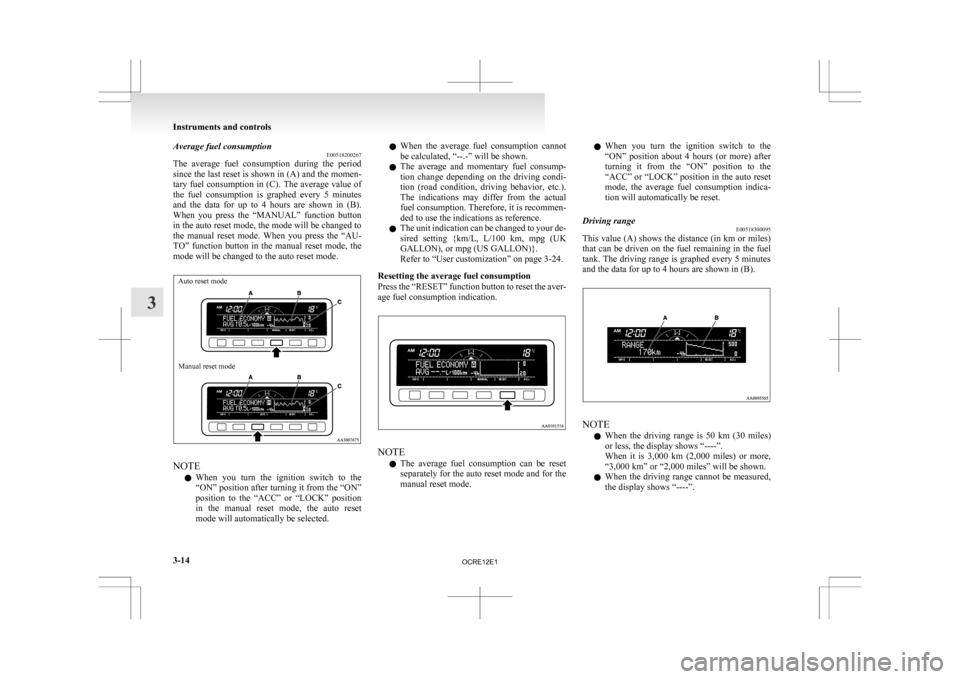
Average fuel consumption
E00518200267
The
average fuel consumption during the period
since the last reset is shown in (A) and the momen-
tary fuel consumption in (C). The average value of
the fuel consumption is graphed every 5 minutes
and the data for up to 4 hours are shown in (B).
When you press the “MANUAL” function button
in the auto reset mode, the mode will be changed to
the manual reset mode. When you press the “AU-
TO” function button in the manual reset mode, the
mode will be changed to the auto reset mode.
Auto reset mode
Manual reset mode NOTE
l When
you turn the ignition switch to the
“ON” position after turning it from the “ON”
position to the “ACC” or “LOCK” position
in the manual reset mode, the auto reset
mode will automatically be selected. l
When
the average fuel consumption cannot
be calculated, “--.-” will be shown.
l The average and momentary fuel consump-
tion change depending on the driving condi-
tion (road condition, driving behavior, etc.).
The indications may differ from the actual
fuel consumption. Therefore, it is recommen-
ded to use the indications as reference.
l The unit indication can be changed to your de-
sired setting {km/L, L/100 km, mpg (UK
GALLON), or mpg (US GALLON)}.
Refer to “User customization” on page 3-24.
Resetting the average fuel consumption
Press the “RESET” function button to reset the aver-
age fuel consumption indication. NOTE
l The
average fuel consumption can be reset
separately for the auto reset mode and for the
manual reset mode. l
When
you turn the ignition switch to the
“ON” position about 4 hours (or more) after
turning it from the “ON” position to the
“ACC” or “LOCK” position in the auto reset
mode, the average fuel consumption indica-
tion will automatically be reset.
Driving range E00518300095
This value (A) shows the distance (in km or miles)
that
can be driven on the fuel remaining in the fuel
tank. The driving range is graphed every 5 minutes
and the data for up to 4 hours are shown in (B). NOTE
l When
the driving range is 50 km (30 miles)
or less, the display shows “----”.
When it is 3,000 km (2,000 miles) or more,
“3,000 km” or “2,000 miles” will be shown.
l When the driving range cannot be measured,
the display shows “----”. Instruments and controls
3-14
3
OCRE12E1