alarm MITSUBISHI OUTLANDER 2016 3.G User Guide
[x] Cancel search | Manufacturer: MITSUBISHI, Model Year: 2016, Model line: OUTLANDER, Model: MITSUBISHI OUTLANDER 2016 3.GPages: 464, PDF Size: 60.77 MB
Page 124 of 464
Theft-alarm system 5-48 Features and controls
5
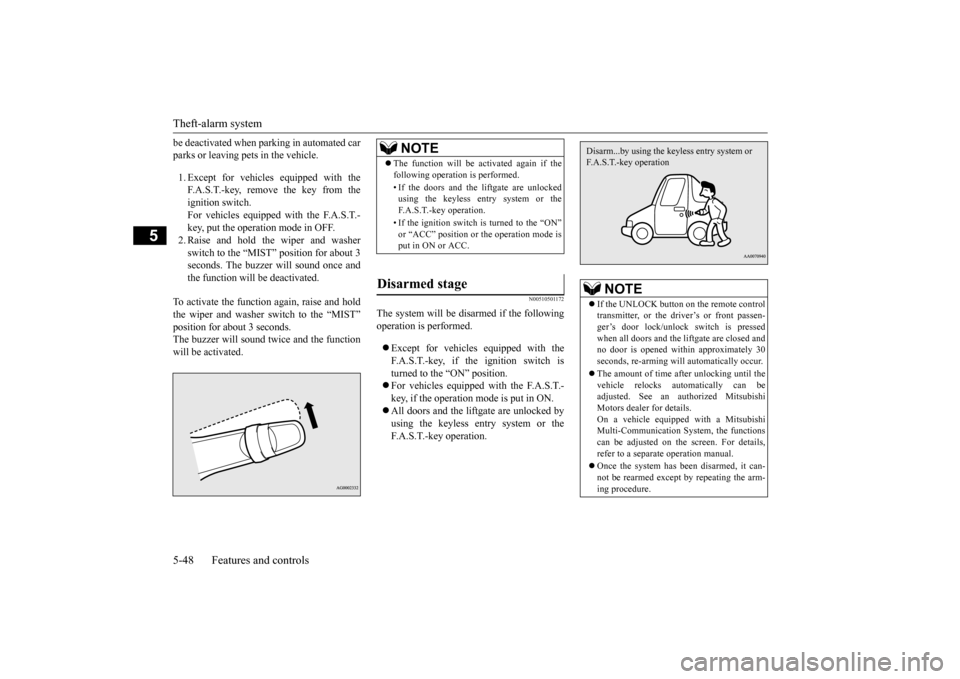
be deactivated when parking in automated car parks or leaving pets in the vehicle. 1. Except for vehicles
equipped with the
F.A.S.T.-key, remove the key from the ignition switch. For vehicles equipped with the F.A.S.T.-key, put the operation mode in OFF. 2. Raise and hold the wiper and washer switch to the “MIST” position for about 3seconds. The buzzer will sound once and the function will
be deactivated.
To activate the function again, raise and hold the wiper and washer switch to the “MIST” position for about 3 seconds. The buzzer will sound
twice and the function
will be activated.
N00510501172
The system will be disarmed if the followingoperation is performed. Except for vehicles equipped with the F.A.S.T.-key, if the ignition switch is turned to the “ON” position. For vehicles equipped with the F.A.S.T.- key, if the operation mode is put in ON. All doors and the lift
gate are unlocked by
using the keyless entry system or the F.A.S.T.-key operation.NOTE
The function will be activated again if the following operation is performed. • If the doors and the liftgate are unlocked using the keyless entry system or the F.A.S.T.-key operation. • If the ignition switch is turned to the “ON” or “ACC” position or
the operation mode is
put in ON or ACC.
Disarmed stage
NOTE
If the UNLOCK button on the remote control transmitter, or the driver’s or front passen-ger’s door lock/unlock switch is pressed when all doors and the li
ftgate are closed and
no door is opened with
in approximately 30
seconds, re-arming will
automatically occur.
The amount of time after unlocking until the vehicle relocks automatically can be adjusted. See an authorized Mitsubishi Motors dealer for details.On a vehicle equippe
d with a Mitsubishi
Multi-Communication System, the functions can be adjusted on the screen. For details,refer to a separa
te operation manual.
Once the system has been disarmed, it can- not be rearmed except
by repeating the arm-
ing procedure.Disarm...by using the keyless entry system or F.A.S.T.-key operation
BK0223400US.book 48 ページ 2015年2月13日 金曜日 午後12時15分
Page 125 of 464
Power window control
Features and controls 5-49
5
N00510601144
Use the following procedure to test the sys- tem: 1. Lower the driver’s window. 2. Arm the system as explained in “Armedstage”. 3. Make sure that the theft-alarm indicator comes on and flashe
s for approximately
20 seconds. 4. Wait a few seconds and then unlock thedriver’s side door by using the inside door lock knob. Open the door. 5. Make sure that the horn (the siren forvehicles equipped with the interior alarm sensor) sounds interm
ittently and the
headlights blink when a door is opened.6. Disarm the system by unlocking all doors and the liftgate by using the keyless entry system or the F.A.S.T.-key operation.
N00510800383
Testing the theft-alarm system
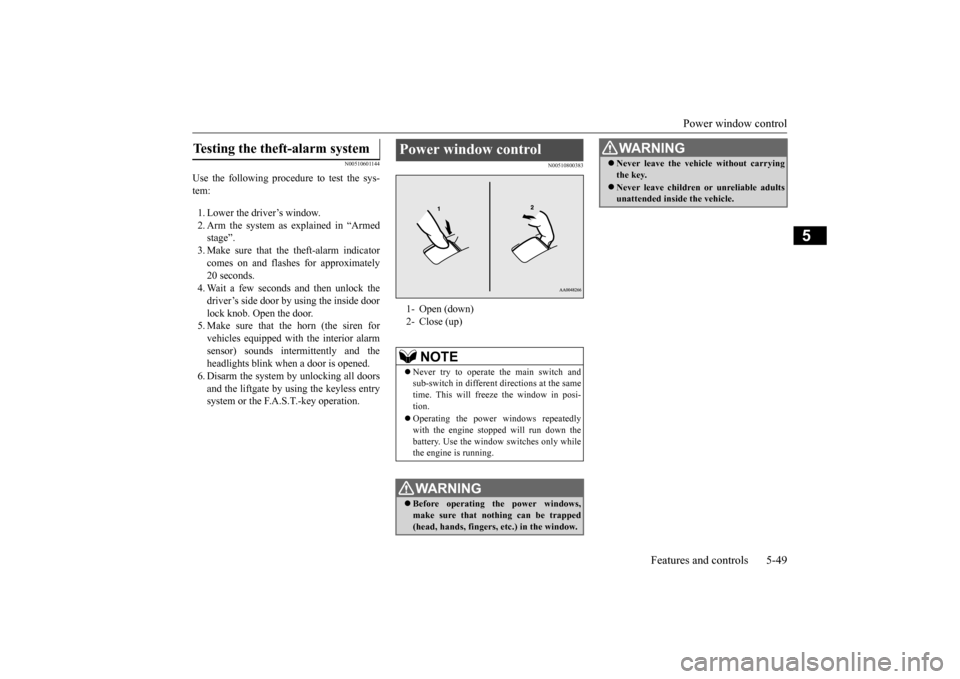
Power window control 1- Open (down)2- Close (up)
NOTE
Never try to operate the main switch and sub-switch in different
directions at the same
time. This will free
ze the window in posi-
tion. Operating the power windows repeatedly with the engine stoppe
d will run down the
battery. Use the window
switches only while
the engine is running.WA R N I N G Before operating the power windows, make sure that nothing can be trapped (head, hands, fingers, etc.) in the window.
Never leave the vehicle without carrying the key. Never leave children
or unreliable adults
unattended inside the vehicle.WA R N I N G
BK0223400US.book 49 ページ 2015年2月13日 金曜日 午後12時15分
Page 165 of 464
Service brake
Features and controls 5-89
5
N00517500275
Overuse of the brake can cause weakening, resulting in poor brake response and prema- ture wear of the brake pads.When driving down a long or steep hill, use engine braking by downshifting.
N00517600364
Your vehicle is equipped with power brakesfor more braking force with less brake pedal effort.Your brakes are designed to operate at full capacity, even if the power assist is not being used.If the power assist is not being used, the effort needed to press the br
ake pedal is greater.
If you should lose the power assist for some reason, the brakes will still work. If the power brake unit or either of the twobrake hydraulic systems stops working prop- erly, the rest of the brake system will still work, but the vehicle
will not slow down as
quickly. You will know this has happened if you find you need to press the brake down farther, orharder when slowing down or stopping, or if the brake warning light and the warning dis- play in the multi-information display comeon.
N00550700124
The disc brakes have an alarm that makes a metallic squeal when
the brake pads have
worn down enough to need service.If you hear this sound, have the brake pads replaced at an authorized Mitsubishi Motors dealer or a repair fa
cility of your choice.
N00562601097
The hill start assist make
s it easy to start off
on a steep uphill slope by preventing the vehicle from moving back
wards. It keeps the
braking force for about 2 second when you move your foot from the brake pedal to the accelerator pedal.
Service brake Brake pedal
WA R N I N G Do not leave any objects near the brake pedal or let a floor mat slide under it; doing so could prevent the full pedalstroke that would be necessary in an emergency. Make sure that the pedal can be operated freely at all times. Make surethe floor mat is securely held in place.CAUTION It is important not to drive the vehicle with your foot resting on the brake pedal when braking is not required. This practice can result in very high brake temperatures, pre-mature lining wear, a
nd possible damage to
the brakes.
Power brakes
WA R N I N G Never coast downhill
with the engine OFF.
Keep the engine running whenever your vehicle is in motion. If you turn off the engine while driving, the power brakebooster will stop wo
rking and your brakes
will not work as well.
If the power assist is lost or if either brake hydraulic system stop
s working properly,
take your vehicle to
an authorized Mit-
subishi Motors dealer or a repair facility of your choice immediately.
Brake pad wear alarm
WA R N I N G Driving with worn brake pads will make it harder to stop, and can cause an accident.
Hill start assist
(if so equipped)
WA R N I N G
BK0223400US.book 89 ページ 2015年2月13日 金曜日 午後12時15分
Page 181 of 464
Adaptive Cruise Control System (ACC) (if so equipped)
Features and controls 5-105
5
vehicle will slowly accelerate to the set speed.
N00576900036
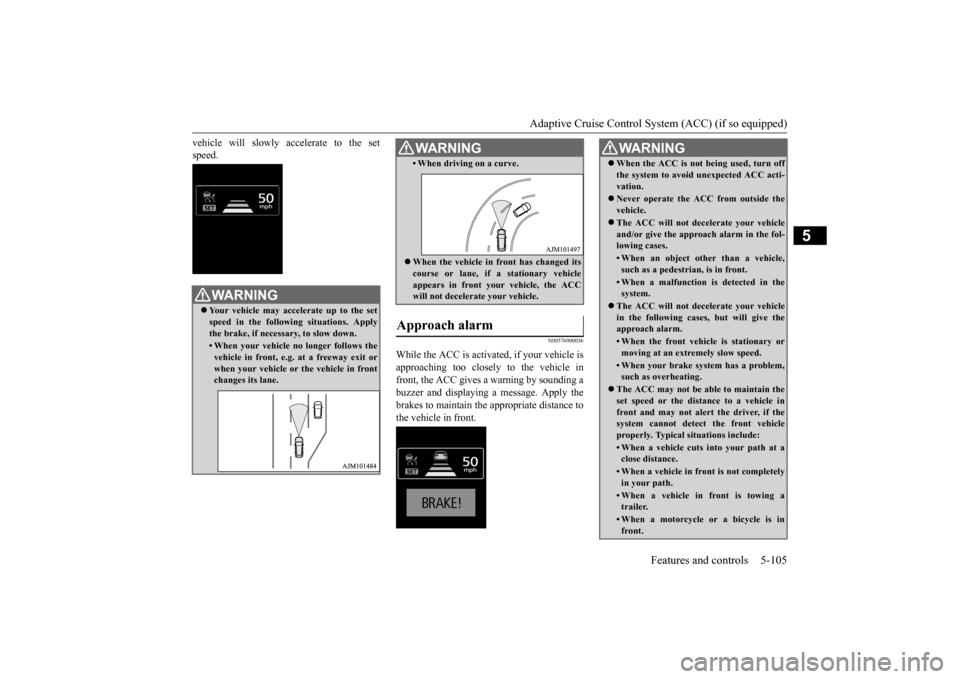
While the ACC is activated, if your vehicle is approaching too closely to the vehicle in front, the ACC gives a warning by sounding abuzzer and displaying
a message. Apply the
brakes to maintain the appropriate distance to the vehicle in front.
WA R N I N G Your vehicle may accelerate up to the set speed in the following situations. Applythe brake, if necessary, to slow down.• When your vehicle no longer follows thevehicle in front, e.g. at a freeway exit or when your vehicle or
the vehicle in front
changes its lane.
• When driving on a curve. When the vehicle in
front has changed its
course or lane, if
a stationary vehicle
appears in front you
r vehicle, the ACC
will not decelerate your vehicle.
Approach alarm
WA R N I N G
WA R N I N G When the ACC is not being used, turn off the system to avoid unexpected ACC acti-vation. Never operate the AC
C from outside the
vehicle. The ACC will not decelerate your vehicle and/or give the approach alarm in the fol-lowing cases.• When an object other than a vehicle,such as a pedestrian, is in front. • When a malfunction is detected in thesystem.
The ACC will not decelerate your vehicle in the following cases, but will give the approach alarm.• When the front vehicle is stationary ormoving at an extremely slow speed.• When your brake system has a problem,such as overheating.
The ACC may not be able to maintain the set speed or the dist
ance to a vehicle in
front and may not alert the driver, if thesystem cannot detect the front vehicle properly. Typical situations include: • When a vehicle cuts
into your path at a
close distance.• When a vehicle in front is not completelyin your path.• When a vehicle in front is towing atrailer.• When a motorcycle or a bicycle is infront.
BK0223400US.book 105 ページ 2015年2月13日 金曜日 午後12時15分
Page 182 of 464
Adaptive Cruise Control System (ACC) (if so equipped) 5-106 Features and controls
5
N00581500027
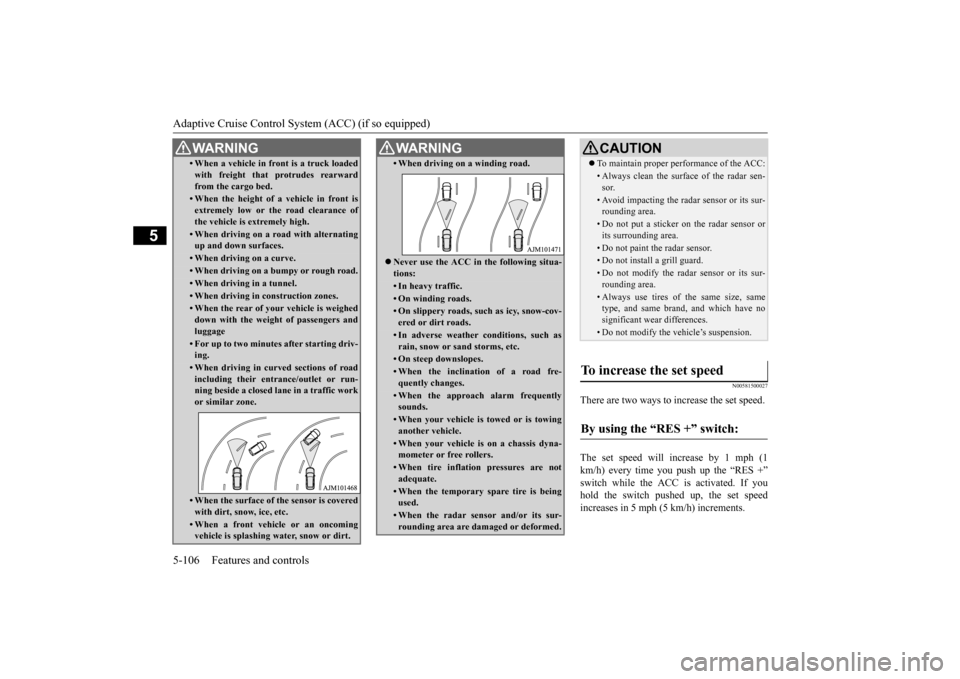
There are two ways to increase the set speed. The set speed will increase by 1 mph (1 km/h) every time you push up the “RES +” switch while the ACC is activated. If youhold the switch pushed up, the set speed increases in 5 mph (5 km/h) increments.
• When a vehicle in front is a truck loaded with freight that protrudes rearwardfrom the cargo bed.• When the height of a vehicle in front isextremely low or the road clearance ofthe vehicle is extremely high.• When driving on a r
oad with alternating
up and down surfaces.• When driving on a curve.• When driving on a bumpy or rough road.• When driving in a tunnel.• When driving in construction zones.• When the rear of your vehicle is weigheddown with the weight of passengers andluggage• For up to two minutes after starting driv-ing.• When driving in curved sections of roadincluding their entrance/outlet or run- ning beside a closed lane in a traffic work or similar zone.• When the surface of th
e sensor is covered
with dirt, snow, ice, etc.• When a front vehicle or an oncomingvehicle is splashing wa
ter, snow or dirt.
WA R N I N G
• When driving on
a winding road.
Never use the ACC in the following situa- tions:• In heavy traffic.• On winding roads.• On slippery roads, such as icy, snow-cov-ered or dirt roads.• In adverse weather conditions, such asrain, snow or sand storms, etc.• On steep downslopes.• When the inclination of a road fre-quently changes.• When the approach alarm frequentlysounds.• When your vehicle is towed or is towinganother vehicle.• When your vehicle is on a chassis dyna-mometer or free rollers.• When tire inflation pressures are notadequate.• When the temporary sp
are tire is being
used.• When the radar sensor and/or its sur-rounding area are damaged or deformed.WA R N I N G
CAUTION To maintain proper performance of the ACC:• Always clean the surface of the radar sen- sor.• Avoid impacting the radar sensor or its sur-rounding area.• Do not put a sticker on the radar sensor orits surrounding area.• Do not paint the radar sensor.• Do not install a grill guard.• Do not modify the radar sensor or its sur- rounding area.• Always use tires of the same size, sametype, and same brand, and which have no significant wear differences.• Do not modify the vehicle’s suspension.
To increase the set speed
By using the “RES +” switch:
BK0223400US.book 106 ページ 2015年2月13日 金曜日 午後12時15分
Page 183 of 464
Adaptive Cruise Control System (ACC) (if so equipped)
Features and controls 5-107
5
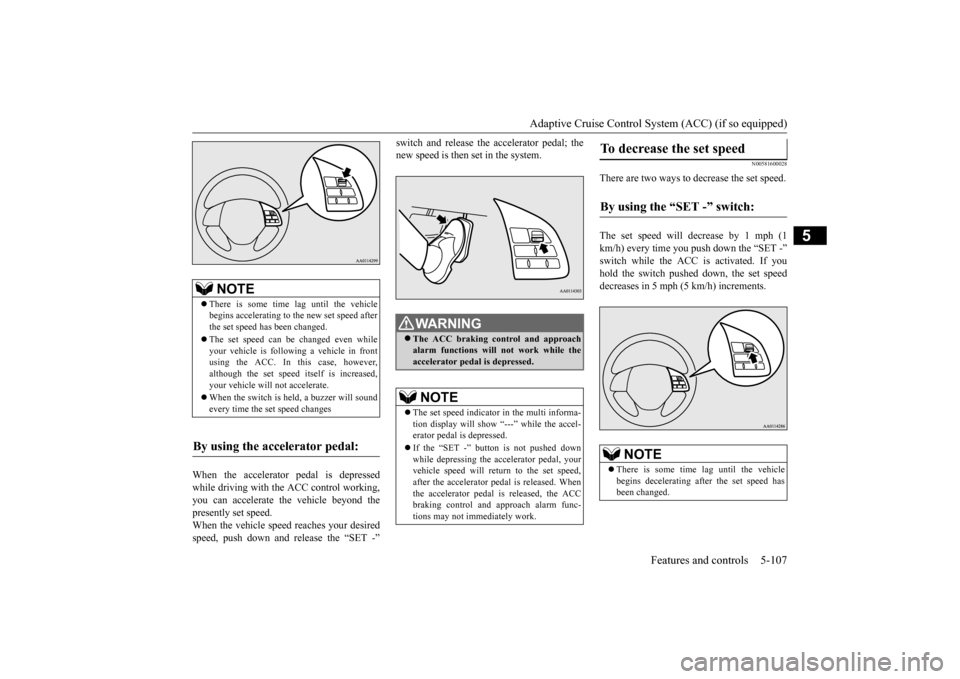
When the accelerator pedal is depressed while driving with the ACC control working, you can accelerate the vehicle beyond thepresently set speed. When the vehicle speed reaches your desired speed, push down and release the “SET -”
switch and release the accelerator pedal; the new speed is then set in the system.
N00581600028
There are two ways to decrease the set speed. The set speed will decrease by 1 mph (1 km/h) every time you push down the “SET -” switch while the ACC is activated. If you hold the switch pushed down, the set speed decreases in 5 mph (5 km/h) increments.
NOTE
There is some time
lag until the vehicle
begins accelerating to
the new set speed after
the set speed has been changed. The set speed can be changed even while your vehicle is followi
ng a vehicle in front
using the ACC. In this case, however, although the set speed itself is increased,your vehicle will
not accelerate.
When the switch is he
ld, a buzzer will sound
every time the set speed changes
By using the accelerator pedal:
WA R N I N G The ACC braking control and approach alarm functions will
not work while the
accelerator pedal is depressed.NOTE
The set speed indicator in the multi informa- tion display will show “---” while the accel-erator pedal is depressed. If the “SET -” button is not pushed down while depressing the ac
celerator pedal, your
vehicle speed will return to the set speed, after the accelerator pedal is released. Whenthe accelerator pedal is released, the ACC braking control and approach alarm func- tions may not immediately work.
To decrease the set speed
By using the “SET -” switch:
NOTE
There is some time
lag until the vehicle
begins decelerating after the set speed has been changed.
BK0223400US.book 107 ページ 2015年2月13日 金曜日 午後12時15分
Page 184 of 464
Adaptive Cruise Control System (ACC) (if so equipped) 5-108 Features and controls
5
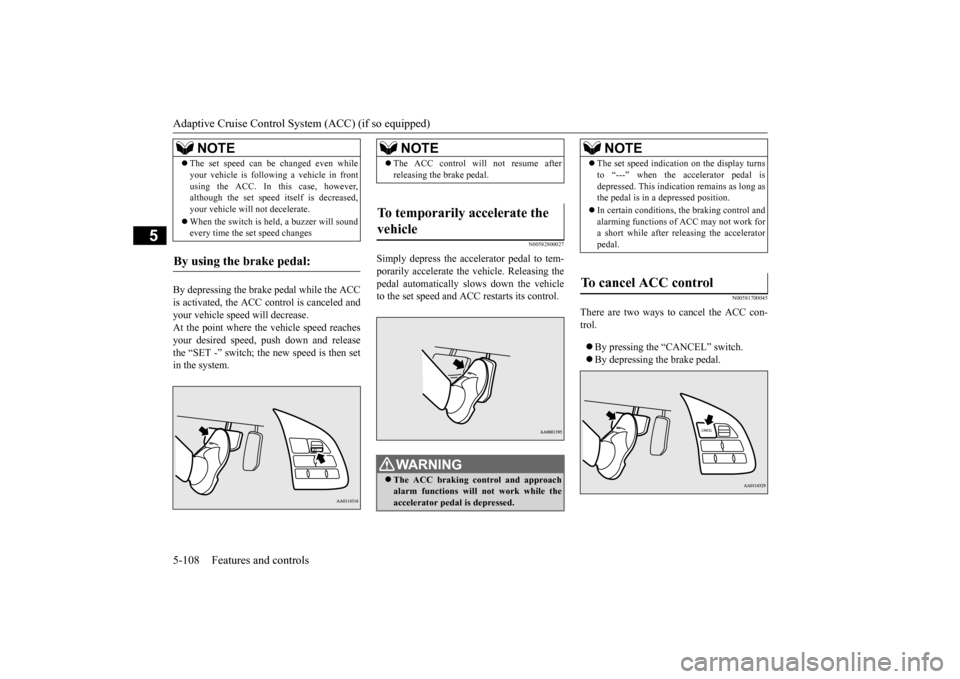
By depressing the brake pedal while the ACC is activated, the ACC c
ontrol is canceled and
your vehicle speed will decrease.At the point where the vehicle speed reaches your desired speed,
push down and release
the “SET -” switch; the new speed is then setin the system.
N00582800027
Simply depress the accelerator pedal to tem-porarily accelerate the
vehicle. Releasing the
pedal automatically sl
ows down the vehicle
to the set speed and ACC restarts its control.
N00581700045
There are two ways to cancel the ACC con- trol. By pressing the “CANCEL” switch. By depressing the brake pedal.
The set speed can be changed even while your vehicle is follow
ing a vehicle in front
using the ACC. In this case, however,although the set speed it
self is decreased,
your vehicle will
not decelerate.
When the switch is held, a buzzer will sound every time the set speed changes
By using the brake pedal:
NOTE
NOTE
The ACC control will
not resume after
releasing the brake pedal.
To temporarily accelerate the vehicle
WA R N I N G The ACC braking control and approach alarm functions will not work while the accelerator pedal is depressed.
NOTE
The set speed indication on the display turns to “---” when the accelerator pedal isdepressed. This indication remains as long asthe pedal is in a depressed position. In certain conditions, th
e braking control and
alarming functions of ACC may not work for a short while after releasing the accelerator pedal.
To cancel ACC control
BK0223400US.book 108 ページ 2015年2月13日 金曜日 午後12時15分
Page 187 of 464
Forward Collision Mitigation System (FCM) (if so equipped)
Features and controls 5-111
5
The conventional cruise
control is turned off
when the operation mode is tuned off. For operation of the cruise control, refer to“Cruise control” on page 5-96.
N00582100020
FCC ID:OAYARS3-B (for vehicles sold in the U.S.A) IC: 4135A-ARS3B (for vehicles sold in theCanada) This device complies with Part 15 of FCC Rules and Industry Ca
nada licence-exempt
RSS standard(s).Operation is subject to the following two con- ditions. this device may not
cause harmful inter-
ference.
this device must ac
cept any interference
received, including interference that maycause undesired operation.
N00577300040
The Forward Collision Mitigation System(FCM) is designed to help reduce the risk of acollision with a vehicl
e straight ahead of your
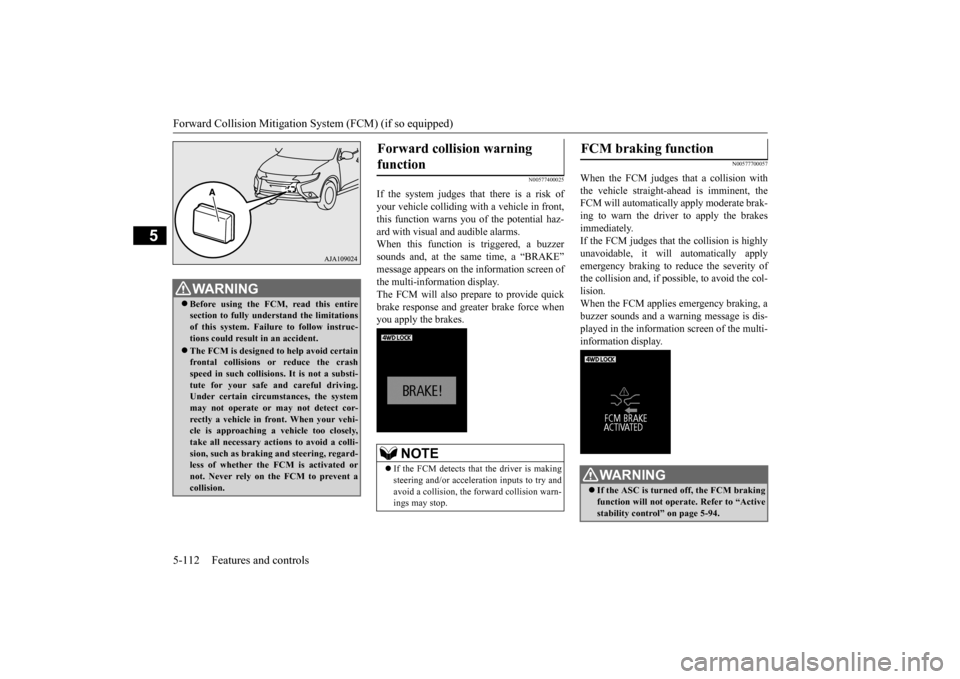
vehicle. The FCM uses a radar sensor (A) to determine the distance to a vehicle in front and relative speed to th
at vehicle. The FCM is
not designed as an automatic driving systemor as a collision
avoidance system.
When your vehicle is approaching a vehicle straight ahead in your path and the FCMjudges that there is the ri
sk of a collision, the
system will give audibl
e and visual warnings.
When the FCM judges that a collision withthe vehicle straight-ahe
ad is imminent, the
system will automati
cally apply moderate
braking to warn you to apply the brakesimmediately. When the FCM judges that a collision with the vehicle straight-ahead is highly unavoid-able, the system will apply emergency brak- ing to reduce the severity of the collision and, if possible, to avoid the collision.Stop lights are illuminated during automatic braking.
NOTE
The conventional crui
se control does not
sound or display the approach alarm, will not adjust your vehicle sp
eed, and does not con-
trol the distance betw
een your vehicle and a
vehicle in front.
General information
CAUTION Changes or modifica
tions not expressly
approved by the manufacturer for compli- ance could void the user’s authority to oper- ate the equipment.
Forward Collision Mitiga- tion System (FCM)
(if so
equipped)
BK0223400US.book 111 ページ 2015年2月13日 金曜日 午後12時15分
Page 188 of 464
Forward Collision Mitigation System (FCM) (if so equipped) 5-112 Features and controls
5
N00577400025
If the system judges that there is a risk of your vehicle colliding with a vehicle in front,this function warns you of the potential haz- ard with visual and audible alarms. When this function is triggered, a buzzersounds and, at the sa
me time, a “BRAKE”
message appears on the information screen of the multi-information display. The FCM will also pr
epare to provide quick
brake response and greater brake force whenyou apply the brakes.
N00577700057
When the FCM judges that a collision with the vehicle straight-ahead is imminent, the FCM will automatically apply moderate brak-ing to warn the driver to apply the brakes immediately. If the FCM judges that the collision is highlyunavoidable, it will automatically apply emergency braking to reduce the severity of the collision and, if possible, to avoid the col- lision. When the FCM applies emergency braking, abuzzer sounds and a warn
ing message is dis-
played in the information screen of the multi- information display.
WA R N I N G Before using the FCM, read this entire section to fully understand the limitationsof this system. Failure to follow instruc- tions could result in an accident. The FCM is desi
gned to help avoid certain
frontal collisions or reduce the crash speed in such collisions. It is not a substi-tute for your safe and careful driving. Under certain circumstances, the system may not operate or may not detect cor-rectly a vehicle in fr
ont. When your vehi-
cle is approaching a
vehicle too closely,
take all necessary actions to avoid a colli-sion, such as braking
and steering, regard-
less of whether the FCM is activated or not. Never rely on the FCM to prevent acollision.
Forward collision warning function
NOTE
If the FCM detects that the driver is making steering and/or accelera
tion inputs to try and
avoid a collision, the forward collision warn- ings may stop.
FCM braking function
WA R N I N G If the ASC is turned off, the FCM braking function will not operate. Refer to “Active stability control” on page 5-94.
BK0223400US.book 112 ページ 2015年2月13日 金曜日 午後12時15分
Page 189 of 464
Forward Collision Mitigation System (FCM) (if so equipped)
Features and controls 5-113
5
If the brake pedal is not depressed within 2 seconds after your vehicle has beenstopped by the FCM, a warning buzzerwill sound and the brakes activated by the FCM will automatically be released. Apply the brakes as
necessary to keep
your vehicle stationary.NOTE
When depressing the brake pedal while auto- matic braking is applie
d, the brake pedal will
feel firm. This is normal. Depress the brake pedal harder to apply
greater braking force.
During the automatic braking, operating sounds may be heard. This is normal. WA R N I N G The FCM will not activate and will not provide either warnin
g or braking in cer-
tain situations. Some of these include:• When the selector lever is in the “P”(PARK), the “R” (REVERSE), or the “N” (NEUTRAL) position.• When your vehicle speed is extremelylow, less than approximately 2 mph (2km/h).• When an object other than a vehicle,such as a pedestri
an, is in front.
• When the FCM has detected a problem in the system.WA R N I N G
• When a vehicle sudden
ly cuts in front of
your vehicle.• When the vehicle in fr
ont is moving at a
speed much lower than your vehicle’s speed.
Braking function will not work in the fol- lowing situations.• Your vehicle is driving at approximately19 mph (30 km/h) or faster while thevehicle in front is
stationary or moving
extremely slow.•ASC is OFF. The forward collision warning function and/or the FCM brakin
g function may not
activate in certain situations. Some of these include:• When a vehicle cuts
into your path at a
close distance.• When a vehicle ahead is moving at lowspeed.• When a vehicle ahead is not completelyin your path.• When a vehicle ahead
is towing a trailer.
• When a motorcycle or a bicycle is in front.• When a vehicle ahead is a truck loadedwith freight that protrudes rearward from the cargo bed.• When the height of a vehicle ahead isextremely low or its road clearance isextremely high.WA R N I N G
• When driving on a r
oad with alternating
up and down steep slopes.• When driving on a curve.• When driving on a bumpy or rough road.• When driving in a tunnel.• When the system recognizes driver’s steering, accelerati
ng, braking or gear
shifting actions as
evasive actions to
avoid collision.• When the rear of your vehicle is weigheddown with the weight of passengers and luggage• For up to two minute
s after starting driv-
ing.• In adverse weather conditions, such asrain, snow or fog.• When the surface of th
e sensor is covered
with dirt, snow and ice, etc.• When a vehicle ahea
d or an oncoming
vehicle is splashing wa
ter, snow or dirt.
When the system recognizes driver’s steering or accelerating
actions as evasive
actions to avoid collision, FCM controland alarm functions
may be canceled.
In certain situations,
though there is little
or no risk of a collision, the FCM may activate. Examples include: • When overtaking a vehicle.• When driving on a curve.WA R N I N G
BK0223400US.book 113 ページ 2015年2月13日 金曜日 午後12時15分