Audio Quality and Volume Balance Adjustment 7-44 Comfort controls
7
N00718400084
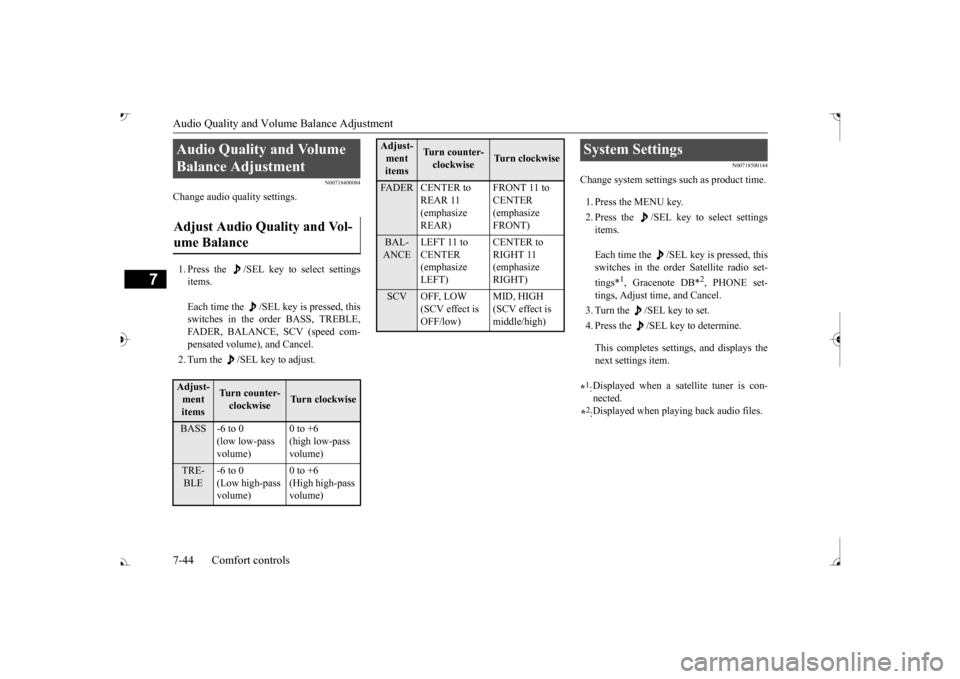
Change audio quality settings. 1. Press the /SEL key to select settings items. Each time the /SEL key is pressed, this switches in the order BASS, TREBLE, FADER, BALANCE, SCV (speed com- pensated volume), and Cancel. 2. Turn the /SEL key to adjust.
N00718500144
Change system settings
such as product time.
1. Press the MENU key. 2. Press the /SEL key to select settings items. Each time the /SEL key is pressed, this switches in the order Satellite radio set- tings*
1, Gracenote DB*
2, PHONE set-
tings, Adjust time, and Cancel. 3. Turn the /SEL key to set.4. Press the /SEL key to determine. This completes settings, and displays the next settings item.
Audio Quality and Volume Balance Adjustment Adjust Audio Quality and Vol- ume Balance Adjust- ment items
Turn counter-clockwise
Turn clockwise
BASS -6 to 0
(low low-pass volume)
0 to +6 (high low-pass volume)
TRE-BLE
-6 to 0 (Low high-pass volume)
0 to +6 (High high-pass volume)
FADER CENTER to
REAR 11 (emphasize REAR)
CENTER (emphasize FRONT)
BAL-ANCE
LEFT 11 to CENTER (emphasize LEFT)
RIGHT 11 (emphasize RIGHT)
SCV OFF, LOW
(SCV effect is OFF/low)
MID, HIGH (SCV effect is middle/high)
Adjust-ment items
Tu r n c o u n t e r - clockwise
Turn clockwise
System Settings *1: Displayed when a satellite tuner is con- nected.
*2: Displayed when playing back audio files.
BK0239700US.book 44 ページ 2016年6月16日 木曜日 午前10時58分