warning MITSUBISHI OUTLANDER III 2018 Workshop Manual
[x] Cancel search | Manufacturer: MITSUBISHI, Model Year: 2018, Model line: OUTLANDER III, Model: MITSUBISHI OUTLANDER III 2018Pages: 441, PDF Size: 13.71 MB
Page 177 of 441
Brake assist system5-96 Features and controls
5
N00562701128
1. Stop the vehicle completely using thebrake pedal.2. Release the brake pedal and the hill startassist will maintain the braking forceapplied while stopped
for approximately 2
seconds.
3. Depress the accelera
tor pedal and the hill
start assist will gr
adually decrease the
braking force as the vehicle starts moving.
N00562801103
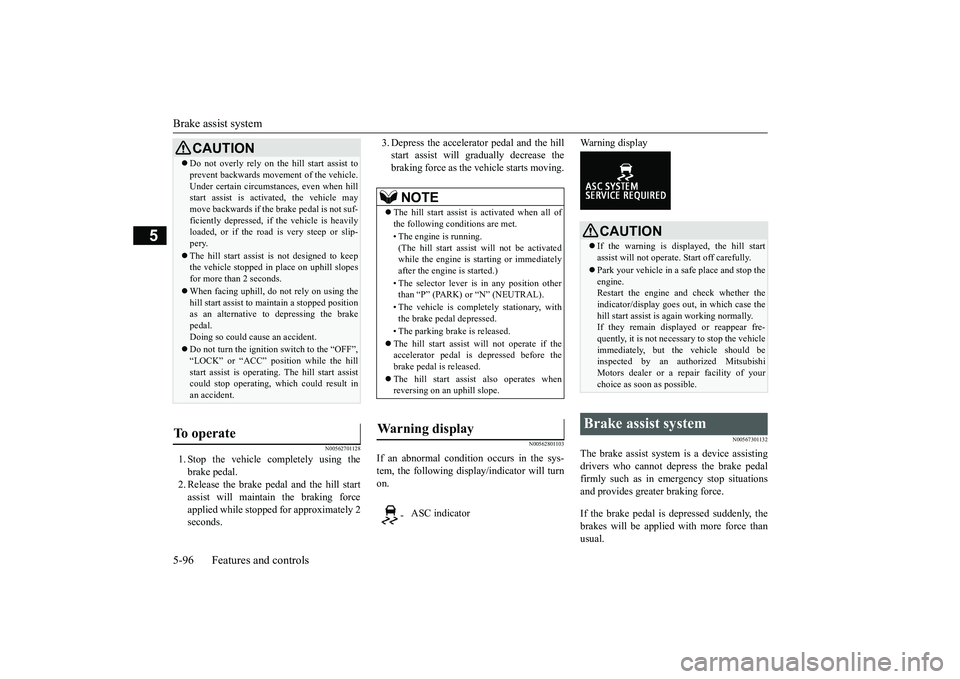
If an abnormal condition occurs in the sys-tem, the following disp
lay/indicator will turn
on.
Warning display
N00567301132
The brake assist system
is a device assisting
drivers who cannot depress the brake pedalfirmly such as in em
ergency stop situations
and provides greater braking force.If the brake pedal is depressed suddenly, thebrakes will be applied
with more force than
usual.
CAUTIONDo not overly rely on th
e hill start assist to
prevent backwards movement of the vehicle.Under certain circumstances, even when hillstart assist is activated, the vehicle maymove backwards if the brake pedal is not suf-ficiently depressed, if
the vehicle is heavily
loaded, or if the road is very steep or slip-pery.The hill start assist
is not designed to keep
the vehicle stopped in
place on uphill slopes
for more than 2 seconds.When facing uphill, do not rely on using thehill start assist to ma
intain a stopped position
as an alternative to depressing the brakepedal.Doing so could cause an accident.Do not turn the igniti
on switch to the “OFF”,
“LOCK” or “ACC” pos
ition while the hill
start assist is operating. The hill start assistcould stop operating, wh
ich could result in
an accident.
To operate
NOTE
The hill start assist is activated when all ofthe following conditions are met.• The engine is running.(The hill start assist
will not be activated
while the engine is st
arting or immediately
after the engine is started.)• The selector lever is
in any position other
than
Page 178 of 441
Anti-lock braking system
Features and controls 5-97
5
N00517900240
The anti-lock braking system helps preventthe wheels from locking up when braking.This helps maintain vehicle drivability andsteering wheel handling.When using the anti-lock brakes (suddenbraking), steering is slightly differentfrom normal driving conditions. Use thesteering wheel carefully.Always keep a safe distance from thevehicle in front of you. Even if your vehi-cle is equipped with
the anti-lock braking
system, leave a greater braking distancewhen:• Driving on gravel or snow-coveredroads.• Driving on uneven road surfaces.
Operation of anti-lock braking system isnot restricted situations where brakes areapplied suddenly. This system may alsoprevent the wheels from locking whenyou drive over manholes, steel roadworkplates, road markings
, or any uneven road
surface.When the anti-lock braking system is inuse, you may feel the brake pedal vibrat-ing and hear a unique sound. It may alsofeel as if the pedal
resists being pressed.
In this situation, si
mply hold the brake
pedal down firmly. Do not pump thebrake, which will result in reducedbraking performance.
CAUTIONThe brake assist system is not a devicedesigned to exercise
braking force greater
than its capacity. Make sure to always keep asufficient distance be
tween your vehicle and
a vehicle in front of
you without relying too
much on the brake assist system.NOTE
Once the brake assist system is operational,it maintains great braking force even if thebrake pedal is lightly released.To stop its operation, completely removeyour foot from the brake pedal.The brake assist system may become opera-tional when the brake pedal is fullydepressed even if it
has not been depressed
suddenly.When the brake assist system is in use whiledriving, you may feel as if the depressedbrake pedal is soft, the pedal moves in smallmotions in conjunction with the operationnoise, or the vehicle body and the steeringwheel vibrate. This occurs when the brakeassist system is ope
rating normally and does
not indicate faulty
operation. Continue to
depress the brake pedal.You may hear an operation noise when thebrake pedal is suddenl
y or fully depressed
while stationary. This does not indicate amalfunction and the brake assist system isoperating normally.
When the anti-lock brake system warninglight or only active st
ability control warning
light illuminate, the brake assist system innot functioning.
Anti-lock braking system Driving hints
NOTE
CAUTIONThe anti-lock braking system cannot preventaccidents. It is your
responsibility to take
safety precautions a
nd to drive carefully.
To prevent failure of the anti-lock brakingsystem, be sure all 4 wheels and tires are thesame size and the same type.NOTE
A whining sound is emitted from the enginecompartment when driving immediatelyafter starting the engine. These are the nor-mal sounds the anti-lock braking systemmakes when performing a self-check. It doesnot indicate
a malfunction.
BK0249100US.book 97 ページ 2017年5月10日 水曜日 午前8時49分
Page 179 of 441
Anti-lock braking system5-98 Features and controls
5
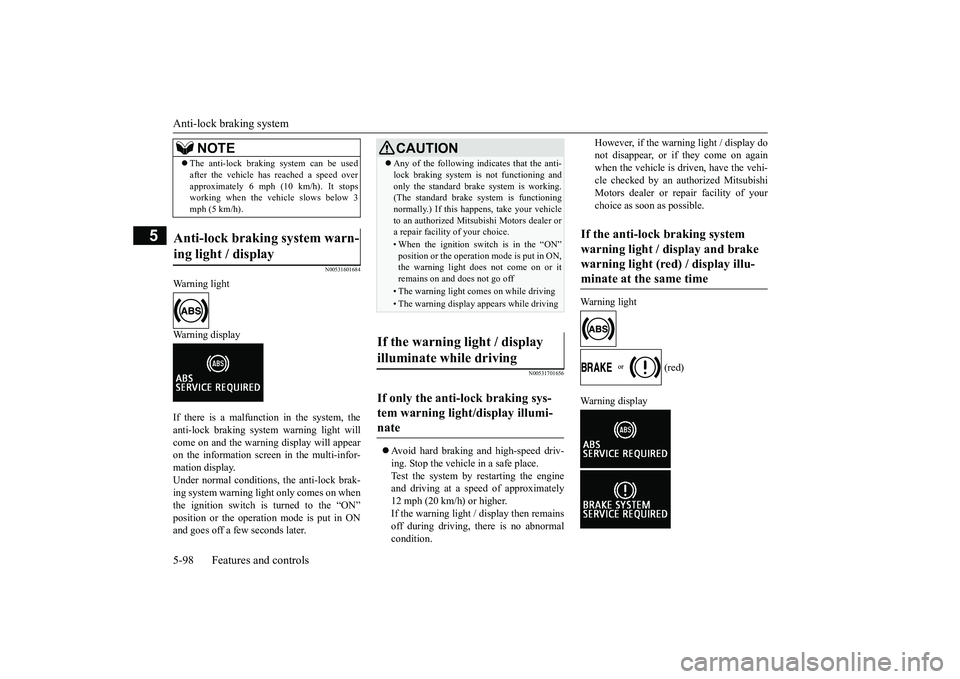
N00531601684
Warning lightWarning displayIf there is a malfunction in the system, theanti-lock braking system warning light willcome on and the warning display will appearon the information screen in the multi-infor-mation display.Under normal conditions, the anti-lock brak-ing system warning light only comes on whenthe ignition switch is turned to the “ON”and goes off a few seconds later.
N00531701656
Avoid hard braking and high-speed driv-ing. Stop the vehicl
e in a safe place.
Test the system by restarting the engineand driving at a speed of approximately12 mph (20 km/h) or higher.If the warning light / display then remainsoff during driving, there is no abnormalcondition.
However, if the warning light / display donot disappear, or if they come on againwhen the vehicle is driven, have the vehi-cle checked by an authorized MitsubishiMotors dealer or repair facility of yourchoice as soon
as possible.
Warning light
(red)
The anti-lock braking system can be usedafter the vehicle has
reached a speed over
approximately 6 mph (10 km/h). It stopsworking when the vehicle slows below 3mph (5 km/h).
Anti-lock braking system warn-ing light / display
NOTE
CAUTIONAny of the following i
ndicates that the anti-
lock braking system is not functioning andonly the standard brake system is working.(The standard brake system is functioningnormally.) If this happens, take your vehicleto an authorized Mitsubishi Motors dealer ora repair facility
of your choice.
• When the ignition switch is in the “ON”position or the operation mode is put in ON,the warning light doe
s not come on or it
remains on and does not go off• The warning light comes on while driving• The warning display appears while driving
If the warning light / display illuminate while driving If only the anti-lock braking sys-tem warning light/display illumi-nate
If the anti-lock braking system warning light / display and brake warning light (red) / display illu-minate at the same time
BK0249100US.book 98 ページ 2017年5月10日 水曜日 午前8時49分
Page 180 of 441
Electric power steering system (EPS)
Features and controls 5-99
5
The anti-lock braking system and brake forcedistribution function ma
y not work, so hard
braking could make the vehicle unstable.Avoid hard braking and high-speed driving.Stop the vehicle in a safe place and contact anauthorized Mitsubishi Mo
tors dealer or repair
facility of your choice.
N00529201090
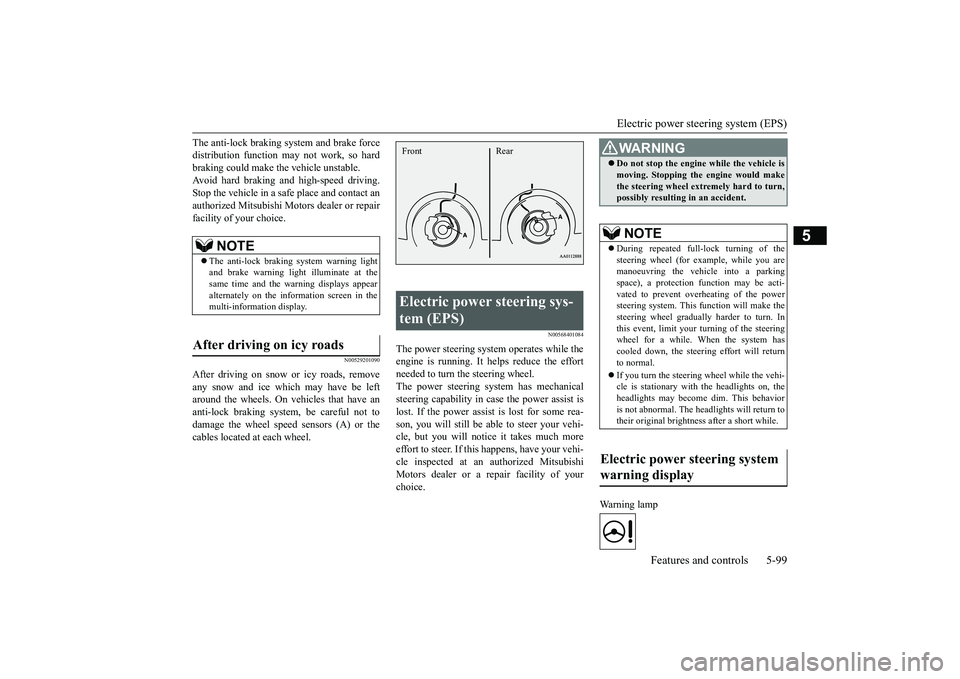
After driving on snow or icy roads, removeany snow and ice which may have be leftaround the wheels. On vehicles that have ananti-lock braking syst
em, be careful not to
damage the wheel spee
d sensors (A) or the
cables located at each wheel.
N00568401084
The power steering system operates while theengine is running. It helps reduce the effortneeded to turn the steering wheel.The power steering sy
stem has mechanical
steering capability in case the power assist islost. If the power assist is lost for some rea-son, you will still be able to steer your vehi-cle, but you will notice it takes much moreeffort to steer. If this happens, have your vehi-cle inspected at an authorized MitsubishiMotors dealer or a repair facility of yourchoice.
Warning lamp
NOTE
The anti-lock braking
system warning light
and brake warning light illuminate at thesame time and the wa
rning displays appear
alternately on the information screen in themulti-information display.
After driving on icy roads
Electric power steering sys-tem (EPS) Front Rear
WA R N I N GDo not stop the engine while the vehicle ismoving. Stopping the engine would makethe steering wheel extremely hard to turn,possibly resulting
in an accident.
NOTE
During repeated full-lock turning of thesteering wheel (for example, while you aremanoeuvring the vehicle into a parkingspace), a protection f
unction may be acti-
vated to prevent overheating of the powersteering system. This f
unction will make the
steering wheel graduall
y harder to turn. In
this event, limit your turning of the steeringwheel for a while. When the system hascooled down, the steering effort will returnto normal.If you turn the steering wheel while the vehi-cle is stationary with the headlights on, theheadlights may become
dim. This behavior
is not abnormal. The he
adlights will return to
their original brightness after a short while.
Electric power steering system warning display
BK0249100US.book 99 ページ 2017年5月10日 水曜日 午前8時49分
Page 181 of 441
Active stability control (ASC)
5
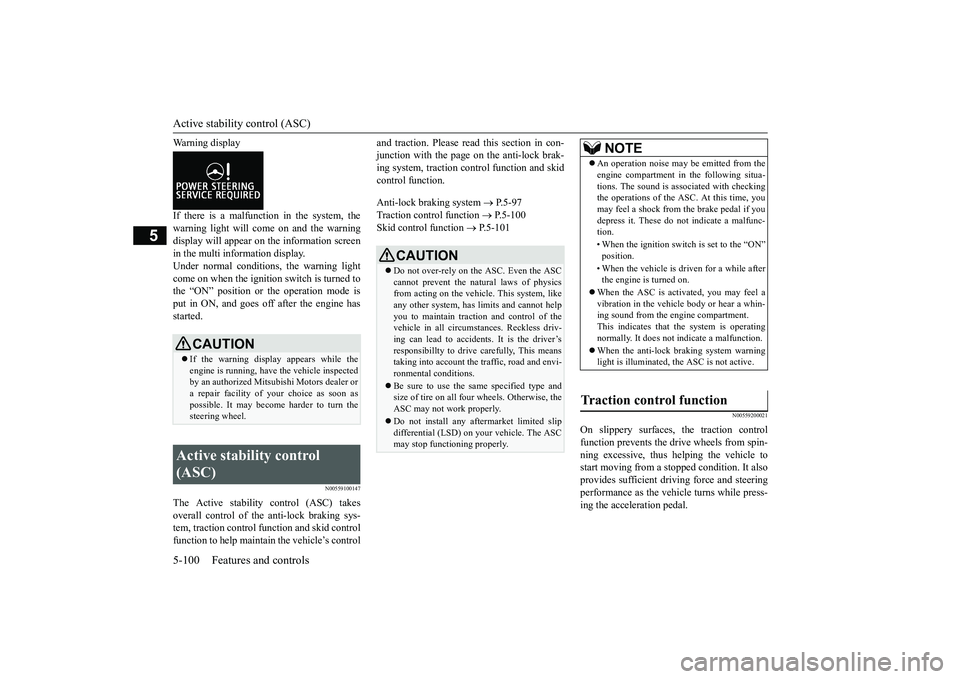
Warning displayIf there is a malfunction in the system, thewarning light will come on and the warningdisplay will appear on the information screenin the multi information display.Under normal conditions, the warning lightcome on when the ignition switch is turned tothe “ON” position or the operation mode isput in ON, and goes off after the engine hasstarted.
N00559100147
The Active stability
control (ASC) takes
overall control of the
anti-lock braking sys-
tem, traction control function and skid controlfunction to help maintain the vehicle’s control
and traction. Please read
this section in con-
junction with the page on the anti-lock brak-ing system, traction c
ontrol function and skid
control function.Anti-lock braking system
P.5-97
Traction control function
P.5-100
Skid control function
P.5-101
N00559200021
On slippery surfaces, the traction controlfunction prevents the drive wheels from spin-ning excessive, thus helping the vehicle tostart moving from a stopp
ed condition.
It also
provides sufficient driv
ing force and steering
performance as the vehicle turns while press-ing the acceleration pedal.
CAUTIONIf the warning display appears while theengine is running, have
the vehicle inspected
by an authorized Mitsubishi Motors dealer ora repair facility of
your choice as soon as
possible. It may become harder to turn thesteering wheel.
Active stability control (ASC)
CAUTIONDo not over-rely on the ASC. Even the ASCcannot prevent the natural laws of physicsfrom acting on the vehicle. This system, likeany other system, has
limits and cannot help
you to maintain traction and control of thevehicle in all circumstances. Reckless driv-ing can lead to accident
s. It is the driver’s
responsibillty to drive carefully, This meanstaking into account the traffic, road and envi-ronmental conditions.Be sure to use the same specified type andsize of tire on all four
wheels. Otherwise, the
ASC may not work properly.Do not install any aftermarket limited slipdifferential (LSD) on your vehicle. The ASCmay stop functioning properly.
NOTE
An operation noise may be emitted from theengine compartment in the following situa-tions. The sound is associated with checkingthe operations of the ASC. At this time, youmay feel a shock from the brake pedal if youdepress it. These do not indicate a malfunc-tion.• When the ignition switc
h is set to the “ON”
• When the vehicle is driven for a while afterthe engine is turned on.
When the ASC is acti
vated, you may feel a
vibration in the vehicl
e body or hear a whin-
ing sound from the engine compartment.This indicates that th
e system is operating
normally. It does not i
ndicate a malfunction.
When the anti-lock braking system warninglight is illuminated, the ASC is not active.
Traction control function
BK0249100US.book 100 ページ 2017年5月10日 水曜日 午前8時49分
Page 183 of 441
Active stability control (ASC)
5
N00546601129
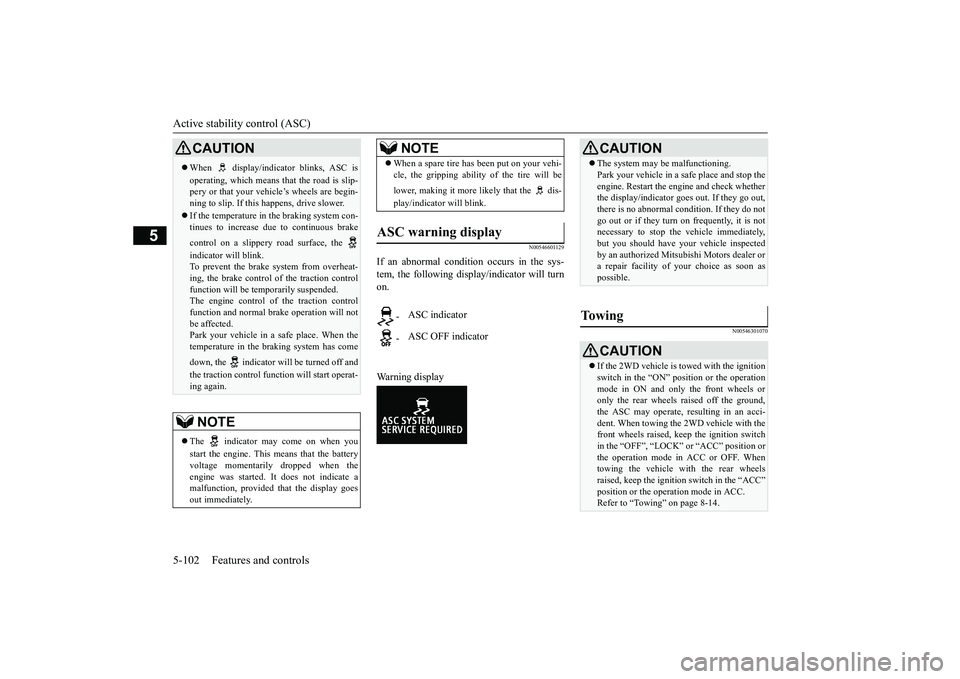
If an abnormal condition occurs in the sys-tem, the following disp
lay/indicator will turn
on.Warning display
N00546301070
CAUTIONWhen display/indicator blinks, ASC isoperating, which means that the road is slip-pery or that your vehi
cle’s wheels are begin-
ning to slip. If this happens, drive slower.If the temperature in the braking system con-tinues to increase due
to continuous brake
control on a slippery
road surface, the
indicator will blink.To prevent the brake system from overheat-ing, the brake control
of the traction control
function will be tem
porarily suspended.
The engine control of the traction controlfunction and normal brake operation will notbe affected.Park your vehicle in a safe place. When thetemperature in the braking system has comedown, the indicator will be turned off andthe traction control func
tion will start operat-
ing again.NOTE
The indicator may come on when youstart the engine. This means that the batteryvoltage momentarily dropped when theengine was started. It
does not indicate a
malfunction, provided th
at the display goes
out immediately.
When a spare tire has been put on your vehi-cle, the gripping ability of the tire will belower, making it more likely that the dis-play/indicator will blink.
ASC warning display
-
ASC indicator
-
ASC OFF indicatorNOTE
CAUTIONThe system may be malfunctioning.Park your vehicle in a
safe place and stop the
engine. Restart the engi
ne and check whether
the display/indicator goe
s out. If they go out,
there is no abnormal condition. If they do notgo out or if they turn on frequently, it is notnecessary to stop the
vehicle immediately,
but you should have your vehicle inspectedby an authorized Mitsubishi Motors dealer ora repair facility of
your choice as soon as
possible.
To w i n g
CAUTIONIf the 2WD vehicle is to
wed with the ignition
switch in the “ON” pos
ition or the operation
mode in ON and only the front wheels oronly the rear wheels raised off the ground,the ASC may operate, resulting in an acci-dent. When towing the 2WD vehicle with thefront wheels raised, keep the ignition switchin the “OFF”, “LOCK” or “ACC” position orthe operation mode in ACC or OFF. Whentowing the vehicle with the rear wheelsraised, keep the ignition switch in the “ACC”Refer to “Towing” on page 8-14.
BK0249100US.book 102 ページ 2017年5月10日 水曜日 午前8時49分
Page 192 of 441
Adaptive Cruise Control System (ACC) (if so equipped)
Features and controls 5-111
5
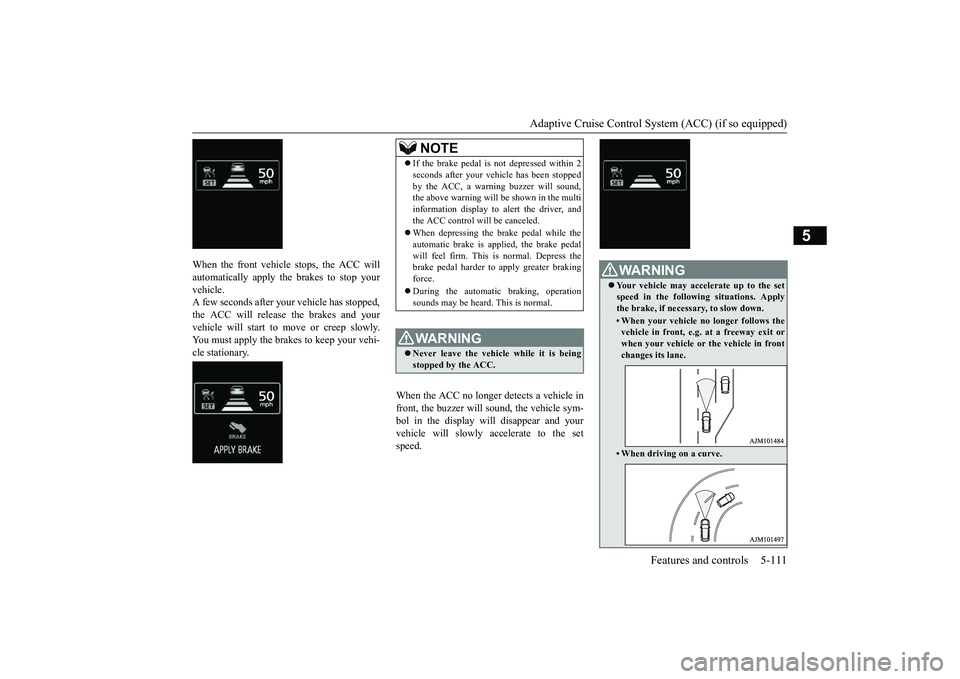
When the front vehicle stops, the ACC willautomatically apply the brakes to stop yourvehicle.A few seconds after your vehicle has stopped,the ACC will release the brakes and yourvehicle will start to move or creep slowly.You must apply the brakes to keep your vehi-cle stationary.
When the ACC no longer detects a vehicle infront, the buzzer will sound, the vehicle sym-bol in the display will disappear and yourvehicle will slowly accelerate to the setspeed.
NOTE
If the brake pedal is not depressed within 2seconds after your vehi
cle has been stopped
by the ACC, a warni
ng buzzer will sound,
the above warning will be shown in the multiinformation display to alert the driver, andthe ACC control will be canceled.When depressing the brake pedal while theautomatic brake is applied, the brake pedalwill feel firm. This is normal. Depress thebrake pedal harder to
apply greater braking
force.During the automatic braking, operationsounds may be heard. This is normal.WA R N I N GNever leave the vehicle while it is beingstopped by the ACC.
WA R N I N GYour vehicle may accelerate up to the setspeed in the following situations. Applythe brake, if necessary, to slow down.• When your vehicle no longer follows thevehicle in front, e.g. at a freeway exit orwhen your vehicle or
the vehicle in front
changes its lane.• When driving on a curve.
BK0249100US.book 111 ページ 2017年5月10日 水曜日 午前8時49分
Page 193 of 441
Adaptive Cruise Control System (ACC) (if so equipped)5-112 Features and controls
5
N00576900036
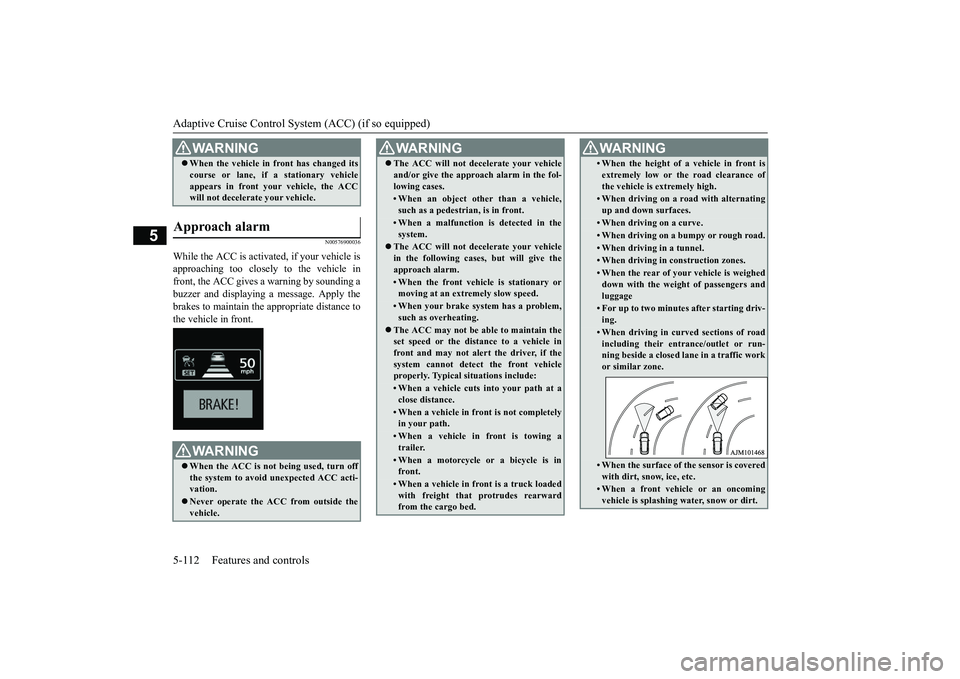
While the ACC is activated, if your vehicle isapproaching too closely to the vehicle infront, the ACC gives a warning by sounding abuzzer and displaying a message. Apply thebrakes to maintain the appropriate distance tothe vehicle in front.When the vehicle in
front has changed its
course or lane, if a stationary vehicleappears in front you
r vehicle, the ACC
will not decelerate your vehicle.
Approach alarm
WA R N I N GWhen the ACC is not being used, turn offthe system to avoid
unexpected ACC acti-
vation.Never operate the AC
C from outside the
vehicle.WA R N I N G
The ACC will not decelerate your vehicleand/or give the approach alarm in the fol-lowing cases.• When an object other than a vehicle,such as a pedestri
an, is in front.
• When a malfunction is detected in thesystem.
The ACC will not decelerate your vehiclein the following cases, but will give theapproach alarm.• When the front vehicle is stationary ormoving at an extr
emely slow speed.
• When your brake system has a problem,such as overheating.
The ACC may not be able to maintain theset speed or the dist
ance to a vehicle in
front and may not alert the driver, if thesystem cannot detect the front vehicleproperly. Typical situations include: • When a vehicle cuts
into your path at a
close distance.• When a vehicle in front is not completelyin your path.• When a vehicle in front is towing atrailer.• When a motorcycle or a bicycle is infront.• When a vehicle in fr
ont is a truck loaded
with freight that protrudes rearwardfrom the cargo bed.WA R N I N G
• When the height of a vehicle in front isextremely low or the road clearance ofthe vehicle is extremely high.• When driving on a r
oad with alternating
up and down surfaces.• When driving on a curve.• When driving on a bumpy or rough road.• When driving in a tunnel.• When driving in construction zones.• When the rear of your vehicle is weigheddown with the weight of passengers andluggage• For up to two minutes after starting driv-ing.• When driving in curved sections of roadincluding their entrance/outlet or run-ning beside a closed lane in a traffic workor similar zone.• When the surface of th
e sensor is covered
with dirt, snow, ice, etc.• When a front vehicle or an oncomingvehicle is splashing wa
ter, snow or dirt.
WA R N I N G
BK0249100US.book 112 ページ 2017年5月10日 水曜日 午前8時49分
Page 199 of 441
Forward Collision Mitigation System (FCM) (if so equipped)5-118 Features and controls
5
N00582100046
For vehicles sold in U.S.A. FCC ID:OAYARS3-BThis device complies
with Part 15 of FCC
Rules. Operation is subject to the followingtwo conditions.(1) This device may not cause harmful inter-ference, and(2) this device must
accept any interference
received, including interference that maycause undesired operation.For vehicles sold in Canada IC: 4135A-ARS3BThis device complies with Industry Canadalicence-exempt RSS standard(s). Operation issubject to the following two conditions: (1)this device may not cause interference, and(2) this device must
accept any interference,
including interference
that may cause unde-
sired operation of the device.
N00577300095
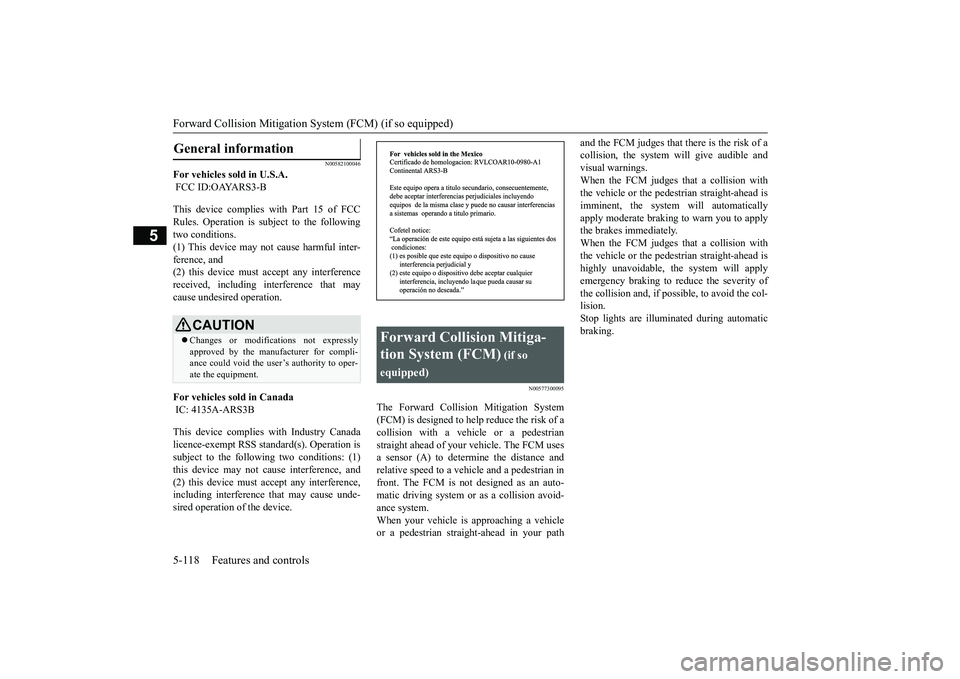
The Forward Collision Mitigation System(FCM) is designed to help reduce the risk of acollision with a vehicle or a pedestrianstraight ahead of your vehicle. The FCM usesa sensor (A) to determine the distance andrelative speed to a vehi
cle and a pedestrian in
front. The FCM is not designed as an auto-matic driving system or as a collision avoid-ance system. When your vehicle is approaching a vehicleor a pedestrian strai
ght-ahead in your path
and the FCM judges that there is the risk of acollision, the system
will give audible and
visual warnings.When the FCM judges that a collision withthe vehicle or the pedest
rian straight-ahead is
imminent, the system will automaticallyapply moderate braking to warn you to applythe brakes immediately. When the FCM judges that a collision withthe vehicle or the pedest
rian straight-ahead is
highly unavoidable, th
e system will apply
emergency braking to reduce the severity ofthe collision and, if possible, to avoid the col-lision.Stop lights are illuminated during automaticbraking.
General information
CAUTIONChanges or modifica
tions not expressly
approved by the manufacturer for compli-ance could void the user’s authority to oper-ate the equipment.
Forward Collision Mitiga-tion System (FCM)
(if so
equipped)
BK0249100US.book 118 ページ 2017年5月10日 水曜日 午前8時49分
Page 200 of 441
Forward Collision Mitigation System (FCM) (if so equipped)
Features and controls 5-119
5
N00577400041
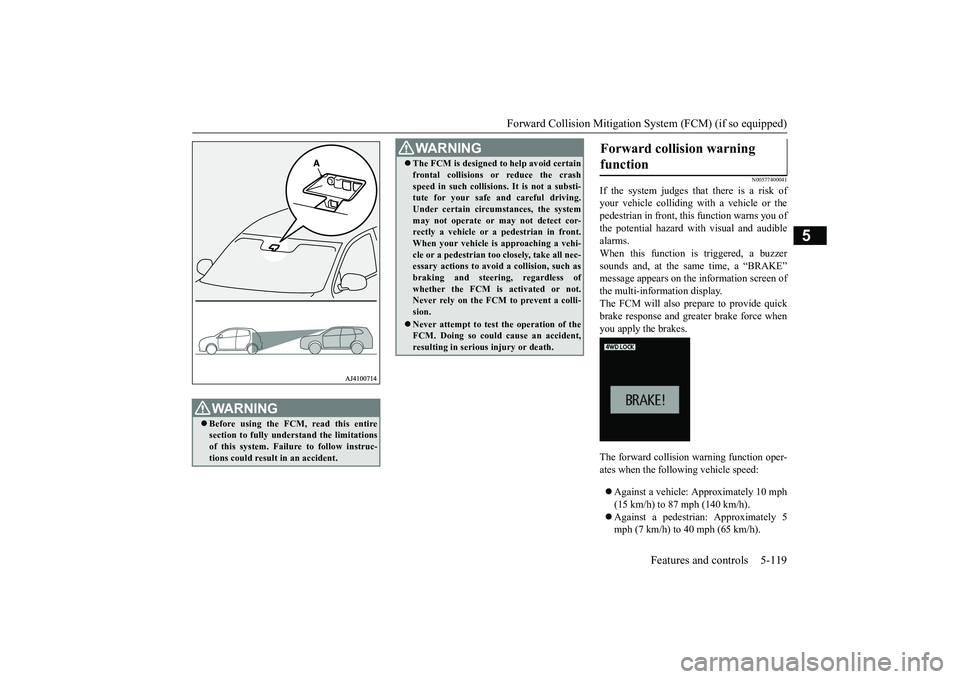
If the system judges that there is a risk ofyour vehicle colliding wi
th a vehicle or the
pedestrian in front, th
is function warns you of
the potential hazard with
visual and audible
alarms.When this function is triggered, a buzzersounds and, at the same time, a “BRAKE”message appears on the information screen ofthe multi-information display.The FCM will also prepare to provide quickbrake response and greater brake force whenyou apply the brakes.The forward collision
warning function oper-
ates when the following vehicle speed:Against a vehicle: Approximately 10 mph(15 km/h) to 87 mph (140 km/h).Against a pedestrian
: Approximately 5
mph (7 km/h) to 40 mph (65 km/h).
WA R N I N GBefore using the FCM, read this entiresection to fully understand the limitationsof this system. Failure to follow instruc-tions could result
in an accident.
The FCM is designed
to help avoid certain
frontal collisions or reduce the crashspeed in such collisions. It is not a substi-tute for your safe and careful driving.Under certain circumstances, the systemmay not operate or may not detect cor-rectly a vehicle or a
pedestrian in front.
When your vehicle is
approaching a vehi-
cle or a pedestri
an too closely, take all nec-
essary actions to avoi
d a collision, such as
braking and
steering, regardless of
whether the FCM is
activated or not.
Never rely on the FCM to prevent a colli-sion.Never attempt to test the operation of theFCM. Doing so could cause an accident,resulting in seriou
s injury or death.
WA R N I N G
Forward collision warning function
BK0249100US.book 119 ページ 2017年5月10日 水曜日 午前8時49分