bluetooth MITSUBISHI OUTLANDER PHEV 2018 (in English) Service Manual
[x] Cancel search | Manufacturer: MITSUBISHI, Model Year: 2018, Model line: OUTLANDER PHEV, Model: MITSUBISHI OUTLANDER PHEV 2018Pages: 538, PDF Size: 25.01 MB
Page 400 of 538
Up to 7 mobile phone books, each containing
up to 1,000 names, can be registered.
The Bluetooth ®
2.0 interface automatically
converts from text to voice the names regis- tered in the transferred phone book entries,
and creates names.NOTEl Only the mobile phone book transferred
from the connected cellular phone can be
used with that cellular phone.
l You cannot change the names and telephone
numbers in the phone book entries registered
in the mobile phone book. You cannot select and delete specific phone book entries, ei- ther. To change or delete any of the above,
change the applicable information in the source phone book of the cellular phone and
then transfer the phone book again.
To import a devices phone book
Follow the steps below to transfer to the mo-
bile phone book the phone book stored in the
cellular phone.
NOTEl Transfer should be completed while the ve-
hicle is parked. Before transferring, makesure that the vehicle is parked in a safe loca-
tion.NOTEl The already stored phone book in the mobile
phone book is overwritten by the storedphone book in the cellular phone.
l All or part of data may not be transferred,
even when the cellular phone supports Blue-
tooth ®
, depending on the compatibility of
the device.
l Only a home, a work, and a mobile number
can be imported.
l The maximum supported telephone number
length is 19 digits. Any telephone number of
20 digits or more will be truncated to the first 19 digits.
l If telephone numbers contain characters oth-
er than 0 to 9, *, # or +, these characters aredeleted before the transfer.
l For the connection settings on the cellular
phone side, refer to the instructions for the
cellular phone.
1. Press the SPEECH button.
2. Say “Phone book.”
3. The voice guide will say “Select one of
the following: new entry, edit number, edit name, list names, delete, erase all, or
import contact.” Say “Import contact.”
4. The voice guide will say “Would you
like to import a single entry or all con-
tacts?” Say “All contacts.”
5. The voice guide will say “Importing the
contact list from the mobile phone book. This may take several minutes to com-
plete. Would you like to continue?” An-
swer “Yes,” transferring to the mobile
phone book the phone book stored in the cellular phone will start.
Answer “No,” to return to the main menu.NOTEl The transfer may take some time to com-
plete depending on the number of contacts.
l If the Bluetooth ®
2.0 interface could not be
connected to the Bluetooth ®
compatible cel-
lular phone, the voice guide will say “Un- able to transfer contact list from phone” and
then the system will return to the main menu.
l If you press the
HANG-UP button or press
and hold the SPEECH button during the data
transfer, the transfer will be cancelled and
the system will return to the main menu.
l If an error occurs during the data transfer, all
transfer will be cancelled and the voice
guide will say “Unable to complete the phone book import” and then the system willreturn to the main menu.
l If there are no contacts in the phone book,
the voice guide will say “There are no con- tacts on the connected phone.”
6. When the transfer is complete, the voice
guide will say “Import complete” and then the system will return to the main
menu.
Bluetooth ®
2.0 interface*
8-68OGGE18E1For pleasant driving8
Page 403 of 538
CAUTIONlKeep the lid of the floor console box closed
while driving the vehicle. A lid or the con- tents of the floor console box could other-
wise cause injuries.NOTEl When closing the floor console box, be care-
ful not to trap the connector cable.
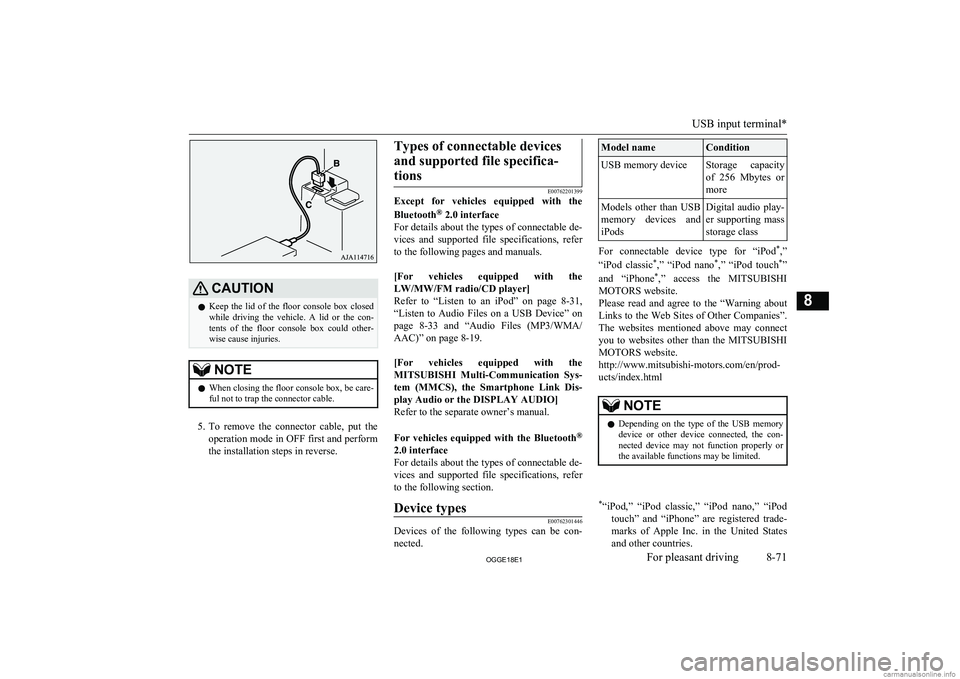
5. To remove the connector cable, put the
operation mode in OFF first and perform the installation steps in reverse.
Types of connectable devices
and supported file specifica-tions
E00762201399
Except for vehicles equipped with the
Bluetooth ®
2.0 interface
For details about the types of connectable de- vices and supported file specifications, referto the following pages and manuals.
[For vehicles equipped with the
LW/MW/FM radio/CD player]
Refer to “Listen to an iPod” on page 8-31,
“Listen to Audio Files on a USB Device” on page 8-33 and “Audio Files (MP3/WMA/
AAC)” on page 8-19.
[For vehicles equipped with the MITSUBISHI Multi-Communication Sys-
tem (MMCS), the Smartphone Link Dis-
play Audio or the DISPLAY AUDIO]
Refer to the separate owner’s manual.
For vehicles equipped with the Bluetooth ®
2.0 interface For details about the types of connectable de- vices and supported file specifications, referto the following section.
Device typesE00762301446
Devices of the following types can be con- nected.
Model nameConditionUSB memory deviceStorage capacity
of 256 Mbytes or
moreModels other than USB memory devices andiPodsDigital audio play-
er supporting mass
storage class
For connectable device type for “iPod *
,”
“iPod classic *
,” “iPod nano *
,” “iPod touch *
”
and “iPhone *
,” access the MITSUBISHI
MOTORS website.
Please read and agree to the “Warning about Links to the Web Sites of Other Companies”.
The websites mentioned above may connect you to websites other than the MITSUBISHI
MOTORS website.
http://www.mitsubishi-motors.com/en/prod-
ucts/index.html
NOTEl Depending on the type of the USB memory
device or other device connected, the con-
nected device may not function properly or the available functions may be limited.* “iPod,” “iPod classic,” “iPod nano,” “iPod
touch” and “iPhone” are registered trade-marks of Apple Inc. in the United States and other countries.
USB input terminal*
8-71OGGE18E1For pleasant driving8
Page 491 of 538
2
220-240 V AC power supplies.......................... 8-754
4-wheel drive operation.....................................7-23A
Accessory (Installation).....................................2-15
Accessory socket............................................... 8-74
Acoustic Vehicle Alerting System (AVAS)......2-06
Active stability control (ASC)...........................7-40
Adaptive Cruise Control System (ACC)........... 7-52
Air conditioner Automatic climate control air conditioner.... 8-04
Important operation tips for the air conditioner................................................... 8-12
Air purifier.........................................................8-13
Airbag................................................................ 5-26 Caution for installing the child re-straint in vehicles with front pas-
senger’s airbag.....................................5-15,5-28
Anti-lock brake system (ABS).......................... 7-36
Ashtray.............................................................. 8-73
Assist grips........................................................ 8-85
Audio CD player...................................................... 8-13
LW/MW/FM radio........................................ 8-13
Troubleshooting............................................ 8-47
Automatic high-beam system (AHB)................6-54
Auxiliary battery............................................. 11-09
Auxiliary battery charge warning lamp.............6-50
B
Basic knowledge for charging........................... 3-04
Battery charge mode switch.............................. 7-28
Battery save mode switch..................................7-27
Battery Auxiliary battery charge warning lamp........ 6-50
Discharged battery (Emergency starting)..... 9-02
Disposal information for used batteries........ 2-17 Specification............................................... 12-08
Blind Spot Warning (BSW).............................. 7-79
Bluetooth® 2.0 interface................................... 8-49
Bonnet............................................................. 11-04
Bottle holders.................................................... 8-83
Brake assist system............................................7-35
Brake warning lamp.......................................... 6-48
Brake Anti-lock brake............................................. 7-36
Brake auto hold............................................. 7-32
Braking.......................................................... 7-30
Fluid.................................................. 11-08,12-10
Parking brake................................................ 7-03
Bulb capacity .................................................. 11-24
C
Capacities........................................................ 12-10
Card holder................................................8-73,8-81
Cargo area cover................................................8-83
Cargo loads......................................................7-115
Catalytic converter.......................................... 11-03
Caution for installing the child re- straint on vehicles with front passen-
ger’s airbag...................................................... 5-28
Cautions on handling of 4-wheel drive vehicles................................................... 7-24
Central door locks............................................. 4-16
Charging............................................................ 3-02
Charging indicator............................................. 6-48
Charging system specifications....................... 12-07
Charging troubleshooting guide........................ 3-21
Check engine warning lamp.............................. 6-49
Child restraint.................................................... 5-15 Caution for installing the child re-straint in vehicles with front pas-
senger’s airbag.....................................5-15,5-28
Child-protection rear doors............................... 4-18
Cigarette lighter................................................. 8-73
Cleaning Exterior of your vehicle.............................. 10-03Interior of your vehicle............................... 10-02
Coat hook.......................................................... 8-85
Combination headlamps and dipper switch...... 6-52
Coolant (engine)....................................11-06,12-10
Coolant (plug-in hybrid EV system)............... 11-06
Cruise control.................................................... 7-42
Cup holder......................................................... 8-82
D
Daytime running lampsBulb capacity.............................................. 11-24
Demister (rear window).................................... 6-67
Digital clock
Alphabetical index
13- 1
OGGE18E1Alphabetical index