MPG NISSAN 370Z 2019 Owner´s Manual
[x] Cancel search | Manufacturer: NISSAN, Model Year: 2019, Model line: 370Z, Model: NISSAN 370Z 2019Pages: 460, PDF Size: 2.26 MB
Page 92 of 460
2-24Instruments and controls
and trip odometer?Distance to empty
? Outside air temperature ?Clock ?
Setting ?Warning check ?Current fuel
consumption
SIC3673
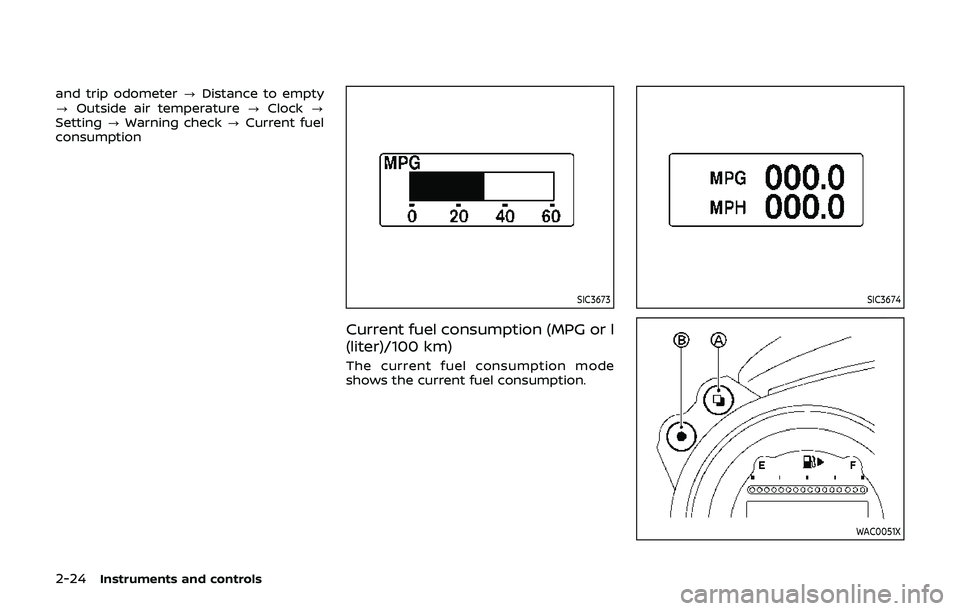
Current fuel consumption (MPG or l
(liter)/100 km)
The current fuel consumption mode
shows the current fuel consumption.
SIC3674
WAC0051X
Page 93 of 460
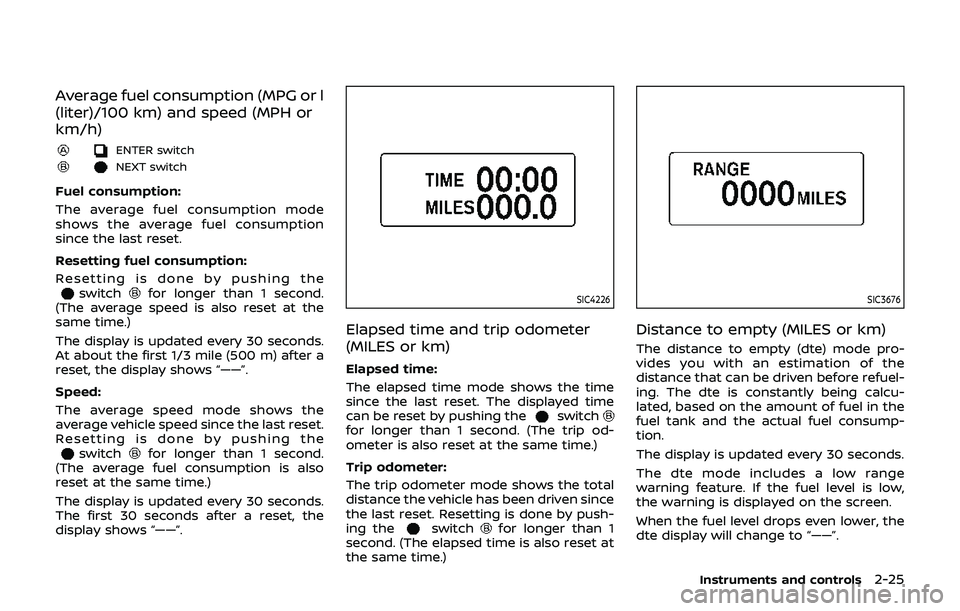
Average fuel consumption (MPG or l
(liter)/100 km) and speed (MPH or
km/h)
ENTER switch
NEXT switch
Fuel consumption:
The average fuel consumption mode
shows the average fuel consumption
since the last reset.
Resetting fuel consumption:
Resetting is done by pushing theswitchfor longer than 1 second.
(The average speed is also reset at the
same time.)
The display is updated every 30 seconds.
At about the first 1/3 mile (500 m) after a
reset, the display shows “——”.
Speed:
The average speed mode shows the
average vehicle speed since the last reset.
Resetting is done by pushing the
switchfor longer than 1 second.
(The average fuel consumption is also
reset at the same time.)
The display is updated every 30 seconds.
The first 30 seconds after a reset, the
display shows “——”.
SIC4226
Elapsed time and trip odometer
(MILES or km)
Elapsed time:
The elapsed time mode shows the time
since the last reset. The displayed time
can be reset by pushing the
switchfor longer than 1 second. (The trip od-
ometer is also reset at the same time.)
Trip odometer:
The trip odometer mode shows the total
distance the vehicle has been driven since
the last reset. Resetting is done by push-
ing the
switchfor longer than 1
second. (The elapsed time is also reset at
the same time.)
SIC3676
Distance to empty (MILES or km)
The distance to empty (dte) mode pro-
vides you with an estimation of the
distance that can be driven before refuel-
ing. The dte is constantly being calcu-
lated, based on the amount of fuel in the
fuel tank and the actual fuel consump-
tion.
The display is updated every 30 seconds.
The dte mode includes a low range
warning feature. If the fuel level is low,
the warning is displayed on the screen.
When the fuel level drops even lower, the
dte display will change to “——”.
Instruments and controls2-25
Page 182 of 460
4-16Center display, heater, air conditioner, audio, phone and voice recognition systems
Select Units:
Select the “Select Units” key. Choose “US”
(Mile, °F, MPG) or “Metric” (km, °C, L/100
km) for your favorite display appearance.
Voice Recognition settings
For details about the “Voice Recognition”
settings, see “NISSAN Voice Recognition
System (models with navigation system)”
(P.4-105).
Camera settings
The “Camera” screen will appear when
selecting the “Camera” key.
For details about the camera system
operation, see “RearView Monitor (center
display type)” (P.4-24).
SAA2491
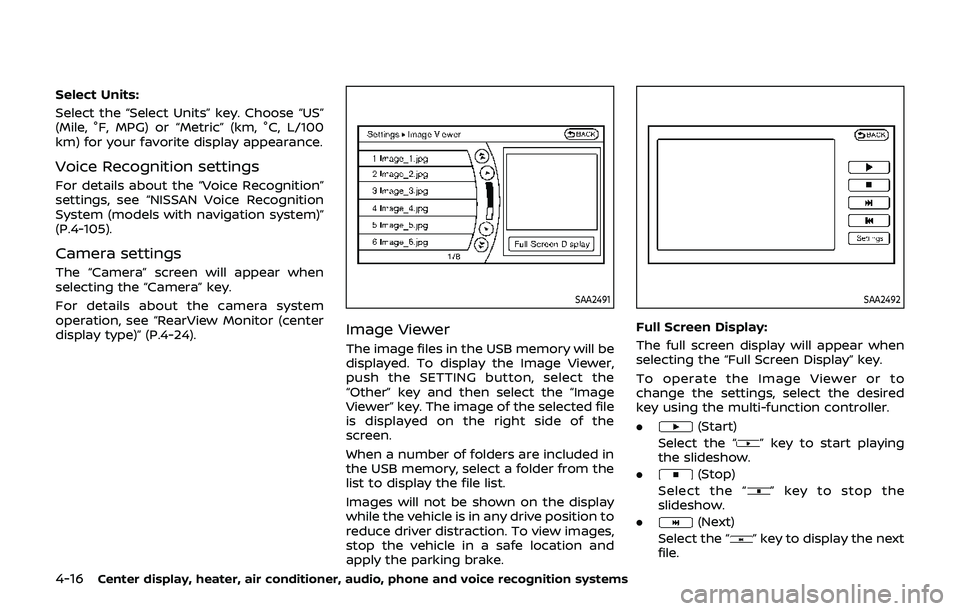
Image Viewer
The image files in the USB memory will be
displayed. To display the Image Viewer,
push the SETTING button, select the
“Other” key and then select the “Image
Viewer” key. The image of the selected file
is displayed on the right side of the
screen.
When a number of folders are included in
the USB memory, select a folder from the
list to display the file list.
Images will not be shown on the display
while the vehicle is in any drive position to
reduce driver distraction. To view images,
stop the vehicle in a safe location and
apply the parking brake.
SAA2492
Full Screen Display:
The full screen display will appear when
selecting the “Full Screen Display” key.
To operate the Image Viewer or to
change the settings, select the desired
key using the multi-function controller.
.
(Start)
Select the “
” key to start playing
the slideshow.
.
(Stop)
Select the “
” key to stop the
slideshow.
.
(Next)
Select the “
” key to display the next
file.