key NISSAN ALTIMA 2007 L32A / 4.G User Guide
[x] Cancel search | Manufacturer: NISSAN, Model Year: 2007, Model line: ALTIMA, Model: NISSAN ALTIMA 2007 L32A / 4.GPages: 344, PDF Size: 5.05 MB
Page 77 of 344

orAnti-lock Braking System (ABS)
warning light (if so equipped)Master warning lightSlip indicator light (if so equipped)
Automatic transmission check warning light (if
so equipped)Seat belt warning light and chimeSecurity indicator light
orBrake warning lightSupplemental air bag warning lightTraction control system off indicator light (if so
equipped)
Charge warning lightContinuously Variable Transmission (CVT) po-
sition indicator light (if so equipped)Turn signal/hazard indicator lights
Engine oil pressure warning lightFront passenger air bag status lightVehicle dynamic control off indicator light (if so
equipped)
Intelligent Key system warning lightHigh beam indicator light (Blue)
Low tire pressure warning lightMalfunction indicator light (MIL)
CHECKING BULBS
With all doors closed, apply the parking brake
and push the ignition button to the ON position
without starting the engine. The following lights
will come on:
,or,,,
The following lights come on briefly and then go
off:
or,,,,,
If any light fails to come on, it may indicate
a burned-out bulb or an open circuit in the
electrical system. Have the system repaired
promptly.
WARNING LIGHTS
orAnti-lock Braking
System (ABS)
warning light (if so
equipped)
When the ignition switch is in the ON position,
the Anti-lock Braking System (ABS) warning light
illuminates and then turns off. This indicates the
ABS is operational.
WARNING/INDICATOR LIGHTS AND
AUDIBLE REMINDERS
Instruments and controls2-9
ZREVIEW COPYÐ2007 Altima(alt)
Owners ManualÐUSA_English(nna)
10/26/06Ðdebbie
X
Page 79 of 344
dipstick to check the oil level. See “Engine oil” in
the “Maintenance and do-it-yourself” section of
this manual.
CAUTION
Running the engine with the engine oil
pressure warning light on could cause se-
rious damage to the engine almost imme-
diately. Such damage is not covered by
warranty. Turn off the engine as soon as it
is safe to do so.
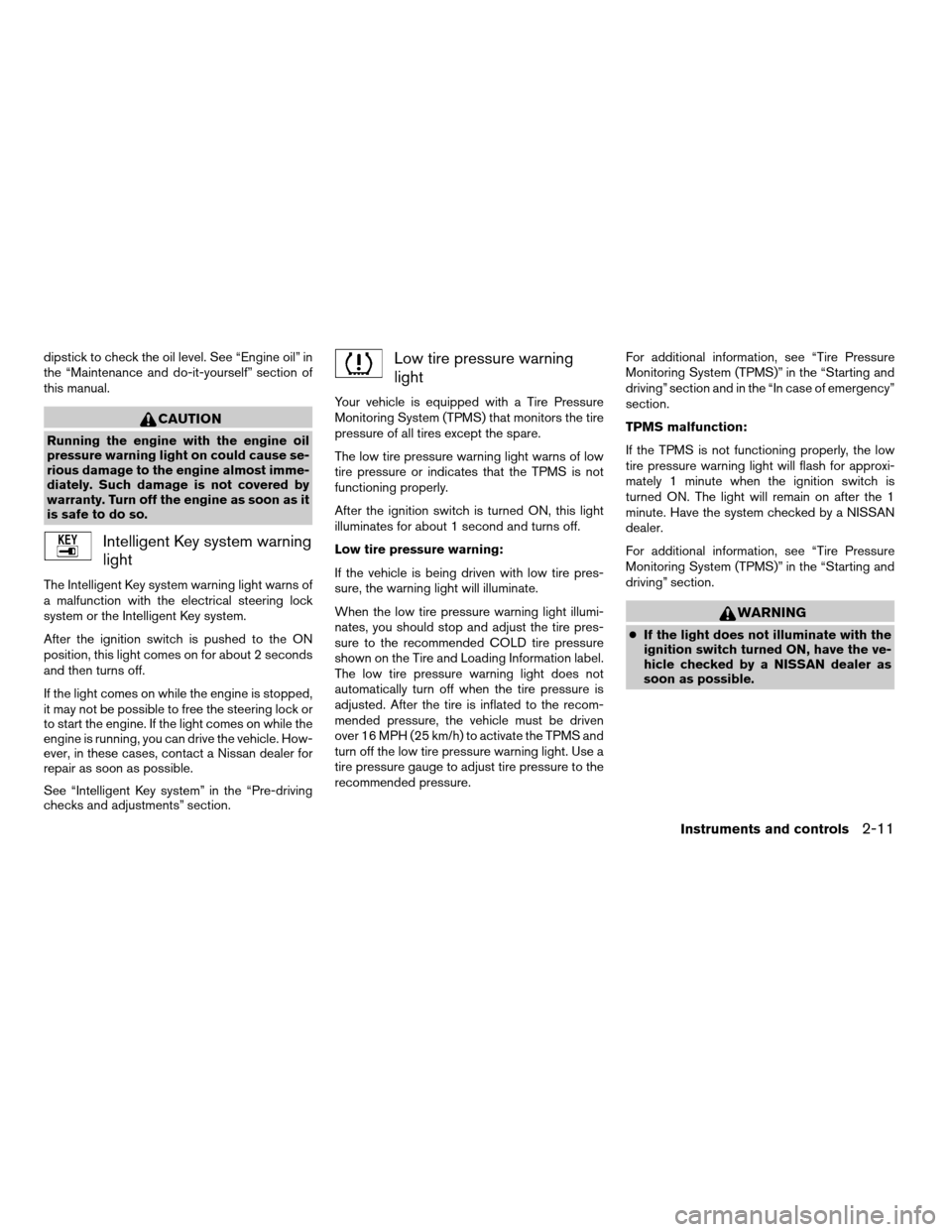
Intelligent Key system warning
light
The Intelligent Key system warning light warns of
a malfunction with the electrical steering lock
system or the Intelligent Key system.
After the ignition switch is pushed to the ON
position, this light comes on for about 2 seconds
and then turns off.
If the light comes on while the engine is stopped,
it may not be possible to free the steering lock or
to start the engine. If the light comes on while the
engine is running, you can drive the vehicle. How-
ever, in these cases, contact a Nissan dealer for
repair as soon as possible.
See “Intelligent Key system” in the “Pre-driving
checks and adjustments” section.
Low tire pressure warning
light
Your vehicle is equipped with a Tire Pressure
Monitoring System (TPMS) that monitors the tire
pressure of all tires except the spare.
The low tire pressure warning light warns of low
tire pressure or indicates that the TPMS is not
functioning properly.
After the ignition switch is turned ON, this light
illuminates for about 1 second and turns off.
Low tire pressure warning:
If the vehicle is being driven with low tire pres-
sure, the warning light will illuminate.
When the low tire pressure warning light illumi-
nates, you should stop and adjust the tire pres-
sure to the recommended COLD tire pressure
shown on the Tire and Loading Information label.
The low tire pressure warning light does not
automatically turn off when the tire pressure is
adjusted. After the tire is inflated to the recom-
mended pressure, the vehicle must be driven
over 16 MPH (25 km/h) to activate the TPMS and
turn off the low tire pressure warning light. Use a
tire pressure gauge to adjust tire pressure to the
recommended pressure.For additional information, see “Tire Pressure
Monitoring System (TPMS)” in the “Starting and
driving” section and in the “In case of emergency”
section.
TPMS malfunction:
If the TPMS is not functioning properly, the low
tire pressure warning light will flash for approxi-
mately 1 minute when the ignition switch is
turned ON. The light will remain on after the 1
minute. Have the system checked by a NISSAN
dealer.
For additional information, see “Tire Pressure
Monitoring System (TPMS)” in the “Starting and
driving” section.
WARNING
cIf the light does not illuminate with the
ignition switch turned ON, have the ve-
hicle checked by a NISSAN dealer as
soon as possible.
Instruments and controls2-11
ZREVIEW COPYÐ2007 Altima(alt)
Owners ManualÐUSA_English(nna)
10/26/06Ðdebbie
X
Page 82 of 344
cMalfunction indicator light blinking — An en-
gine misfire has been detected which may
damage the emission control system. To re-
duce or avoid emission control system dam-
age:
– do not drive at speeds above 45 MPH
(72 km/h) .
– avoid hard acceleration or deceleration.
– avoid steep uphill grades.
– if possible, reduce the amount of cargo
being hauled or towed.
The malfunction indicator light may stop blinking
and come on steady. Have the vehicle inspected
by a NISSAN dealer. You do not need to have
your vehicle towed to the dealer.
CAUTION
Continued vehicle operation without hav-
ing the emission control system checked
and repaired as necessary could lead to
poor driveability, reduced fuel economy,
and possible damage to the emission con-
trol system.
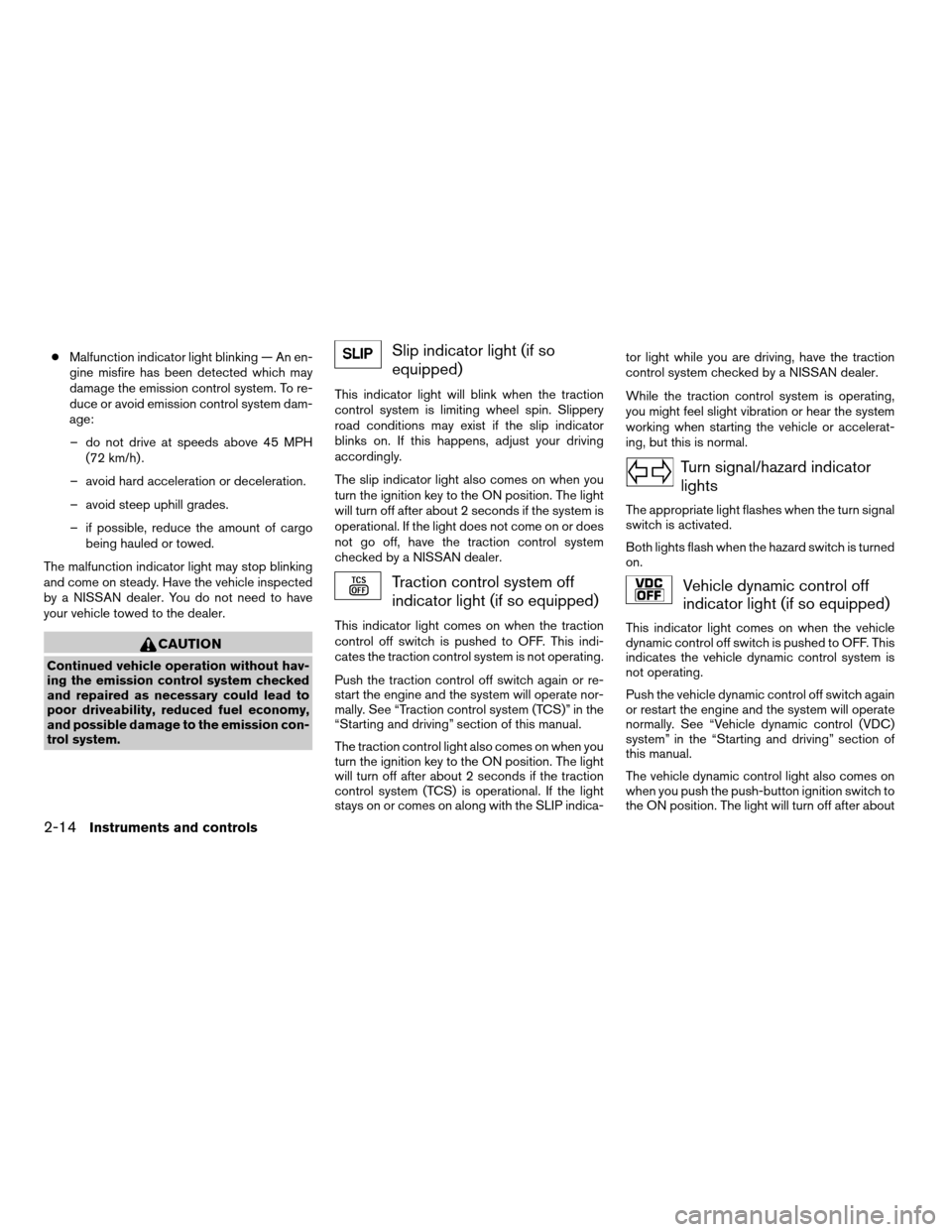
Slip indicator light (if so
equipped)
This indicator light will blink when the traction
control system is limiting wheel spin. Slippery
road conditions may exist if the slip indicator
blinks on. If this happens, adjust your driving
accordingly.
The slip indicator light also comes on when you
turn the ignition key to the ON position. The light
will turn off after about 2 seconds if the system is
operational. If the light does not come on or does
not go off, have the traction control system
checked by a NISSAN dealer.
Traction control system off
indicator light (if so equipped)
This indicator light comes on when the traction
control off switch is pushed to OFF. This indi-
cates the traction control system is not operating.
Push the traction control off switch again or re-
start the engine and the system will operate nor-
mally. See “Traction control system (TCS)” in the
“Starting and driving” section of this manual.
The traction control light also comes on when you
turn the ignition key to the ON position. The light
will turn off after about 2 seconds if the traction
control system (TCS) is operational. If the light
stays on or comes on along with the SLIP indica-tor light while you are driving, have the traction
control system checked by a NISSAN dealer.
While the traction control system is operating,
you might feel slight vibration or hear the system
working when starting the vehicle or accelerat-
ing, but this is normal.
Turn signal/hazard indicator
lights
The appropriate light flashes when the turn signal
switch is activated.
Both lights flash when the hazard switch is turned
on.
Vehicle dynamic control off
indicator light (if so equipped)
This indicator light comes on when the vehicle
dynamic control off switch is pushed to OFF. This
indicates the vehicle dynamic control system is
not operating.
Push the vehicle dynamic control off switch again
or restart the engine and the system will operate
normally. See “Vehicle dynamic control (VDC)
system” in the “Starting and driving” section of
this manual.
The vehicle dynamic control light also comes on
when you push the push-button ignition switch to
the ON position. The light will turn off after about
2-14Instruments and controls
ZREVIEW COPYÐ2007 Altima(alt)
Owners ManualÐUSA_English(nna)
10/26/06Ðdebbie
X
Page 83 of 344

2 seconds if the system is operational. If the light
stays on or comes on along with the SLIP indica-
tor light while you are driving, have the vehicle
dynamic control system checked by a NISSAN
dealer.
While the vehicle dynamic control system is op-
erating, you might feel slight vibration or hear the
system working when starting the vehicle or ac-
celerating, but this is normal.
AUDIBLE REMINDERS
Brake pad wear warning
The disc brake pads have audible wear warnings.
When a disc brake pad requires replacement, it
makes a high pitched scraping sound when the
vehicle is in motion, whether or not the brake
pedal is depressed. Have the brakes checked as
soon as possible if the warning sound is heard.
Key reminder chime
A chime sounds if the driver’s door is opened
while the ignition switch is pushed to the ACC or
OFF position or pushed to the OFF or LOCK
position with the Intelligent Key left in the Intelli-
gent Key port. Make sure the ignition switch is
pushed to the LOCK position, and take the Intel-
ligent Key with you when leaving the vehicle.
Light reminder chime
With the ignition switch in the OFF position, a
chime sounds when the driver’s door is opened if
the headlights or parking lights are on.
Turn the headlight control switch off before leav-
ing the vehicle.
The vehicle information display
s1is located
under the speedometer to display Intelligent Key
operation information, maintenance
settings/warning, certain trip/fuel consumption
readings and outside temperature readings.
For details about the Intelligent Key operation see
“Intelligent Key system” in the “Pre-driving
checks and adjustments” section.
WIC1102
VEHICLE INFORMATION DISPLAY
Instruments and controls2-15
ZREVIEW COPYÐ2007 Altima(alt)
Owners ManualÐUSA_English(nna)
10/26/06Ðdebbie
X
Page 86 of 344

Display mode
The LANGUAGE/UNIT screen will appear when
selecting the “Language/Unit” key and
pressing
.
Language: English or French
Unit: US — mile, °F, MPG
Metric — km, °C, L/100 km
You can select the language and unit using
the
button and pressing.
The settings are automatically saved when you
exit the menu by pressing the BACK button or
any other mode button.Warning mode
The warning mode can be selected to view any
warnings that may be present. Once the screen is
selected you have the option of skipping the
warning or viewing it in detail.
Warnings can be present for issues such as an
open door or low fuel. For more information about
potential warnings see “Vehicle Information Dis-
play indicator lights and warnings” later in this
chapter.Fuel Economy mode
The fuel economy mode can be selected to dis-
play the average fuel economy since the last
reset.
LIC1047LIC1098LIC1093
2-18Instruments and controls
ZREVIEW COPYÐ2007 Altima(alt)
Owners ManualÐUSA_English(nna)
10/26/06Ðdebbie
X
Page 88 of 344

Vehicle Information Display indicator
lights and warnings
1. Door ajar warning
2. Lock warning
3. Low fuel warning4. Low windshield washer fluid warning
5. No key warning
6. Parking brake indicator
7. Shift “P” warning8. Cruise main switch indicator
9. Cruise set switch indicator
10. Engine start operation indicator (automatic
transmission)
LIC1042
2-20Instruments and controls
ZREVIEW COPYÐ2007 Altima(alt)
Owners ManualÐUSA_English(nna)
10/26/06Ðdebbie
X
Page 89 of 344

11. Engine start operation indicator (manual
transmission)
12. Intelligent key insertion indicator
13. Intelligent key removal indicator
14. Intelligent key battery discharge indicator
15. Steering lock release malfunction indicator
16. Engine off indicator
Door Ajar Warning
This warning appears when a door has been
opened. The door ajar warning also appears
when the trunk has been opened.
“LOCK” warning
This warning appears when the selector lever is
moved to the “P” position with the ignition switch
in the ACC position after the SHIFT “P” warning
appears.
To push the ignition switch to the OFF position,
perform the following procedure:
SHIFT “P” warning!(Move the selector lever
to “P”)!LOCK warning!(Push the ignition
switch!ignition switch position is turned to ON)
!LOCK warning!(Push the ignition switch
!ignition switch position is turned to LOCK)Low fuel warning light
This light comes on when the fuel level in the fuel
tank is getting low. Refuel as soon as it is conve-
nient, preferably before the fuel gauge reaches E
(Empty) .There will be a small reserve of fuel
in the tank when the fuel gauge needle
reaches E (Empty) .
Low windshield washer fluid warning light
This light comes on when the windshield washer
fluid is at a low level. Add windshield washer fluid
as necessary. See “Window washer fluid” in the
“Maintenance and do-it-yourself” section of this
manual.
NO KEY warning
This warning appears following 2 conditions:
1. When the ignition switch is pushed and the
Intelligent Key cannot be recognized by the
system with the ignition switch in the LOCK
position. If this indicator appears, you cannot
start the engine.
Check for the following causes and perform
the assigned remedies:
– The battery of the Intelligent Key carried
with you is discharged completely. Re-
place the battery with a new one.– The Intelligent Key carried with you is not
registered to the system. Use the regis-
tered Intelligent Key.
– You do not have an Intelligent Key with
you. Carry an Intelligent Key with you.
2. When the door is closed with the Intelligent
Key left outside the vehicle and the ignition
switch is in the ACC or ON position.
Parking brake indicator
When the ignition switch is pushed to the ON
position, the light comes on when the parking
brake is applied.
SHIFT “P” warning
This warning appears when the ignition switch is
pushed to stop the engine with the selector lever
in any position except in the “P” position.
If this warning appears, the ignition switch is in
the OFF position. Move the selector lever to the
“P” position or push the ignition switch to the ON
position.
An inside warning chime will also sound. See
“Intelligent Key system” in the “3. Pre-driving
checks and adjustments” section.
Cruise main switch indicator light
The light comes on when the cruise control main
switch is pushed. The light goes out when the
Instruments and controls2-21
ZREVIEW COPYÐ2007 Altima(alt)
Owners ManualÐUSA_English(nna)
10/26/06Ðdebbie
X
Page 90 of 344

main switch is pushed again. When the cruise
main switch indicator light comes on, the cruise
control system is operational.
Cruise set switch indicator light
The light comes on while the vehicle speed is
controlled by the cruise control system. If the light
blinks while the engine is running, it may indicate
the cruise control system is not functioning prop-
erly. Have the system checked by a NISSAN
dealer.
Engine start operation indicator (ignition
switch in the LOCK or ACC position auto-
matic transmission)
This indicator appears when the ignition switch is
in the LOCK, OFF, ACC or ON position with the
selector lever in the “P” position.
This indicator means that the engine will start by
pushing the push-button ignition switch with the
brake pedal depressed.
Engine start operation indicator (ignition
switch in the ON position manual transmis-
sion)
This indicator appears when the ignition switch is
in the LOCK, OFF, ACC or ON position with the
manual transmission gear selector lever in neutral
and the parking brake on.This indicator means that the engine will start by
pushing the push-button ignition switch with the
clutch and the brake pedal depressed.
Intelligent Key insertion indicator
This indicator appears when the Intelligent Key
needs to be inserted into the Intelligent Key port.
(For example, the Intelligent Key battery is dis-
charged.)
If this indicator appears, insert the Intelligent Key
into the Intelligent Keys port in the correct direc-
tion. See “Push-button ignition switch” in the “5.
Starting and driving” section.
Intelligent Key removal indicator
This indicator appears when the driver’s door is
opened with ignition switch in the OFF position
and the Intelligent Key placed in the Intelligent
Key port. A key reminder chime also sounds.
If this indicator appears, remove the Intelligent
Key from the Intelligent Key port and take it with
you when leaving the vehicle.
Intelligent Key battery discharge indicator
This indicator appears when the Intelligent Key
battery is running out of power.If this indicator appears, replace the battery with
a new one. See “Intelligent Key battery replace-
ment” in the “8. Maintenance and do-it-yourself”
section.
Steering lock release malfunction indica-
tor
This indicator appears when the steering wheel
cannot be released from the LOCK position.
If this indicator appears, push the push-button
ignition switch while lightly turning the steering
wheel right and left.
2-22Instruments and controls
ZREVIEW COPYÐ2007 Altima(alt)
Owners ManualÐUSA_English(nna)
10/26/06Ðdebbie
X
Page 91 of 344

Your vehicle may have two types of security sys-
tems:
cVehicle security system
cNISSAN Vehicle Immobilizer System
VEHICLE SECURITY SYSTEM (if so
equipped)
The vehicle security system provides visual and
audible alarm signals if someone opens the doors
or trunk lid when the system is armed. It is not,
however, a motion detection type system that
activates when a vehicle is moved or when a
vibration occurs.The system helps deter vehicle theft but cannot
prevent it, nor can it prevent the theft of interior or
exterior vehicle components in all situations. Al-
ways secure your vehicle even if parking for a
brief period. Never leave your keys in the ignition,
and always lock the vehicle when unattended. Be
aware of your surroundings, and park in secure,
well-lit areas whenever possible.
Many devices offering additional protection, such
as component locks, identification markers, and
tracking systems, are available at auto supply
stores and specialty shops. Your NISSAN dealer
may also offer such equipment. Check with your
insurance company to see if you may be eligible
for discounts for various theft protection features.
How to arm the vehicle security
system
1. Close all windows.(The system can be
armed even if the windows are open.)
2. Remove the intelligent key from the vehicle.
3. Close all doors, hood and trunk. Lock all
doors. The doors can be locked with the
intelligent key, door handle request switch,
power door lock switch or mechanical key.
For vehicles with navigation system, see
9Vehicle electronic systems9in the9Display
screen, heater, air conditioner and audiosystems9section later in this manual. For
vehicles without navigation system, see9Si-
lencing the horn beep feature9in the9Pre-
driving checks and adjustments9section
later in this manual.
4. Confirm that the security indicator light
comes on. The security light stays on for
about 30 seconds. The vehicle security sys-
tem is now pre-armed. After about 30 sec-
onds the vehicle security system automati-
cally shifts into the armed phase. The
security light begins to flash once every 3
seconds. If, during the 30-second pre-arm
time period, the driver’s door is unlocked by
the key or the keyfob, or the ignition switch is
pushed to ACC or ON, the system will not
arm.
cEven when the driver and/or passen-
gers are in the vehicle, the system will
activate with all the doors, hood and
trunk lid locked with the ignition
switch in the LOCK position. When
pushing the ignition switch to the ACC
or ON position, the system will be re-
leased.
LIC0301
SECURITY SYSTEMS
Instruments and controls2-23
ZREVIEW COPYÐ2007 Altima(alt)
Owners ManualÐUSA_English(nna)
10/26/06Ðdebbie
X
Page 92 of 344

Vehicle security system activation
The vehicle security system will give the following
alarm:
cThe headlights blink and the horn sounds
intermittently.
cThe alarm automatically turns off after ap-
proximately 50 seconds. However, the alarm
reactivates if the vehicle is tampered with
again. The alarm can be shut off by unlocking
the driver’s door or trunk lid with the key, or
by pressing the
button on the intelli-
gent key.
The alarm is activated by:
copening the door or trunk lid without using
the key or intelligent key(even if the door is
unlocked by releasing the door inside lock
switch) .
How to stop an activated alarm
The alarm stops only by unlocking the driver’s
door or the trunk lid with the key, or by pressing
the
button on theintelligent key.
NISSAN VEHICLE IMMOBILIZER
SYSTEM
The NISSAN Vehicle Immobilizer System will not
allow the engine to start without the use of a
registered key.
Statement related to Section 15 of FCC
Rules for NISSAN Vehicle Immobilizer Sys-
tem
This device complies with part 15 of the
FCC Rules and RSS-210 of Industry
Canada. Operation is subject to the follow-
ing two conditions;
(1) This device may not cause harmful in-
terference, and (2) this device must accept
any interference received, including inter-
ference that may cause undesired opera-
tion of the device.
CHANGES OR MODIFICATIONS NOT EX-
PRESSLY APPROVED BY THE PARTY RE-
SPONSIBLE FOR COMPLIANCE COULD
VOID THE USER’S AUTHORITY TO OPER-
ATE THE EQUIPMENT.
Security indicator light
The security indicator light blinks whenever the
ignition switch is in the LOCK, OFF or ACC
position. This function indicates the NISSAN Ve-
hicle Immobilizer System is operational.
If the NISSAN Vehicle Immobilizer System is mal-
functioning, the light will remain on while the
ignition key is in the ON position.
If the light still remains on and/or the en-
gine will not start, see a NISSAN dealer for
NISSAN Vehicle Immobilizer System ser-
vice as soon as possible. Please bring all
registered keys that you have when visiting
your NISSAN dealer for service.
LIC0474
2-24Instruments and controls
ZREVIEW COPYÐ2007 Altima(alt)
Owners ManualÐUSA_English(nna)
10/26/06Ðdebbie
X