clock setting NISSAN ALTIMA 2013 L33 / 5.G Owners Manual
[x] Cancel search | Manufacturer: NISSAN, Model Year: 2013, Model line: ALTIMA, Model: NISSAN ALTIMA 2013 L33 / 5.GPages: 413, PDF Size: 4.52 MB
Page 168 of 413
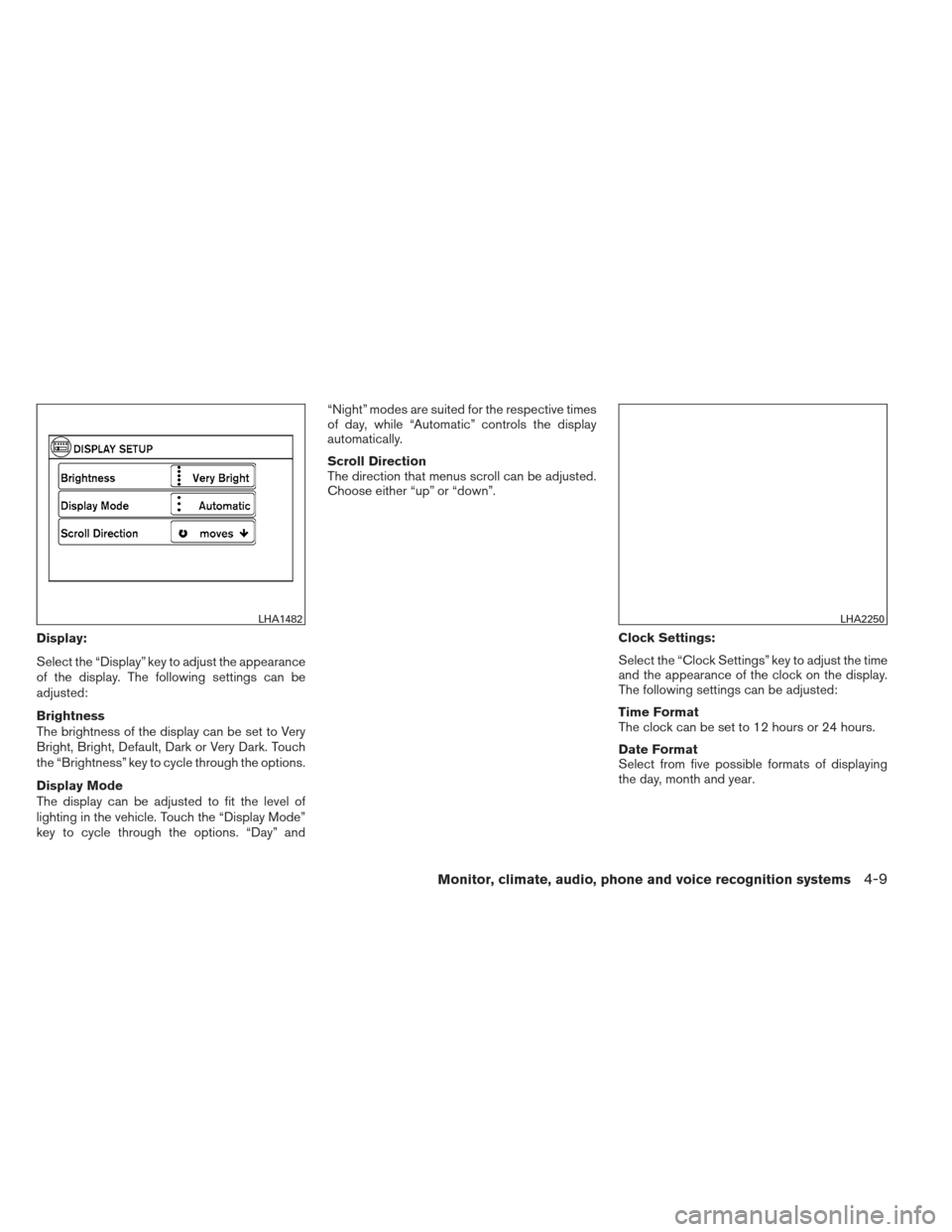
Display:
Select the “Display” key to adjust the appearance
of the display. The following settings can be
adjusted:
Brightness
The brightness of the display can be set to Very
Bright, Bright, Default, Dark or Very Dark. Touch
the “Brightness” key to cycle through the options.
Display Mode
The display can be adjusted to fit the level of
lighting in the vehicle. Touch the “Display Mode”
key to cycle through the options. “Day” and“Night” modes are suited for the respective times
of day, while “Automatic” controls the display
automatically.
Scroll Direction
The direction that menus scroll can be adjusted.
Choose either “up” or “down”.
Clock Settings:
Select the “Clock Settings” key to adjust the time
and the appearance of the clock on the display.
The following settings can be adjusted:
Time Format
The clock can be set to 12 hours or 24 hours.
Date Format
Select from five possible formats of displaying
the day, month and year.
LHA1482LHA2250
Monitor, climate, audio, phone and voice recognition systems4-9
Page 169 of 413
Clock Mode
Select the mode for the clock. “Auto” uses the
system’s GPS to automatically maintain the time.
“Manual” allows you to set the clock using the
“Set Clock Manually” key. “Time Zone” maintains
the time based upon the zone selected when
selecting the “Time Zone” key.Set Clock Manually
When this setting is activated, the clock can be
set manually. Touch the “+” or “-” keys to adjust
the hours, minutes, day, month and year up or
down. “Clock Mode” must be set to “Manual” for
this option to be available.
Daylight Savings Time
When this setting is activated, daylight savings
time is on. Touch the “Daylight Savings Time” key
to toggle the setting on or off.
Time Zone
Choose the applicable time zone from the list.Language:
Select the “Language” key to adjust the language
used by the system. The language can be set to
English, Français or Español.
Touchscreen click:
Select the “Touchscreen Click” key to toggle the
touchscreen click feature on or off. When acti-
vated, a click sound will be heard every time a key
on the screen is touched.
System Beeps:
Select the “System Beeps” key to toggle the
system beep tones feature on or off. When acti-
vated, a beep sound will be heard when a pop-up
LHA2251LHA2252
4-10Monitor, climate, audio, phone and voice recognition systems
Page 201 of 413
MENU button (Bass, Treble, Balance,
Fade, Speed Sensitive Volume and
Clock):
Press the MENU button to change the mode as
follows:
Bass→Treble →Balance →Fade →Spd. Sen.
Vol. (Speed Sensitive Volume) →AUX IN Volume
→ Clock →Clock Adjust
To adjust the Bass, Treble, Fade and Balance,
press the MENU button until the desired mode
appears in the display. Press the
SEEK or
TRACK
button to adjust the setting to the
desired level (-5 to +5) . Balance adjusts the
sound between the right and left speakers. Fade
adjusts the sound between the front and rear
speakers.
Once you have adjusted the sound quality to the
desired level, press the MENU button repeatedly
until the radio or CD display reappears. Other-
wise, the radio or CD display will automatically
reappear after about 10 seconds.
Speed Sensitive Volume (SSV) adjusts the vol-
ume of the audio system as the vehicle’s driving
speed changes. It can be set as follows:
OFF →LOW →MID →HIGH DISP (display) button:
Press the DISP (display) button while a CD is
playing to change the text shown in the audio
display as follows:
For CDs:
Running Time
→Album Title: →Artist Name: →
Song Title
For MP3 CDs:
Running Time →Folder Title: →Album Title: →
Artist Name: →Song Title:
If the text information is too long to fully be dis-
played on the screen; press and hold the DISP
button for longer than 1.5 seconds to scroll
through the rest of the text.
Press the DISP (display) button while the radio is
playing to toggle the audio display between sta-
tion number and RDS.
Clock operation
To turn the clock display on or off, press the
MENU button repeatedly until “Clock” appears
on the display. Turn the TUNE/FOLDER knob to
toggle the setting (ON or OFF) .
Clock set 1. Press the MENU button repeatedly until “Adjust Clock” appears on the display. 2. Press the ENTER button.
3. “Change Hour” will appear on the screen.
Turn the TUNE/FOLDER knob to adjust the
hours and then press ENTER.
4. “Change Minute” will appear on the screen. Turn the TUNE/FOLDER knob to adjust the
minutes and then press ENTER.
The display will return to the regular clock display
after 10 seconds if no further adjustment is per-
formed.FM/AM radio operation
AM and FM buttons:
Press the AM button to change the band to AM.
If another audio source is playing when the AM
button is pressed, the audio source playing will
automatically be turned off and the last radio
station played will begin playing.
Press the FM button to change the band as
follows:
FM1 →FM2 →FM1
If another audio source is playing when the FM
button is pressed, the audio source playing will
automatically be turned off and the last radio
station played will begin playing.
4-42Monitor, climate, audio, phone and voice recognition systems