climate control NISSAN ALTIMA 2017 L33 / 5.G Quick Reference Guide
[x] Cancel search | Manufacturer: NISSAN, Model Year: 2017, Model line: ALTIMA, Model: NISSAN ALTIMA 2017 L33 / 5.GPages: 36, PDF Size: 2.33 MB
Page 27 of 36
25
PHONEBOOK SETUP
Depending on your cellular phone, the system may automatically download
your cellular phone’s entire phonebook to the vehicle’s Bluetooth® system.
If the phonebook does not do wnload automatically, follow this procedure to
manually download entries:
1. Using the SETTING button and TUNE/SCROLL knob on the control panel,
change the “Phonebook Download” setting to OFF.
2. Press the button on the steering wheel.
3. Af ter the tone, say “Phonebook”.
4. Af ter the next tone, say “Transfer Entry”. The system acknowledges the
command and asks you to initiate the transfer from the cellular phone
handset. The new contact phone number will be transferred from the
cellular phone to the vehicle.
MAKING A CALL FROM THE PHONEBOOK
1. Press the button on the steering wheel.
2. Af ter the tone, say “Call
stored in your phonebook.
3. The system wil l confirm the name. If correct, say “ Yes”. Otherwise, say “No”.
• Please note that some cellular phones require the name to be spoken in a
MAKING A CALL BY PHONE NUMBER
1. Press the button on the steering wheel.
2. Af ter the tone, say “Call
3. The system will confirm the command. Af ter the tone, say “Phone Number”.
4. The system will prompt you to speak the phone number. Say the 7-10 digit
phone number.
5. The system wil l confirm the phone number. If correct, say “Dial”.
Otherwise, say “Correction”.
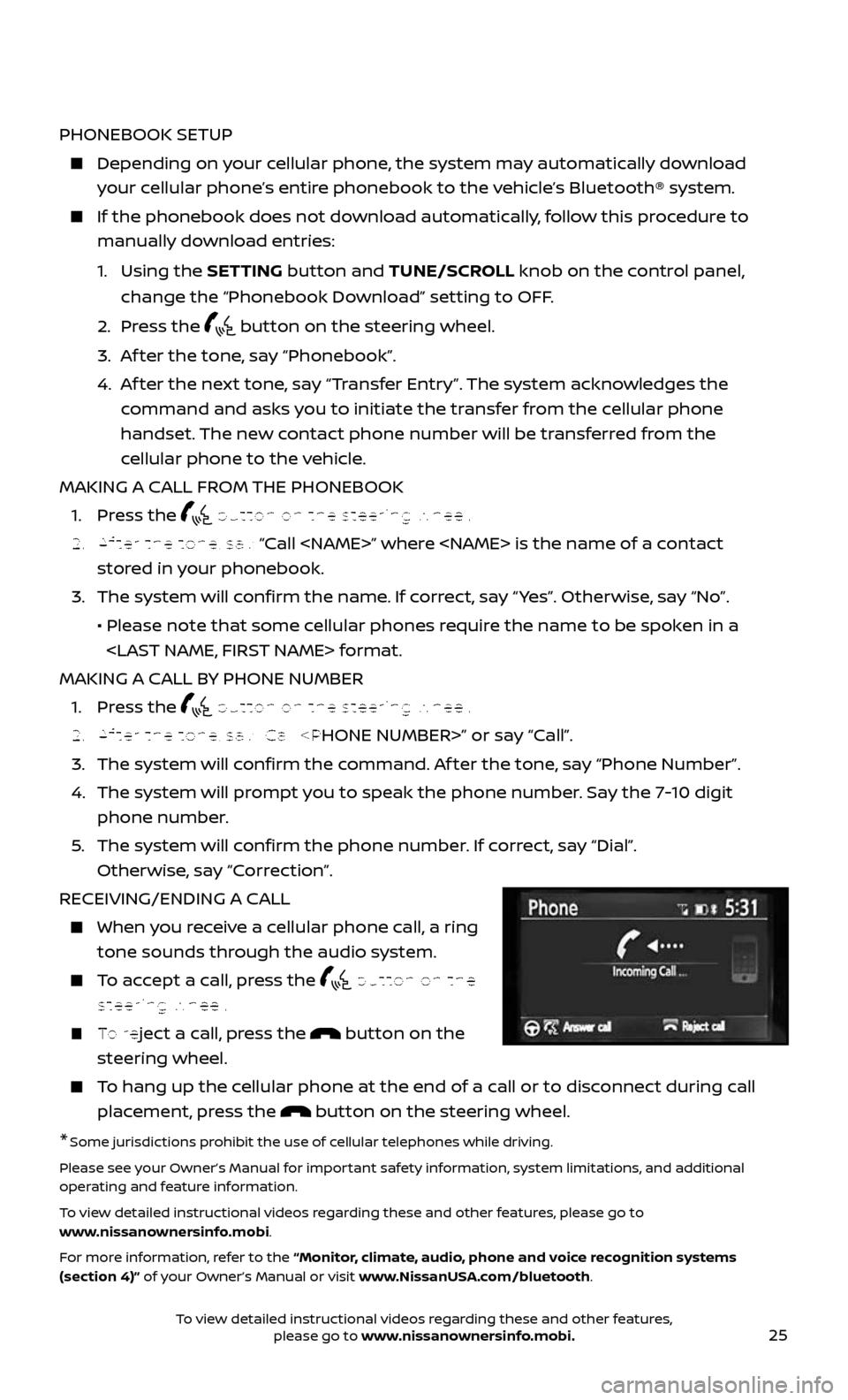
RECEIVING/ENDING A CALL
When you receive a cellular phone call, a ring
tone sounds through the audio system.
To accept a call, press the button on the
steering wheel.
To reject a call, press the button on the
steering wheel.
To hang up the cellular phone at the end of a call or to disconnect during call
placement, press the button on the steering wheel.
*Some jurisdictions prohibit the use of cellular telephones while driving.
Please see your Owner’s Manual for important safety information, system limitations, and additional
operating and feature information.
To view detailed instructional videos regarding these and other features, please go to
www.nissanownersinfo.mobi.
For more information, refer to the “Monitor, climate, audio, phone and voice recognition systems
(section 4)” of your Owner’s Manual or visit www.NissanUSA.com/bluetooth.
To view detailed instructional videos regarding these and other features, please go to www.nissanownersinfo.mobi.
Page 30 of 36
28
SYSTEM GUIDE
These functions will become available again when the vehicle speed is reduced
to 5 mph (8 km/h). Voice commands may be available for some of the restricted
functions. For more information, refer to the “Monitor, climate, audio, phone and
voice recognition systems (section 4)” of your Owner’s Manual.
1 VOL (volume) control knob – Rotate the knob clockwise to increase the volume
or counterclockwise to decrease the volume.
2 “Options” key – Select to access features such as “Enter Destination”, “Turn List”,
“Show Position Information” and “Guidance and Map Setting”.
3 – Touch to zoom the map in.
4 – Touch to zoom the map out.
5 NAV button – Press to access the functions of the Navigation System.
6 MAP button – Press to display the current location map screen.
7 ENTER•AUDIO button/TUNE•SCROLL knob – Press to select a menu item. Turn to
navigate the items in a list.
8 BACK button – Press to return to the previous screen.
9 button – Press to access the system settings.
10 button – Press to change the display brightness between day and night
modes. While the mode is being displayed, the brightness can be adjusted using
the TUNE•SCROLL knob. Press and hold to turn the display off. Press again to
turn the display on.
Please see your Owner’s Manual for important safety information, system limitations, and additional
operating and feature information.
For more information, refer to your Navigation System Owner’s Manual.
To view detailed instructional videos regarding these and other features, please go to www.nissanownersinfo.mobi.