display NISSAN ARMADA 2005 1.G User Guide
[x] Cancel search | Manufacturer: NISSAN, Model Year: 2005, Model line: ARMADA, Model: NISSAN ARMADA 2005 1.GPages: 192, PDF Size: 4.45 MB
Page 26 of 192
Selecting the function of the high-
lighted key
Press the ENTER button.
The display shows the screen used to carry out
the function of the selected key (highlighted in
yellow) .
HOW TO USE THE PREV BUTTON
This button has two functions.
To return to the previous screen:
When this button is pressed during setup, setup
will be canceled, and the screen will return to the
previous screen.
To finish the set-up:
When this button is pressed after set-up is
completed, the settings will be renewed as
directed, and the screen will return to the map.
INFO:
When the PREV button must be pressed, (for
example, after the set-up is finished) instructions
are given in the operation procedure of each
section in this manual. If the PREV button is
pressed when not finished with the set-up, the
setting will be canceled, and the screen will re-
turn to the previous screen.
HOW TO USE THE SETTING BUT-
TON
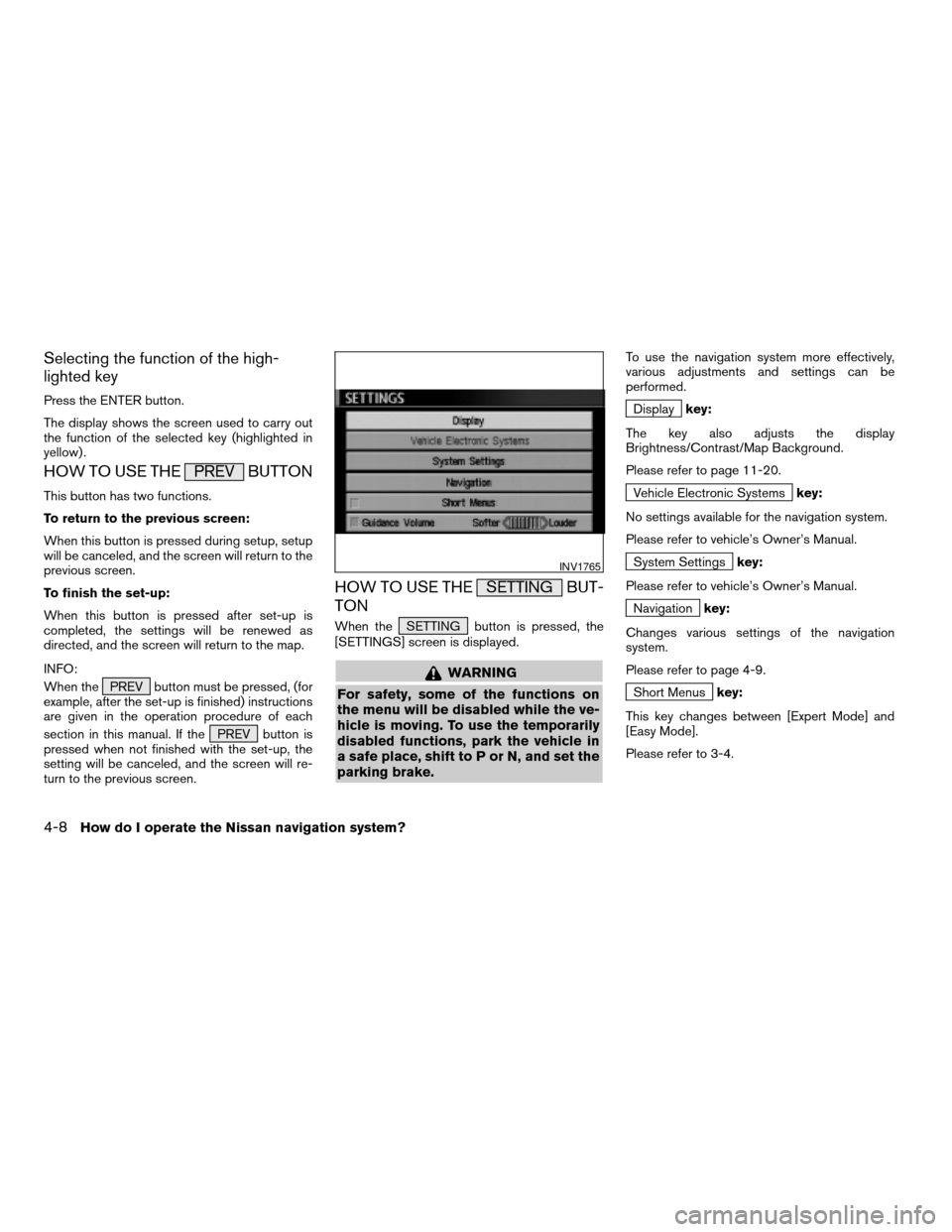
When the SETTING button is pressed, the
[SETTINGS] screen is displayed.
WARNING
For safety, some of the functions on
the menu will be disabled while the ve-
hicle is moving. To use the temporarily
disabled functions, park the vehicle in
a safe place, shift to P or N, and set the
parking brake.
To use the navigation system more effectively,
various adjustments and settings can be
performed.
Displaykey:
The key also adjusts the display
Brightness/Contrast/Map Background.
Please refer to page 11-20.
Vehicle Electronic Systemskey:
No settings available for the navigation system.
Please refer to vehicle’s Owner’s Manual.
System Settingskey:
Please refer to vehicle’s Owner’s Manual.
Navigationkey:
Changes various settings of the navigation
system.
Please refer to page 4-9.
Short Menuskey:
This key changes between [Expert Mode] and
[Easy Mode].
Please refer to 3-4.
INV1765
4-8How do I operate the Nissan navigation system?
ZREVIEW COPYÐ2005(nav)
Navigation System OMÐUSA_English(nna)
07/10/04Ðdebbie
X
Page 27 of 192
Guidance Volumekey:
Adjusts or turns off volume of the voice
guidance.
Please refer to “Adjusting the guide volume” on
page 10-2.
Helpkey:
Available only in easy mode (Short menus) .
You can see the explanation of navigational
functions.
When theNavigation key is selected
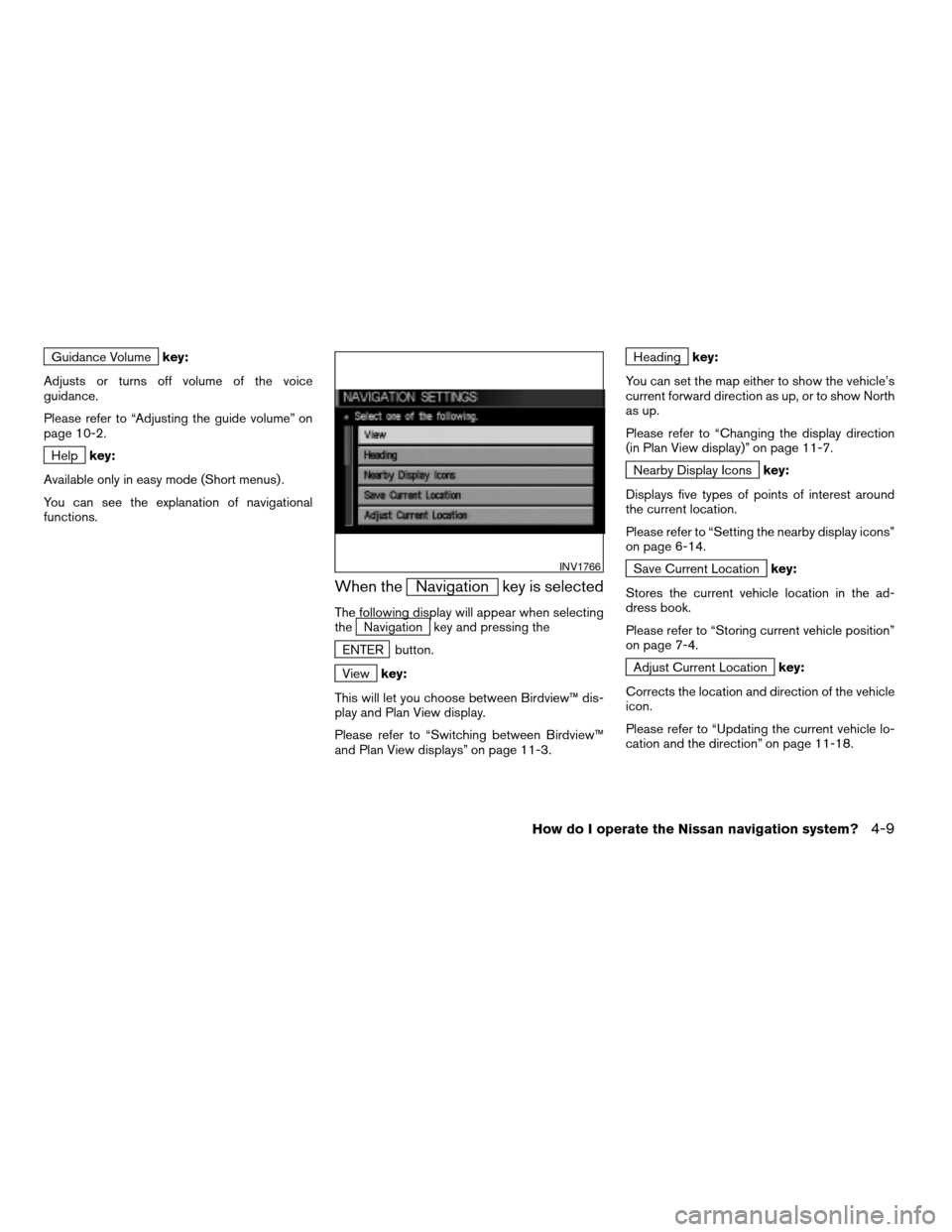
The following display will appear when selecting
theNavigation key and pressing the
ENTER button.
Viewkey:
This will let you choose between Birdview™ dis-
play and Plan View display.
Please refer to “Switching between Birdview™
and Plan View displays” on page 11-3.
Headingkey:
You can set the map either to show the vehicle’s
current forward direction as up, or to show North
as up.
Please refer to “Changing the display direction
(in Plan View display)” on page 11-7.
Nearby Display Iconskey:
Displays five types of points of interest around
the current location.
Please refer to “Setting the nearby display icons”
on page 6-14.
Save Current Locationkey:
Stores the current vehicle location in the ad-
dress book.
Please refer to “Storing current vehicle position”
on page 7-4.
Adjust Current Locationkey:
Corrects the location and direction of the vehicle
icon.
Please refer to “Updating the current vehicle lo-
cation and the direction” on page 11-18.
INV1766
How do I operate the Nissan navigation system?4-9
ZREVIEW COPYÐ2005(nav)
Navigation System OMÐUSA_English(nna)
07/10/04Ðdebbie
X
Page 28 of 192
Auto Reroute On/Offkey:
A new route to the desired destination will auto-
matically be calculated again from the location
when the vehicle deviates from the suggested
route during route guidance.
Please refer to “Automatic rerouting” on page
9-2.
Avoid Area Settingkey:
Defines areas to avoid when calculating a route.
Please refer to “Setting avoid areas” on page
8-2.
Clear Memorykey:
Clears all the stored memory (Address Book,
Avoid Area, Previous Dest.) .
Please refer to “Clearing the memory” on page
4-23.
Edit Address Bookkey:
Changes the names and positions of the regis-
tered locations.
Please refer to “Setting up and editing the ad-
dress book” on page 7-2.
GPS Informationkey:
GPS information will be displayed.Please refer to “GPS information display” on
page 11-17.
Quick Stop Customer Settingkey:
Sets the user-defined [Quick Stop] POI (Point
Of Interest) .
Please refer to “Quick stop” on page 5-41.
Set Average Speed for Estimated Journey Time
key:
Please refer to “Setting the average speed” on
page 4-25.
Tracking On/Offkey:
You can choose whether to display the path from
the start to the current position.
Please refer to “Displaying the track” on page
11-15.
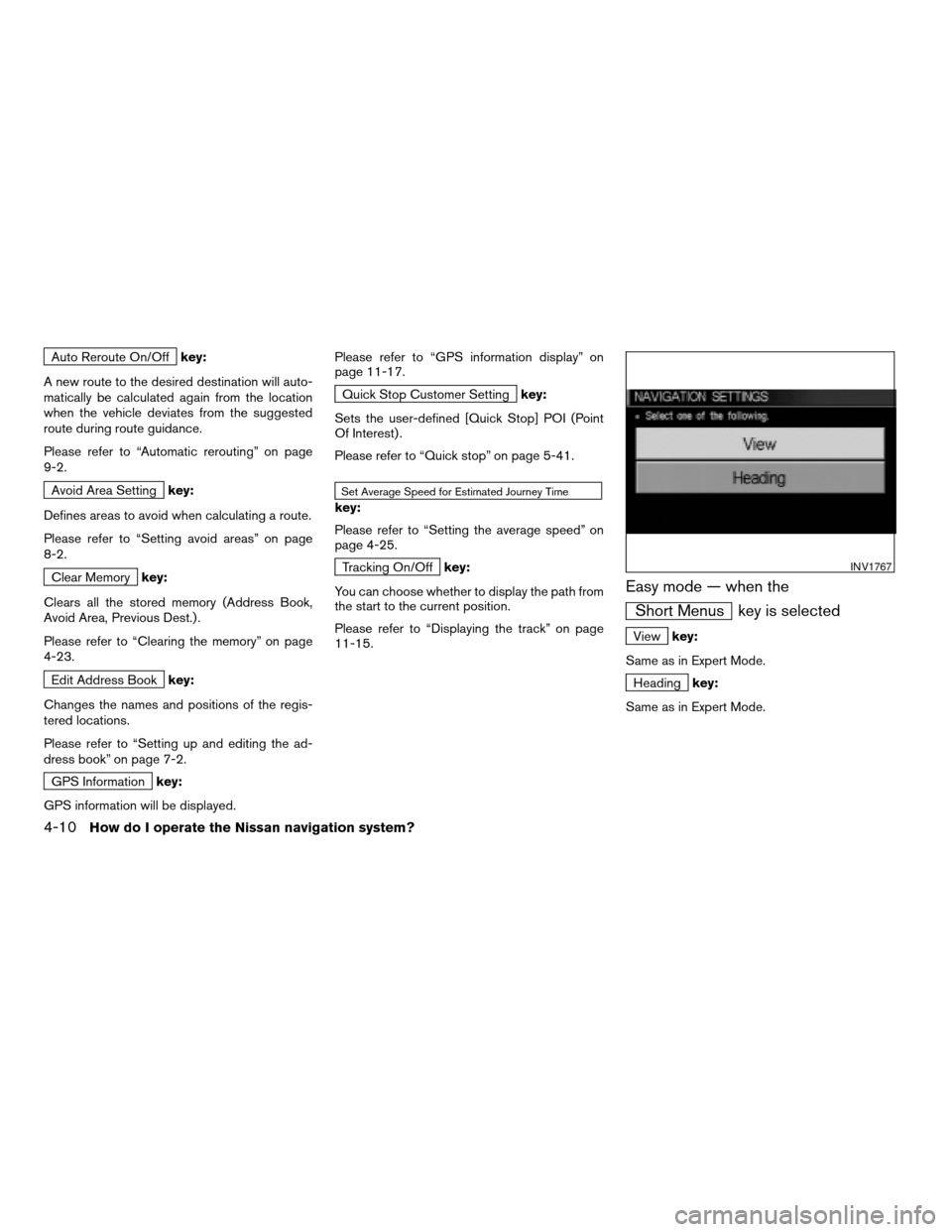
Easy mode — when the
Short Menus key is selected
Viewkey:
Same as in Expert Mode.
Headingkey:
Same as in Expert Mode.
INV1767
4-10How do I operate the Nissan navigation system?
ZREVIEW COPYÐ2005(nav)
Navigation System OMÐUSA_English(nna)
07/10/04Ðdebbie
X
Page 29 of 192
HOW TO USE THE DEST BUTTON
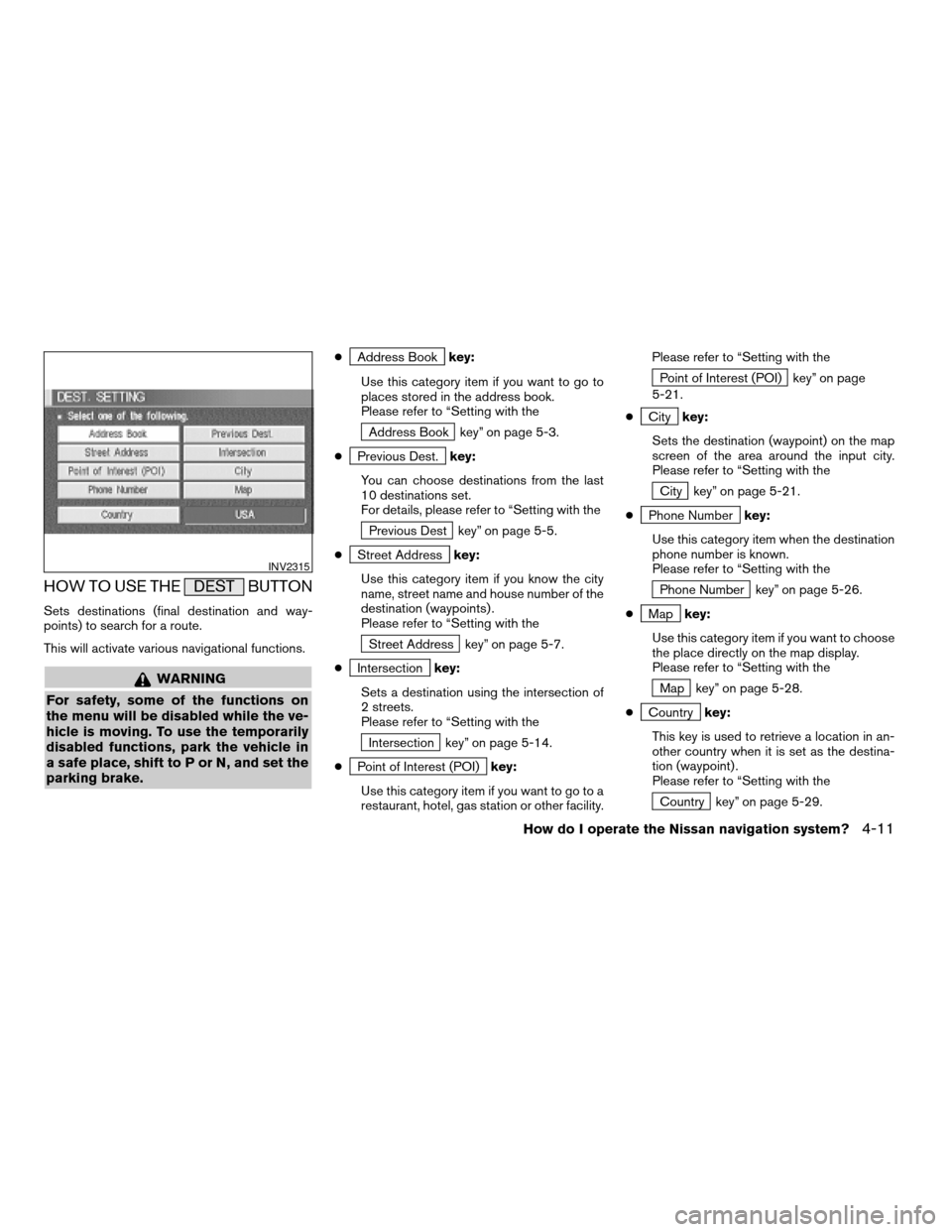
Sets destinations (final destination and way-
points) to search for a route.
This will activate various navigational functions.
WARNING
For safety, some of the functions on
the menu will be disabled while the ve-
hicle is moving. To use the temporarily
disabled functions, park the vehicle in
a safe place, shift to P or N, and set the
parking brake.
cAddress Bookkey:
Use this category item if you want to go to
places stored in the address book.
Please refer to “Setting with the
Address Book key” on page 5-3.
c
Previous Dest.key:
You can choose destinations from the last
10 destinations set.
For details, please refer to “Setting with the
Previous Dest key” on page 5-5.
c
Street Addresskey:
Use this category item if you know the city
name, street name and house number of the
destination (waypoints) .
Please refer to “Setting with the
Street Address key” on page 5-7.
c
Intersectionkey:
Sets a destination using the intersection of
2 streets.
Please refer to “Setting with the
Intersection key” on page 5-14.
c
Point of Interest (POI)key:
Use this category item if you want to go to a
restaurant, hotel, gas station or other facility.Please refer to “Setting with the
Point of Interest (POI) key” on page
5-21.
c
Citykey:
Sets the destination (waypoint) on the map
screen of the area around the input city.
Please refer to “Setting with the
City key” on page 5-21.
c
Phone Numberkey:
Use this category item when the destination
phone number is known.
Please refer to “Setting with the
Phone Number key” on page 5-26.
c
Mapkey:
Use this category item if you want to choose
the place directly on the map display.
Please refer to “Setting with the
Map key” on page 5-28.
c
Countrykey:
This key is used to retrieve a location in an-
other country when it is set as the destina-
tion (waypoint) .
Please refer to “Setting with the
Country key” on page 5-29.
INV2315
How do I operate the Nissan navigation system?4-11
ZREVIEW COPYÐ2005(nav)
Navigation System OMÐUSA_English(nna)
07/10/04Ðdebbie
X
Page 30 of 192
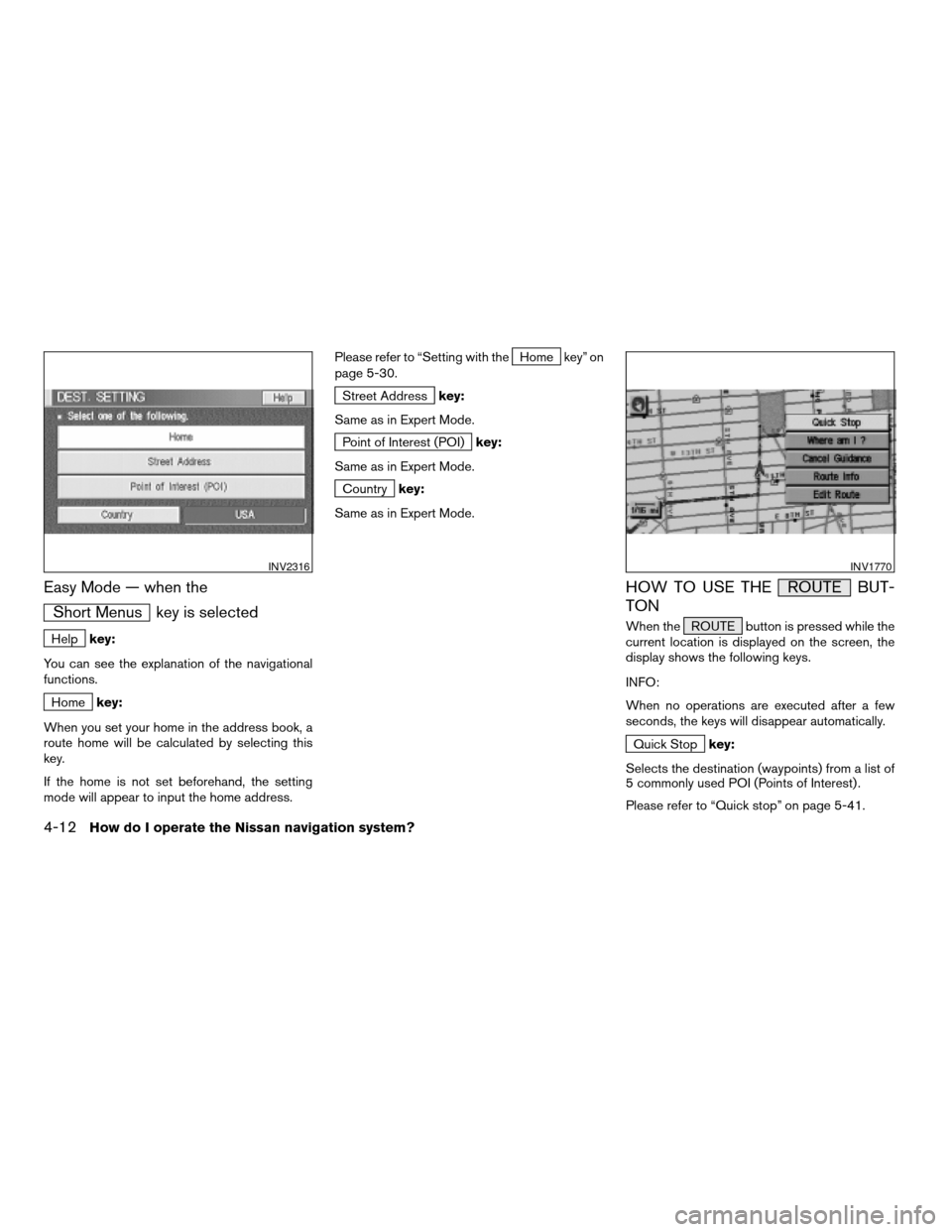
Easy Mode — when the
Short Menus key is selected
Helpkey:
You can see the explanation of the navigational
functions.
Homekey:
When you set your home in the address book, a
route home will be calculated by selecting this
key.
If the home is not set beforehand, the setting
mode will appear to input the home address.Please refer to “Setting with the
Home key” on
page 5-30.
Street Addresskey:
Same as in Expert Mode.
Point of Interest (POI)key:
Same as in Expert Mode.
Countrykey:
Same as in Expert Mode.
HOW TO USE THE ROUTE BUT-
TON
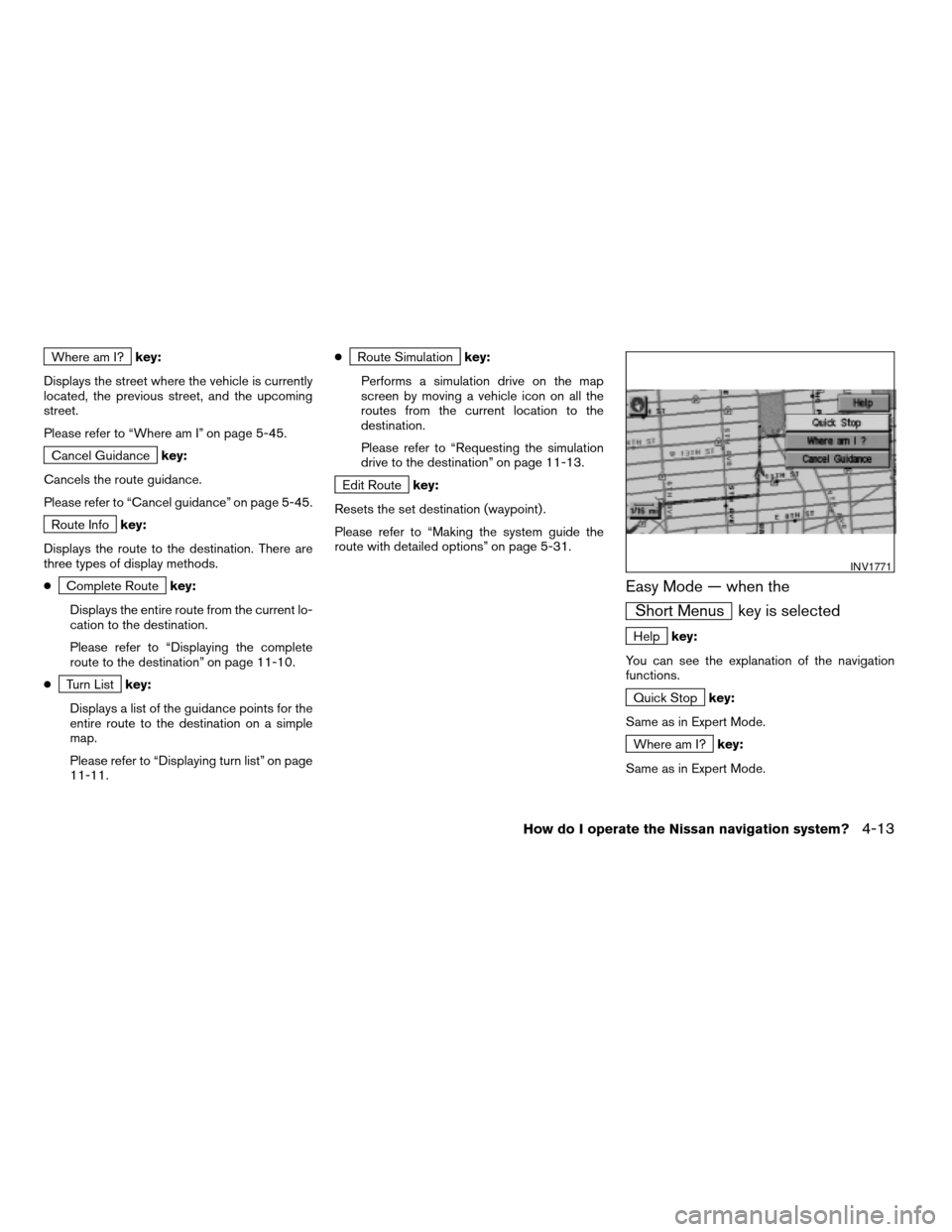
When the ROUTE button is pressed while the
current location is displayed on the screen, the
display shows the following keys.
INFO:
When no operations are executed after a few
seconds, the keys will disappear automatically.
Quick Stopkey:
Selects the destination (waypoints) from a list of
5 commonly used POI (Points of Interest) .
Please refer to “Quick stop” on page 5-41.
INV2316INV1770
4-12How do I operate the Nissan navigation system?
ZREVIEW COPYÐ2005(nav)
Navigation System OMÐUSA_English(nna)
07/10/04Ðdebbie
X
Page 31 of 192
Where am I?key:
Displays the street where the vehicle is currently
located, the previous street, and the upcoming
street.
Please refer to “Where am I” on page 5-45.
Cancel Guidancekey:
Cancels the route guidance.
Please refer to “Cancel guidance” on page 5-45.
Route Infokey:
Displays the route to the destination. There are
three types of display methods.
c
Complete Routekey:
Displays the entire route from the current lo-
cation to the destination.
Please refer to “Displaying the complete
route to the destination” on page 11-10.
c
Turn Listkey:
Displays a list of the guidance points for the
entire route to the destination on a simple
map.
Please refer to “Displaying turn list” on page
11-11.c
Route Simulationkey:
Performs a simulation drive on the map
screen by moving a vehicle icon on all the
routes from the current location to the
destination.
Please refer to “Requesting the simulation
drive to the destination” on page 11-13.
Edit Routekey:
Resets the set destination (waypoint) .
Please refer to “Making the system guide the
route with detailed options” on page 5-31.
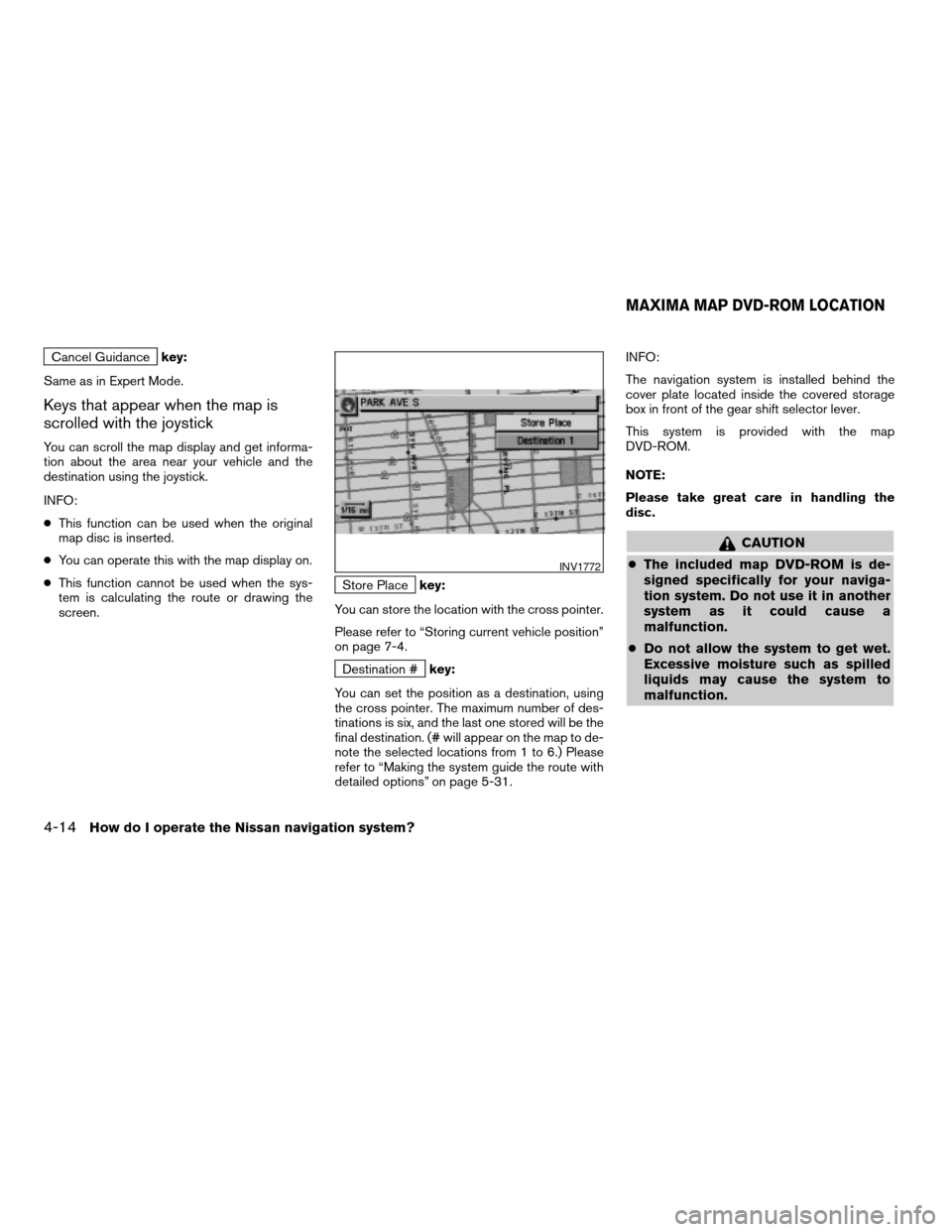
Easy Mode — when the
Short Menus key is selected
Helpkey:
You can see the explanation of the navigation
functions.
Quick Stopkey:
Same as in Expert Mode.
Where am I?key:
Same as in Expert Mode.
INV1771
How do I operate the Nissan navigation system?4-13
ZREVIEW COPYÐ2005(nav)
Navigation System OMÐUSA_English(nna)
07/10/04Ðdebbie
X
Page 32 of 192
Cancel Guidancekey:
Same as in Expert Mode.
Keys that appear when the map is
scrolled with the joystick
You can scroll the map display and get informa-
tion about the area near your vehicle and the
destination using the joystick.
INFO:
cThis function can be used when the original
map disc is inserted.
cYou can operate this with the map display on.
cThis function cannot be used when the sys-
tem is calculating the route or drawing the
screen.
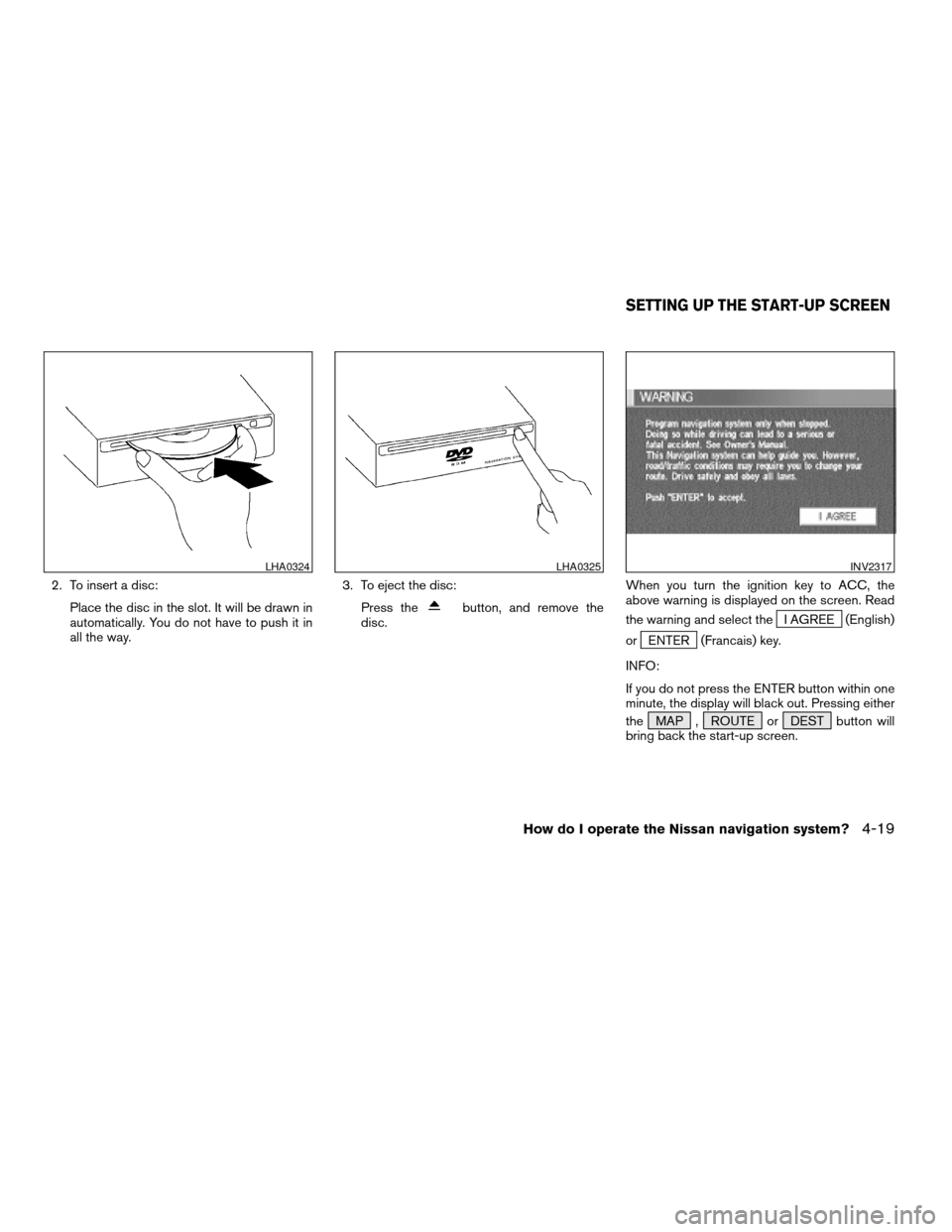
Store Placekey:
You can store the location with the cross pointer.
Please refer to “Storing current vehicle position”
on page 7-4.
Destination #key:
You can set the position as a destination, using
the cross pointer. The maximum number of des-
tinations is six, and the last one stored will be the
final destination. (# will appear on the map to de-
note the selected locations from 1 to 6.) Please
refer to “Making the system guide the route with
detailed options” on page 5-31.INFO:
The navigation system is installed behind the
cover plate located inside the covered storage
box in front of the gear shift selector lever.
This system is provided with the map
DVD-ROM.
NOTE:
Please take great care in handling the
disc.
CAUTION
cThe included map DVD-ROM is de-
signed specifically for your naviga-
tion system. Do not use it in another
system as it could cause a
malfunction.
cDo not allow the system to get wet.
Excessive moisture such as spilled
liquids may cause the system to
malfunction.
INV1772
MAXIMA MAP DVD-ROM LOCATION
4-14How do I operate the Nissan navigation system?
ZREVIEW COPYÐ2005(nav)
Navigation System OMÐUSA_English(nna)
07/10/04Ðdebbie
X
Page 37 of 192
2. To insert a disc:
Place the disc in the slot. It will be drawn in
automatically. You do not have to push it in
all the way.3. To eject the disc:
Press the
button, and remove the
disc.When you turn the ignition key to ACC, the
above warning is displayed on the screen. Read
the warning and select theI AGREE (English)
or
ENTER (Francais) key.
INFO:
If you do not press the ENTER button within one
minute, the display will black out. Pressing either
the MAP , ROUTE or DEST button will
bring back the start-up screen.
LHA0324LHA0325INV2317
SETTING UP THE START-UP SCREEN
How do I operate the Nissan navigation system?4-19
ZREVIEW COPYÐ2005(nav)
Navigation System OMÐUSA_English(nna)
07/10/04Ðdebbie
X
Page 38 of 192
![NISSAN ARMADA 2005 1.G User Guide CONFIRMATION OF DESTINATION
OR WAYPOINT
When the engine is turned off during route cal-
culation and then turned on, the [CONFIRMA-
TION OF DEST./WAYPOINT] screen will be dis-
played after the [START-](/img/5/686/w960_686-37.png "NISSAN ARMADA 2005 1.G User Guide CONFIRMATION OF DESTINATION
OR WAYPOINT
When the engine is turned off during route cal-
culation and then turned on, the [CONFIRMA-
TION OF DEST./WAYPOINT] screen will be dis-
played after the [START-")
CONFIRMATION OF DESTINATION
OR WAYPOINT
When the engine is turned off during route cal-
culation and then turned on, the [CONFIRMA-
TION OF DEST./WAYPOINT] screen will be dis-
played after the [START-UP] screen.
In the [CONFIRMATION OF DEST./ WAY-
POINT] screen, the following four keys are
displayed.
cTo All Destinations
cFrom Next Waypoint
cCancel Guidance
cChange (only in Expert Mode)
INFO:
When the PREV or MAP button is pressed
in this screen, the [Turn by turn] screen will be
displayed.
When theTo All Destinations key is
selected
Route guidance will start to all
destinations/waypoints from the current location.
INV1774
4-20How do I operate the Nissan navigation system?
ZREVIEW COPYÐ2005(nav)
Navigation System OMÐUSA_English(nna)
07/10/04Ðdebbie
X
Page 39 of 192
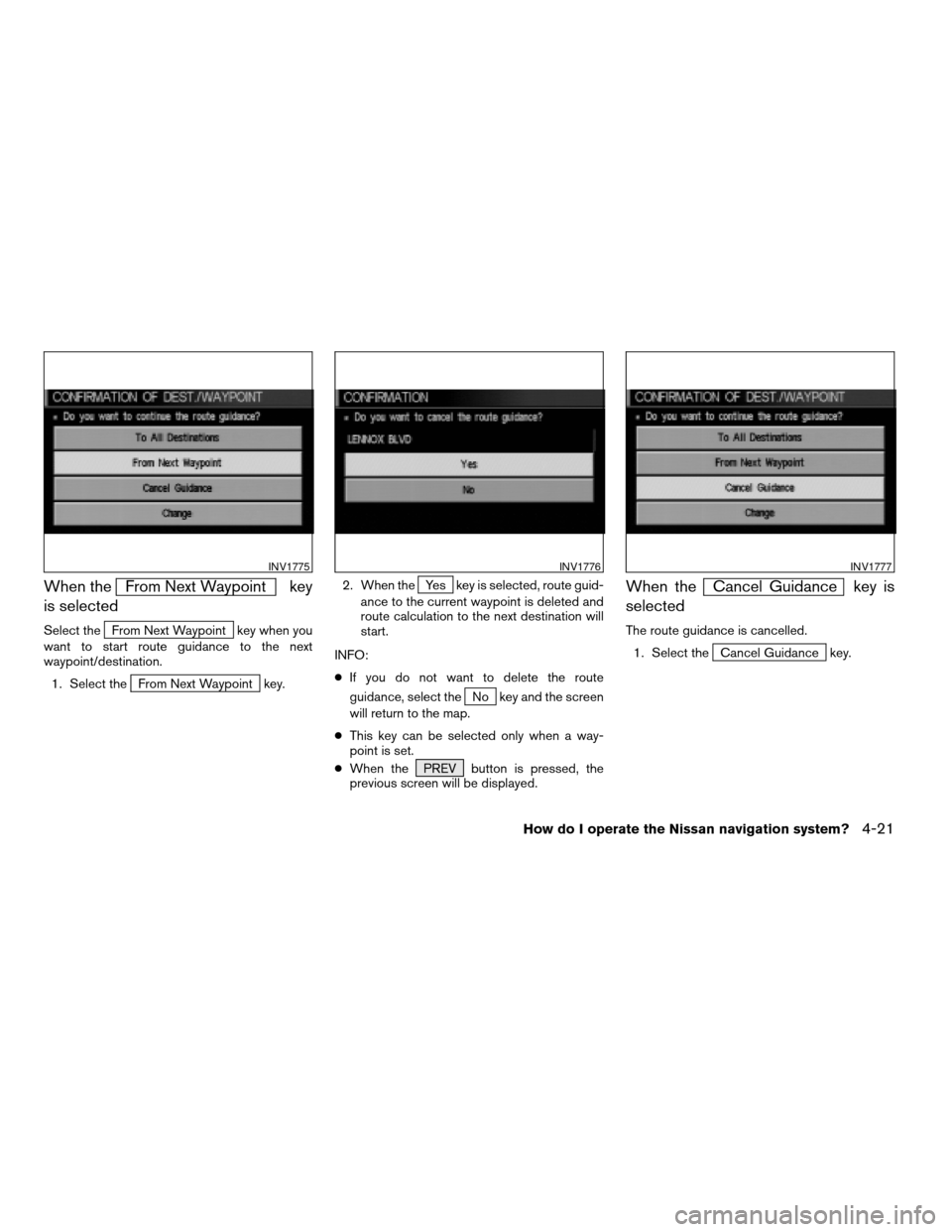
When theFrom Next Waypoint key
is selected
Select theFrom Next Waypoint key when you
want to start route guidance to the next
waypoint/destination.
1. Select the
From Next Waypoint key.2. When the
Yes key is selected, route guid-
ance to the current waypoint is deleted and
route calculation to the next destination will
start.
INFO:
cIf you do not want to delete the route
guidance, select the
No key and the screen
will return to the map.
cThis key can be selected only when a way-
point is set.
cWhen the PREV button is pressed, the
previous screen will be displayed.
When theCancel Guidance key is
selected
The route guidance is cancelled.
1. Select the
Cancel Guidance key.
INV1775INV1776INV1777
How do I operate the Nissan navigation system?4-21
ZREVIEW COPYÐ2005(nav)
Navigation System OMÐUSA_English(nna)
07/10/04Ðdebbie
X