roof NISSAN ARMADA 2017 2.G Quick Reference Guide
[x] Cancel search | Manufacturer: NISSAN, Model Year: 2017, Model line: ARMADA, Model: NISSAN ARMADA 2017 2.GPages: 36, PDF Size: 2.16 MB
Page 3 of 36
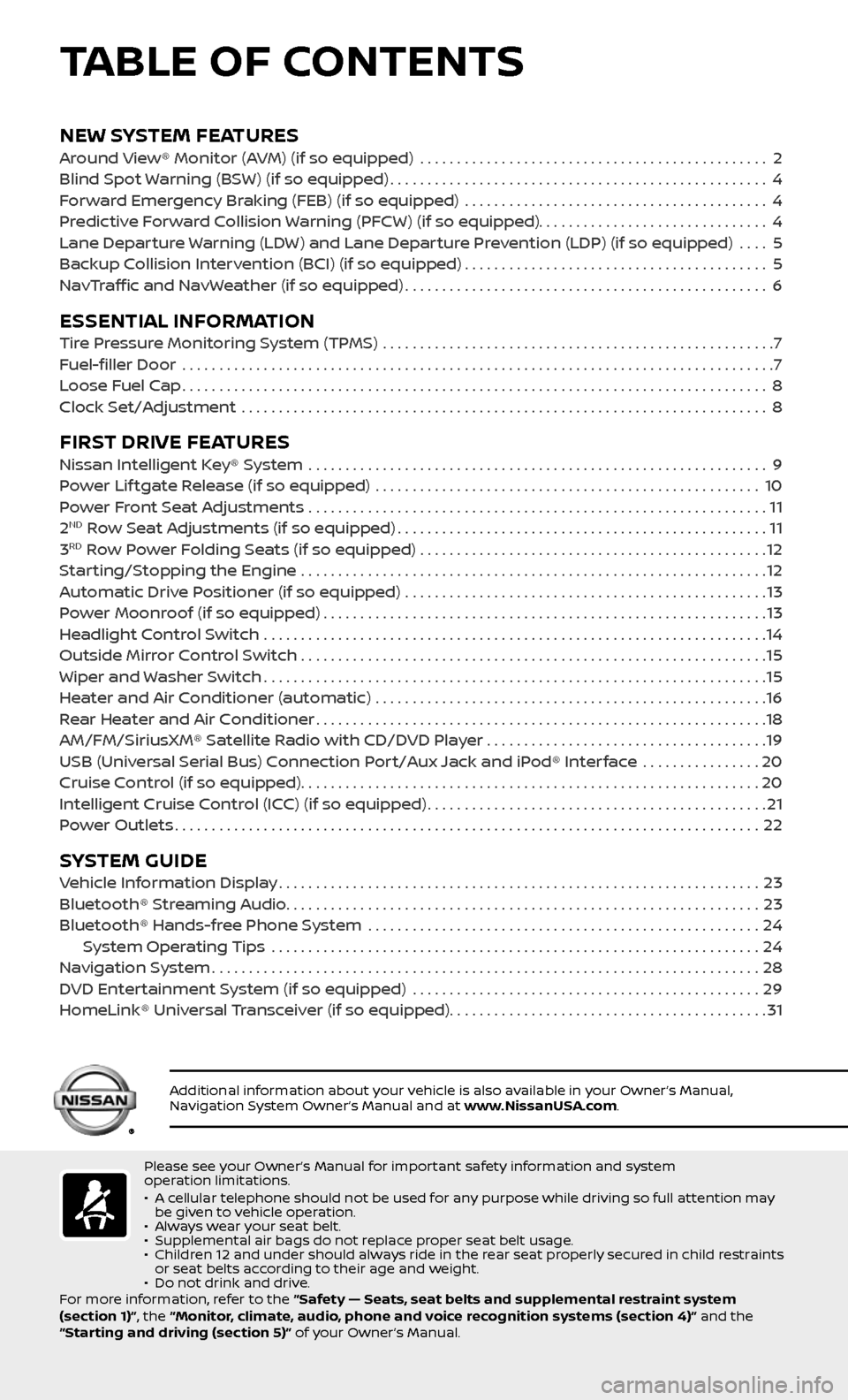
NEW SYSTEM FEATURESAround View® Monitor (AVM) (if so equipped) ...............................................2
Blind Spot Warning (BSW) (if so equipped)...................................................4
Forward Emergency Braking (FEB) (if so equipped) .........................................4
Predictive Forward Collision Warning (PFCW) (if so equipped)...............................4
Lane Departure Warning (LDW) and Lane Departure Prevention (LDP) (if so equipped) ....5
Backup Collision Intervention (BCI) (if so equipped).........................................5
NavTraffic and NavWeather (if so equipped).................................................6
ESSENTIAL INFORMATIONTire Pressure Monitoring System (TPMS) .....................................................7
Fuel-filler Door .......................................................................\
.........7
Loose Fuel Cap........................................................................\
.......8
Clock Set/Adjustment .......................................................................\
8
FIRST DRIVE FEATURESNissan Intelligent Key® System ..............................................................9
Power Lif tgate Release (if so equipped) ....................................................10
Power Front Seat Adjustments ..............................................................11
2ND Row Seat Adjustments (if so equipped)..................................................11
3RD Row Power Folding Seats (if so equipped) ...............................................12
Starting/Stopping the Engine ...............................................................12
Automatic Drive Positioner (if so equipped) .................................................13
Power Moonroof (if so equipped)............................................................13
Headlight Control Switch ....................................................................14
Outside Mirror Control Switch ...............................................................15
Wiper and Washer Switch....................................................................15
Heater and Air Conditioner (automatic) .....................................................16
Rear Heater and Air Conditioner.............................................................18
AM/FM/SiriusXM® Satellite Radio with CD/DVD Player . . . . . . . . . . . . . . . . . . . . . . . . . . . . . . . . . . . .\
. .19
USB (Universal Serial Bus) Connection Port/Aux Jack and iPod® Interface
................20
Cruise Control (if so equipped)..............................................................20
Intelligent Cruise Control (ICC) (if so equipped)..............................................21
Power Outlets........................................................................\
.......22
SYSTEM GUIDEVehicle Information Display.................................................................23
Bluetooth® Streaming Audio................................................................23
Bluetooth® Hands-free Phone System .....................................................24 System Operating Tips ..................................................................24
Navigation System........................................................................\
..28
DVD Entertainment System (if so equipped) ...............................................29
HomeLink® Universal Transceiver (if so equipped)...........................................31
TABLE OF CONTENTS
Please see your Owner’s Manual for important safety information and system
operation limitations.
• A cellular telephone should not be used for any purpose while driving so full attention may be given to vehicle operation.• Always wear your seat belt.• Supplemental air bags do not replace proper seat belt usage. • Children 12 and under should always ride in the rear seat properly secured in child restraints or seat belts according to their age and weight. • Do not drink and drive.
For more information, refer to the “Safety — Seats, seat belts and supplemental restraint system
(section 1)”, the “Monitor, climate, audio, phone and voice recognition systems (section 4)” and the
“Starting and driving (section 5)” of your Owner’s Manual.
Additional information about your vehicle is also available in your Owner’s Manual, Navigation System Owner’s Manual and at www.NissanUSA.com.
Page 15 of 36

13
AUTOMATIC DRIVE POSITIONER (if so equipped)
Two positions for the driver’s seat,
accelerator and brake pedals and outside
mirrors can be stored in the automatic
drive positioner memory.
Follow this procedure to set the
memory positions:
• Confirm the shif t lever is in the P (PARK) position.
• Place the ignition switch in the ON position.
• Adjust the driver’s seat, accelerator and brake pedals and outside mirrors
to the desired positions using the adjusting switches for each feature.
• Push the SET switch, and within 5 seconds, push the memory switch
(1 or 2) for at least 1 second.
• The indic ator light on the memory switch you select will illuminate for
approximately 5 seconds.
• The driver’s seat, accelerator and brake pedals and outside mirror
positions are now set to your preferences.
These memoriz ed positions can also be linked to your Nissan
Intelligent Key®.
To link a memorized position to your Nissan Intelligent Key®, press the
unlock button on the key fob af ter completing the previous step.
For more information, refer to the “Pre-driving checks and adjustments (section 3)” of your
Owner’s Manual.
POWER MOONROOF (if so equipped)
OPENING/CLOSING THE MOONROOF
To fully open or close the moonroof, push
the open 1 or close 2 side of the switch
and release it. The roof will automatically
open or close; it need not be held.
TILTING THE MOONROOF
To tilt up, first close the moonroof, then
push the close 2 side of the switch and
release it; it need not be held. To tilt down
the moonroof, push the open
1 side of the switch.
For more information, refer to the “Instruments and controls (section 2)” of your Owner’s Manual.
1
2
To view detailed instructional videos regarding these and other features, please go to www.nissanownersinfo.mobi.